Thin-Kerf Blades and Riving Knives

There are times when you may want to use a thin-kerf blade, but what about your riving knives and splitters? Won’t they be too wide? Well, not exactly.

We’re going to touch on the basics of thin-kerf blades, but the main point of this article is to address the issue of a riving knife or splitter causing the wood to bind after switching to the thin-kerf blade. Many people think they need a thin-kerf riving knife, but it may not come to that. Read on…

What Is a Thin-Kerf Blade?

Now, we’re not concerned with ultra thin blades, such as specialty fret-slot cutting blades. If you’re using those blades then you’re on your own to find a good splitter/riving knife solution. What we’re concerned with are the more common thin-kerf blades.

For th​e record, standard-kerf blades are 1/8″ thick, so thin kerf blades are only 1/32″ thinner.

If you go to the store and ask for a thin-kerf blade, chances are they will hand you a blade that has a 3/32″ wide kerf. Most, if not all, Freud Diablo blades are thin-kerf.

Why Would I Want To Use a Thin-Kerf Blade?

There are two main reasons to use a thin-kerf blade, plus a few other uncommon but valid reasons.

1. Lower horsepower saw

This includes any saw with less than 3 HP or running on 120 volts. Once you get up to 3 HP then you will most-likely be running the saw on 230 volt power but that voltage may not always be available to you. This is commonly the situation when working on a job site doing house construction or for home hobbyists who don’t necessarily need anything other than standard 120 volt service.

For various reasons, you may find yourself using a lower horsepower saw.

Since a thin-kerf blade removes 1/4 less material than a standard kerf blade, this makes it easier for lower horsepower saws to make these cuts, especially when cutting through thicker materials.

2. Less material waste

Since a thin-kerf blade removes less material, that means less material wasted.

In my mind, this is usually a silly reason to use thin-kerf blades. If you’re cutting something like ebony, where you scrape up any sawdust you make and save it, then sure, this is a valid reason. If you’re just cutting plywood or even most hardwoods then it might be time to weigh the cost savings vs. the hassles of using a thin-kerf blade.

Which brings me to…

Why Would I NOT Want To Use a Thin-Kerf Blade?

Thin-kerf blades have a tradeoff.

If you’ll forgive me a brief tangent, thin-kerf blades have been over-hyped on the internet. It’s gotten to where people who are new to woodworking are under the impression that you should always be using a thin-kerf blade because that is all anyone ever recommends.

1. Less Stable

A wobbly blade can also contribute to chipping your zero-clearance insert and maybe even nicking the edges of miter gauge or crosscut sled fences. If you’re using a SawStop, we all know how that can end.

Thin-kerf blades have less mass which results in more wobbling of the blade. More wobbling of the blade results in a rougher cut. A rougher cut results in more sanding. More sanding means more wood removal. So much for saving material.

There are stabilizer (or stiffener) discs that you can add to your thin-kerf blade to help eliminate this issue. This adds to the cost so you’ll want to keep this in mind if you are using thin-kerf blades as some sort of cost-saving measure. This also limits the depth of your cut.
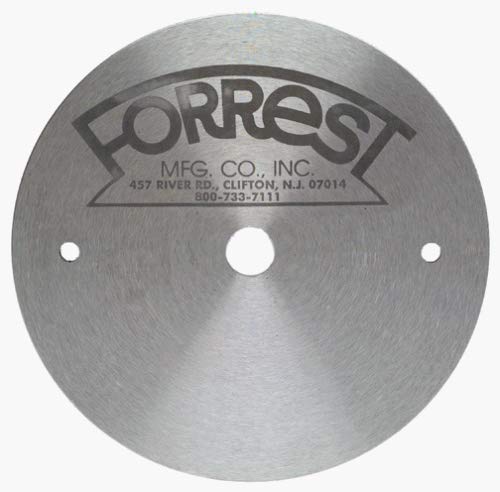
Forrest 5″ Stiffener Disc

2. Alignment With Riving Knife or Splitter

If you are using a riving knife or splitter (and you should be) then you may find that it is no longer aligned with the blade. This results in the wood binding as it clears the blade, which can be dangerous.

We’ll come back to this…

But I Really Want To Use A Thin-Kerf Blade!

Go ahead and use a thin-kerf blade if you’ve really got your heart set on it. Just keep in mind that, like everything in life, there are trade-offs.

The main point of this article is to address the issue of riving knives or splitters, so lets take a look at this subject.

Disclaimer: I am basing this on SawStop table saws because this is what I have access to and because they are the best-selling table saw in North America so they are most-likely what you have access to as well. If you are wanting to address this with another type of table saw, I recommend you contact the manufacturer to get their advice on the matter.

What Riving Knives are Available?

SawStop sells two different riving knives. One is 2.3 mm thick and one is 2.0 mm thick. Chances are, your saw has a 2.3 mm thick riving knife and splitter on your blade guard.
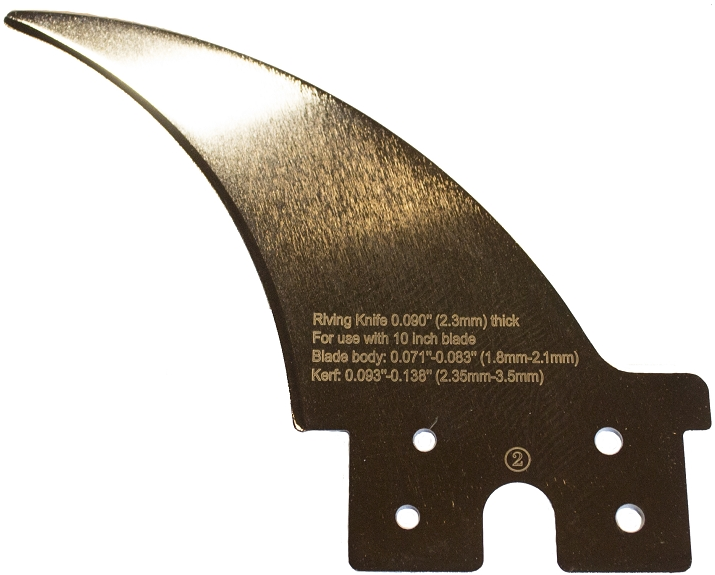
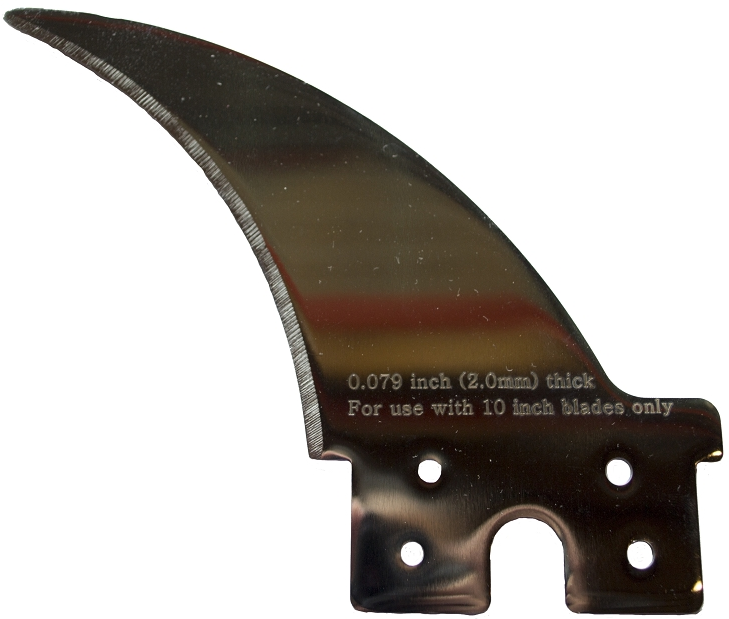
2.3 mm riving Knife
2.0 mm Riving Knife

Why the change? Well, up until 2010, the riving knives and blade guard splitters were 2.0 mm but due to government regulation it was changed to the slightly wider 2.3 mm. It may not sound like a huge difference, and it really isn’t, but 0.3 mm is enough to cause a significant issue, as we’ll address shortly.

Should I Buy a 2.0 mm Riving Knife Instead?

On one condition: you never plan on using your standard blade guard.

Again, we’re talking about SawStops here, but there are three blade guard options:
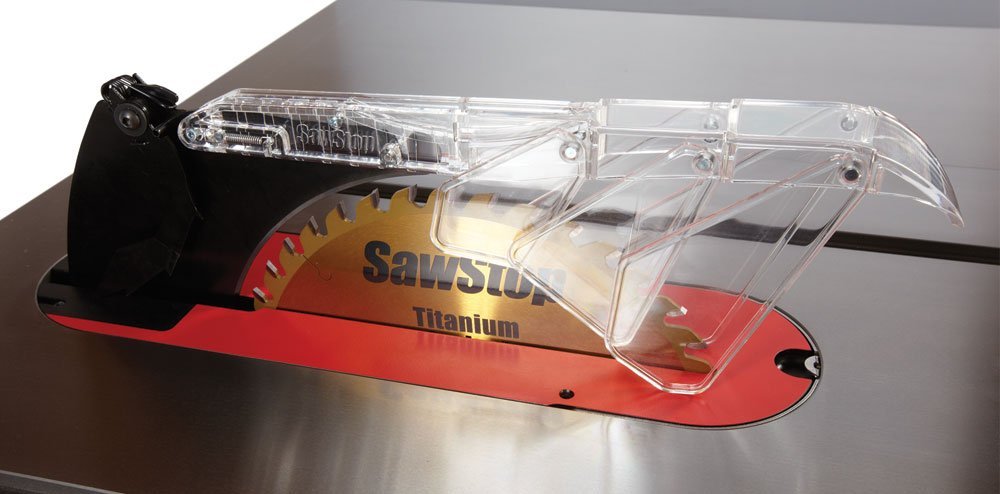
TSG-MG – Micro Blade Guard
TSG-DC – Dust Collecting Blade Guard
TSG-FDC – Floating Dust Collecting Blade Guard

It you are using the Floating Dust Collecting Blade Guard then you are fine, but if you are using either the Micro Guard or the Dust Collecting Blade Guard then you will want to steer clear of the 2.0 mm riving knife. Here’s why…

The Problem With a 2.0 mm Riving Knife

If you make the switch to a 2.0 mm riving knife then the clamp that holds it will be too loose since it is set to 2.3 mm. This can be unsafe and should be fixed by tightening the riving knife clamp. This will make it too tight to hold onto the splitter for the Micro Guard or the Dust Collecting Blade Guard.

You basically have to pick one or the other: either you’re using a 2.0 mm riving knife or you’re using a blade guard. Unless you feel like adjusting the clamping pressure of your riving knife clamp every time you switch back and forth, you’re better off just staying with 2.3 mm.

A friend of mine asked if you could just put a piece of tape on the right side of the 2.0 mm riving knife as a shim. Well…yeah. Jeeze! Don’t ruin the point I’m trying to make!

Seriously, though. If you’re comfortable putting tape on the side of the 2.0 mm riving knife, go ahead, but as you’ll read next, you shouldn’t have to do that.

But Don’t I Need a 2.0 mm Riving Knife If I’m Using a Thin-Kerf Blade?

No, you don’t. Do the math.

For the next few pictures, I’ve created a 3D model of the saw with a riving knife that I’ve colored green for clarity.
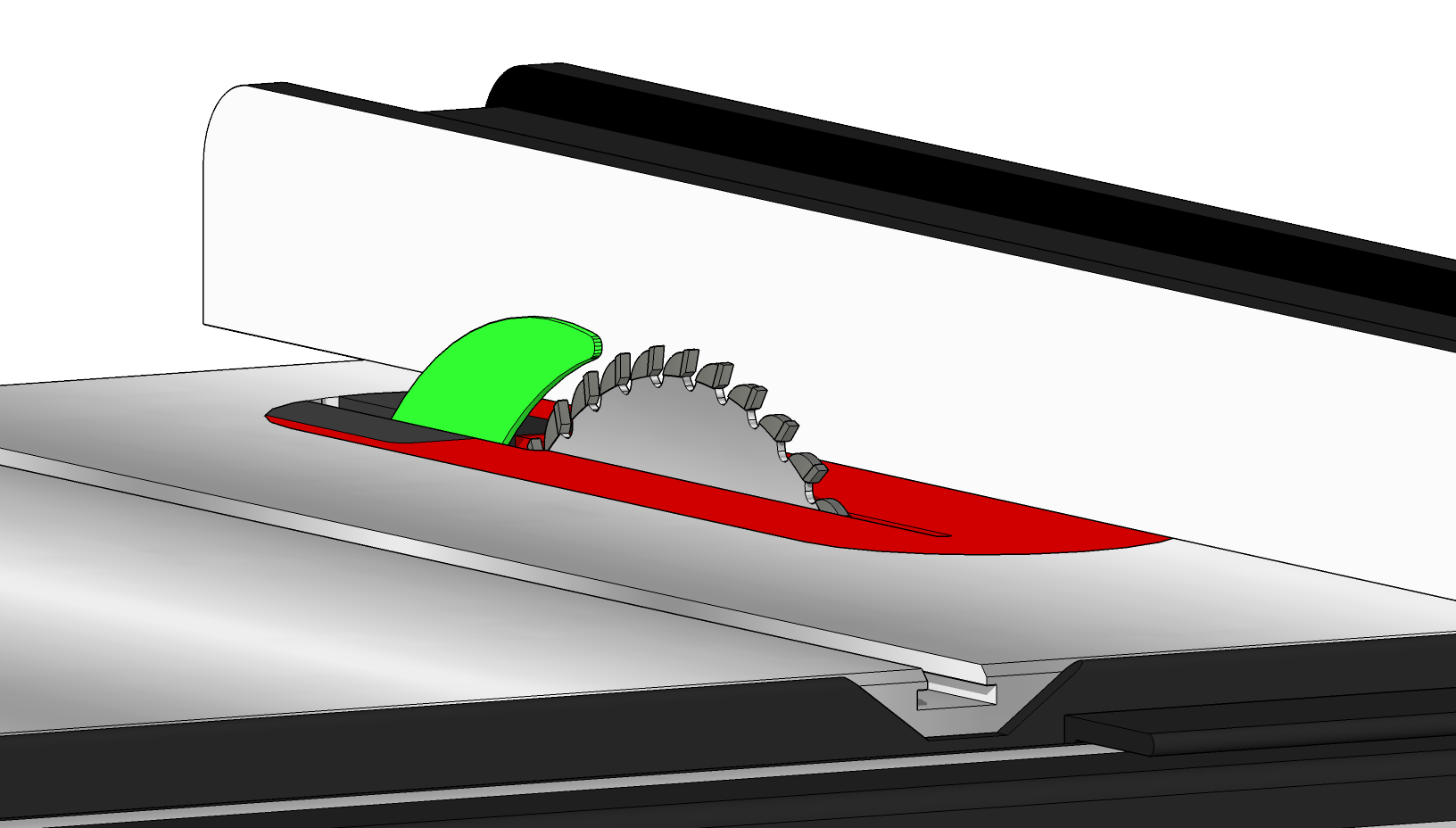
Let’s look at the standard 2.3 mm riving knife compared to both a 1/8″ standard-kerf blade and a 3/32″ thin-kerf blade.

1/8″ = 3.125 mm

3/32″ = 2.38 mm

This means that even the widest of the two riving knives is still thinner than a thin-kerf blade.

Now, if you are considering switching to a thinner riving knife, I assume it’s because you are experiencing problems. Let’s take a look at the REAL issue here…

But The Wood Is Binding Up When I Use a 2.3 mm Riving Knife!

Of course it is, but it’s not happening for the reason you think.

When the saw leaves the factory, it ships with a standard-kerf blade, (actually, it’s .118″ rather than .125″, but definitely bigger than a thin-kerf blade which is .094″). However, as we already established, the riving knife is for a thin-kerf blade. To make this a non-issue, the riving knife is centered on the blade, as shown below.
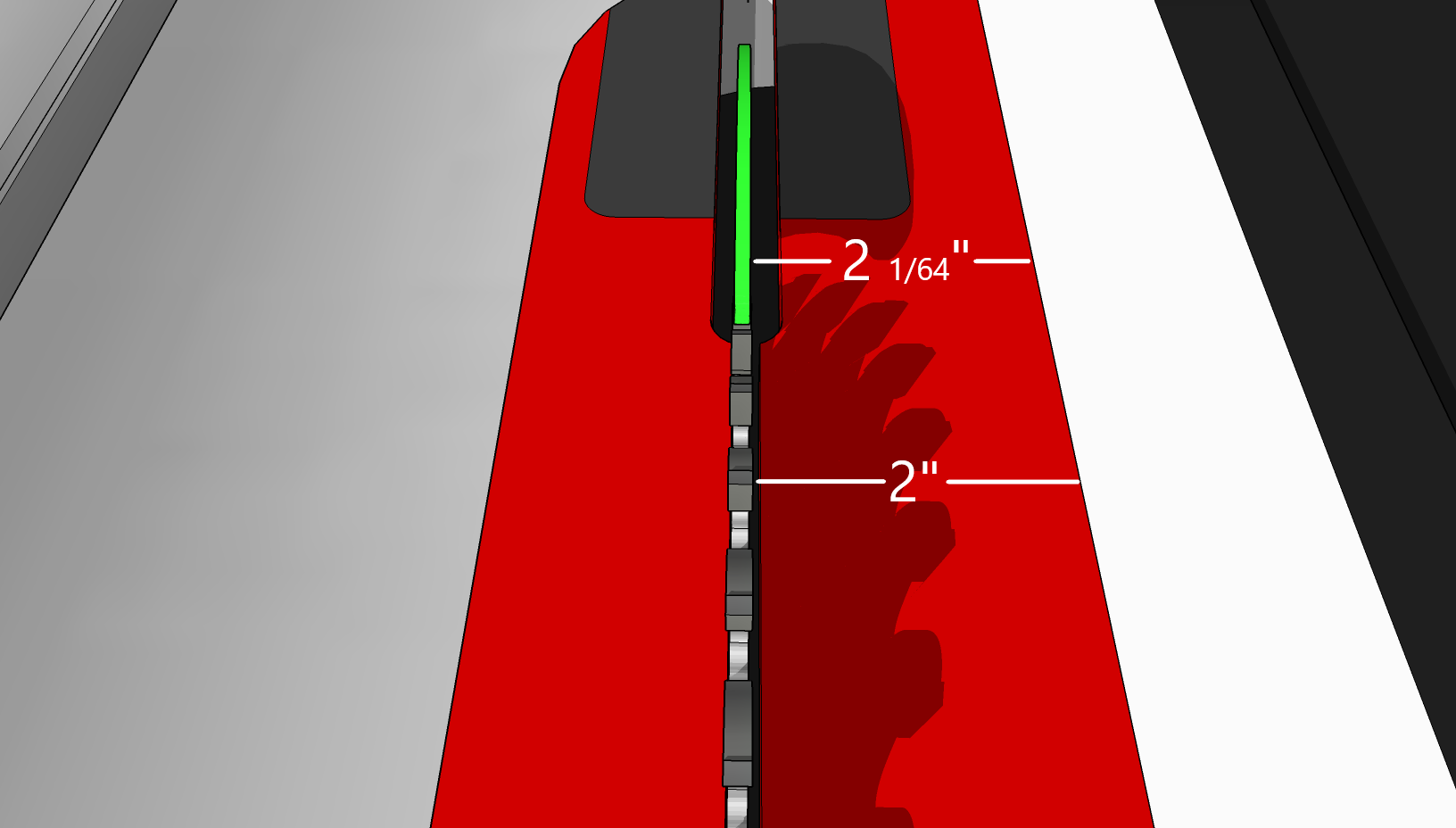
Full kerf blade with riving knife

The thing about left-tilt saws is that the blade mounts onto the arbor shaft from the right. This means that the left side of the blade is constant. It never changes. All of the change happens to the right, which is where we usually have the fence.

See where I’m going with this? If the riving knife is centered on a 1/8″ blade then that means that the blade is 1/64″ wider than the riving knife on both the left and right. If you change to a thin-kerf blade, then you are taking 1/32″ off the right of the blade, but nothing on the left. This means that the riving knife now sticks out 1/64″ to the right, making the space between the riving knife and the fence 1/64″ narrower than the space between the blade and the fence. You’re now trying to slide a board through a space that is too narrow for it. This causes the binding you are experiencing.
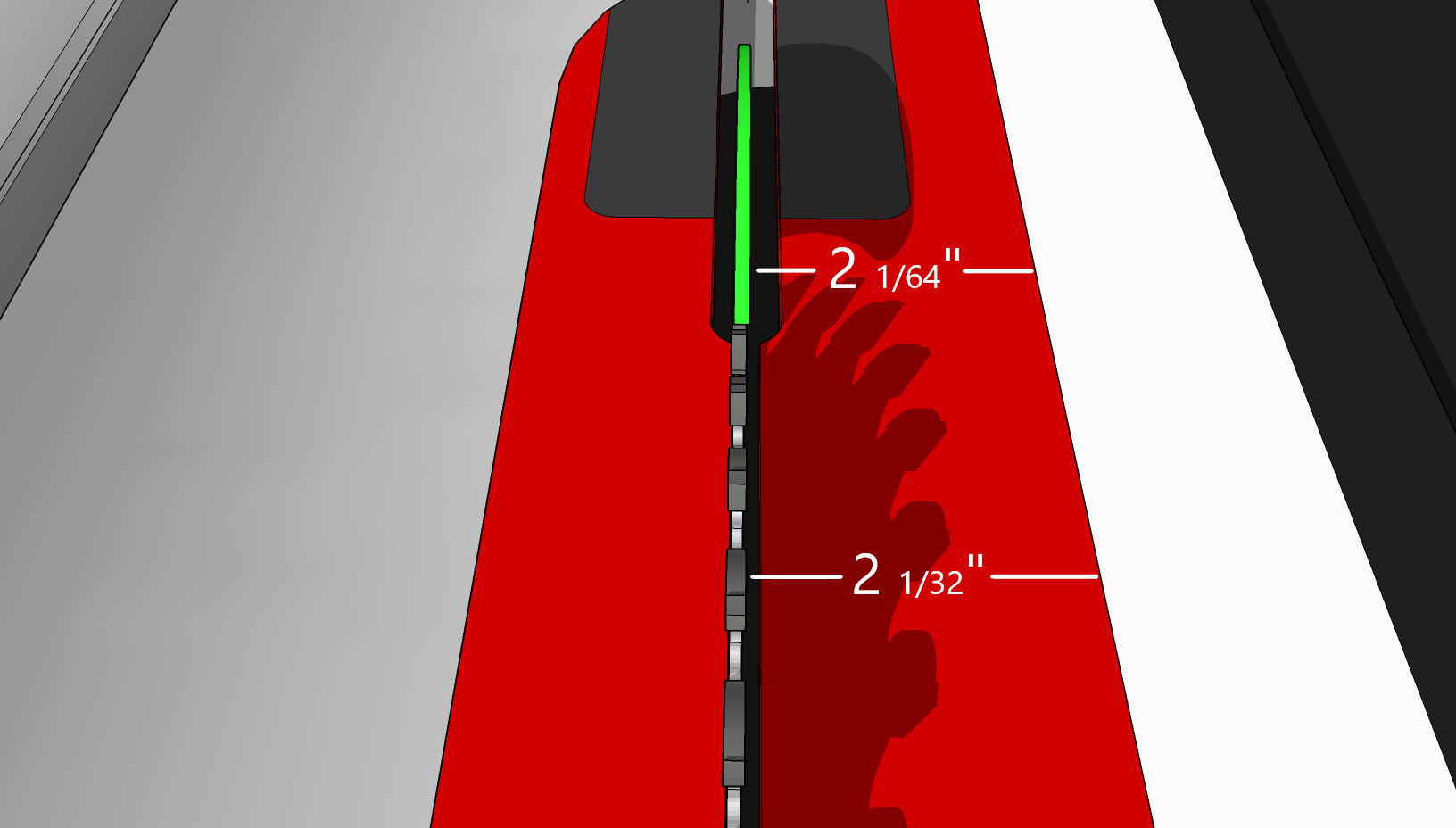
Thin-kerf blade with riving knife

To actually fix this issue, you should slide the riving knife 1/64″ to the left. Your saw may be different, but here’s how to adjust this on a SawStop.

On any of the cast-iron SawStop table saws, there is a pair of 8 mm cap screws that adjust the horizontal positioning of the riving knife or splitter. Slimply loosen these slightly and nudge the clamp a little to the left. It’ll take some back and forth but the end result you are shooting for is for the left face of the riving knife to be co-planer with the left face of the blade, and for the right face of the riving knife to be no closer to the fence than the right face of the blade.

PCS
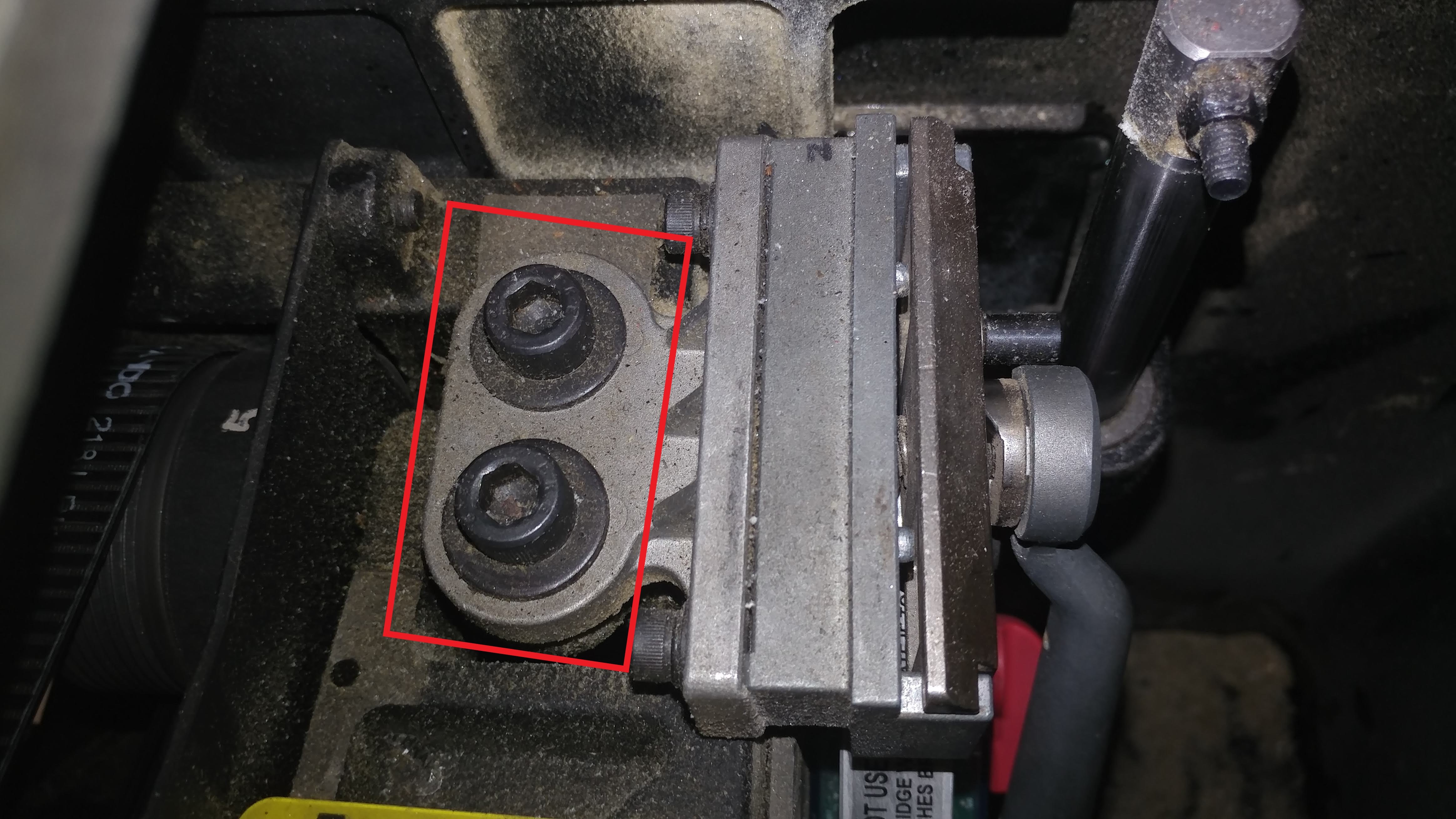
CNS or ICS
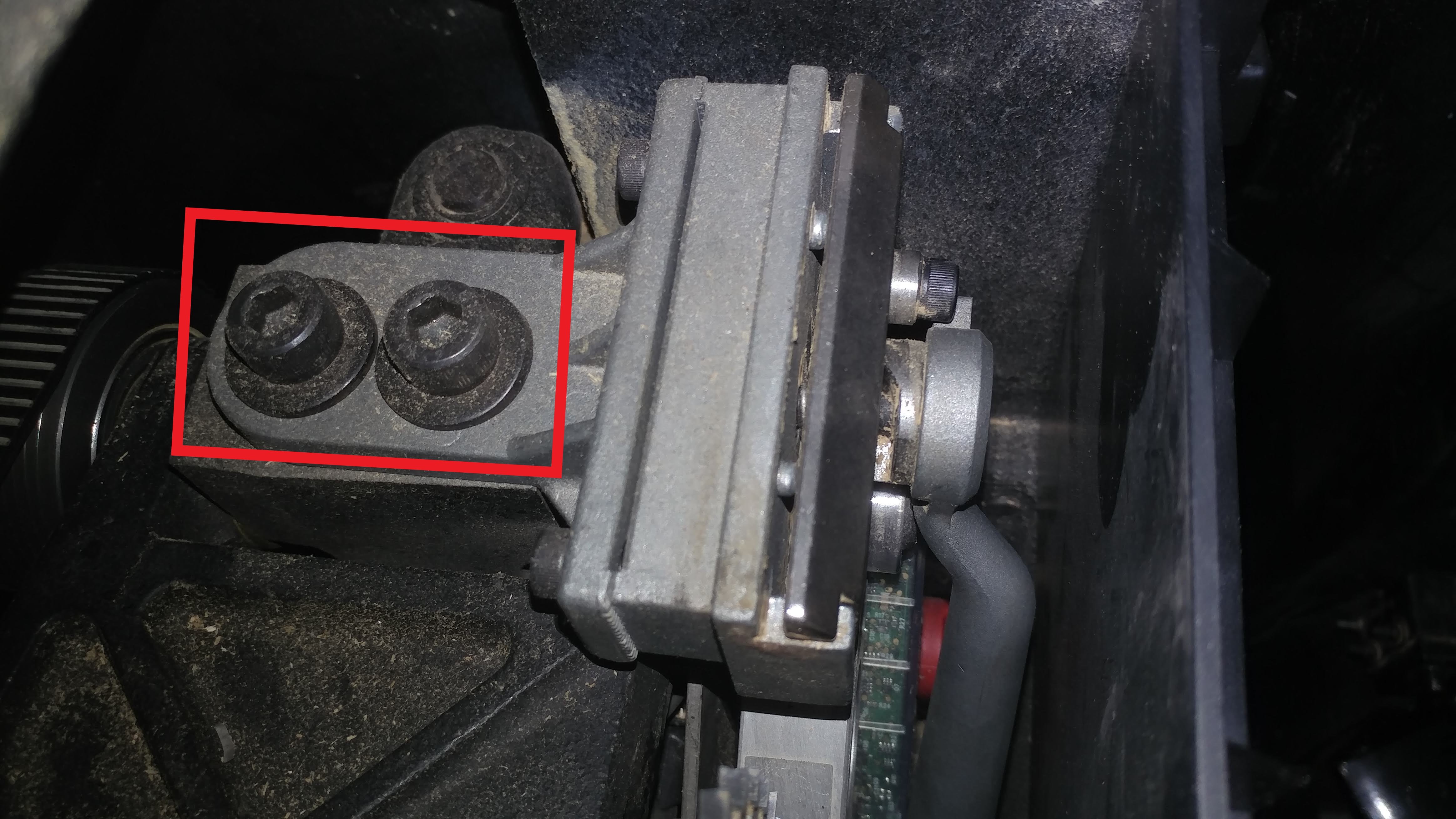
Tip: Since you have to come at these bolts at an angle, use a ball-end allen wrench, such as the one provided with your saw that you would normally use to adjust the spacing between the brake and blade.

Conclusion

As you can see, there isn’t any real reason you would need to get a 2.0 mm riving knife, even when using thin-kerf blades. I feel that it’s always best to address the real problem rather than look for an easy workaround.

I hope this has been helpful. If you feel like I should add anything, please feel free to leave a comment below. Also, I encourage you to share this article with anyone who is considering using thin-kerf blades with their table saw.
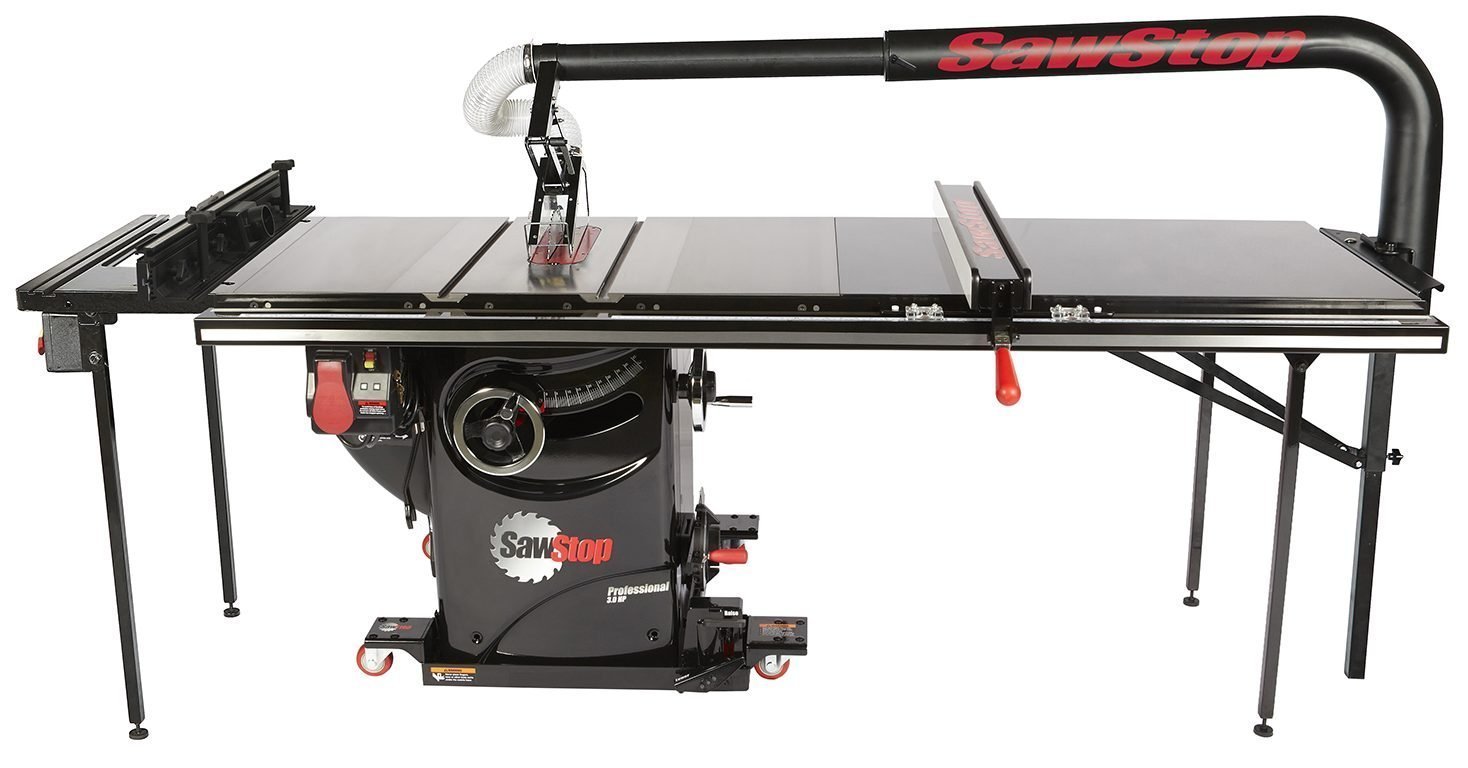
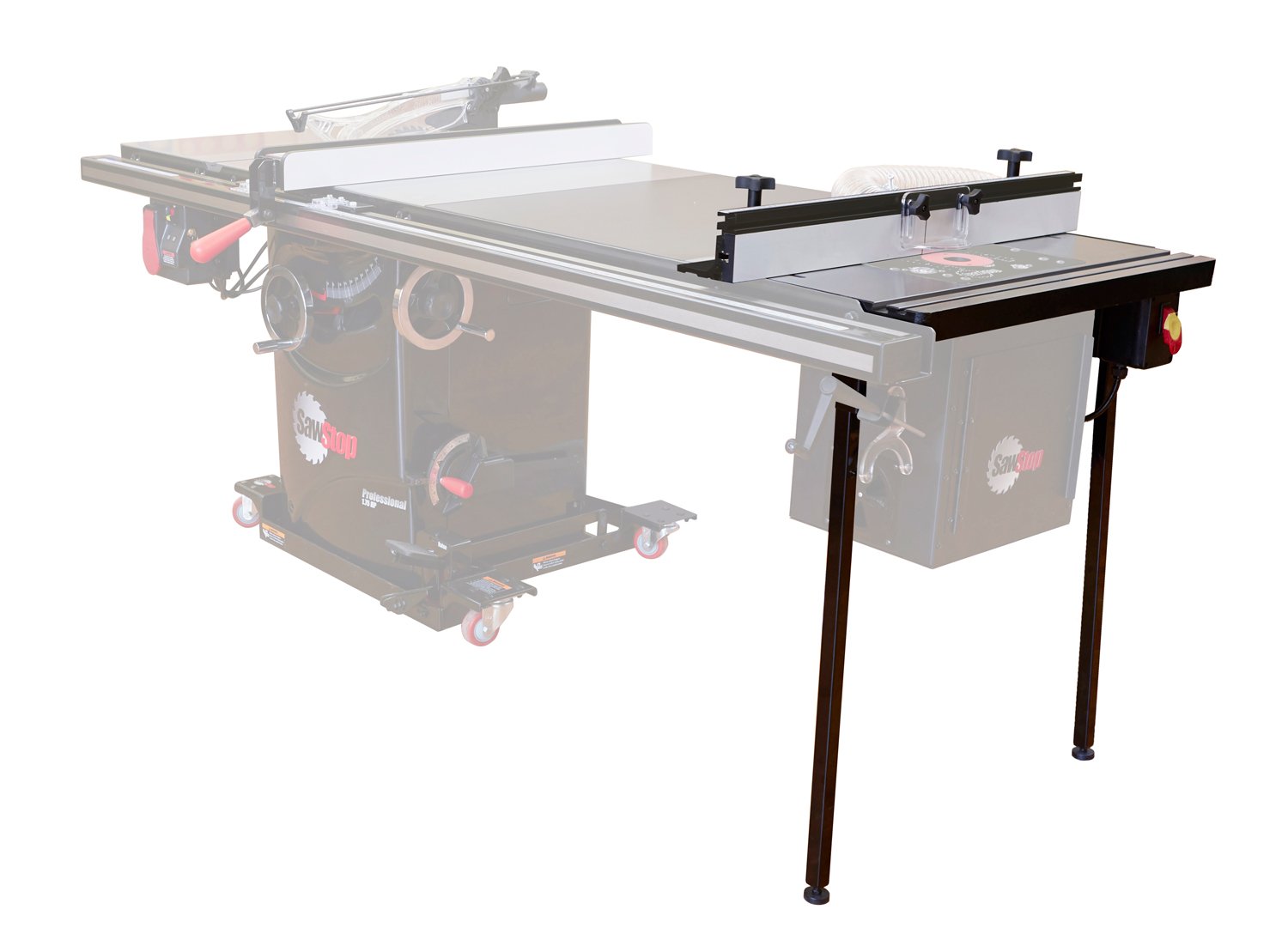
SawStop Router Tables

There are several options when choosing a SawStop router table but I’m going to attempt to clear up some of the confusion.  Let’s go over your options and figure out what is best for you.

Inline vs. Standalone vs. Benchtop

Inline

Description

The inline router table is definitely the most popular option.  It is available in two versions: a 27” wide table for the PCS and CNS; a 30” wide version for the ICS.

SawStop Professional Inline Router Table

Availability

They are sold as a kit which includes: the cast-iron table; the legs; the power switch; and the fence.

Some things to remember about the availability…

  • The main table only contains the hardware used for leveling the insert, not the bolts for attaching to the wing or rails.
  • The brackets for attaching the legs to the underside of the router table, along with the rail, wing, and leg mounting bolts, washers, and nuts, are all packaged with the power switch. This means that if you just buy the table, you’re going to either need to provide your own table mounting hardware or get it from SawStop Service.

Compatibility

The Inline Router Table is not compatible with the CNS Mobile Base or PCS Integrated Mobile Base due to the weight. That’s not to say that you can’t install the router table if you are using either of these mobile bases. It simply means that the mobile base can’t reliably support the weight of the saw and the router table.

Also, the Inline Router Table cannot be installed on the right side of your saw if you are using the Floating Dust Guard, which mounts to the far right edge of the extension table.

On the same note, the Inline Router Table cannot be installed on the left if you are also using either of the Sliding Crosscut Tables.

All this being said, these compatibility issues might be able to be overcome with some ingenuity and the willingness to drill some holes. Just know that you do so at your own risk and that SawStop does not support this.

Left or Right

Both inline tables can be mounted to either the left or the right of the table saw.  

Left

There are no real modifications you would need to do if mounting the router table to the left.  It simply attaches to the left edge of the left cast-iron wing. 

Router table mounted on the left.
Advantages:
  • Easier to install.
  • Doesn’t require modifying or replacing older fence rails.
  • Adds an additional 16″ of material support to the left of the blade.
Disadvantages:
  • Router table feet won’t lift off the ground when using a mobile base, since the mobile base lifts the right side of the saw higher than the left.
  • The router table fence will probably be in your way when making cuts on sheet goods or making crosscuts.
  • Adds 16″ to the entire width of your saw.

There are a few things to keep in mind when mounting to the left.

  • If you are attaching this to a Contractor Saw (CNS) then you will need to have the optional Cast-Iron Wings rather than the stock Stamped-Steel Wings.
  • If you are attaching this to a Contractor Saw (CNS) then you can technically install this in place of the left cast-iron wing, although this is not officially supported.  If you do, however, you won’t have any way to attach the switchbox. Also, the Router Table Dust Collection box may get in the way of your switchbox if you somehow manage to attach it to the router table.
  • If you are attaching this to a Professional Saw (PCS) then you will not be able to attach it in place of the left cast-iron wing since the motor for the PCS is on the left.  The dust collection box will still work in this configuration.
  • If you are attaching this to an Industrial Saw (ICS), you may be able to install this in place of the left cast-iron wing but you won’t be able to attach the dust-collection box since it will interfere with the blade angle handwheel.  It will also prohibit you from opening the belt access door.

Router table mounted on the right.
Advantages:
  • Space saving.
  • Router table fence is more likely out of your way when using the table saw, especially with the 52″ fence system.
  • When combined with the Intermediate Cast-Iron Wing, you can convert a 36″ fence system to an all cast-iron work surface.
Disadvantages:
  • Greater weight on the far right requires attaching hold-down brackets when utilizing the Industrial Mobile Base, even when attached to an Industrial Saw (ICS).
  • Not compatible with the Floating Dust Guard which regularly attaches to the far right end of the wooden extension table.
  • You will need to either replace or modify your existing fence rails if they are not the newer router table compatible rails.

Standalone

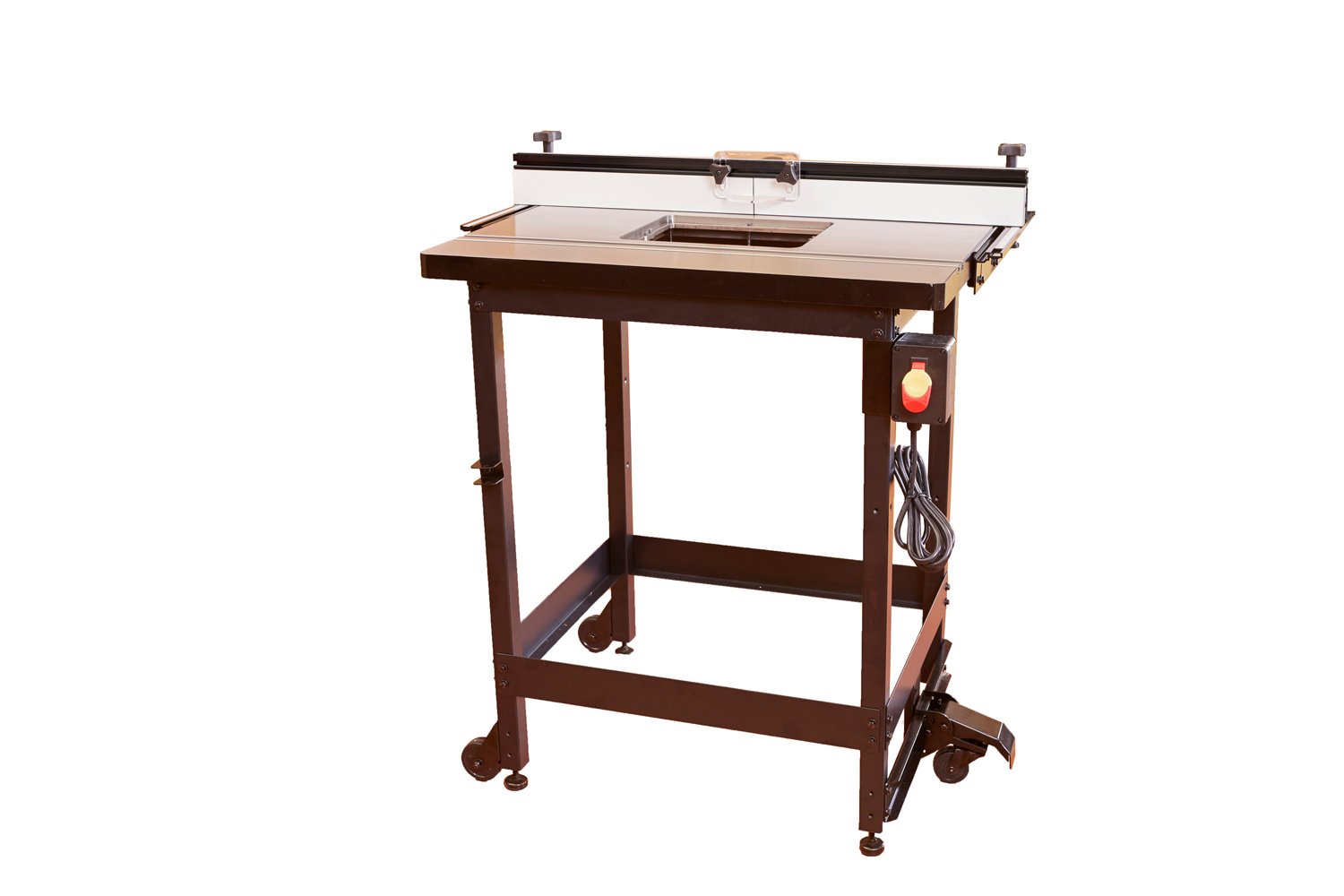
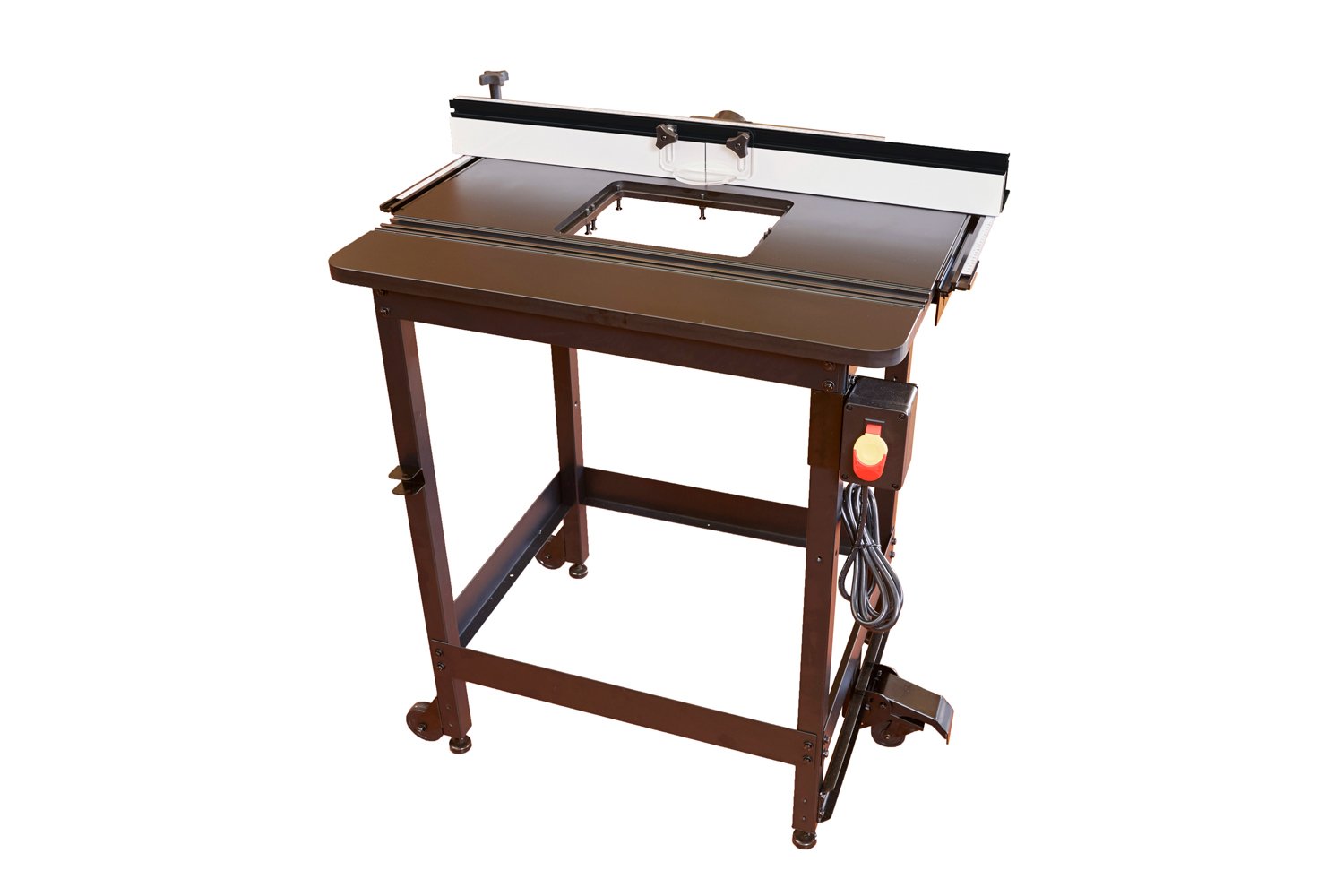
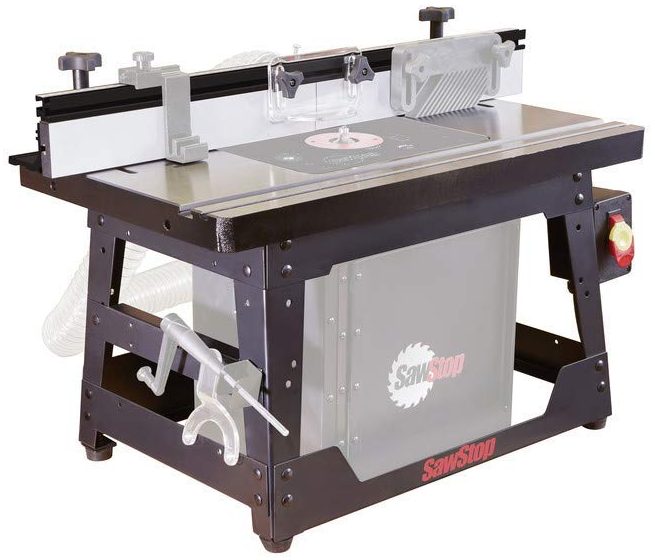
SawStop also makes a standalone router table that is available with either a cast-iron or phenolic table top.

The standalone router table is an excellent option for those who have the available floor space to dedicate to something like this. The standalone router table top measures 31 ½” wide and 23 ⅝” deep. The fence attaches to rails on the side of the table rather than slots cut into the table itself. It uses the exact same fence that comes with the Inline Router Table for the ICS.

The standalone router table with a cast-iron top…
…and a phenolic top.

The differences between the two are mainly cost and weight, the cast-iron table weighing about 40 pounds more than the phenolic.

Both router tables include a mobile base.

Advantages
  • Can be left set up and it won’t affect your table saw.
Disadvantages
  • Takes up more floor space.

Benchtop

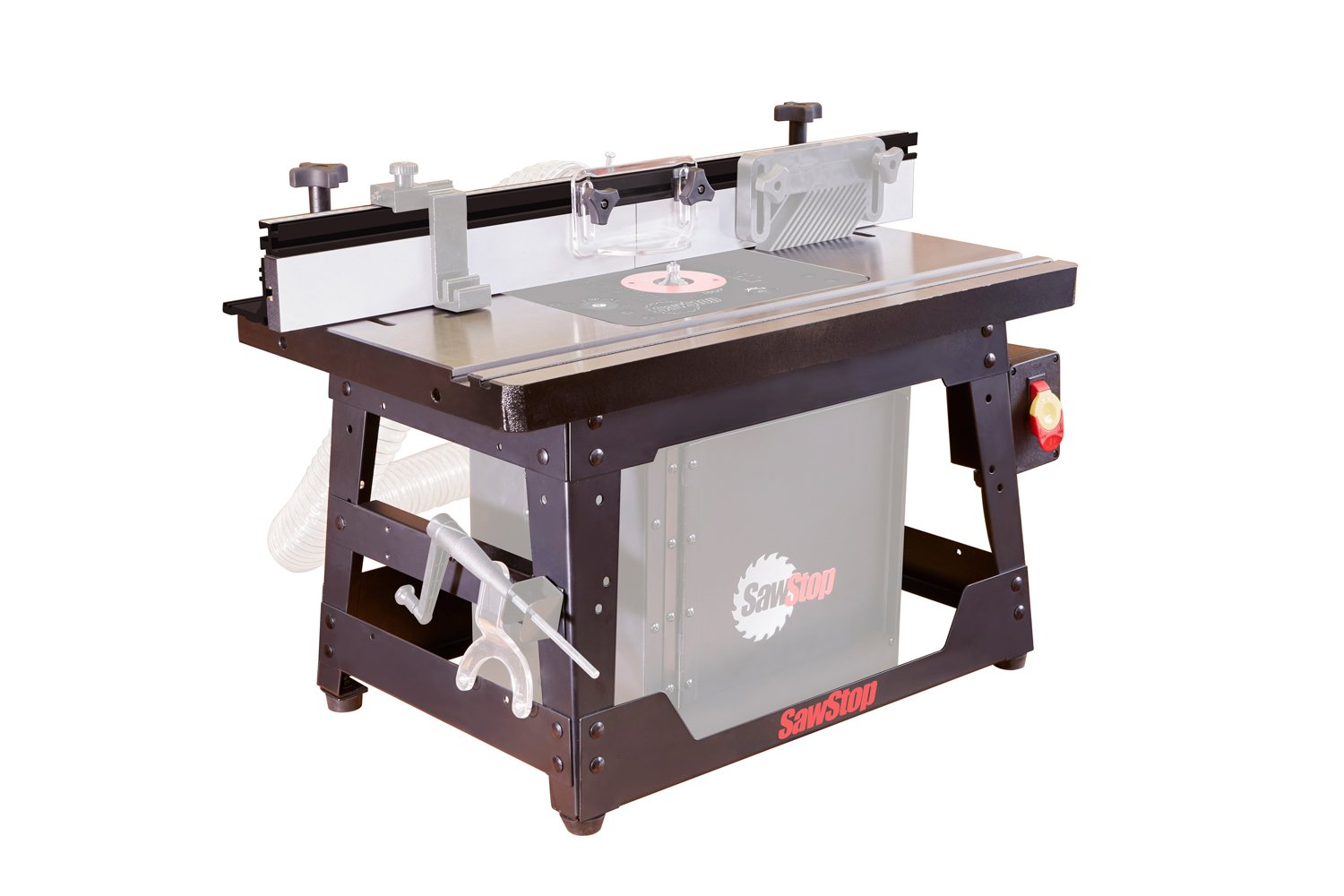
Benchtop router table.

For those with less floor space SawStop offers a benchtop model of its router table. The actual table part is the exact same cast-iron router table that you would get if you purchased the Inline Router Table for PCS or CNS. This means that you can mount this router table to your saw, if you someday choose to.

As you can see in the photo above, the dust collection box is compatible with the benchtop router table but is sold separately just like it is for all of the router tables.

Fence

The fence for the router table is different depending on which table you get.

The Inline Professional or the Benchtop router table come with the 27″ fence system.
The Inline Industrial or Standalone Router table come with the 32″ fence system.

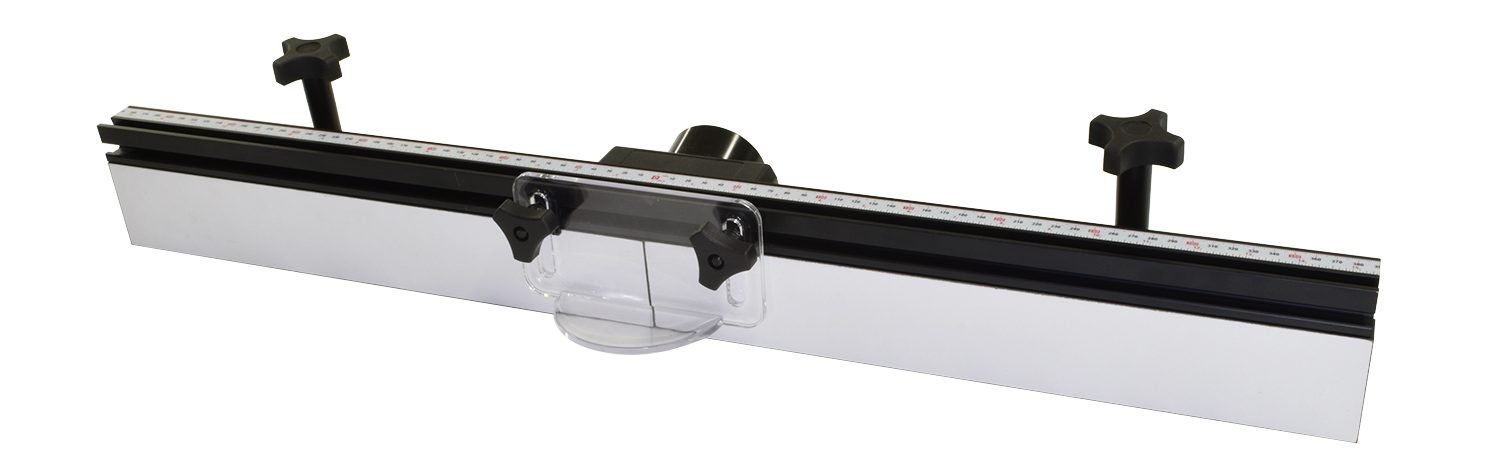
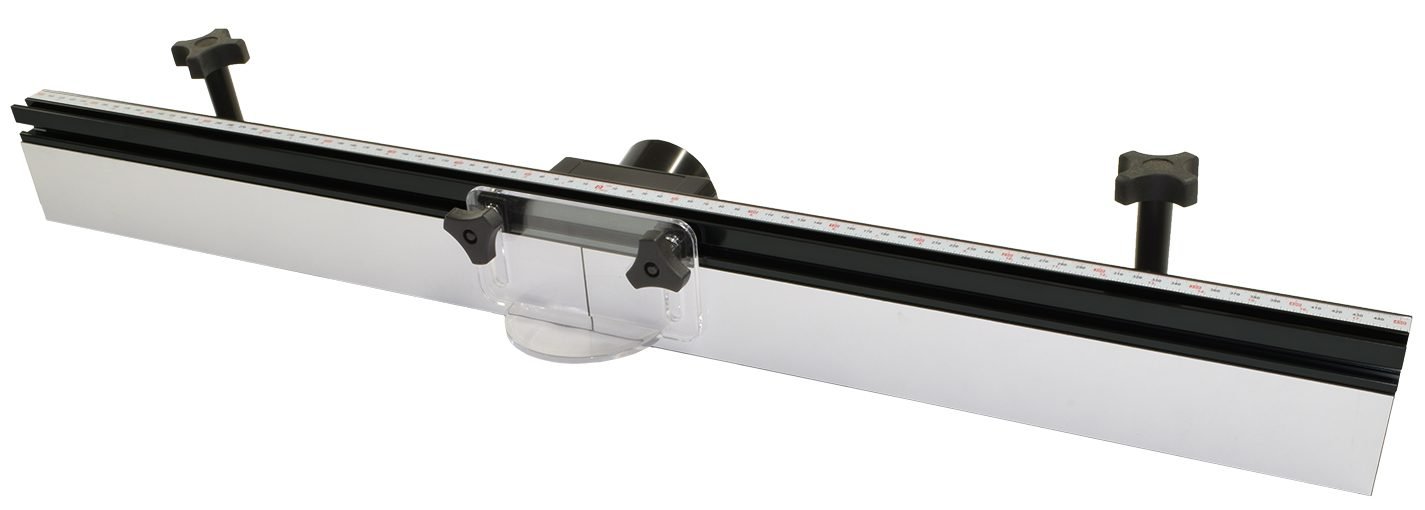
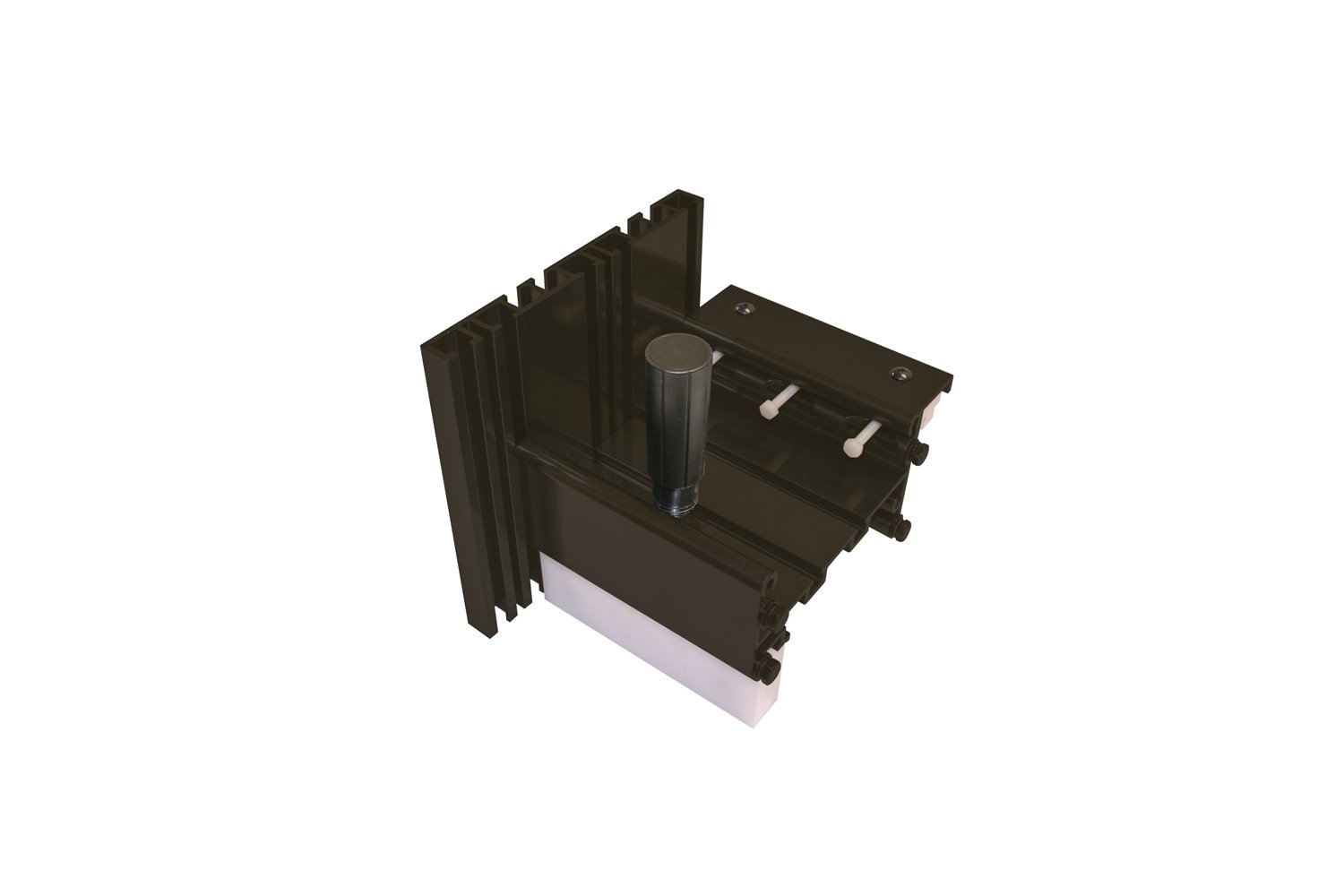
The router table fence system features:

  • Split faceplates, allowing you to have dust collection at the fence.
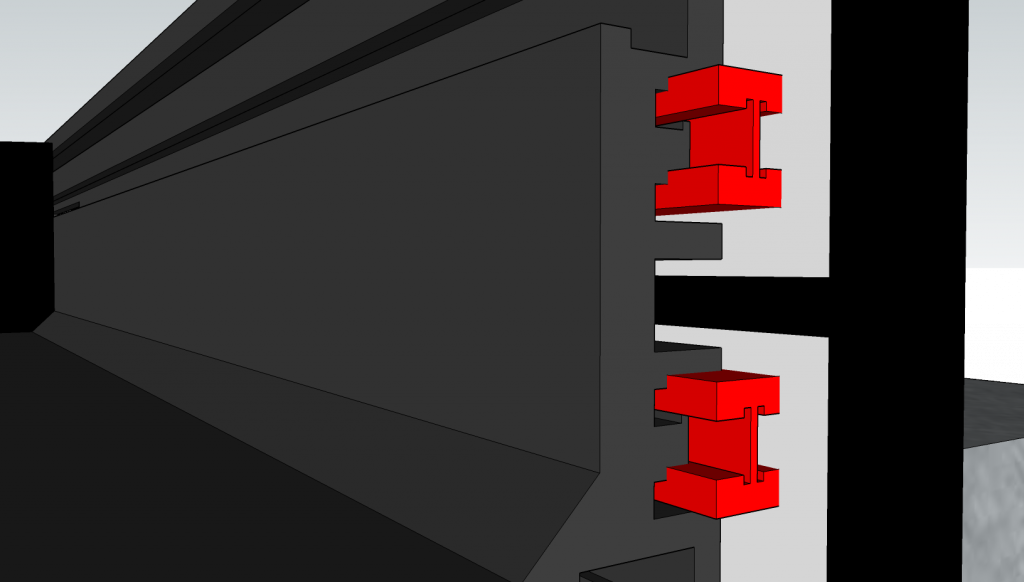
  • Shims which allow you to use your router table as an edge jointer.
Faceplate shims (shown in red).

Dust Collection Box

The Dust Collection Box adds under-the-table dust collection to any of the SawStop router tables.

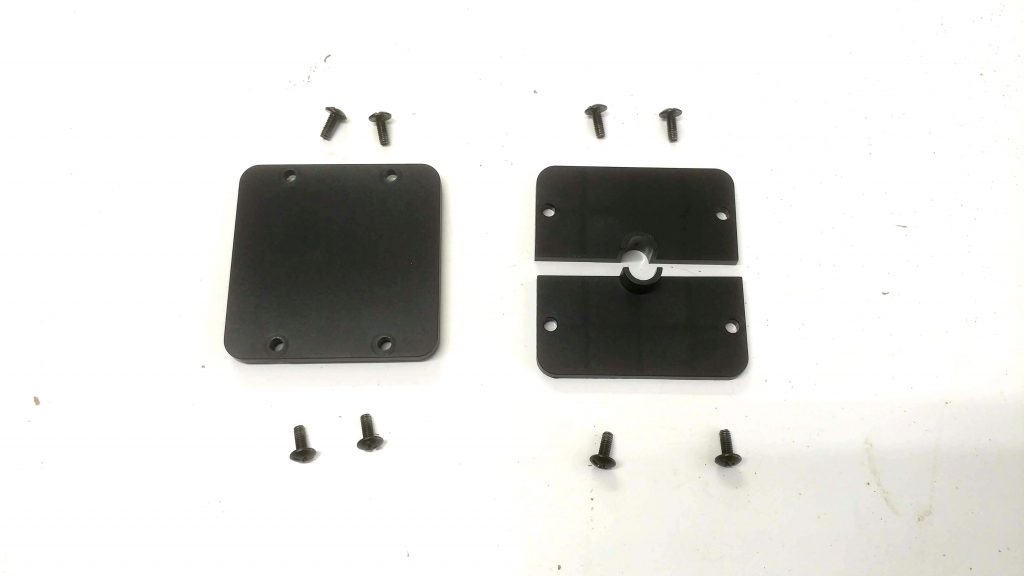
The two side panels each have two openings, the smaller of which is for the router power cable insert. This should be placed on the side where your power switch will be attached. The other insert is just a filler for the unused opening.

The two smaller side inserts. The one on the right is for the router power cable.

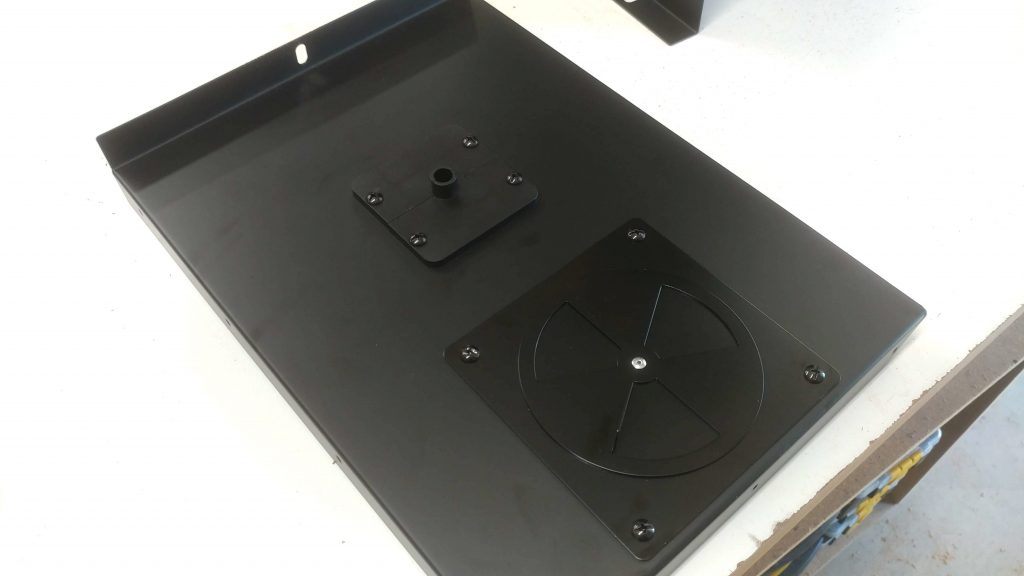
Both the side panels and the rear panel have a larger opening with removable inserts that are used to attach either the dust port or an adjustable vent. The third option is just a filler for the unused opening.

Side panel with adjustable air vent installed.

Note: The adjustable air vent is used to provide a release for excessive suction. Without this vent, you may have difficulty sliding your material across the router table as it will be held down because of the excessive suction.

Lift

The SawStop router lift uses a 4-post chain drive design.

Insert

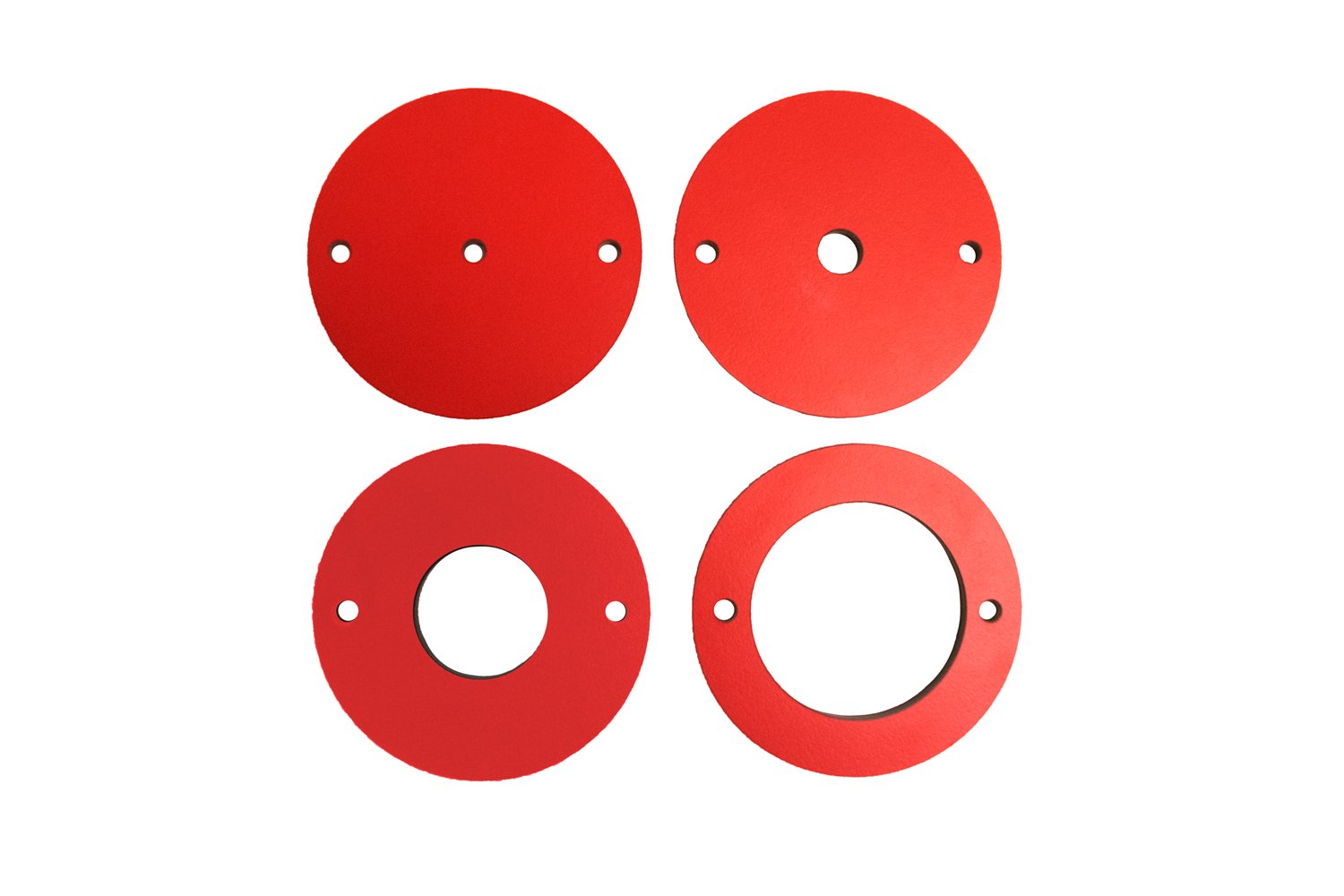
The router table inserts are phenolic discs that drop into the 3-¾” lift opening and accommodate different diameter router bits.  The stock table insert has a 1-½” opening but you can buy additional insert packs.

The RT-PIR insert ring set comes with four inserts with pre-made openings of ¼”, ½”, 1-⅜”, and 2-½”.

RT-PIR

Zero-Clearance Insert Ring Set

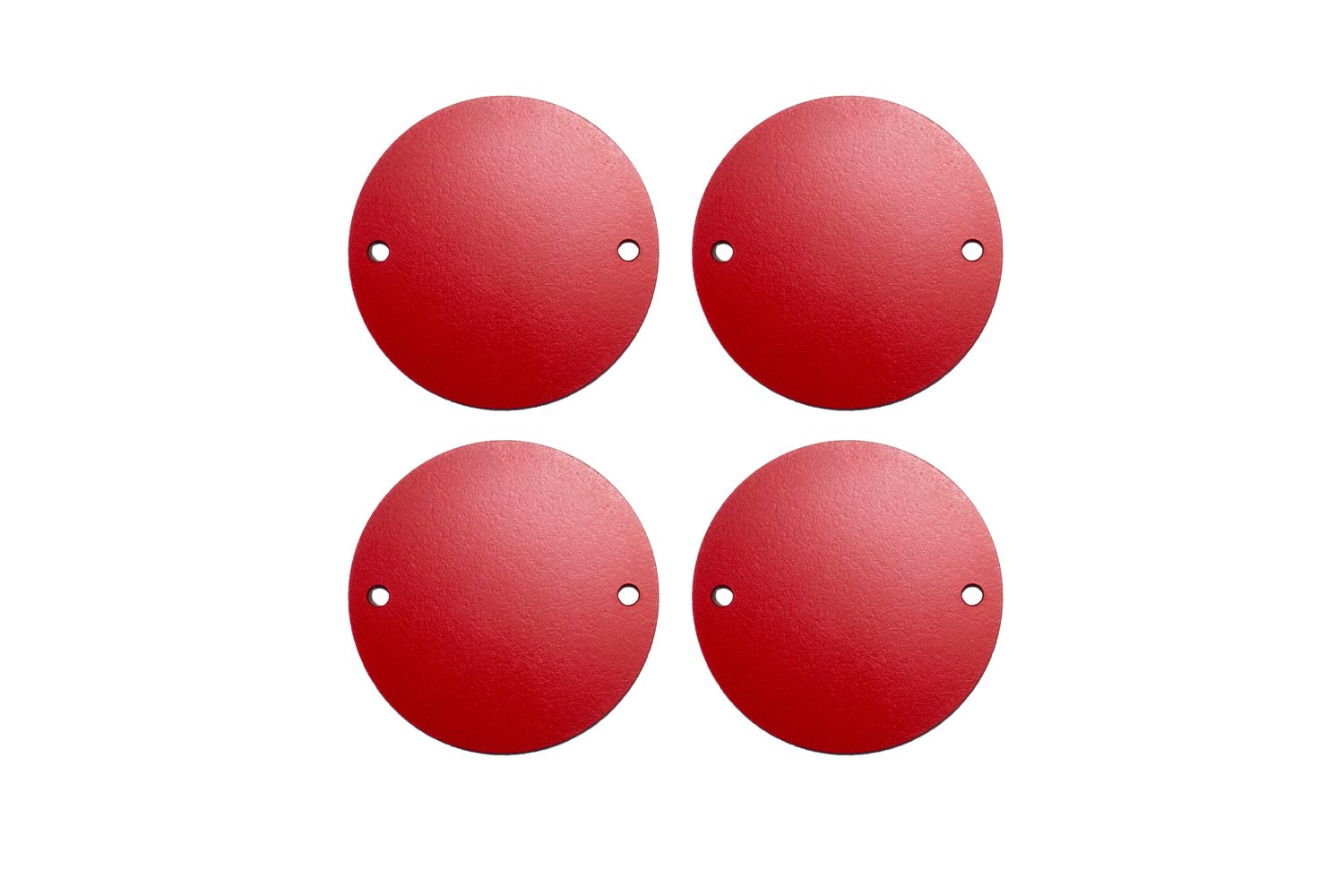
The RT-PZR insert set comes with four inserts that have no openings, allowing the user to use a drill press to make their own openings in the custom sizes they may need.  There are small pilot holes on the underside of each insert, ensuring that the opening is perfectly centered.

RT-PZR

Template Guide Set

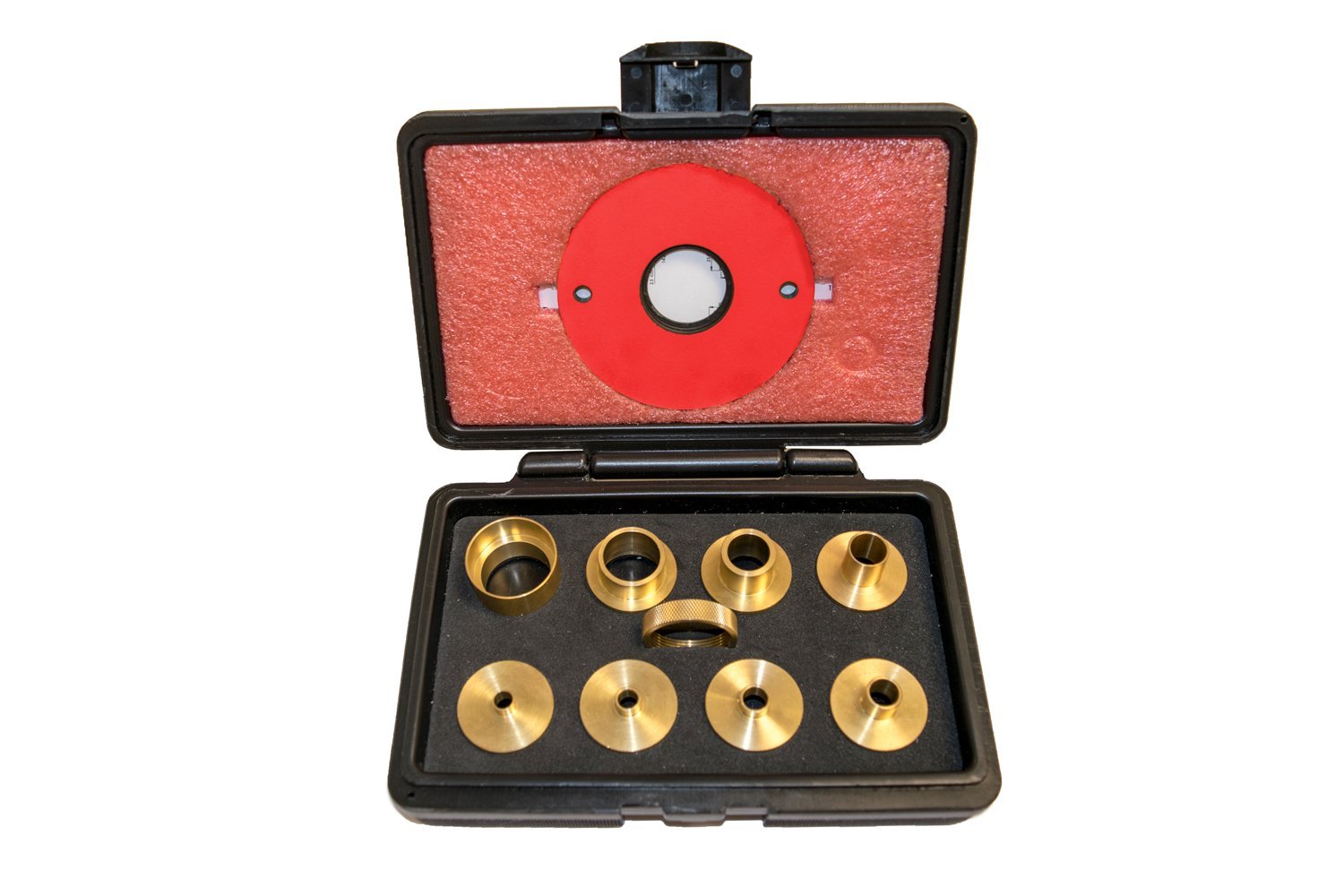
The RT-TGS allows you turn turn any router bir into a pattern bit and includes eight template guides in 1-19/64”, 5/8”, 27/32”, 17/32”, 17/64”, 9/32”, 11/32”, 13/32” diameters along with one one locking nut, and a 1 3/8” insert ring.

RT-TGS

Stock Guide

News – July 30th, 2019 – Teaching, Filming, and Turning

Teaching

I recently got to teach a class on Router basics. Other than it having to be rushed due to the time constraints, it went well. I’ll be converting the documentation for this class into a post on this website, much like I did with my Dado Information class.

I was also working on a beginning woodworking class for Skillshare but life got in the way and I wasn’t able to finish it before the deadline. While making the class, I realized that the subject matter was much too broad for the amount of time I had to put it together. I’m still going to put together some Skillshare classes but I’m going to have them be more focused and less broad.

Filming

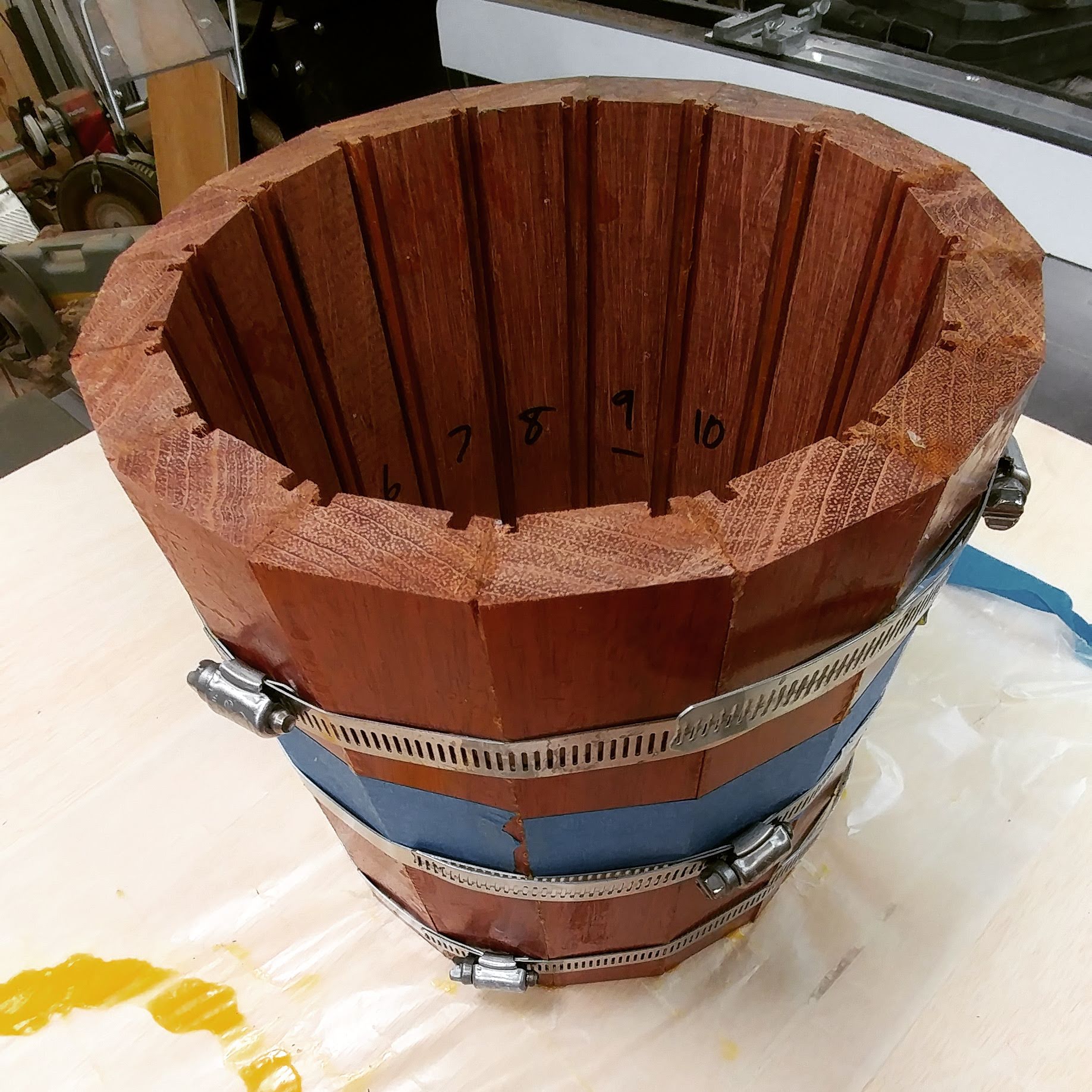
I’m working on a video that will walk through how I am making a small 8″ snare drum using stave construction. I filmed Day 1, which ended up covering everything up to the glue-up. As the glue was curing, I started editing the video. That’s where I discovered a pretty big problem.

Lets see if I can explain this…

My snare drum is going to consist of 16 staves. A circle, as you are aware, has 360 degrees. which divided by 16 is 22.5. This amount gets divided by two, since the staves will each have two sides, so each edge needs to have an 11.25 degree bevel.

Still with me?

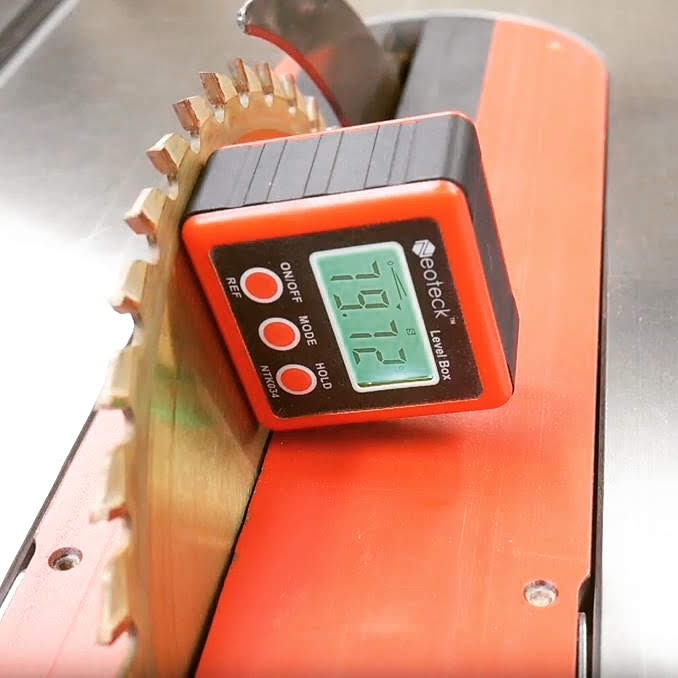
Now, I use a digital angle gauge. I first square it to the table, then attach it magnetically to the blade. When I do that, it changes from 0-degrees to 90-degrees. This means that when I angle the blade, I need to set it to 90-degrees minus 11.25 degrees. This comes to 78.75 degrees. I knew this, but for some stupid reason (probably because I was distracted with trying to get this on video) I accidentally set it to 79.75 degrees. This makes each edge of each stave one-degree off, which multiplied by 32 edges comes to a total of a 32 degree gap for the drum shell.

Of course, being an idiot I just assumed that the glue was making things too tight so I clamped it down and didn’t think much of how off my measurements were. I didn’t notice the actual problem and its cause until I was editing the video. By this point, the glue had pretty much cured so there wasn’t anything I could do about it.

It’s time to start from scratch, being a little more careful this time.

As a present for you, since you’ve been so patient with me sharing this story, I’ve decided to upload the edit of the video I shot. Keep in mind that it’s a very early update. I was leaving room for a voice-over in parts so some of the shots are too long since I was going to edit in the voice-over then cut as the video to work with the audio.

Turning

I’ve been doing a good amount of woodturning lately and I’ve been getting into bowl-making, which although I’ve been turning for years, I never really got into. Below are some examples of my turning experiments.

One downside to bowl-turning is that I really don’t have anything to do with these. I don’t have a desire to place decorative wooden bowls around my house and most of these don’t have a food-safe finish so they’re not really functional. This is why I wasn’t really interested in bowl-turning in the first place. I like that I’m learning some new techniques but I suspect that I won’t be making a whole lot more bowls.

Bright & Shiny

A few years back I started recording an album with the local band Bright & Shiny. It appears that the album is now on Production Hell and may never see the light of day.

I was given temporary tracks to record along to. This was helpful but frustrating at the same time since the main songwriter likes to play “free-time” with fluctuating tempos. As the drummer, being the one who is in charge of the tempo, I was concerned with this. I have spent my life trying to have a more consistent tempo and now I’m having to fight that. That being said, I tried to get the tempo to be more consistent while allowing the songs to have the varying feel that the songwriter was after.

Since these songs may never see the light of day, I decided to share the video performances here in hopes that it might generate enough interest in this project to get it finished. I was working on videos that show the main drum performance along with little pop-up videos of the backing percussion. Sadly, I only got this far with the first song, but this is why there is a black border around the videos.

I’ll present each song along with some notes on each one. Keep in mind that the tracks I’m playing along to are not the finished performance from the rest of the band.

Soothsayer

This is one of my favorites. As such, it’s the one that I got the furthest with. This song is inspired by the character of Lodz from the HBO show Carnivàle.

I created a tempo map for this song. The first half is played loosely to a click in that the beginning of the chorus speeds up a bit then slows down towards the end so it lines back up on the click as the next section starts. Once the song changes about halfway through, the tempo goes all over the place, speeding up then slowing down, then speeding up again with no rhyme or reason, never getting back on the original click. I had to do my best to keep it sounding smooth and intentional.

The Places We Must Go

I really like this one and I would love to hear how it would have ended up. I had some pretty big plans for this one, percussion-wise.

Crooked Tree

I got a chance to dust off my brushes for this song. I have since done a lot more brushwork so I cringe a little bit when I look back at this video. Still, I think it sounds pretty good.

Christopher and Anna

The backing vocals are missing from this scratch track so there are some awkward pauses here and there.

Fallen Trenchcoat

This song starts out pretty mellow but builds in dynamics towards the end. If memory serves, this song is about three-ways.

Don’t Take My Meds Away

They pulled a fast one with this and added an extra section after I had finished my recording. I had to splice in a previous take of different section at the end when it starts to fade out.

Genesis Story

This was the first song I recorded for Bright & Shiny. I was really fighting the tempo on this one and I chose to keep it tight with the click. As a result, it doesn’t flow very well. What I should have done was what I ended up doing with the rest of the songs which is meet in the middle, acting as a bridge between a tight click and the loose “sloppy” sound of the wavering tempo.

I like the chorus because I get to play a driving Charlie Watts beat like the one he plays in Midnight Rambler in the faster section.

Your Face Is Upside-Down

I tried to take a different approach with the beat for this song. To match the title I turned the beat upside-down by swapping the kick and snare parts during the verses.

The End Holding Your Hand

There are some rather tasty double-bass triplets at the ending buildup in this song.

This Waiting

There are some decent driving beats in this song as well as some subtle hi-hat pedal work.

That’s all..

I would love to finish this project but it seems to have died. If anyone is interested in seeing this get finished, let me know and I’ll pass this along to those involved. Maybe we can generate enough interest to make it happen.

News – March 18th, 2019 – New Studio Desk, New Dust Collector, and New Friends

New Recording Studio Desk

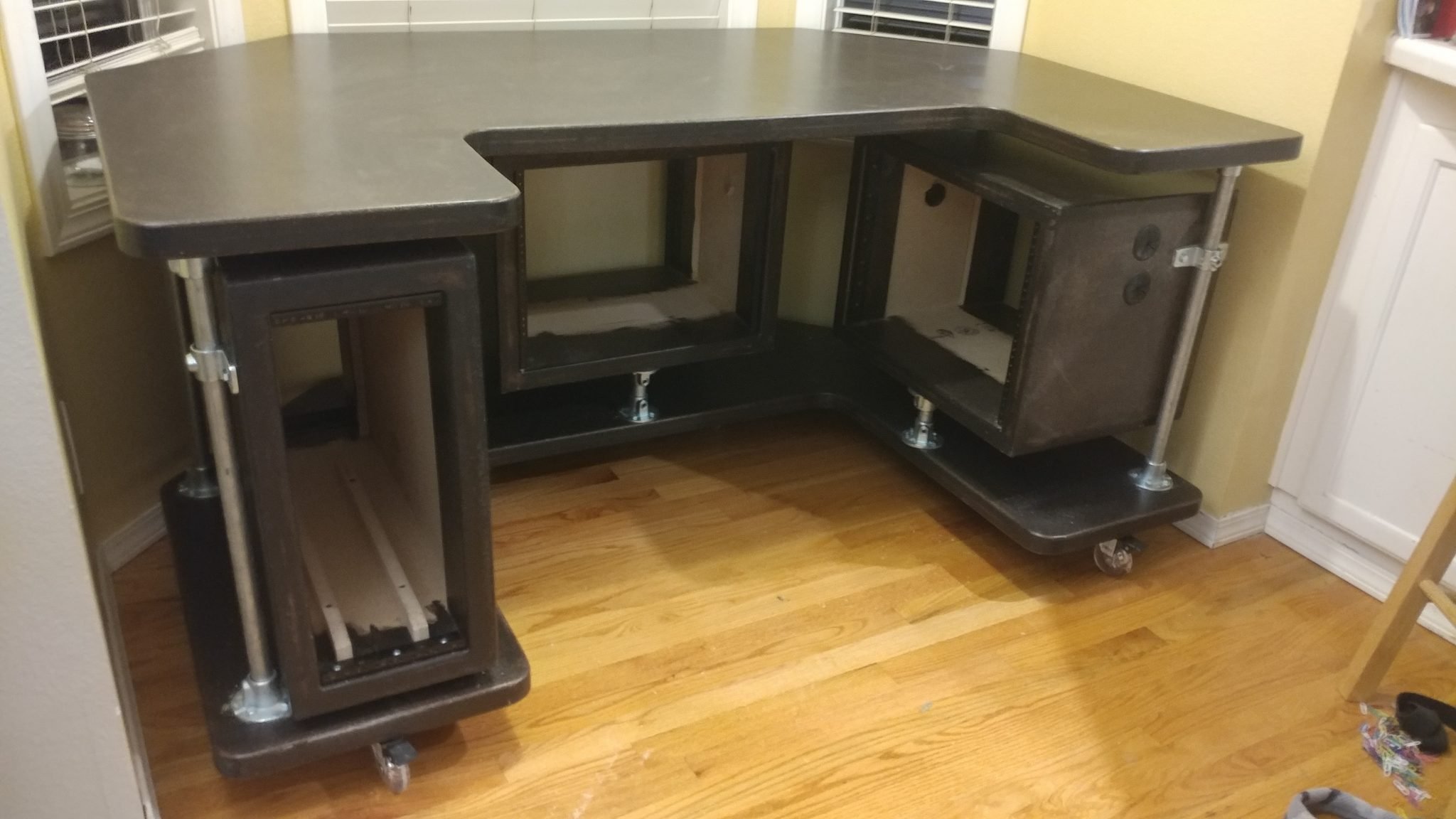
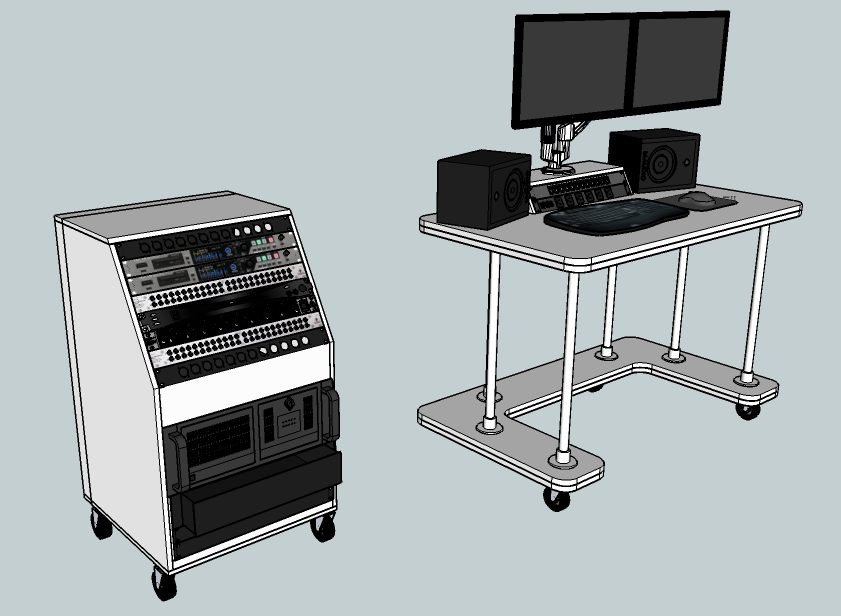
As you may know, I recently sold my old studio desk. It worked well but was just too big and ended up not fitting my needs as well as I thought it would. It now has a new loving home in another recording studio. My new one is much simpler and will be more portable and easier to move around the studio. I’m also keeping the rack separate so I can wheel it closer to the drums so I can adjust levels from behind the kit.

The rack on the desk (right under the monitors) won’t be added until later. I’m going to see if I like having the open space first and decide if I even want to incorporate that. I like the idea of a cleaner, simpler workspace.

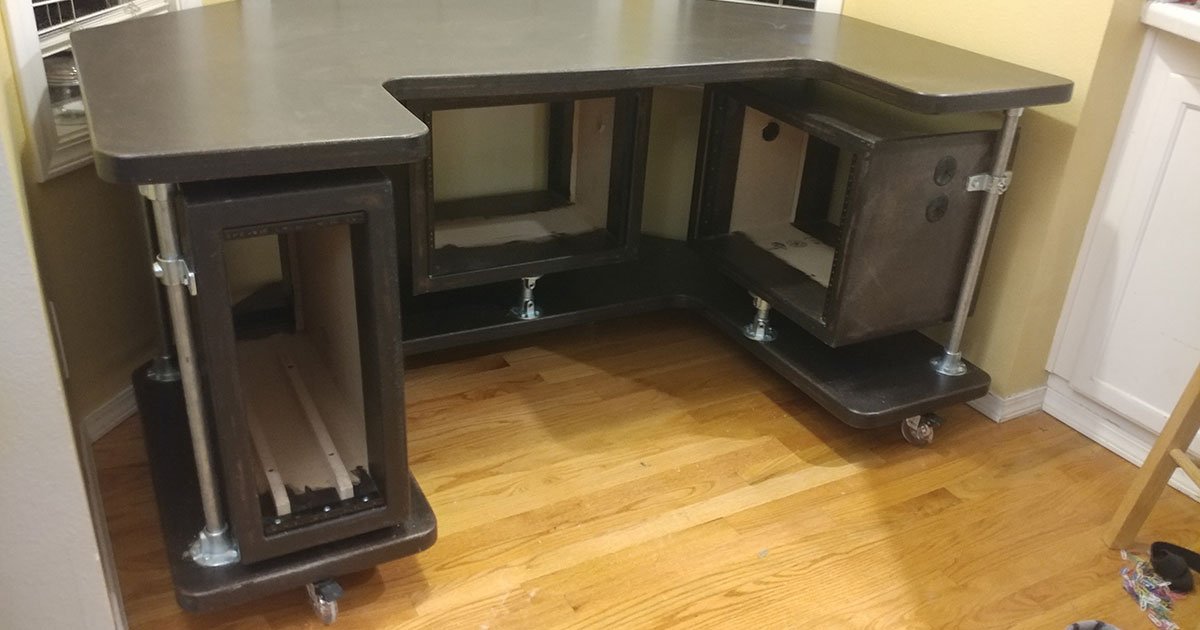
As you can see, the old desk was pretty big, but it had three different equipment racks which kept things pretty much all contained. The entire desk could be wheeled around and the only cables coming out of it (besides for musical equipment) was a single power cable and an ethernet cable.

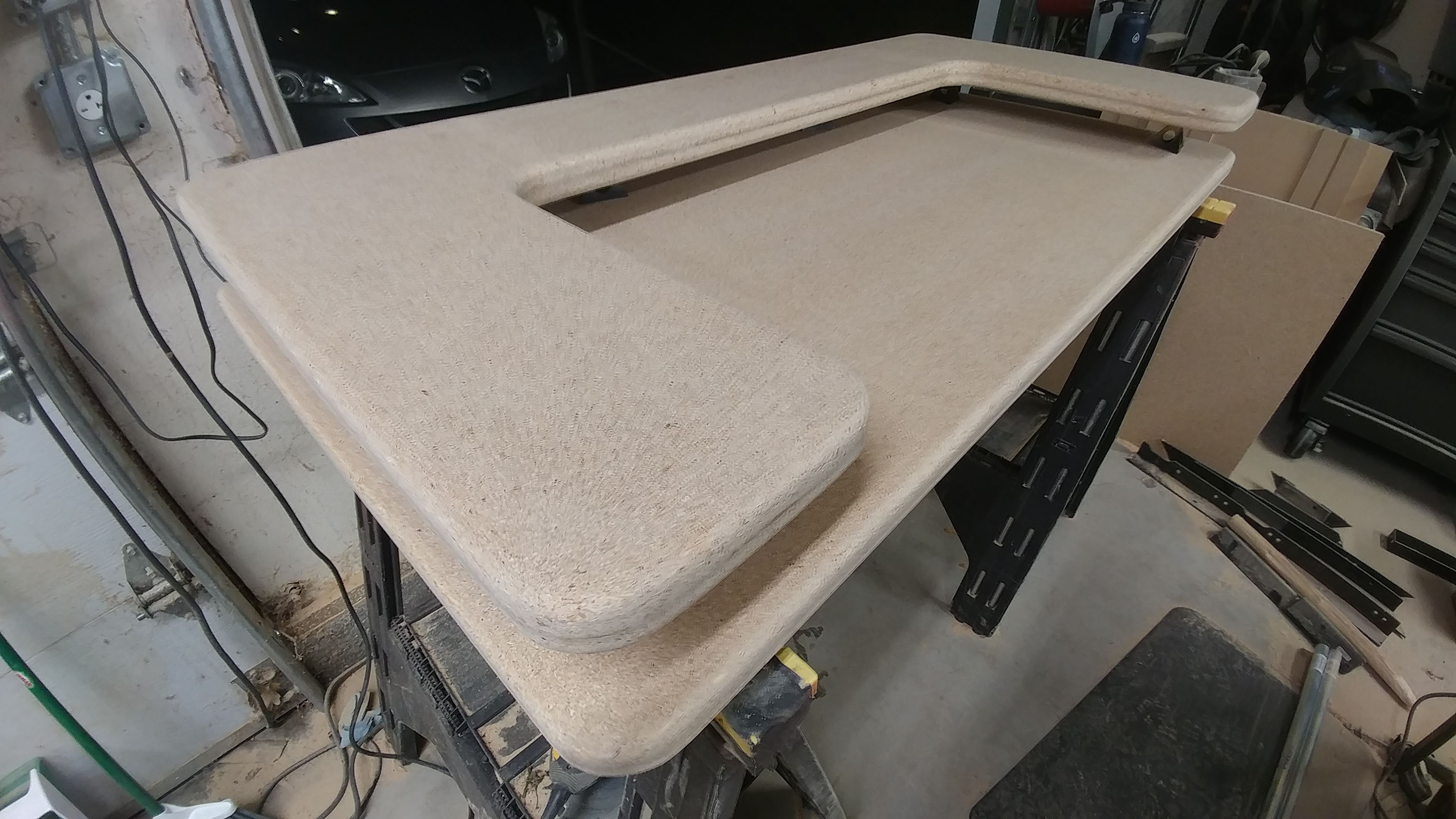
The new one is very similar in design. At this point I’ve got it ready to stain and finish before assembly.

This one is going to also have tougher casters since the old ones couldn’t hand;e the weight and got flat spots on them as a result.

New Dust Collector

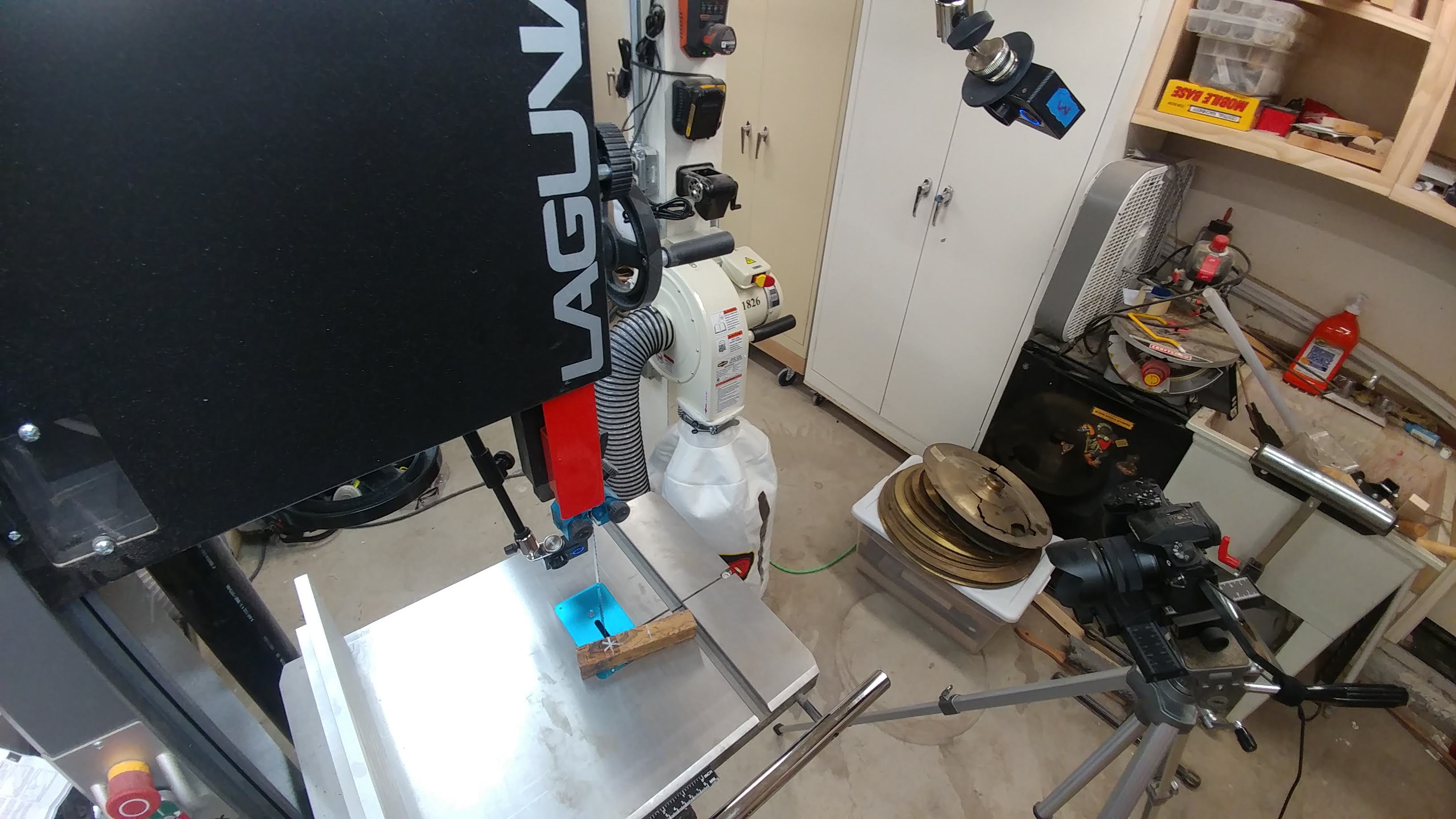
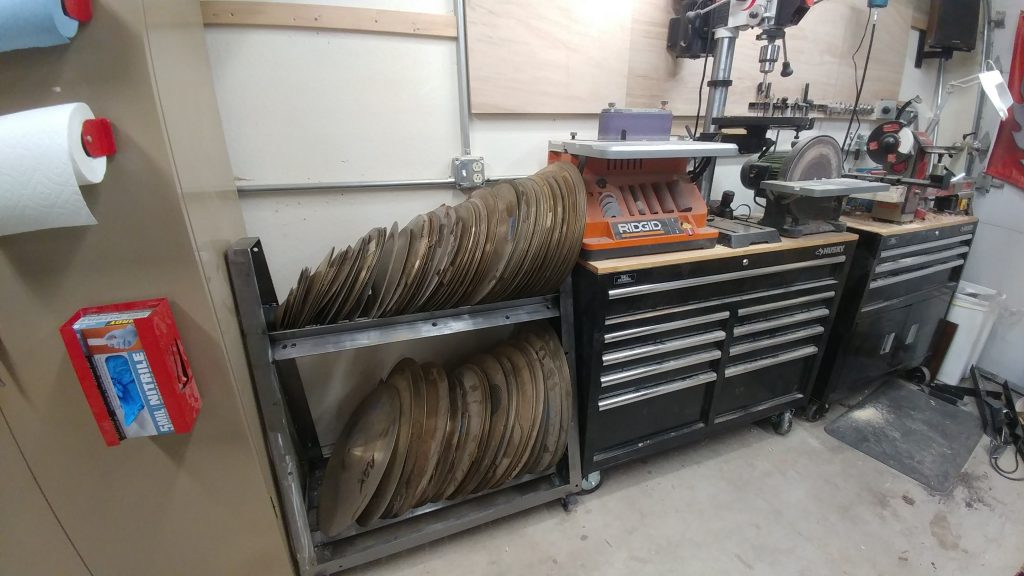
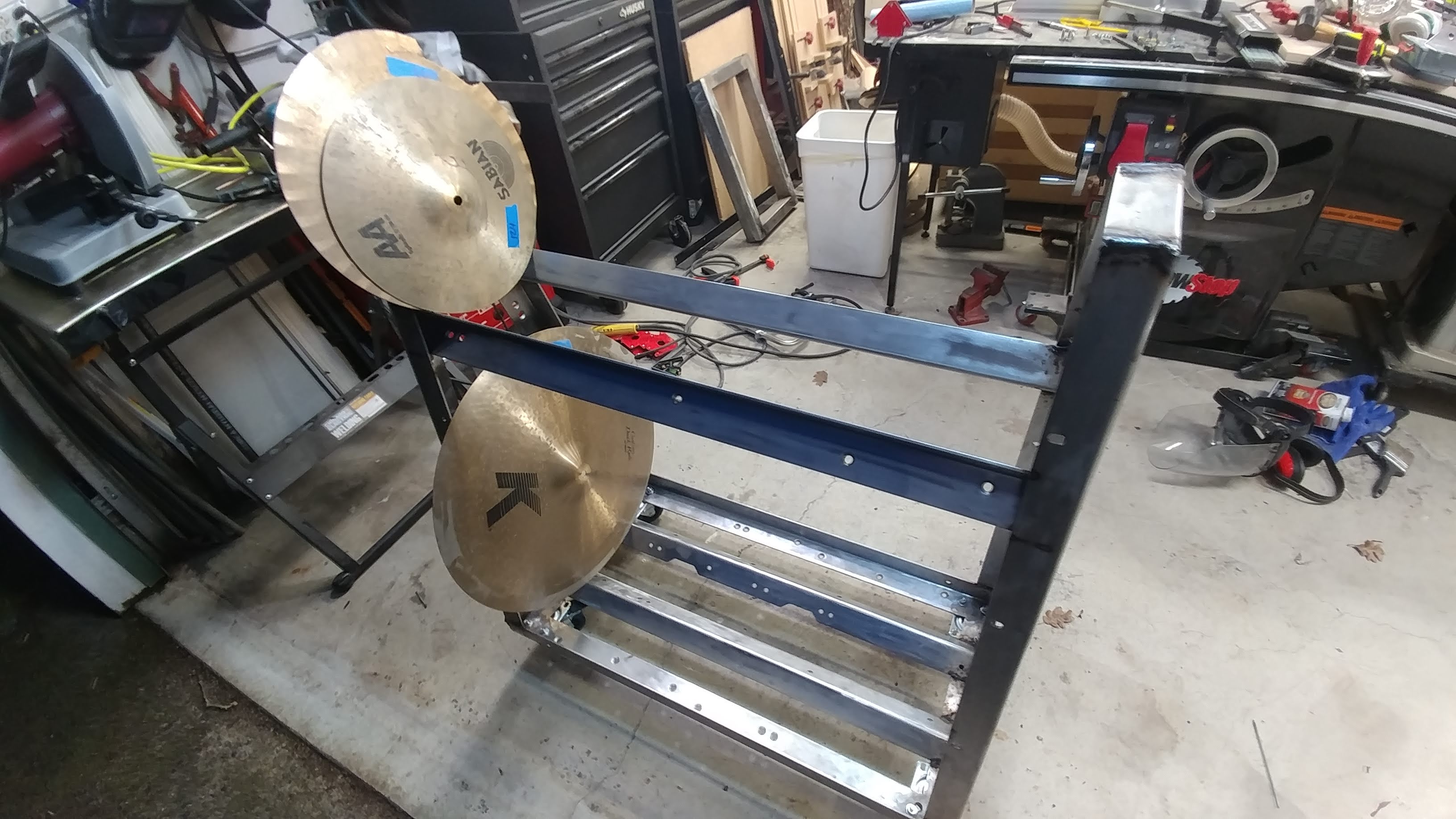
I sold my old dust collector and got the smaller wall-mount version seen in the above picture. My goal for the year is to make room in my shop. The first step was to build the cymbal cart. Next was getting a different dust collector.

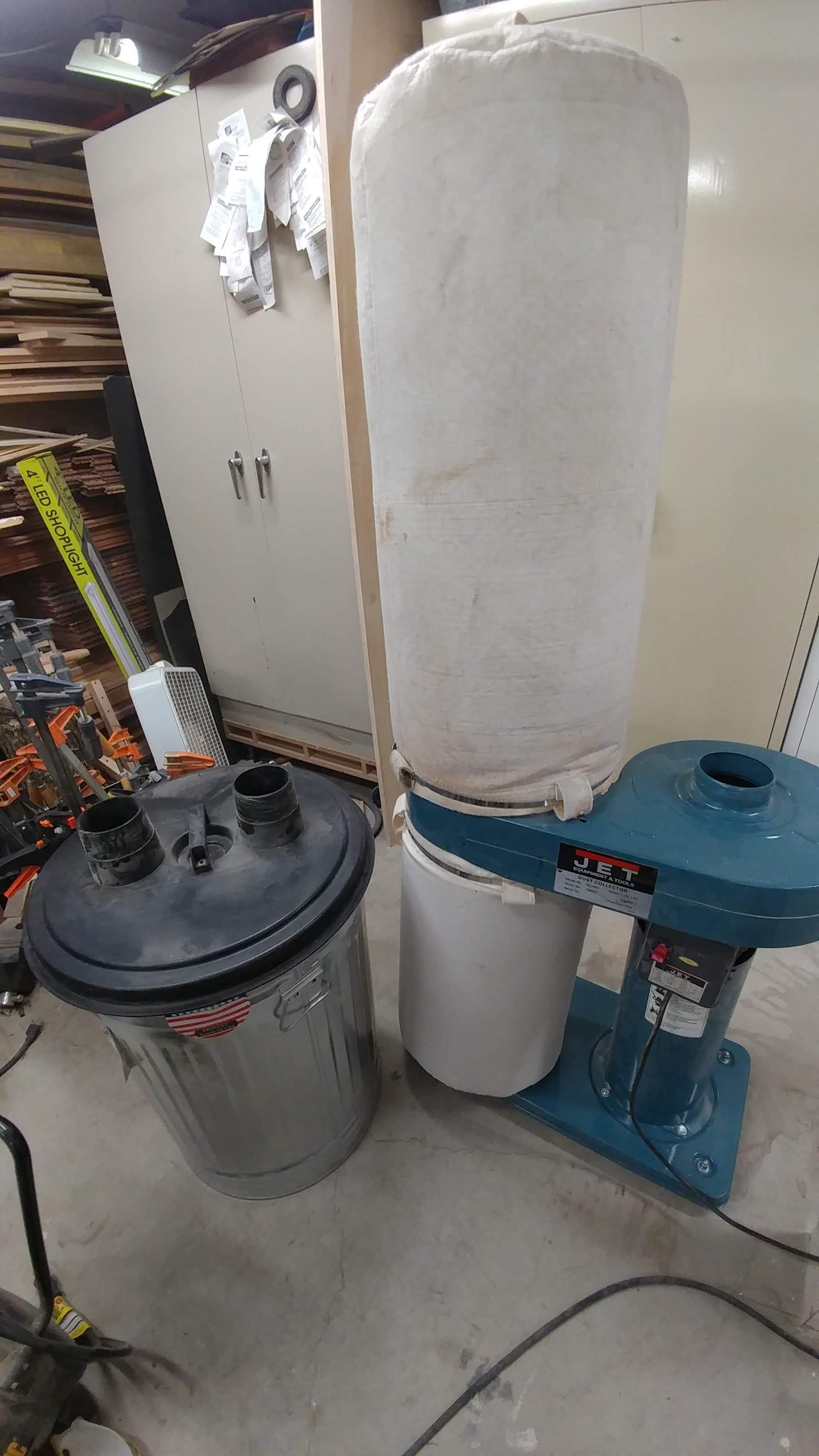
My old dust collector (seen here) had a chip separator as well. I loved having the chip separator but it took up so much room. I ended up selling to someone which brings me to my next point…

New Friends

The person I sold my old dust collector to is Cindy over at https://stur-dycustomcraft.com/ . She’s got a great little shop that is growing quickly and needs some good dust collection before things start getting too messy.

I’ve also made some friends online through the SawStop Users’ Group, over on FaceBook.

I even met a bandmate because his son had a finger save on a SawStop. I met him at Rockler and we eventually got talking about music. It turns out he lives really close to me and plays keyboard and guitar.

My favorite part of my job is meeting new people, many of which have become friends. I find that woodworkers love to share with each other. I’ve learned from so many great people who have been generous with their time and knowledge. It makes me happy to be able to pay that back by doing the same for others. We’re all learning, and we never stop learning.

If you have any questions or just want to talk shop, feel free to contact me through any of the social media links located somewhere on this page (I tend to move them around).

News – March 6th, 2019 – Cymbal Cart, Lathe Bed Extension, and YouTube Videos

I finished the cymbal cart

The cymbal cart is finally complete. It holds all of my cracked cymbals and has freed up a lot of floor space in my shop. This was a fun project and was great welding practice. I realized that I still have a long way to go until I can consider myself a good welder. This means that I have a lot of good things to learn. It’s pretty exciting, actually.

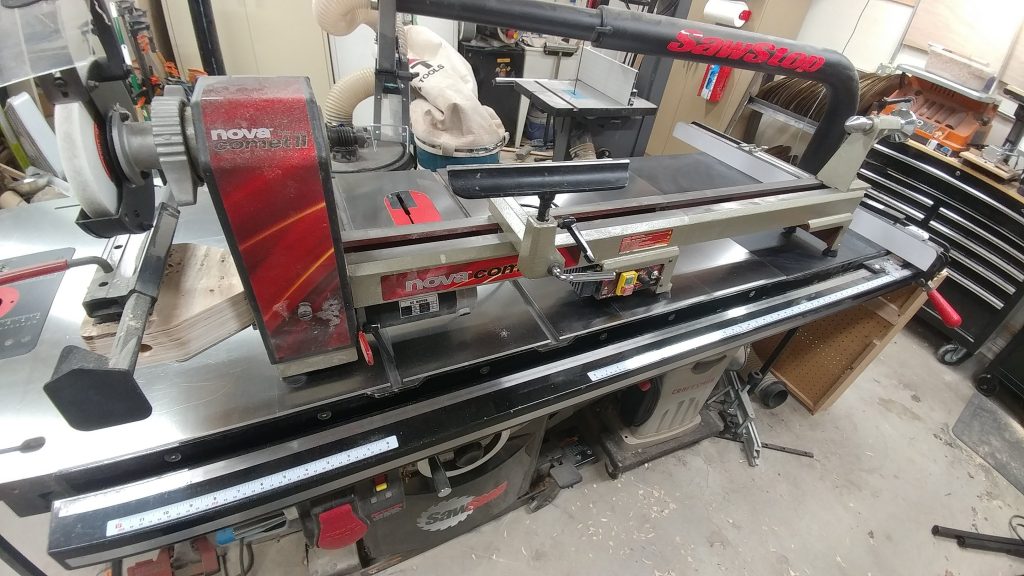
Lathe Bed Extension

I just installed the bed extension for my Nova Comet II lathe. I can now turn something up to 41-1/4″ in length. I intend to make a number of rainsticks and tube toms with this configuration. The cool – and slightly ridiculous – thing is that I can add another bed extension if I want to. In fact, I can keep adding them as far as I want. I guess that would come in handy if I wanted to turn a telephone pole or an alphorn. You laugh but I just might make an alphorn.

New clips on YouTube

I got a good opportunity to record the other day but I didn’t have anything in particular that I needed to get recorded. Instead, I just played. I put down about 8 minutes straight of brushwork to use for the backing track for YouTube videos then I played a series of short beats for stinger music.

The video above is one stinger beat that I particularly liked because I got to play around with my chime cymbals a bit. If you’re interested in what a 12″ Sabian Glennie’s Garbage sounds like, that’s the last cymbal that I hit.

The next video is part of an eight-minute improv brush performance that I’m going to add bass guitar, keyboards, guitar, and percussion to. The end result will be an eight-minute background track for some of my YouTube videos that I’m working on.

News – February 11th, 2019 – Cymbal Cart, Wood Paste, New Docs, Studio Desk, and Router Table Article

Progress on the Cymbal Cart

I got the cymbal cart all welded together. I just need to clean it up by grinding down the welds, protect the steel so it doesn’t rust, and attach some non-slip material to the bars so the cymbals don’t slide all over the place.

I should probably state that I really suck at welding, but projects like this are good practice and force me to get better.

Trying out some new products

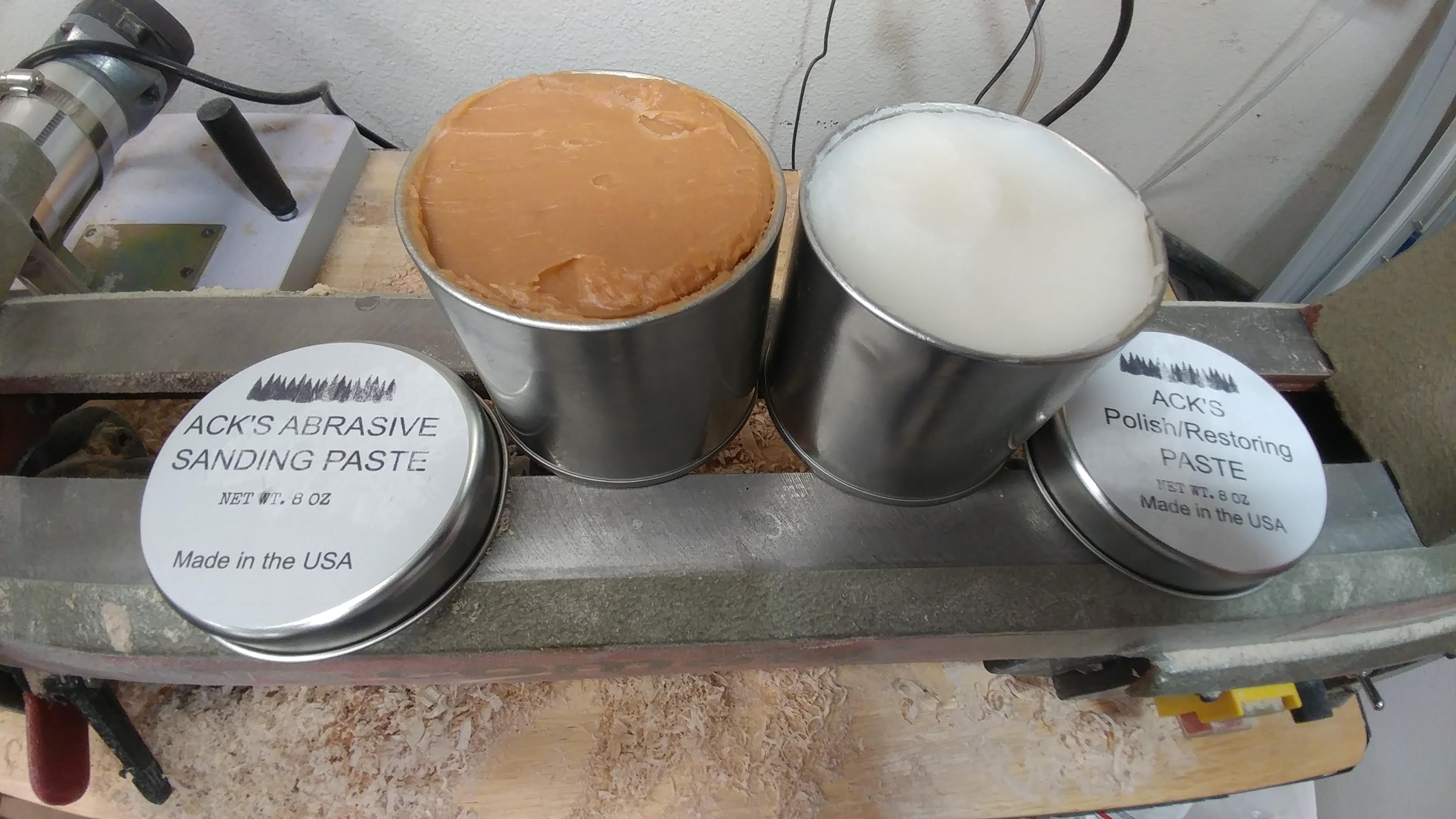
At the suggestion of Gord Rock, I am going to be trying some of Ack’s Abrasive Sanding Paste and Polish/Restoring Paste. From what I’ve seen online, it seems to work really well.

My shop is in disarray right now due to the cymbal cart project so I can’t do any woodturning for a few days. I’ll be sure to write up a review after I run it through its paces.

Gord Rock

https://ackswoodpaste.com/

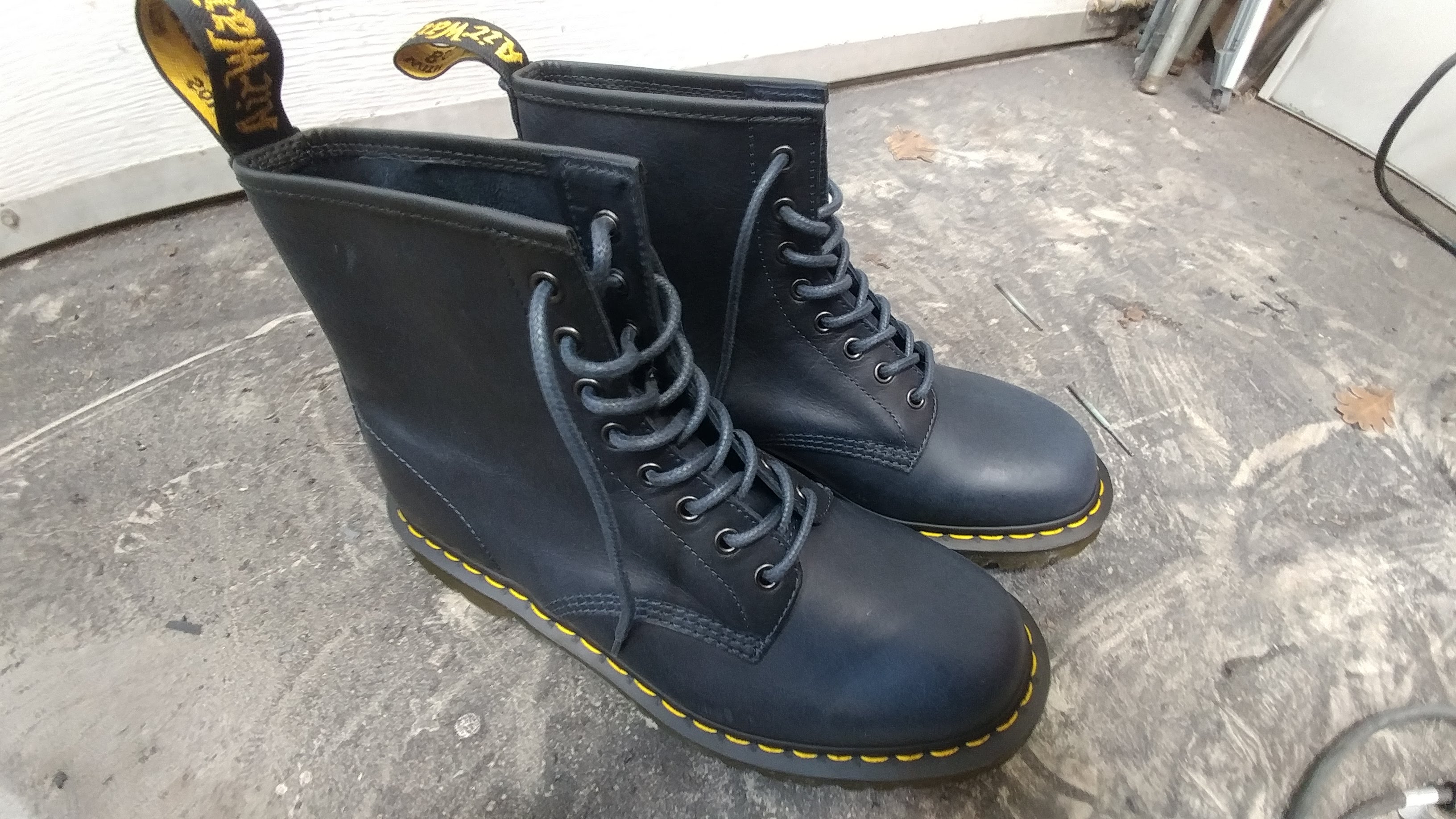
New Doc Martens!

My black Docs have finally retired after two and a half years of constant abuse. I got a new pair of Navy Docs and for the very first time in my life a pair of Docs doesn’t need any breaking in. I’m used to spending a few months painfully wearing a new pair of Docs for a few hours a day until they are finally comfortable enough to wear all day. I put these on and they’re perfect right out of the box!

No More Studio Desk

I have gotten rid of my studio desk after much debate. I really liked it but it was just too big and I didn’t end up using it the way I had hoped I would. I’m replacing it with a new desk with a separate rolling rack for all my gear. I’m looking to make something much more compact and portable. I’m still in the designing phase now but I’ll post some updates here soon.

If you aren’t familiar with my studio desk, below are the articles showing how I put it all together

Router Table Article

Due to the popularity of my Choosing a SawStop – Contractor Vs. Professional article, I have begun writing up an article that covers the SawStop router table options, including any incompatibilities you may run into. I hope to have this article out in the following week or two.

News – January 22nd, 2019 – Woodworkers Journal Interview, SawStop Articles, and Video Progress

Woodworker’s Journal Interview

http://www.woodworkersjournal.com/trent-davis/

I was recently interviewed for Woodworkers Journal’s Today’s Woodworker feature. The article can be viewed at the link above.

If you’ve ever been curious as to how I got started doing what I do, it might prove to be an interesting read.

Choosing a SawStop Article

https://www.trentdavis.net/wp/2019/01/18/choosing-a-sawstop-contractor-vs-professional/

I have finally completed the first article in my Choosing a SawStop series of articles. This one covers the differences between the SawStop Contractor Saw and the Professional Saw.

My next article will cover the differences between the Professional Saw and the Industrial Saw.

After that I will cover the differences between the JobSite Saw and the Contractor Saw.

YouTube Video Progress

I’ve been working on another YouTube video where I show how I’m building a cart out of angle-iron for holding a bunch of cracked cymbals.

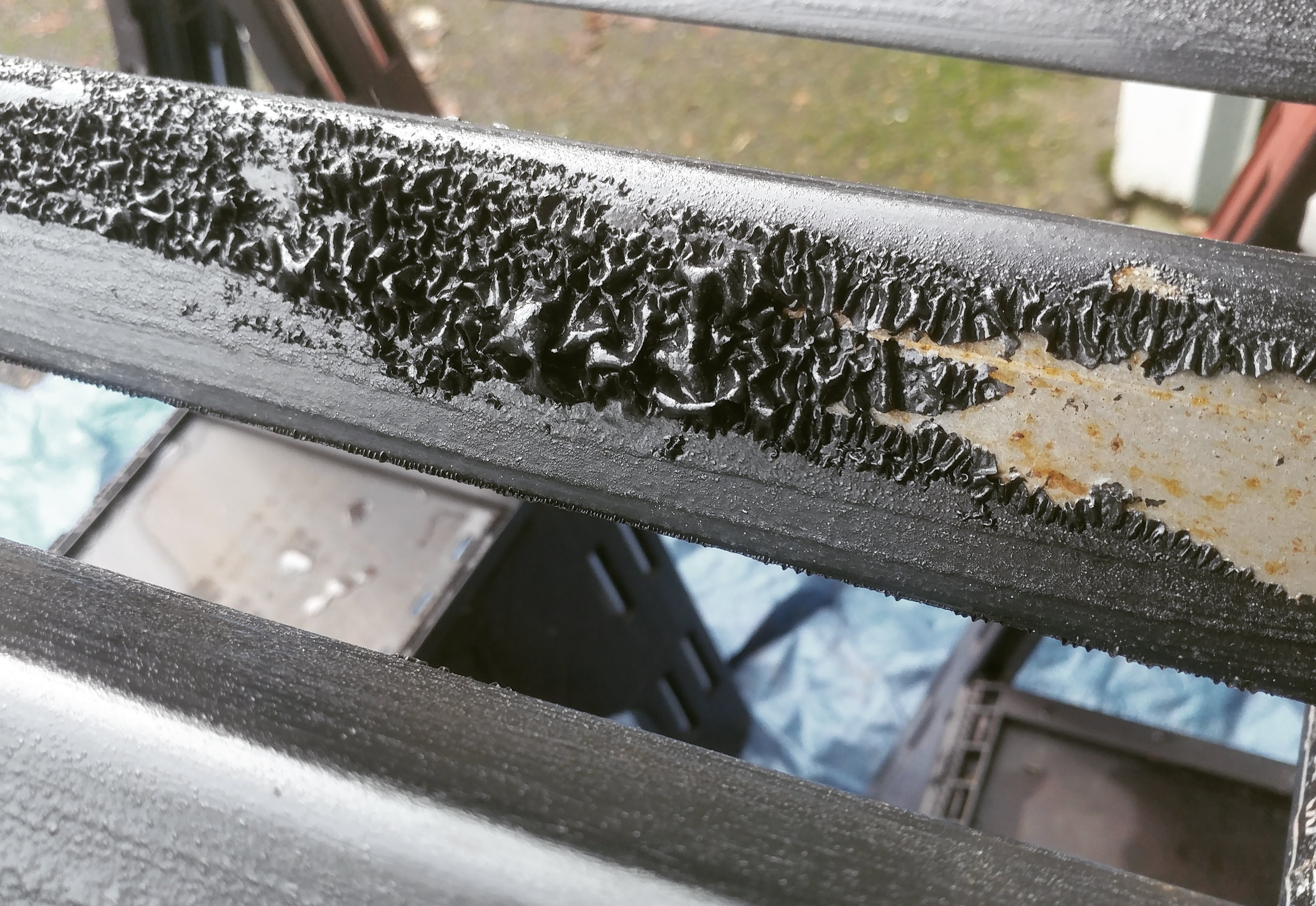
Since the angle-iron I’m using is powder-coated, I want to remove all that so I have some good clean metal to work with.

The photo to the right shows the effects of Rust-Oleum Aircraft Remover after sitting on the powder-coating for about 15 minutes. As you can see, the powder-coating is basically dissolving, allowing it to be scraped off easily.

Choosing a SawStop – Contractor VS. Professional

Share this article…

Choosing a table saw for a home shop can be frustrating.  Especially for the more advanced home shop. While I can’t tell you which saw will be best for you, I can help you decide for yourself.

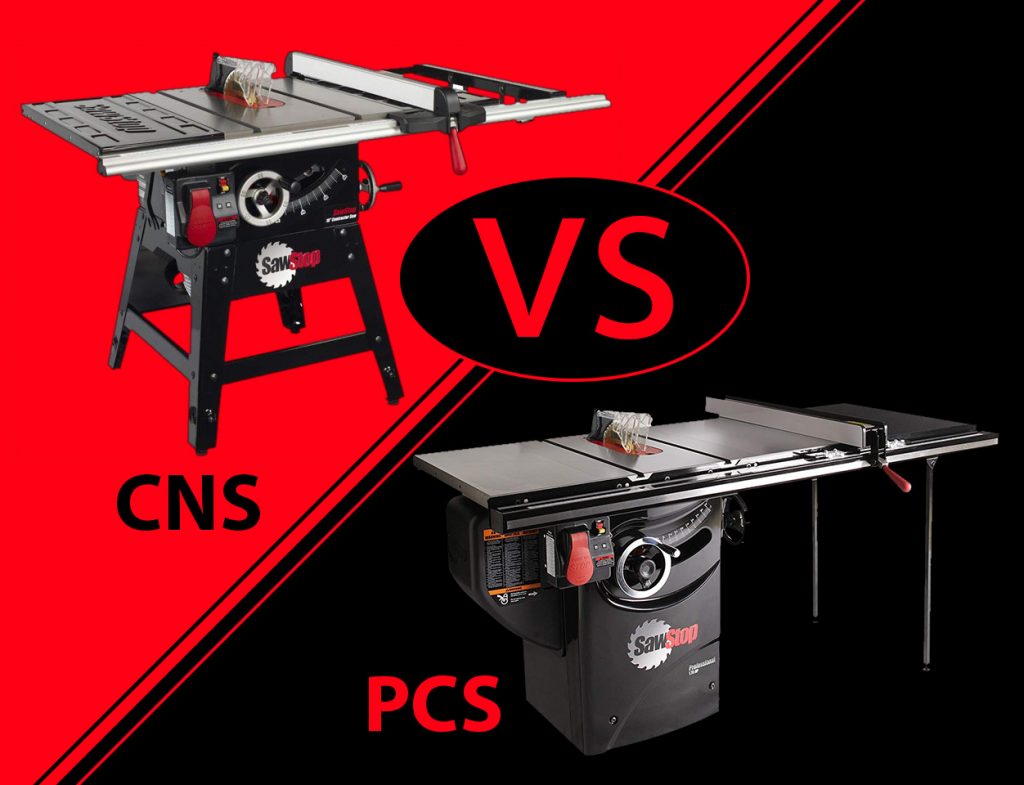
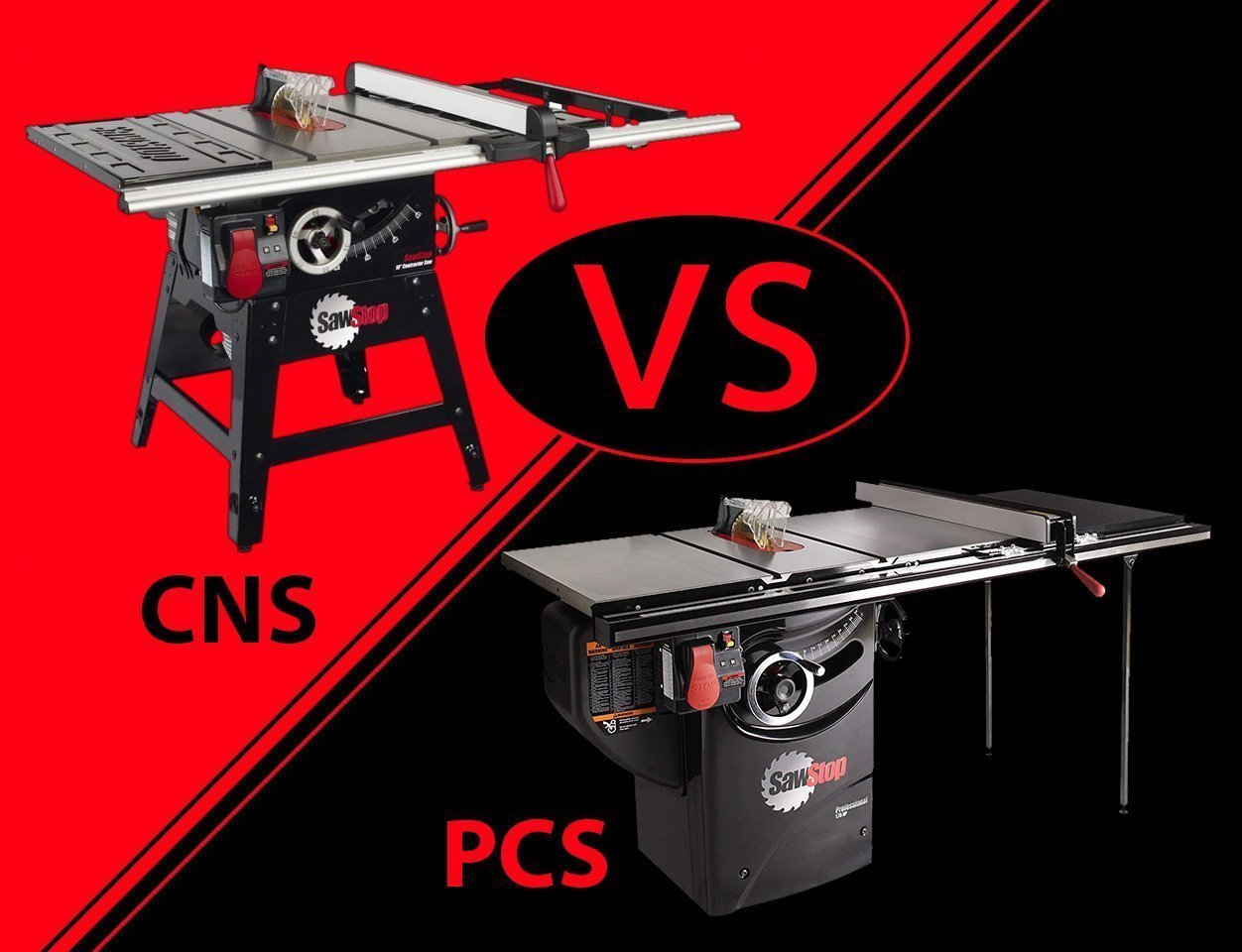
I want to discuss the differences between the SawStop Contractor Saw (CNS175) and the SawStop Professional Saw (PCS175 and PCS31230).  I’m going to take the approach of looking at what may be important to you and address them in turn. If I have failed to cover something that you consider important please let me know in the comments below and I will update this article.

Keep in mind that this particular article is only discussing the differences between the CNS and the PCS saws. I will write separate articles discussing the JobSite Saw (JSS) and the Industrial Saw (ICS).

My Recommendations

Don’t have time to read and just want to know my personal recommendations? Well, here you go…

Casual Hobbyist

Weekend Warrior

Serious Home Woodworker

With that said, let’s get started with the details.

Portability

All SawStop saws can be made portable to a certain degree.  The ultimate in portability is the JobSite Saw, but in the early days before SawStop made the JobSite Saw, the Contractor Saw was the go-to option for portability.

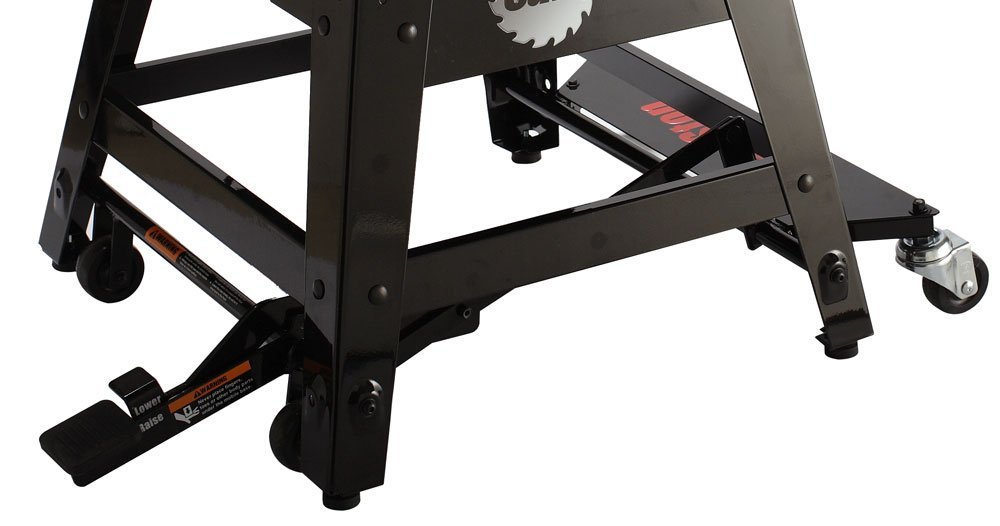
Mobile BaseCNSPCS
MB-CNS-000
Contractor Saw Mobile Base
X
MC-CNS
Contractor Saw Mobile Cart
X
MB-PCS-000
Professional Saw Integrated Mobile Base
X
MB-PCS-IND
Industrial Mobile Base with PCS Conversion Kit
X

Contractor Saw Options

The CNS has two mobility options: the Mobile Base and the Mobile Cart.

CNS Mobile Base

https://amzn.to/2BLXIxu

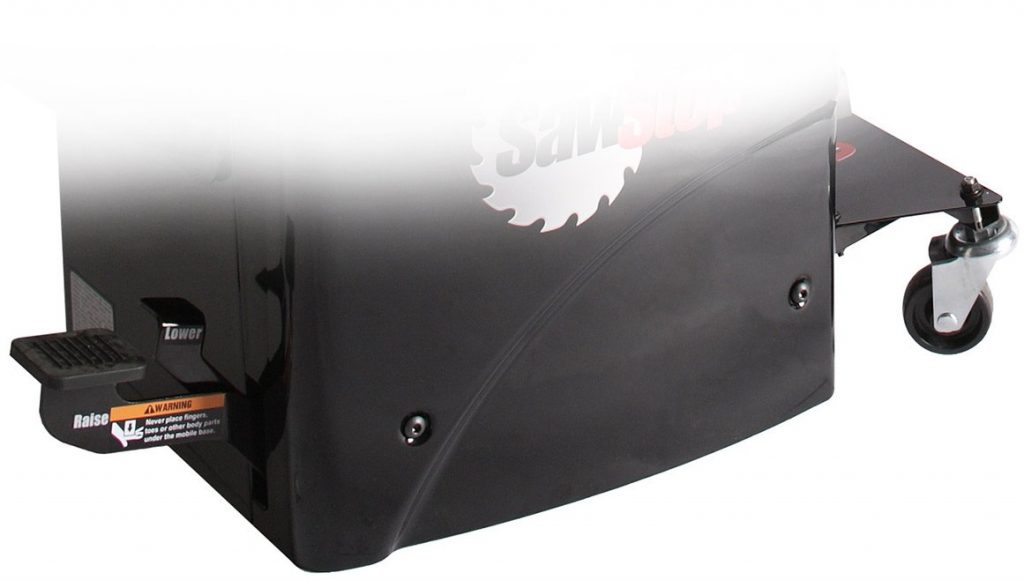
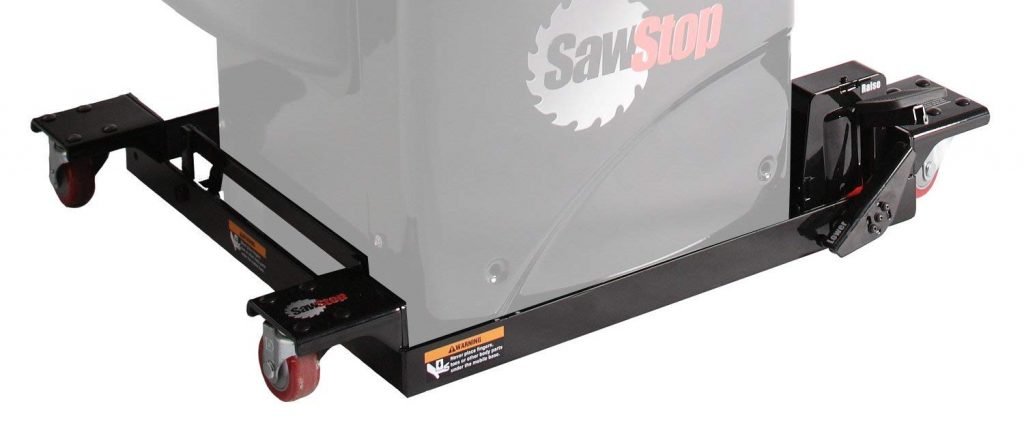
The CNS Mobile Base uses two fixed and two swivel casters to move the saw around.  There is a weight limit with this mobile base so adding accessories such as a cast-iron router table may not be an option.

Pros:

  • Easy to maneuver compared to some other mobile bases.
  • Four wheels are very stable compared to three-wheel mobile bases by other manufacturers.

Cons:

  • Assembly can be difficult for some.
  • Two fixed casters are typical with most mobile bases but not as easy to maneuver as a mobile base with four swivel casters.
  • Doesn’t lift optional outfeed table.
  • Weight limits can make certain accessories technically incompatible.

MB-CNS-000 – Contractor Saw Mobile Base

CNS Mobile Cart

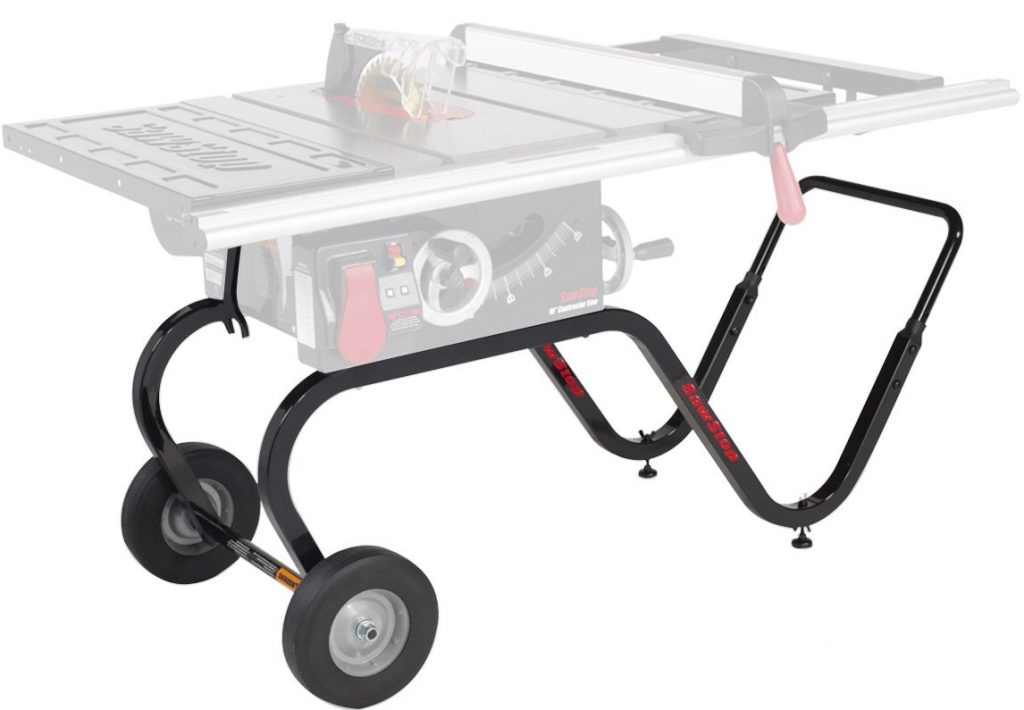
MC-CNS – Contractor Saw Mobile Cart

https://amzn.to/2BVRP0T

The CNS Mobile Cart uses two 10” solid rubber tires and two fixed feet.  It moves much like a wheelbarrow and works on rougher terrain, such as what you would find at a job site.

Pros:

  • Ultimate in maneuverability.
  • Designed to be fit through a standard doorway when the motor is removed.

Cons:

  • Doesn’t lift optional outfeed table.
  • Only compatible with the 30” or 36” fence system, not the 52”.

Professional Saw Options

The PCS has two mobility options: the Integrated Mobile Base and the Industrial Mobile Base with PCS Conversion Kit.

PCS Integrated Mobile Base

https://amzn.to/2LCyZ36

The Integrated Mobile Base is very similar to the CNS mobile base in that it uses two fixed and two swivel casters.  It shares the same pros and cons as the CNS Mobile Base as well.

Pros:

  • Easy to maneuver compared to some other mobile bases.
  • Four wheels are very stable compared to three-wheel mobile bases by other manufacturers.

Cons:

  • Assembly can be difficult for some.
  • Two fixed casters are typical with most mobile bases but not as easy to maneuver as a mobile base with four swivel casters.
  • Doesn’t lift optional outfeed table.
  • Weight limits can make certain accessories technically incompatible.

MB-PCS-000 – Professional Integrated Mobile Base

Industrial Mobile Base with PCS Conversion Kit

MB-PCS-IND – Industrial Mobile Base with PCS Conversion Kit

https://amzn.to/2BHhzO4

Now we’re getting serious! The Industrial Mobile Base uses four swivel casters which allow you to spin your saw in place. It was designed for the Industrial Saw which weighs almost twice as much as the Professional Saw so it can handle the weight of pretty much any accessory you can throw at it. It requires you to purchase and install the PCS Conversion Kit which modifies the Industrial Mobile Base to work with the slightly smaller PCS. Note: The link above contains both the mobile base and the conversion kit.

Pros:

  • Extremely easy to finely position your saw anywhere in your shop.
  • Strong enough to lift the PCS and any accessory attached to it.

Cons:

  • PCS Conversion Kit requires removal of screws with blue Loc-Tite on them, which can be difficult.
  • Will cause you to despise all other mobile bases you ever use.
  • Doesn’t lift optional outfeed table.

Extension Wings

Both the CNS and the PCS have cast-iron main tabletops. The CNS comes stock with a stamped steel 12″ extension wing on each side of the main table. This is because the CNS is designed to be portable and the stamped steel wings weigh quite a bit less than the cast iron wings that come standard with the PCS.

You have the option of adding the cast-iron extension wings to the CNS which increases the weight of the saw, resulting in less vibration.

Fence Options

Both the CNS and the PCS are available in a 30”, 36”, and 52” fence configurations.

Fence SystemRip
Capacity
CNSPCS
CNS-SFA
Contractor Saw Standard Fence Assembly
30″X
PCS-PFA
Professional Saw Premium Fence Assembly
30″X
TGP2-FRT36A2
36″ T-Glide Professional Fence System
36″XX
TGP2-FRT52A2
52″ T-Glide Professional Fence System
52″XX

CNS Standard Fence Assembly (SFA)

The 30” Standard Fence Assembly for the CNS is a lightweight aluminum fence system that secures at both the front and the back of the saw. Because of this, some accessories are not compatible with the 30” fence system.
Pros:

  • Lightweight, which may be important if using a CNS on a jobsite
  • Small footprint

Cons:

  • Not as sturdy as the T-Glide fence system
  • Limited to 30″ rip capacity
  • Face-plates are not replaceable

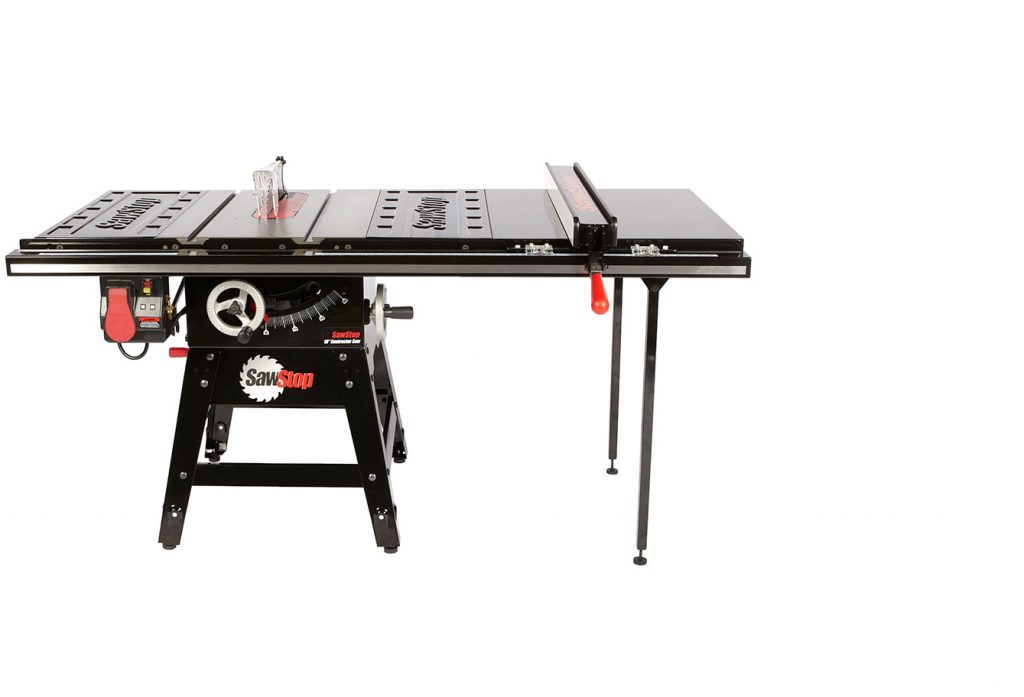
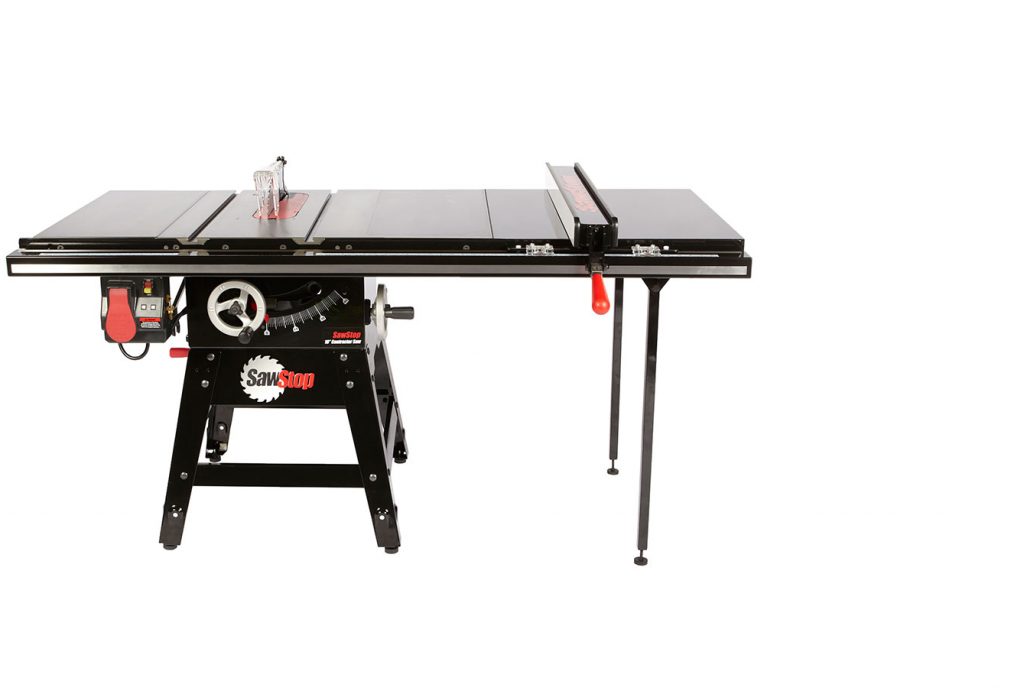
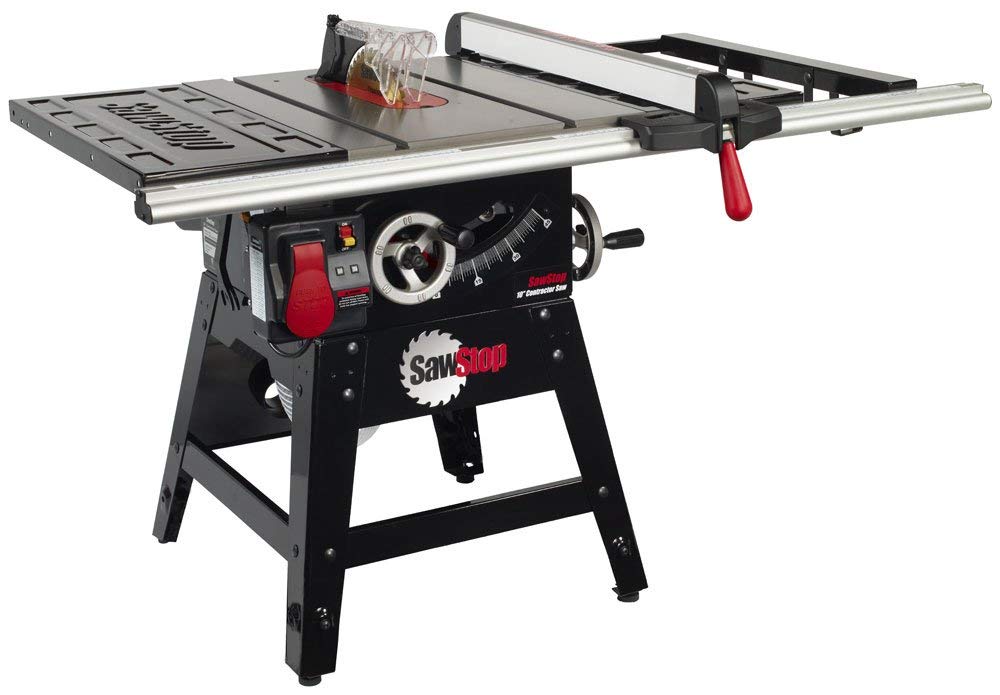
CNS175 with 30″ SFA Fence System

PCS Premium Fence Assembly (PFA)

The 30” Premium Fence Assembly for the PCS is similar to a Biesemeyer style fence that you find on larger cabinet saws. It secures to the front rail only. The faceplates for the PFA are non-replaceable.

Pros:

  • Very sturdy
  • Small footprint

Cons:

  • Not as sturdy as the T-Glide fence system
  • Limited to 30″ rip capacity
  • Face-plates are not replaceable

T-Glide Professional 36″ or 52″ (TGP2)

Both the 36” and 52” fence systems use a larger, more heavy-duty Biesemeyer style fence. It has replaceable faceplates.

Although the name has “Professional” in it, this system is also completely compatible with the CNS.

Pros:

  • Extremely sturdy
  • Allows up to 52″ of rip capacity
  • Face-plates are replaceable

Cons:

  • Larger footprint

Miter Gauge

The miter gauge for the Contractor Saw is similar to the one provided with the Professional Saw but there is one minor difference. The miter gauge for the Professional Saw has spring bearings on the side of the miter bar that work to ensure the miter gauge is always held firmly in the slot without any play to it.

The miter gauge for the PCS (above) and the CNS (below). Note the addition of spring bearings on the side of the miter bar for the PCS miter gauge.

Shop Space

The amount of space that each saw takes up can be misleading. While both the CNS and the PCS saws share the same table dimensions, the CNS has a motor that hangs off the back of the saw which adds to the amount of space that it takes up.

Saw ModelWidthDepthHeight
CNS w/ 30″ Fence58 ½40″34 ¾”
CNS w/ 36″ Fence69 ⅛”45″34 ¾”
CNS w/ 52″ Fence85 ¼ “45″34 ¾”
PCS w/ 30″ Fence61 ¾”31 ⅛”34″
PCS w/ 36″ Fence69 ⅛”33″34″
PCS w/ 52″ Fence85 ¼”33″34″

A few things to keep in mind: the height of the Contractor Saw is adjustable since it has screw-in feet at the bottom of each leg; the industrial mobile base adds an additional ¼ ” to the height of the saw.
Power (Horsepower)

Horsepower (HP)CNSPCS
1.75XX
3.0X

The Contractor Saw is only available with a 1.75 HP motor which can be wired for either 110 Volts A/C (VAC) or 220 VAC.  Whether it is wired for 110 or 220 doesn’t affect the horsepower at all. More in this in a little bit…

The Professional Saw is available in either 1.75 HP at 110 or 220 VAC, or 3 HP at 220 VAC only.  

If you’re going with the Contractor saw then you are pretty much limiting yourself to 1.75 HP, which may not necessarily be a bad thing.  

The Professional saw, however, adds the possibility of moving up to 3 HP.  This can be done when you initially acquire your saw by purchasing the PCS31230 or it can be done at a later date by purchasing a PCS175 then buying a new motor and contactor box when you decide to do the upgrade.  This option is more expensive than just buying the PCS31230.

Is 3 HP necessary?  Not necessarily. I’ve used 1.75 HP saws for years without any problems, you just need to know how to work within those limitations.  If you’re making cabinets and spend the bulk of your time cutting sheet goods, a 1.75 HP machine should be fine. If you need to cut the occasional hardwood then it helps to switch to a thin blade with fewer teeth, or simply lower your feed rate but that can cause burning on your material.  

One trick that I have done in the past is to cut my material just a hair wider than I need it at a slower feed rate.  This will cause some burning but won’t over-tax the motor. Then, I move my fence over and cut the material to the final width at a normal feed rate so I’m not removing much material but going fast enough to help minimize any burning.

That being said, it is really hard to bog down a 3 HP motor.

Power (Electrical Requirements)

Saw Model110 Volts220 Volts
CNS175 X X
PCS175 X X
PCS31230 X

Both the CNS and the PCS175 come wired to 110 VAC but can be upgraded by purchasing an optional 220 VAC contactor box and changing the wiring in the motor junction box.

The contactor boxes for changing to 220 VAC are available here:

The 3 HP PCS31230 is only available in 220 VAC.

One question I get asked a lot is what are the advantages of going from 110 VAC to 220 VAC. The bottom-line is no, you won’t see an increase in power. There are some other advantages, however.

A 1.75 HP motor running on 110 VAC will have an amperage load draw of 13 Amps. This means that under load, the saw will require an average of 13 amps to keep the motor spinning at speed. If you bog down the motor by cutting dense wood, the motor draws more amps to keep spinning at speed. If you are pulling 13 Amps on a 15 Amp circuit then you don’t have much headroom before the breaker is tripped.

A 1.75 HP motor running on 220 VAC will have an amperage load draw of 10 Amps. This causes the motor to run cooler, which is better for the motor in the long-run, but also gives you more headroom before the breaker is tripped. This comes in handy when resawing dense hardwood or anything else that really pushes the motor.

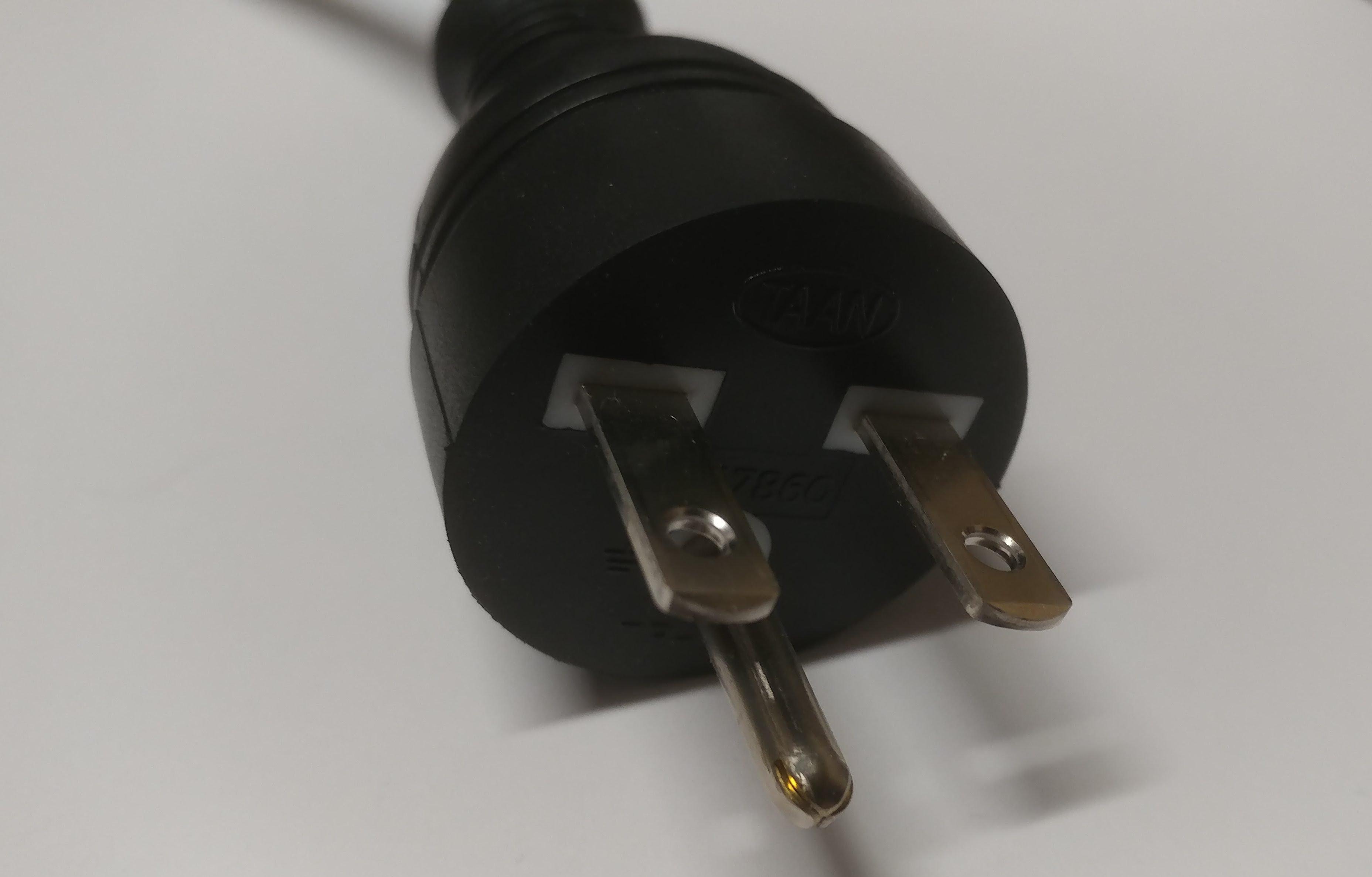
Both 220 contactor boxes come equipped with a Nema 6-15 plug. This means that it is a style 6 plug rated for 15 amps. You should be able to run the saw on a 15 Amp circuit without any problems. Most people run these saws on a 20 Amp breaker.

Dust Collection

A standard airflow requirement for most table saws is 350 CFM in order to provide decent dust collection.

By design, any cabinet saw should have better dust-collection than a contractor saw. Cabinet saws are enclosed so the sawdust that doesn’t make it down the dust chute will still be contained within the body of the saw. Contractor saws, on the other hand, are much more open so loose sawdust will fall to the floor under and around the saw.
CNS-DCP – Dust Collection Panel

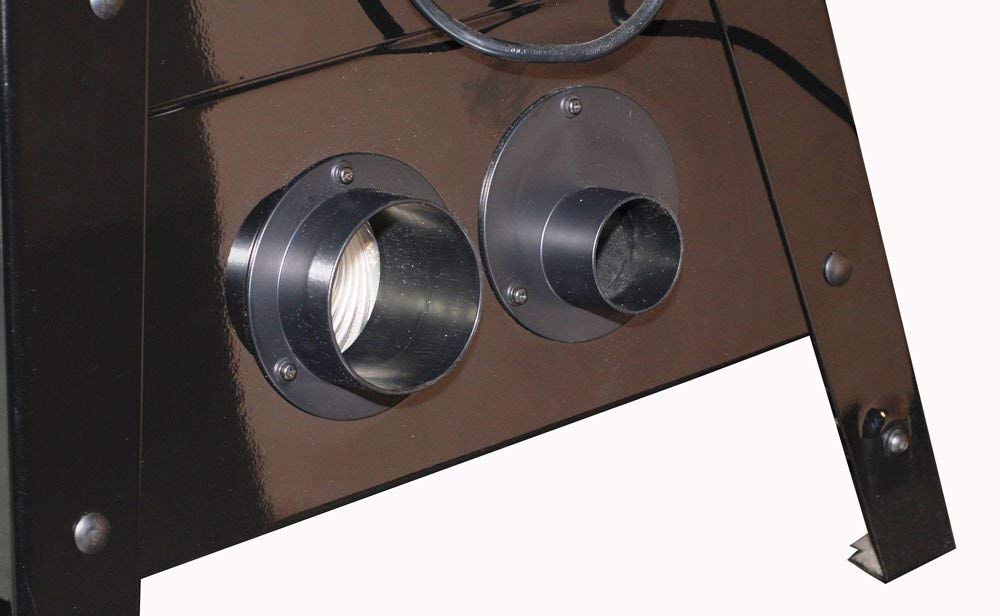
The Contractor Saw has an optional accessory called the Dust Collection Panel (CNS-DCP) which allows you to hook up either a 4” or a 2 ½” hose to the back of the saw, while making the connection point much more accessible. The 2 ½” port enables the use of a Shop-Vac rather than a dust collector. While Shop-Vacs do not generally provide the required CFM, they’re better than nothing.
The Contractor Saw and the PCS175 both come with the Micro Blade Guard (TSG-MG).

The advantage of the Micro Blade Guard is that the clear plastic shell can be easily removed which allows you to use a splitter with anti-kickback pawls.

TSG-MG – Micro Blade Guard

TSG-DC – Dust Collecting Blade Guard

Any saw that is 3 HP or more will come with the Dust-Collecting Blade Guard (TSG-DC). Either of the 1.75 HP saws will work with the TSG-DC but it will need to be purchased separately. This brings us to our next subject…

Compatibility

The Contractor Saw and the Professional Saw share a lot of the same characteristics. As such, they share a lot of the same accessories.

While the 30” fence options are different for each saw, the 36” and 52” T-Glide fence system is completely identical for both saws.

The table depth is 27” on both saws, so the cast-iron wings for one saw will technically fit on the other one although they are slightly different in a superficial way.

This also means that the inline router table will technically work on both saws although it isn’t officially supported on the Contractor Saw. More on this in a bit. Let’s address all of the accessories in turn.

First, here’s a checklist of each accessory and it’s compatibility with each saw.

AccessoryCNSPCS
MC-CNS
Contractor Saw Mobile Cart
X
MB-CNS-000
Contractor Saw Mobile Base
X
MB-PCS-000
Professional Integrated Mobile Base
X
MB-PCS-IND
Industrial Mobile Base with PCS Conversion Kit
X
OFT30-CNS-000
30″ Outfeed Table
X
TSA-FOT
Folding Outfeed Table
X
CNS-DCP
Dust Collection Panel
X
TSA-ODC
Overarm Dust Collection
XX
TSG-FDC
Floating Dust Guard
XX
RT-TGP
Inline Router Table
XX
TSA-SA48
Sliding Crosscut Table
XX
TSA-SA70
Large Sliding Table
XX

Contractor Saw Mobile Base

MB-CNS-000 – Contractor Saw Mobile Base

https://amzn.to/2BLXIxu

The Contractor Saw Mobile Base allows you to move the Contractor saw around your shop easily but it’s not designed to lift extremely heavy loads. This limits the compatibility with some accessories such as the router table and the sliding crosscut tables.

This mobile base features two fixed and two swivel casters, similar to most mobile bases on the market.

Saw ModelCompatibleTechnically IncompatibleIncompatible
CNSX
PCSX

Contractor Saw Mobile Cart

MC-CNS – Contractor Saw Mobile Cart

https://amzn.to/2BVRP0T

The Contractor Saw Mobile Cart makes the Contractor saw extremely portable. If you team this up with the 30″ SFA fence system and the stock stamped steel wings then the saw is relatively lightweight and easy to maneuver.

It should be noted that the mobile cart is technically not compatible with the 52″ fence system, simply because it is so long that it will stick out over the cart handle.

Saw ModelCompatibleTechnically IncompatibleIncompatible
CNSX
PCSX

Professional Integrated Mobile Base

MB-PCS-000 – Professional Integrated Mobile Base

https://amzn.to/2LCyZ36

The Professional Saw Integrated Mobile Base is much like the Contractor Saw Mobile base in that it has two fixed casters and two swivel casters It also has a weight limit that makes some accessories technically incompatible with it since it may not support the weight.

Saw ModelCompatibleTechnically IncompatibleIncompatible
CNSX
PCSX

Industrial Mobile Base

MB-PCS-IND – Industrial Mobile Base with PCS Conversion Kit

https://amzn.to/2BHhzO4

The Industrial Mobile Base is the ultimate in tool portability. It features a hydraulic jack and four swivel casters which allows you to literally spin the saw in place if you need to. Although it technically has a weight limit, I have yet to reach that.*

*I have an ICS (which weighs almost twice as much as the PCS) with an extra cast-iron wing, the TSG-FDC Floating Dust Guard, and the Inline Router Table attached to it and the mobile base lifts the entire thing up without even the slightest hesitation.

Saw ModelCompatibleTechnically IncompatibleIncompatible
CNSX
PCSX

30” Outfeed Table

https://amzn.to/2CDaVKx

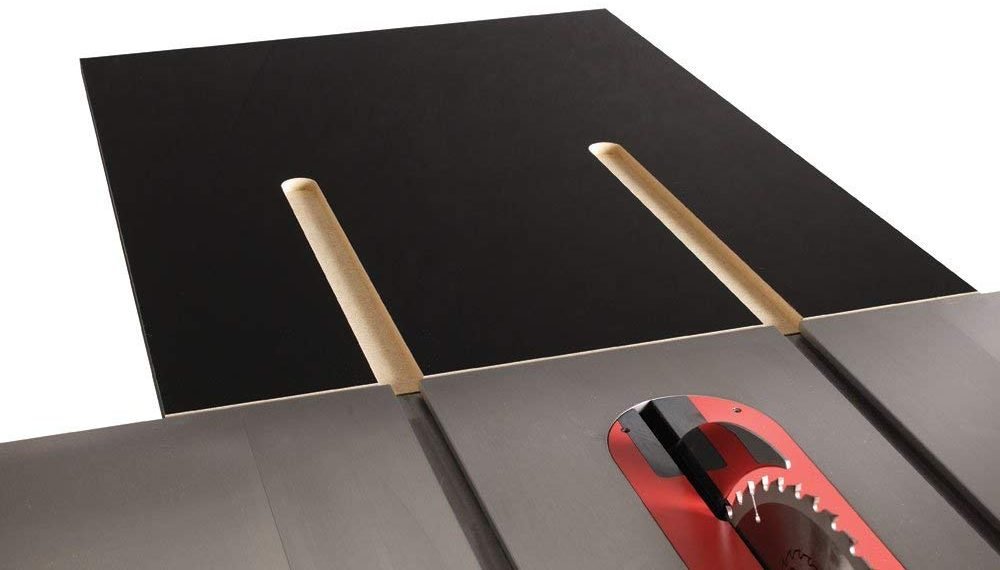
The 30″ Outfeed Table is a quick, easy way of adding outfeed support to your saw. This was designed for the Contractor Saw but is perfectly compatible with the PCS as well.

It should be noted that the 30″ Outfeed Table is not compatible with a mobile base because there isn’t anything to support the legs for the outfeed table. That being said, I am proud to include myself in the large group of people that have jury-rigged and modified it so that it works fine with a mobile base. You just need to get creative.

Saw ModelCompatibleTechnically IncompatibleIncompatible
CNSX (with T-Glide Fence System)While using a mobile base
PCSX (with T-Glide Fence System)While using a mobile base

Folding Outfeed Table

https://amzn.to/2Rt12aN

The Folding Outfeed Table provides a large outfeed surface while being portable and compatible with both mobile bases. It also, as the name implies, folds down out of your way when not needed.

The Folding Outfeed Table is not compatible with the CNS for two reasons. 1. The motor will get in the way. 2. The motor will hit the Folding Outfeed Table when the blade is angled past 40-degrees.

Saw ModelCompatibleTechnically IncompatibleIncompatible
CNSXX
PCSX

Dust Collection Panel

CNS-DCP – Dust Collection Panel

https://amzn.to/2SlAeGt

Normally you would hook up a dust-collector hose to the underside of the contractor saw. This is fine if you plan on leaving it permanently hook up to the saw but if you are needing to remove it and reattach it to another saw or if you want the option of using a ShopVac with a 2 1/2″ hose then the Dust Collection Panel is a worthwhile upgrade.

This item places both a 4″ and a 2 1/2″ dust port at the rear of the saw rather than underneath.

Saw ModelCompatibleTechnically IncompatibleIncompatible
CNSX
PCSX

Overarm Dust Collection System (TSA-ODC)

https://amzn.to/2GUk6dA

The TSA-ODC allows you to hook up the dust collecting blade guard (TSG-DC) to your saws existing 4″ dust port. The CNS175 and PCS175 come with the Micro Guard (TSG-MG) which does not have a dust port on it. If you are wanting to install the TSG-DC on either of those saws then you will need to purchase the TSG-DC. Since the PCS31230 comes with the TSG-DC then there isn’t anything else that needs to be added.

Saw ModelCompatibleTechnically IncompatibleIncompatible
CNSX*
PCSX*
PCS31230 X

*With purchase of TSG-DC. Only compatible with the T-Glide fence system.

Floating Dust Guard

https://amzn.to/2VeS2Vs

The Floating Dust Guard (TSG-FDC) provides above-the-table dust collection while allowing you to use simply the riving knife or even no blade guard, such as when you are cutting dadoes.

The 4″ port provides slightly improved dust collection over the TSA-ODC while increasing blade visibility. It also allows you to position the guard much closer to the blade so you can make thinner rip cuts while still using the blade guard.

The TSG-FDC requires either the 36″ or 52″ T-Glide Fence System since it attaches to the far right end of the wooden extension table.

Also, for the exact same reason, if attaching the TSG-FDC to a saw with a cast-iron router table attached, the router table will need to be attached to the left rather than the right.

The TSG-FDC is technically not compatible with either the Contractor Saw Mobile Base or the Professional Saw Integrated Mobile Base due to weight limitations. It works fine with the Industrial Mobile Base.

Saw ModelCompatibleTechnically IncompatibleIncompatible
CNSWhile using a mobile base
PCSXWhile using integrated mobile base

Inline Router Table

https://amzn.to/2QVZYfN

This is an extremely popular addition to your SawStop. The Inline Router Table consists of a cast-iron router table that attaches to either the left cast-iron wing or in place of the wooden extension table at the far right.

I will be writing a detailed article about the different router table configurations and some of the considerations for each.

This addition is not compatible with either the Contractor Saw Mobile Base or the Professional Saw Integrated Mobile Base due to weight limitations. It works fine with the Industrial Mobile Base. It also is not compatible with the stamped steel wings that come stock on the CNS.

If you have a CNS with cast-iron wings and don’t use a mobile base then there is no reason you can’t attach the inline router table to your saw.

Saw ModelCompatibleTechnically IncompatibleIncompatible
CNSWhile using a mobile base
PCSXWhile using integrated mobile base

Sliding Crosscut Table (TSA-SA48)

https://amzn.to/2LD136j

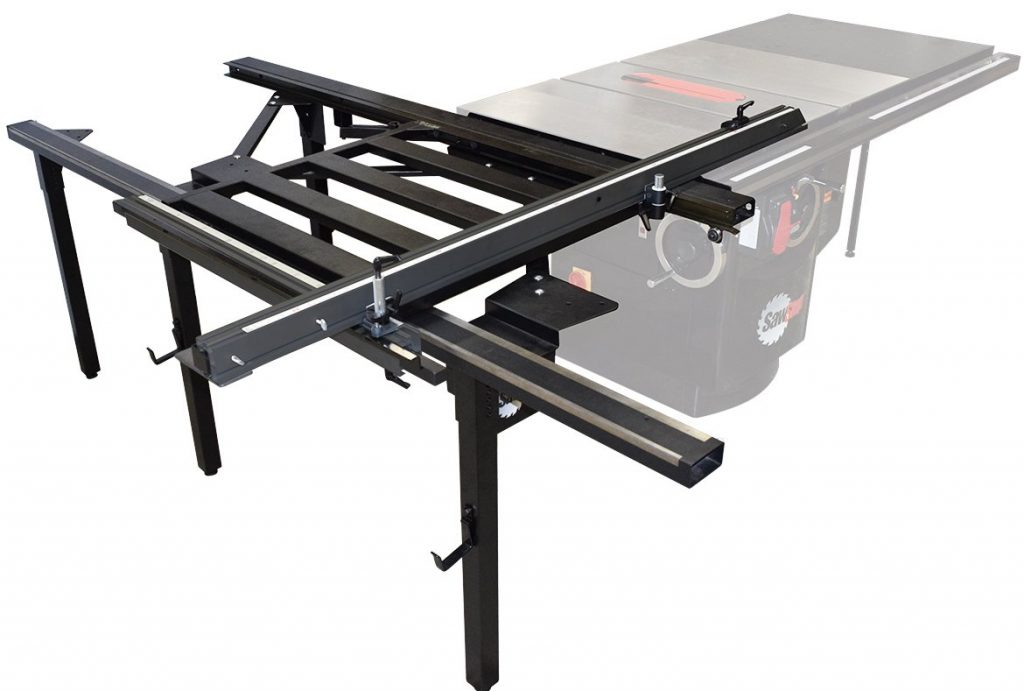
The Sliding Crosscut Table adds the ability to crosscut sheet-goods up to 48″ in width. It mounts either to the left wing or in place of it, which requires cutting down the front and rear rails and the front tube.

I don’t consider this a replacement for a miter gauge or a sled, but, rather, yet another tool in your arsenal.

This addition is not compatible with either the Contractor Saw Mobile Base or the Professional Saw Integrated Mobile Base due to weight limitations. It works fine with the Industrial Mobile Base.

Saw ModelCompatibleTechnically IncompatibleIncompatible
CNSXWhile using a mobile base
PCSXWhile using integrated mobile base

Large Sliding Table (TSA-SA70)

https://amzn.to/2AgzD1K

If you need to crosscut even larger sheet goods, the Large Sliding Table (TSA-SA70) has several configuration options which allow you to crosscut up to 70″ in width.

This addition is not compatible with any mobile base.

Saw ModelCompatibleTechnically IncompatibleIncompatible
CNSXWhile using a mobile base
PCSXWhile using a mobile base

Conclusion

Whether you choose a Contractor Saw or a Professional Saw, I’m confident you will happy with your purchase. Hopefully what I have assembled for you here has helped you make a decision on which saw is right for you.

I accept that it’s impossible to cover all considerations in this article. Still, that’s my goal. As such, if you have any other questions that I did not address, please leave them in the comments below and I will update this article.

Share this article…

News – December 13th, 2018 – Lots of Updates

New Welder

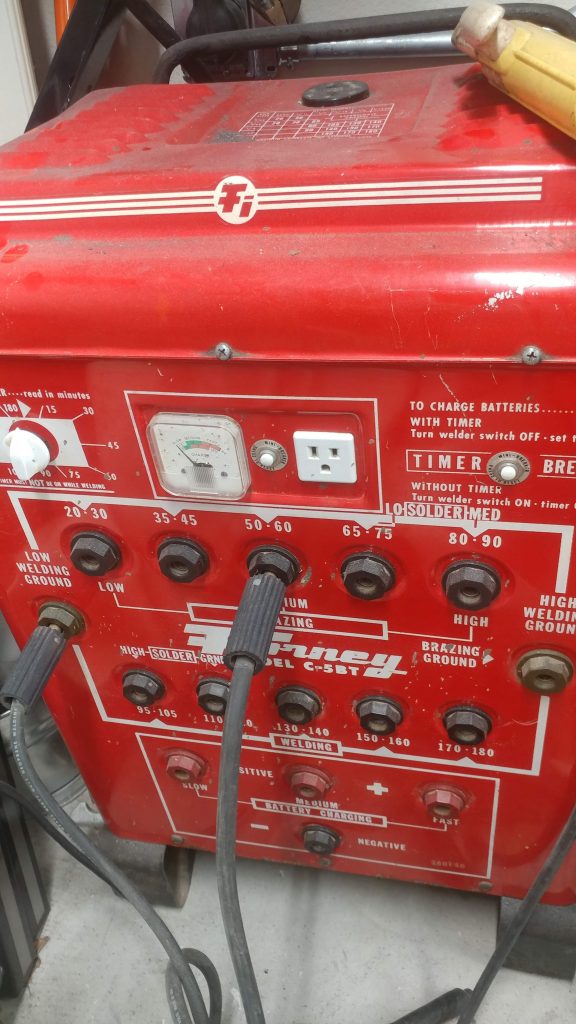
I traded in my Harbor Freight 110 volt welder for an old Forney 220 volt one.  It’s old, heavy, and almost too powerful.  I’m still getting the hang of it but so far I am really enjoying it and I’m looking forward to how this can help out with my projects.


New Lathe

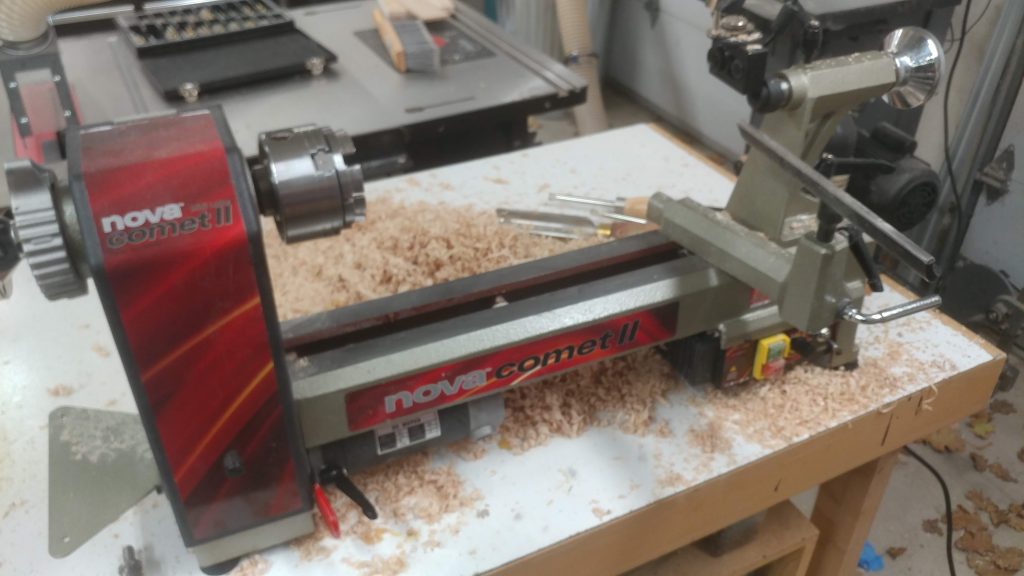
I upgraded my Excelsior mini lathe to a Nova Comet II.  It’s a minor step up in quality and capabilities and will in no way be the last lathe I ever buy, but for the time being it will allow me to do things I couldn’t do before, such as fluting and turning 12″ diameter bowls and vessels.


Cymbal Rack

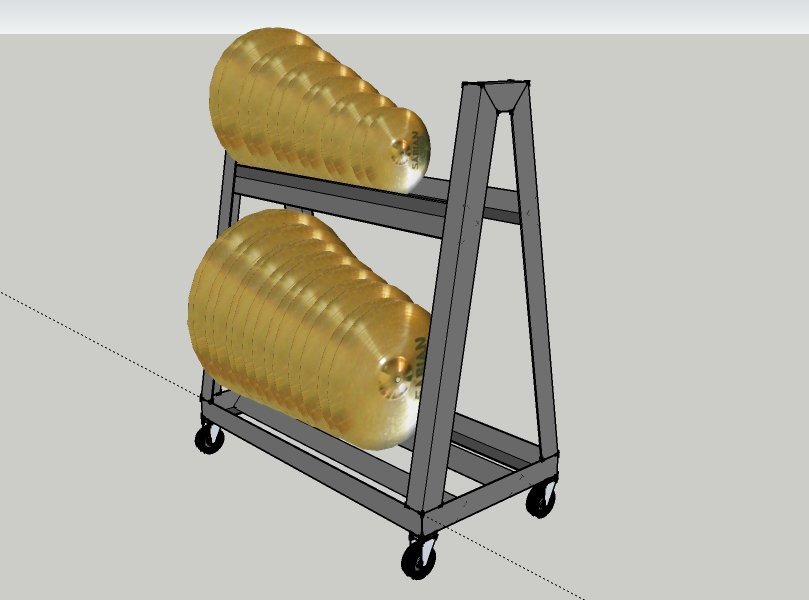
Using my new welder I am going to make a rolling cart for all of my cracked cymbals.  These cymbals are currently in five separate stacks in my shop taking up valuable space and causing a tripping hazard.  This rolling cart will allow me to get comfortable with my new welder and get these cymbals off the floor.  It will also be easier to sort through them when they are stored vertically on shelves rather than horizontally in stacks.

Now, you may ask “Why does he have so many cracked cymbals”?  Good question…


Getting my Cymbal Rescue going

For years I have been collecting cracked cymbals, usually buying them for cheap, then cutting them down to usable sizes and either incorporating them into my kit or donating them to schools or beginning drummers.  I refer to this as my Cymbal Rescue.

It’s time to get the operation into full(er) swing.  With a decent welder in my arsenal, I can make a cymbal lathe that will allow me to not only cut the cymbals down but make them thinner as well which is necessary for achieving certain sounds.


Other Minor Updates

I’m still working on some YouTube videos and I’m also developing my next book.  The shop is going through some major renovations and I’m just trying to get through the holidays in one piece.

I’m expecting to have some major updates early next year.