News – March 18th, 2019 – New Studio Desk, New Dust Collector, and New Friends

New Recording Studio Desk

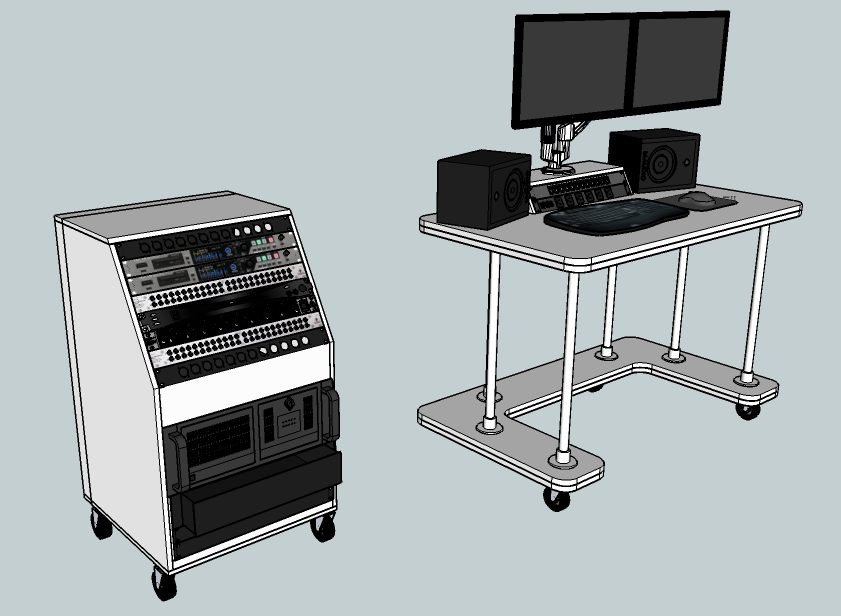
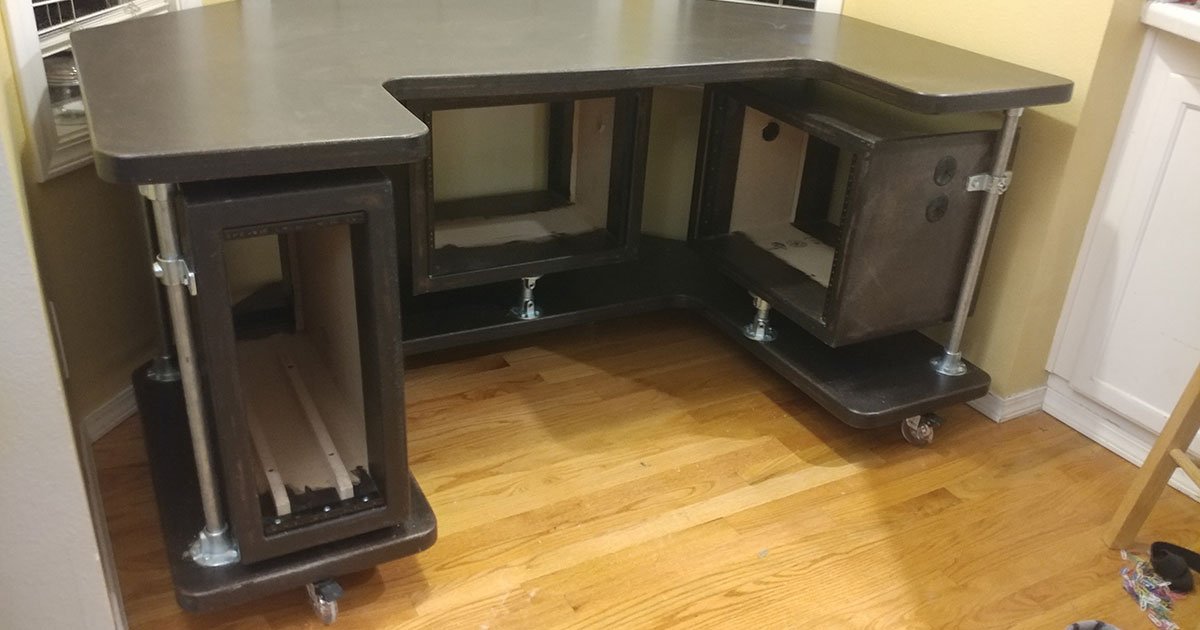
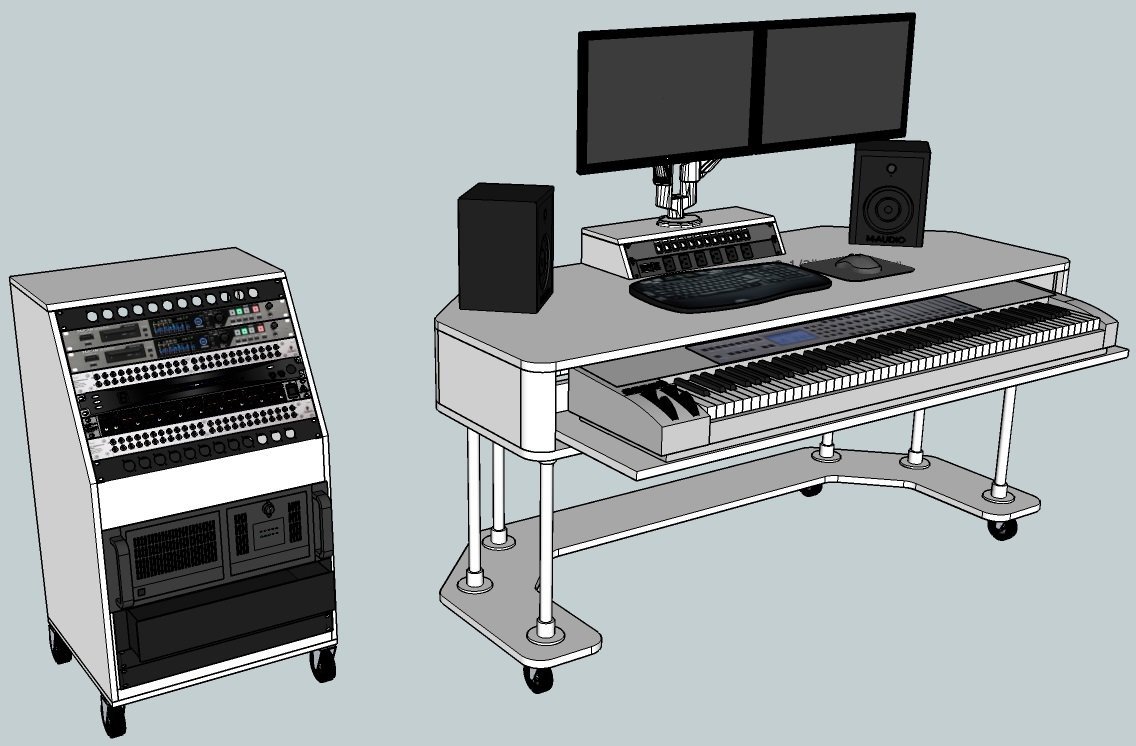
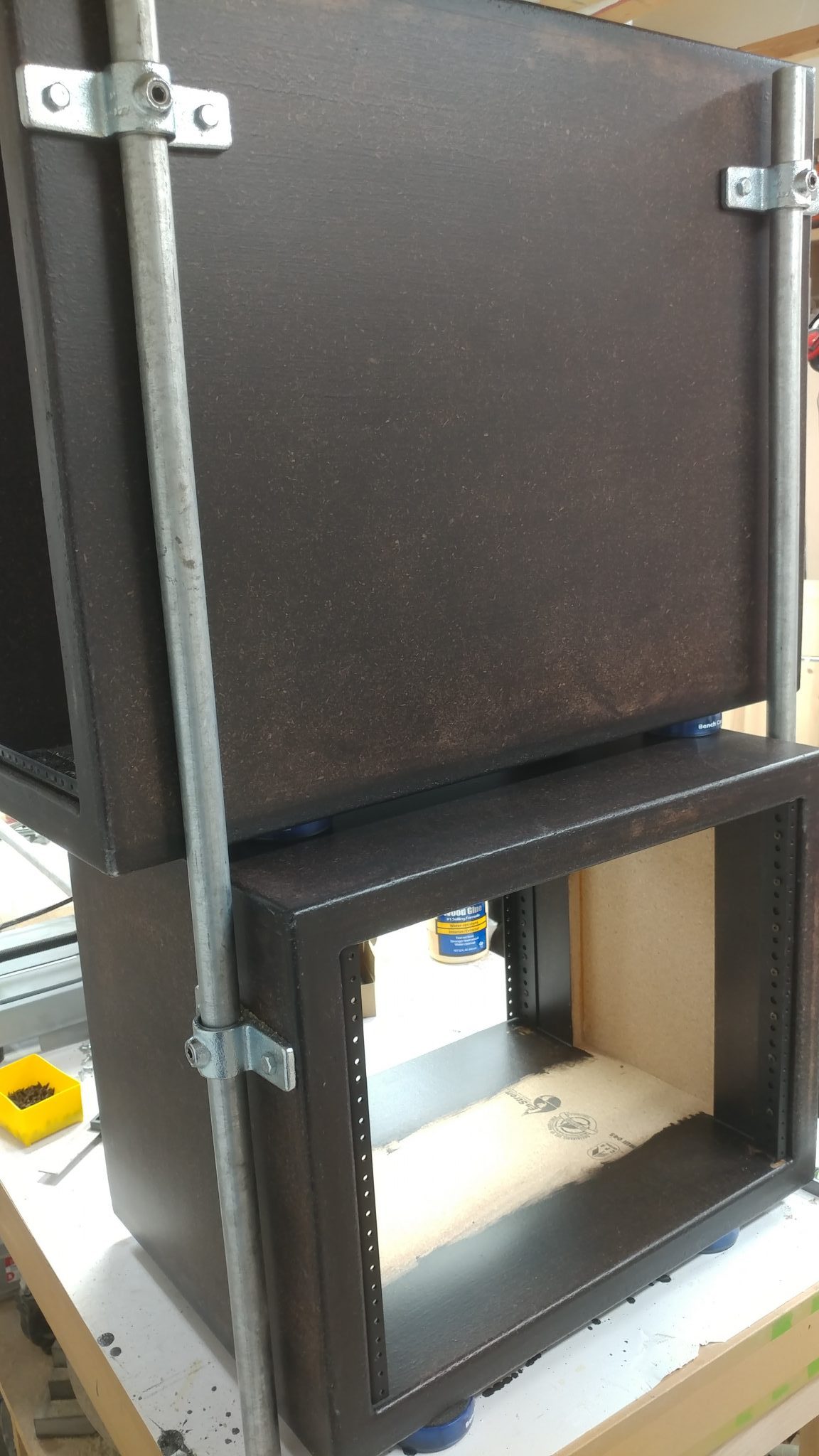
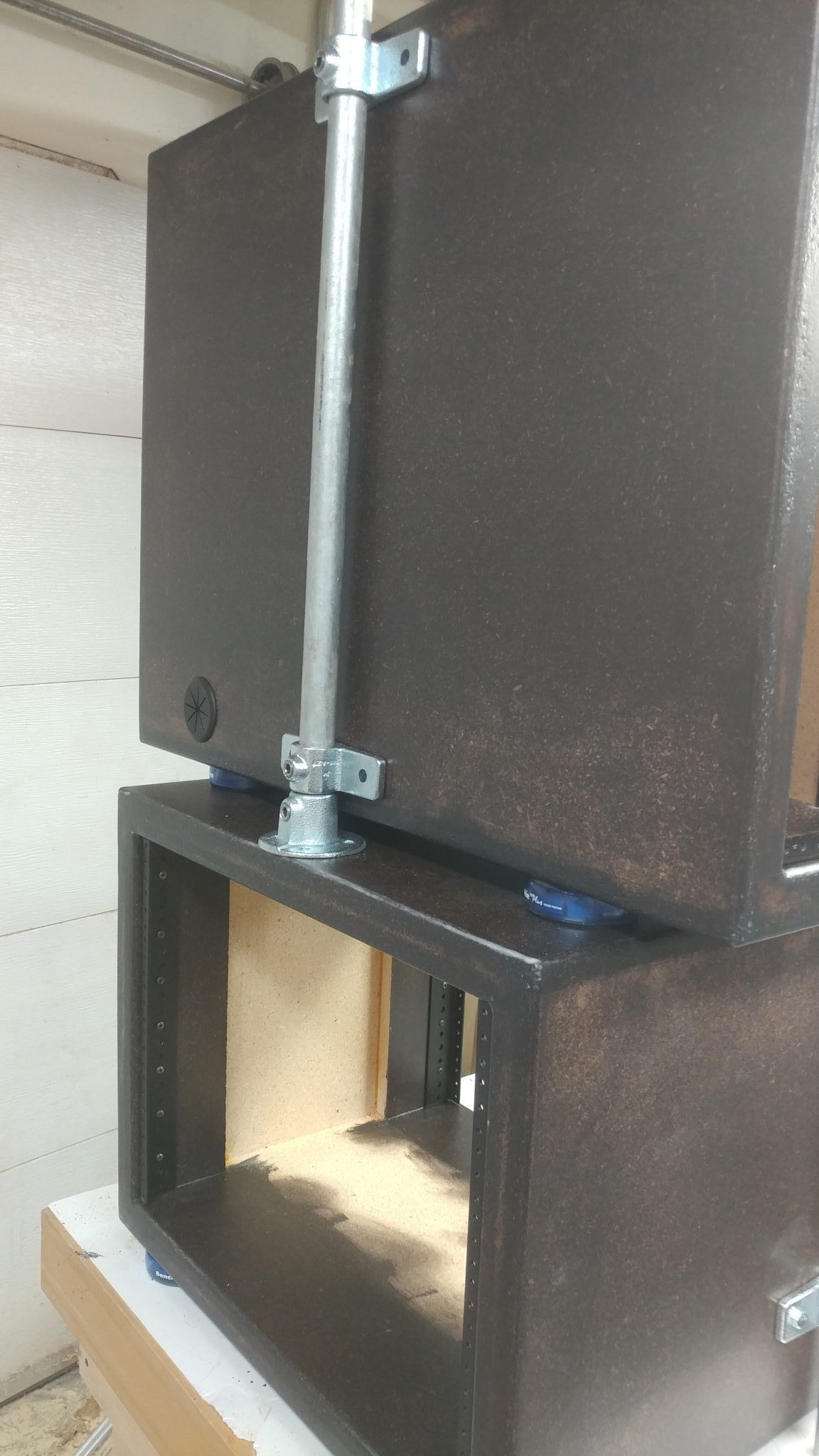
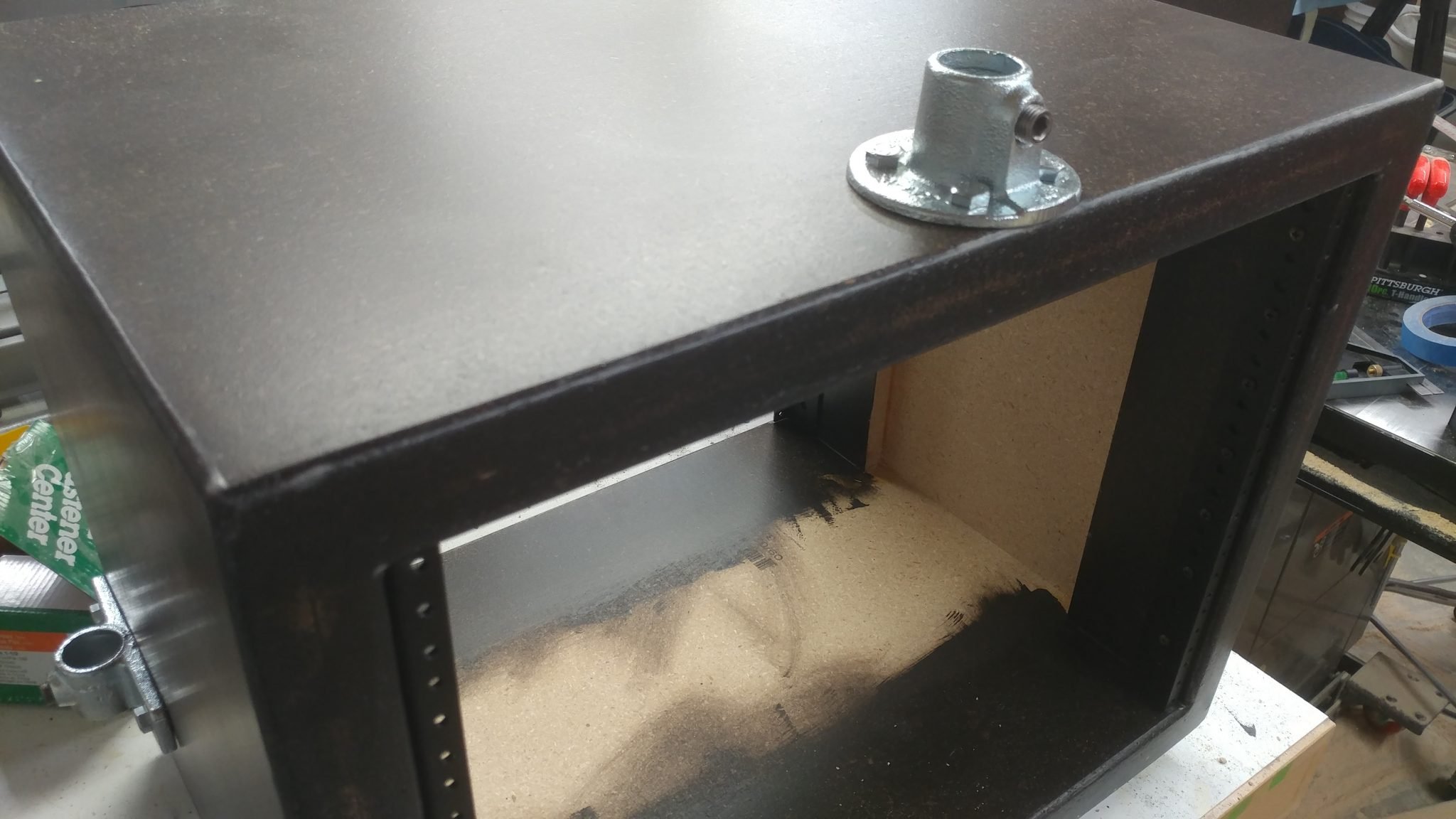
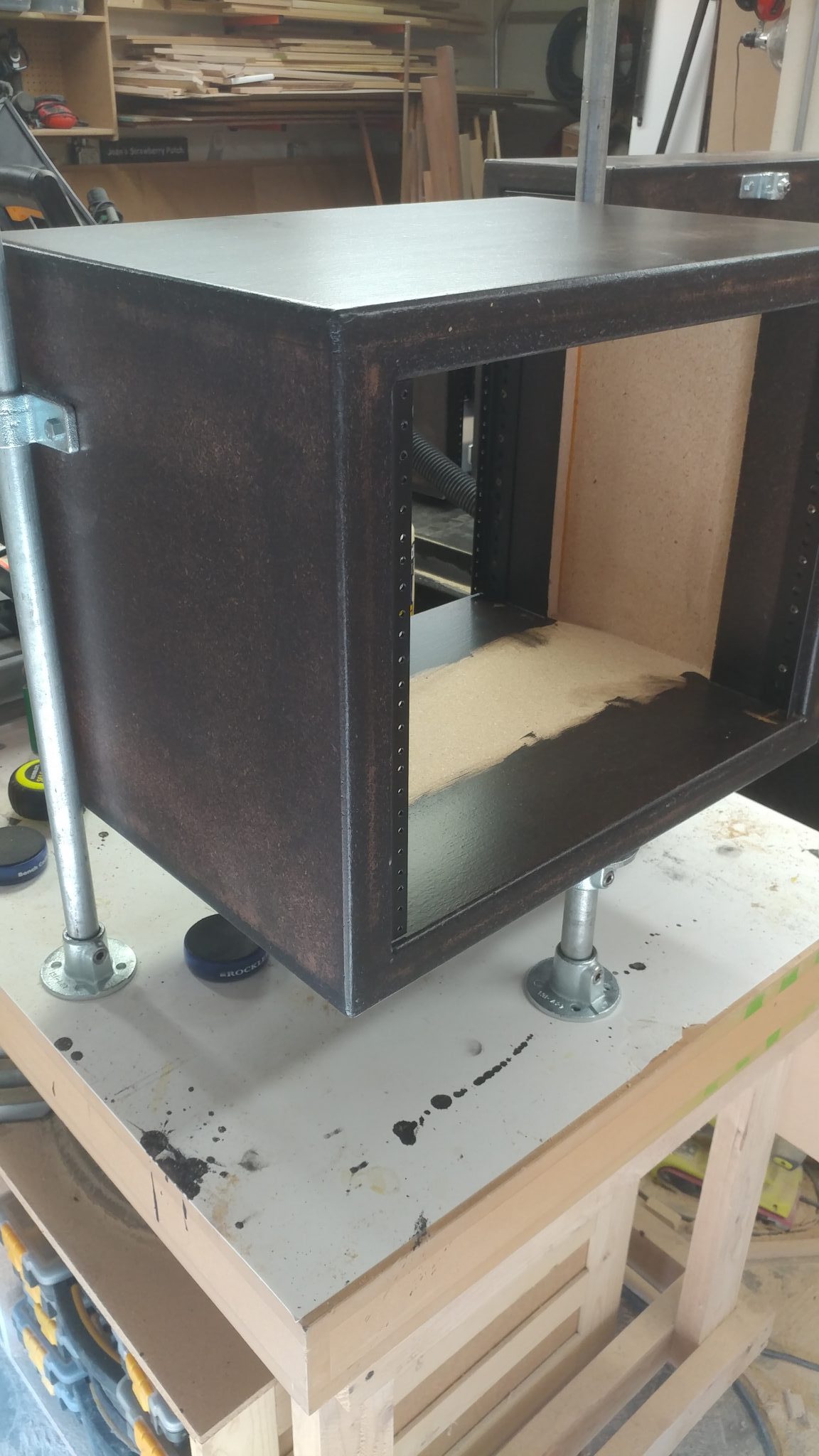
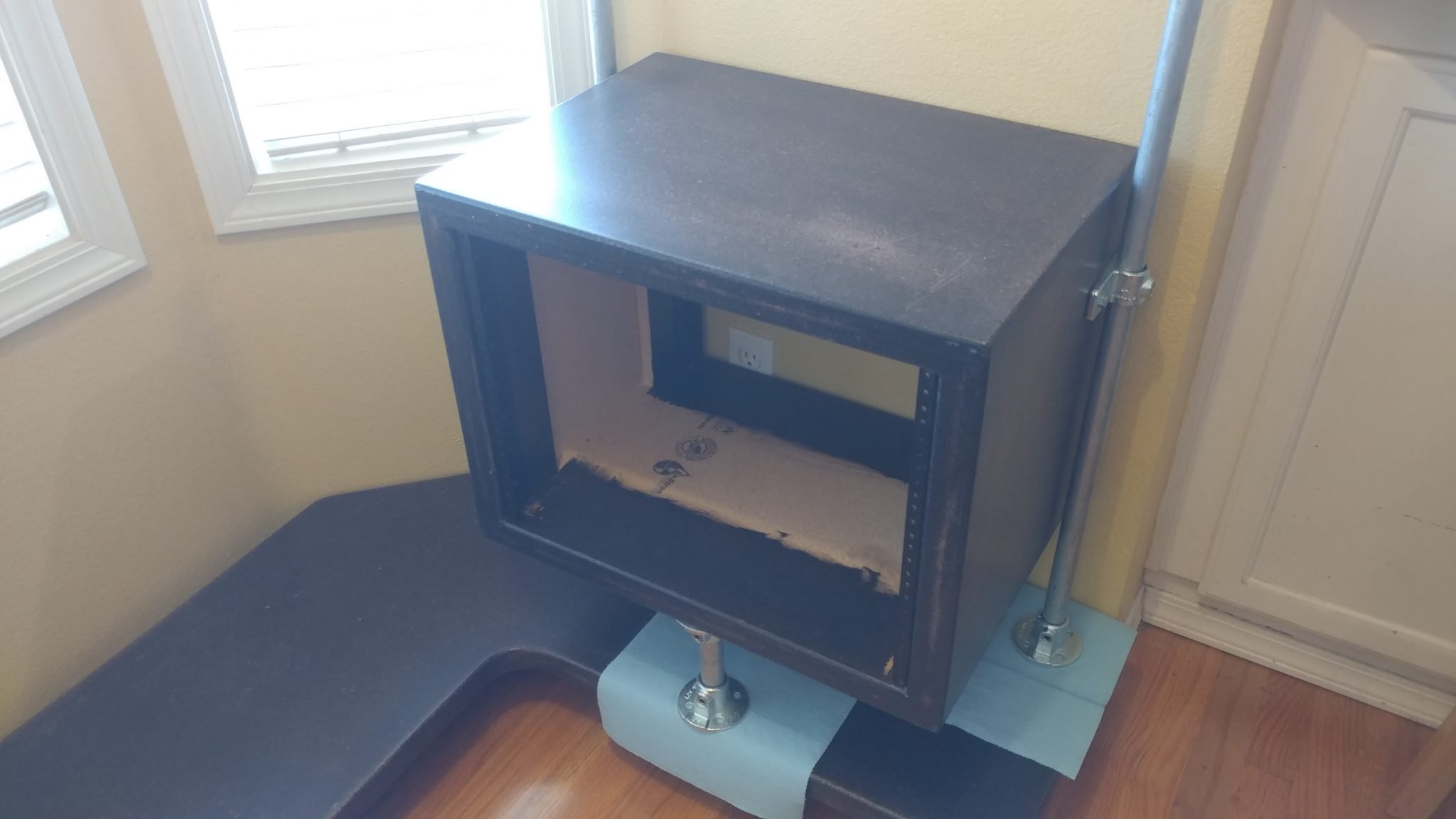
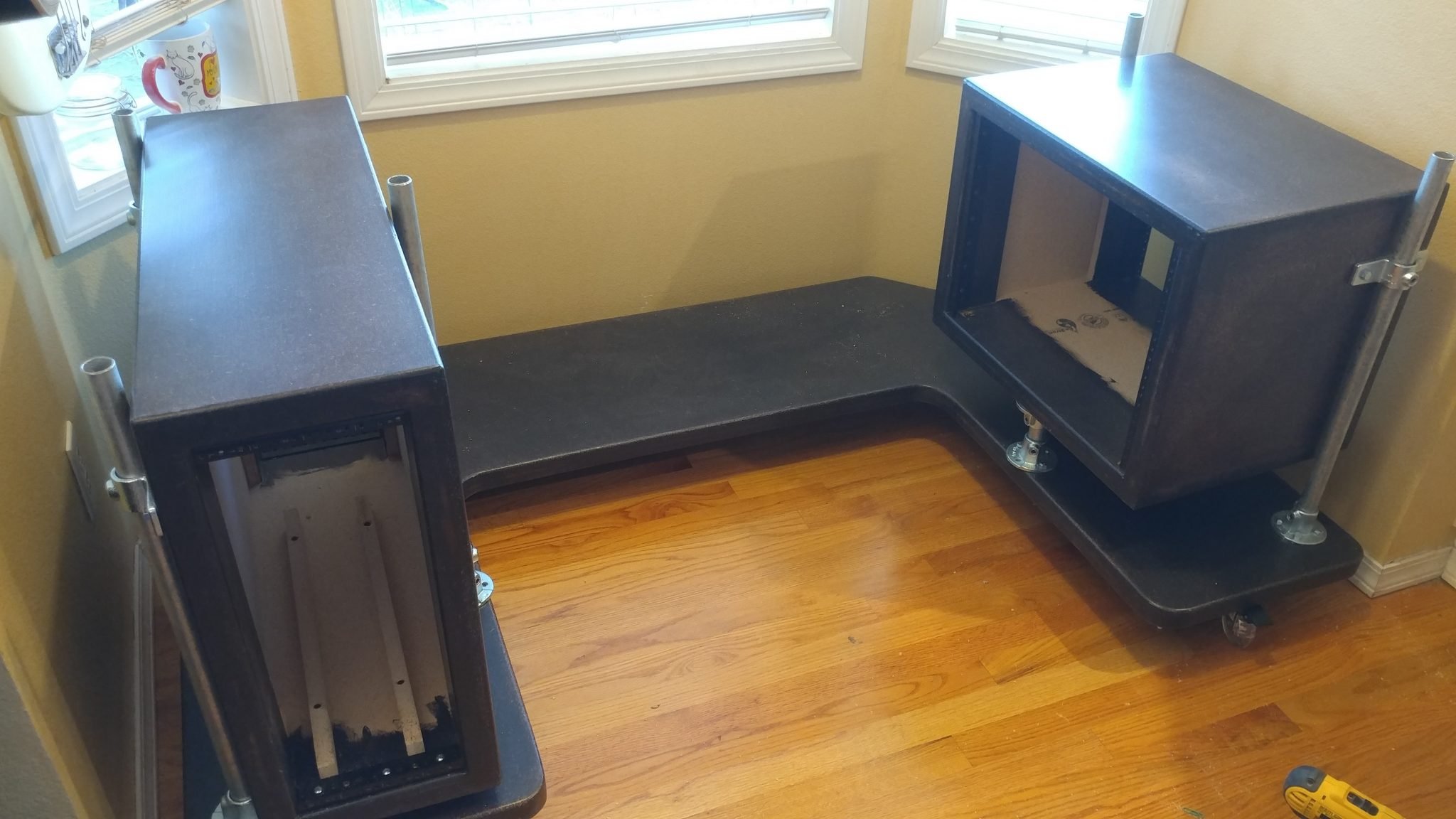
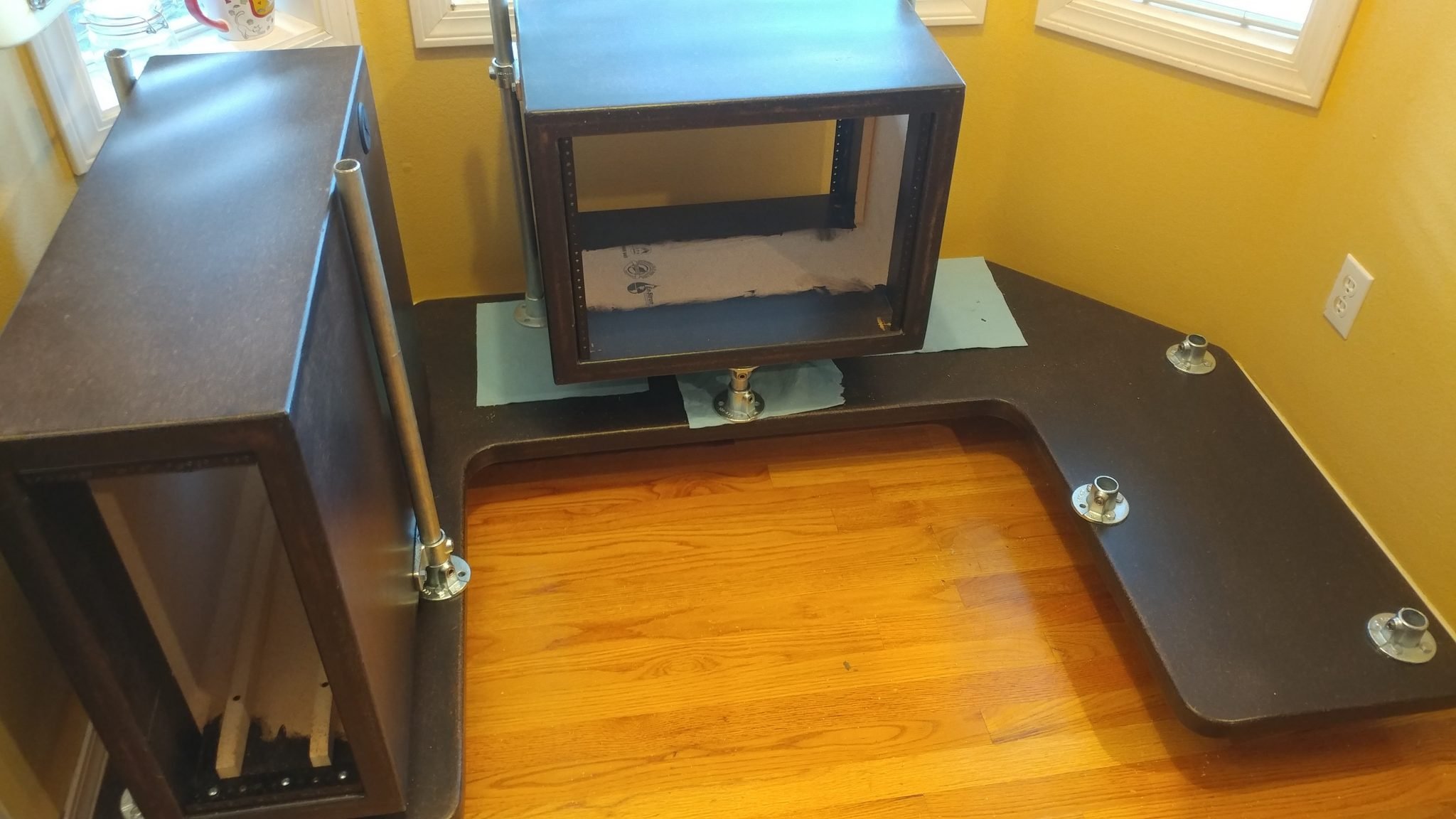
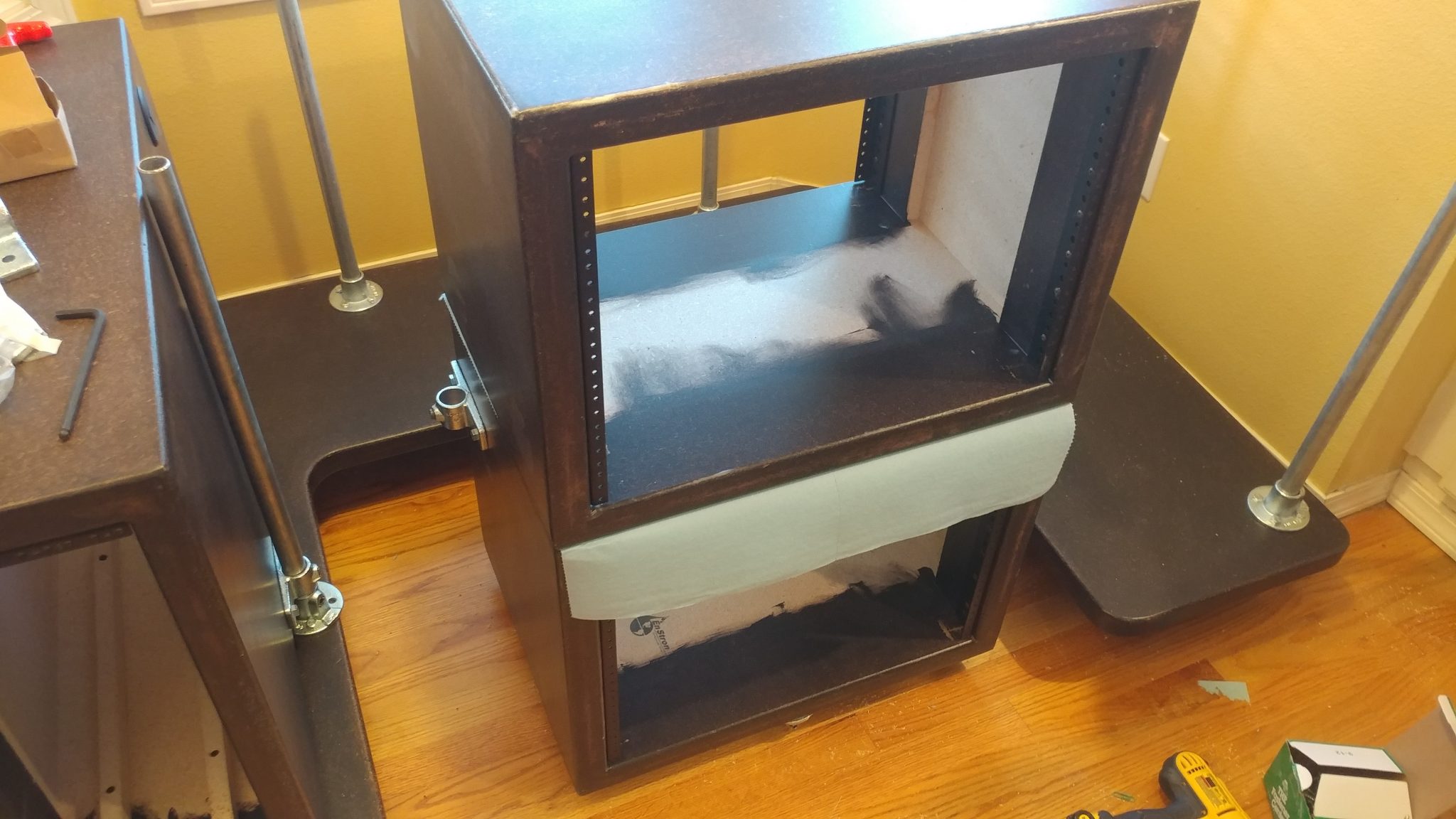
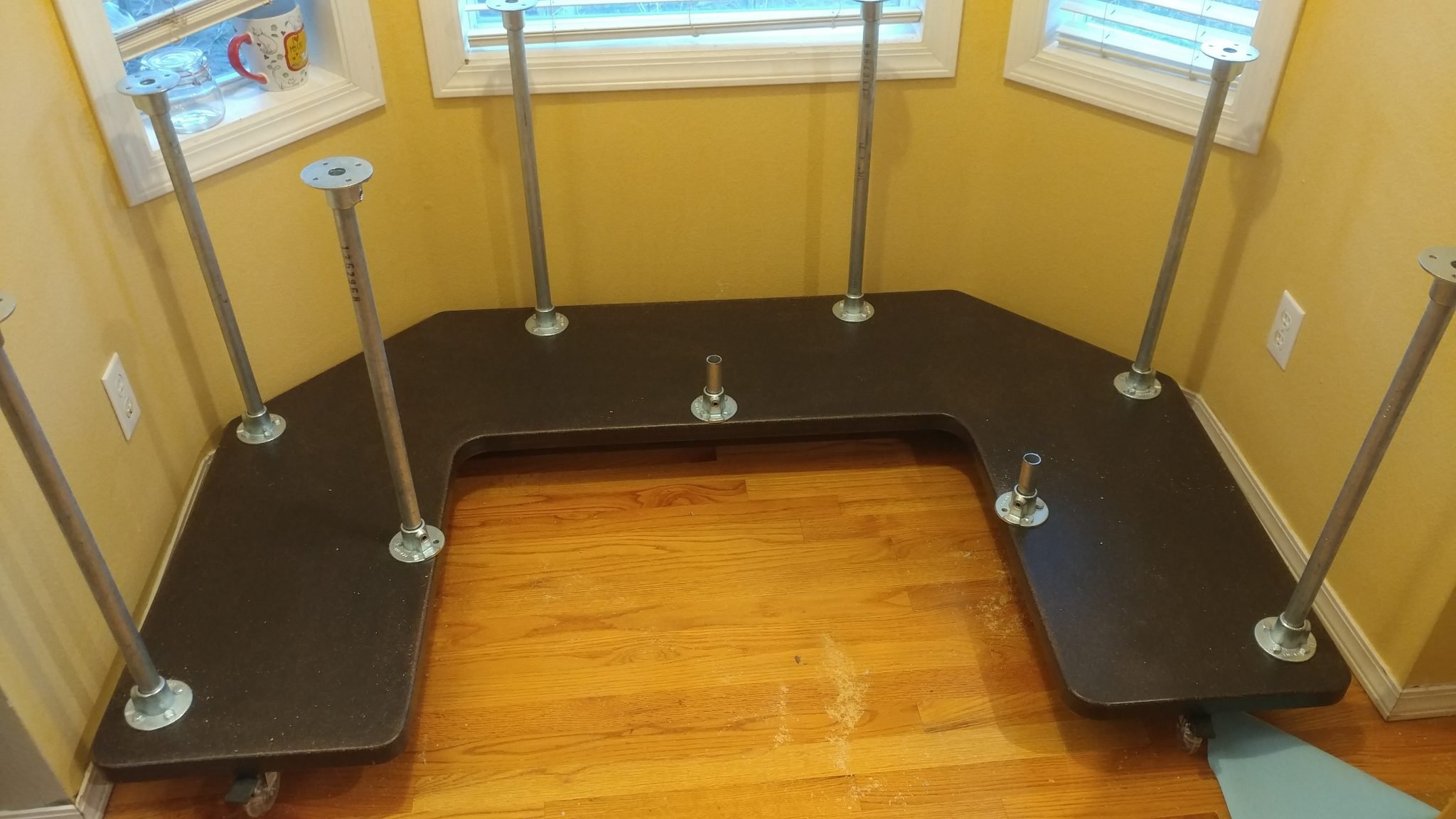
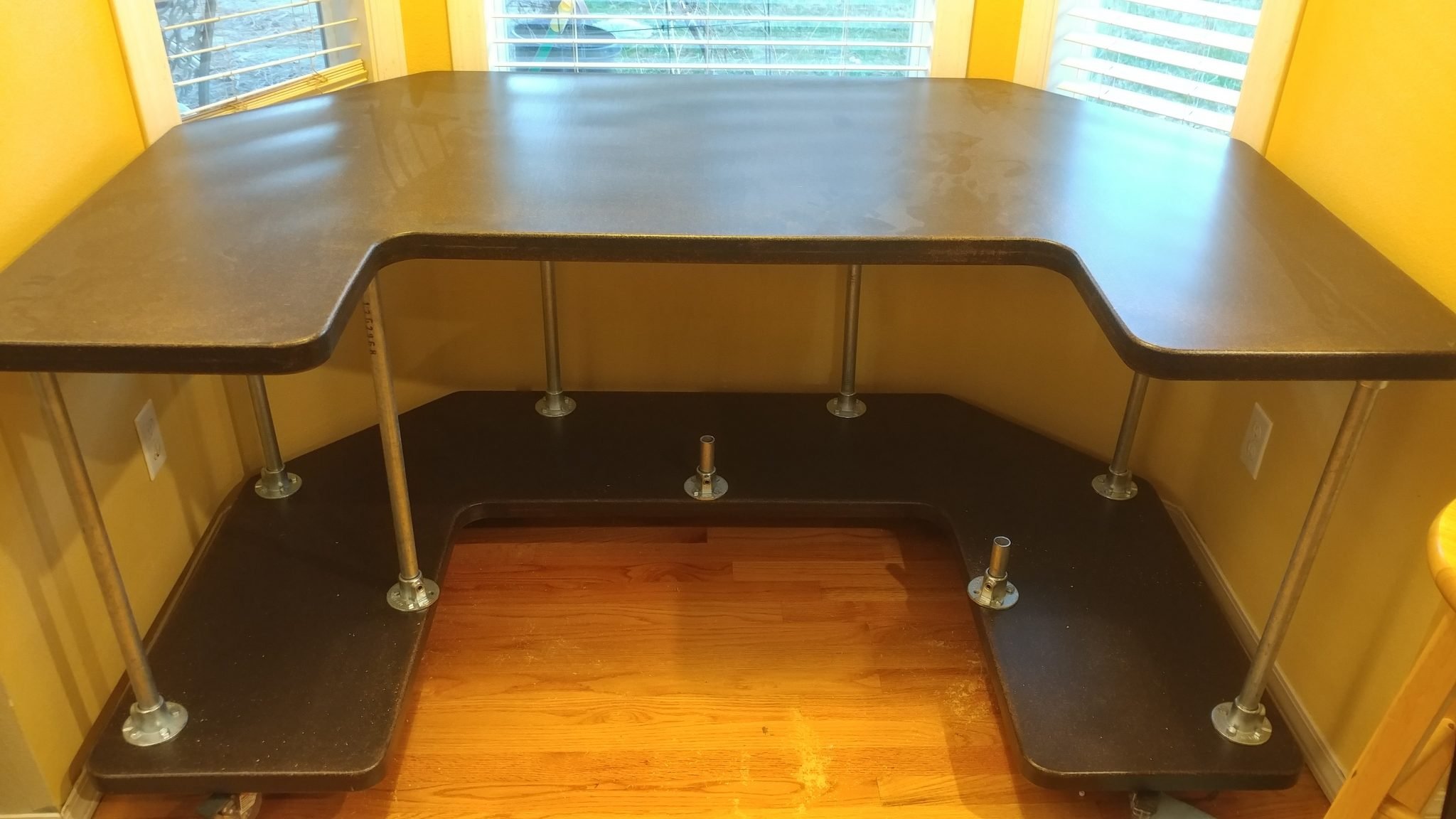
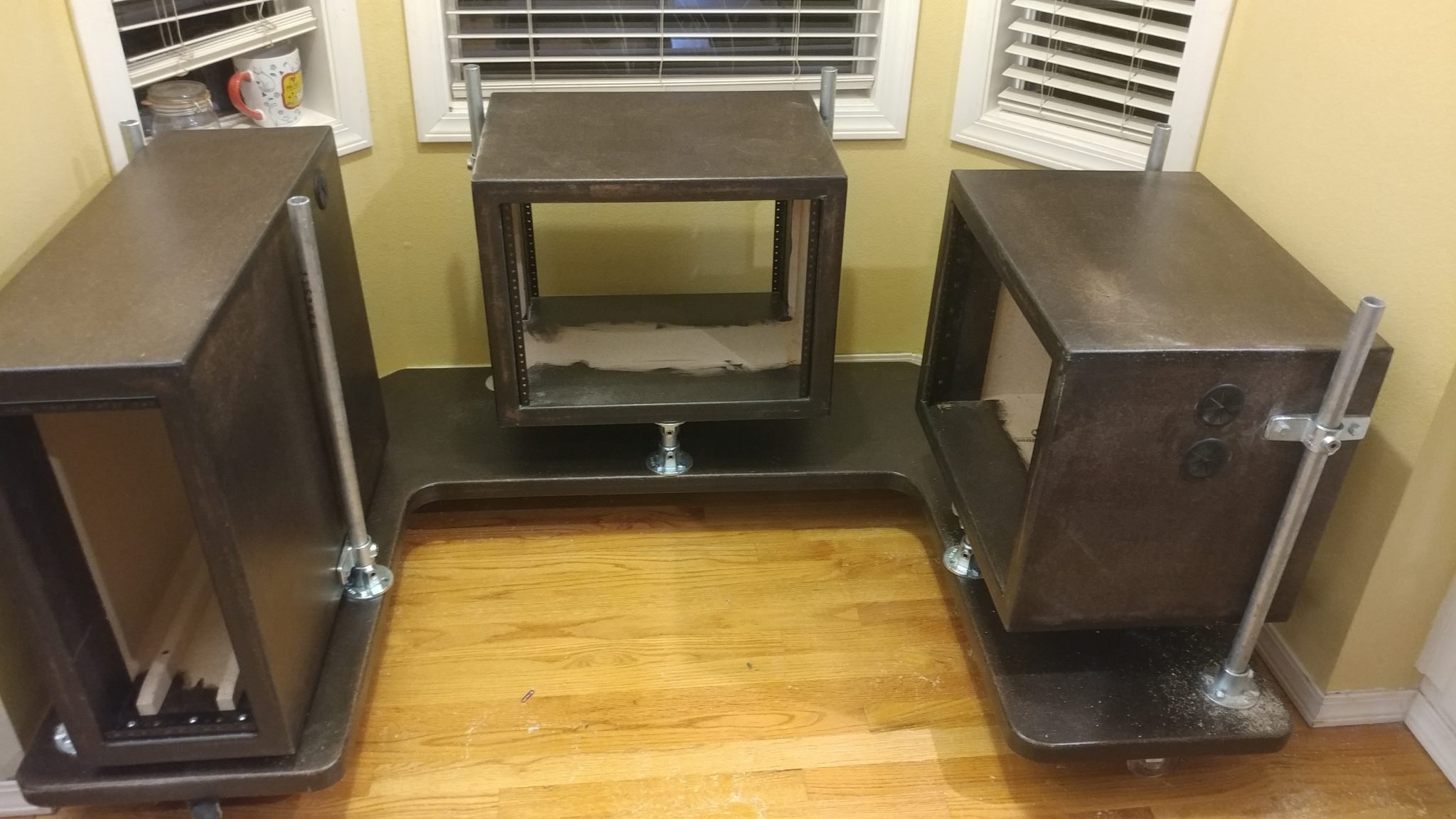
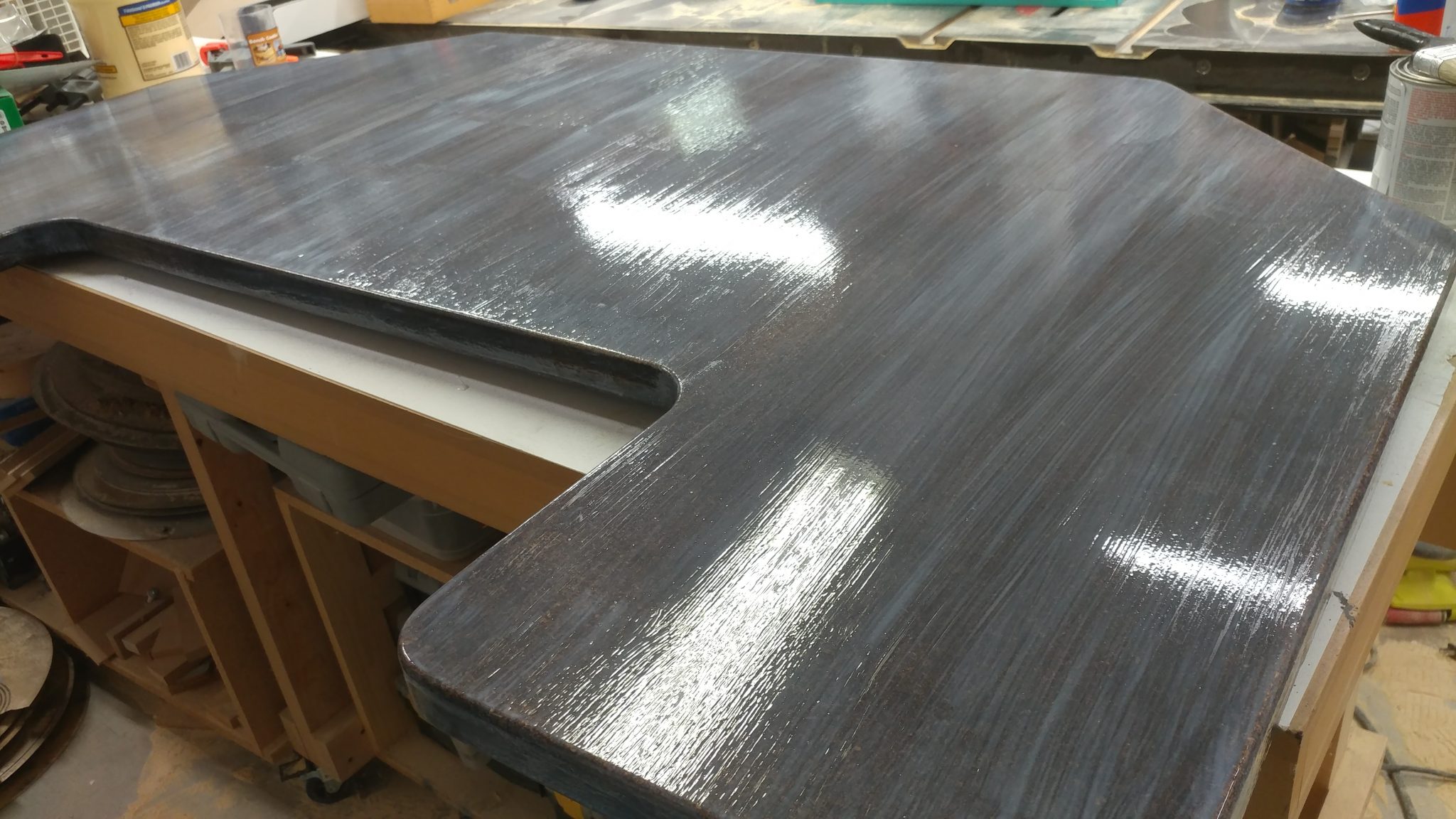
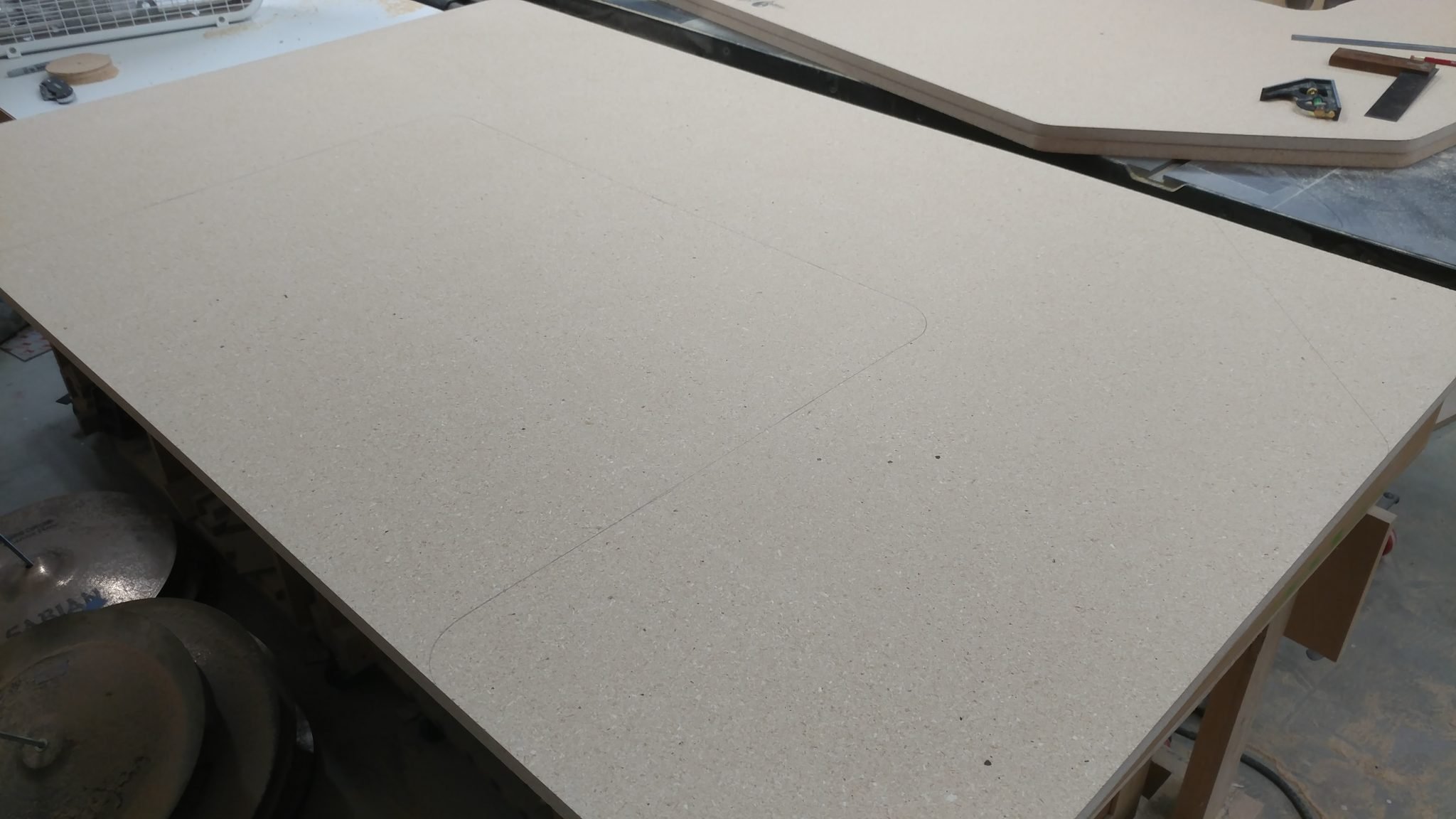
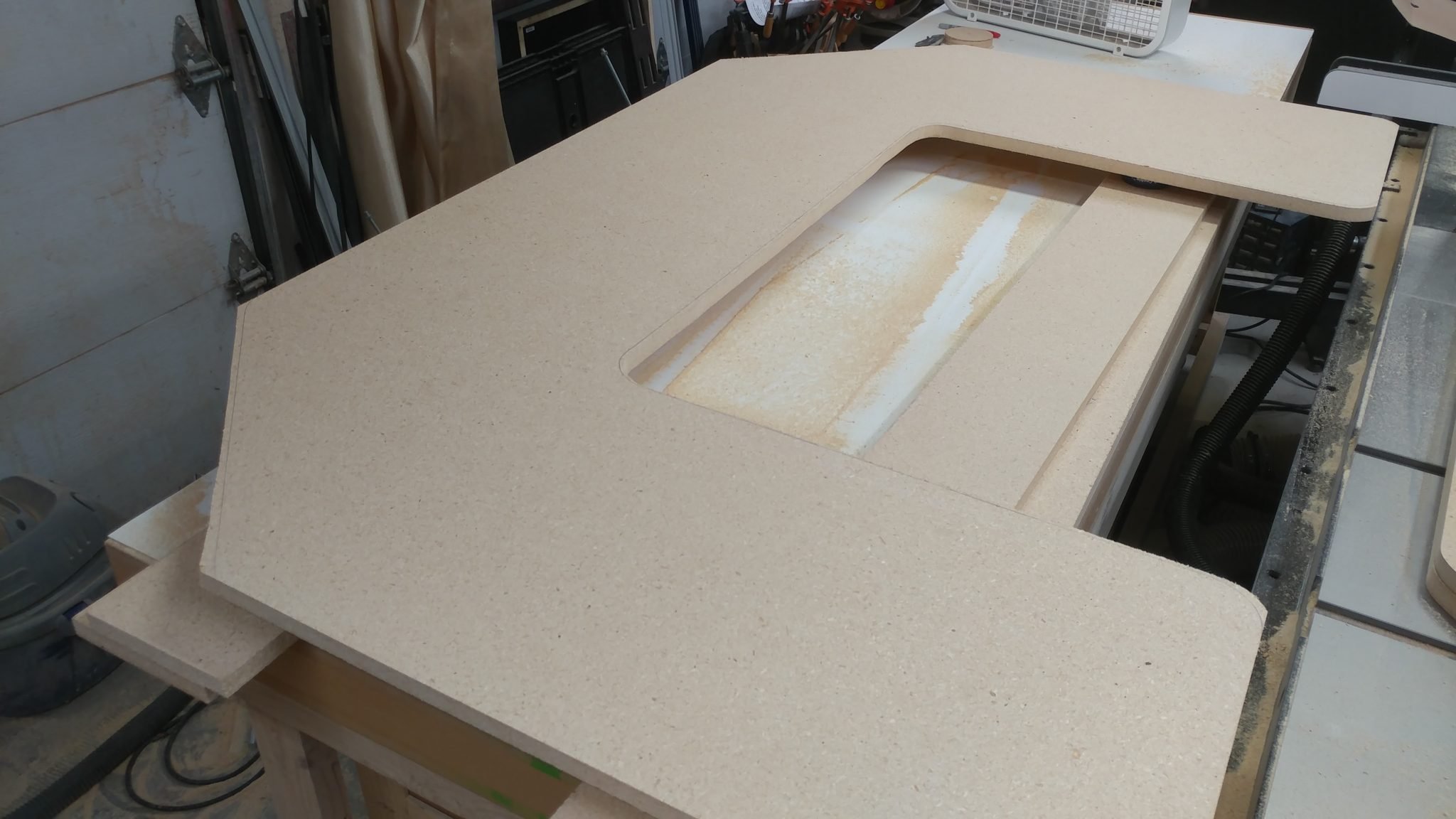
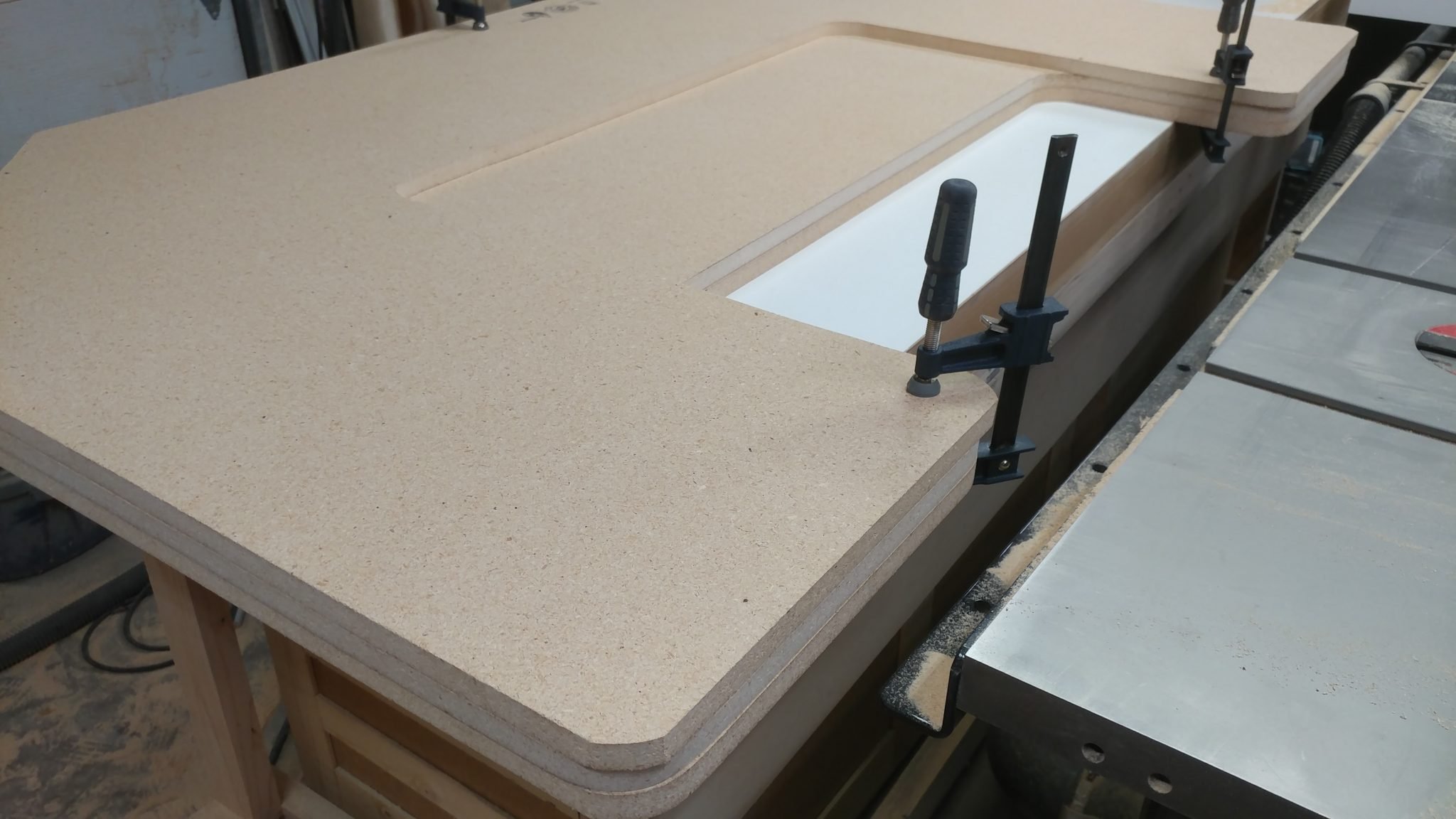
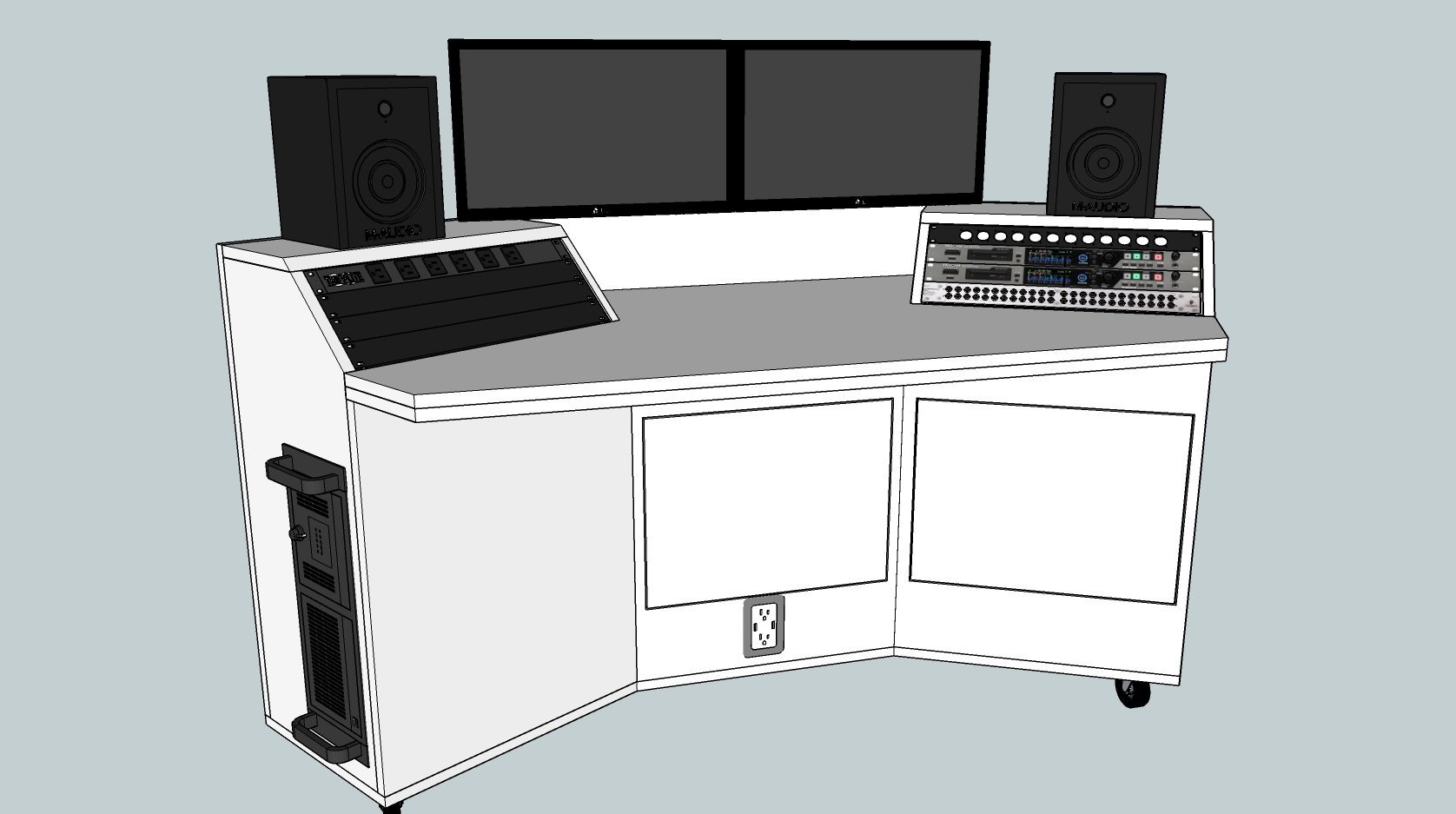
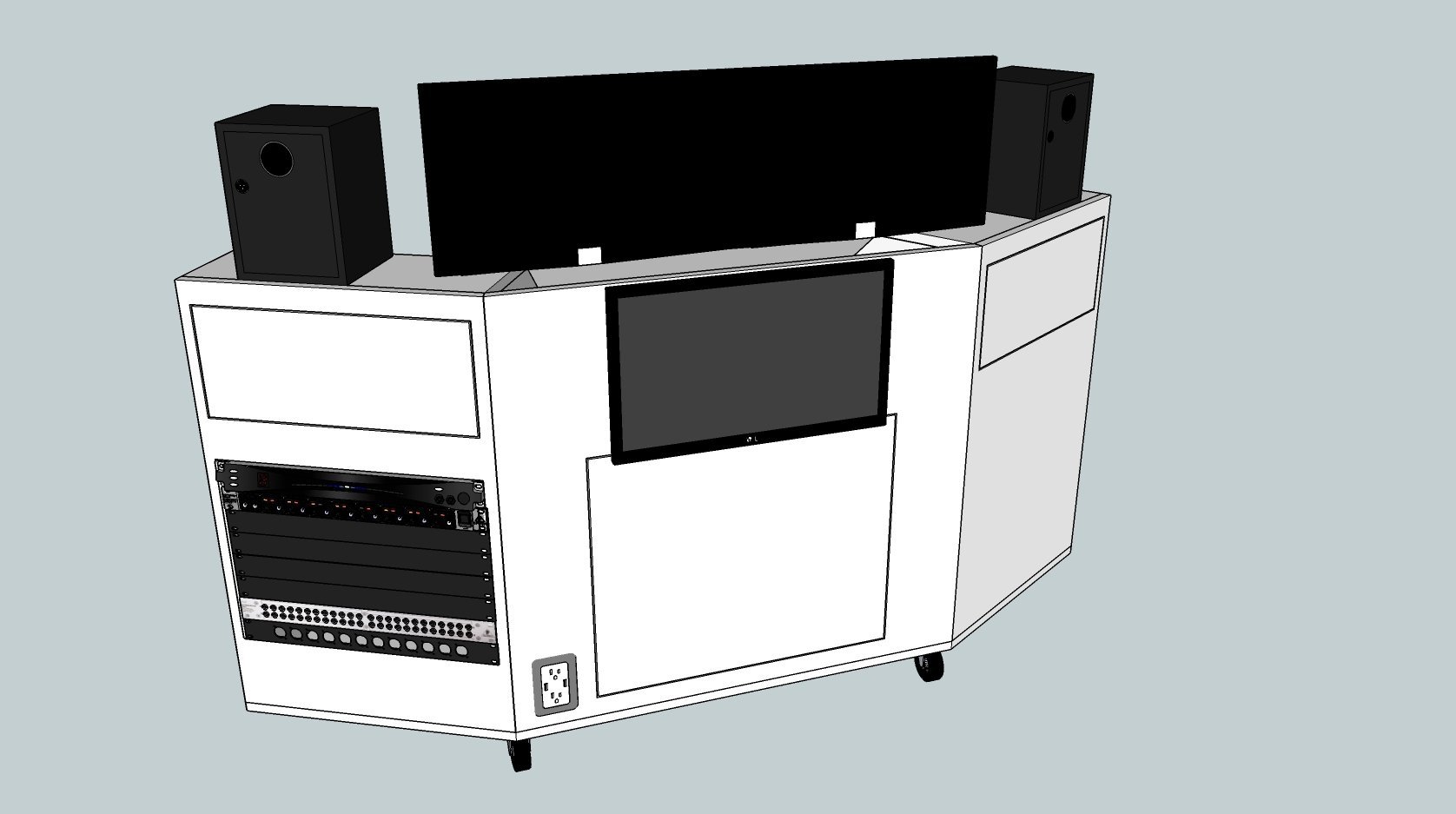
As you may know, I recently sold my old studio desk. It worked well but was just too big and ended up not fitting my needs as well as I thought it would. It now has a new loving home in another recording studio. My new one is much simpler and will be more portable and easier to move around the studio. I’m also keeping the rack separate so I can wheel it closer to the drums so I can adjust levels from behind the kit.

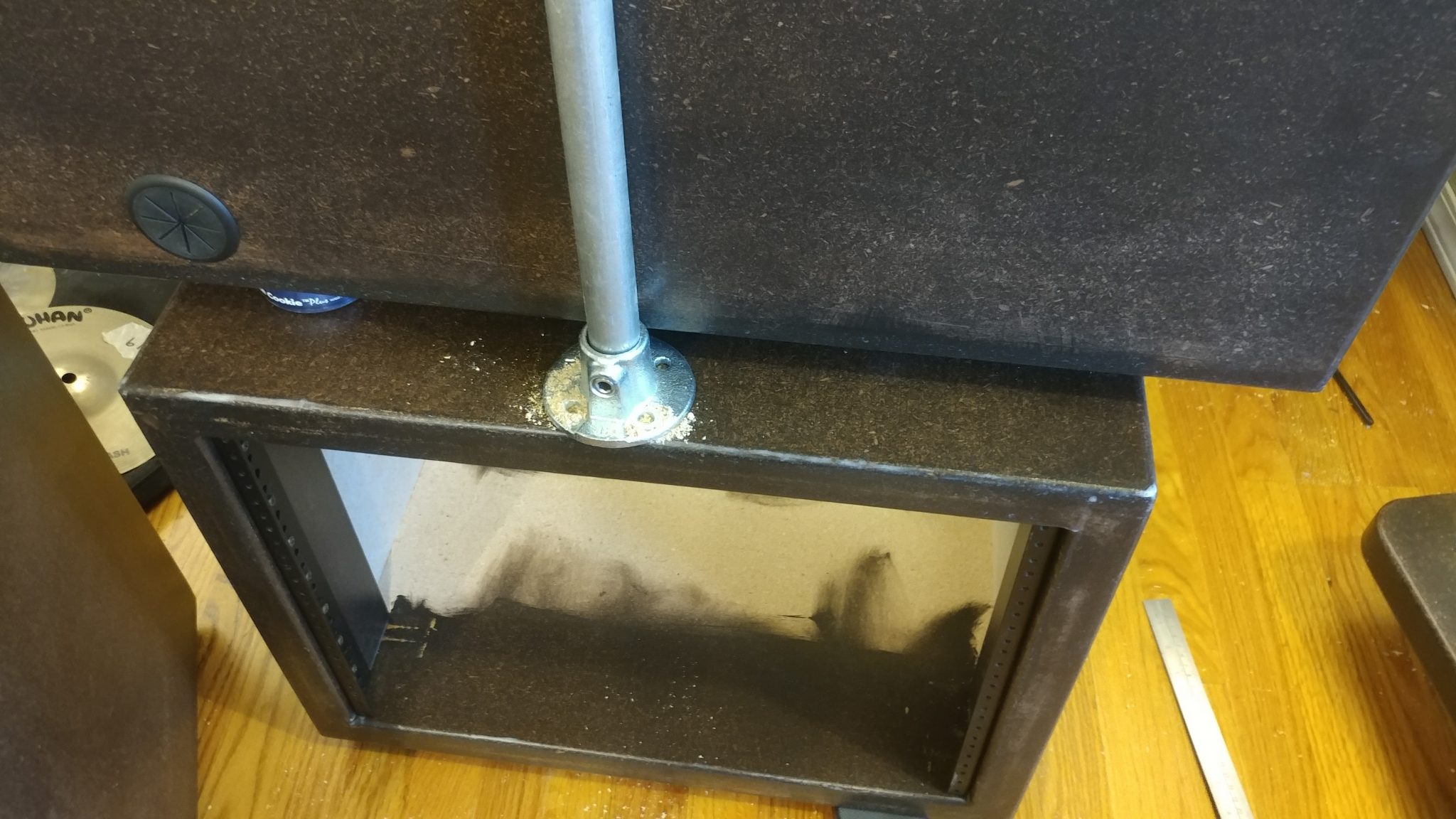
The rack on the desk (right under the monitors) won’t be added until later. I’m going to see if I like having the open space first and decide if I even want to incorporate that. I like the idea of a cleaner, simpler workspace.

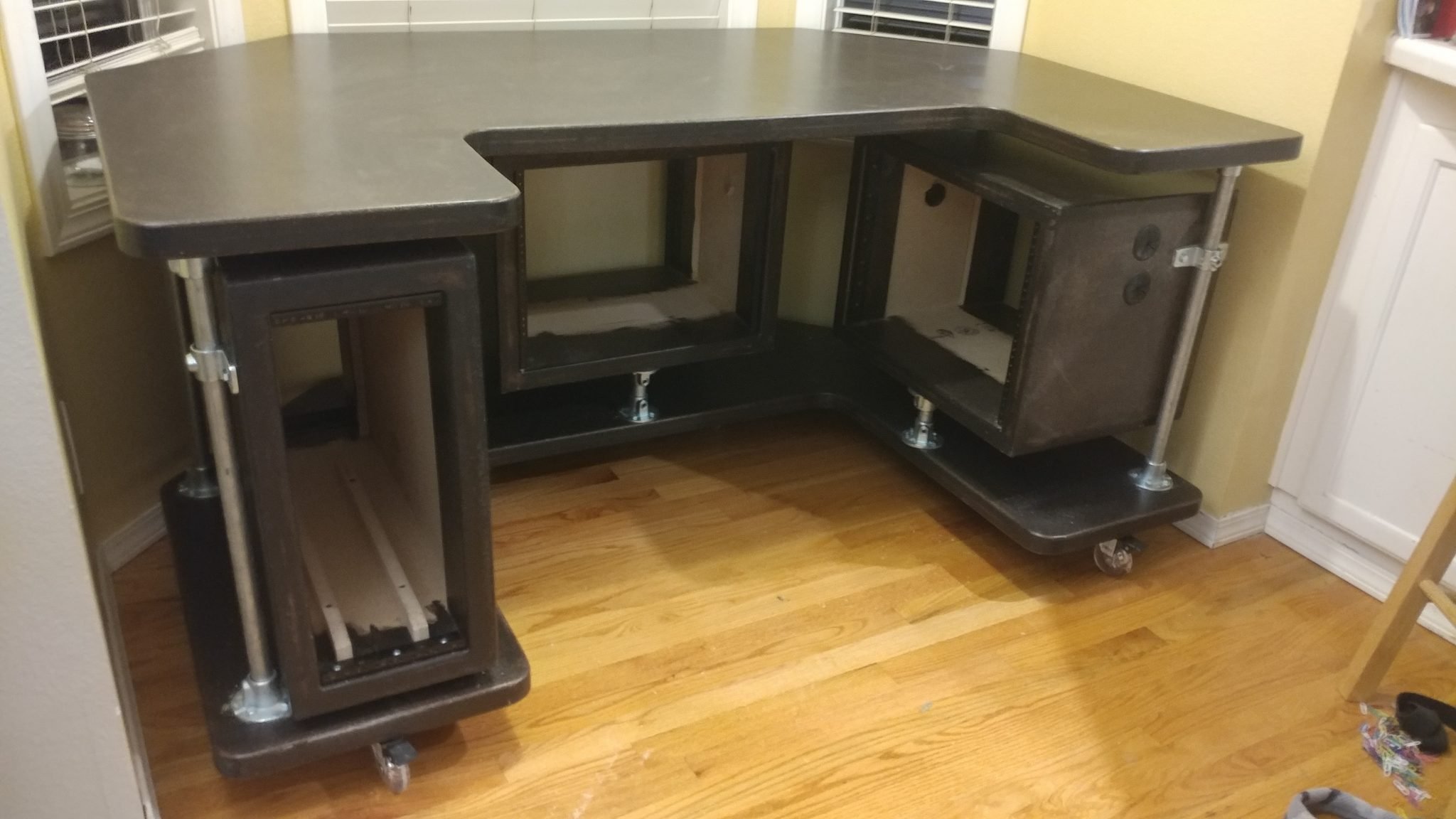
As you can see, the old desk was pretty big, but it had three different equipment racks which kept things pretty much all contained. The entire desk could be wheeled around and the only cables coming out of it (besides for musical equipment) was a single power cable and an ethernet cable.

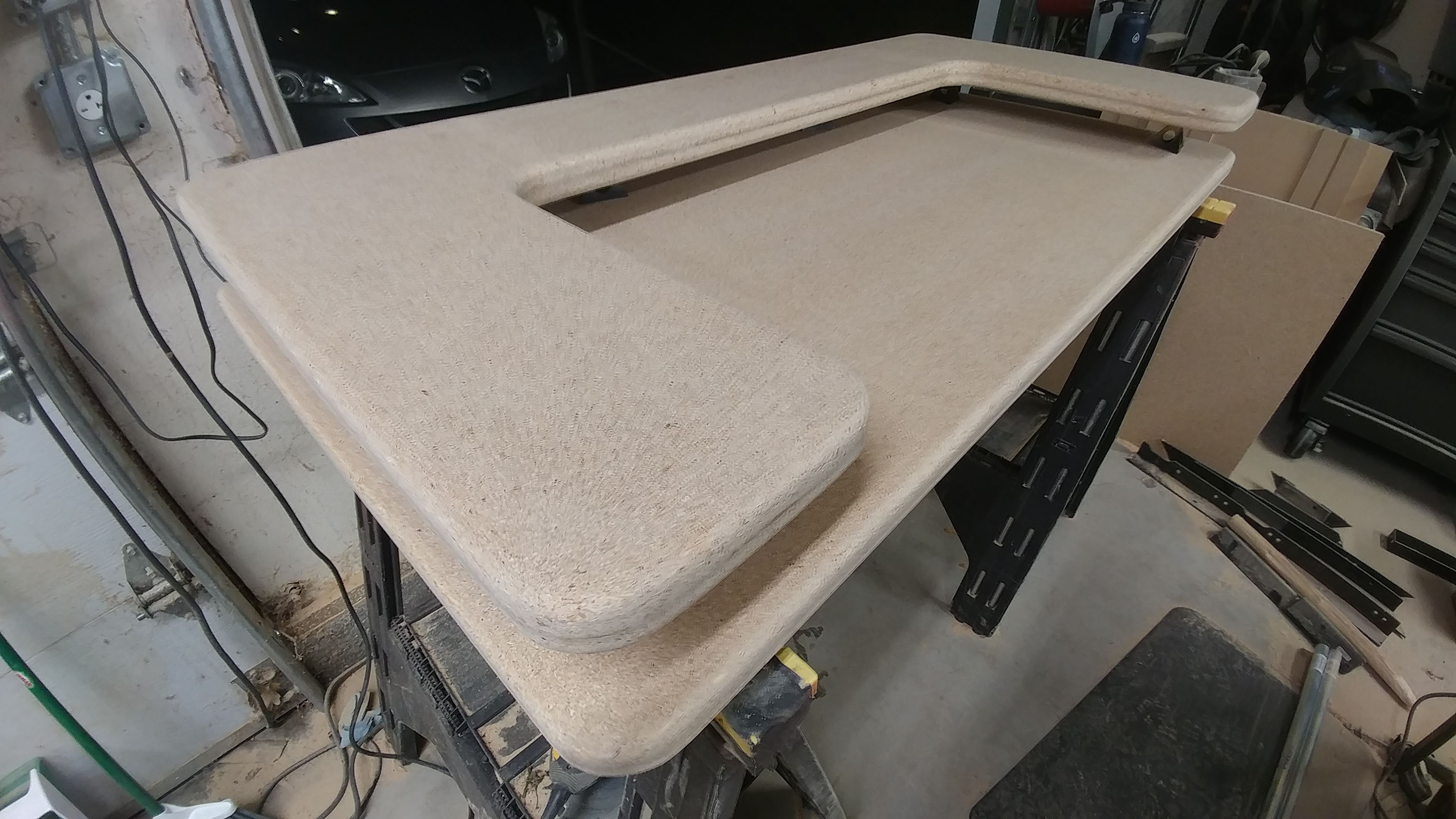
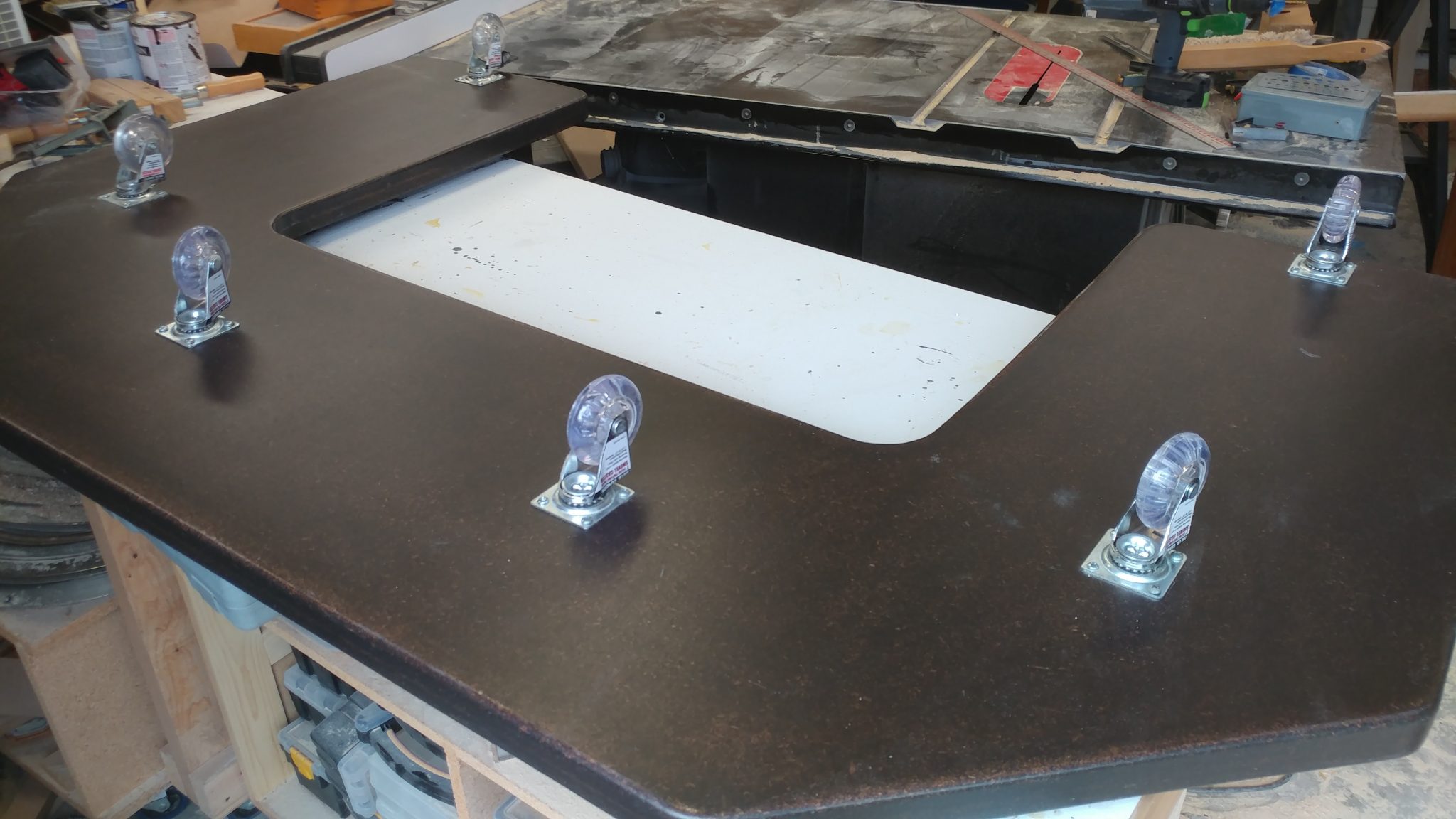
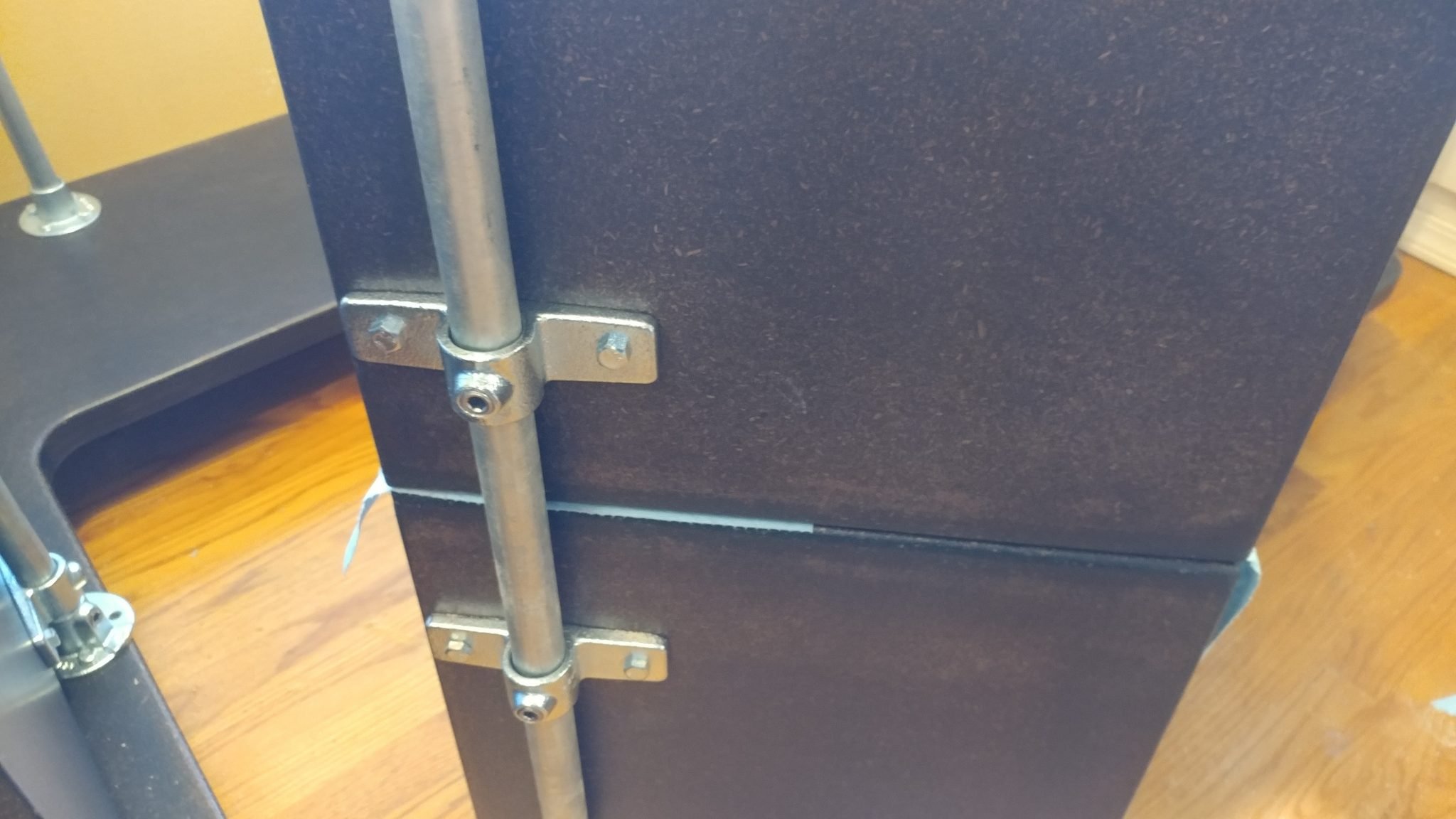
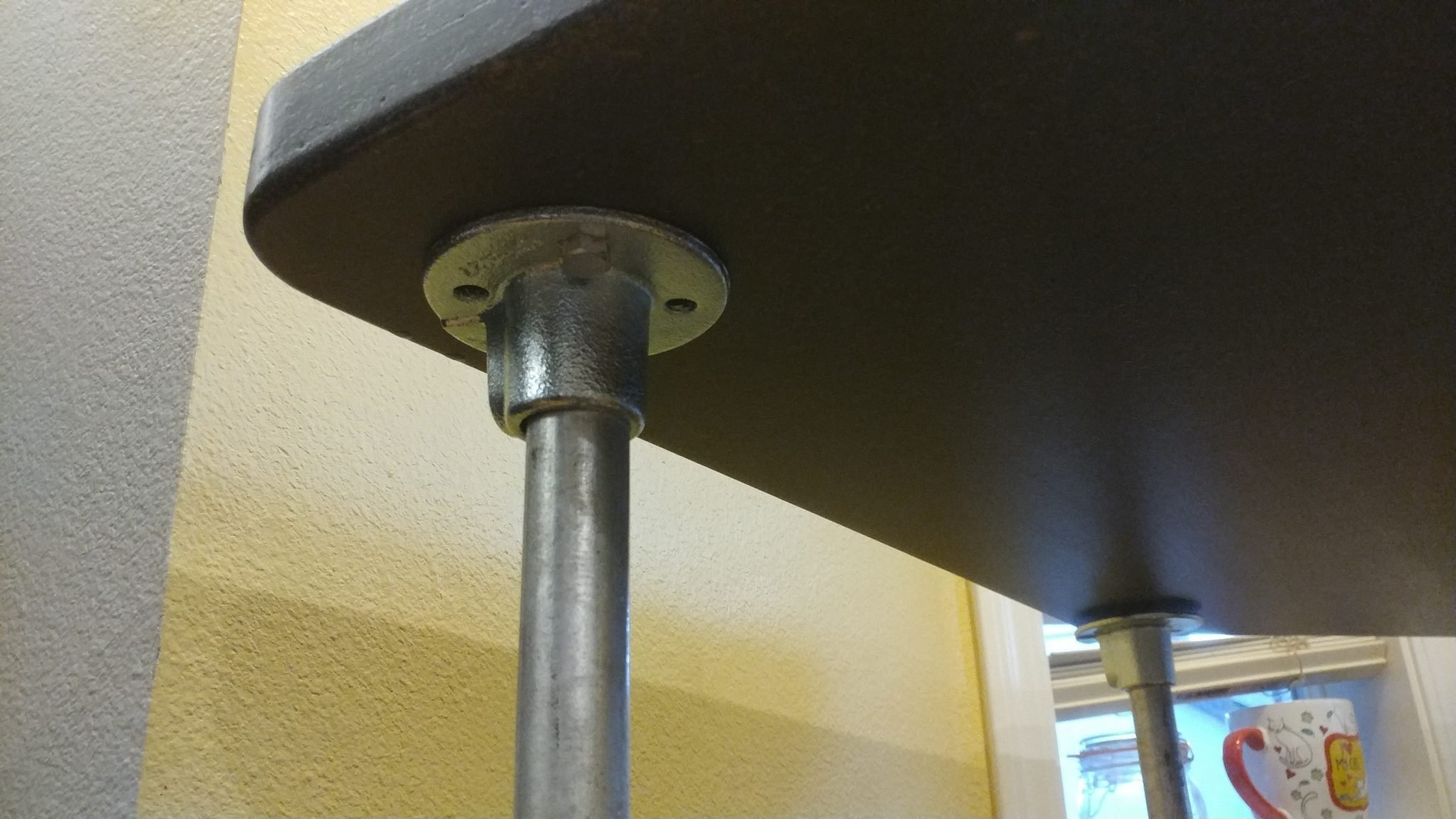
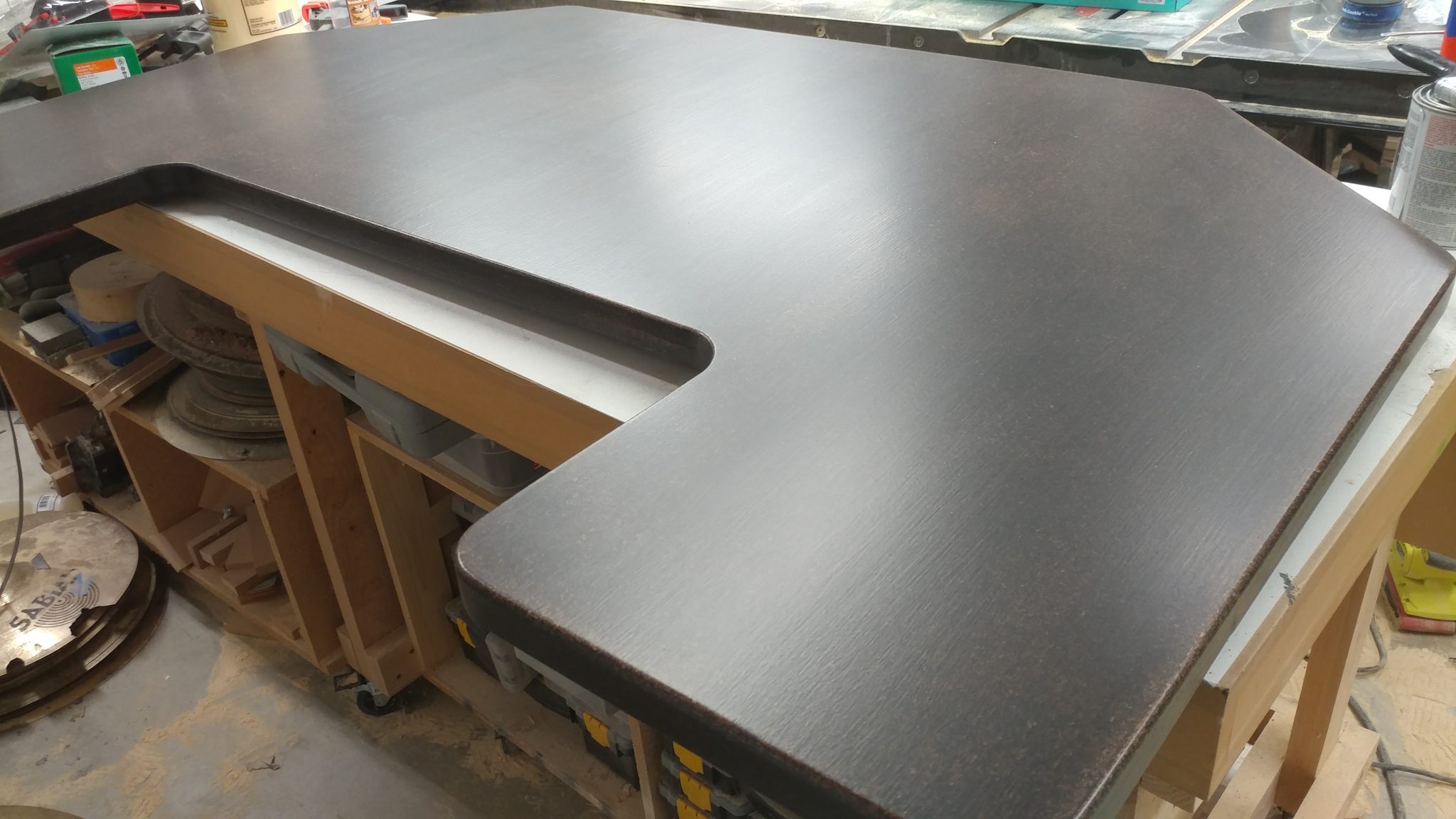
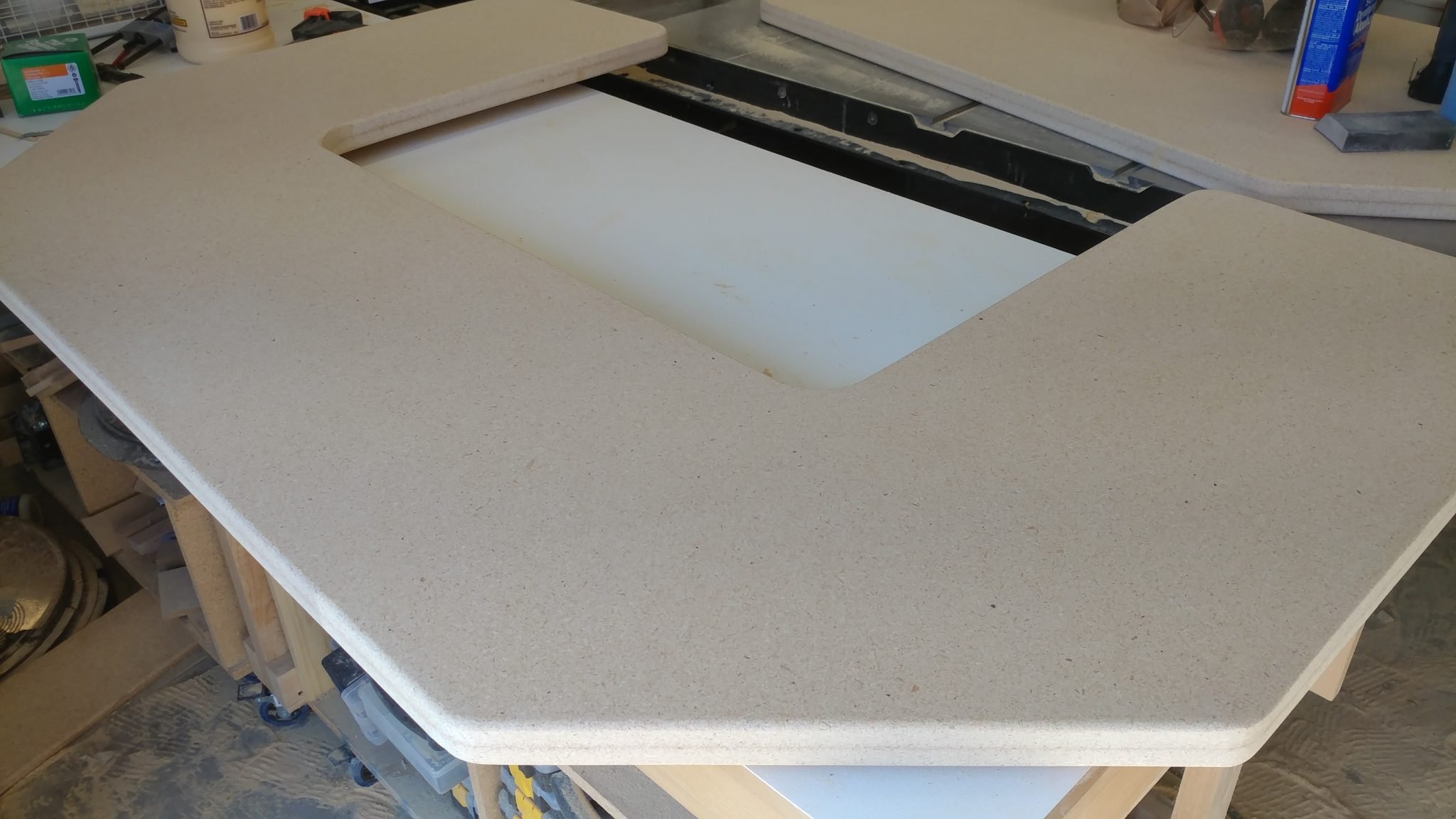
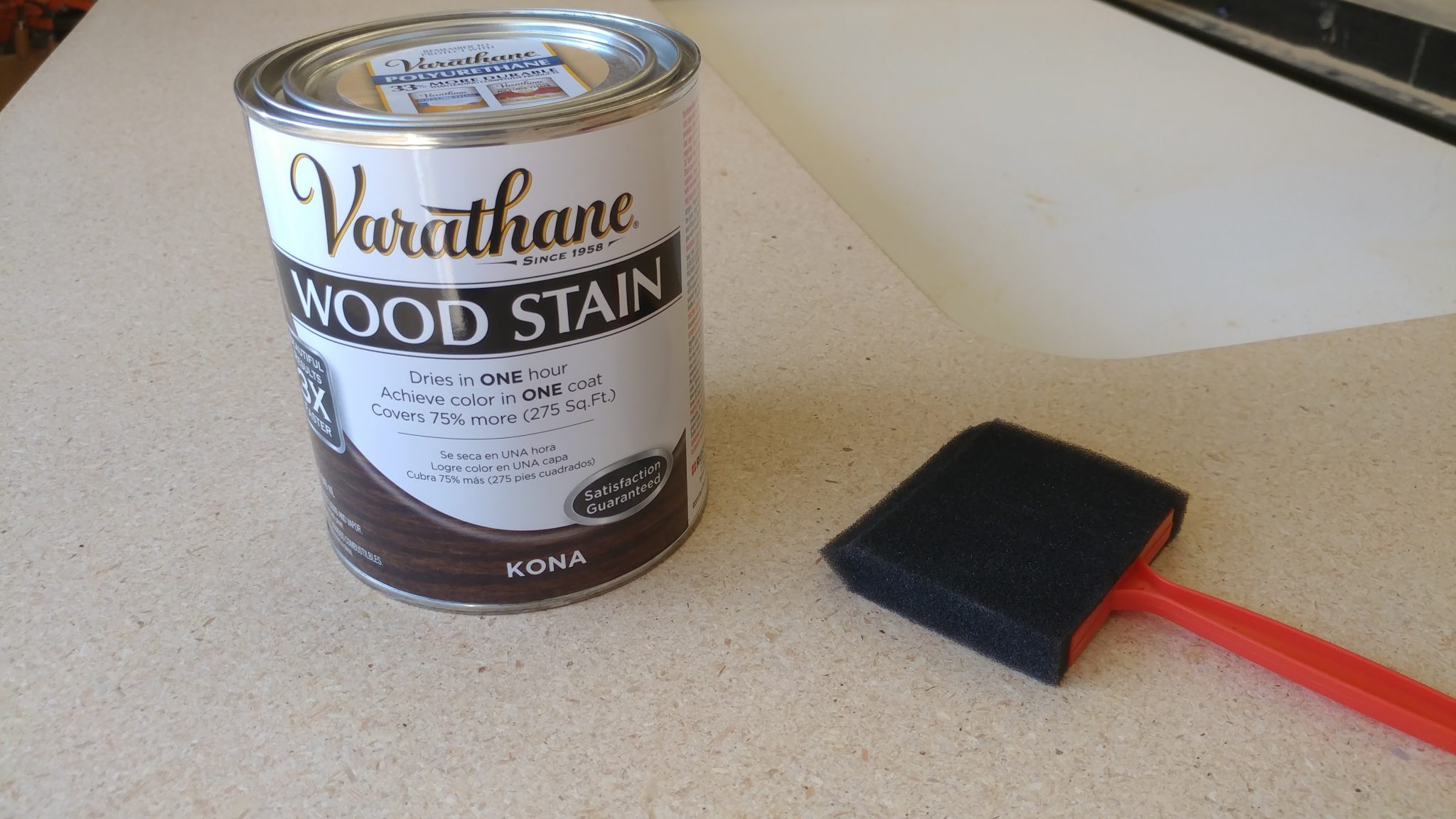
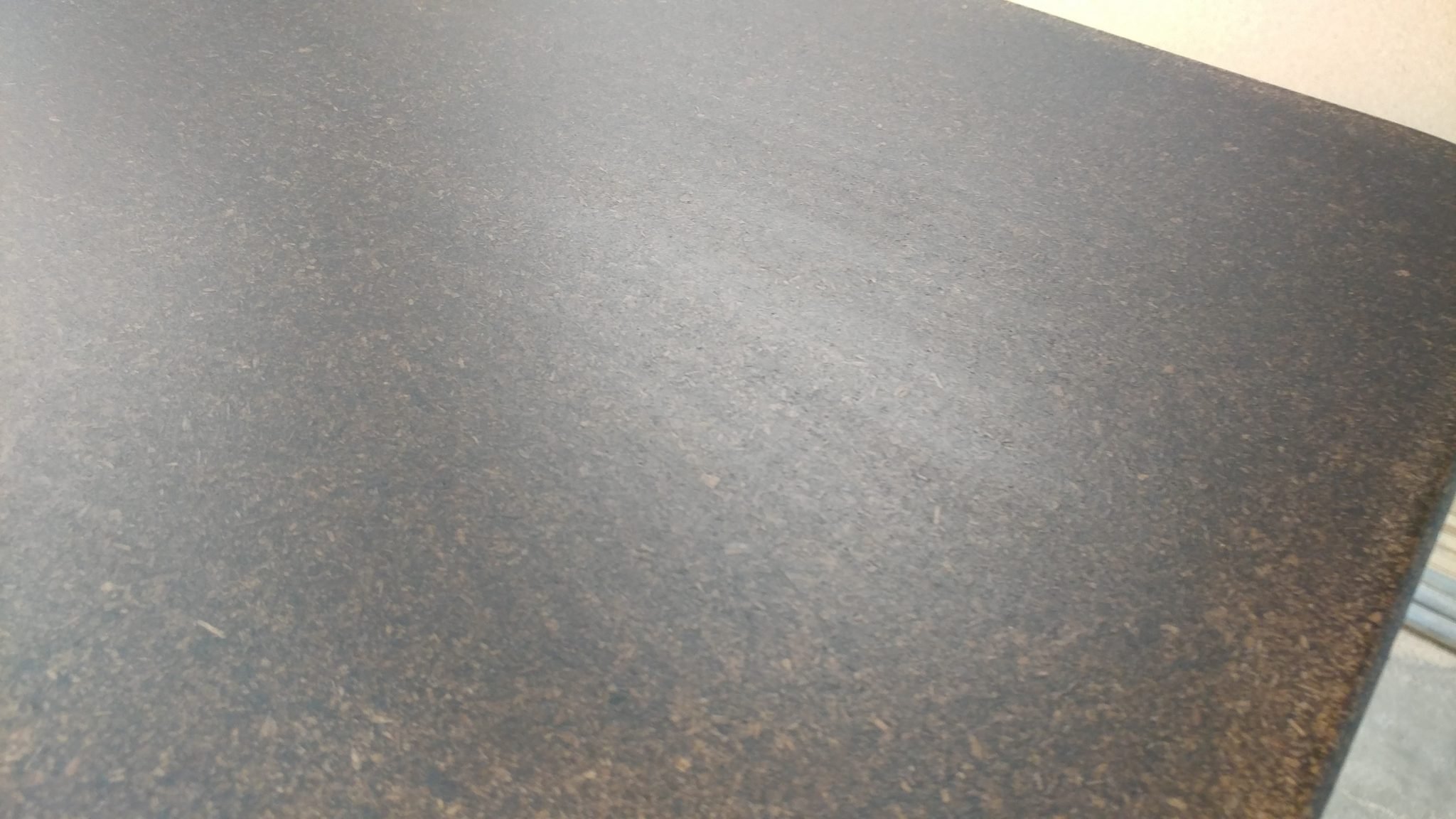
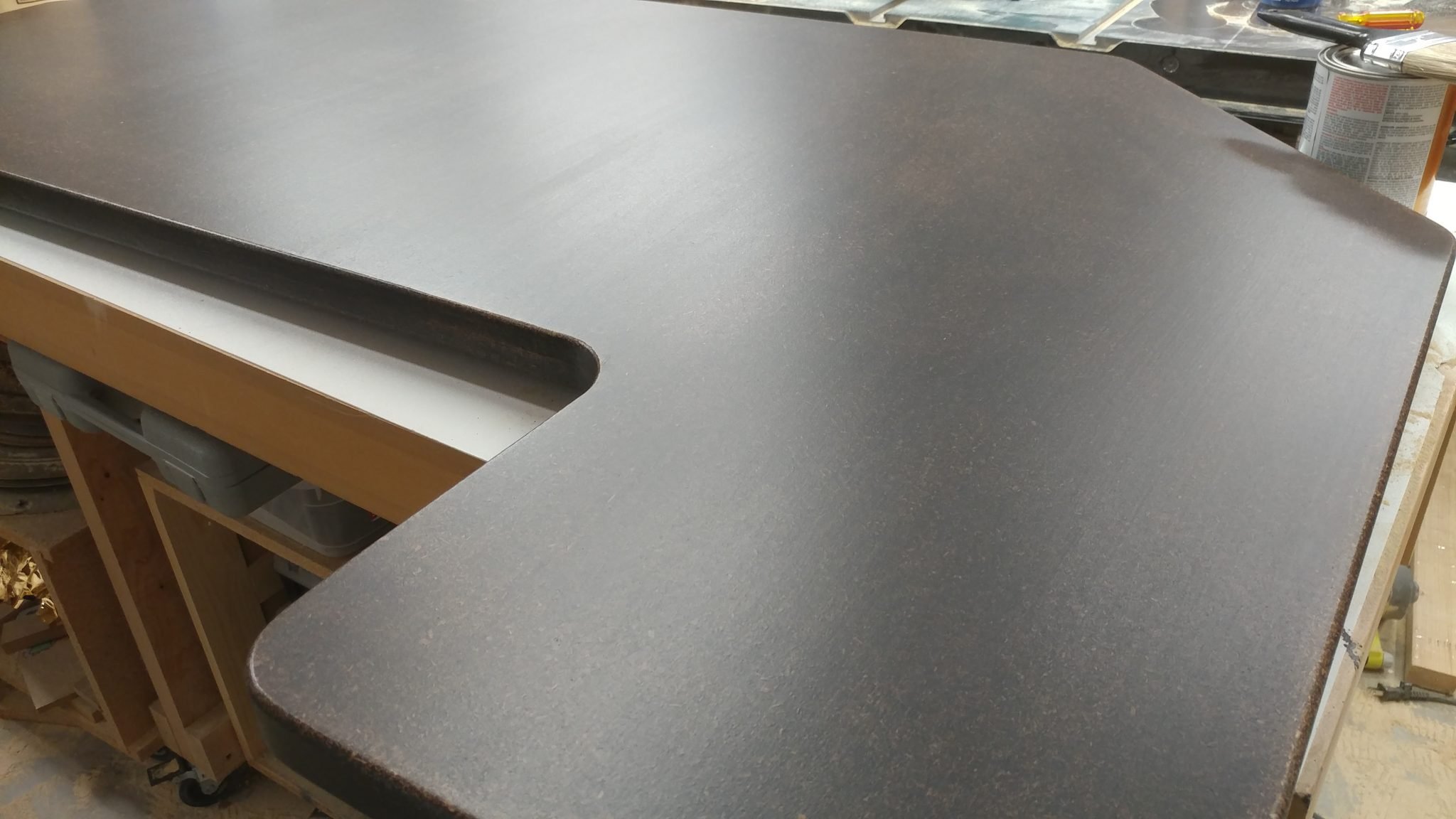
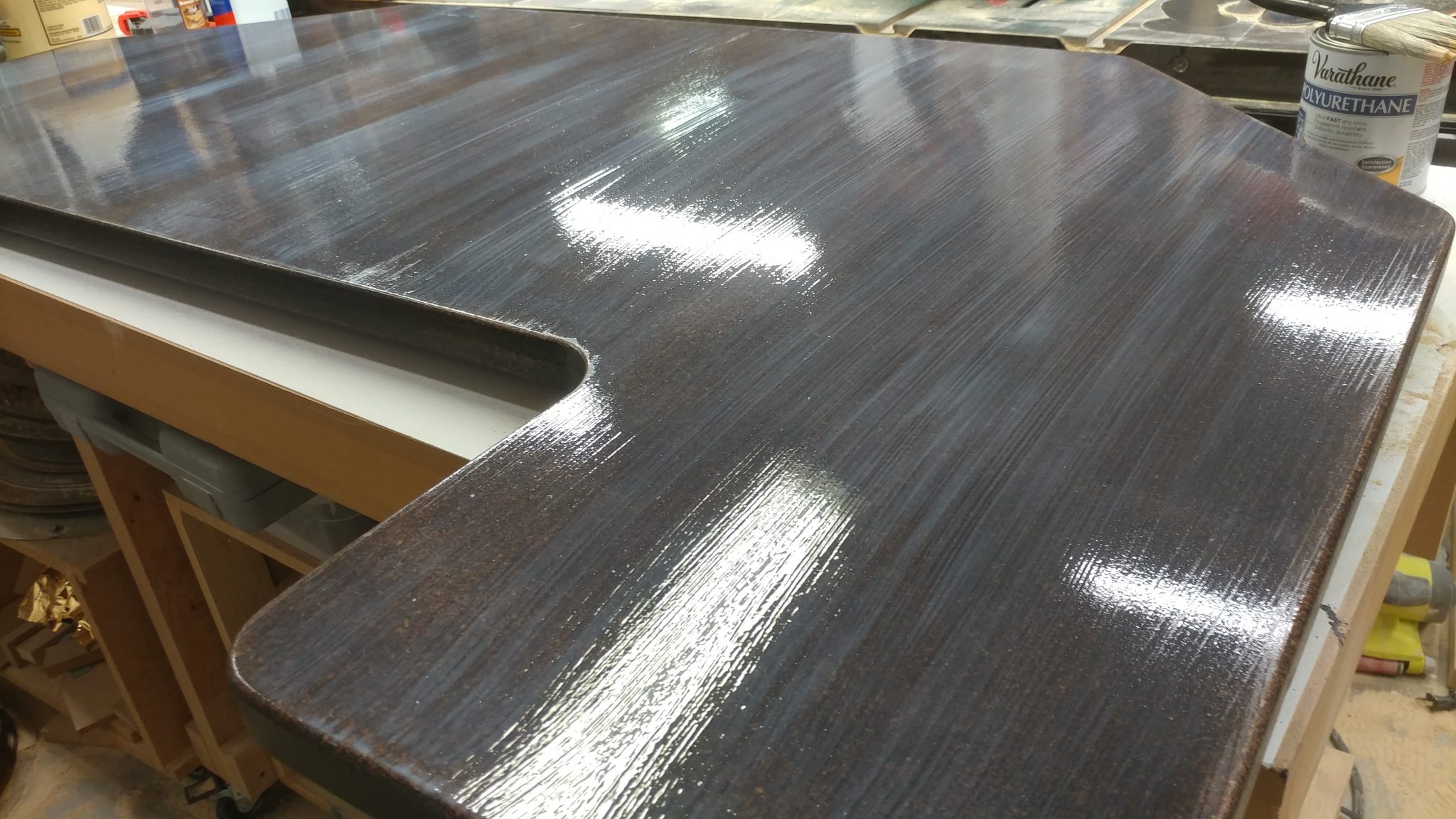
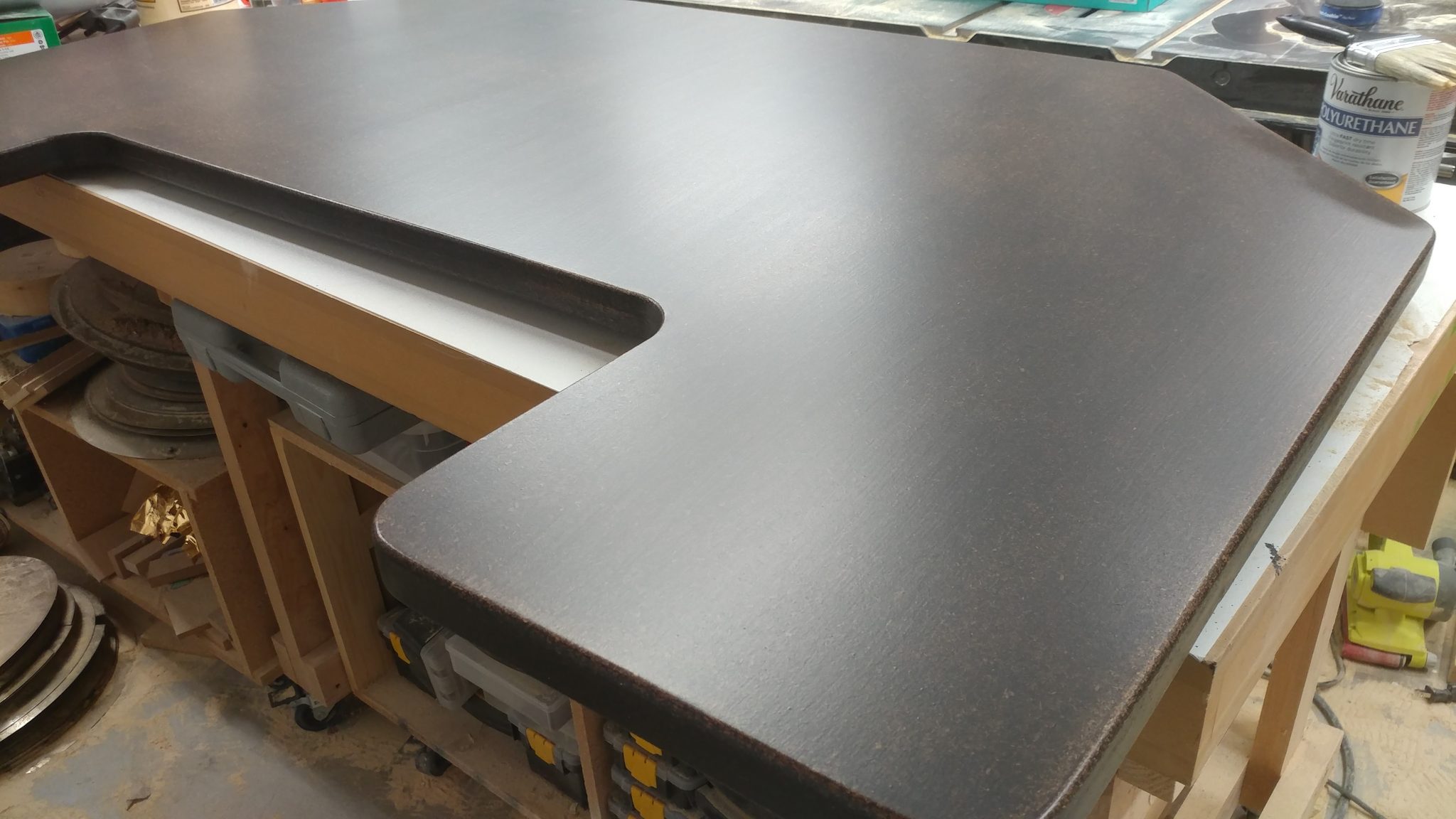
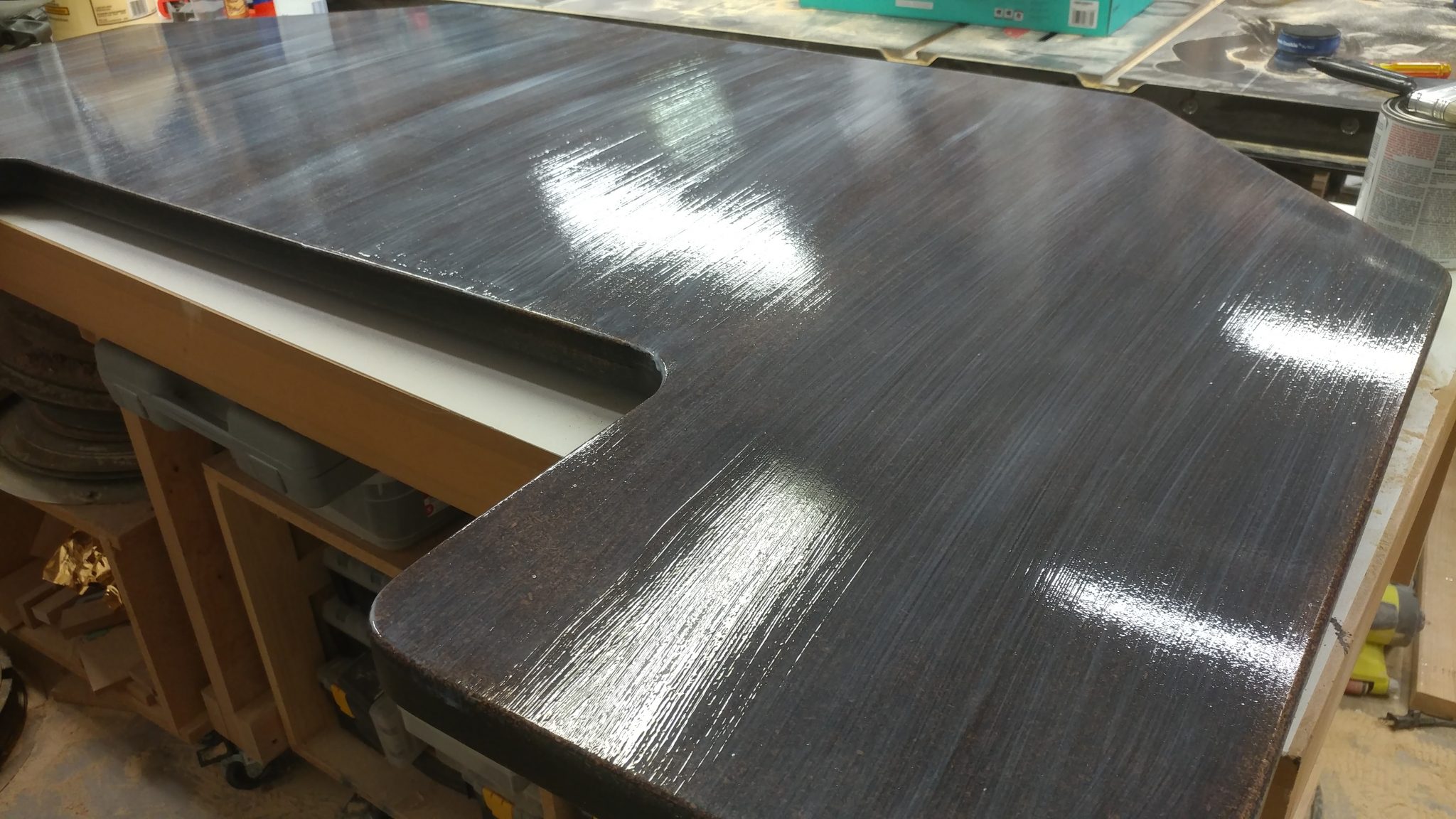
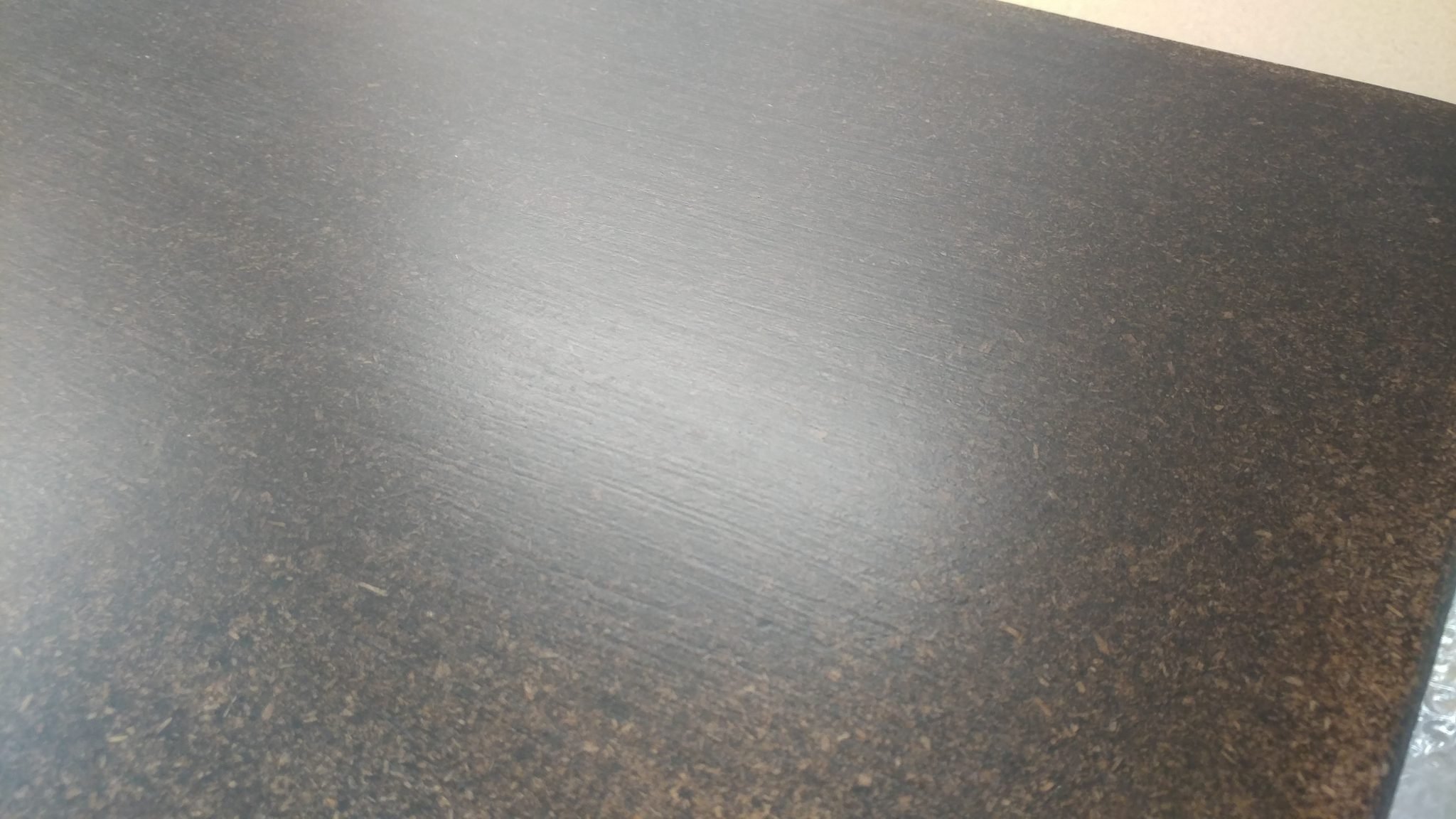
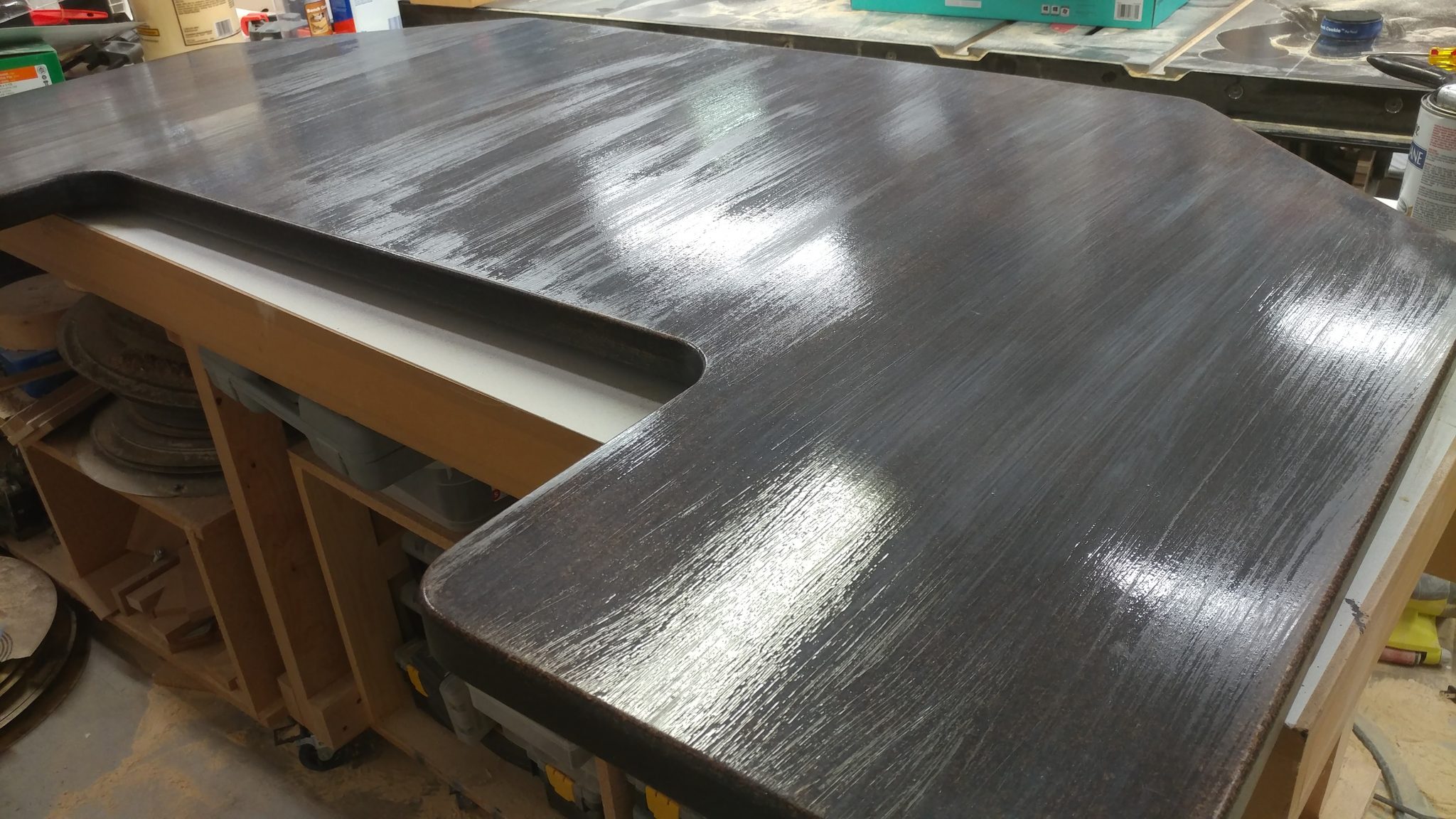
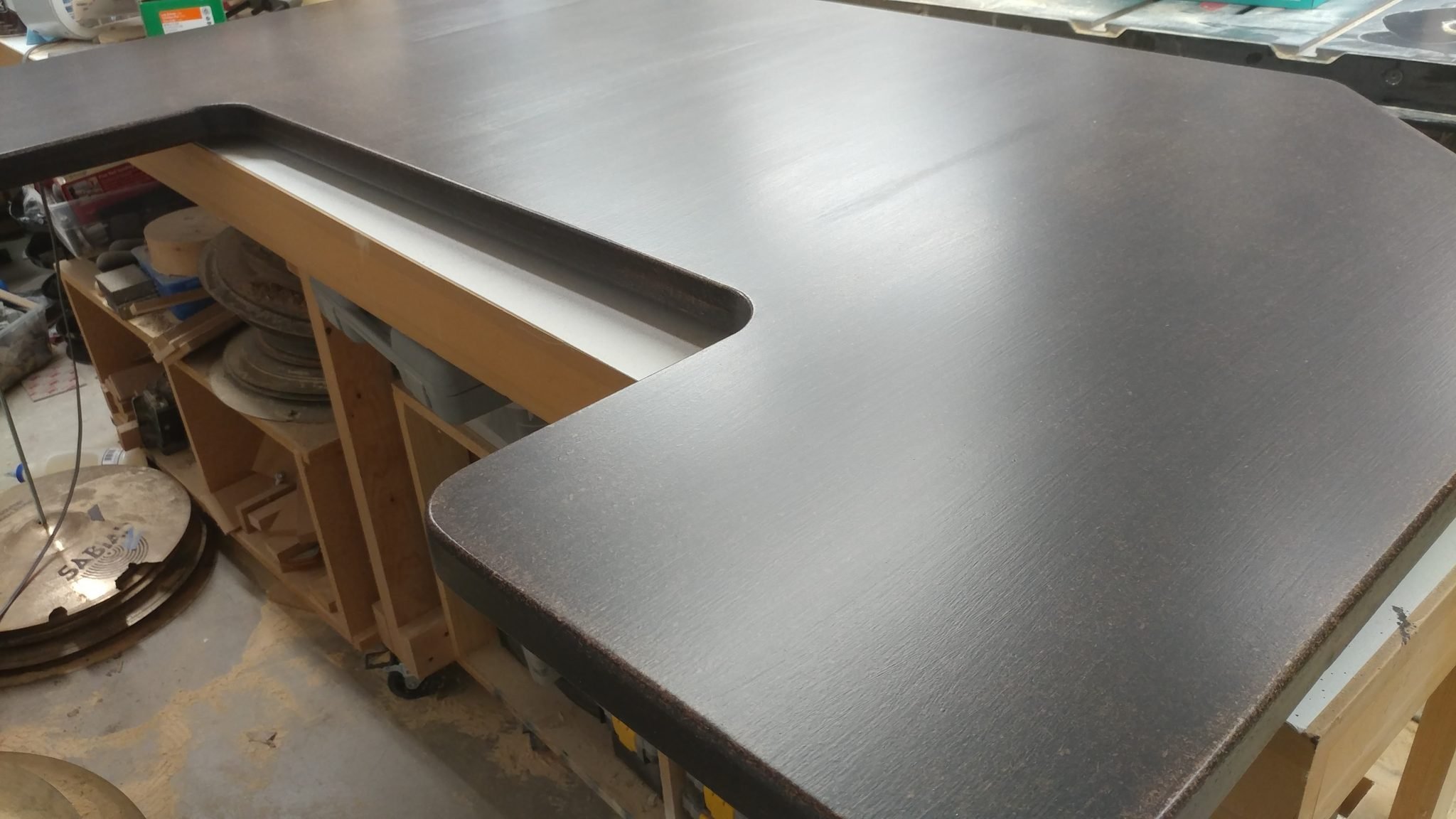
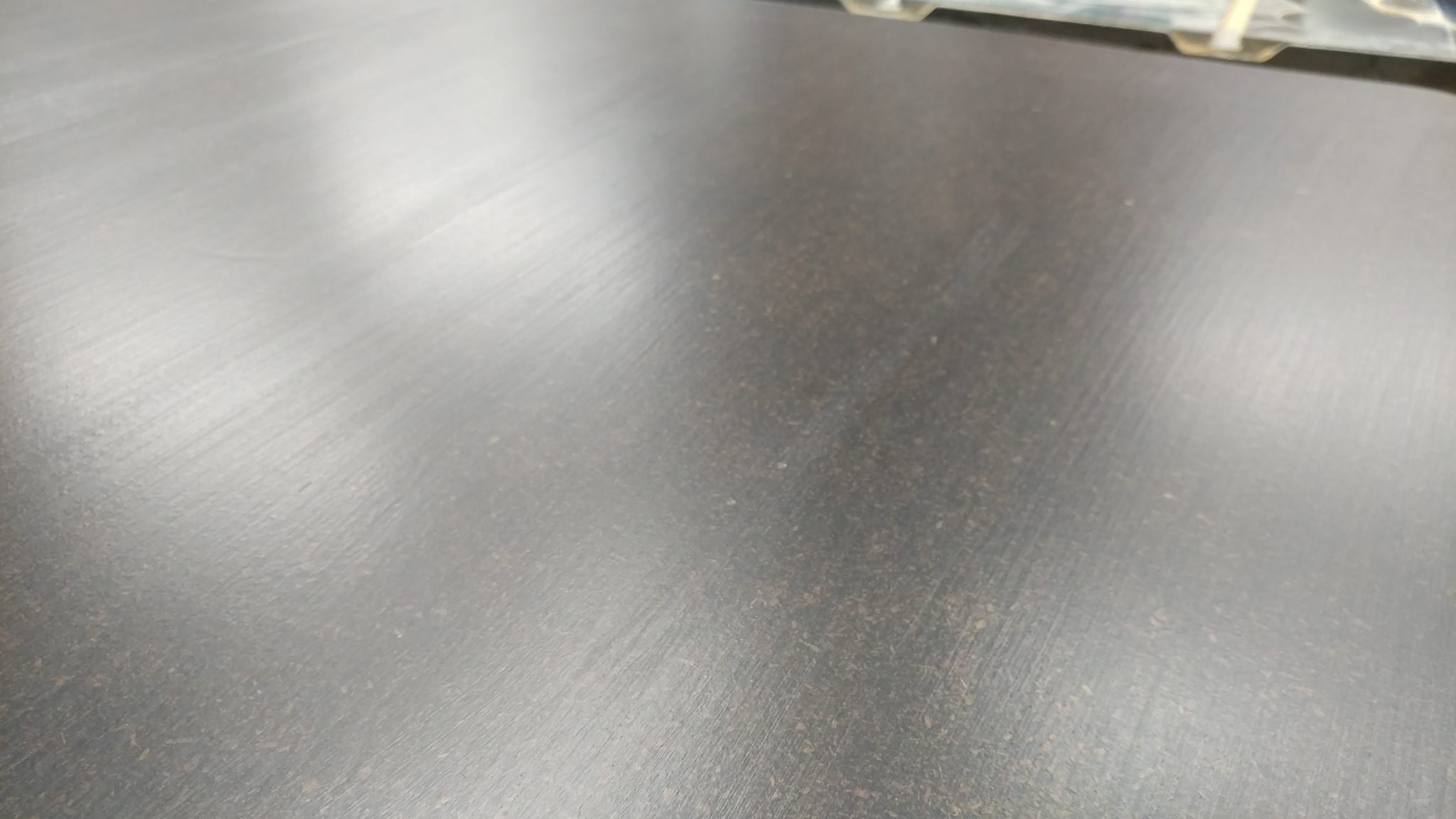
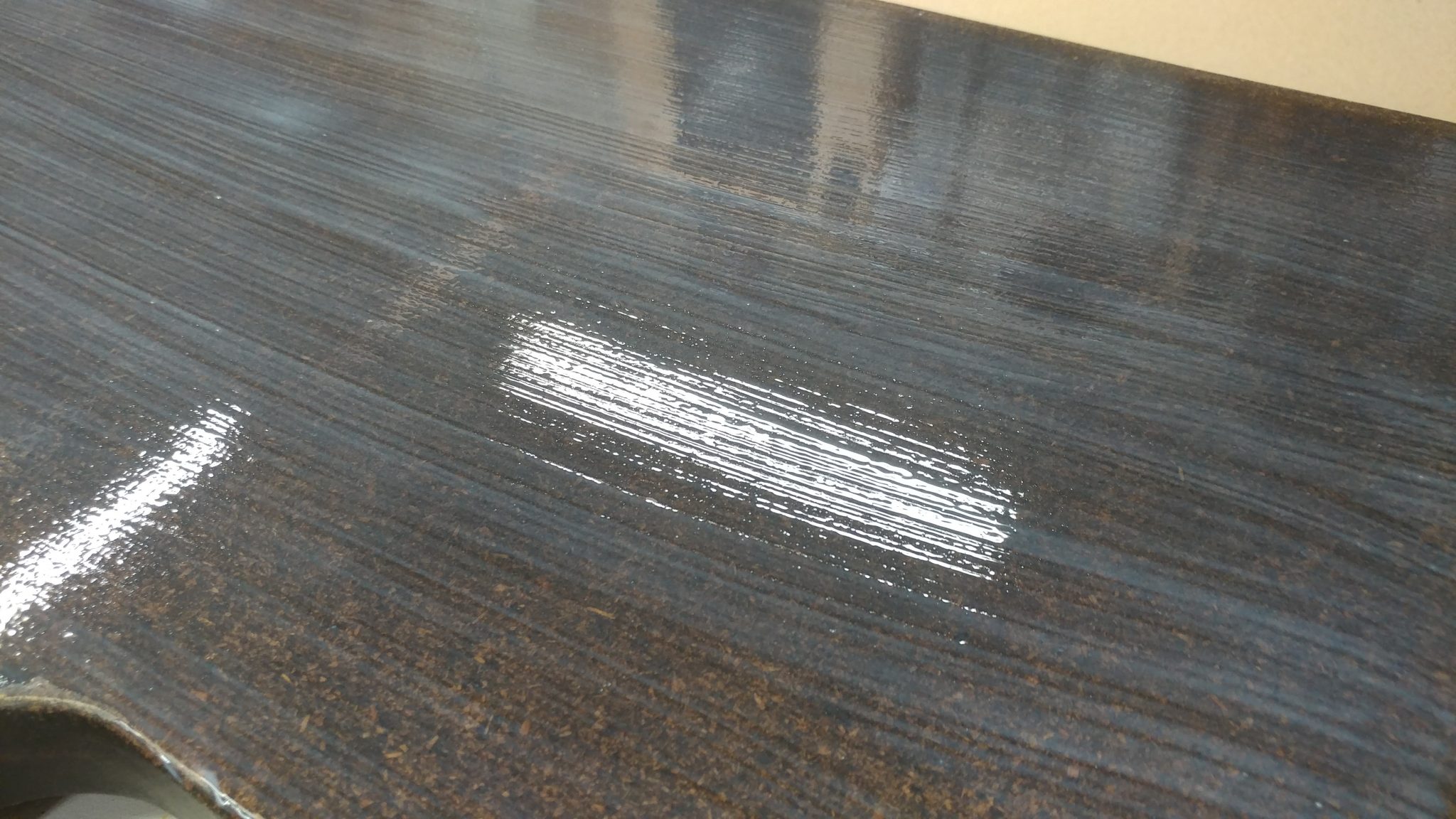
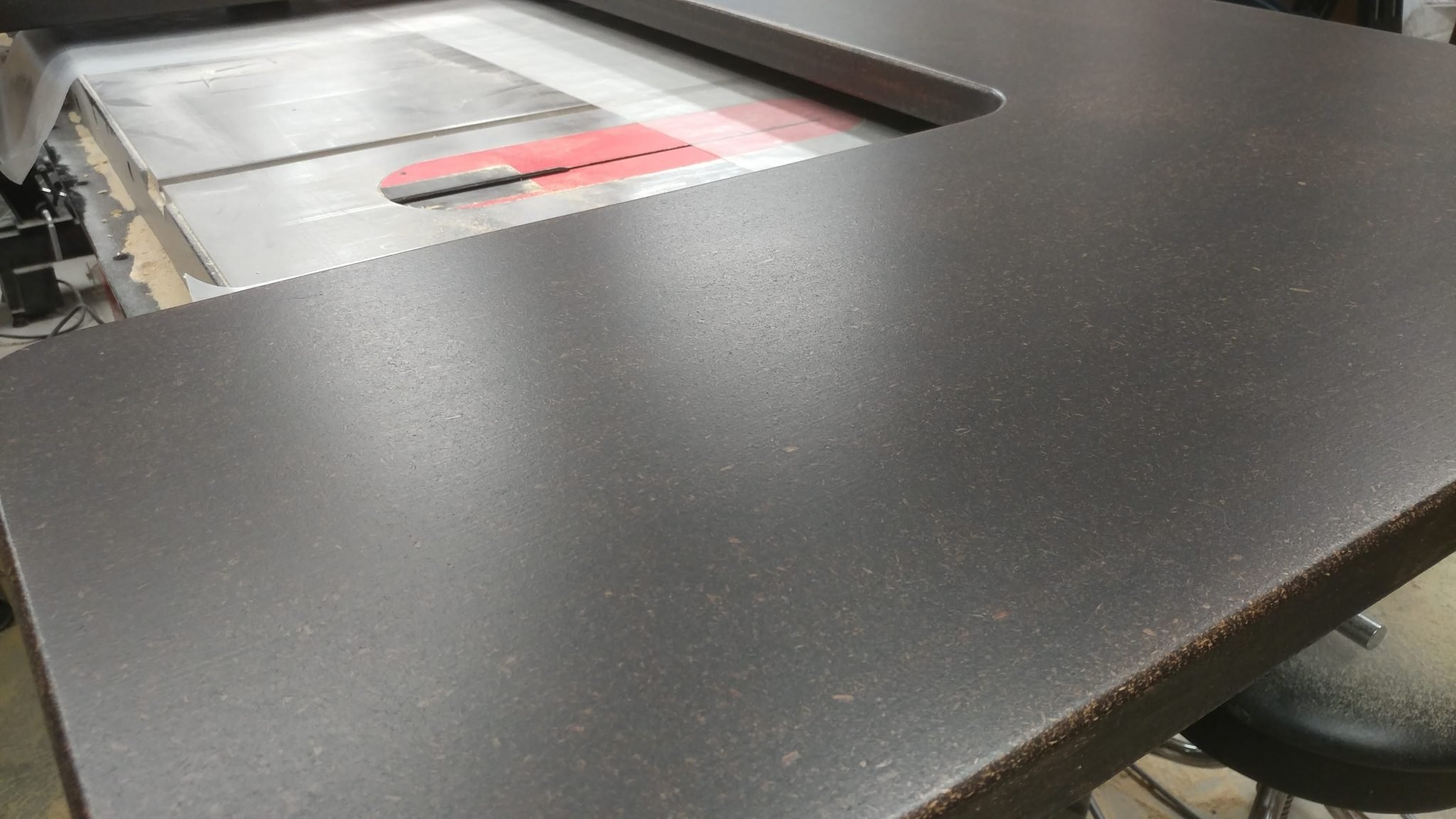
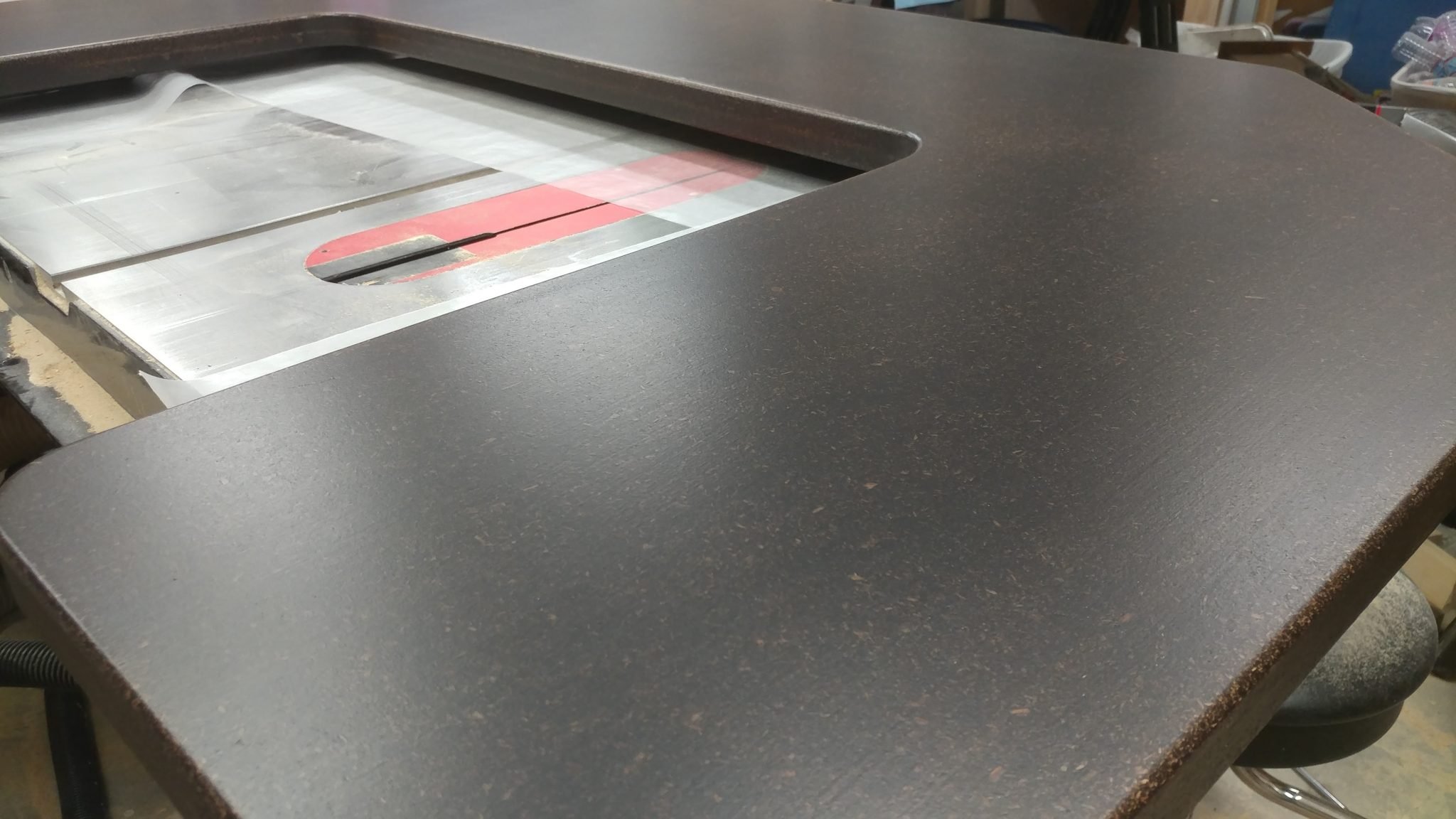
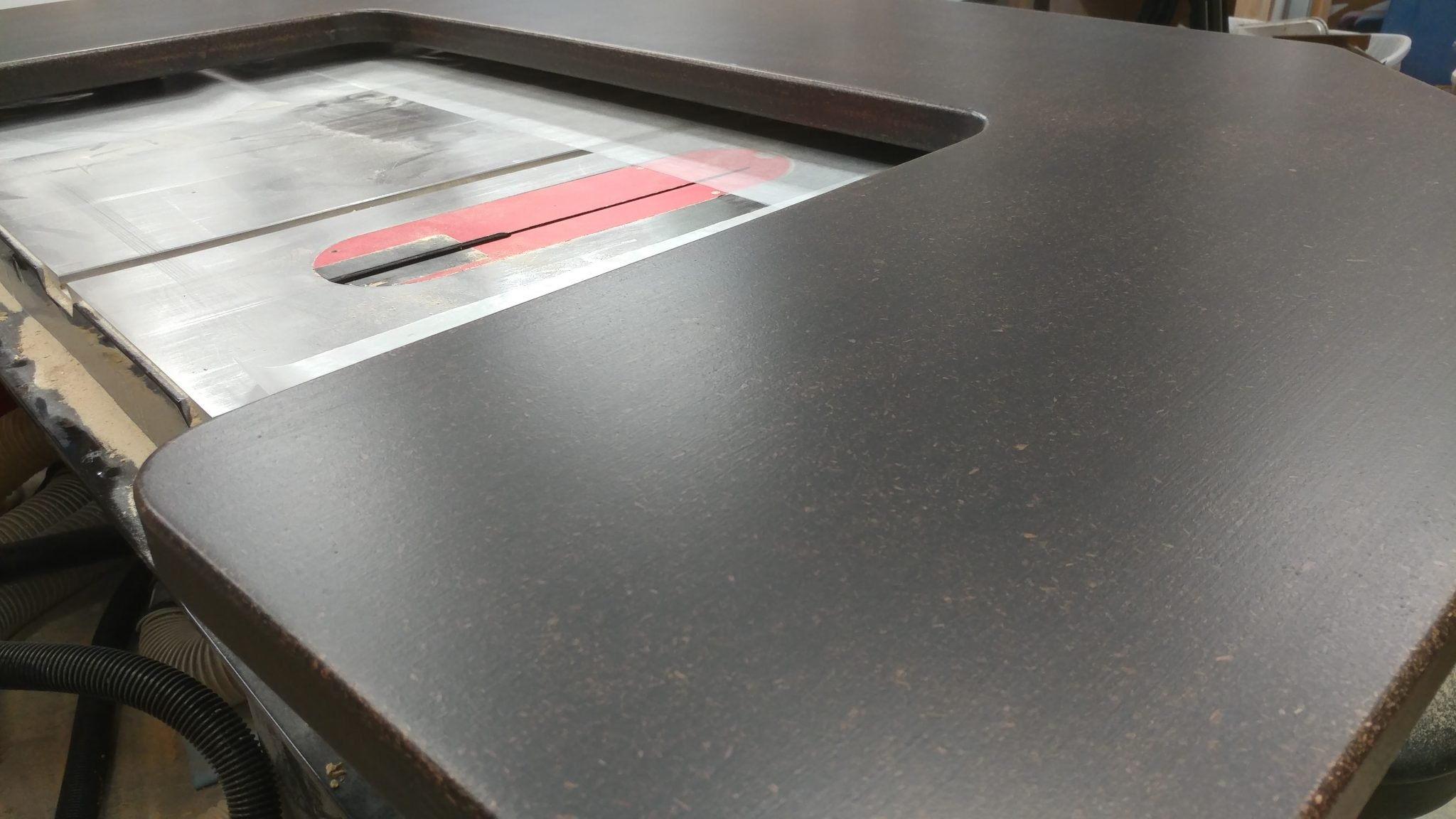
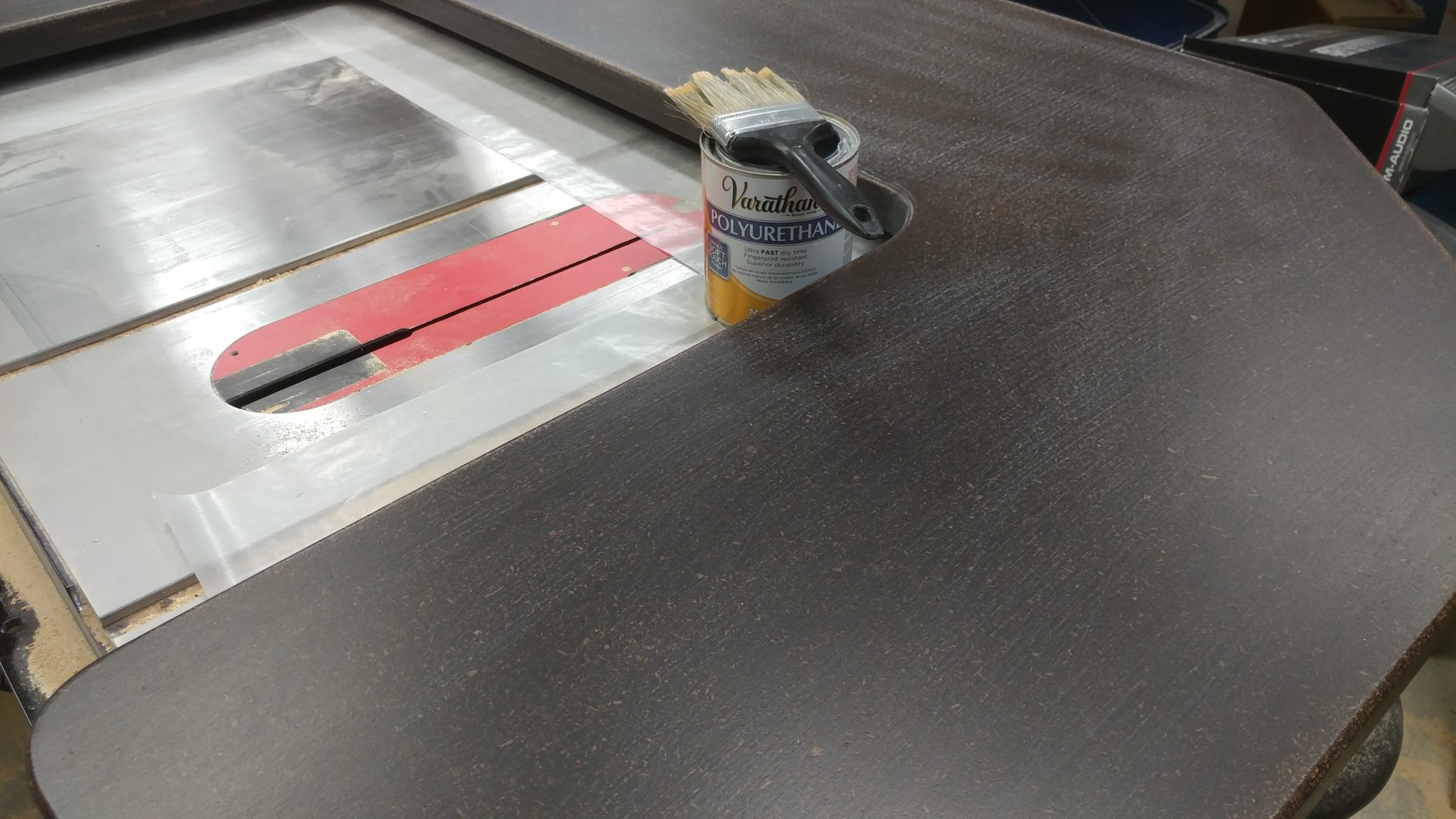
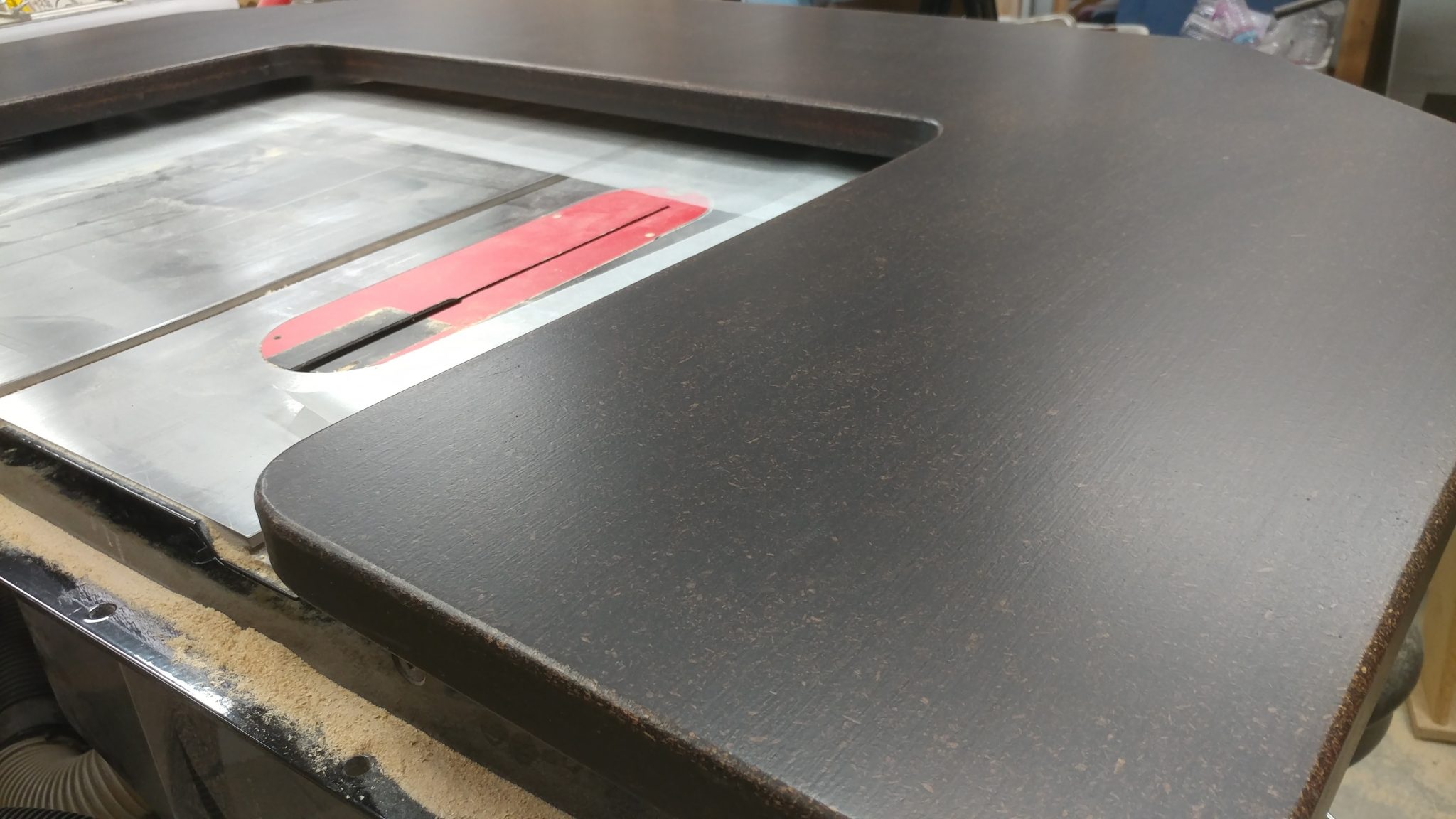
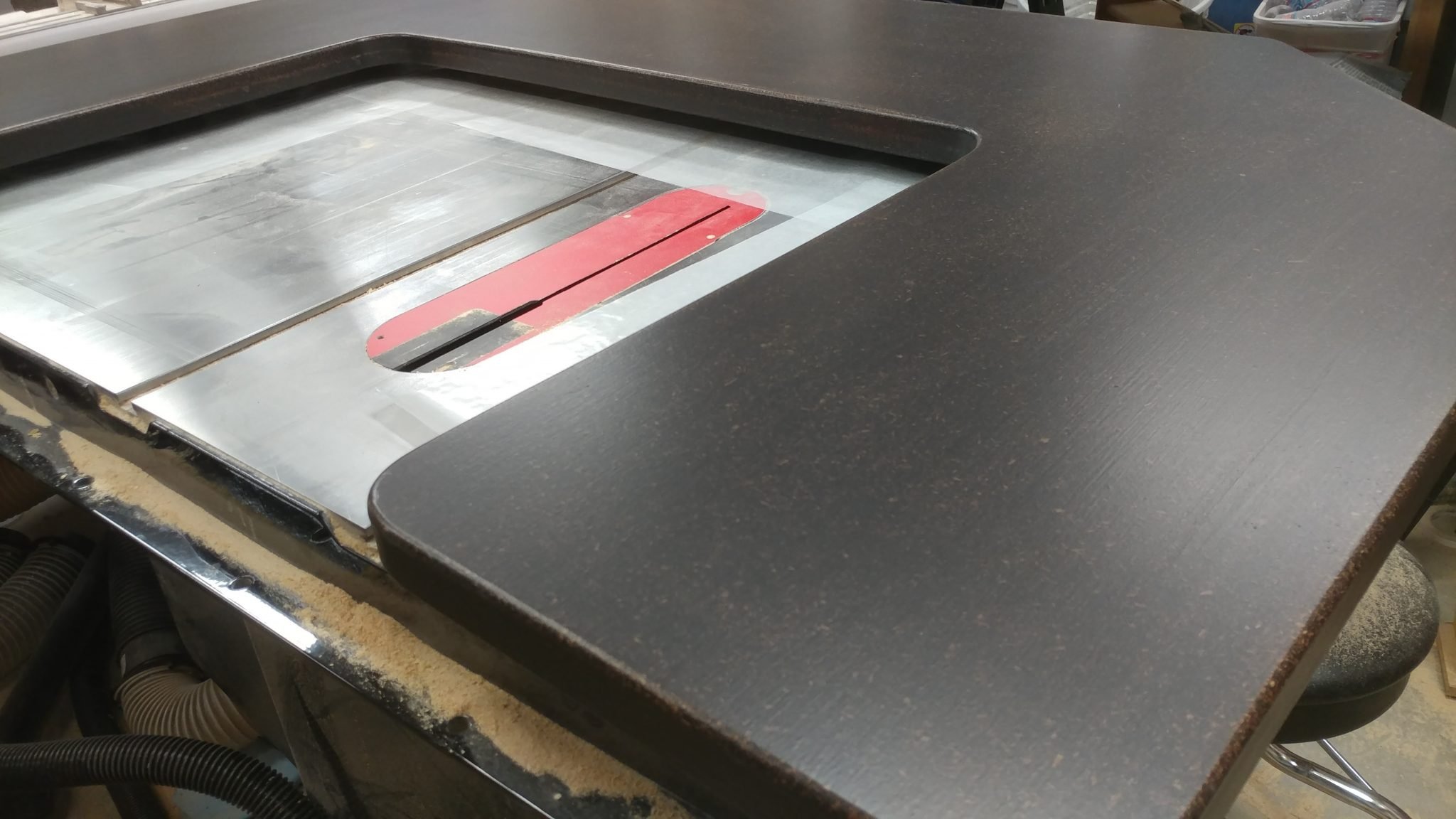
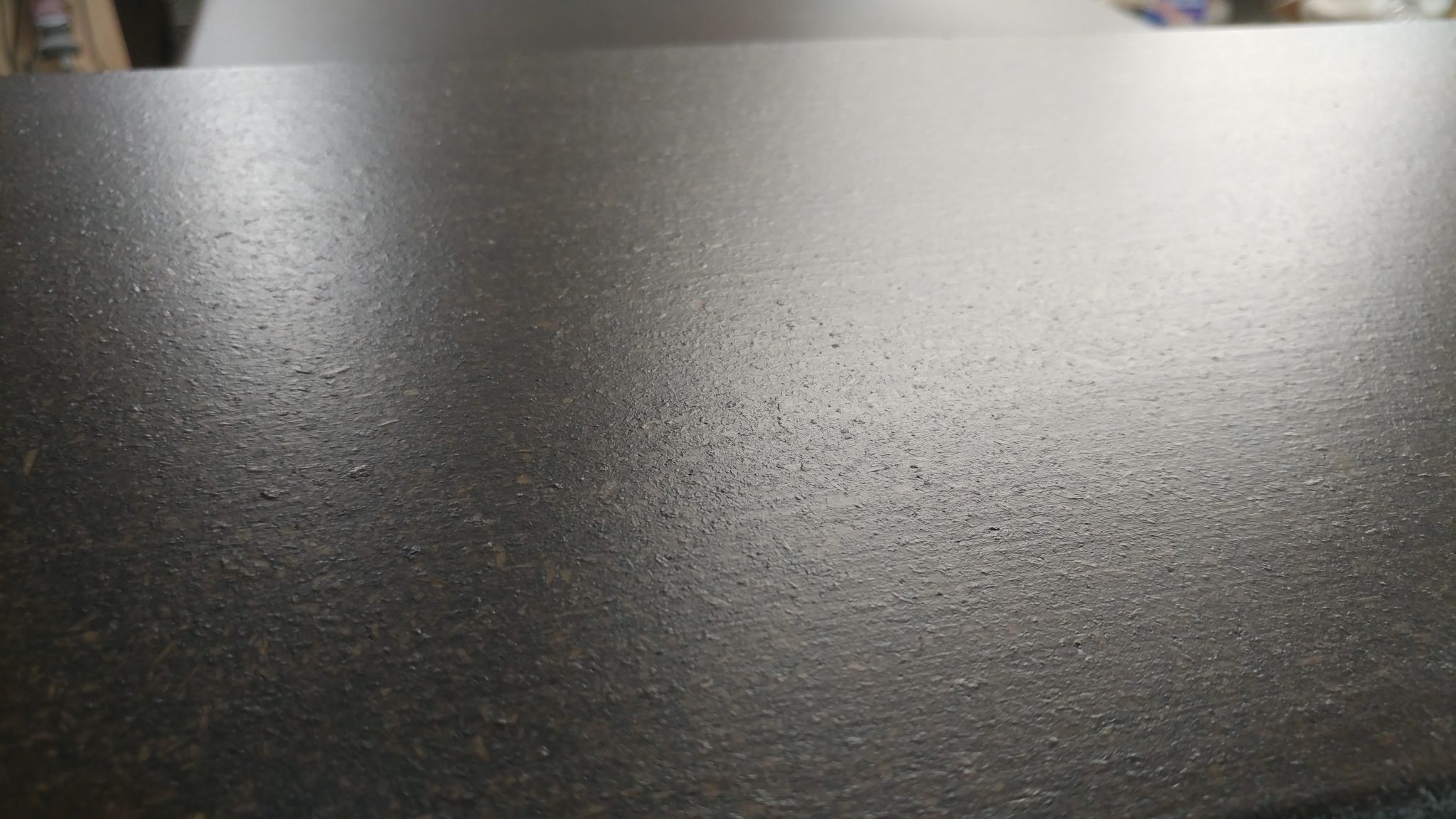
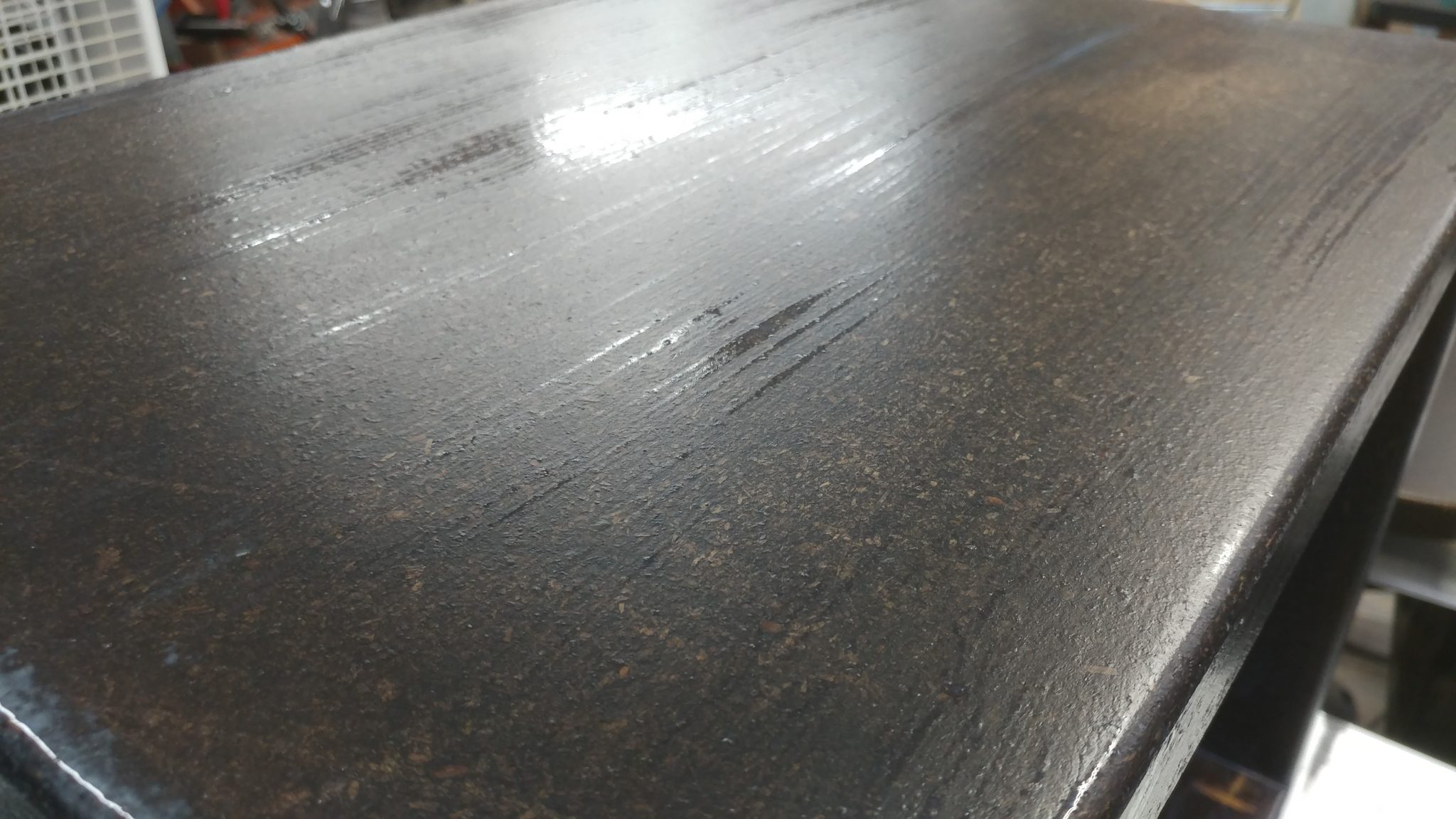
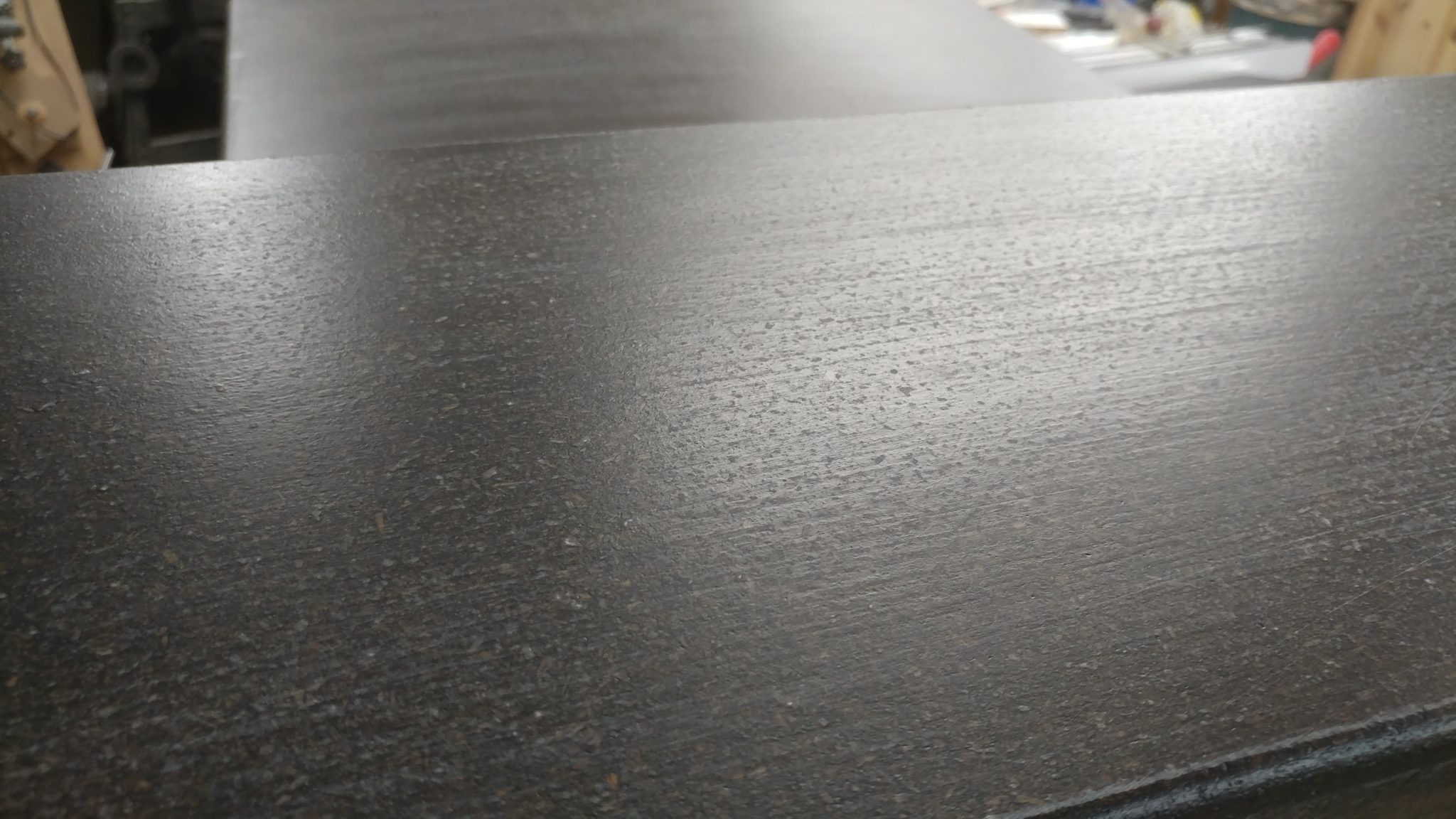
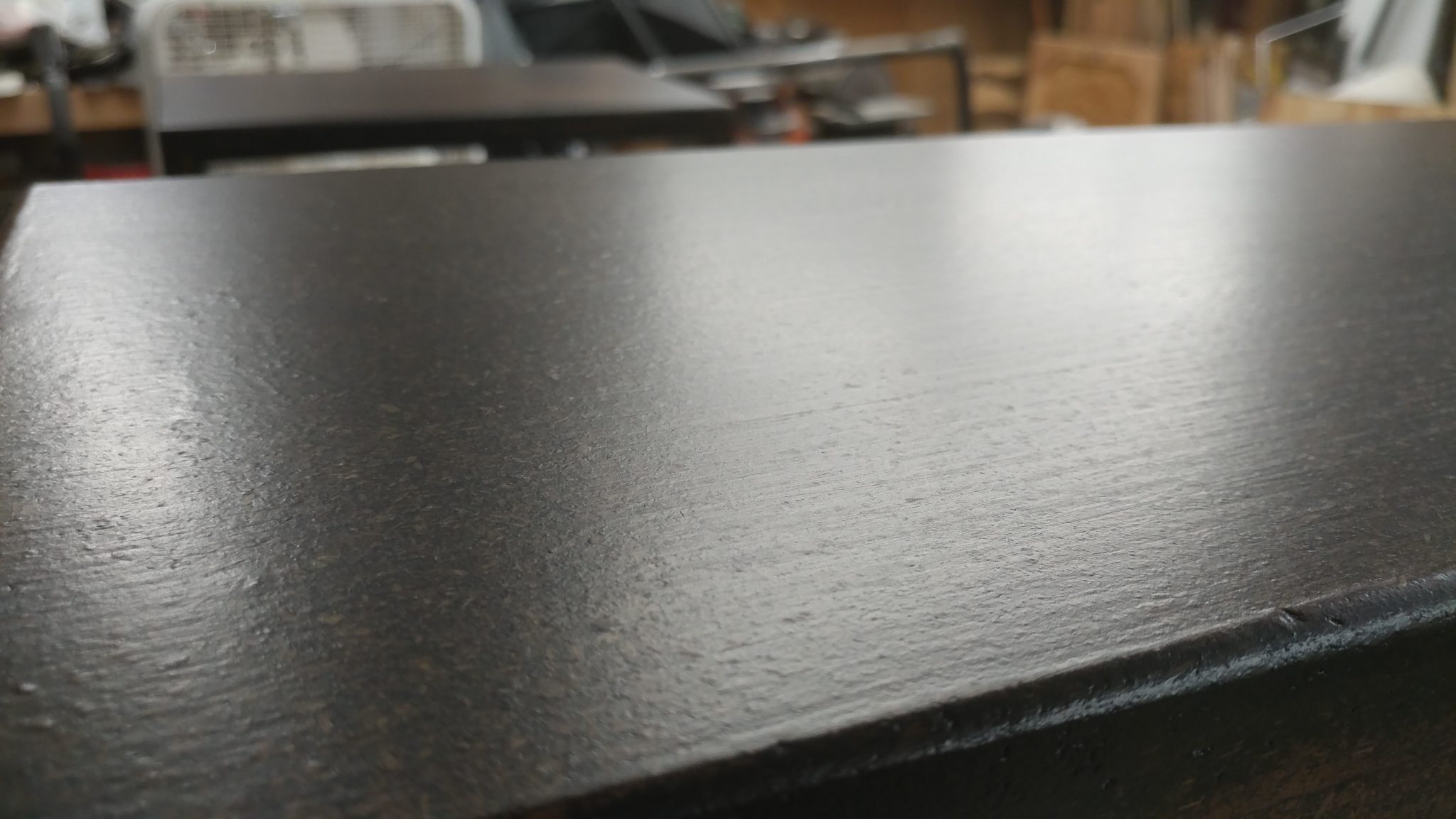
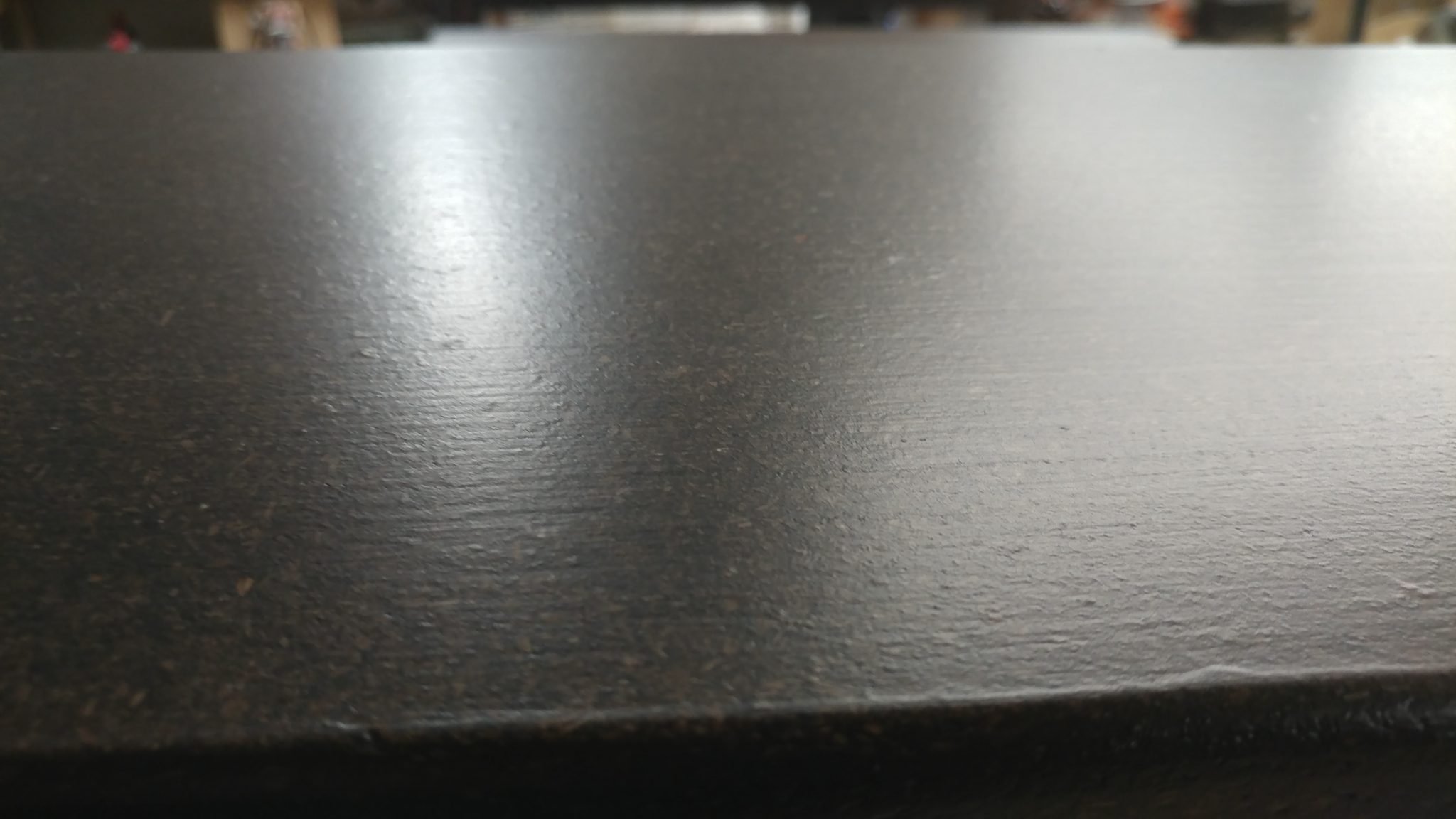
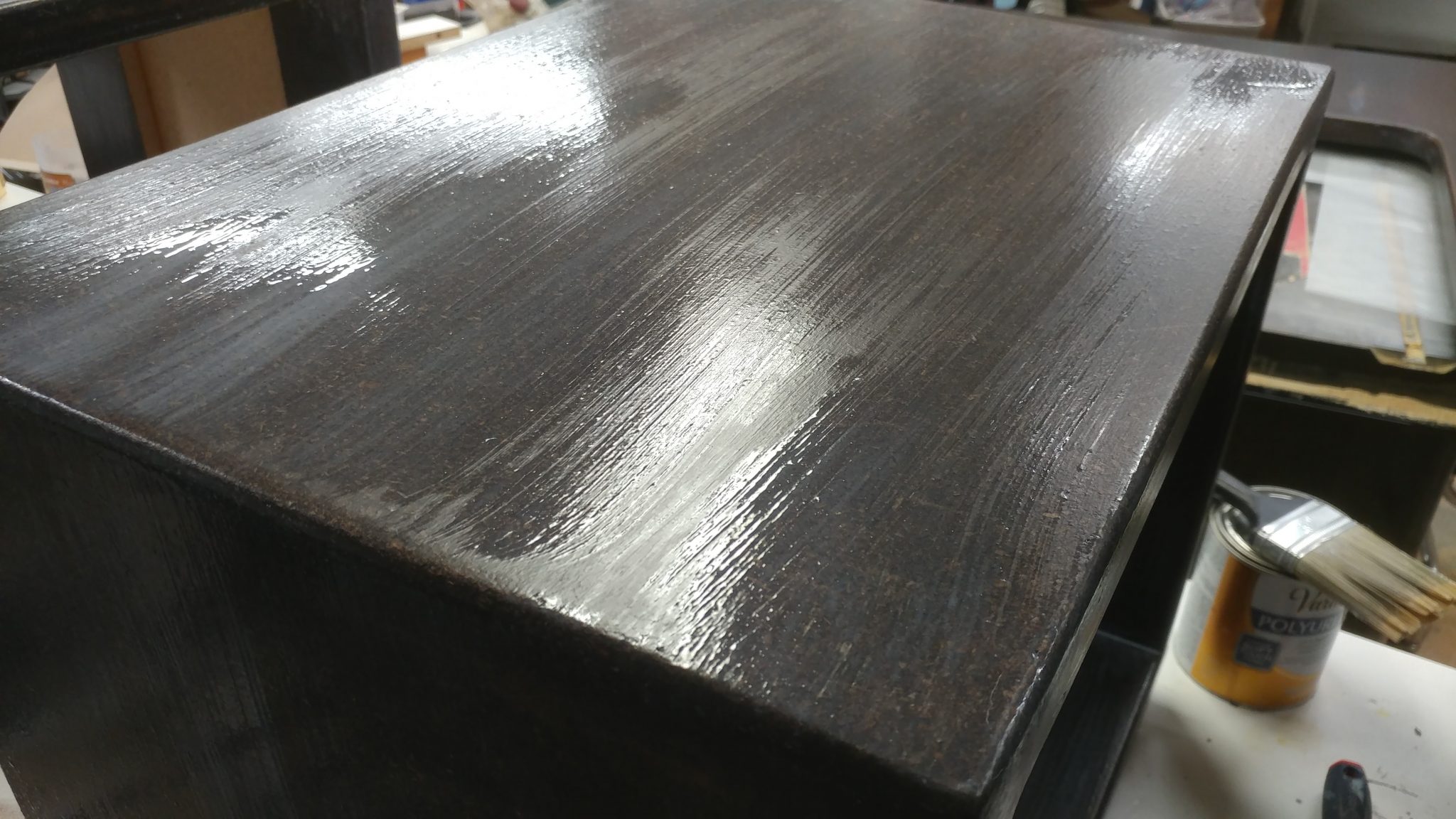
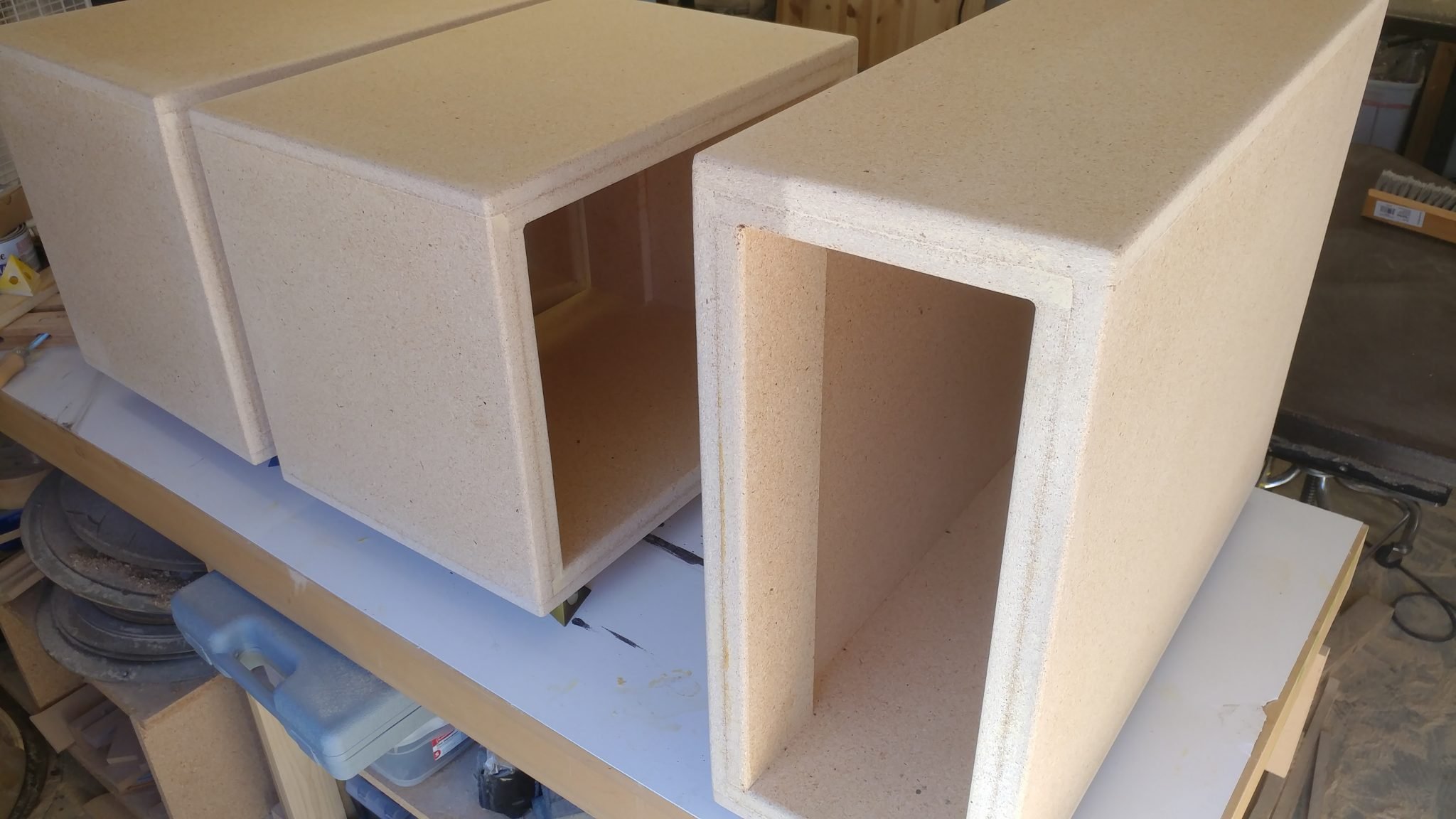
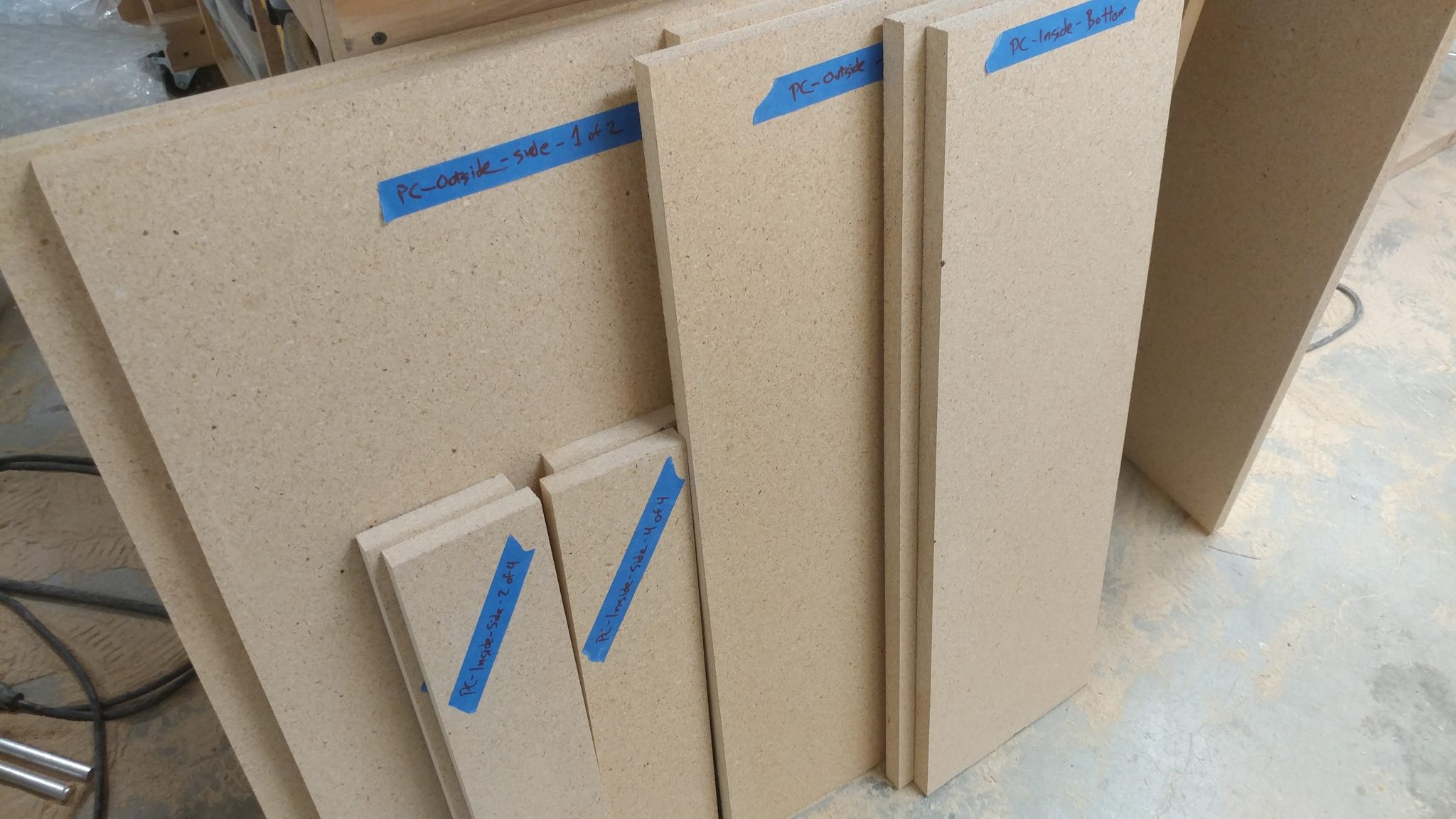
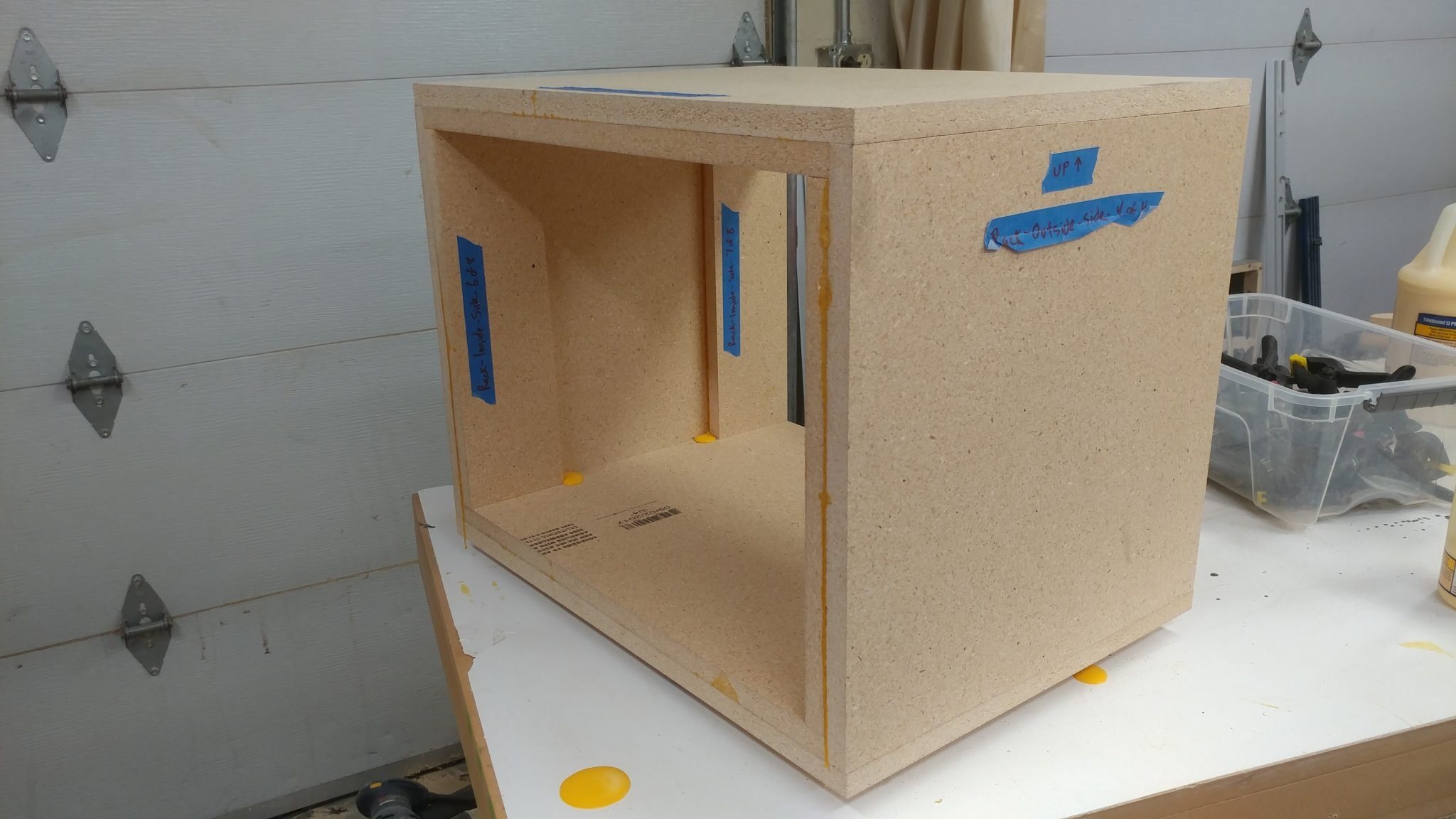
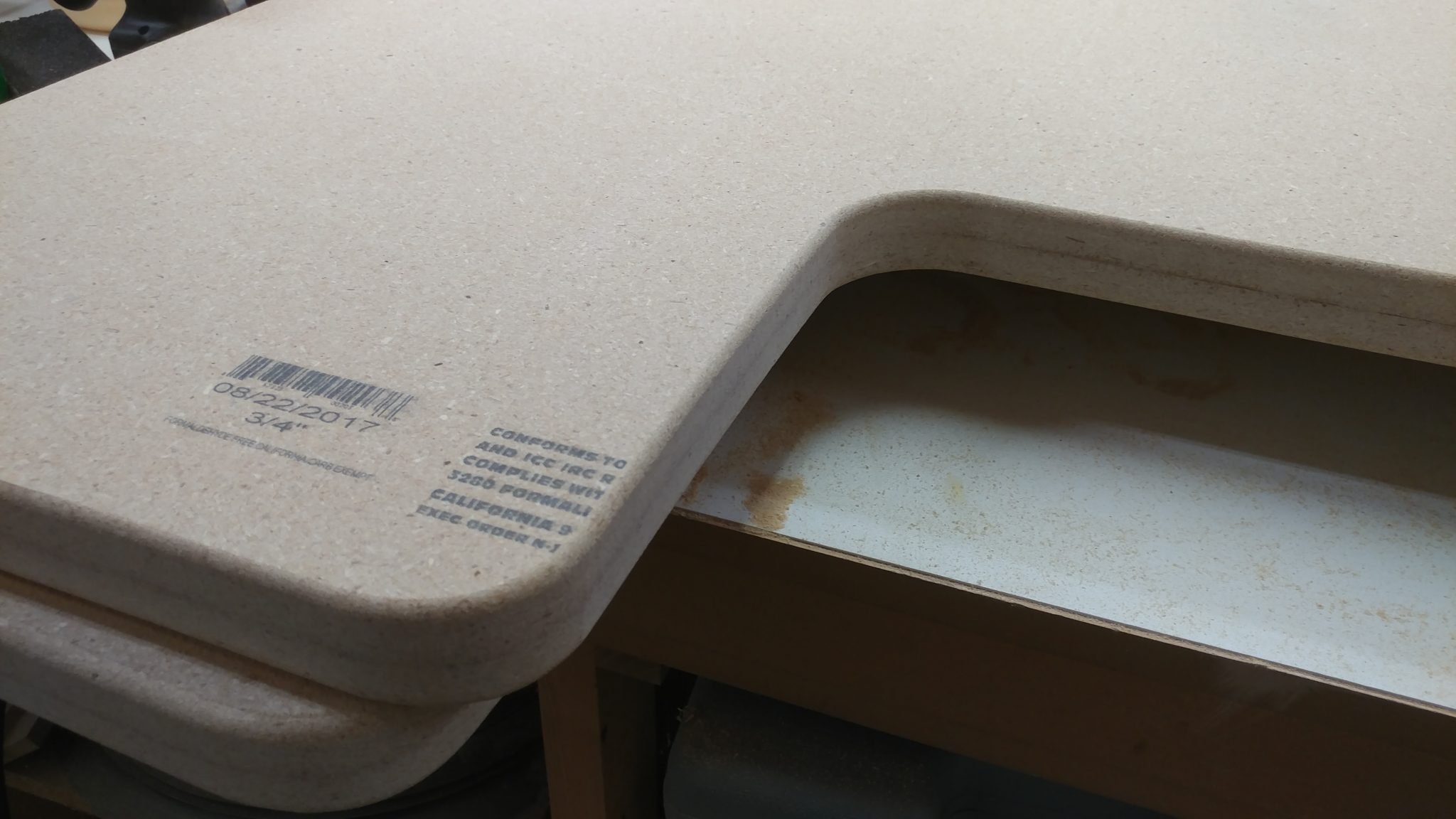
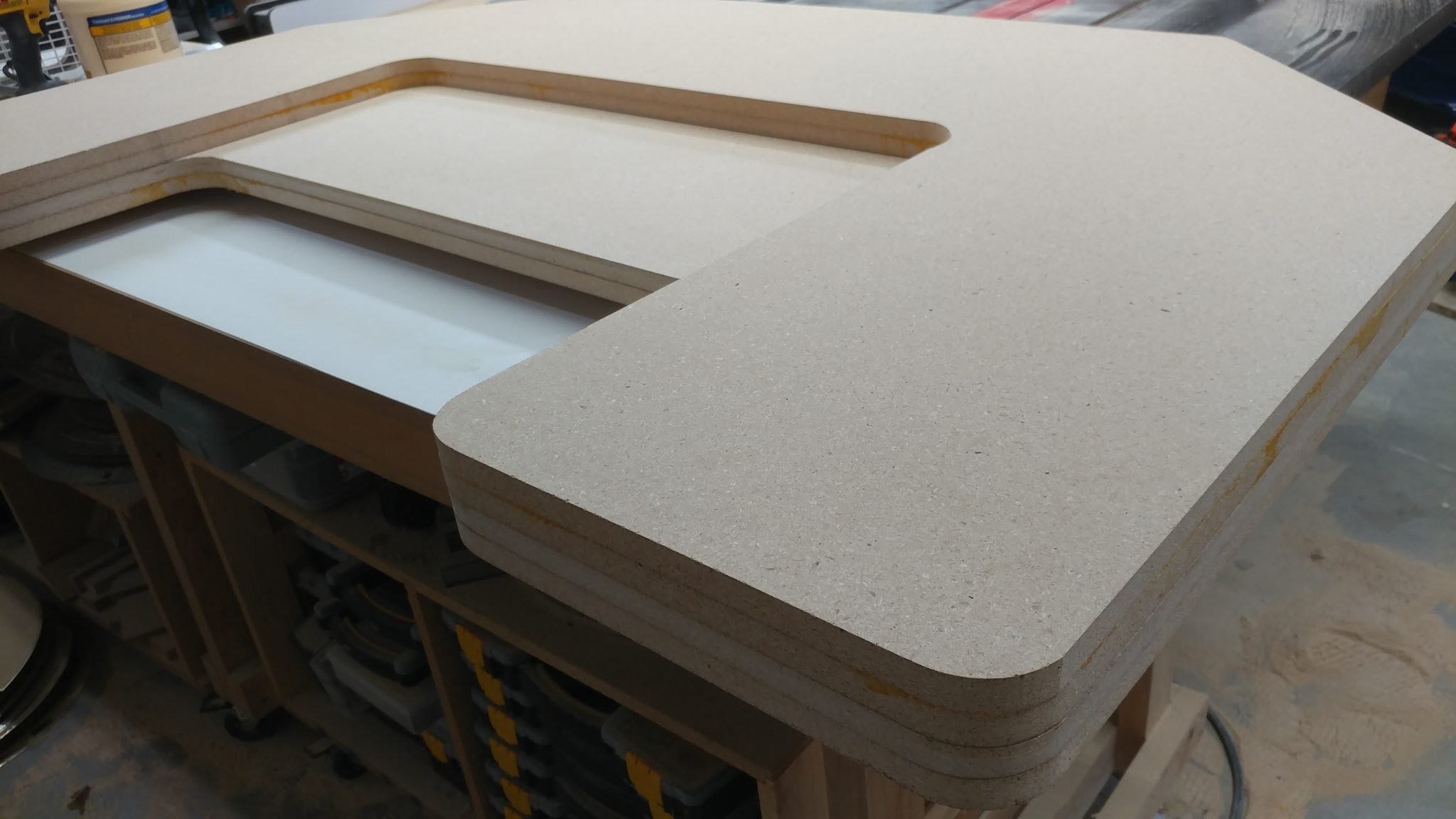
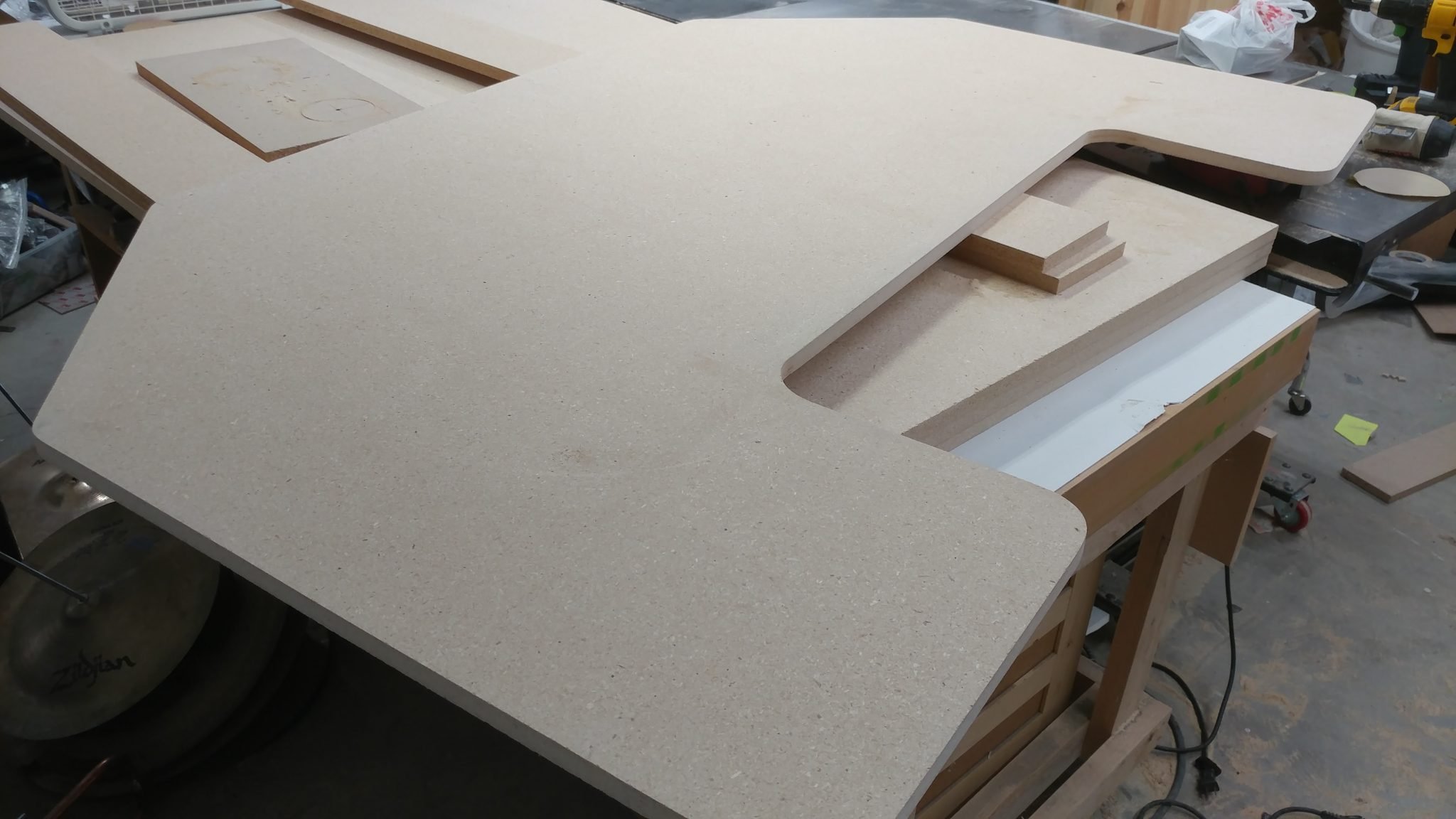
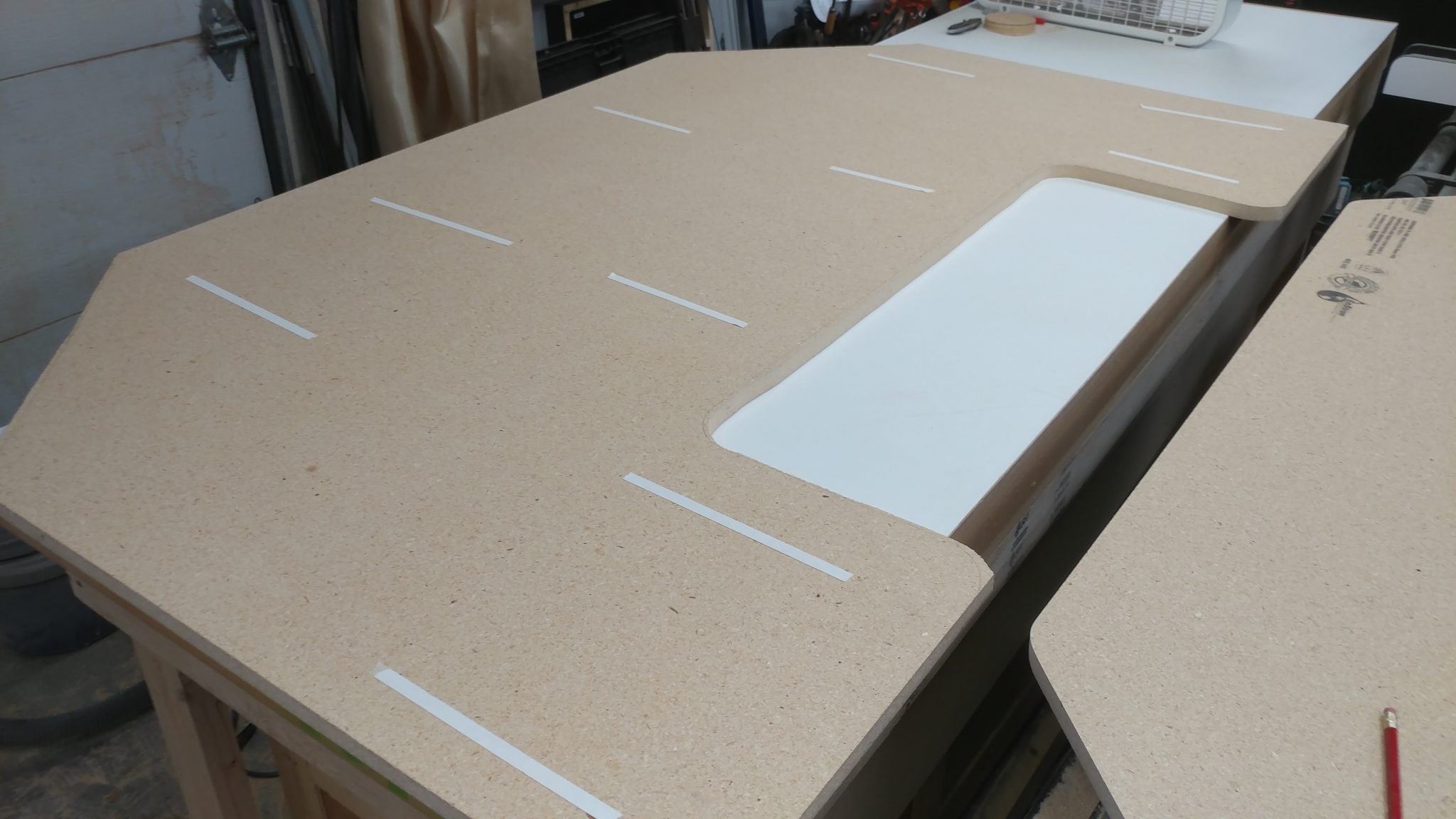
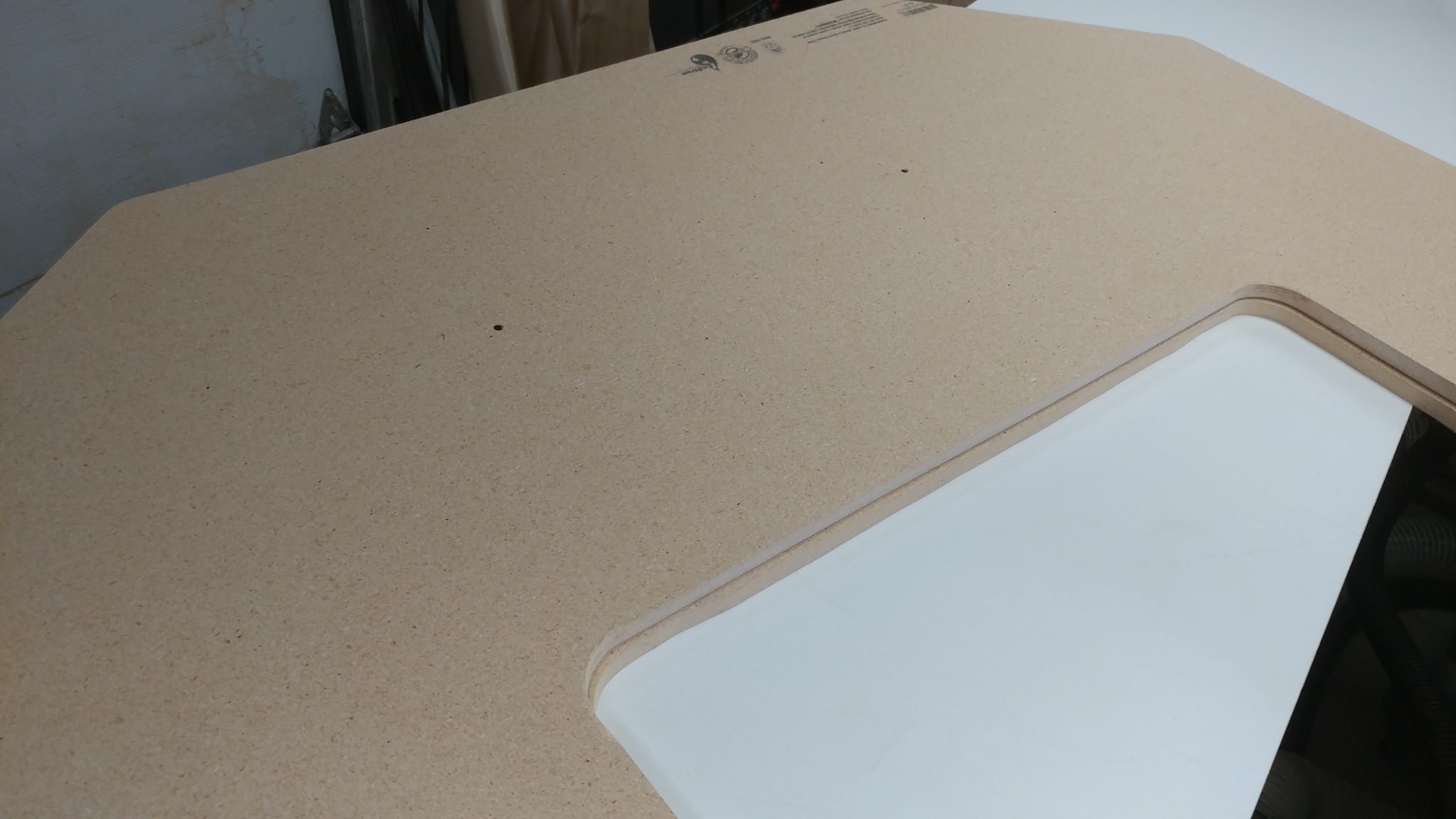
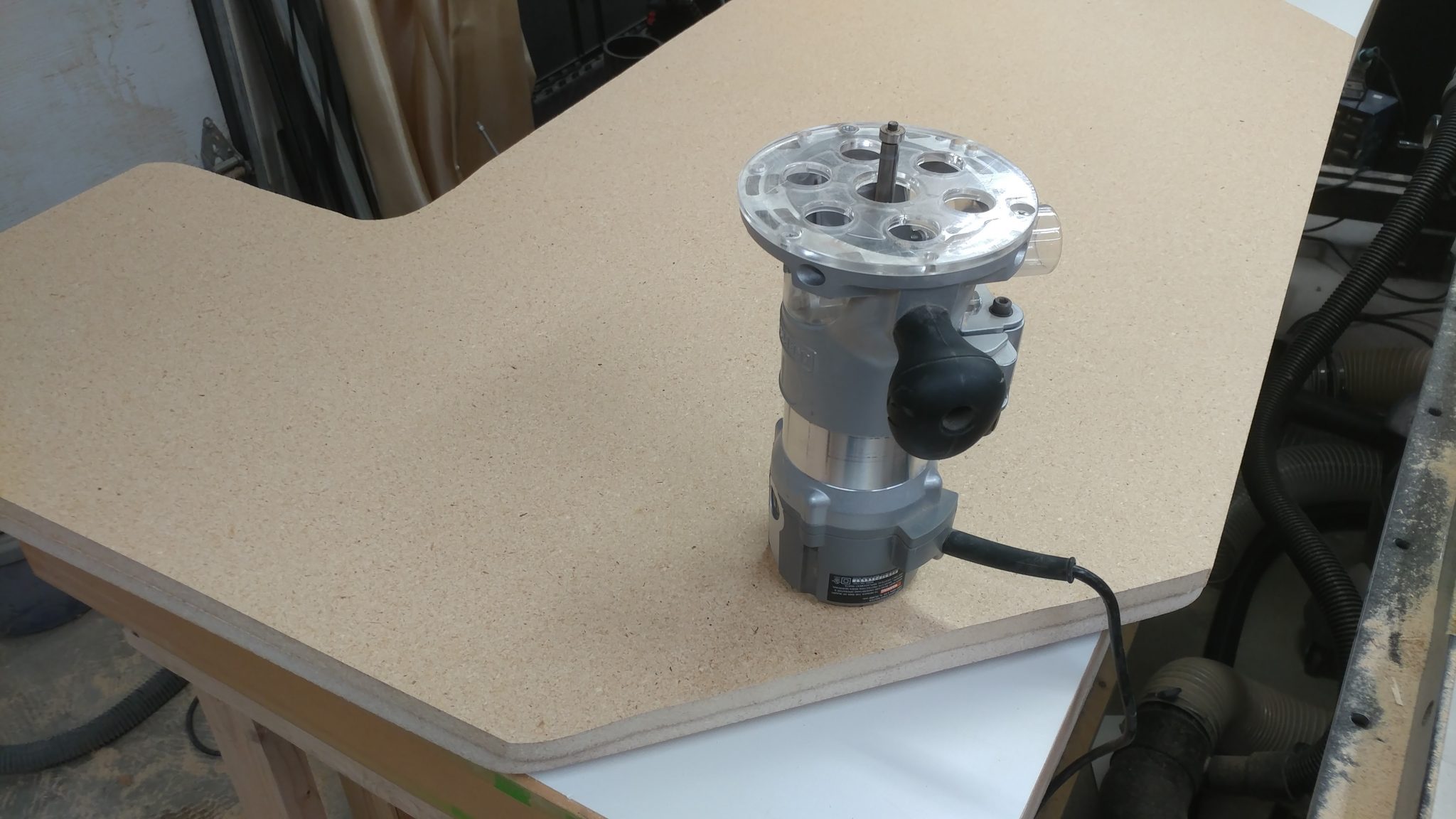
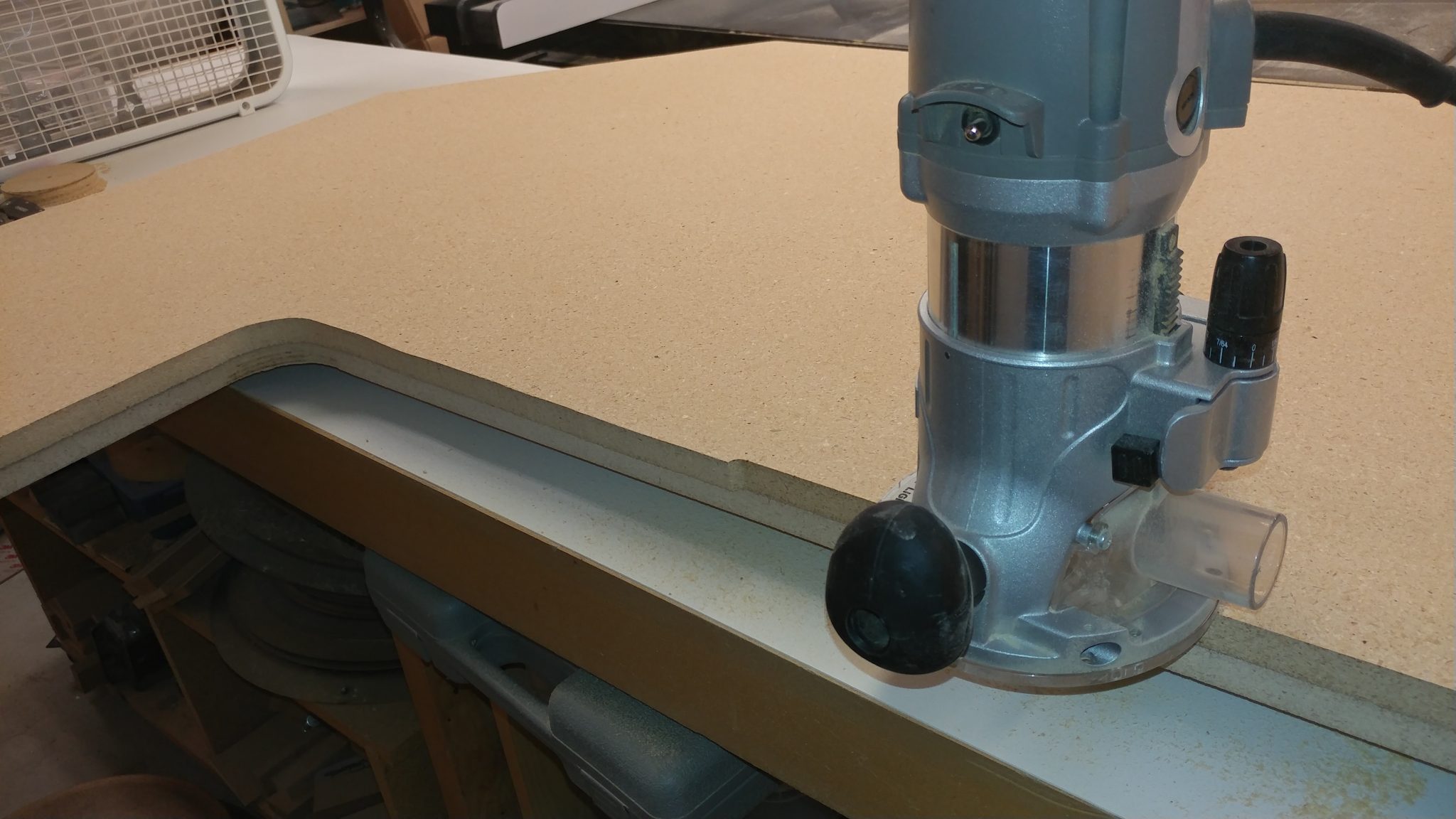
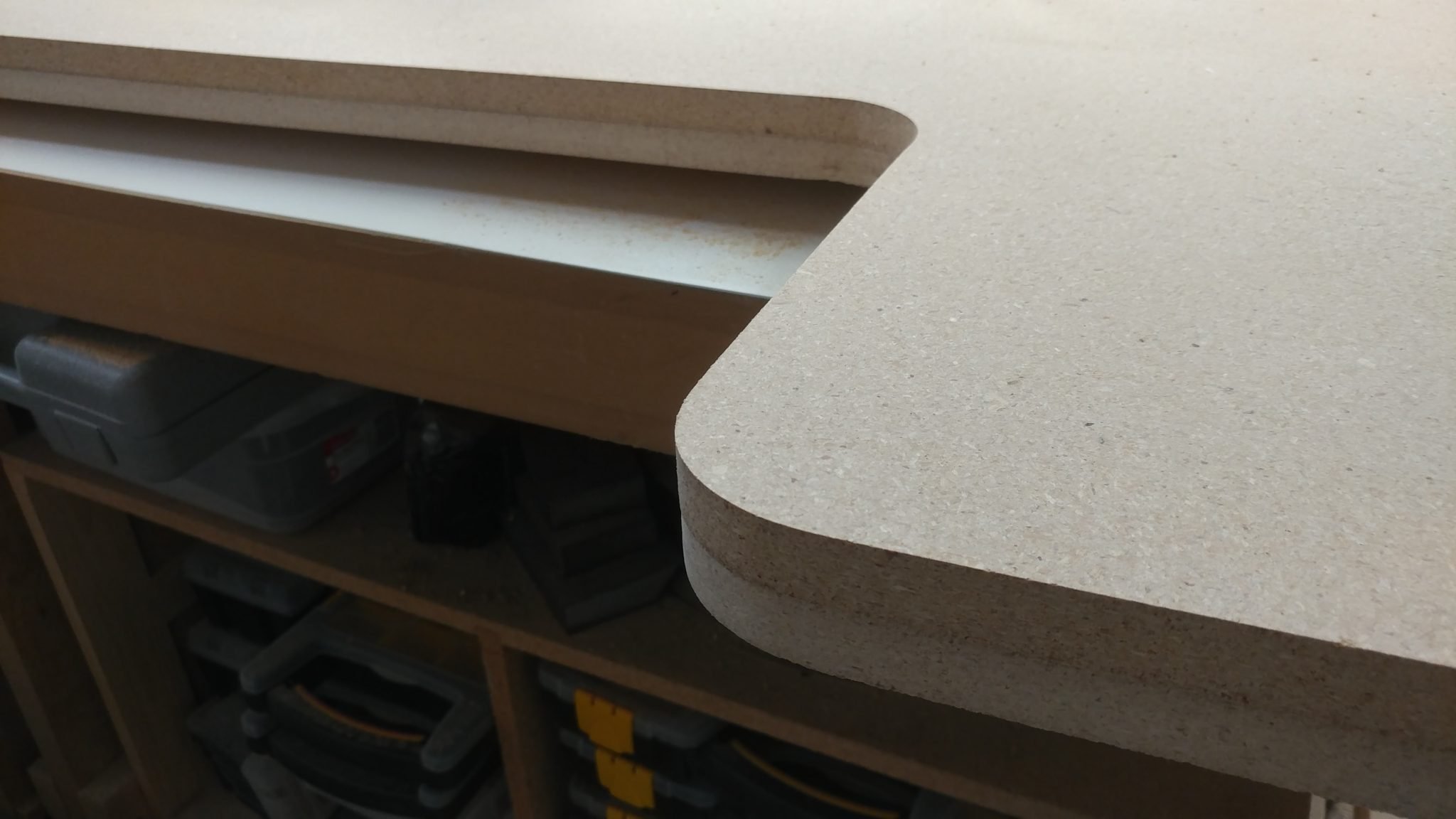
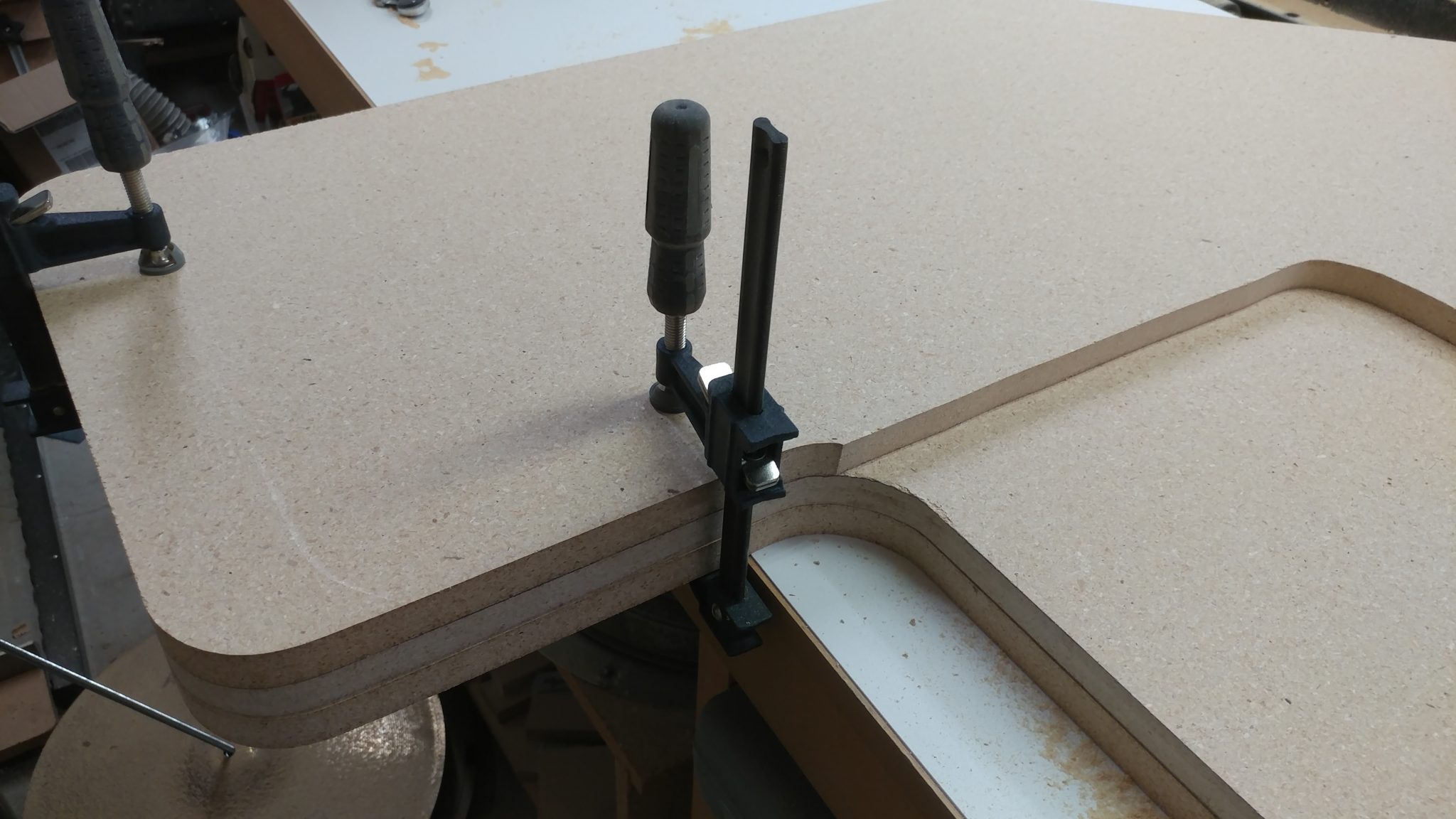
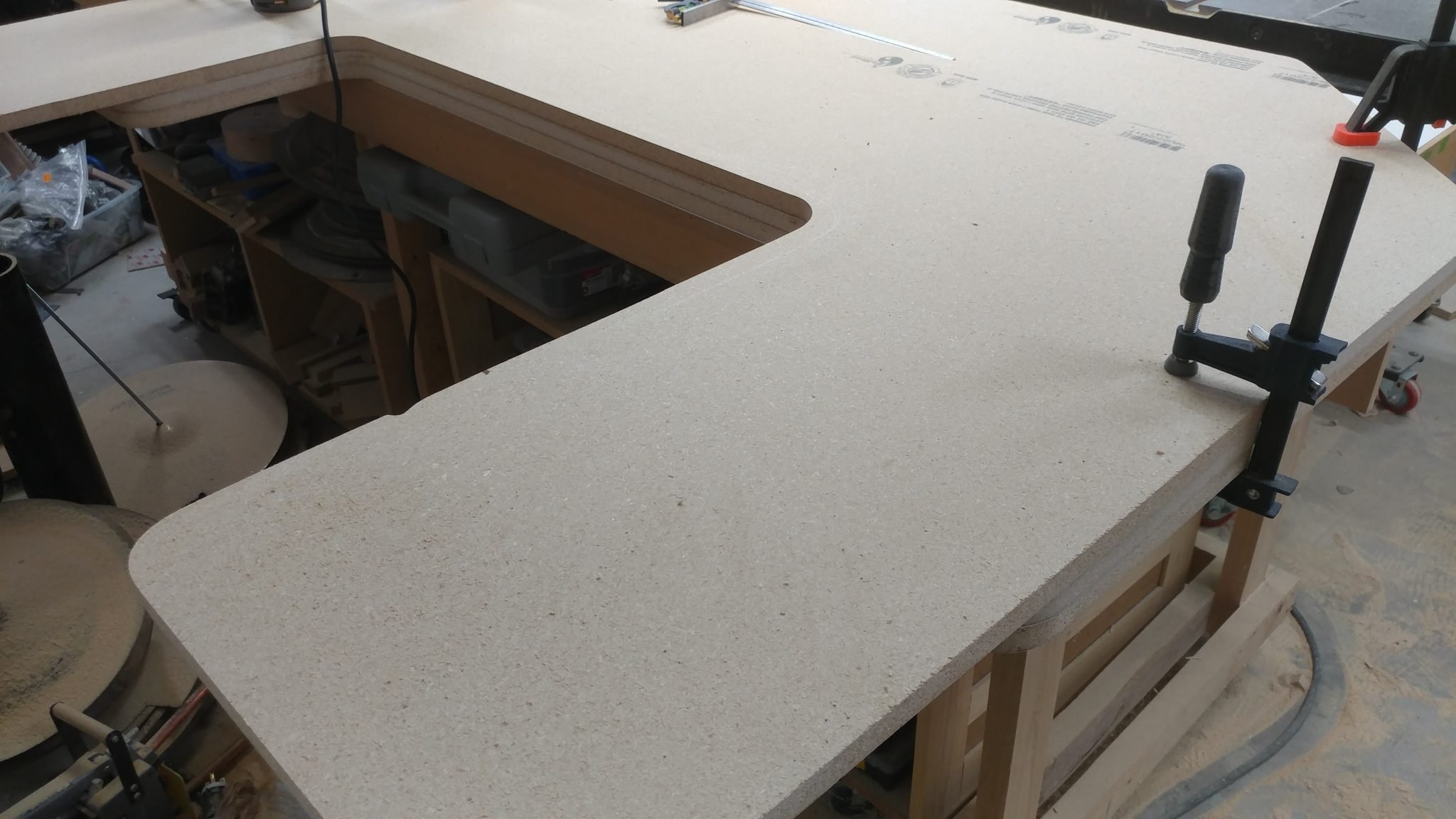
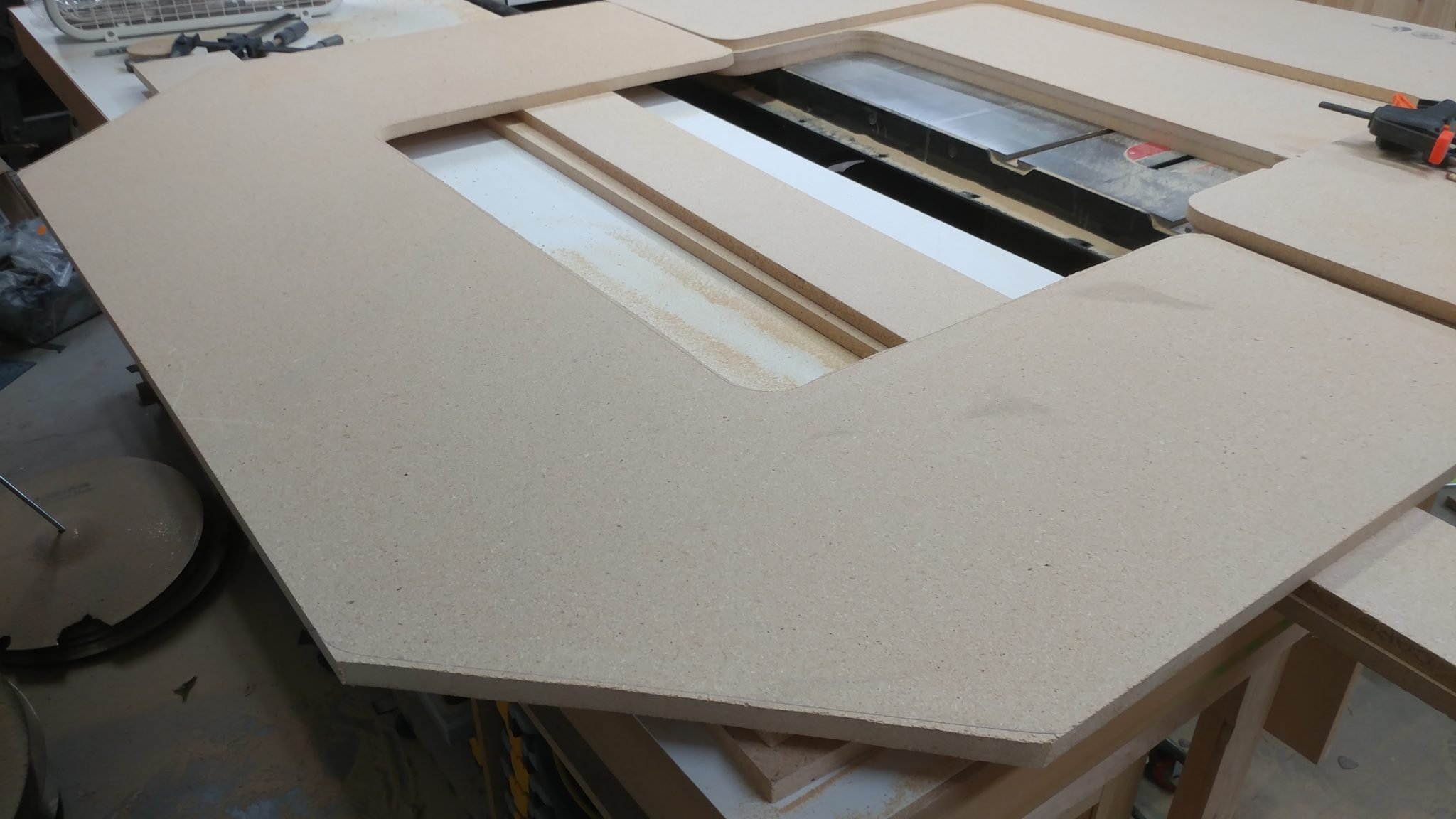
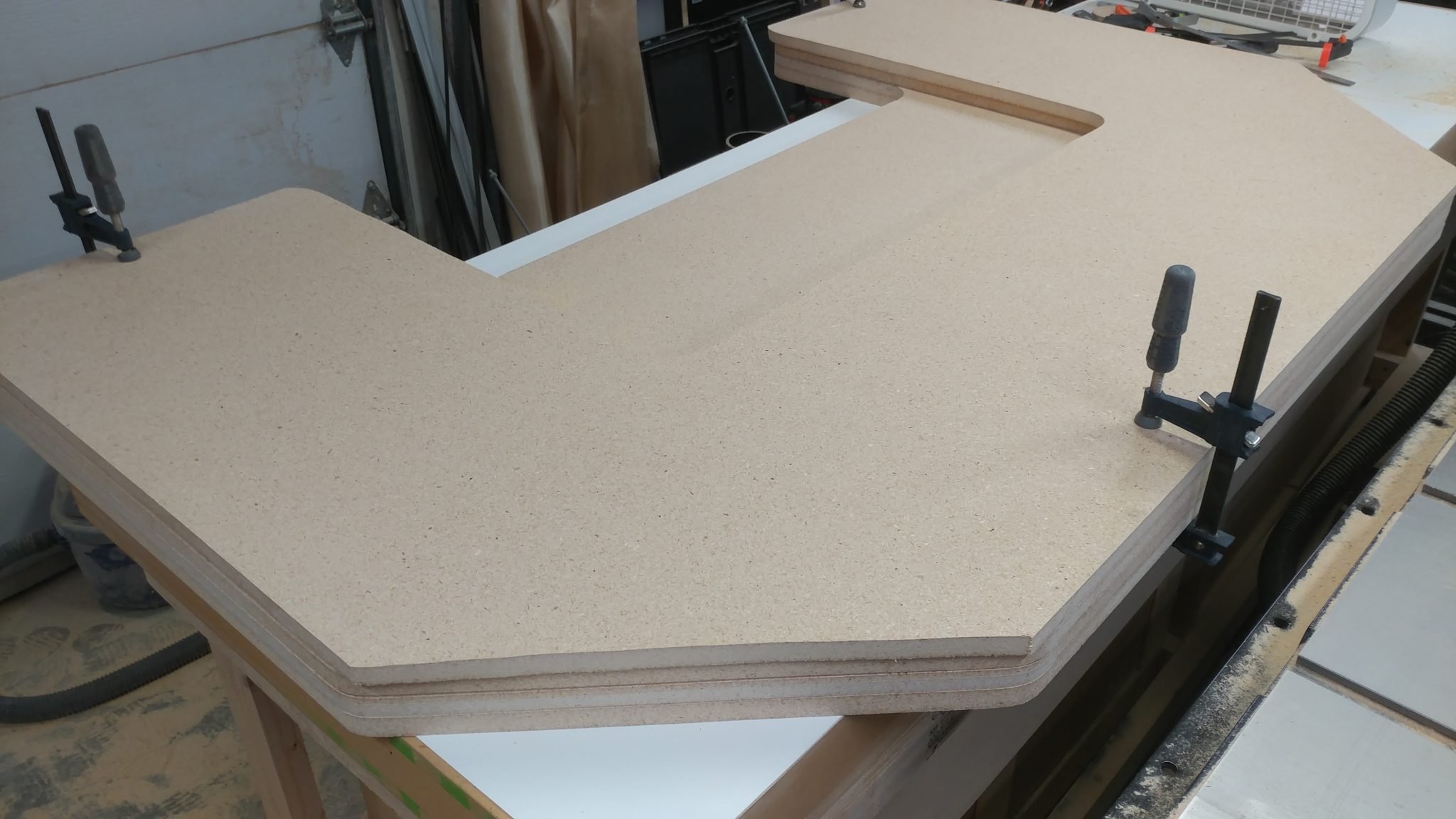
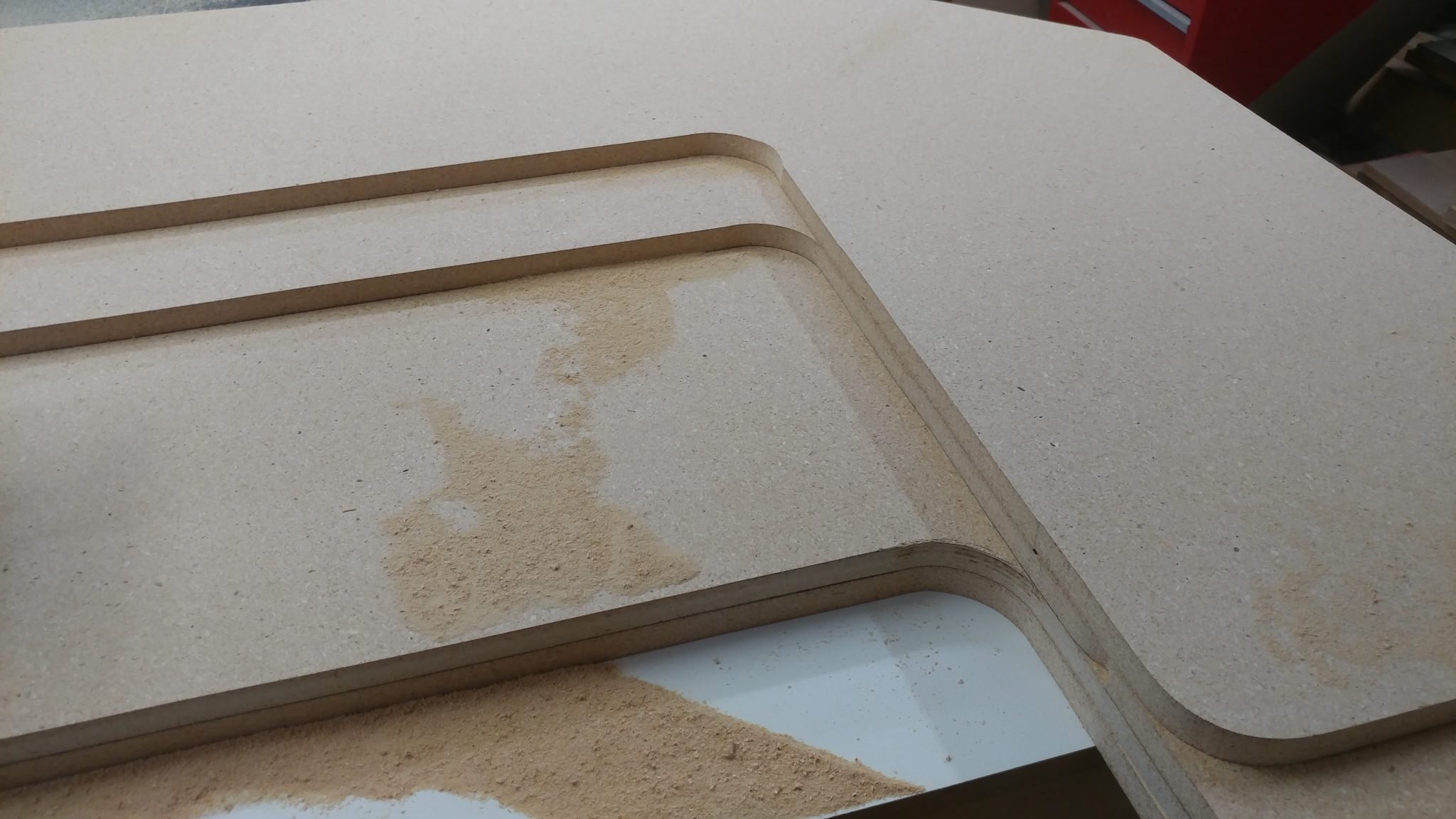
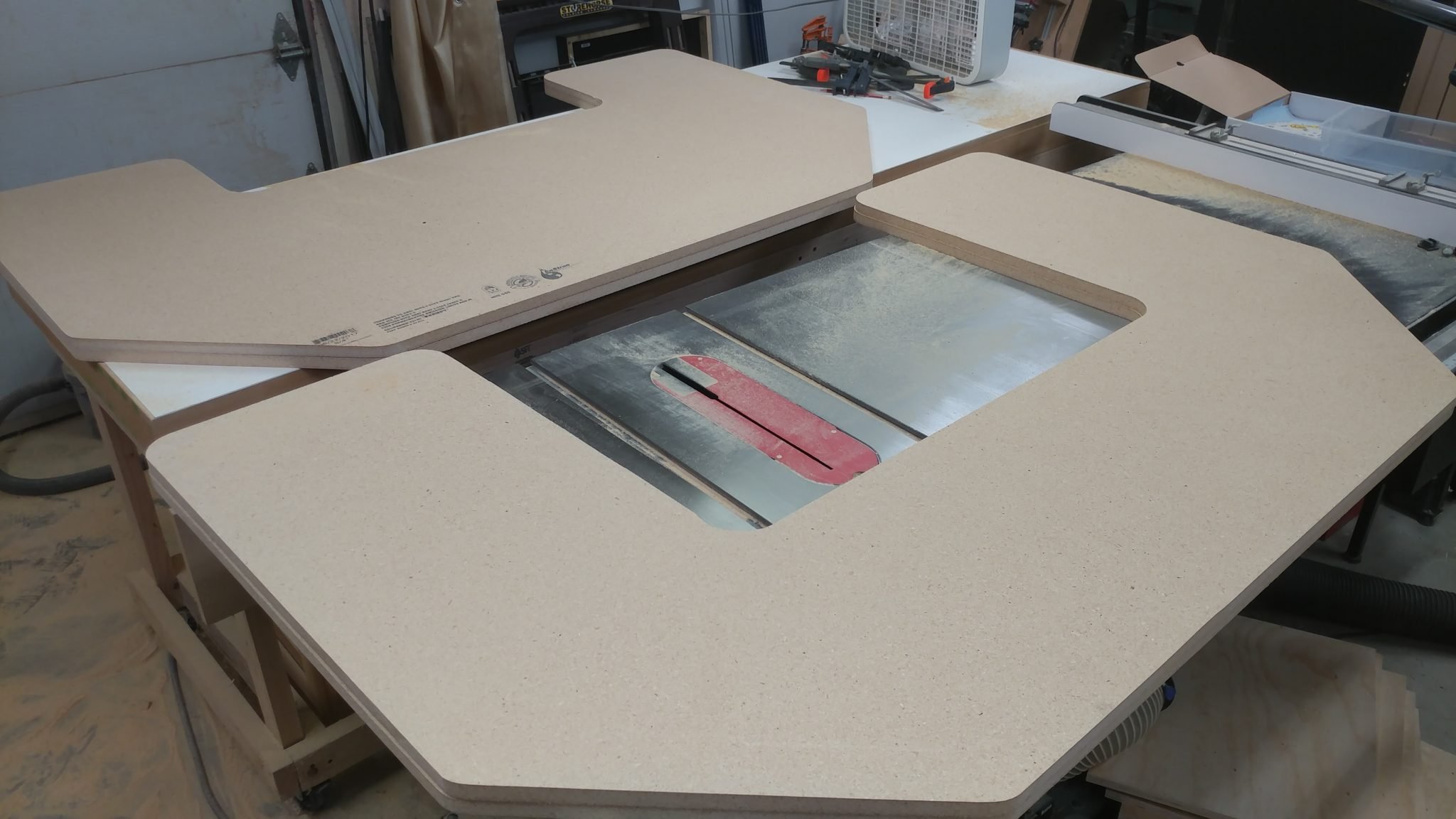
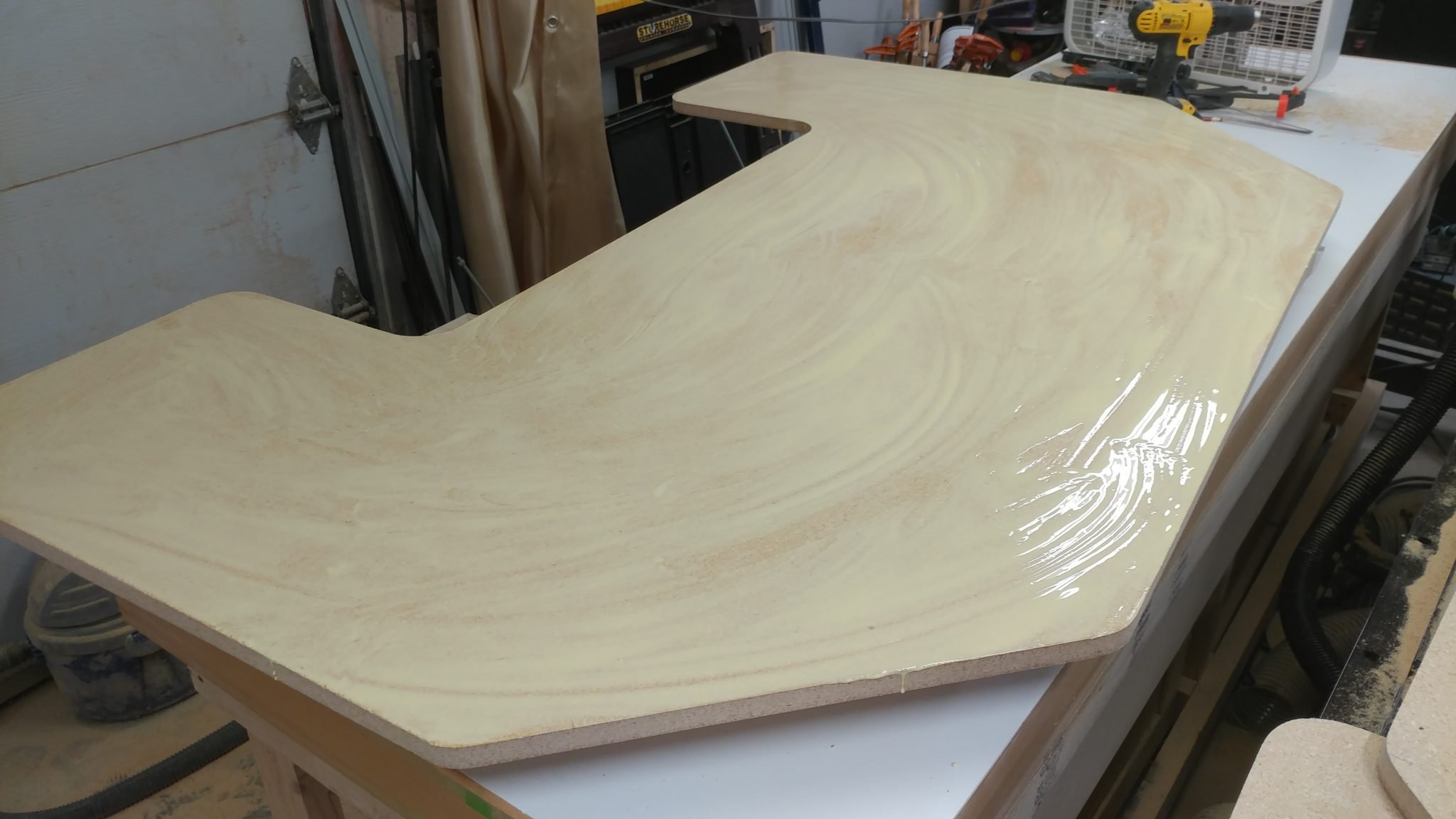
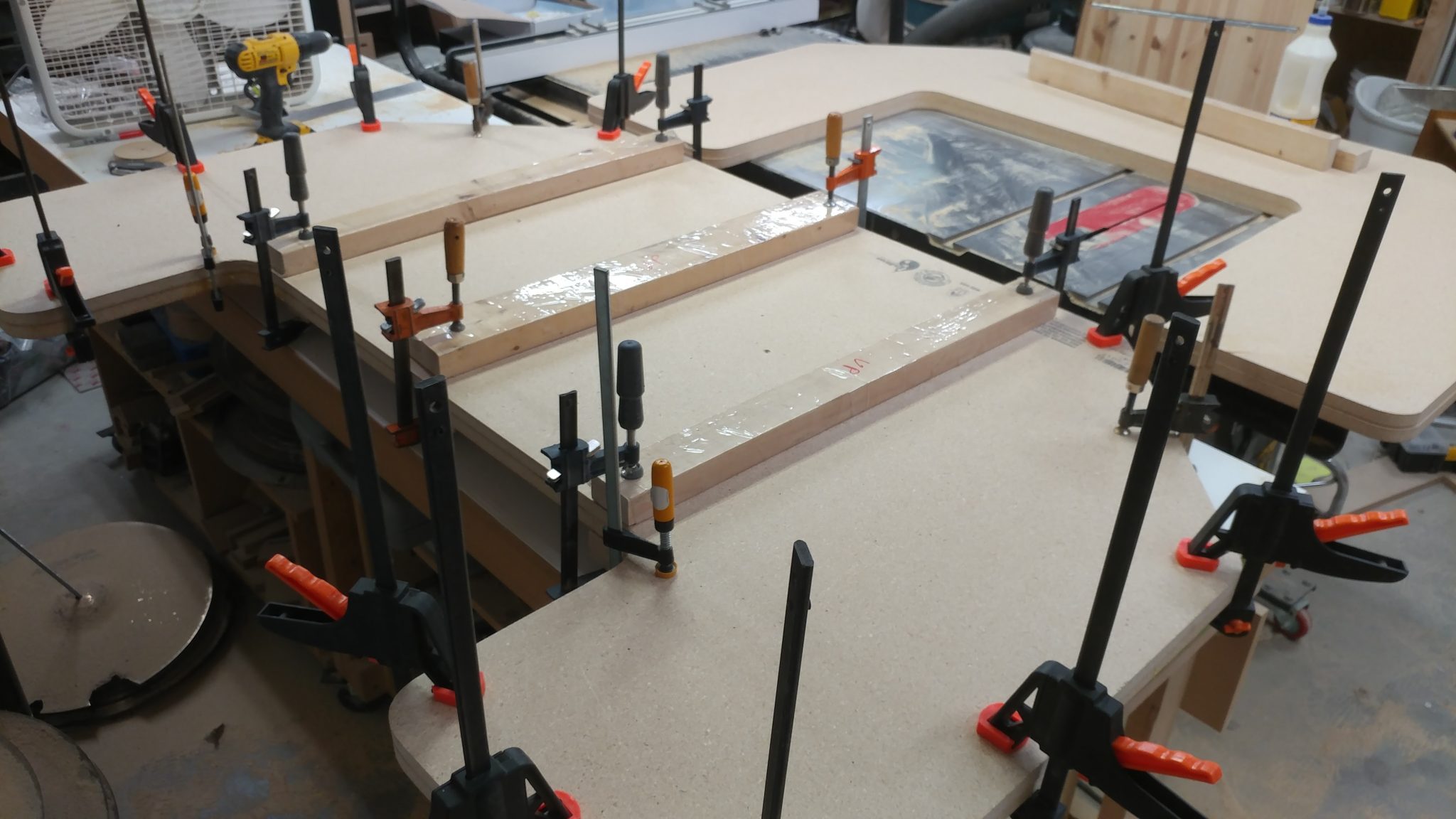
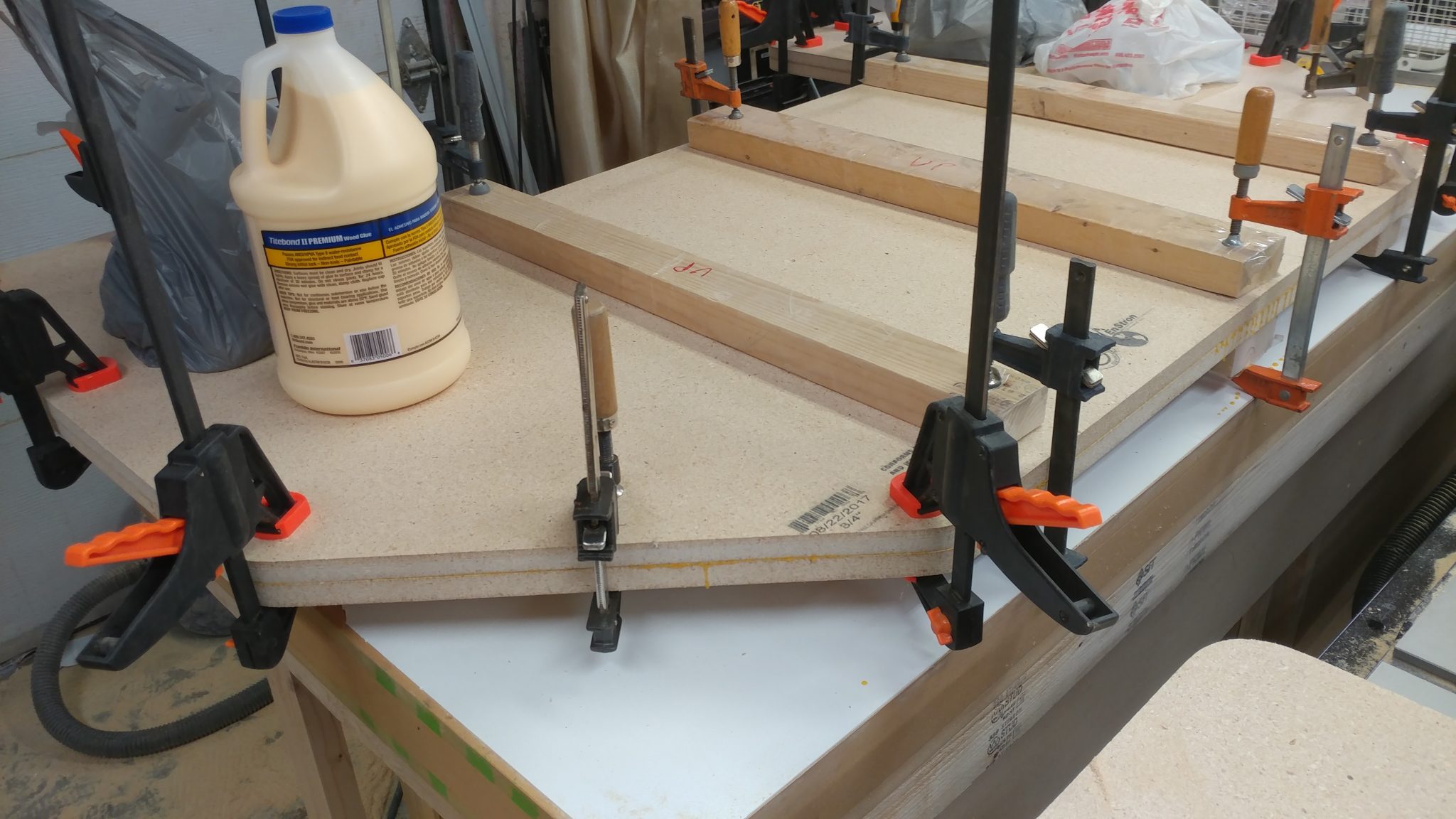
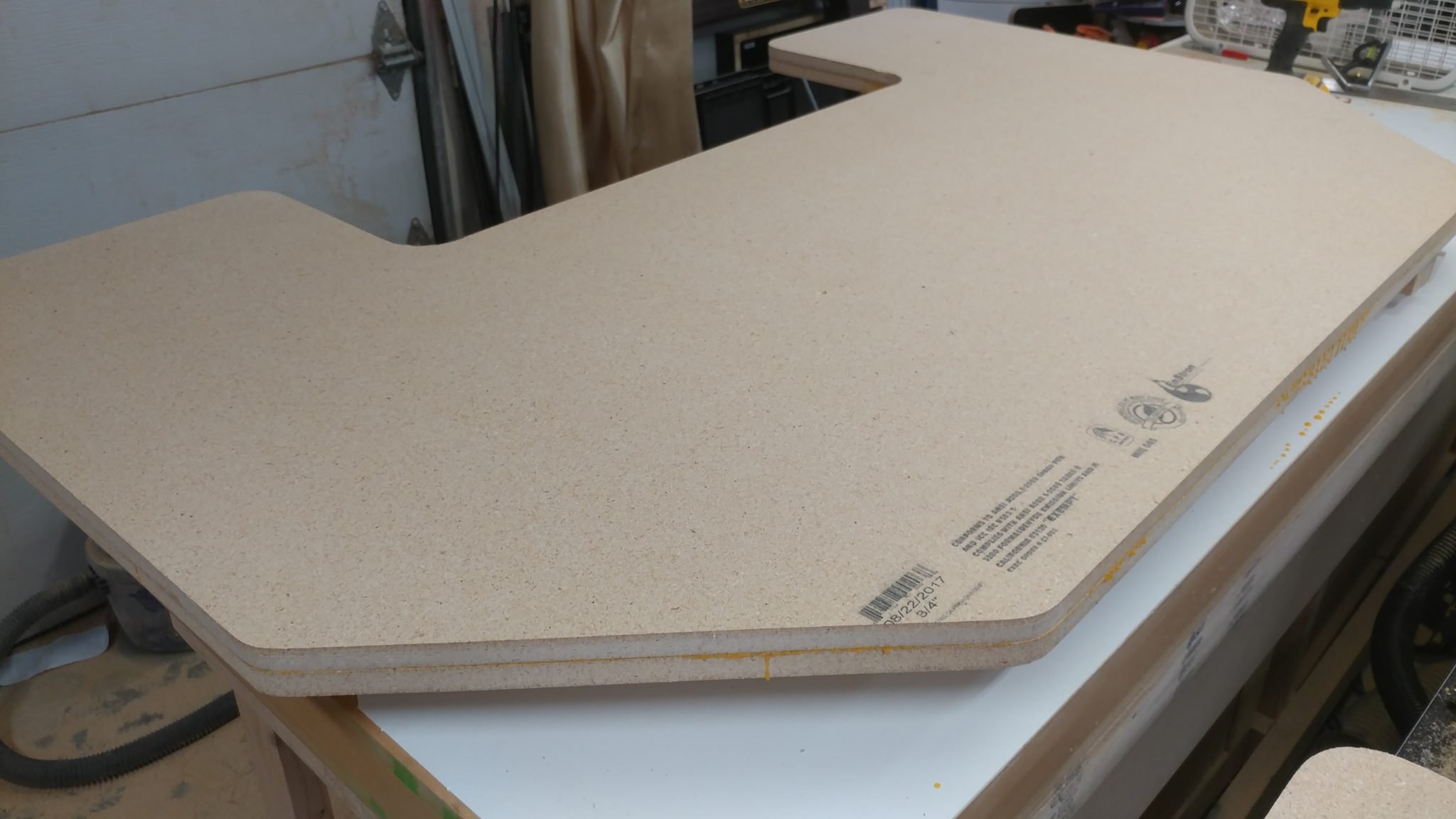
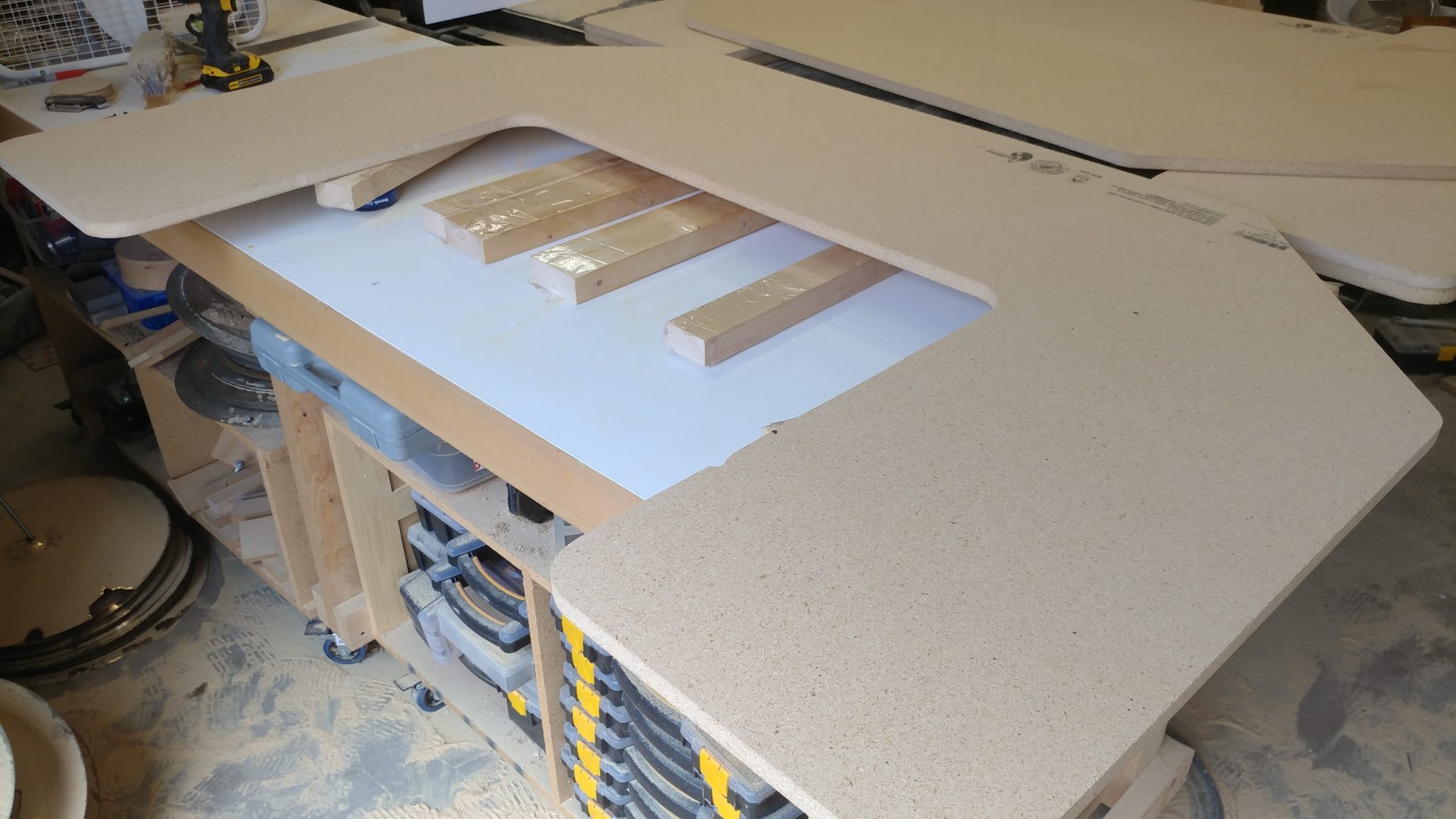
The new one is very similar in design. At this point I’ve got it ready to stain and finish before assembly.

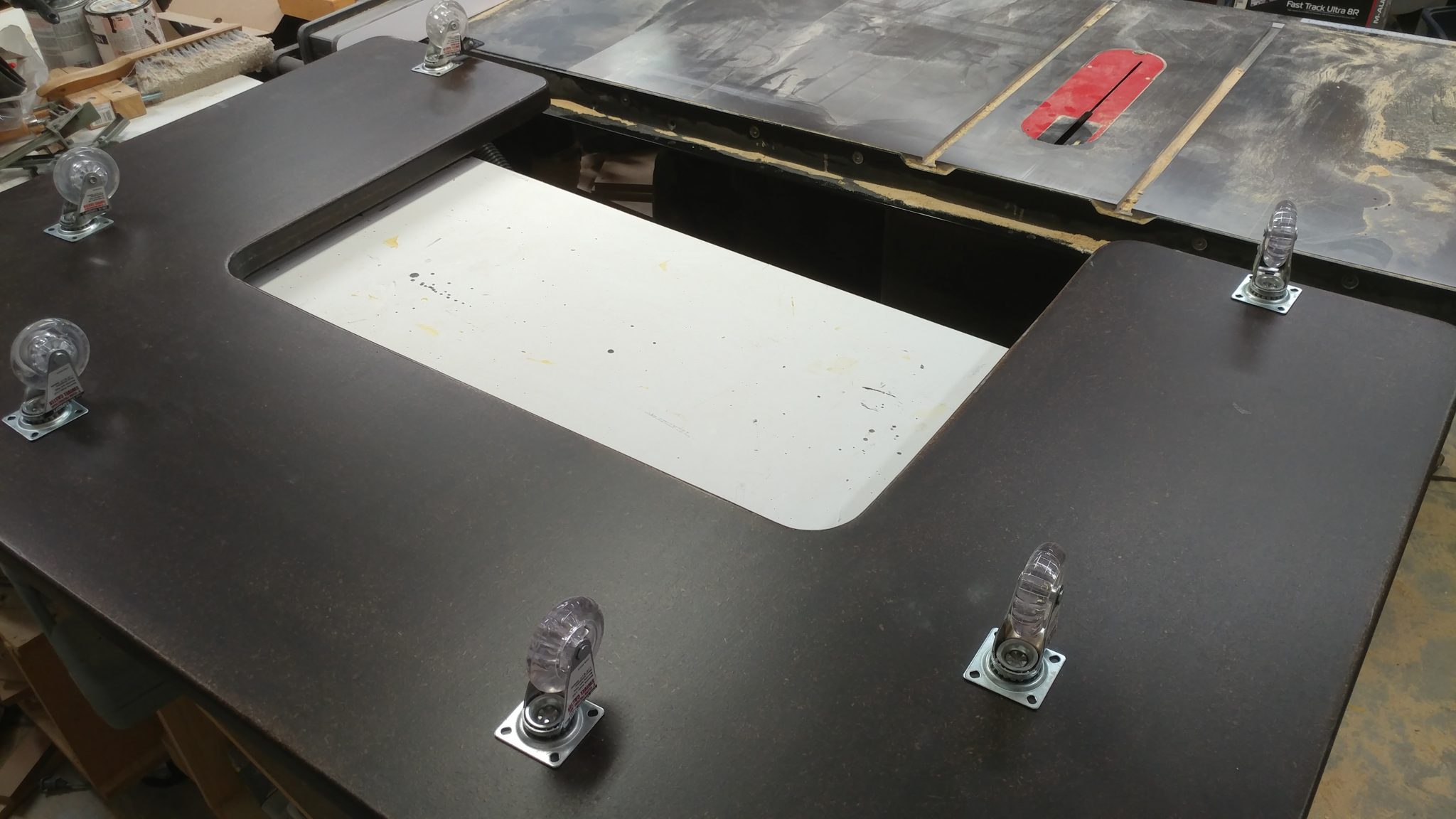
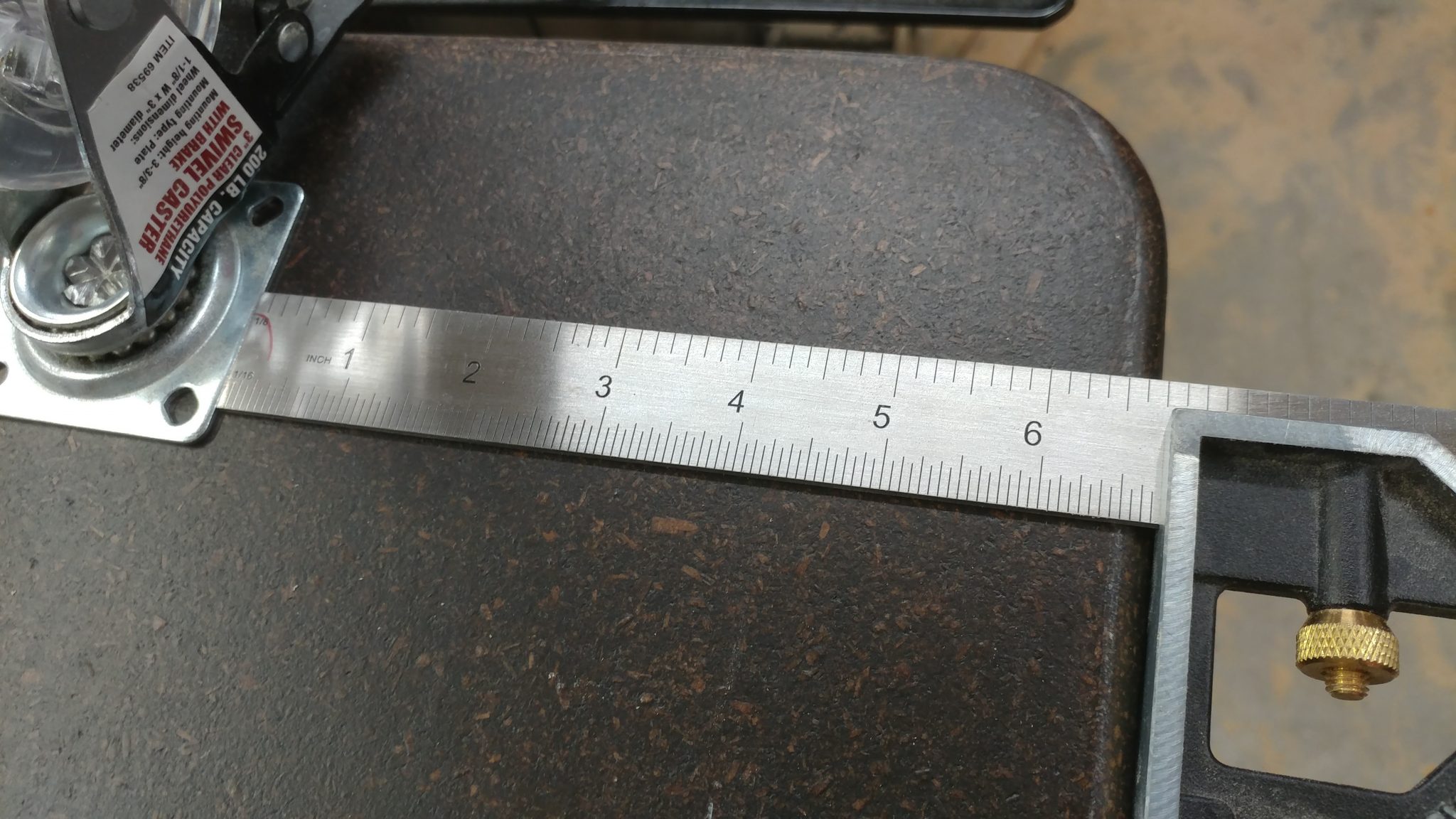
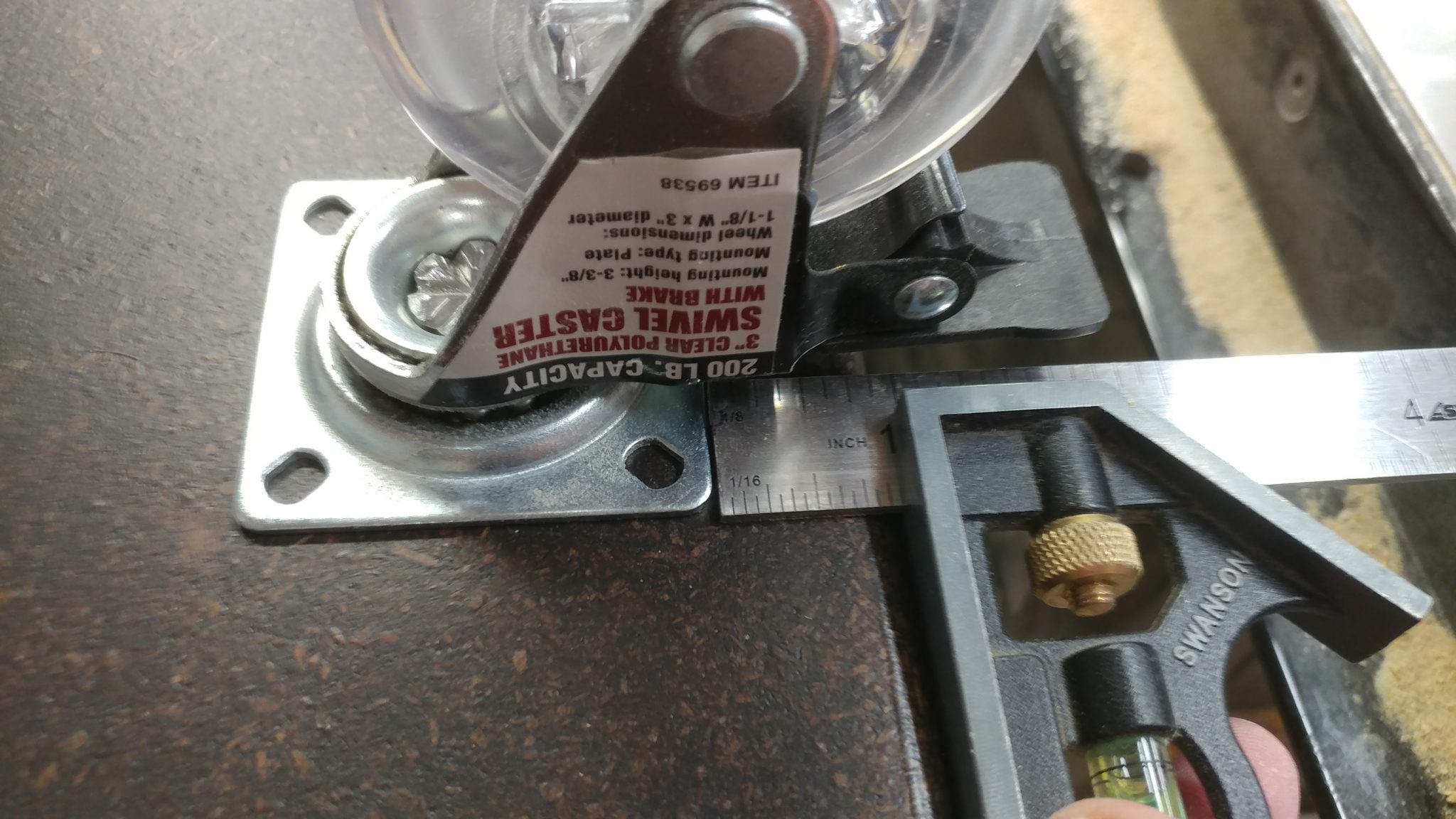
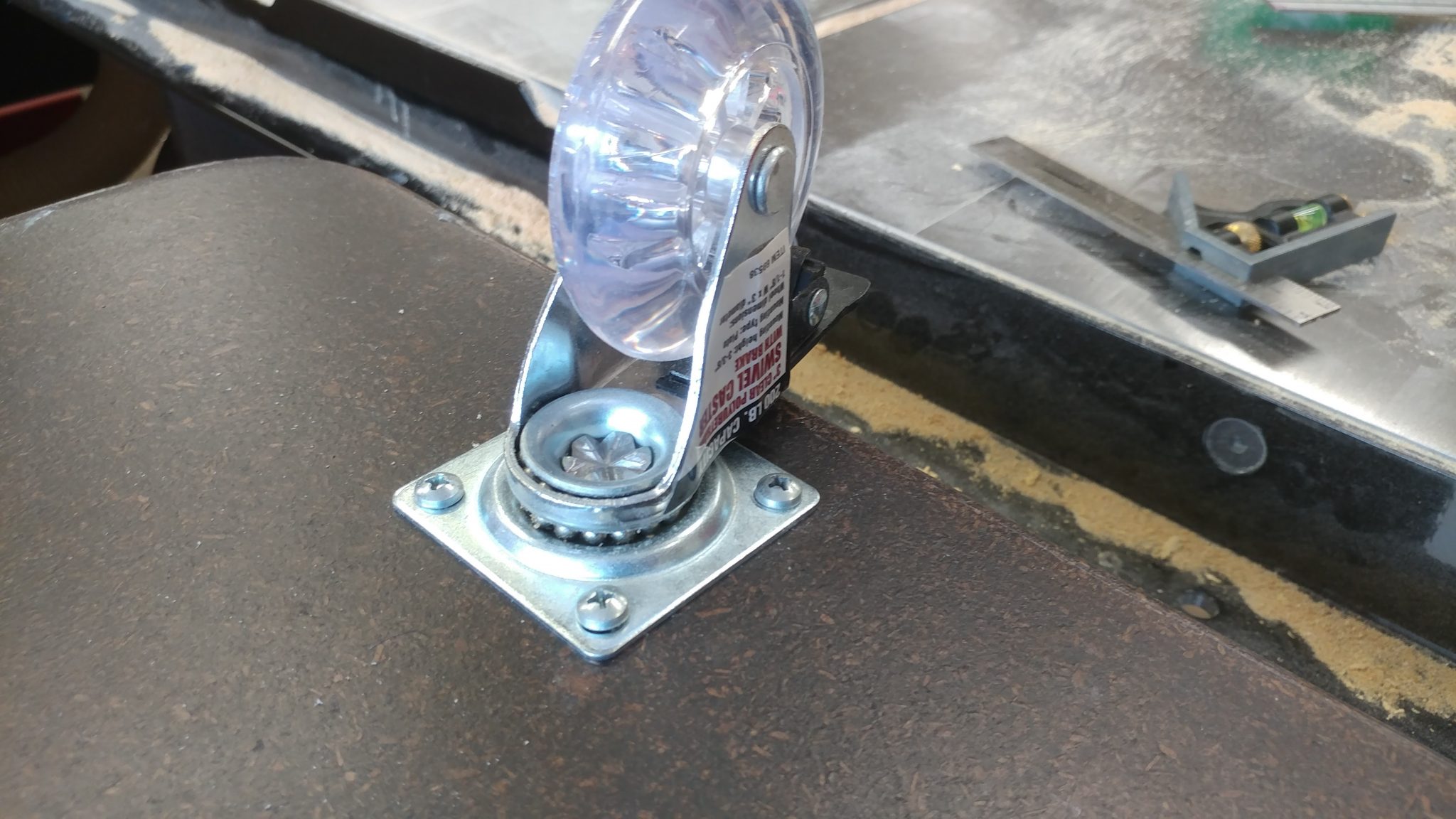
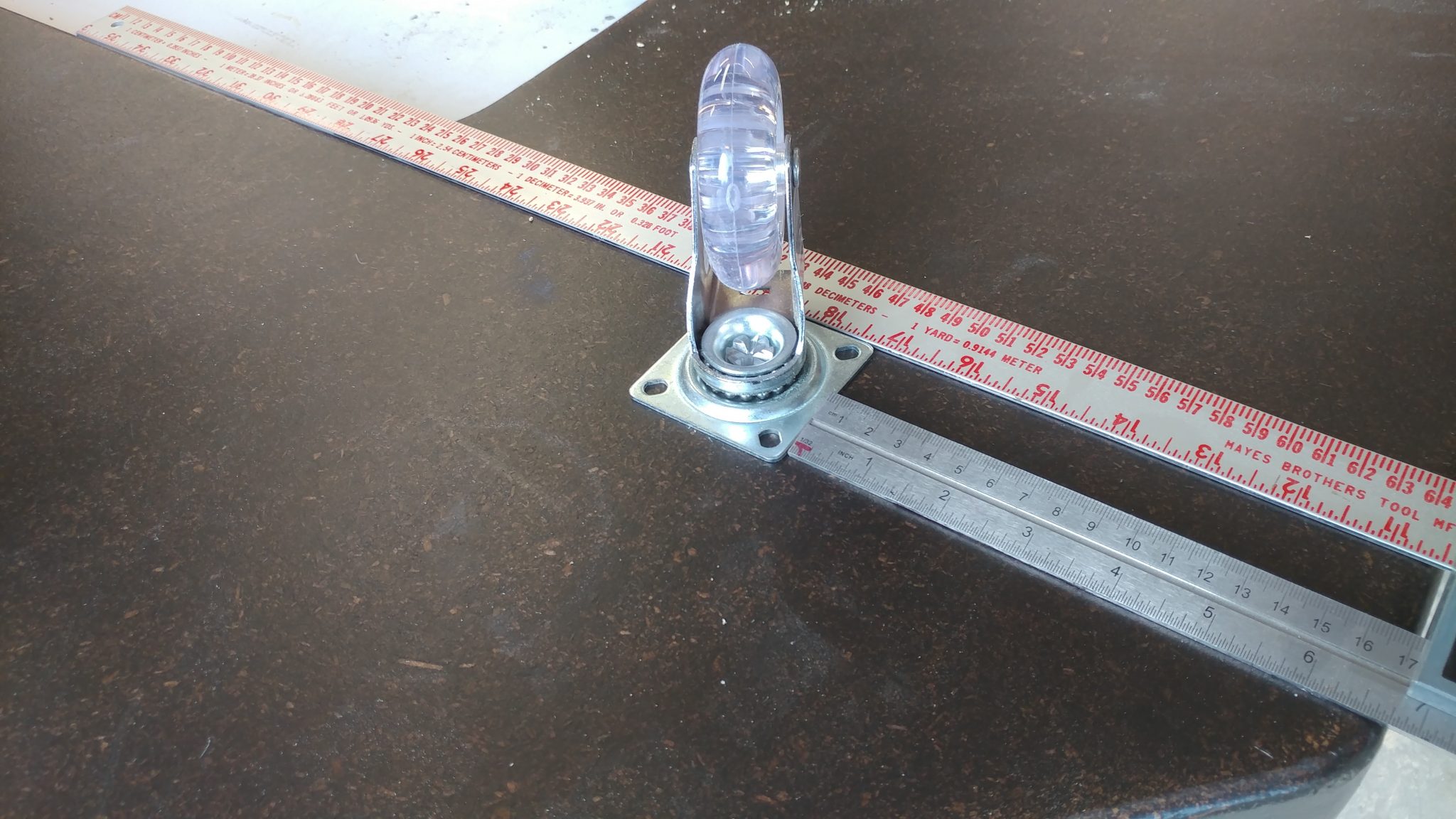
This one is going to also have tougher casters since the old ones couldn’t hand;e the weight and got flat spots on them as a result.

New Dust Collector

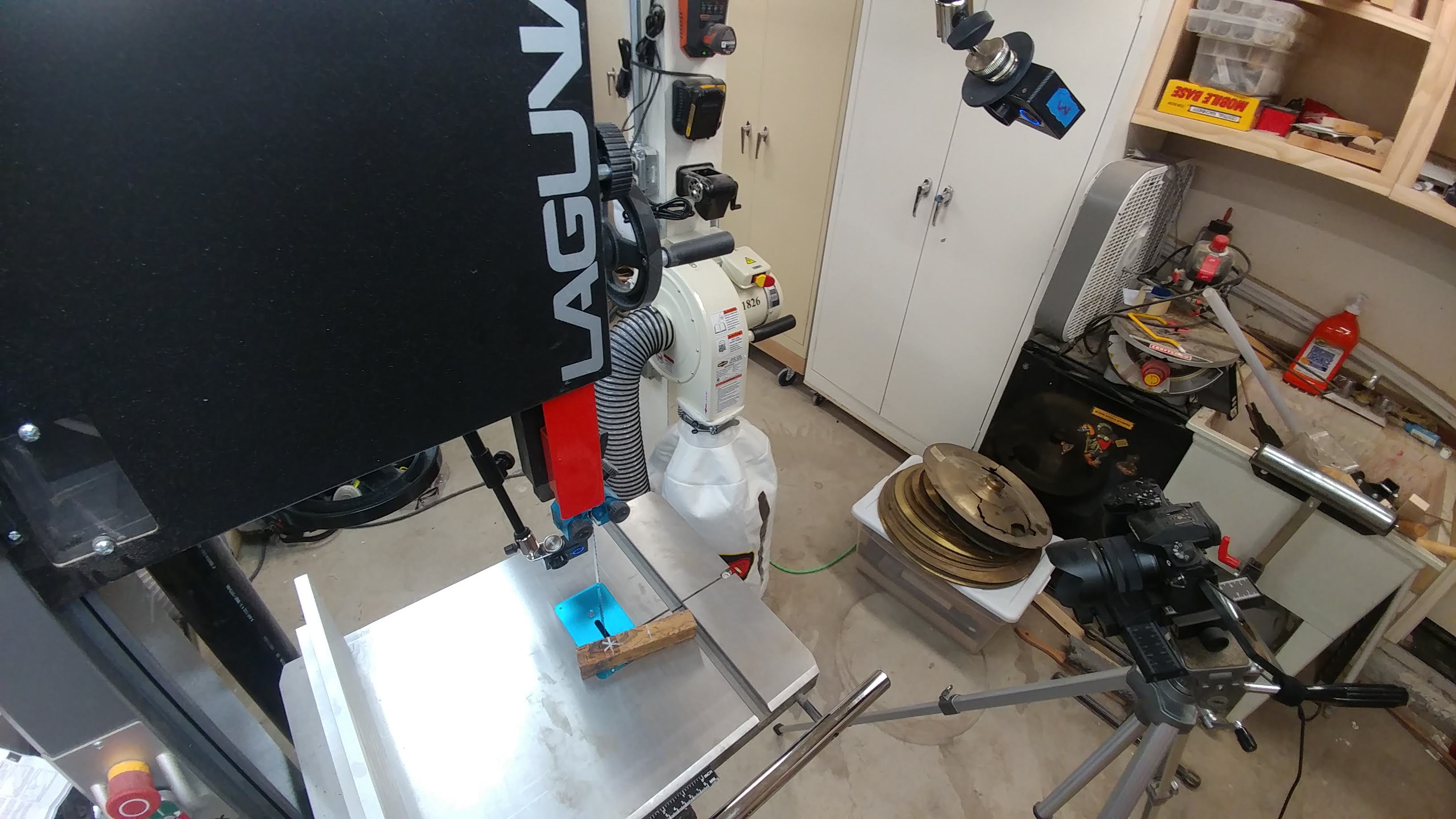
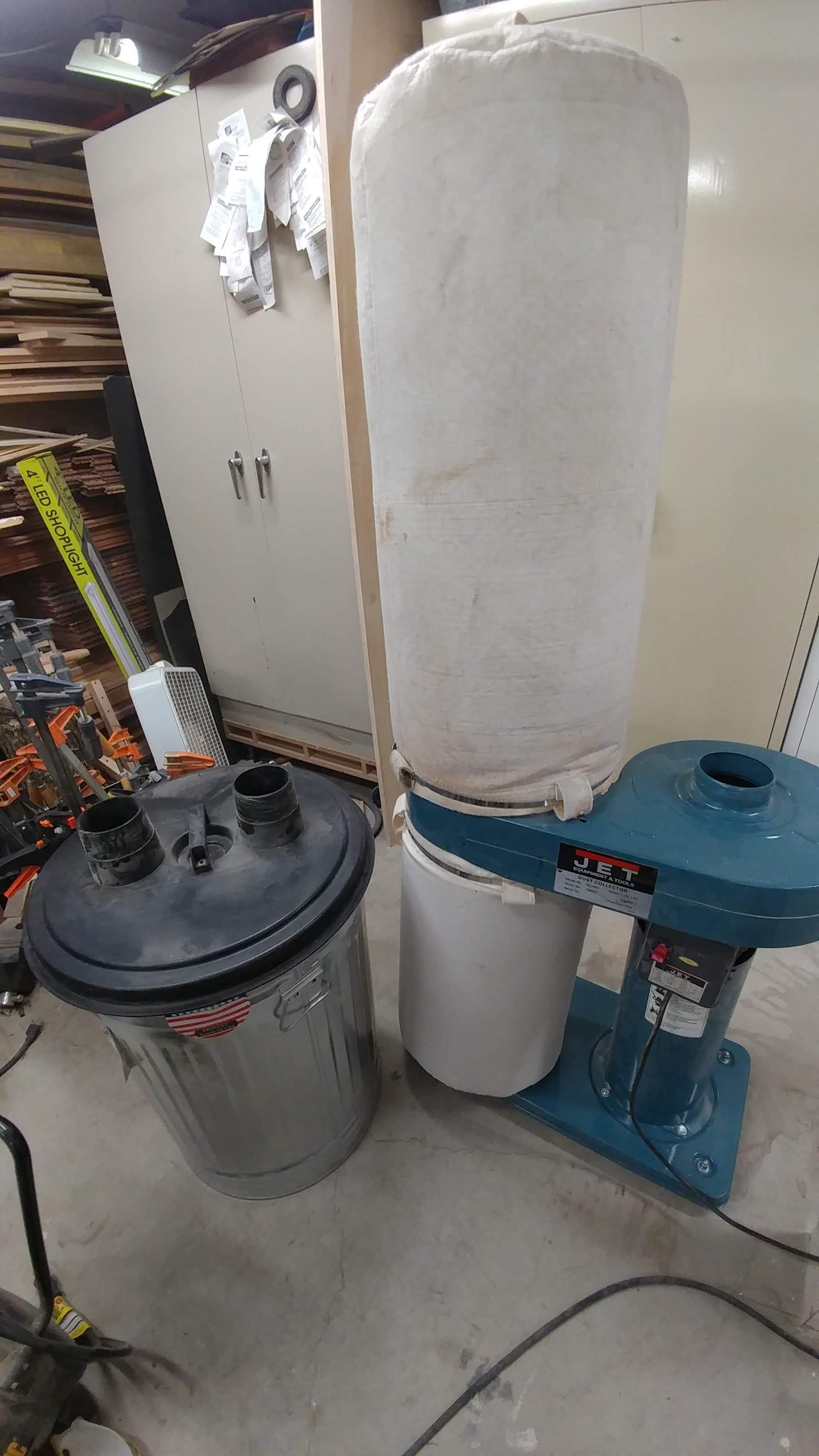
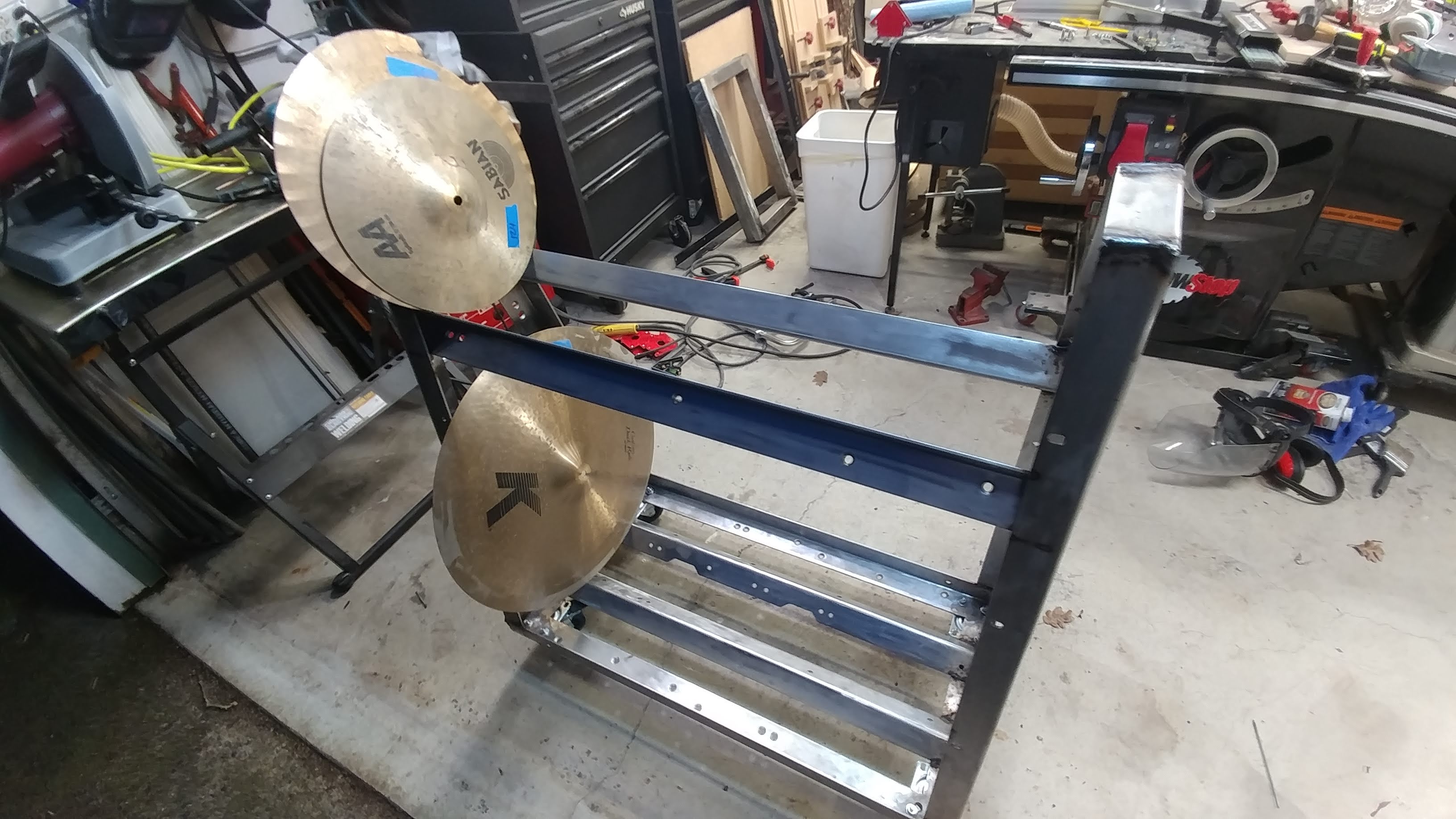
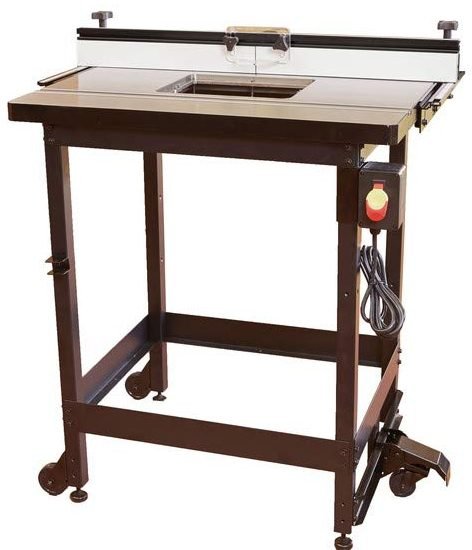
I sold my old dust collector and got the smaller wall-mount version seen in the above picture. My goal for the year is to make room in my shop. The first step was to build the cymbal cart. Next was getting a different dust collector.

My old dust collector (seen here) had a chip separator as well. I loved having the chip separator but it took up so much room. I ended up selling to someone which brings me to my next point…

New Friends

The person I sold my old dust collector to is Cindy over at https://stur-dycustomcraft.com/ . She’s got a great little shop that is growing quickly and needs some good dust collection before things start getting too messy.

I’ve also made some friends online through the SawStop Users’ Group, over on FaceBook.

I even met a bandmate because his son had a finger save on a SawStop. I met him at Rockler and we eventually got talking about music. It turns out he lives really close to me and plays keyboard and guitar.

My favorite part of my job is meeting new people, many of which have become friends. I find that woodworkers love to share with each other. I’ve learned from so many great people who have been generous with their time and knowledge. It makes me happy to be able to pay that back by doing the same for others. We’re all learning, and we never stop learning.

If you have any questions or just want to talk shop, feel free to contact me through any of the social media links located somewhere on this page (I tend to move them around).

News – February 11th, 2019 – Cymbal Cart, Wood Paste, New Docs, Studio Desk, and Router Table Article

Progress on the Cymbal Cart

I got the cymbal cart all welded together. I just need to clean it up by grinding down the welds, protect the steel so it doesn’t rust, and attach some non-slip material to the bars so the cymbals don’t slide all over the place.

I should probably state that I really suck at welding, but projects like this are good practice and force me to get better.

Trying out some new products

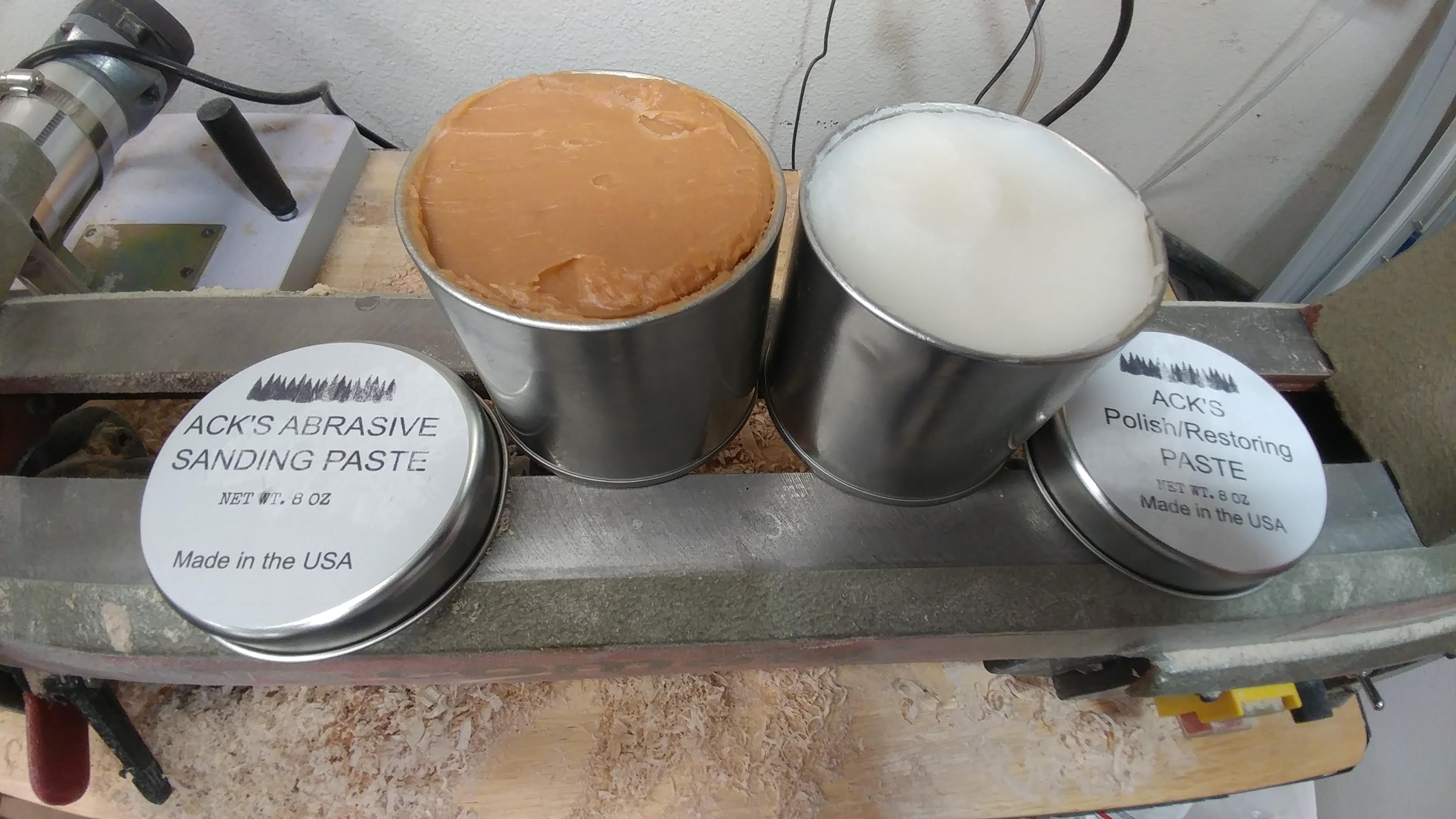
At the suggestion of Gord Rock, I am going to be trying some of Ack’s Abrasive Sanding Paste and Polish/Restoring Paste. From what I’ve seen online, it seems to work really well.

My shop is in disarray right now due to the cymbal cart project so I can’t do any woodturning for a few days. I’ll be sure to write up a review after I run it through its paces.

Gord Rock

https://ackswoodpaste.com/

New Doc Martens!

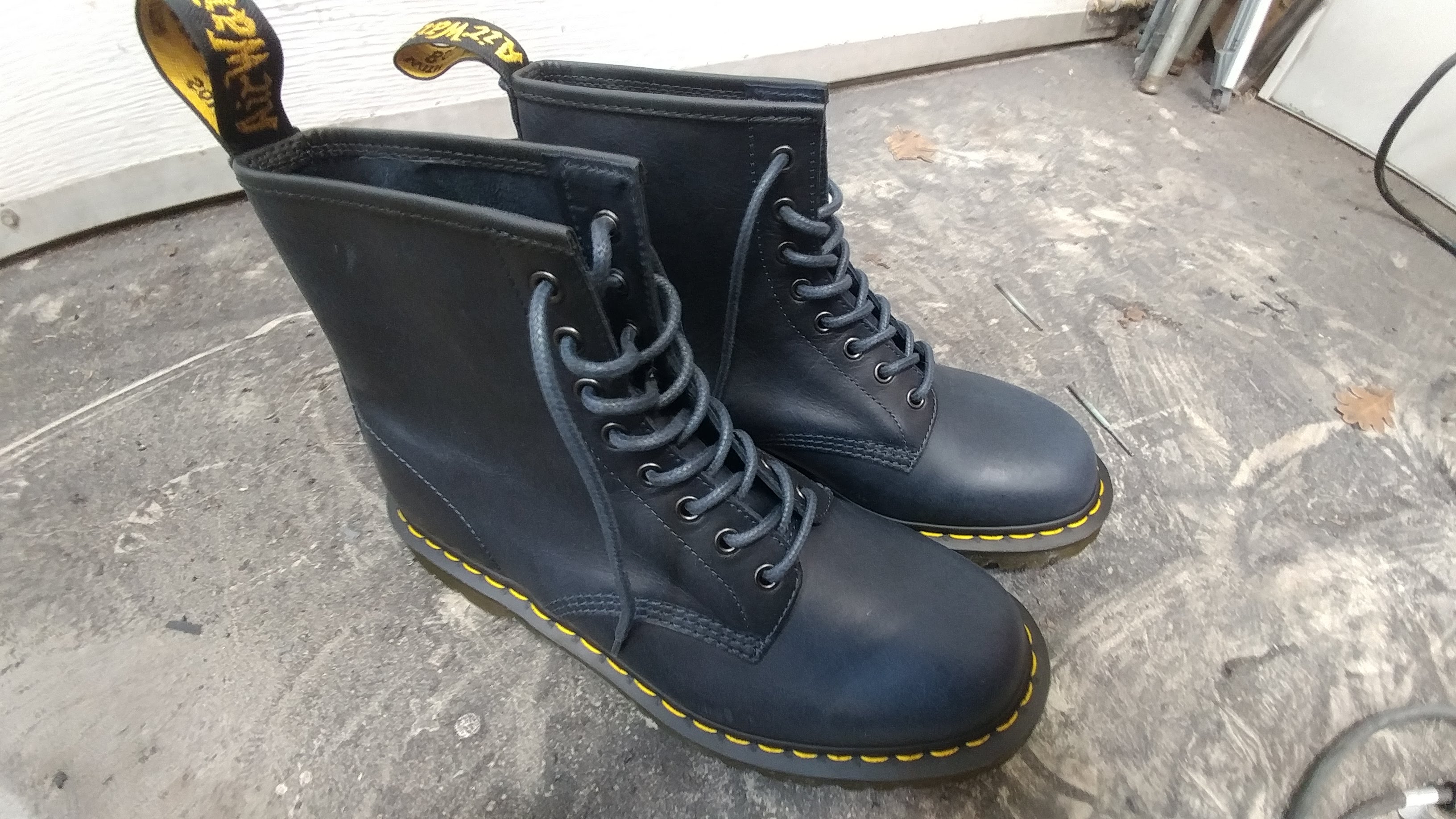
My black Docs have finally retired after two and a half years of constant abuse. I got a new pair of Navy Docs and for the very first time in my life a pair of Docs doesn’t need any breaking in. I’m used to spending a few months painfully wearing a new pair of Docs for a few hours a day until they are finally comfortable enough to wear all day. I put these on and they’re perfect right out of the box!

No More Studio Desk

I have gotten rid of my studio desk after much debate. I really liked it but it was just too big and I didn’t end up using it the way I had hoped I would. I’m replacing it with a new desk with a separate rolling rack for all my gear. I’m looking to make something much more compact and portable. I’m still in the designing phase now but I’ll post some updates here soon.

If you aren’t familiar with my studio desk, below are the articles showing how I put it all together

Router Table Article

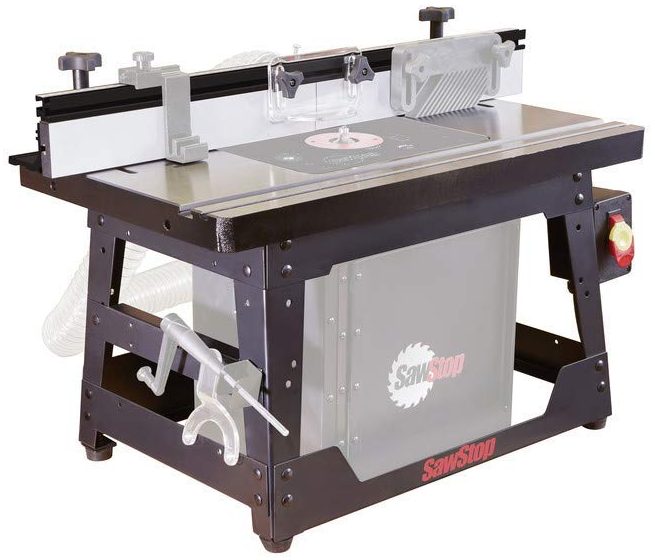
Due to the popularity of my Choosing a SawStop – Contractor Vs. Professional article, I have begun writing up an article that covers the SawStop router table options, including any incompatibilities you may run into. I hope to have this article out in the following week or two.

News – August 30th, 2018 – Lots of Updates

A lot has been happening.  So much so that I haven’t even had time to write up a new update.

New Web Host

I successfully made the switch to a new web host and (several small hichups aside) it went smoothly.  I’m really happy with the speed increase that I’m seeing on this new web host.  Hopefully that speed continues.

Recording Studio Changes

Up til now my recording/rehearsal space has been in our back room.  This is not ideal since I can’t record anything without forcing the rest of my family to leave the house.  Also, it’s hard to focus on my projects with the T.V. playing in the next room.  It has been nice having rehearsals there, however, since we have more room.

I’ve decided to change things up a bit.  My 19-year-old daughter is in a bedroom upstairs.  My wife and I want to put new floors in that room since it’s just nasty old carpet now.  We’re also having problems with my two daughters arguing at all hours of the night.  I’m going to put up a semi-permanent wall in the music room, dividing it from the rest of the house.  This will be my daughters room until she eventually moves out.  We’ll replace the floors and fix up my daughters existing room and that will be my new music room.

At least , that’s the plan.

New Studio Desk

I like my recording studio desk, but I don’t love it.  It’s too bulky to fit in my new recording space so I’m going to design one that takes up less space.  I’m torn between wanting something that I can wheel up to the drum set and something big enough to house my 88-key midi controller.

I think I’m leaning towards making it two different pieces; one being a roll around cart with all the rackmount gear, including the PC, and the other being the desktop / midi controller stand.  The two will be connected with a cable snake with a couple USB 3.0 cables, a couple HDMI cables, and two XLR cables for the speakers.

Shop Changes

There have been lots of changes in my shop and there will be lots more to come.

I’ve decided to focus.  In particular, I’m trying not to cover everything in my shop but instead I’m going to just focus on the tools that I use for what I like to do, which is make musical instruments.  I’ve decided to get rid of some tools.  I have a lot of tools that I barely ever use and they would have better lives in other shops.

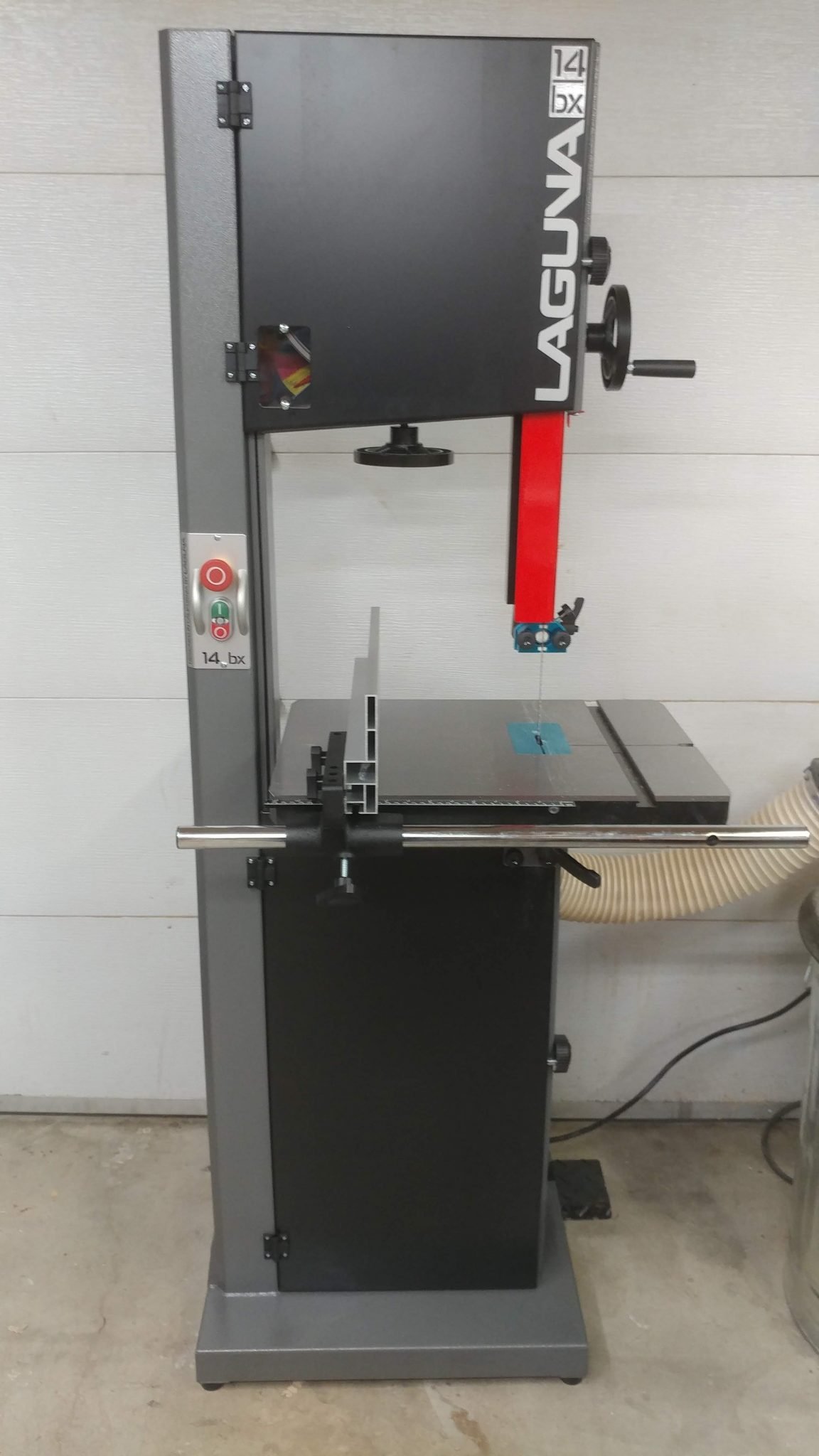
I’ve upgraded my band saw to a Laguna 14 BX 2.5 HP.  I really like the increased power but I’m actually a little disappointed at the build quality.  I know that Laguna is highly rated but I’m not overly impressed.  Still, it’s a huge improvement over my old Craftsman.  This could very well be the last band saw that I ever buy.

I have been making the change from wall-mounted cabinets to rolling tool carts.  This may seem counter intuitive but I like having all the drawers.  I’ve enter a new phase of tool organization and I really like it.

Upcoming YouTube Videos

I’m finally giving in and making some YouTube videos.  This is something that has been requested of me for several years now and I’ve resisted since I’ve never felt like I had anything new to contribute.  After meeting with some YouTubers, I’ve realized that it is a great community to be a part of and that I do indeed have something to contribute.  If nothing else, I can provide my perspective on things that have been already covered by others.


Gig with Cody Weathers and The Men Your Mama Warned You About

I’ll be filling in the drum chair with Cody Weathers tomorrow night, August 31st 2018, at the Hawthorne Hideway from11:15 to Midnight.  Click here for more information.

In Conclusion…

That’s all for now.  Actually it isn’t but I don’t want to bore you with the details.

Studio Desk – Part 5: Attaching the hardware

This is a continuation of Studio Desk – Part 4: Applying The Finish   For me, all projects have a point where they start to fall apart.  This is what happened here. Don’t get me wrong, I’m happy with how the desk turned out but I also have a few things that I really want to change.

Attaching the Casters

I decided to go with 3″ polyurethane casters since this is going to sit on hardwood floors.  This was my first mistake in that I grossly underestimated the weight of this desk when completed.  More on this later.

1. Rough-positioning the casters

First I laid out where they would be placed on the underside of the bottom piece.

2. Fine-positioning the locking casters

I roughly centered the wheels on the sections that extend out the back by placing the casters 6-3/4″ from the outside edge…

…and 1″ from the rear edge.  This will allow me to lock the casters when I don’t want the desk rolling around.

3. Attaching the locking casters

I secured the casters with 1-1/2″ button-head screws.

4. Fine-positioning and attaching the middle non-locking casters

The casters that are not at the rear of the desk are non-locking.  I used my combination square to ensure that the middle casters are inline with the rear casters.  These were attached with the same 1-1/2″ button-head philips screws.

5. Finishing up with the front non-locking casters

The casters at the front are more centered to better bear the heavy load of all of the desk gear.

Installing the Rack Hardware

Equipment racks are one of the most overpriced pieces of studio gear and it gives me great pleasure to be able to make my own for a small fraction of the cost.  If you have a use for a studio rack, I highly recommend you try making your own.

1. Positioning the 4-space rack rails

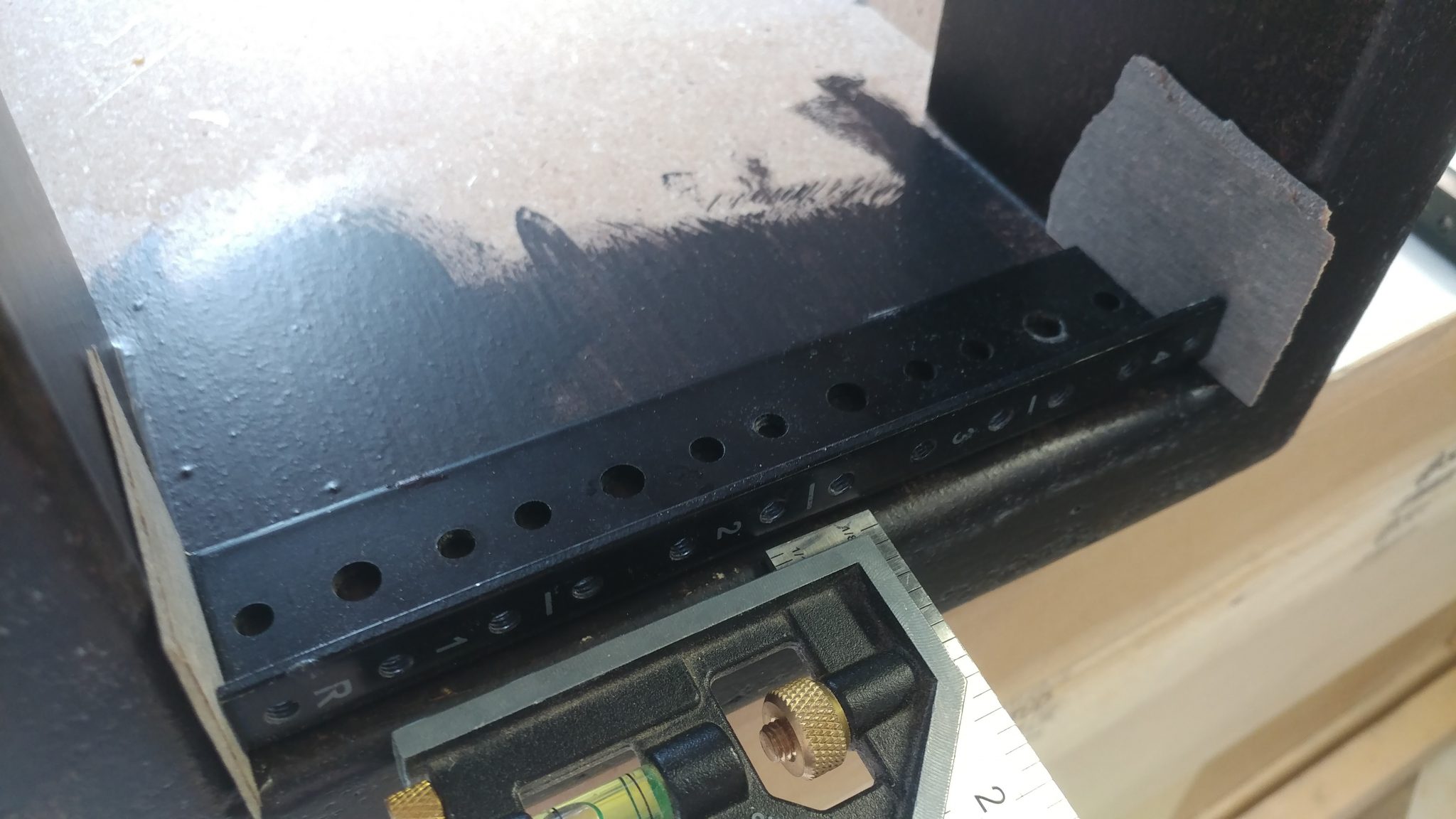
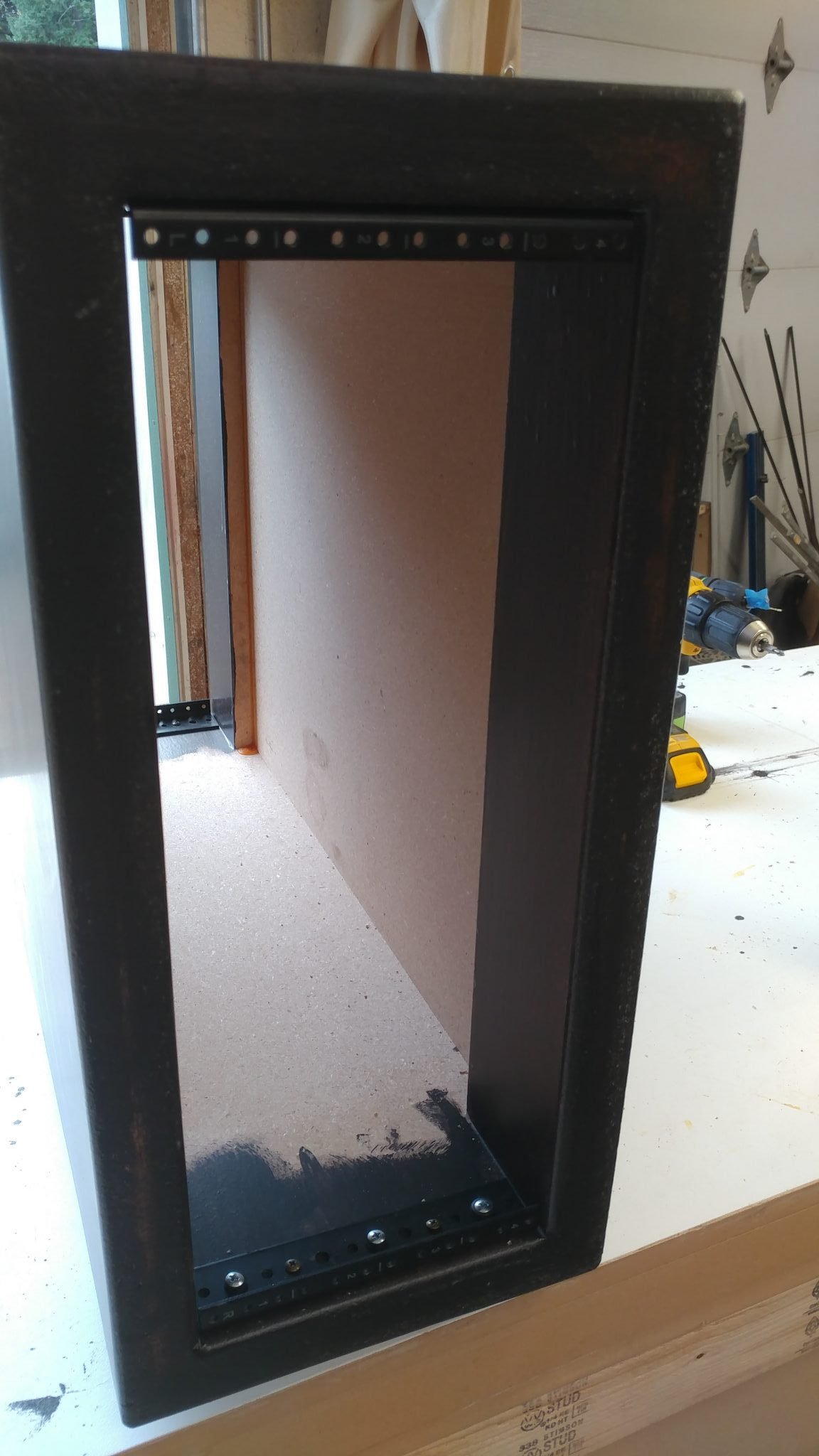
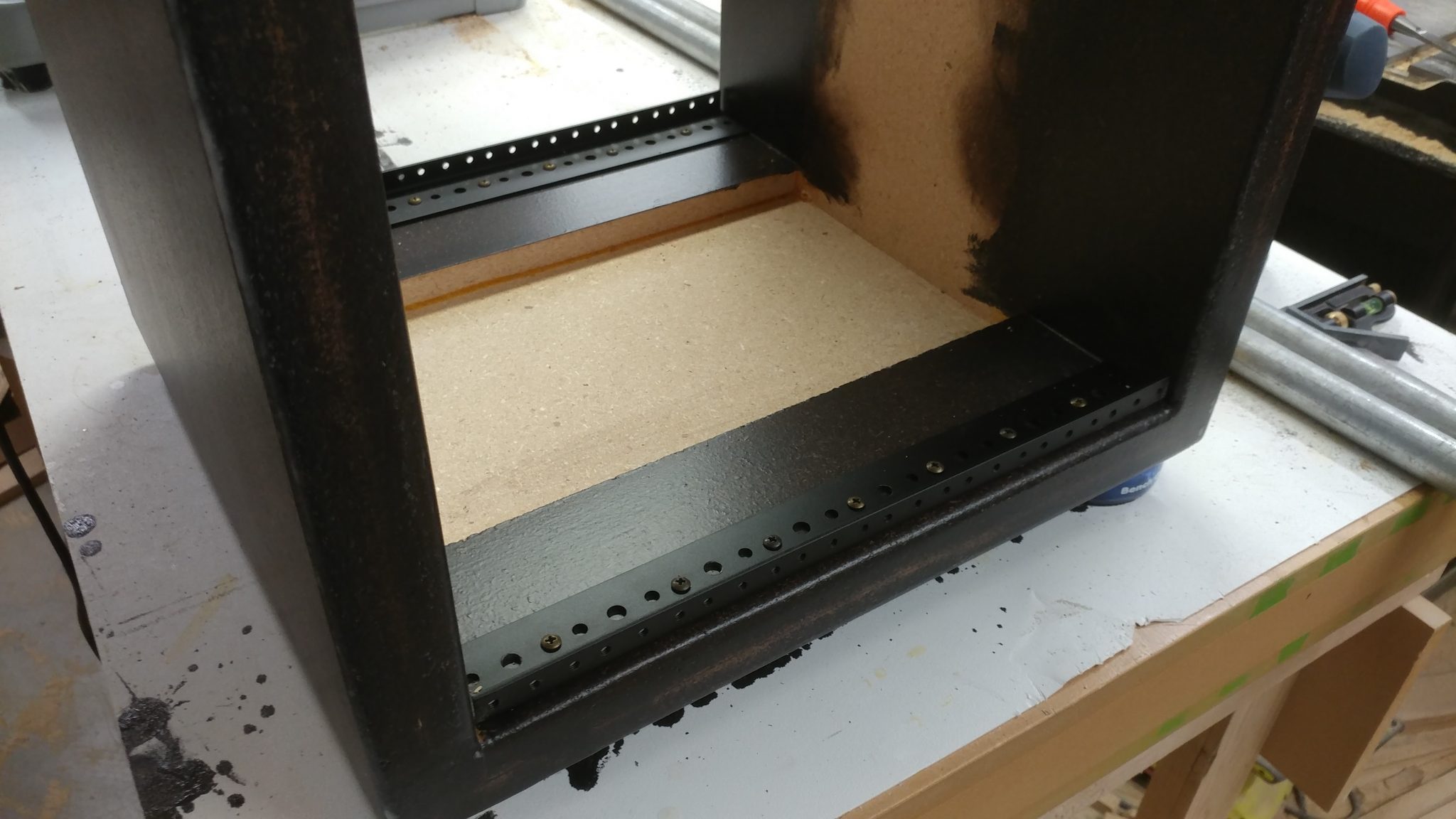
The rack rails were installed so they were 1/8″ from the front of the rack body.  I used two scrap pieces of laminate left over from my router enclosure build to shim between the top and bottom of the rack rails and the inside of the rack body, ensuring that they would be centered and consistent on both the front and back of the racks.

2. Attaching the 4-space rack rails

These rails were attached with screws as well.

Each rack got four rails; two for the front and two for the rear.

3. Determining the location for the grommet

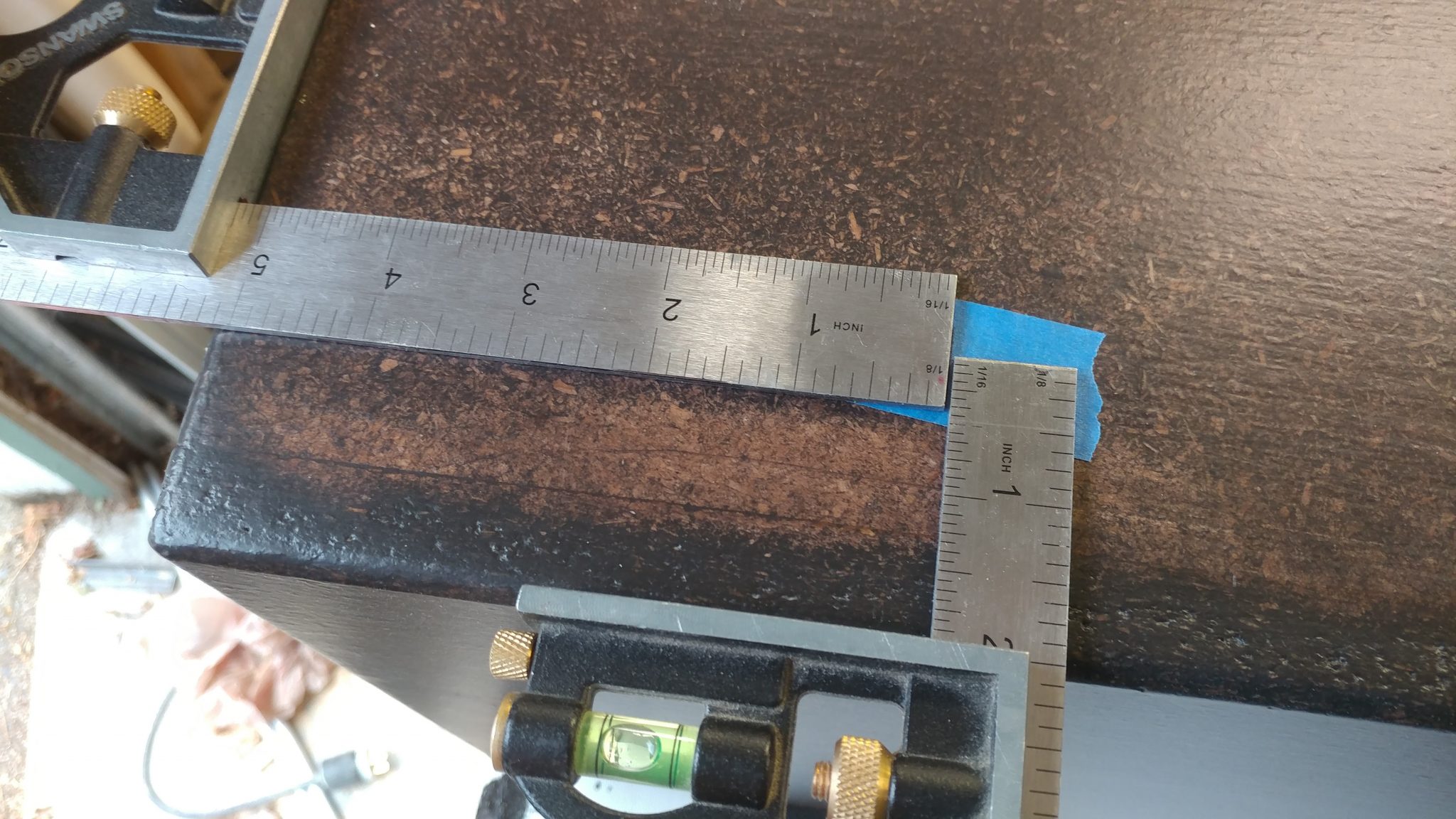
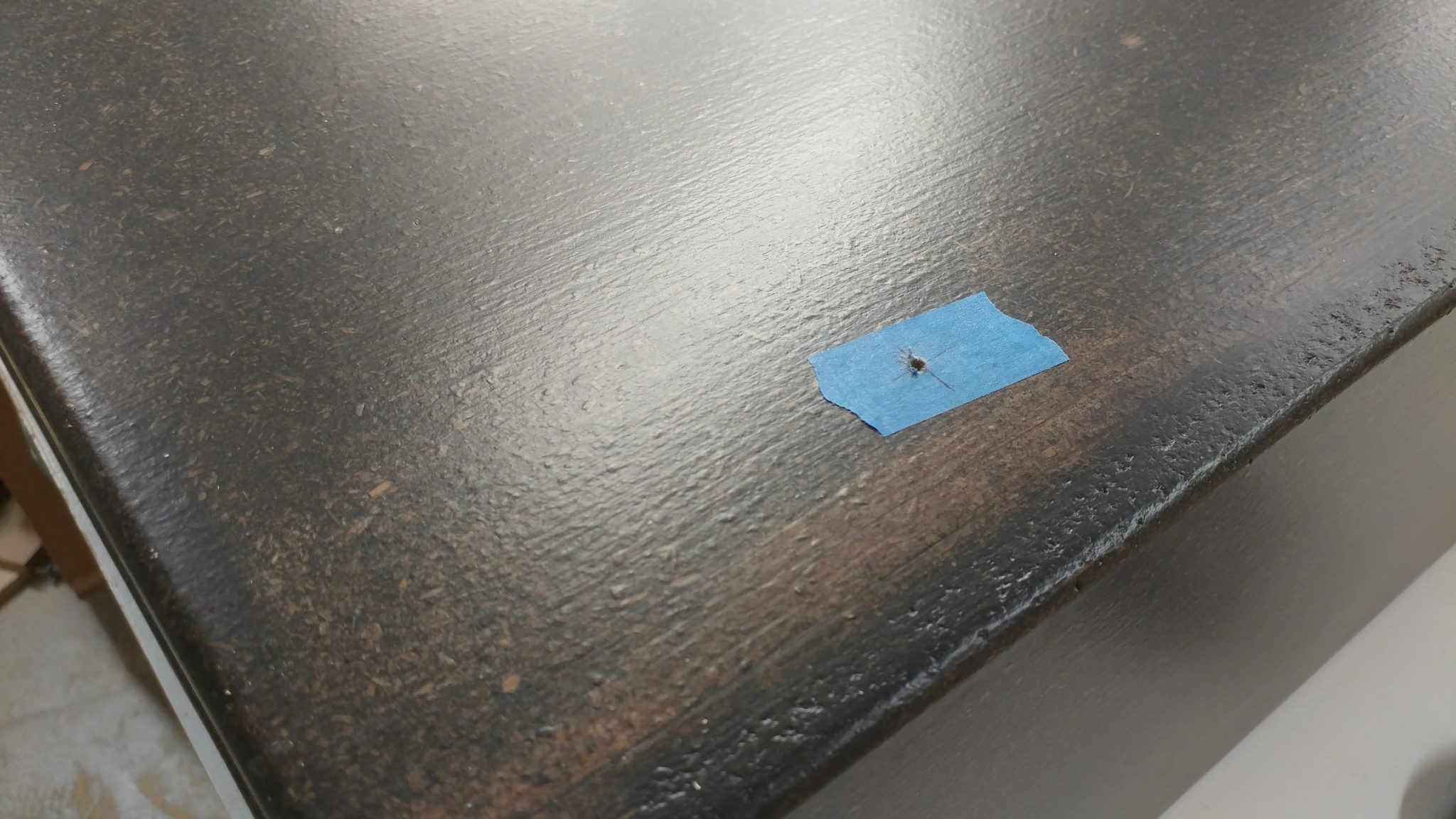
Each rack will have a number of cable pass-throughs.   I wanted the pass-through to be placed towards the back and towards the top, which will make it easier to conceal the cables.  I decided to have the computer pass-through located 2″ from the top of the rack and 5-1/4″ from the rear.  This was a slight mistake, as you’ll see below.

I marked the spot on painters tape and drilled a pilot hole.

4. Prepping the circle-cutter

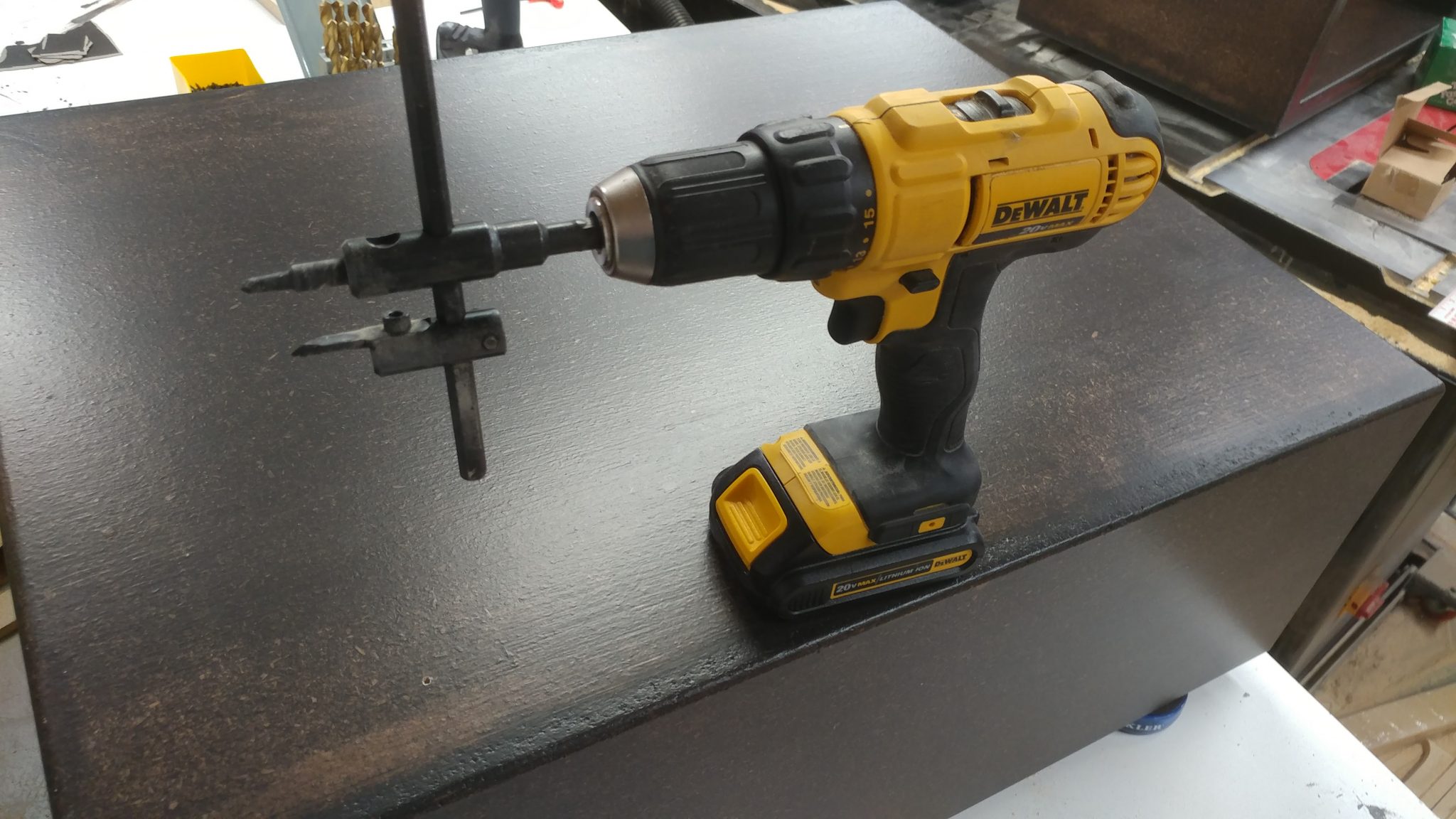
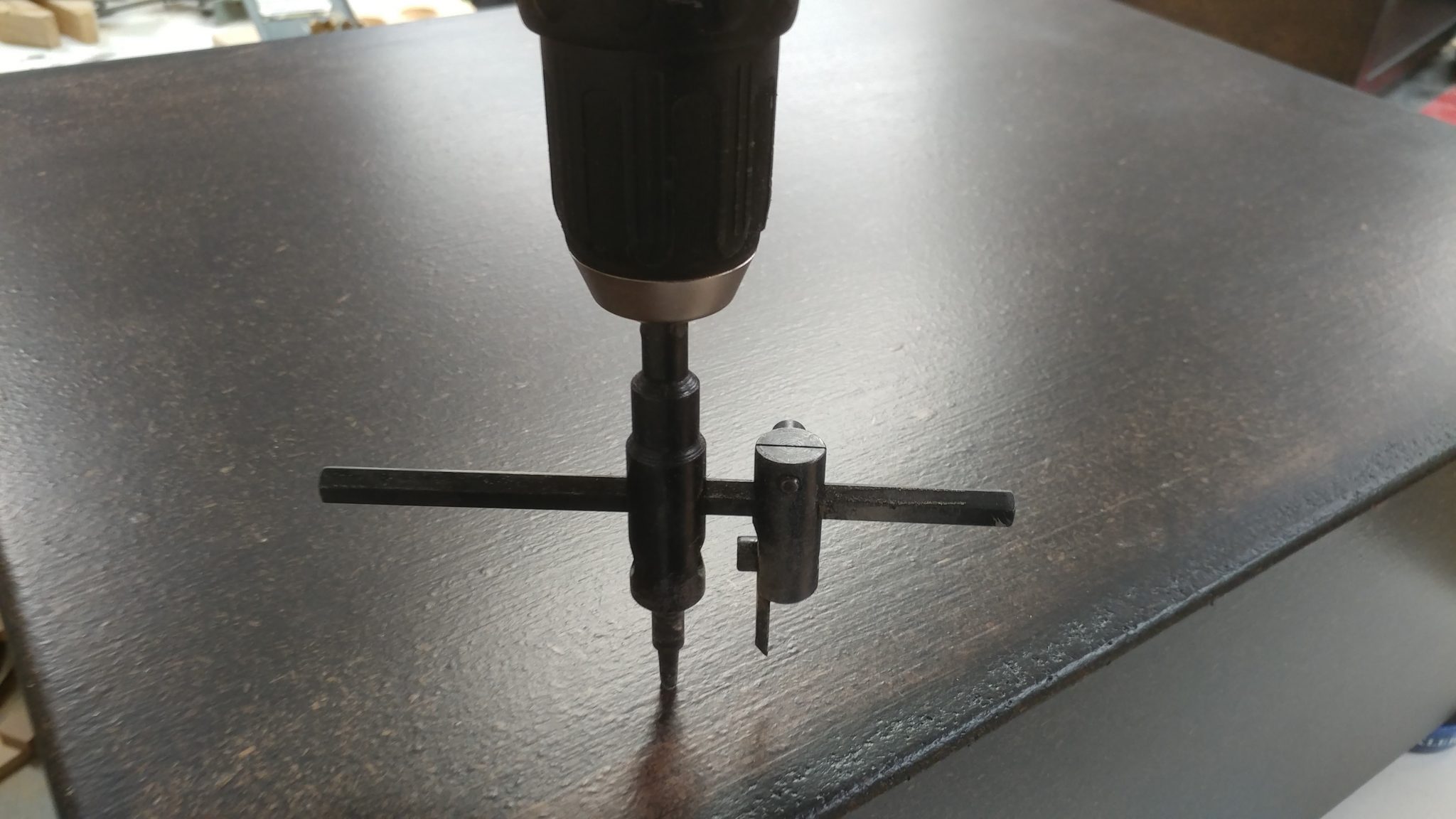
I used a circle cutter on my cordless drill.

I only used one cutter to do this.  Having the second cutter installed was feeling a bit sketchy.

5. Cutting the circle for the grommet

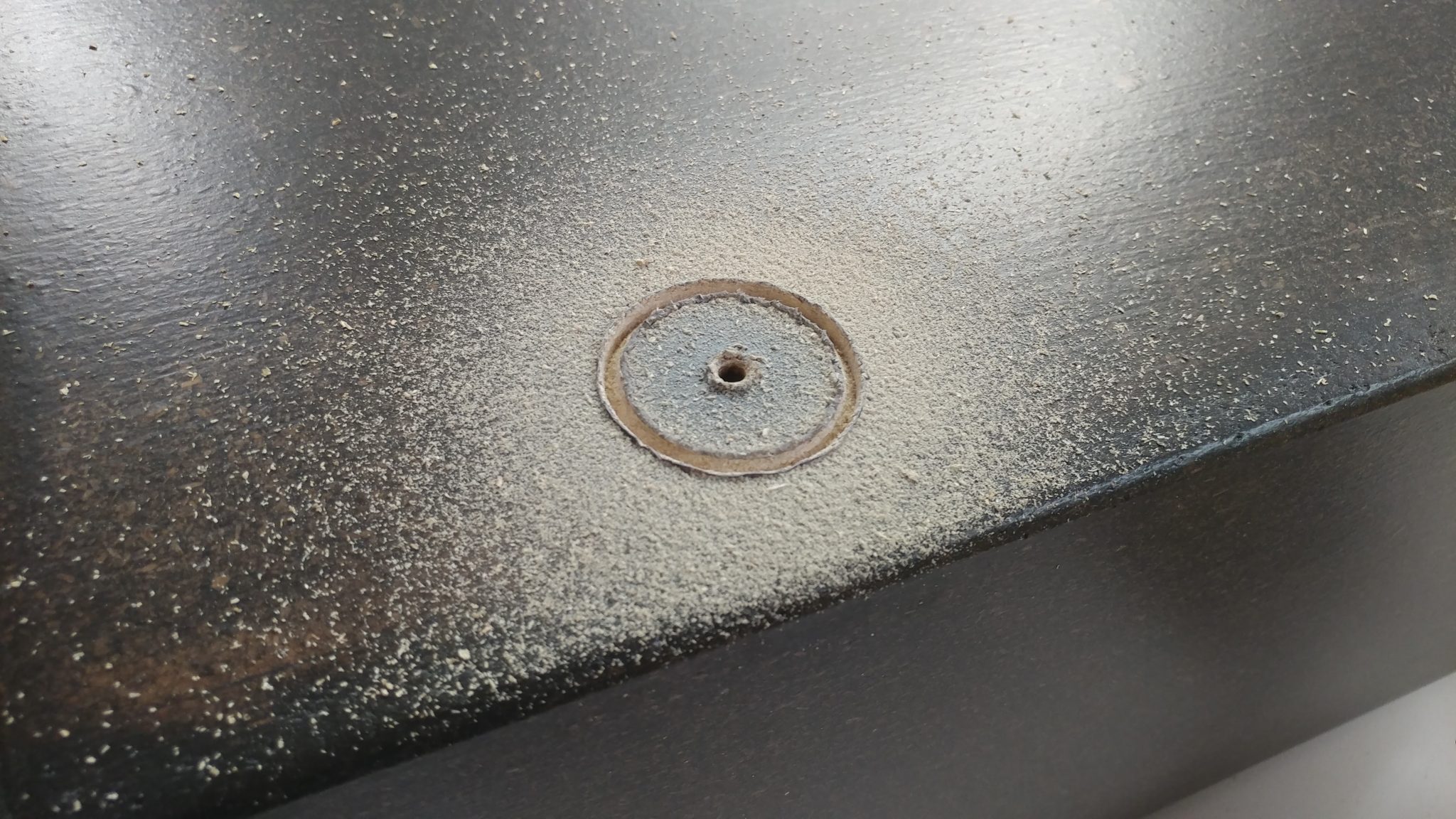
I used the pre-drilled pilot hole to start cutting

The circle cutter uses the pilot hole to keep it in the proper location.

6. My first major screw-up

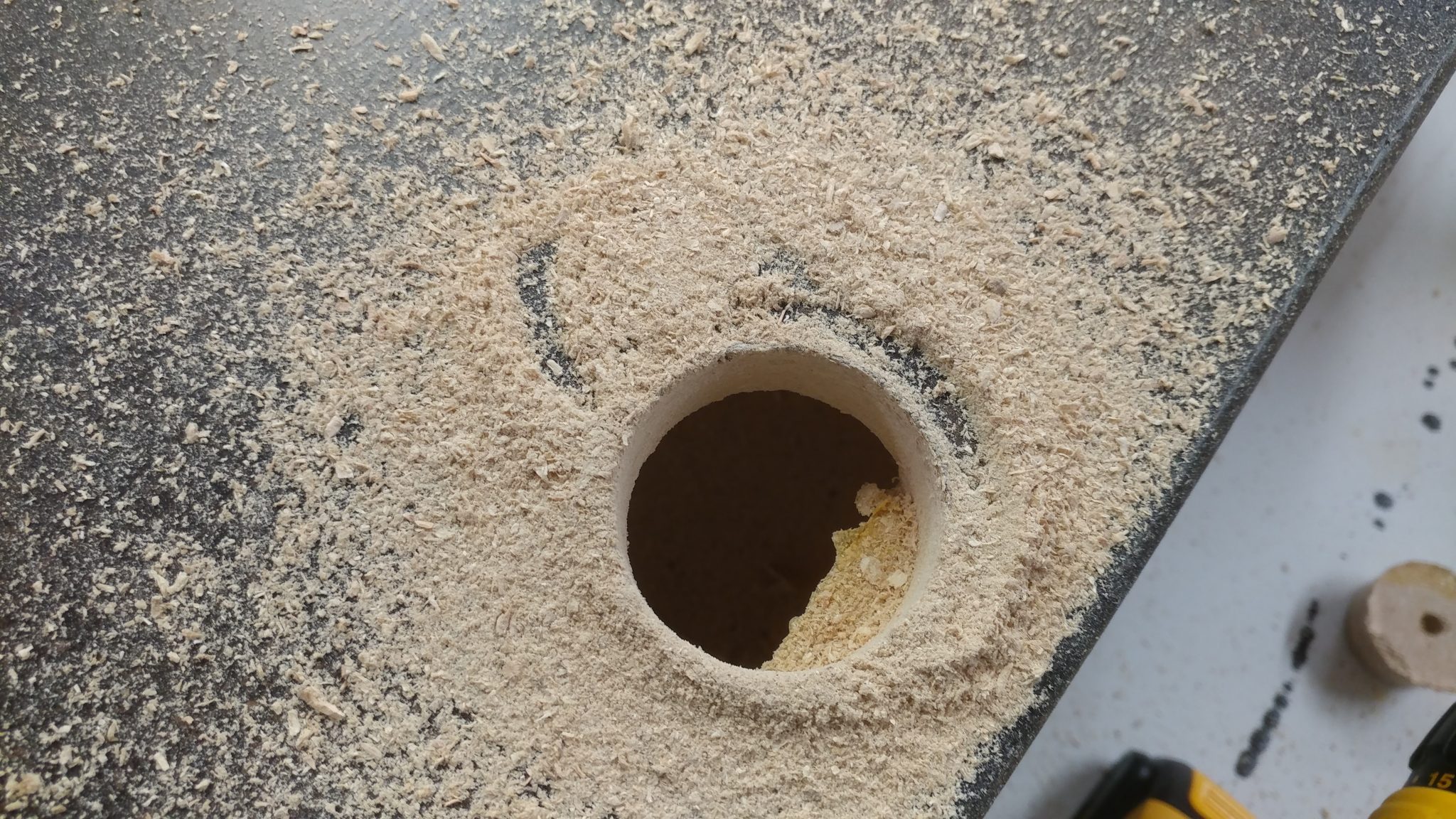
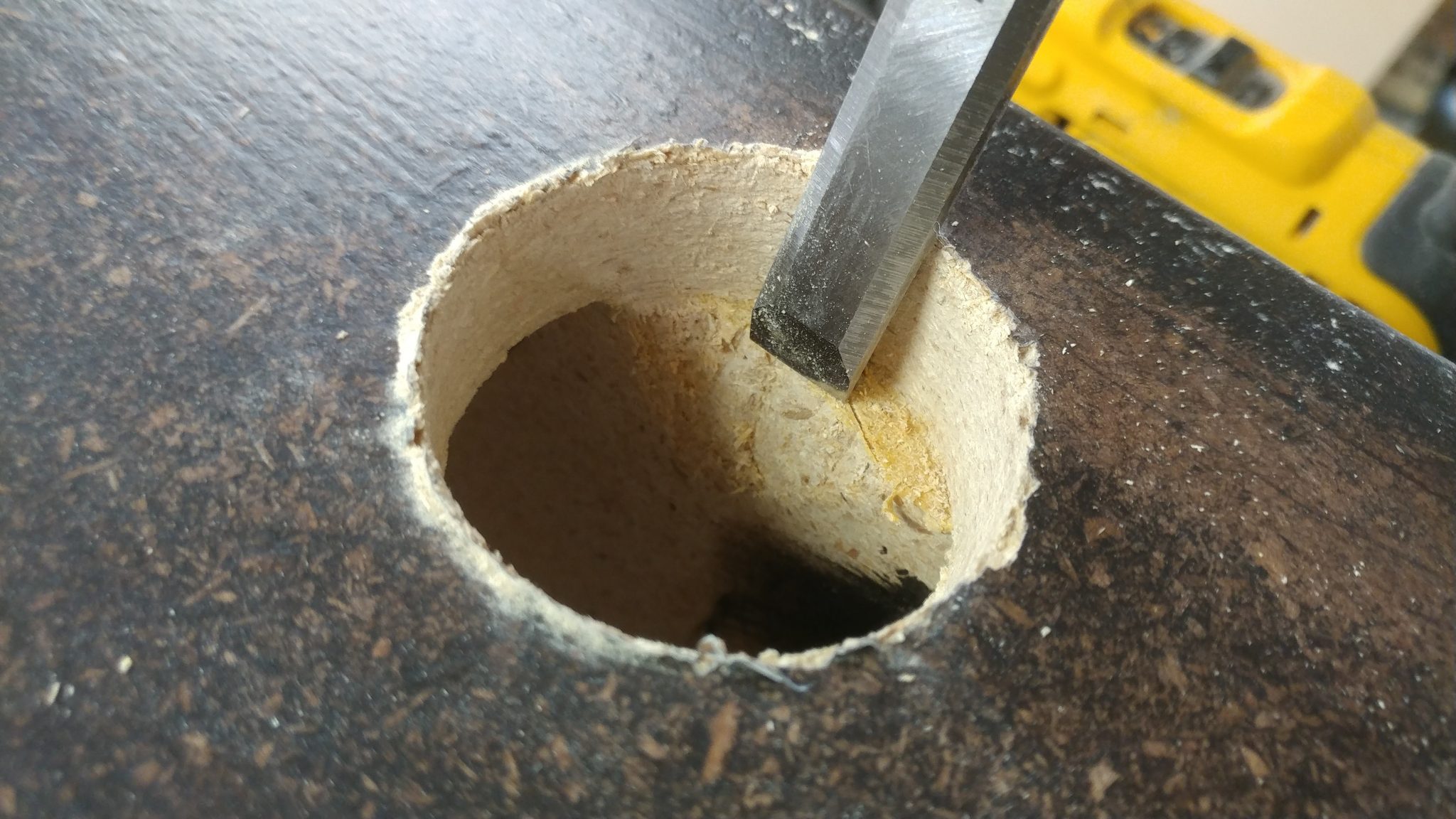
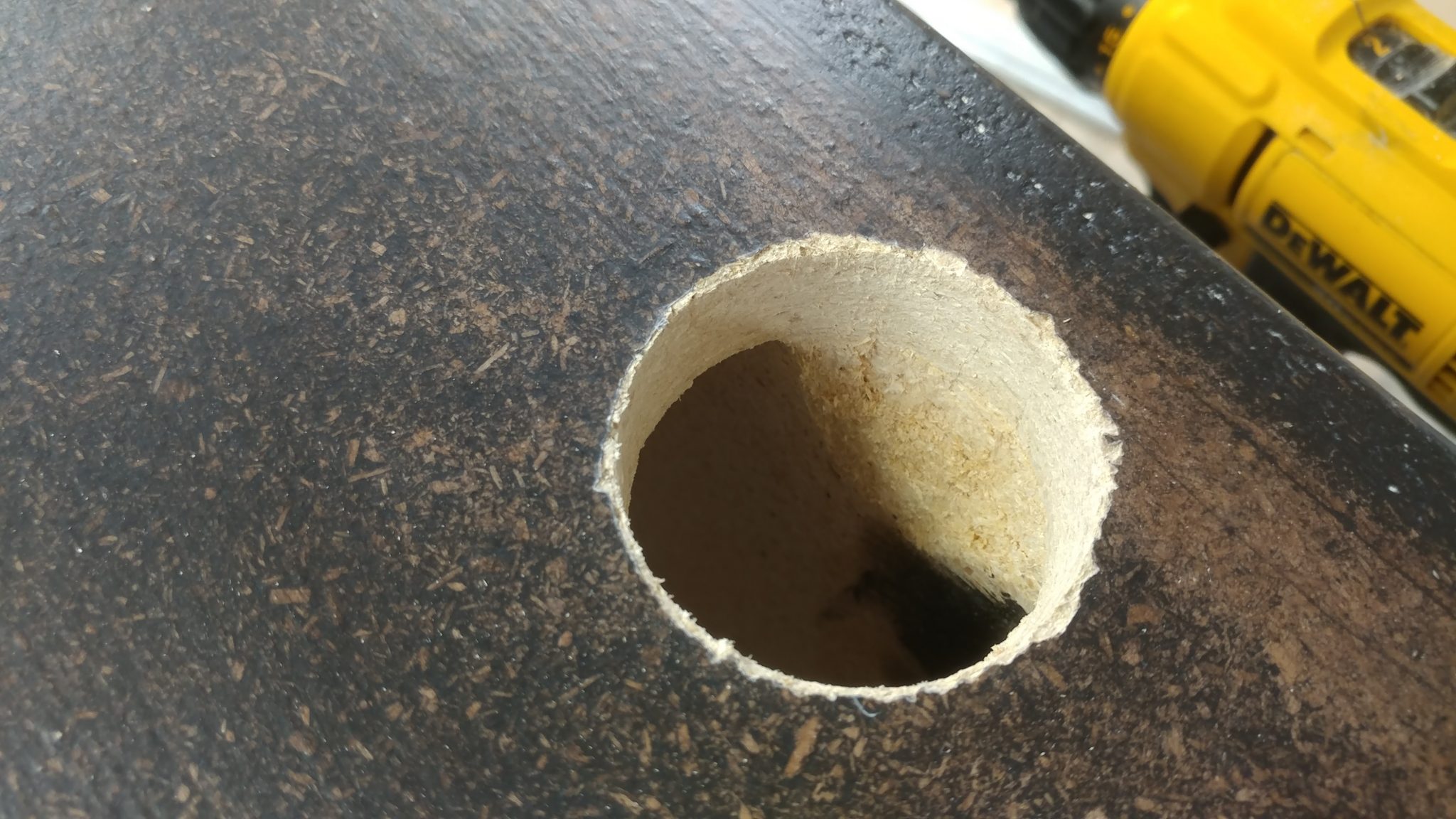
This is where I screwed up.  I forgot that the top and bottom of the racks have two layers of 3/4″ particle board rather than just one.  I didn’t calculate that when I decided on a hole placement.  This means that the top of the rack will interfere with the pass-through.

7. Fixing the screw-up

I used a chisel and a rasp to clear out enough room to allow the pass-through grommet to be fully inserted and provide more room for cables.

Much better.

8. Installing the grommet

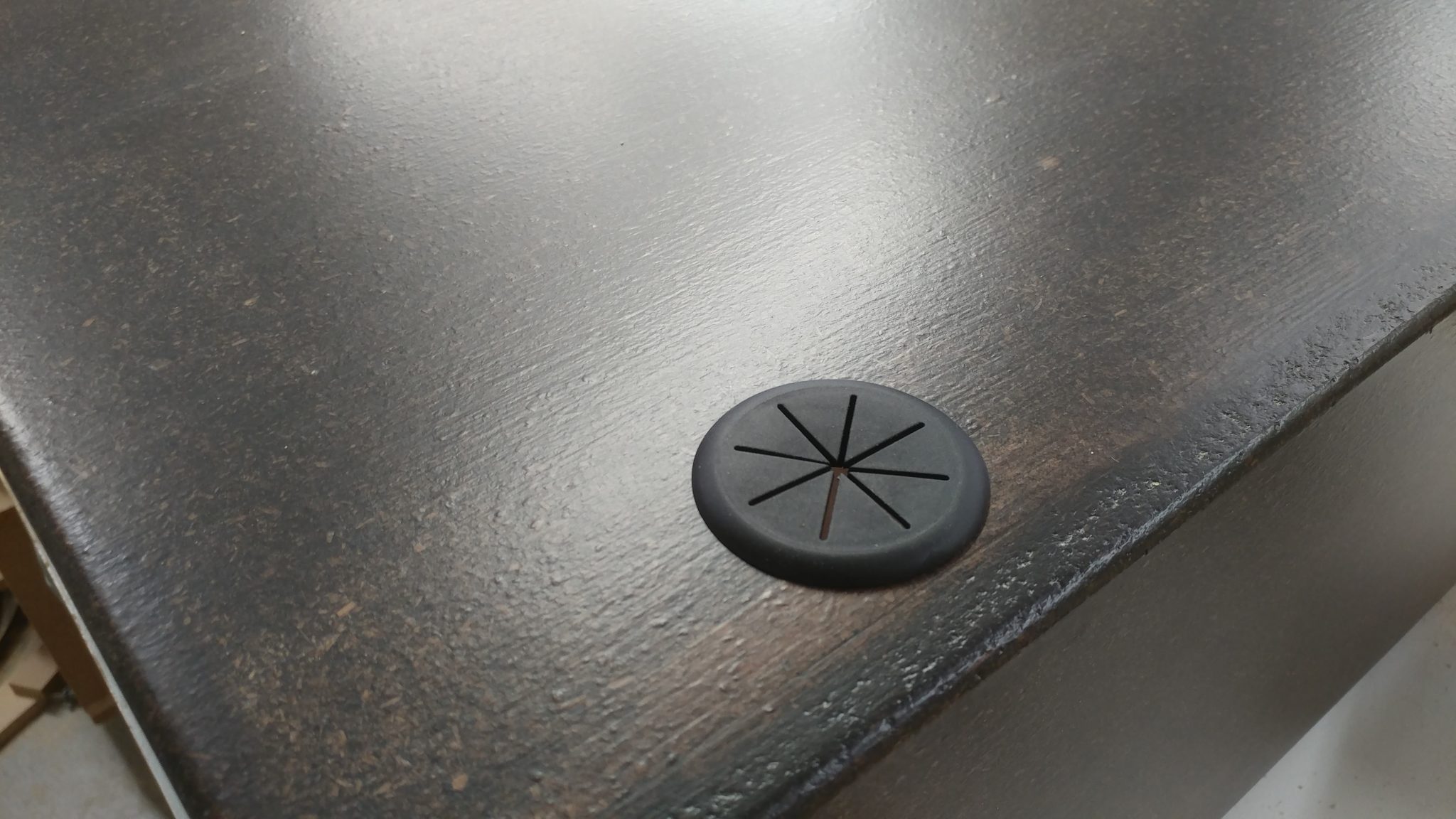
The grommet fits nicely and covers the jagged edge around the hole.  I used some 5-minute epoxy to secure the grommet in place since the hole cutter didn’t really cut a smooth hole in the particleboard..

9. Taking it all in

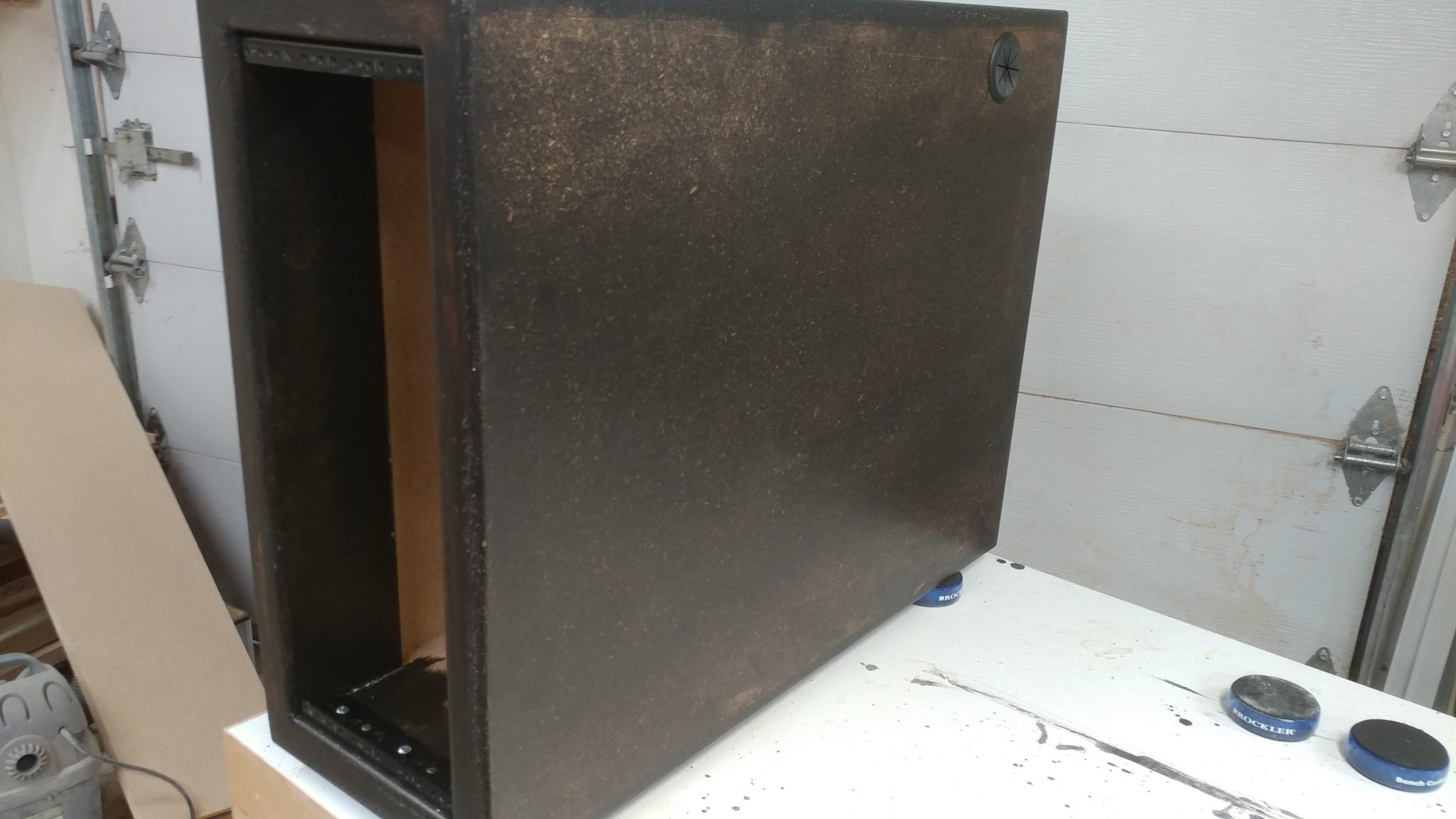
This is how the rack will be positioned in the desk.  You can see the pass-through grommet in the upper rear corner on the side of the rack.

10. Ensuring that the PC will fit in the rack

I set the rack on its back and dropped the computer in.  I screwed it to the rack rails but right now there isn’t anything supporting the computer, which is very heavy.

11. Measuring the space under the PC

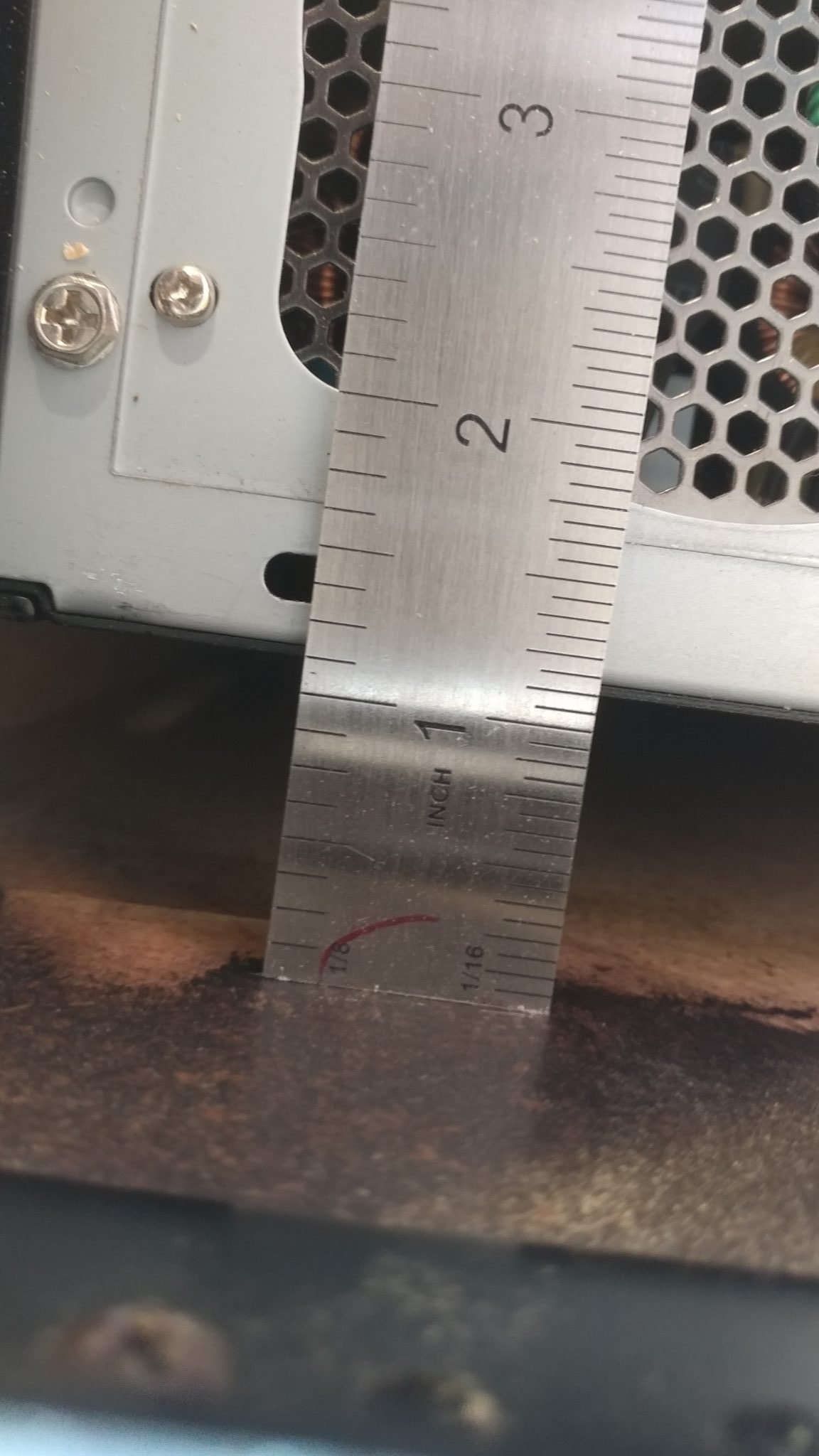
I set the rack upright again and went around the back.  You can see that there is a gap between the computer and the inside floor of the rack.

I measured that to be 1-1/8″.

12. Making the PC supports

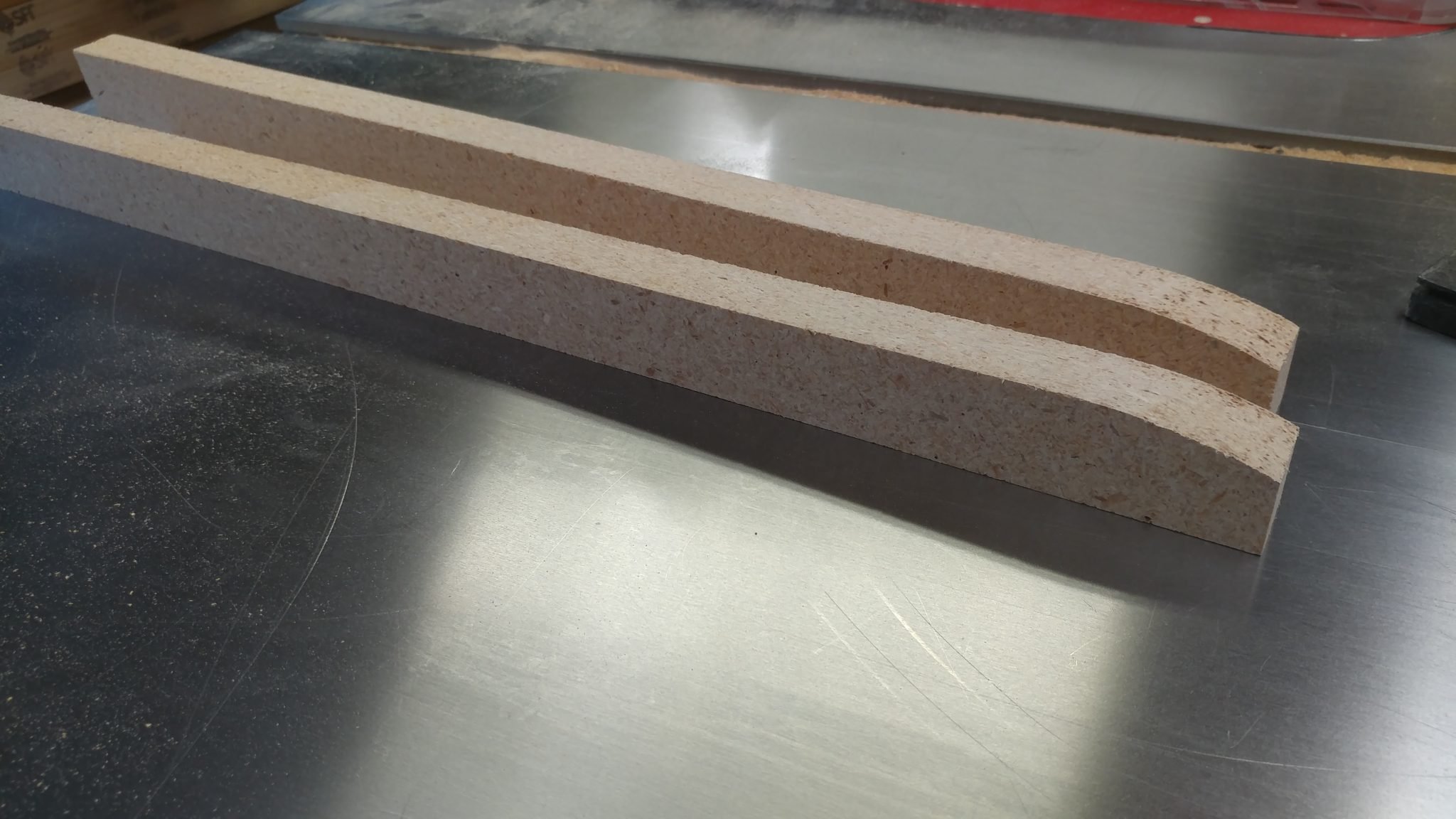
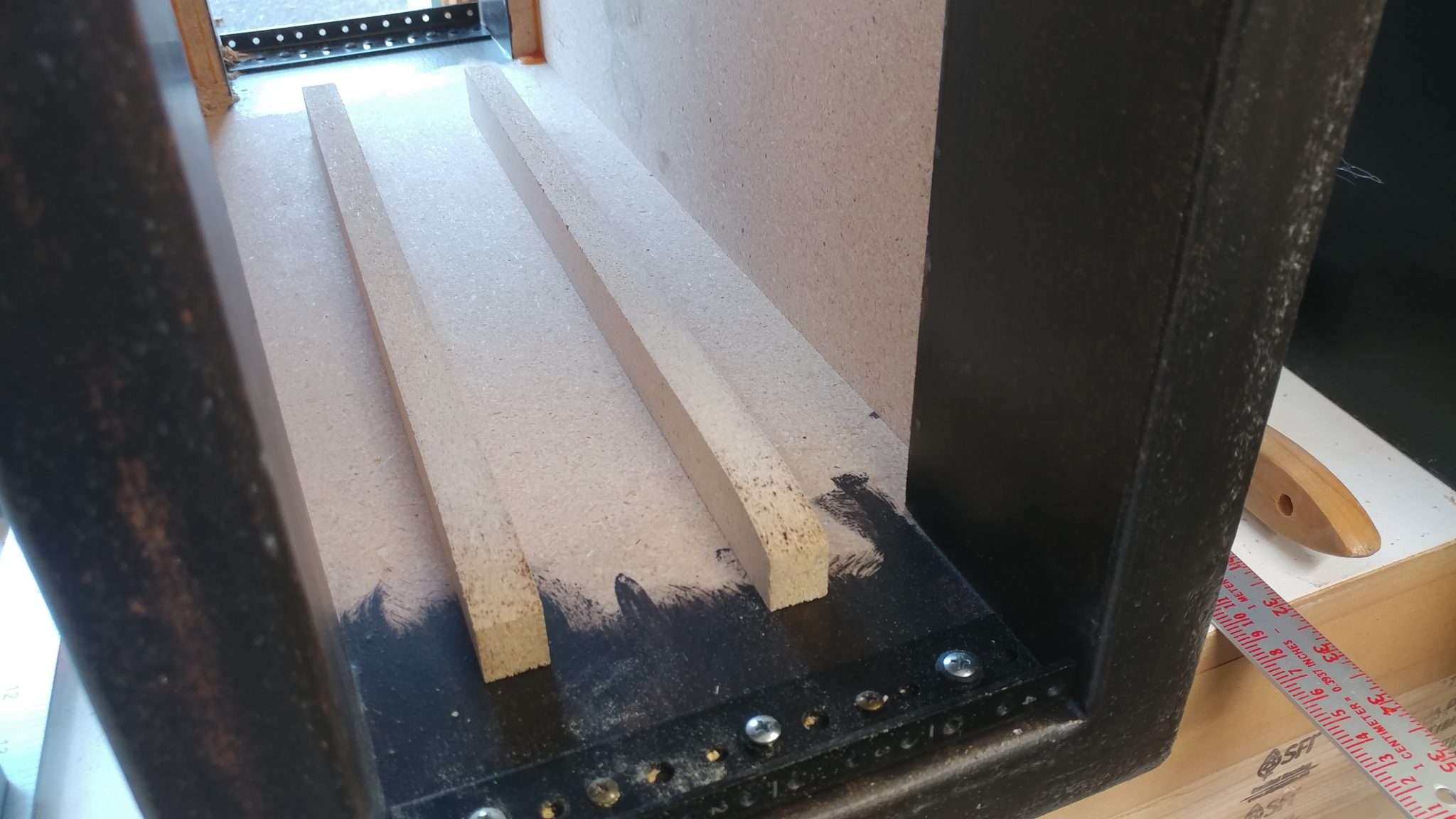
I cut two strips of MDF at that width and slightly tapered the end on a disc sander.  These will go between the computer and the rack floor to help support the computer.  The taper at the end will make it easier to insert the computer from the front.

This is where the wood supports will be placed.

13. Installing the 8-space rack rails

I installed the 8-space rack rails to the larger two racks in the same manner.  They don’t need the wooden supports added to them but I did install a few grommets on both the left and right to allow the cables to pass between the boxes.

Installing the Leg Mounts

The leg mounting hardware needs to be mounted in a way that will allow each of the three racks to be installed in either location.  This didn’t seem like it would be that big of a problem but it took some thinking before I could even get started.  Each rack unit will have three legs; two on the sides towards the outside of the desk and one underneath towars the inside of the desk.  I decided to start with the legs on the sides.

1. Steel-Tek hardware

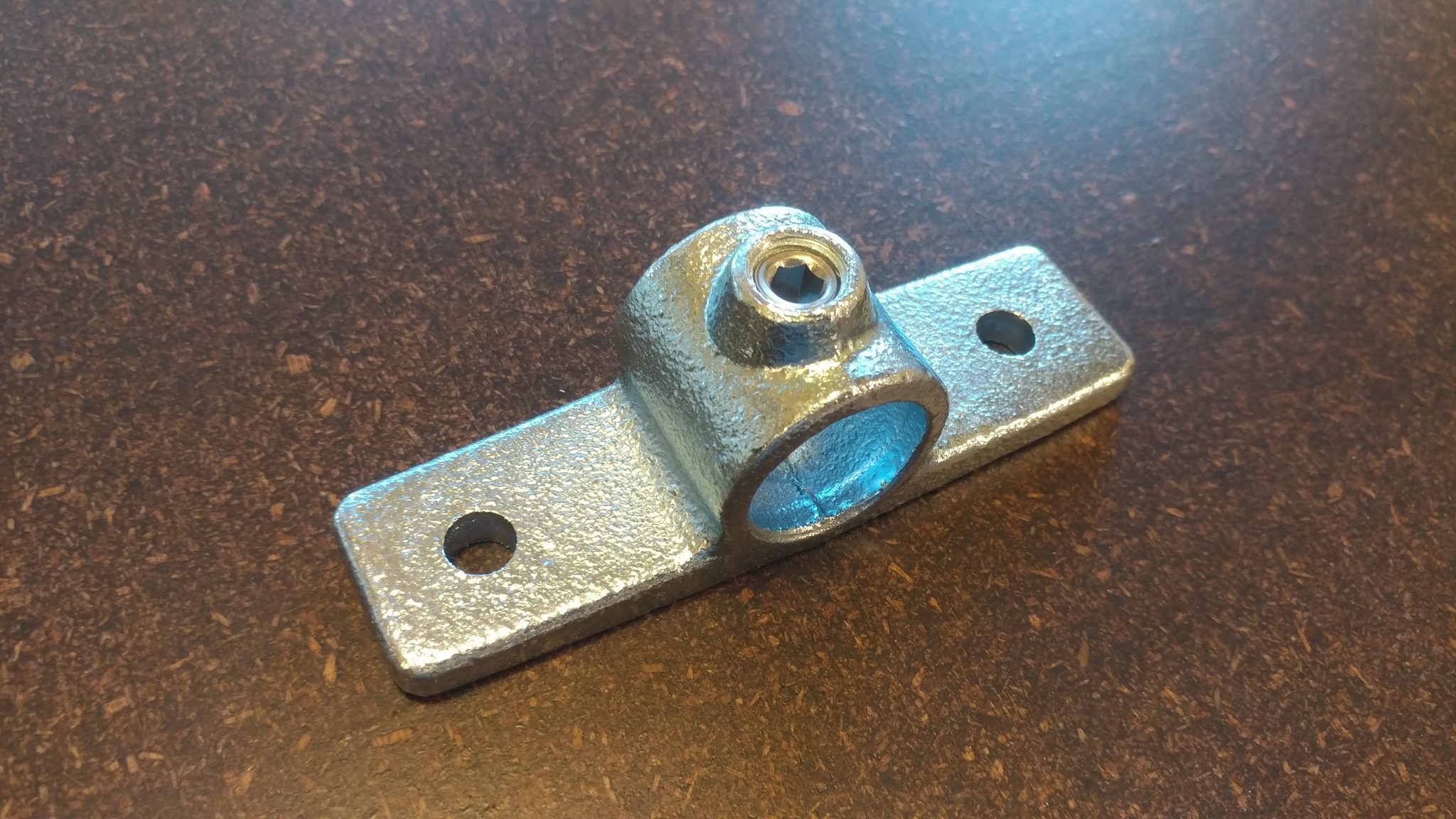
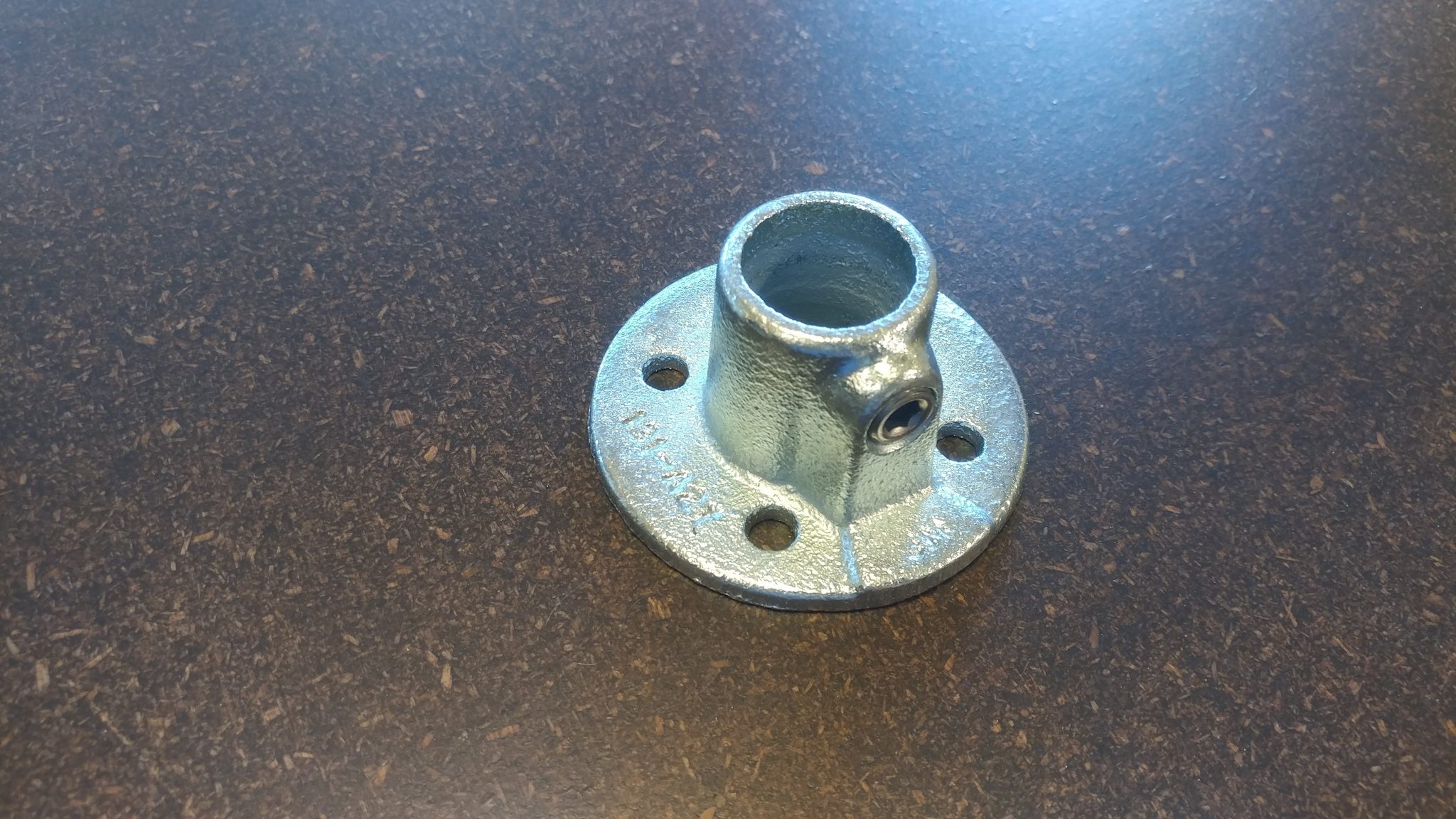
The side flange is part number 679-804HC from Steel-Tek and can be bought from Lowes.

The floor flange is part number 673-104HC from Steel-Tek and can be bought from Lowes.

2. Determining the position of the side flanges

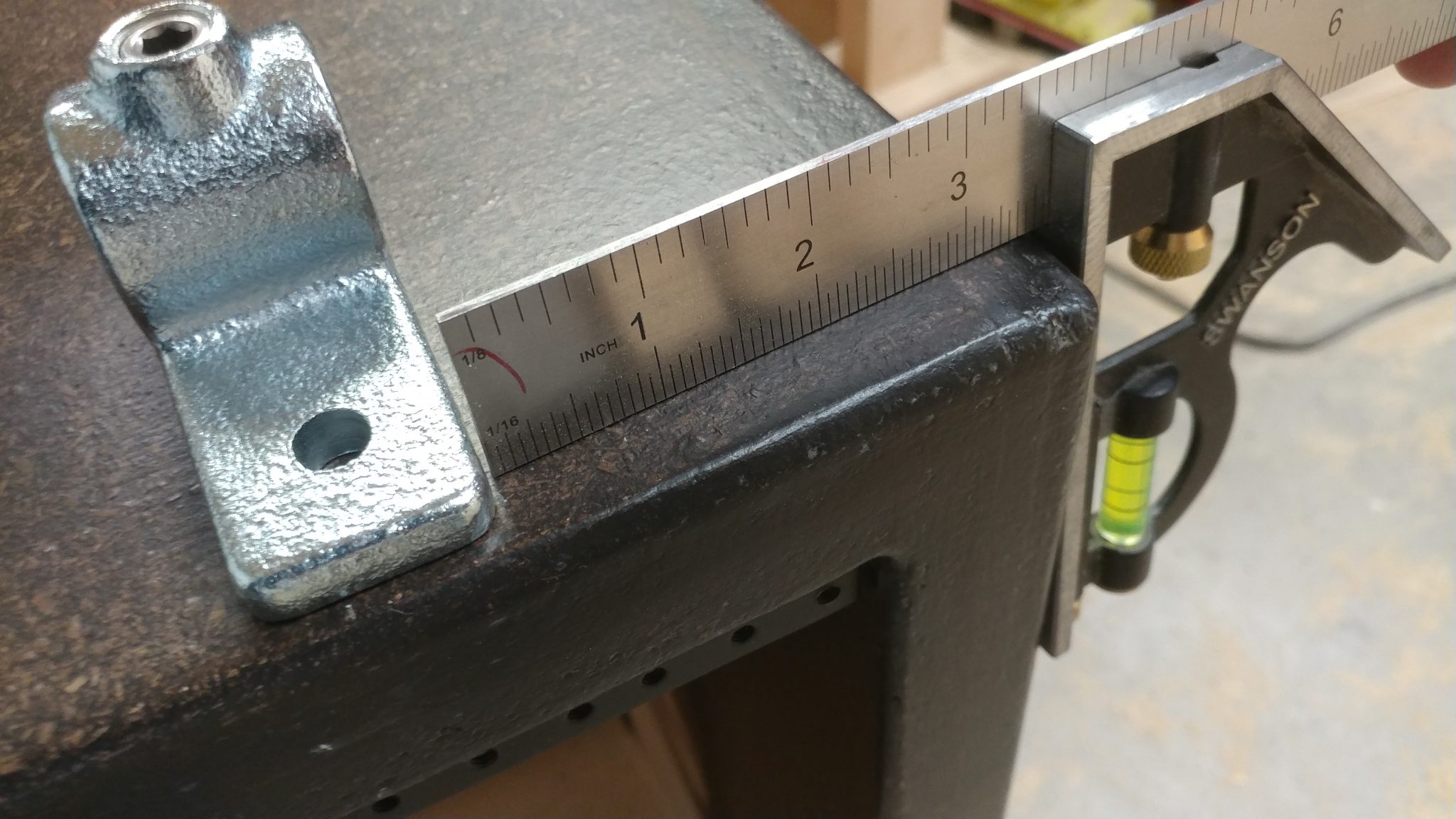
I positioned the side flange on the side of the rack as far forward as I could.  I positioned it 3-1/2″ down from the top.  This doesn’t add anything in terms of stability, it just looked best and it ensured that the bolts I used to attach the bracket wouldn’t hit the screws for the rail hardware.

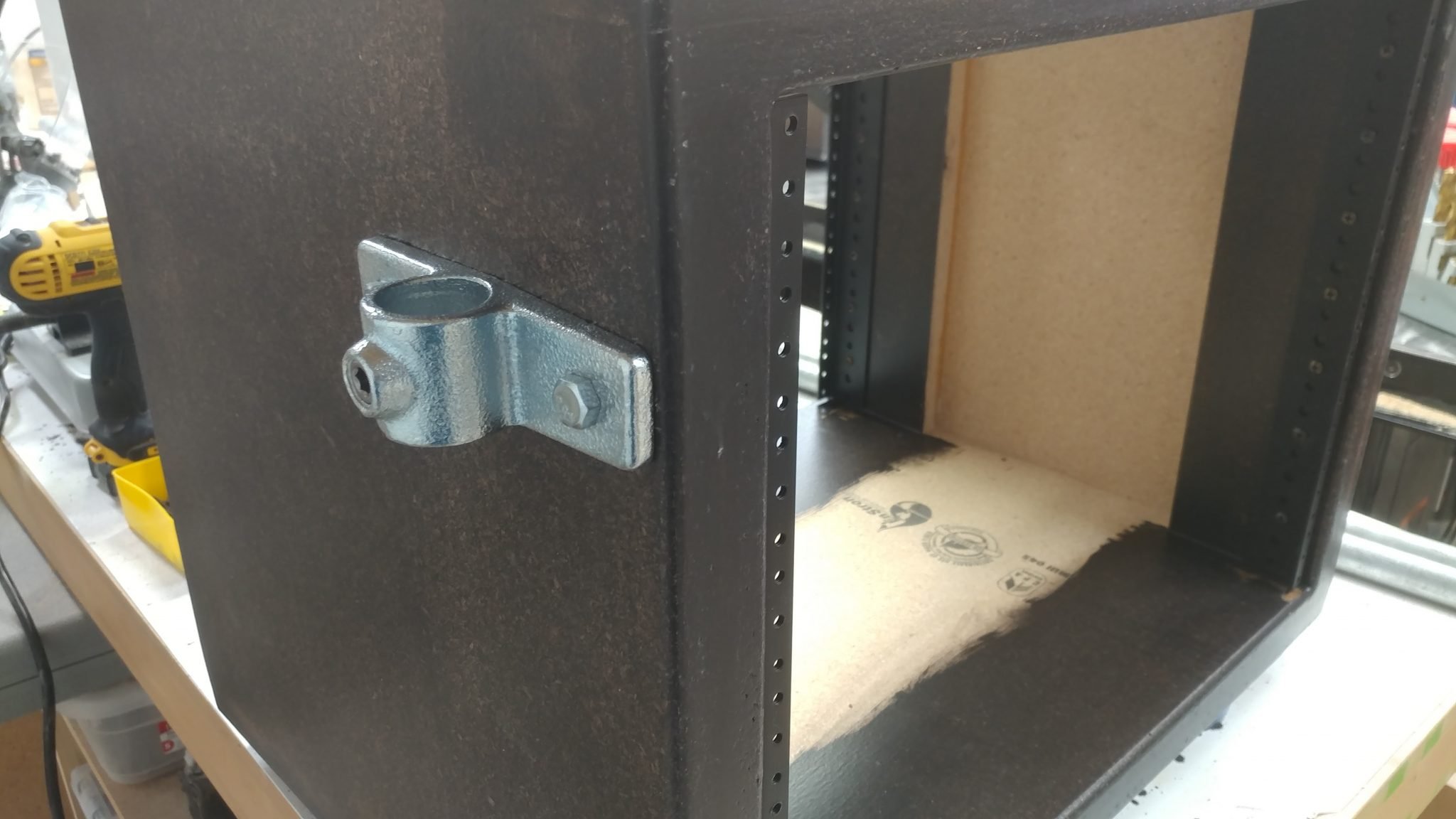
3. Attaching the side flanges

The side flanges were installed on both sides of one of the larger 8-space racks.  I will install them on the other rack later.

4. Attaching the side flanges

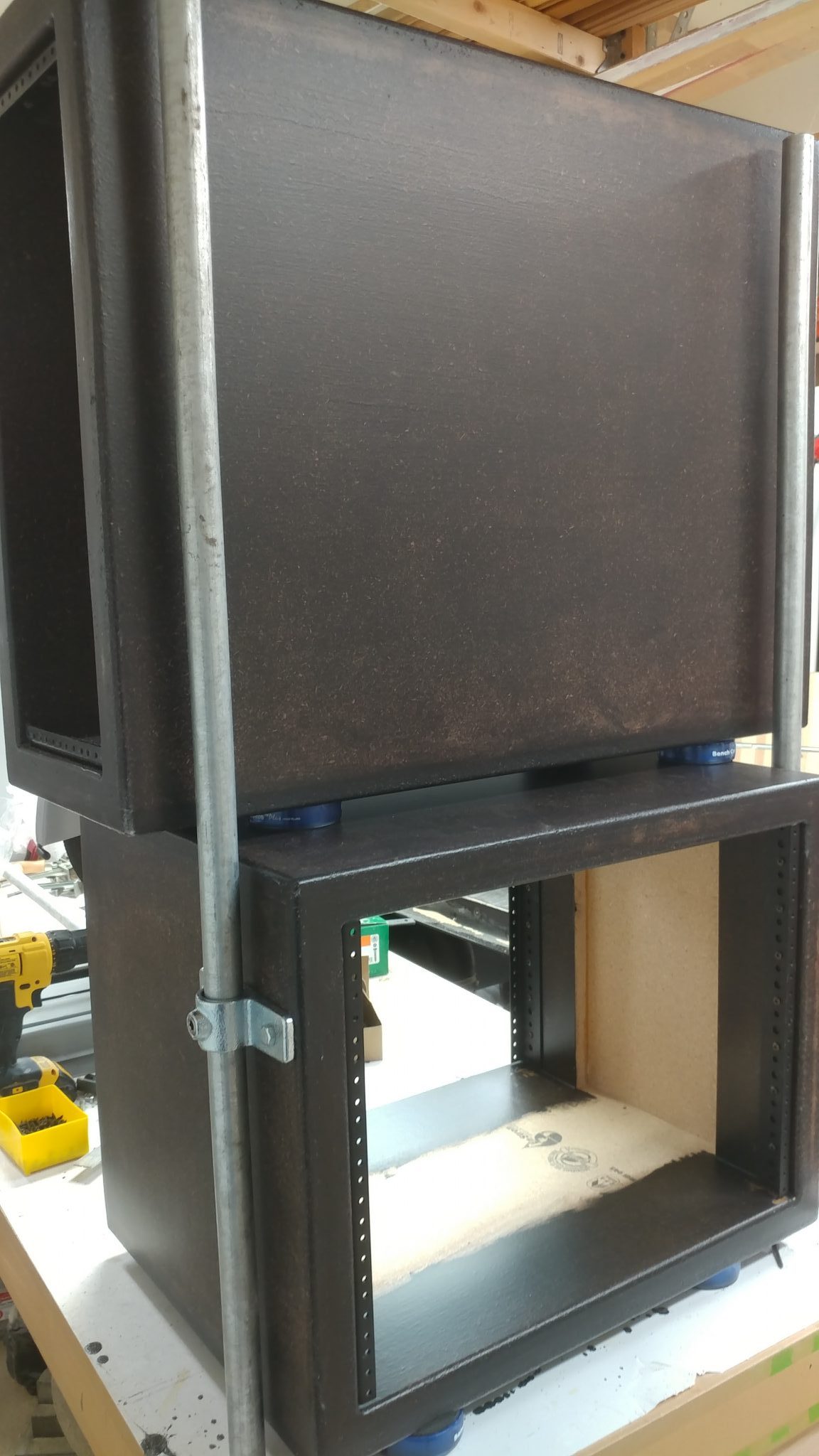
By using some temporary leg rails I was able to place the PC rack on top of one of the larger 8-space racks.  This allowed me to determine the locations for the side flanges.

The side flanges were attached three and a half inches from the top, just to be consistent.

5. Positioning the first floor flange

Then it got a bit squirrely.  I took the PC rack off the larger 8-space rack.  Then I turned the 8-space rack upside down and set the PC rack back on top and installed the temporary leg rails.   I then used another temporary leg rail and two of the leg mounting brackets and one of the floor flanges, which will be installed on the underside of each of the 8-space racks.

This is how the flange looked after it was installed.

6. Installing the legs

I cut smaller tubes for the legs that will be installed in the flanges.  Then, to get an idea of how it will all look, I put it all together on the workbench, complete with the flanges that will be attached to the desk base.

Attaching the Legs to the Base

New I get to take it all out of my shop and move it into the studio.  I could almost sense my shop breathing a congested sigh of relief as I moved the components out.  Don’t worry, little shop.  I’ll fill you with tripping hazards again soon.

1. Positioning the right-side rack.

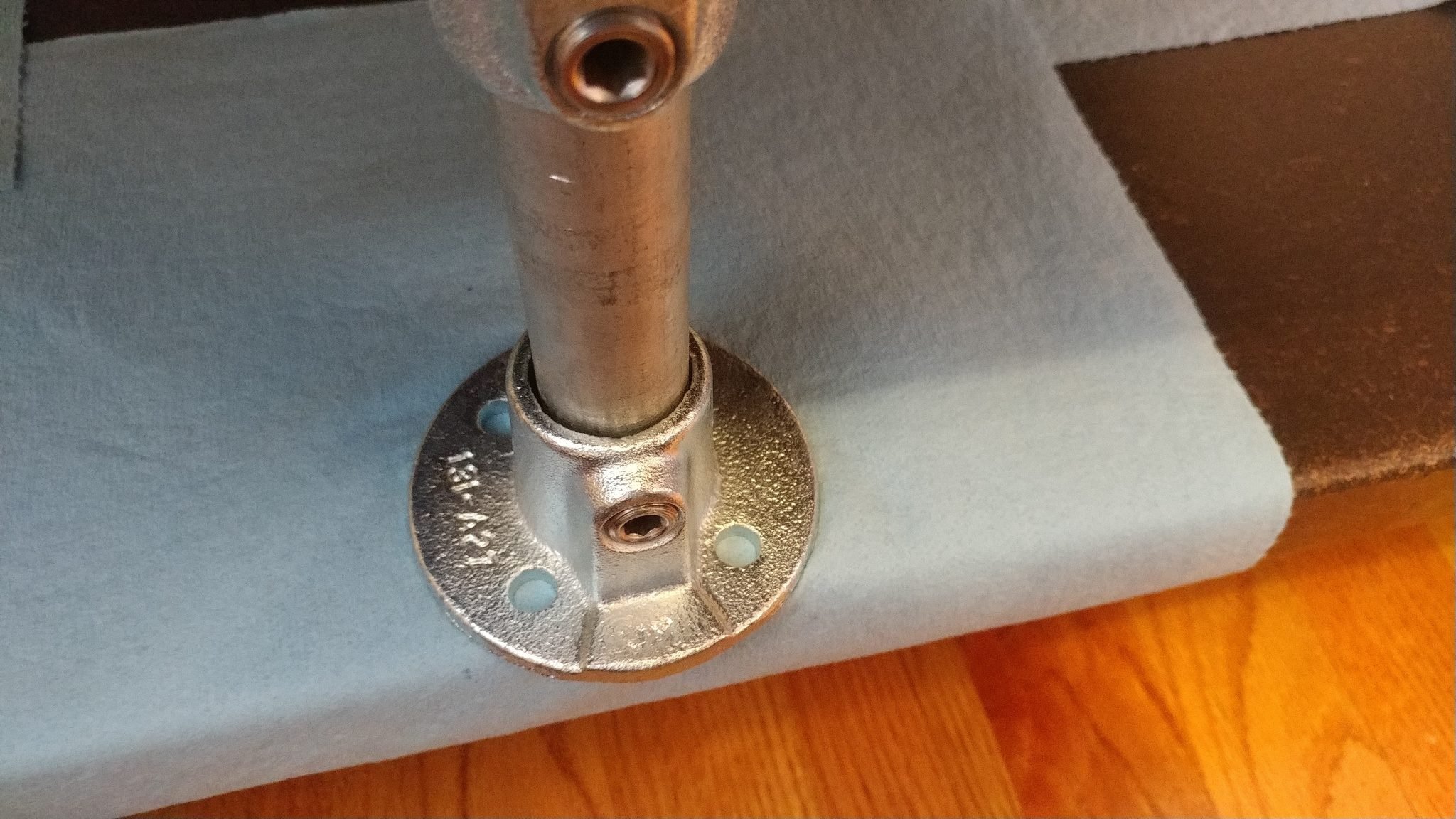
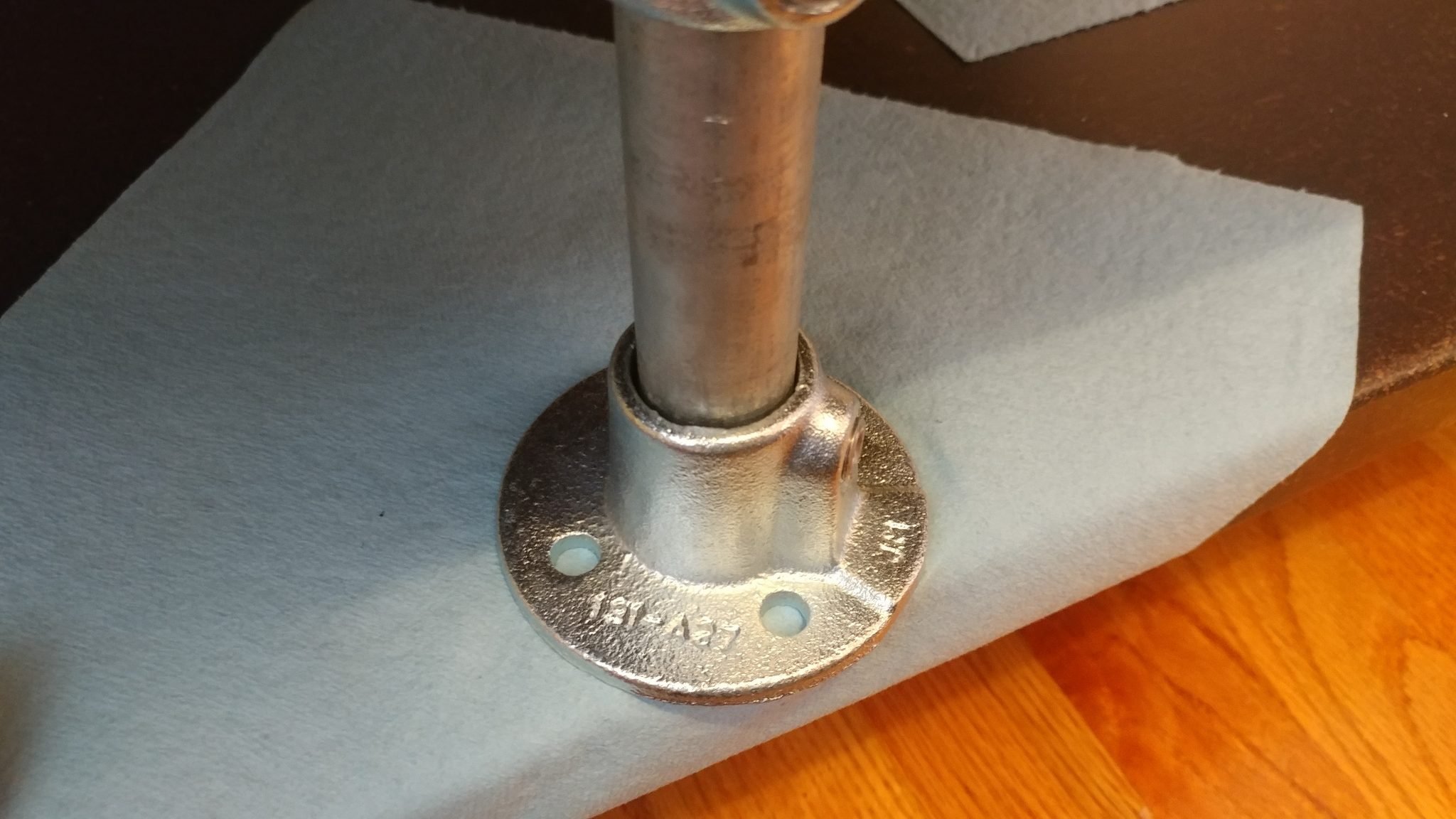
With the legs installed on one of the larger racks, I positioned the legs and flanges in position, using the wall to ensure the outside face of the rack is flush with the outside face of the base.  I set the flanges on blue shop towels to make sure I didn’t scratch the base.

2. Dealing with another screw-up

This is another area where I realized that I really screwed up.  As you can see, the flange sticks out past the edge of the base.

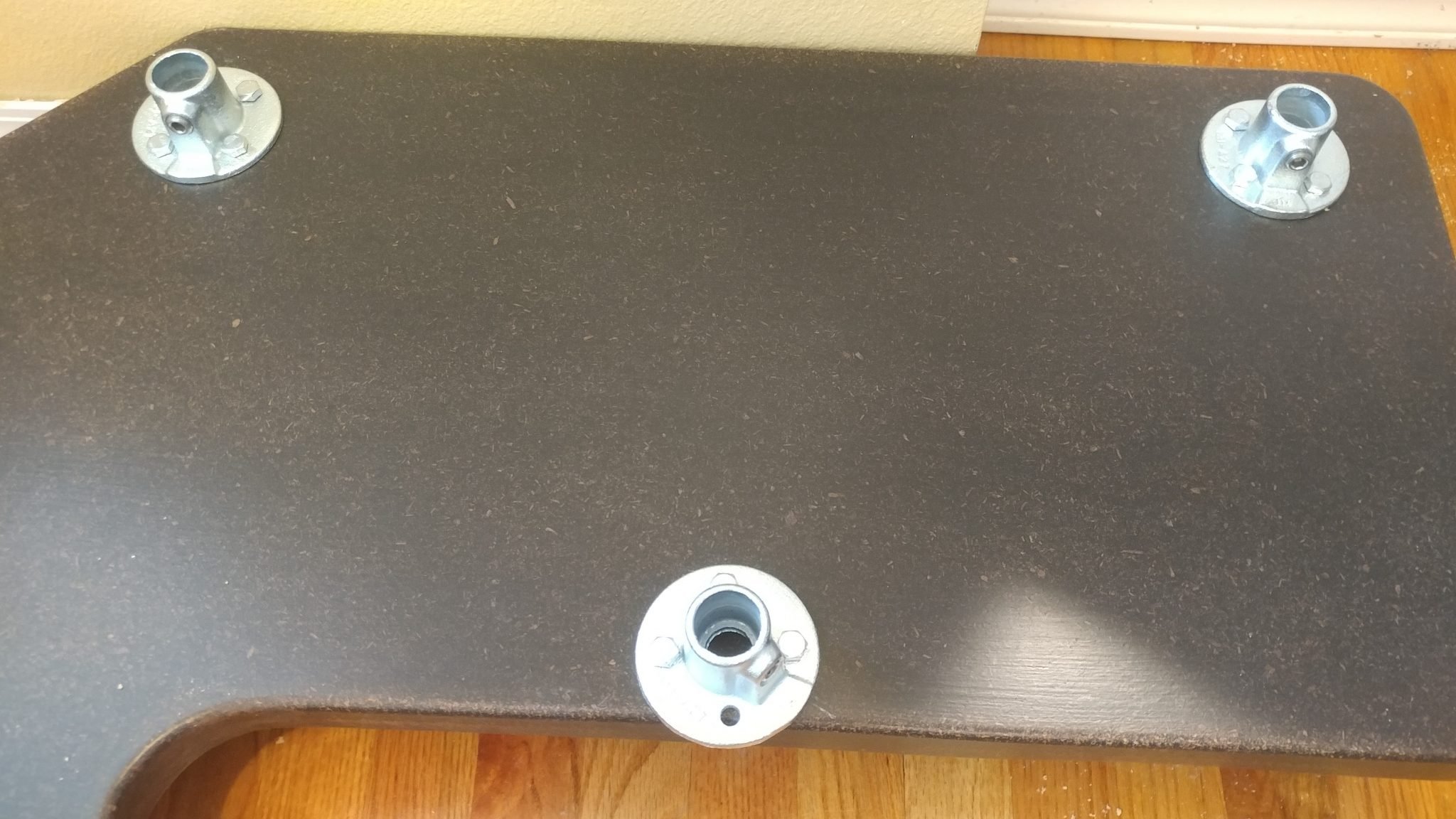
I rotated the flange 45-degrees so I could attach it to the base with three bolts rather than just two.

3. Attaching the right-side flanges

All three flanges were attached with 1-1/2″ lag bolts.

4. Attaching the left-side flanges

I performed the same procedure for attaching the flanges on the left side.  To test it out, I installed the PC rack.  It went into place perfectly.

5. Attaching the center flanges

I installed the flanges for the central rack using the rack from the right side.

To make sure that the central rack has the side flanges installed correctly, I used the first 8-space rack to position them by removing that rack from the desk and setting the second rack upside-down on top of it.

6. Attaching the side flanges for the second 8-space rack

I inserted the leg rails in the lower rack and then attached the side flanges in place.  I positioned them 3-1/2″ from the lower edge.

7. Attaching the floor flange on the second 8-space rack

To install the central flange on the underside of the second rack, I set it upside-down on the floor and used the PC rack to position the flange just like I did with the other 8-space rack.

8. Installing the legs and upper flanges

Once I was done with the racks, I set them aside and installed each of the legs and the top flanges.  I left the racks off because I need to attach the flanges to the underside of the desk top and the racks will just be in my way.

Putting it All Together

The hard work is over and now it’s time to put it all together.  I’m really getting tired of working on this, mainly because of how much space it is taking up in my shop so this is a very welcome moment.

1. Positioning the desk top

I placed the desk top loosely in place.  It actually started to resemble a desk at this point.

2. Marking the hole locations

From underneath I could see where I needed to drill the holes for the lag bolts.  This is where I almost screwed up.  I realized that there was some play in the flanges and that would cause the legs to tip a bit.  In order to ensure that everything was installed correctly and that the racks would be able to go on squarely, I reinstalled the racks and placed the desktop back on then marked the holes with a silver Sharpie, then rook the top and the racks back off, put the top back on and lined up the holes, then drilled the holes for the lag bolts and attached the flanges.  These parts are very heavy and this was a LOT easier said than done.  As a result, I was too flustered to take photos of that agonizing process.

3. Installing the racks

Once the flanges were attached, I removed the top and reinstalled the racks.

4. Attaching the desk top

After that I finally put the top back on and the desk assembly was complete.

This concludes part 5.

Closing remarks

This was a pain in the butt.  Each of these pieces weighs a ton and was very difficult to maneuver.

This is also where I ran into a major problem.  The desk is too heavy for the casters.  It’s so heavy that the casters get a flat spot on them if the desk sits in one spot for any length of time.

I don’t know why I missed this but I think it is a good representation of the dangers of keeping your focus on one little detail and not taking in the entire picture.  I was so focused on getting polyurethane wheels that I totally missed the weight issue.

I might try doubling up on the casters.

The next step is to do the electrical.

If you have any suggestions, please leave them in the comments below.  I’d love to see any desk builds you’ve done.  Also, if you haven’t already, please consider signing up for my mailing list so you get e-mail notifications when I post new articles.

Studio Desk – Part 4: Applying the Finish


This is a continuation of Studio Desk – Part 3: Assembling the Racks


Now that the components are built, they’re ready to be stained and finished.

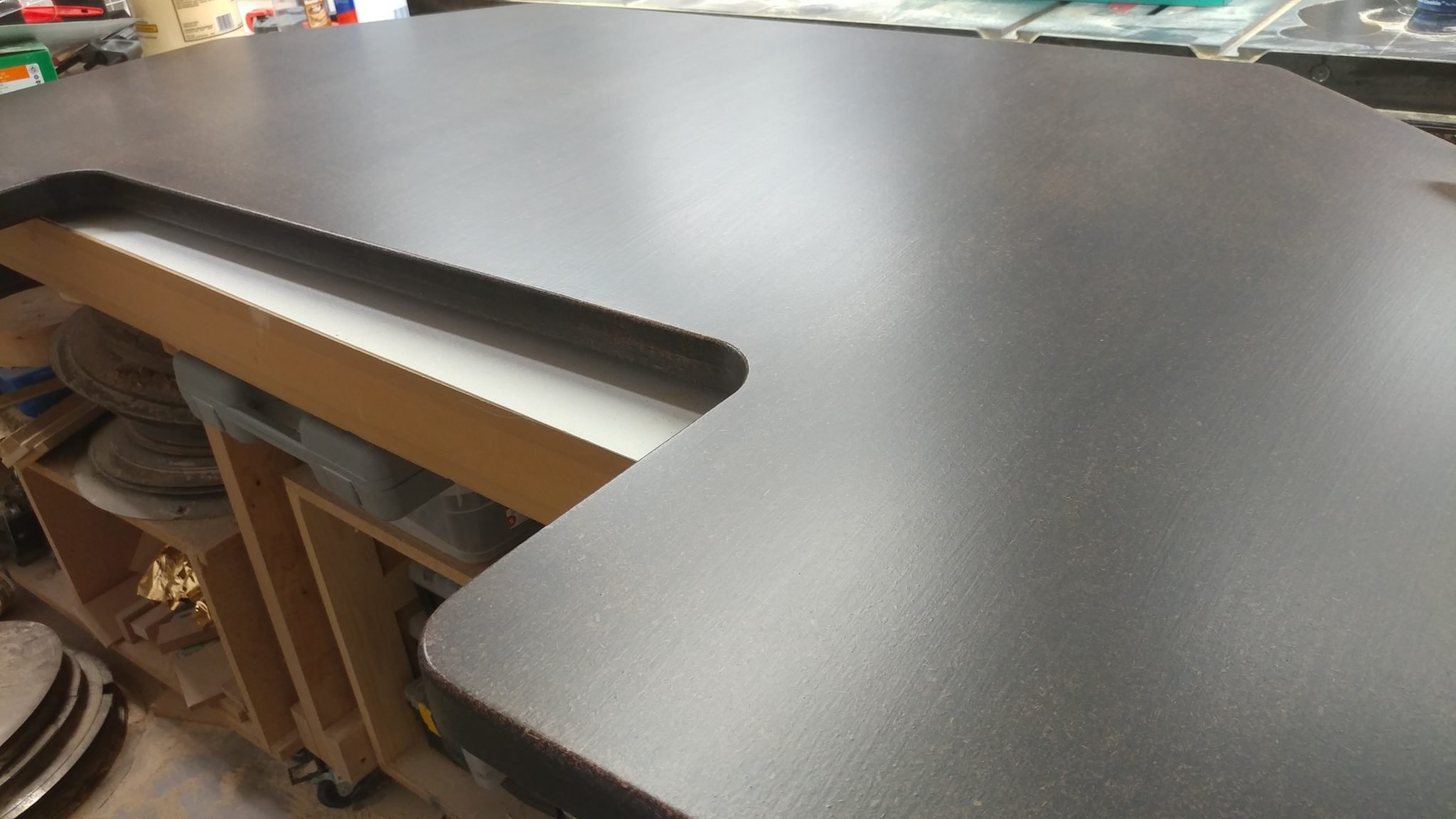
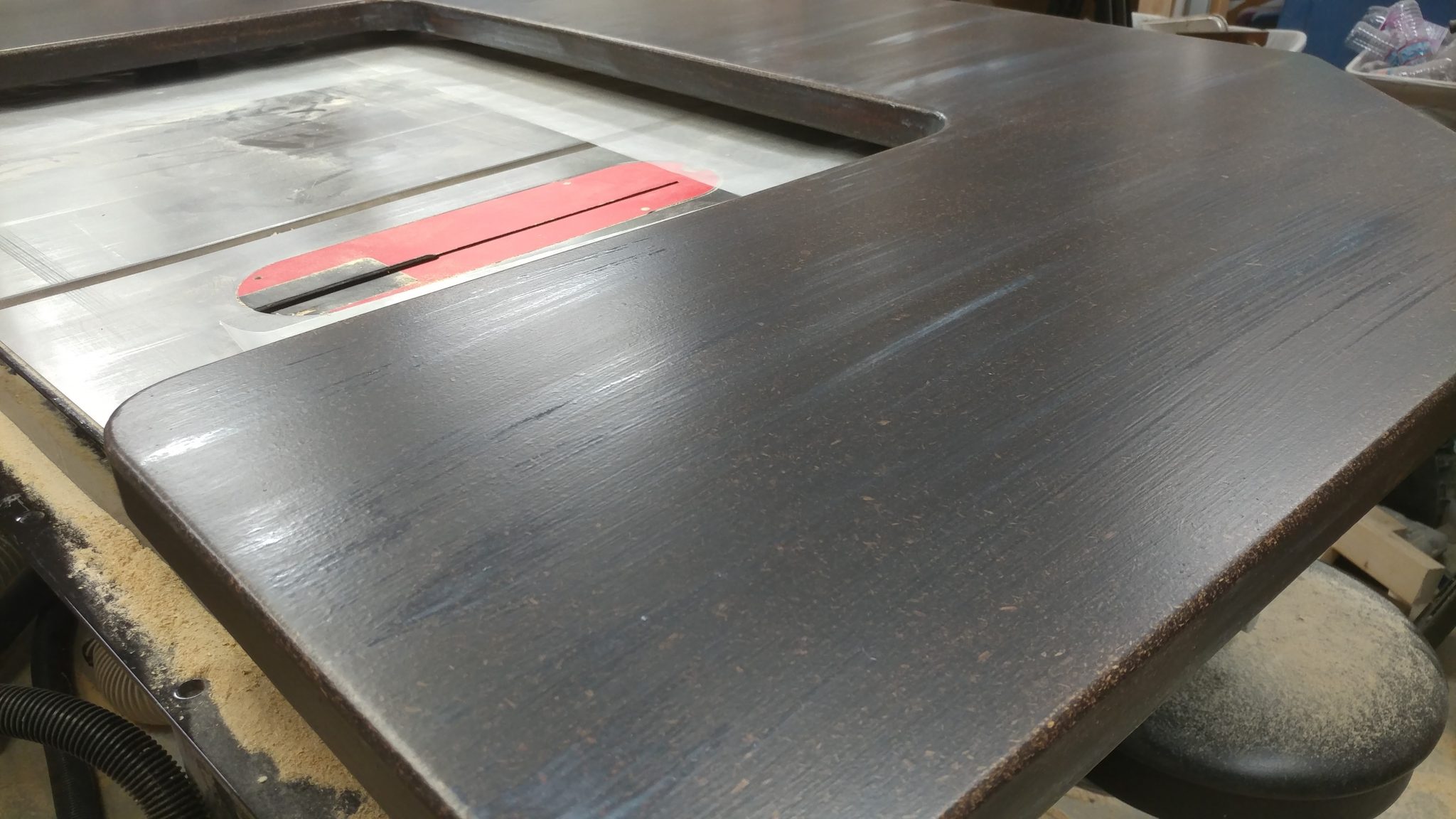
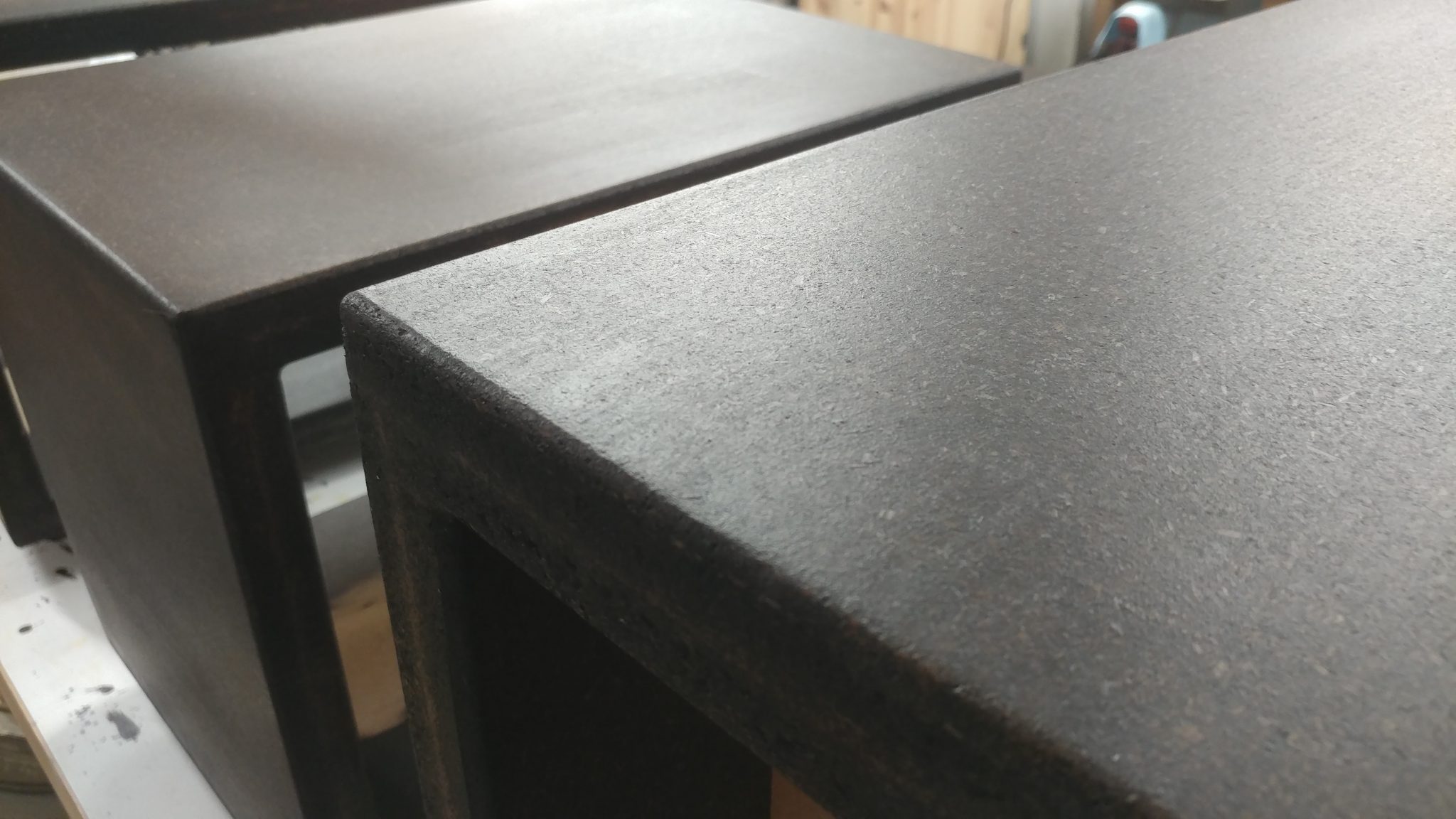
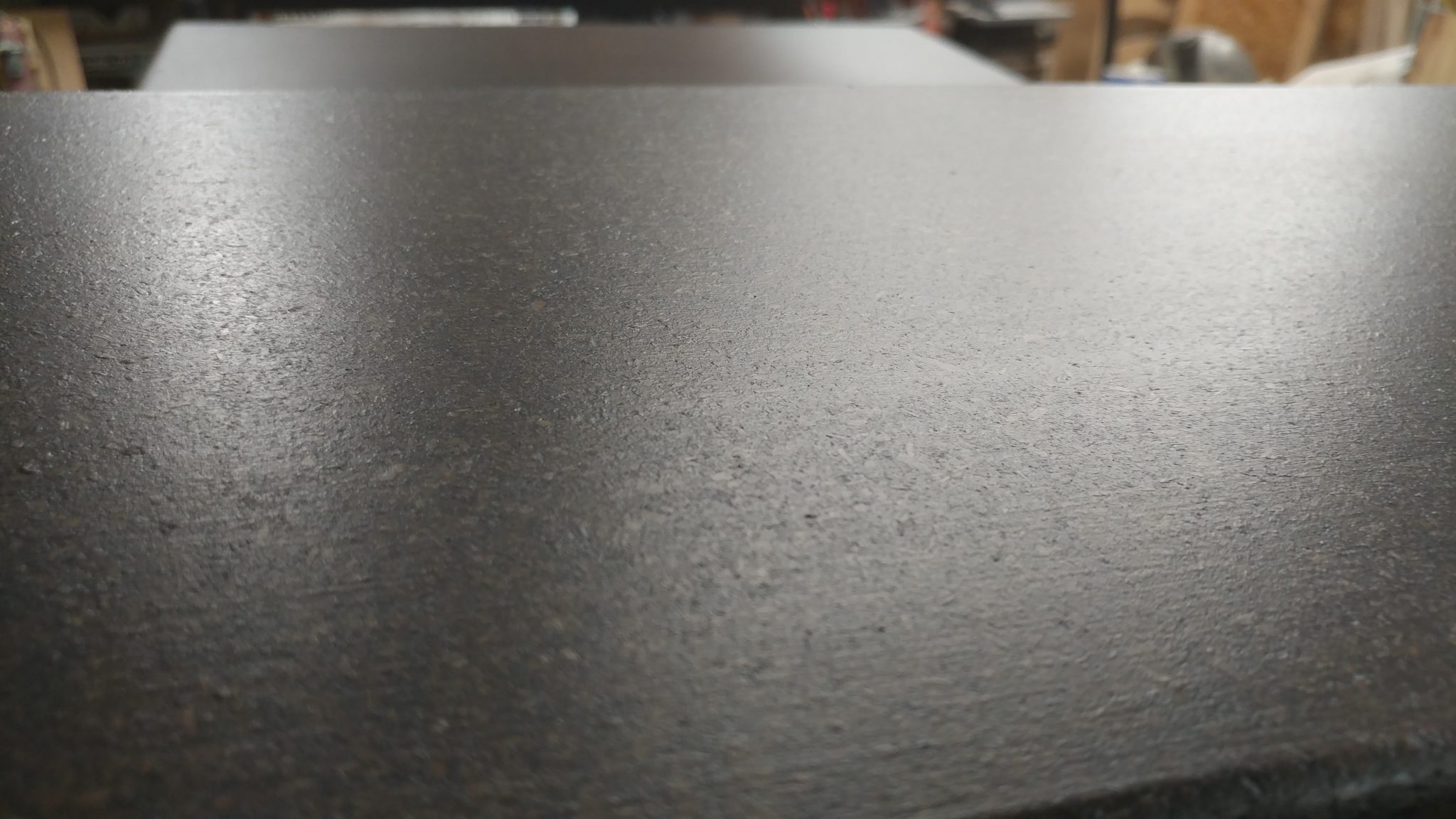
I was going for a specific look that I think worked but I’m having my doubts that I’ll be happy with it in the long run.  I was inspired by a piece that I saw at a restaurant a while ago.  They used plywood where I used particleboard but what I was drawn to was the feel of the piece.  The best way I could describe it was “too much poly with no sanding between coats”.  You couldn’t feel any wood grain through the finish but you could feel the brush marks.

I figured that for this piece, I might as well try to replicate that since I liked it so much.  I think I succeeded but now I’m not sure how much I like it.


Staining the wood

I started with the parts all sanded and ready for stain.


Before applying stain or finish, I like to wipe down the material with denatured alcohol.  This helps remove loose dust particles.


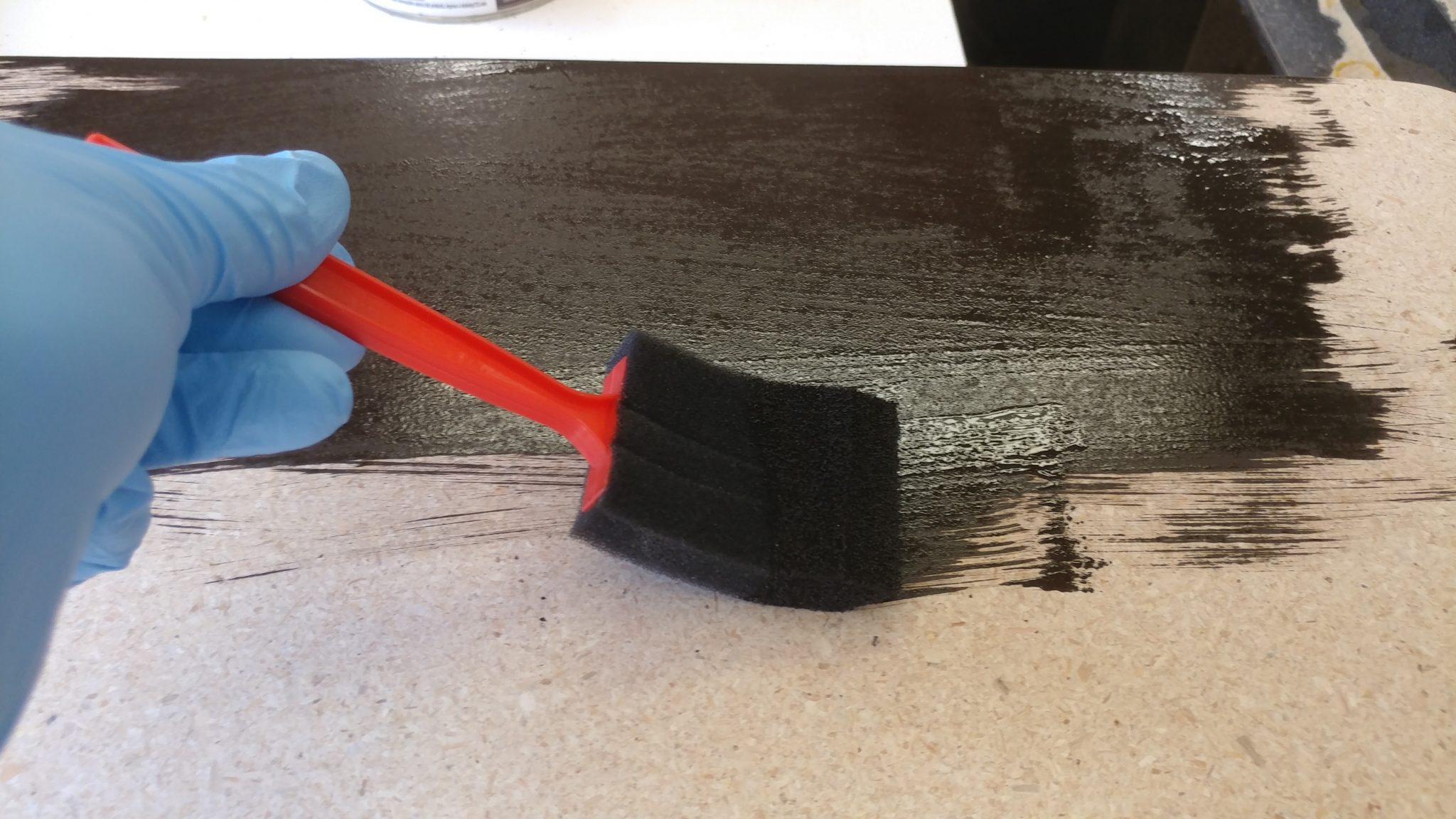
I’m applying Varathane brand Kona wood stain using a cheap foam brush.


I recommend having someone help when staining something this big.  One person can apply the stain and the other can follow up with a towel to remove the excess after letting it sit for a few minutes.  Since it was just me working on this, I had to apply the stain in sections and then wipe it off before moving on to the next section.  This can be tricky since the stain can overlap and make for darker sections.


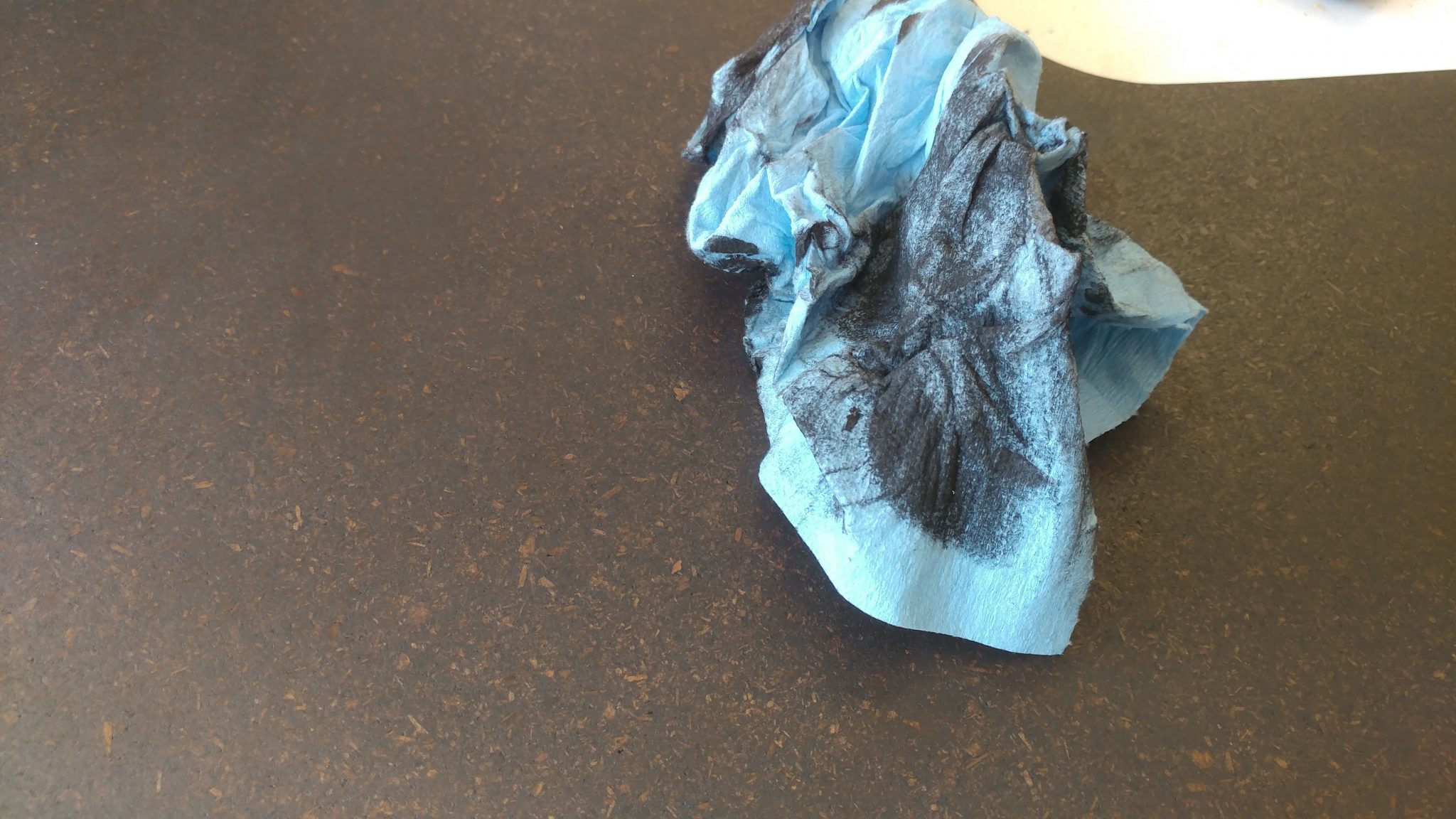
I used blue shop towels to wipe up the excess stain.


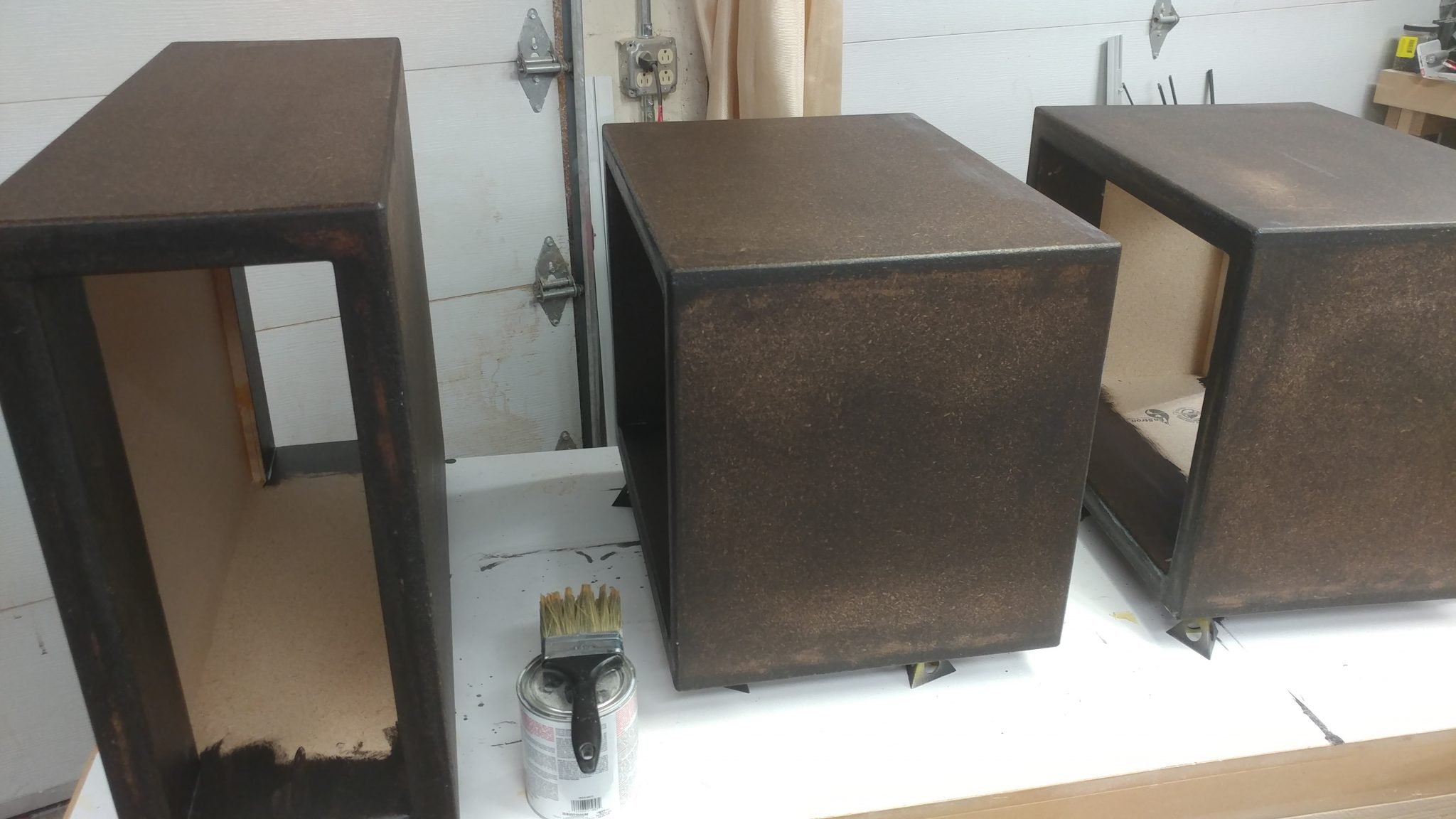
I really like the look of the particleboard with the Kona stain applied.


I applied the stain to one side and let it sit overnight, then applied to the opposite side.


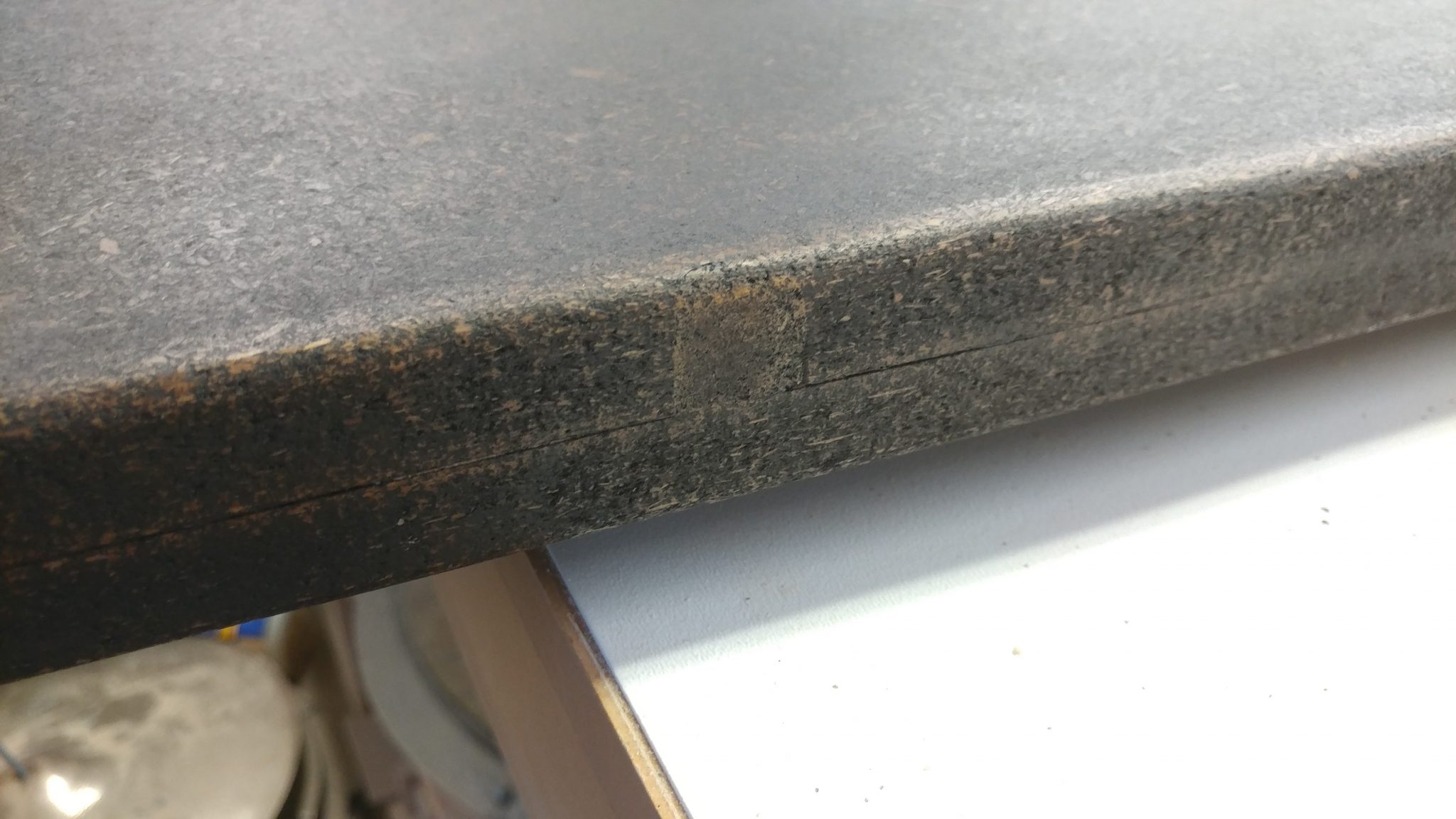
The areas that I patched up take the stain differently, as expected.


Applying polyurethane to the upper section

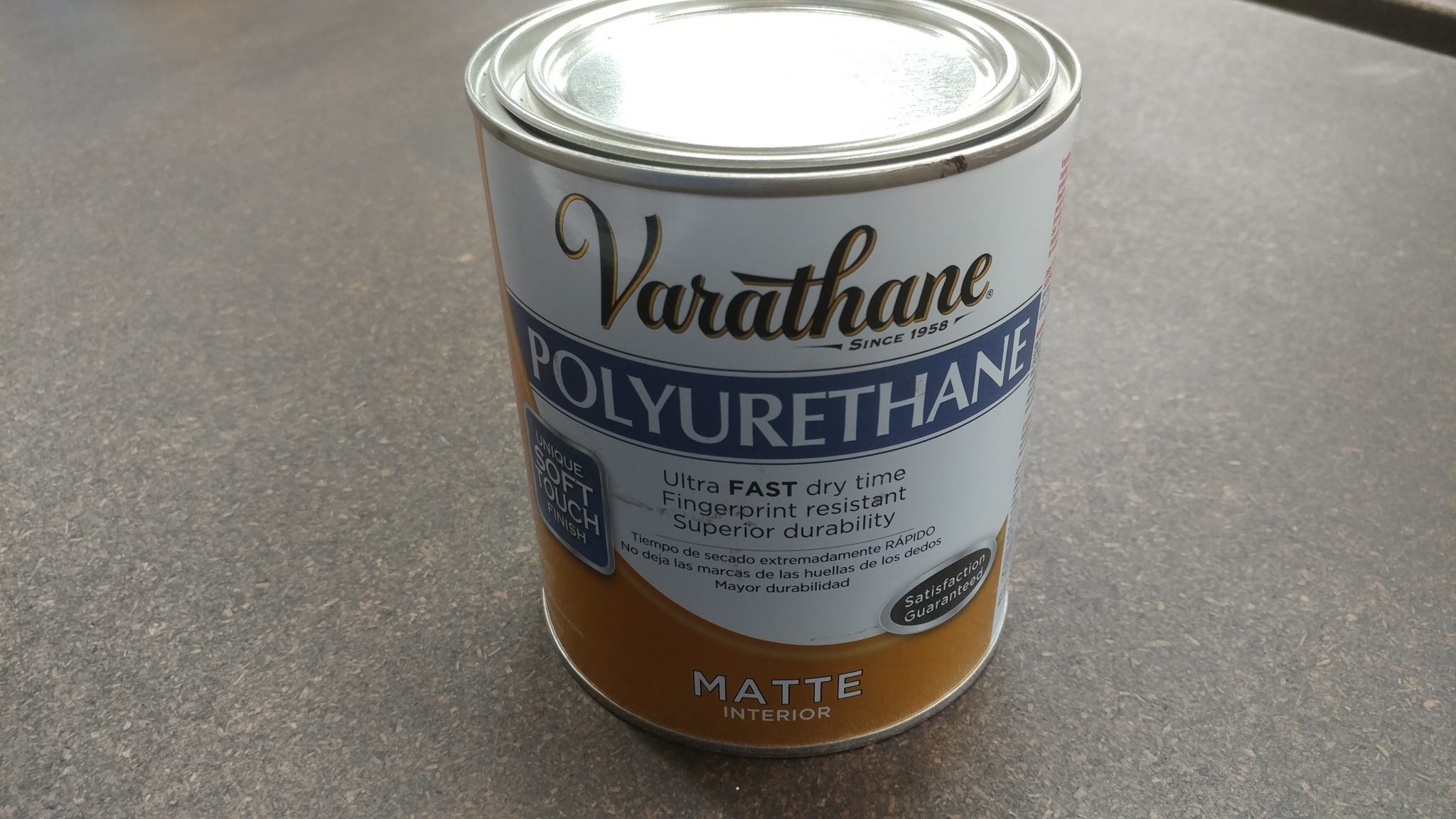
Once the stain set up, I started applying Varathane brand polyurethane matte finish.


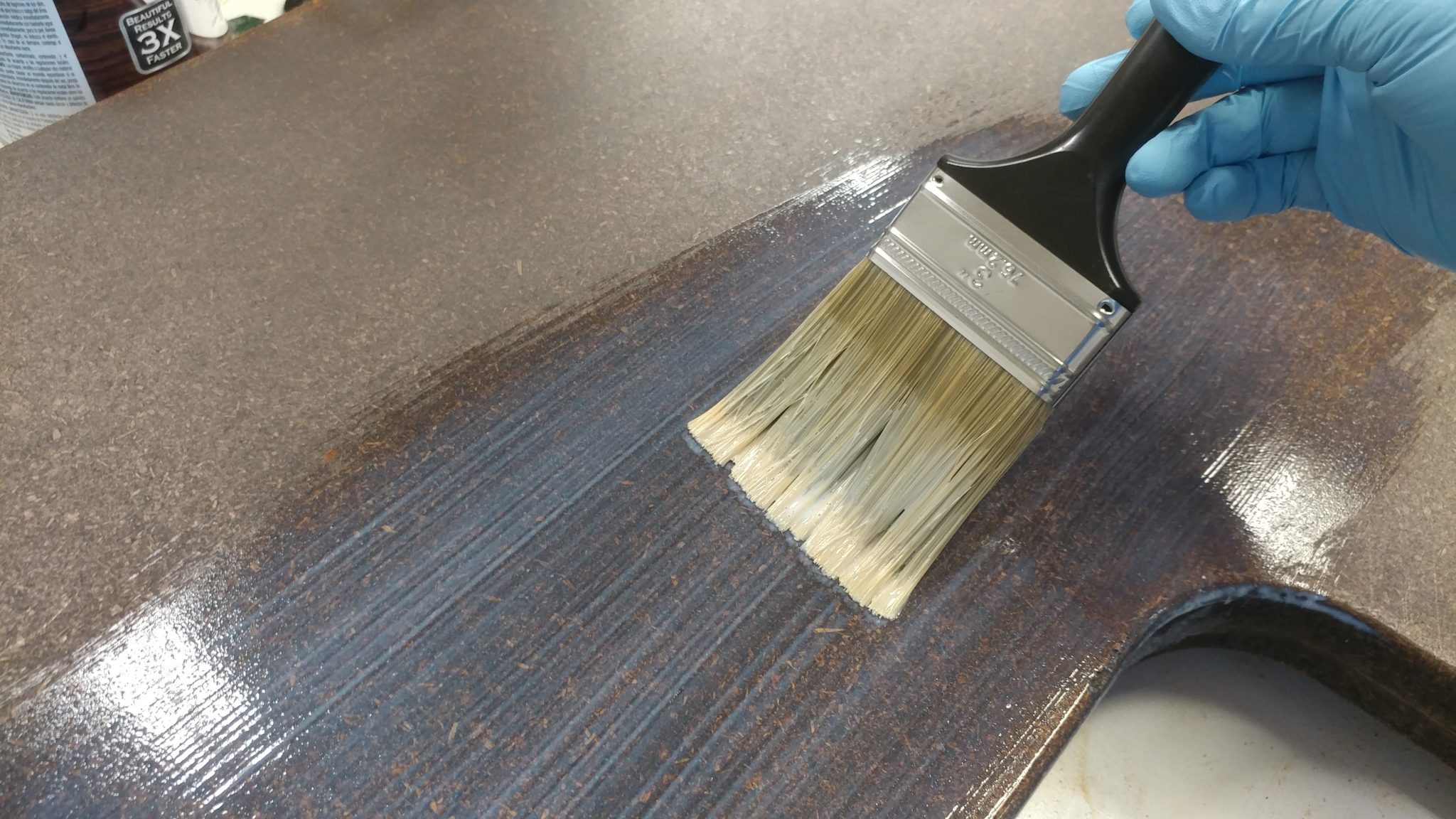
Foam brushes cause bubbles in polyurethane so you’ll want to use a decent synthetic brush.


It goes on milky but dries clear.


This is how I did the top surface of the upper section of the desk.  The underside of the upper section just had three coats of polyurethane applied.

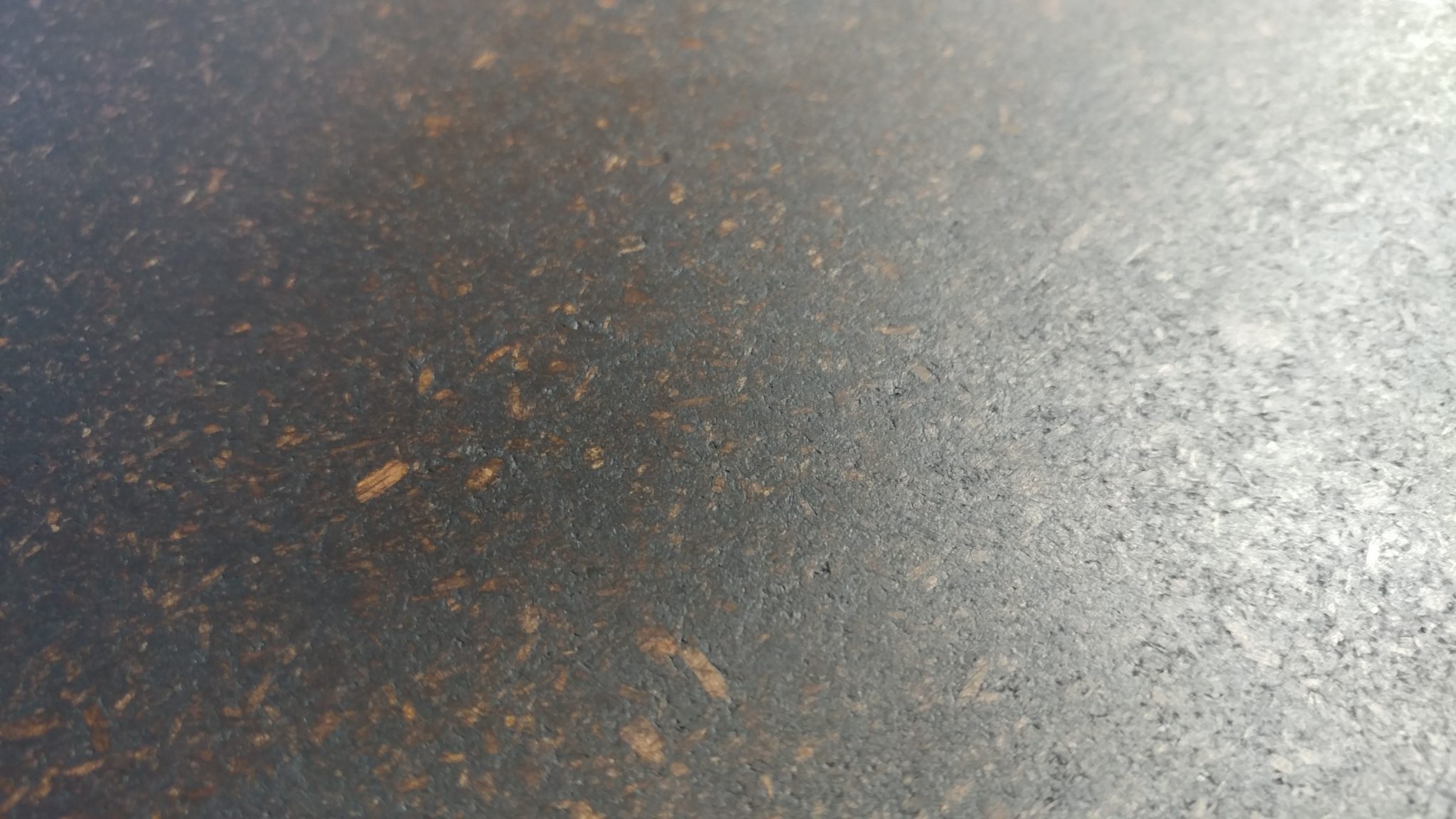
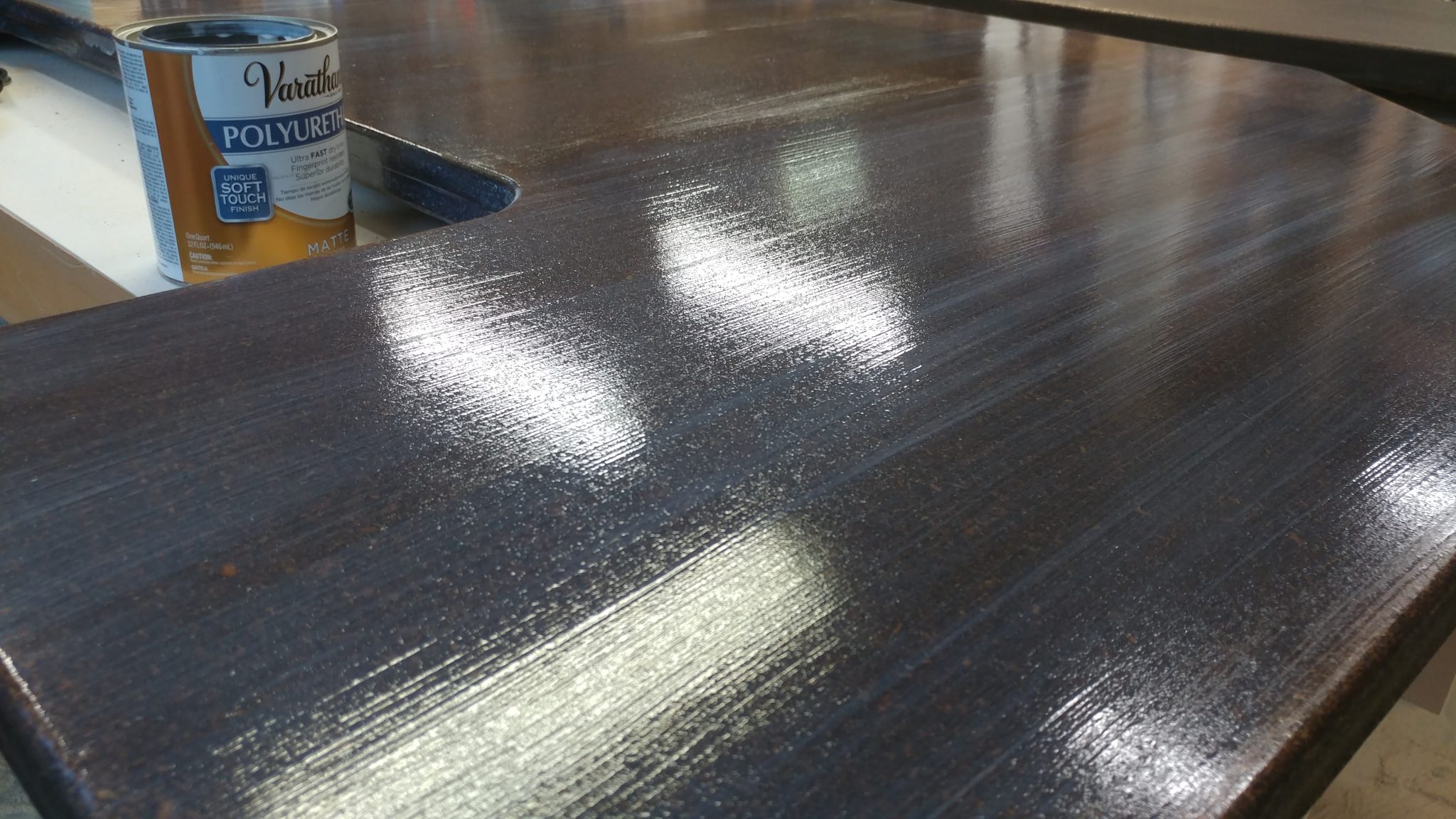
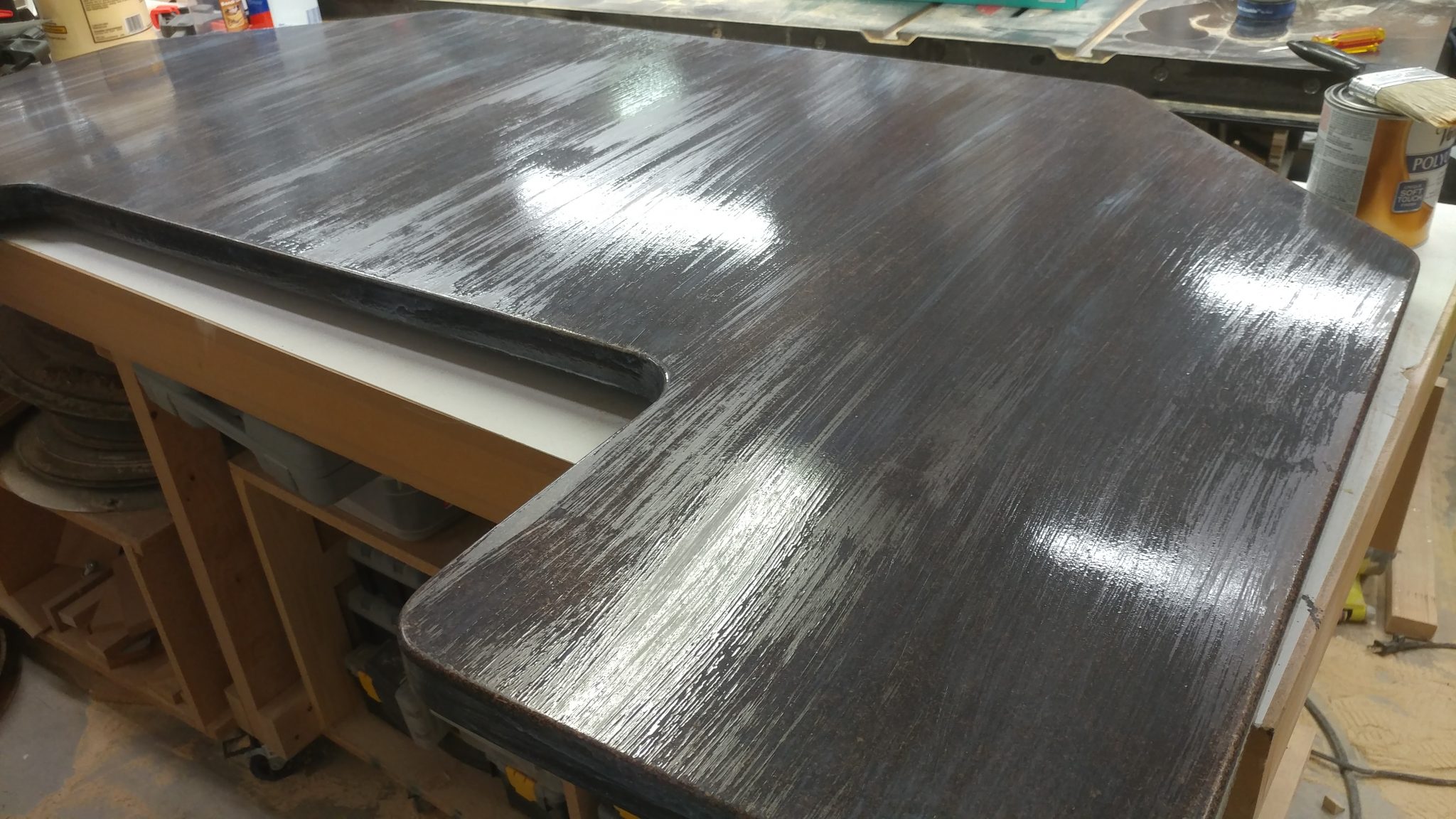
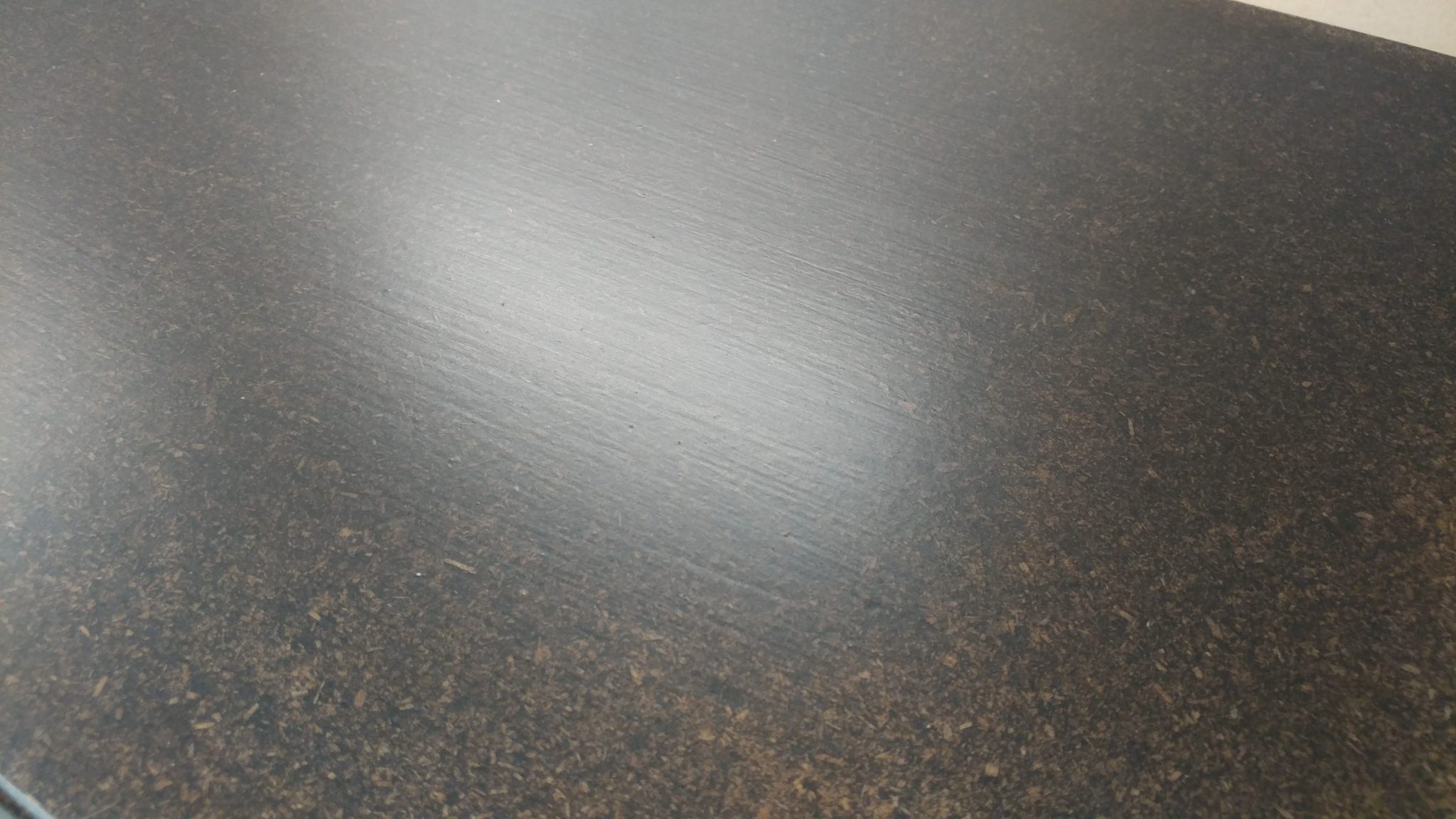
I let the first coat dry for a few hours.  You can see on closer inspection that the wood still has a bit of a rough texture that you can feel through the polyurethane.  Normally, I would lightly sand between coats, regardless what the instructions say.  I chose not to in an effort to add a subtle texture to the finish.  My goal is to apply enough finish so it has more of a plasticy feel to it.


The second coat was applied.


I let that cure for a few hours.


The third coat was applied without any sanding.


After letting it dry, I really liked the look and I could have stopped here but I wanted to add several more layers to give it the look and feel I was after.


I added a fourth coat.


And let it dry.


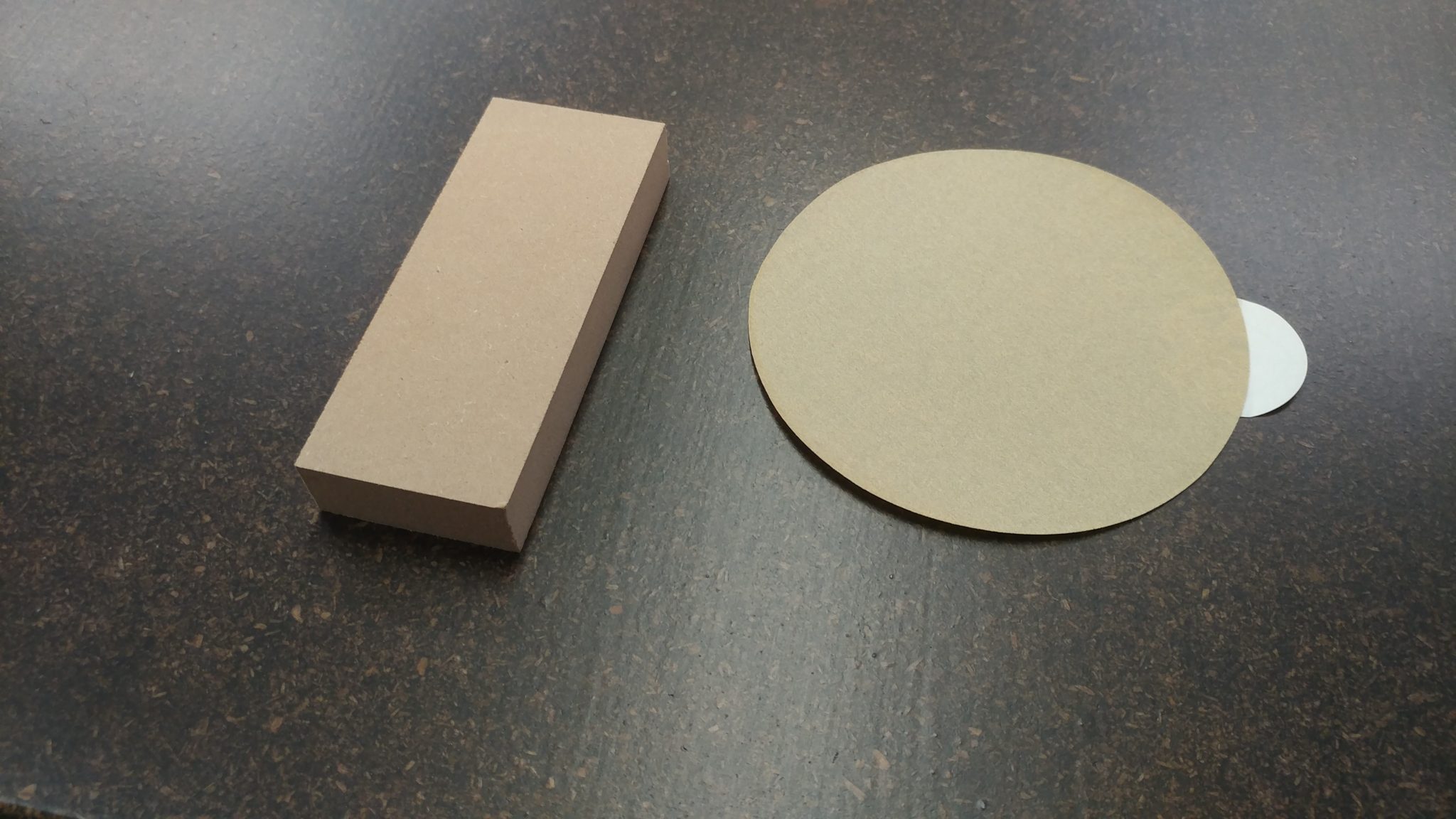
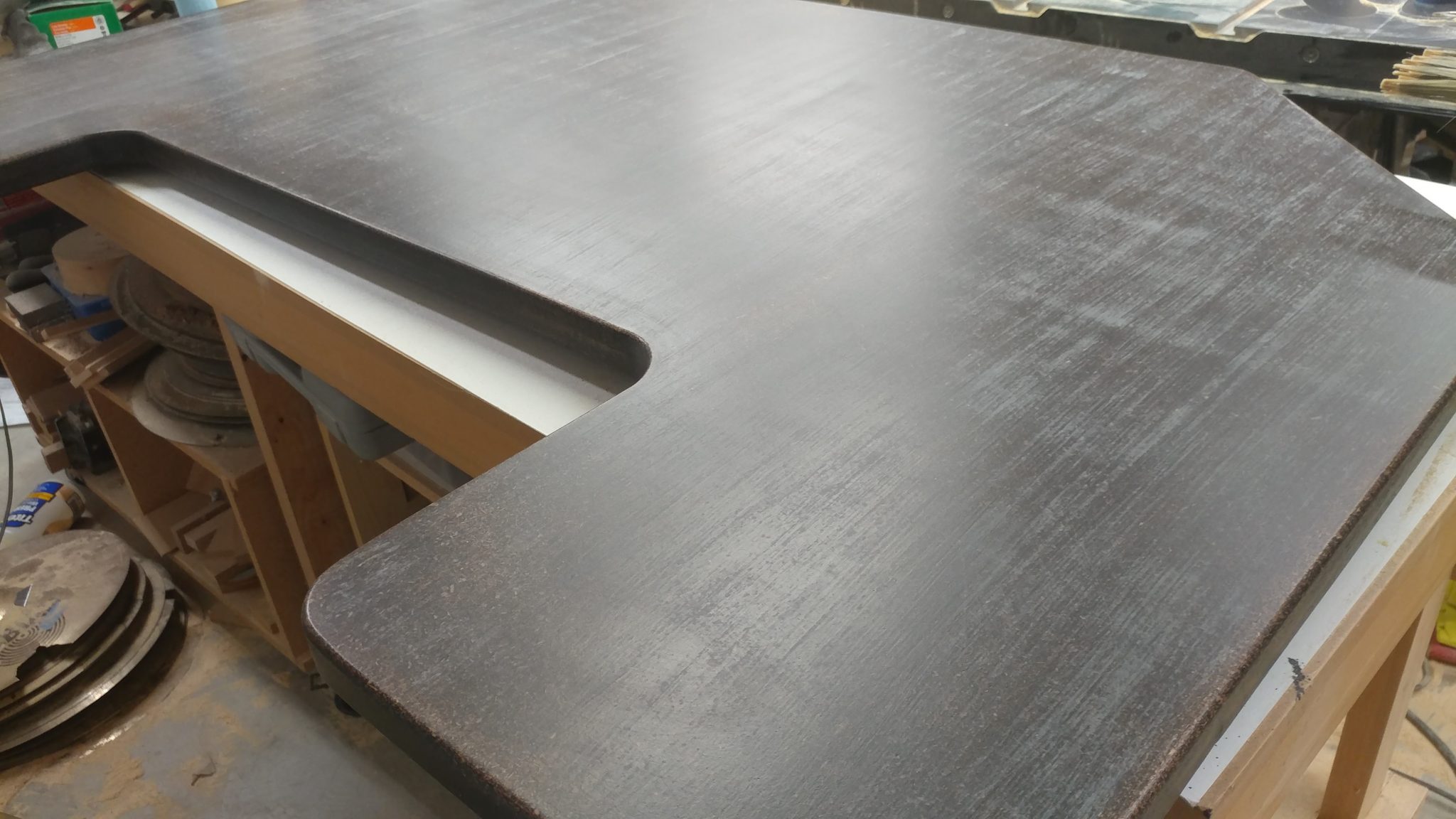
It’s starting to get that “too much poly” look that I’m after but there are a few high spots that I wanted to knock back.  I decided that I would sand the surface with a 220-grit adhesive-backed sanding disc.

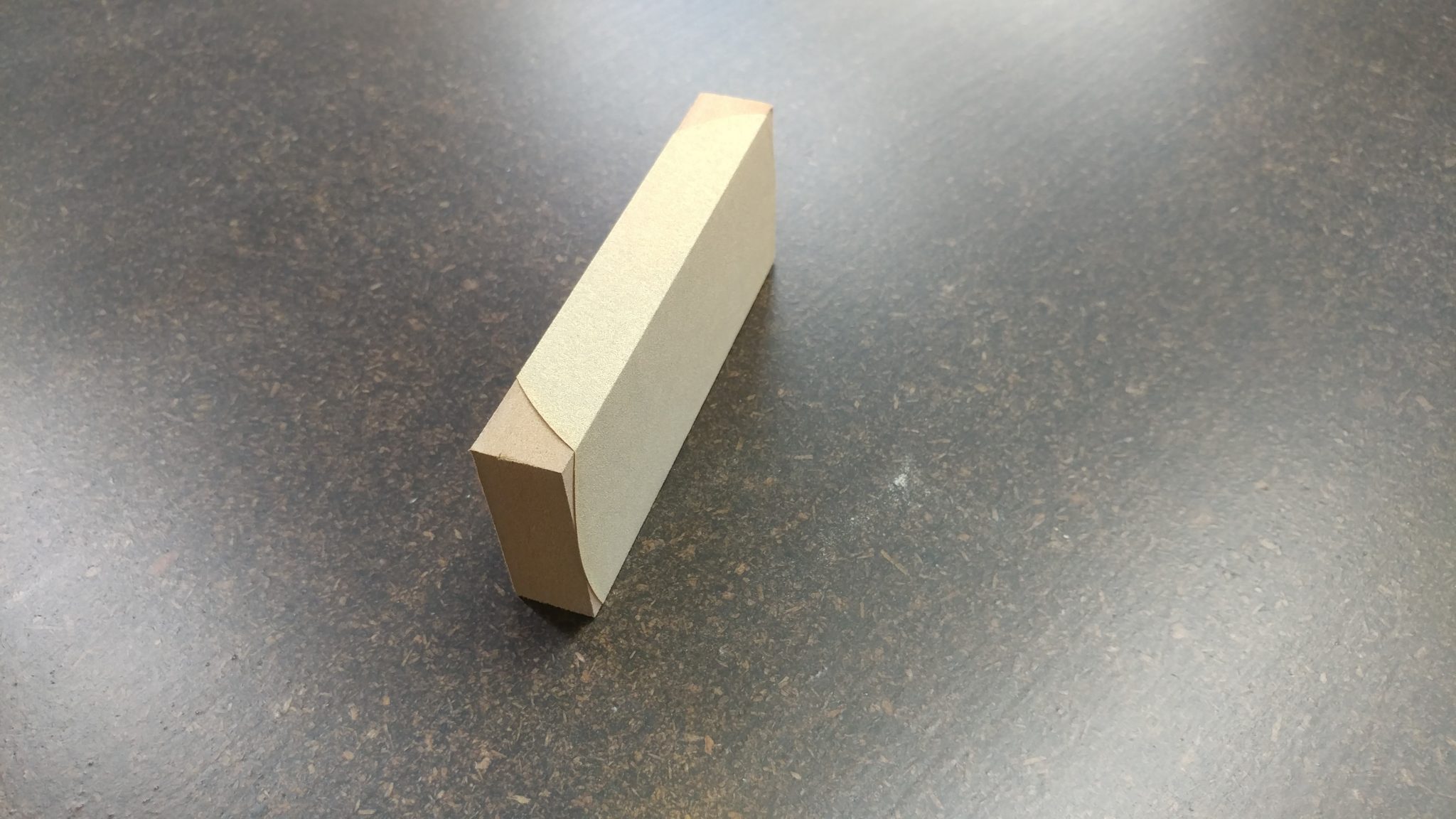
I grabbed a scrap piece of MDF to use as a sanding block and stuck the disc to it.


This resulted in a nice flat sanding block.


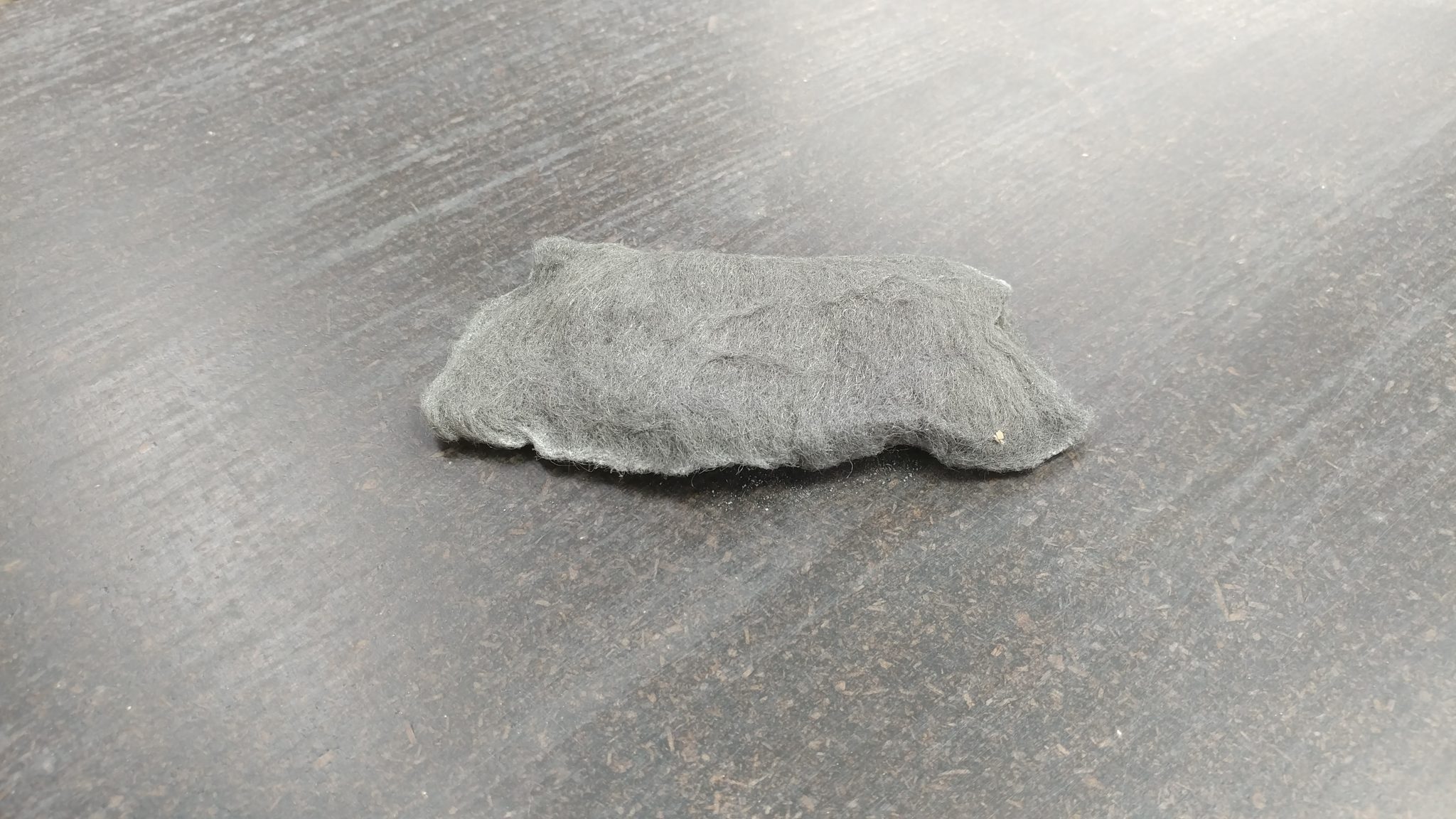
I sanded the high spots off then went over it again with a piece of 0000 steel wool.


I made sure to wipe all the sanding dust off.  I didn’t want to introduce a chemical to the finish at this point so I just went over it a few times with blue shop towels.


Then I applied a fifth coat of polyurethane.


After letting it dry for a few hours I could still see some of the sanded areas through the finish.


A close up shows that the finish still has a texture to it but the gritty bumps have been removed.


This is really starting to feel ridiculous, but I added a sixth layer of polyurethane.


I can still see a few dull spots form the sanding.


A closer look shows the slightly duller areas left over from the sanding.  I am actually pretty happy with the texture at this point but I figured one more coat should hide the rough spots.


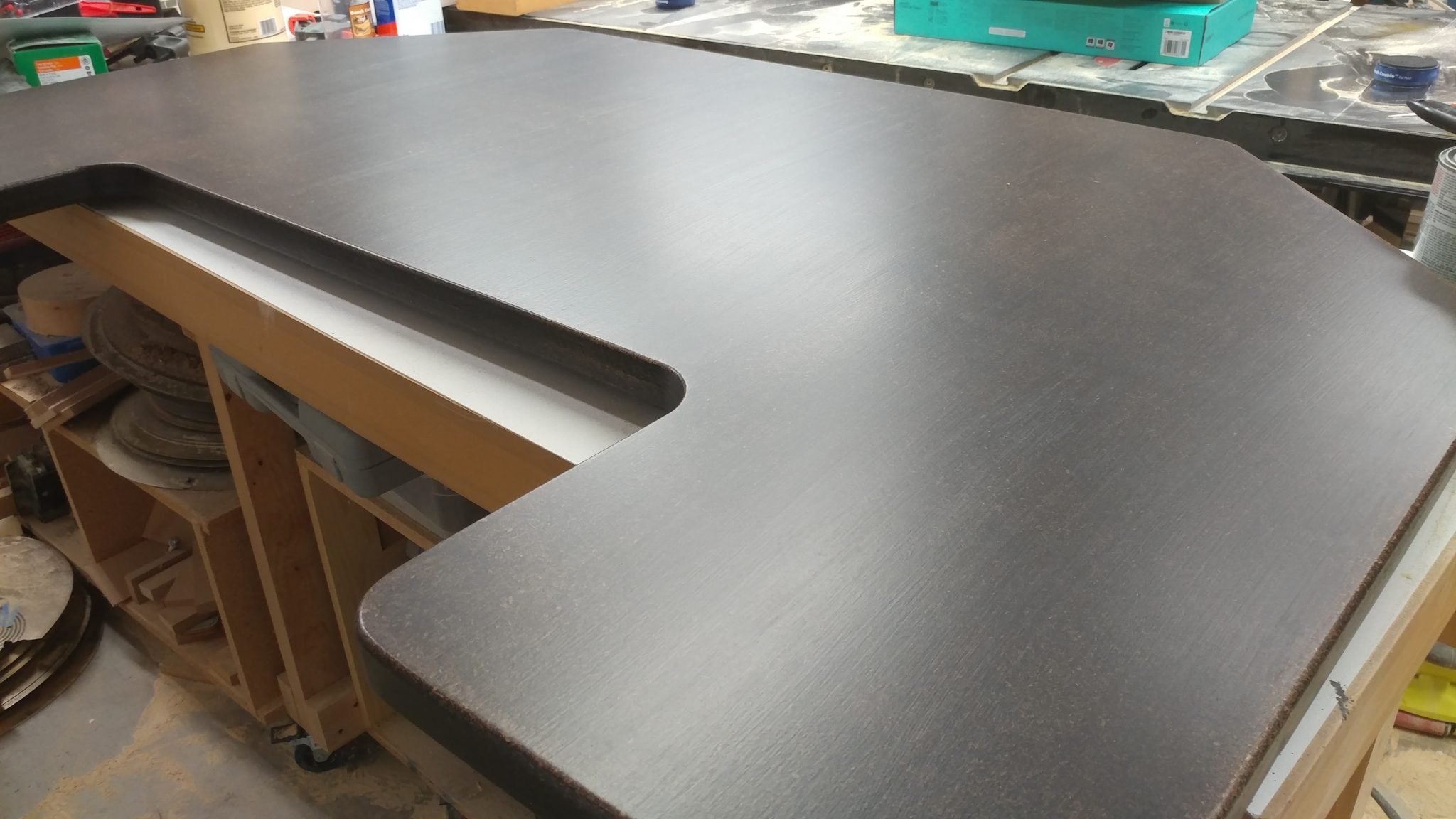
I applied the seventh and final coat.


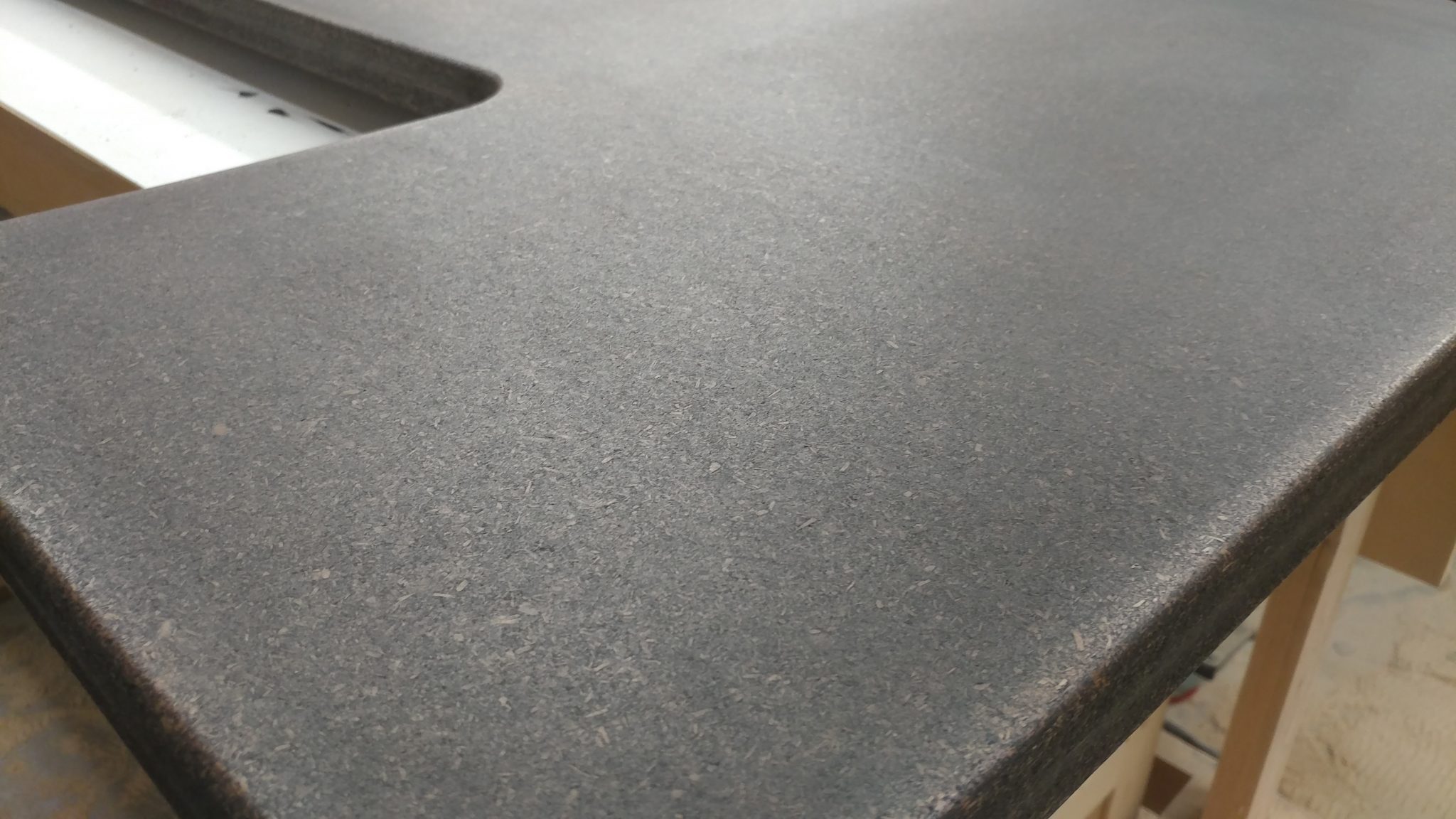
All done.  Now I just need to let it cure for a week.


Applying polyurethane to the lower section

I applied the polyurethane to the lower section in the exact same manner as I did on the upper section.

I first tackled the underside of the lower section.  As with the upper section, I put three coats of polyurethane on the underside.


I let it sit for two days.                     


I flipped it over and applied the polyurethane to the underside.

The first coat.


The second coat.


The third coat.


The fourth coat.


Like the upper section, I sanded the high spots after the fourth coat.


The fifth coat.


The sixth coat.


I didn’t get a photo of the seventh coat after it had dried but here it is shortly after applying the final coat.


Applying polyurethane to the racks

Again, I applied three coats to the undersides of the racks and seven coats to the sides that will be seen.

I wanted to try something different with the racks.  Instead of using glue and sawdust, I tried Elmer’s Wood Filler.  I applied some to all of the seams then sanded it flat.  This stuff doesn’t accept stain very well and I wanted to see how it would look since I’m going for a rough industrial look.  You can see some applied near the edges of the racks.  It shows up as lighter spots.  Personally, I think they add some texture and character.  Elmer’s makes a stainable wood filler but I wanted a rough look here so I went with the regular kind.


I added the first coat.


Then the second.


And the third.


Then the fourth.


I lightly sanded the racks after the fourth coat.


Then I applied the fifth coat.


And the sixth.


Then finally the seventh.


This concludes part 4.


Closing remarks

I think I succeeded in getting the finish how I originally wanted it, but I’m not so sure how much I like it now that it’s complete.  I guess I’ll grow accustomed to it over time.  Also, I can just remake them if I don’t like it.


The next step is to attach the hardware then install and configure the electrical components.


If you have any suggestions, please leave them in the comments below.  I’d love to see any desk builds you’ve done.  Also, if you haven’t already, please consider signing up for my mailing list so you get e-mail notifications when I post new articles.


Studio Desk – Part 3: Assembling the Racks

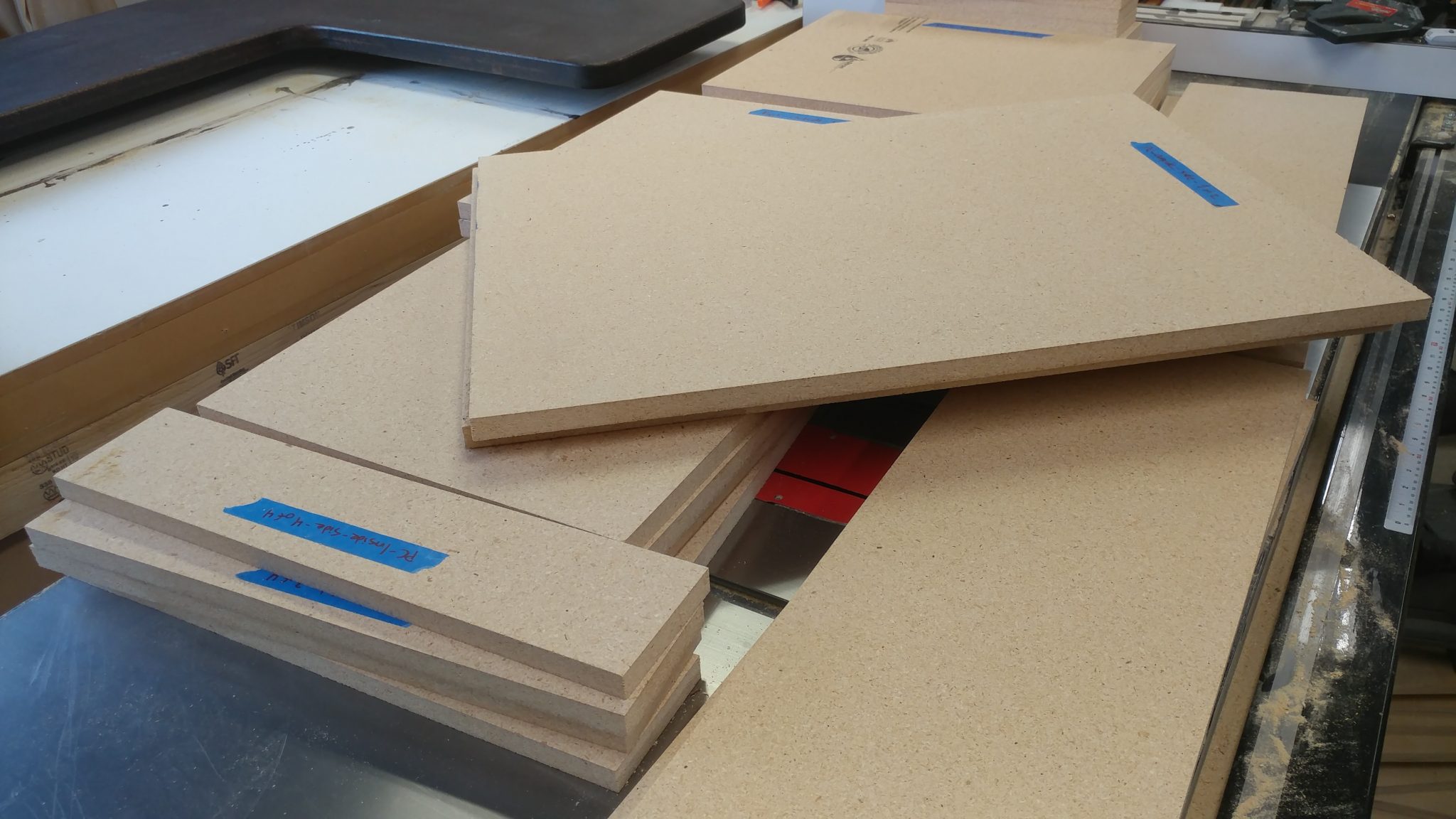
The top and bottom are ready to be stained and finished.  I’m going a bit out of order at this point.  I have already finished the top and the underside of the bottom but I’m going to bundle that in with my next post.  Here, I’m going to show how I assembled the carcases for the racks.

If you look closely, you will notice the stained desk bottom in the background of some of these photos.


I started with the boards all cut.  I’m not going to show you how I did this since it’s just a bunch of cutting at the table saw and is quite boring.  For something like this, I think it’s really important to clearly label the pieces.  I did this with blue painters tape and a Sharpie.


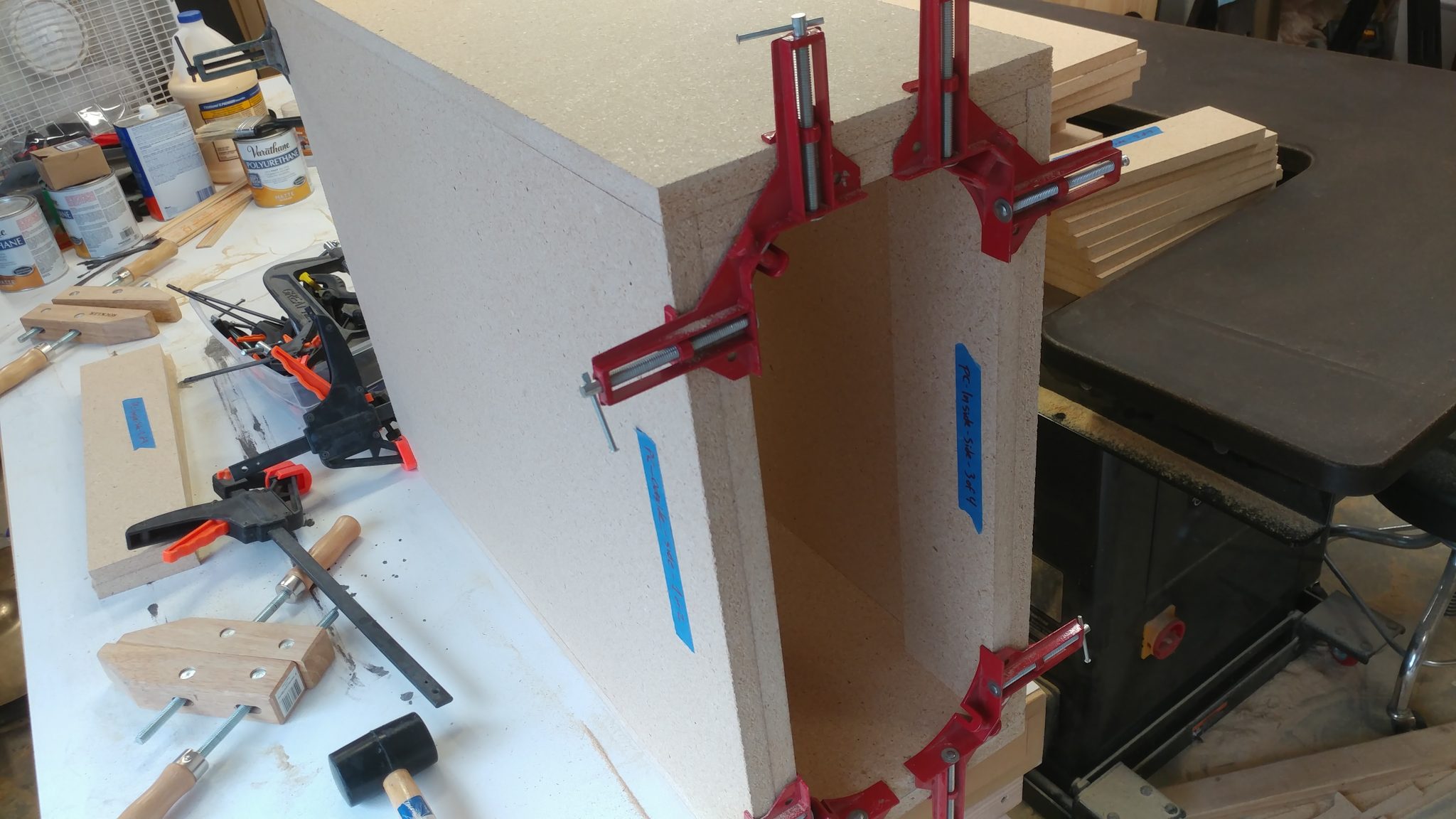
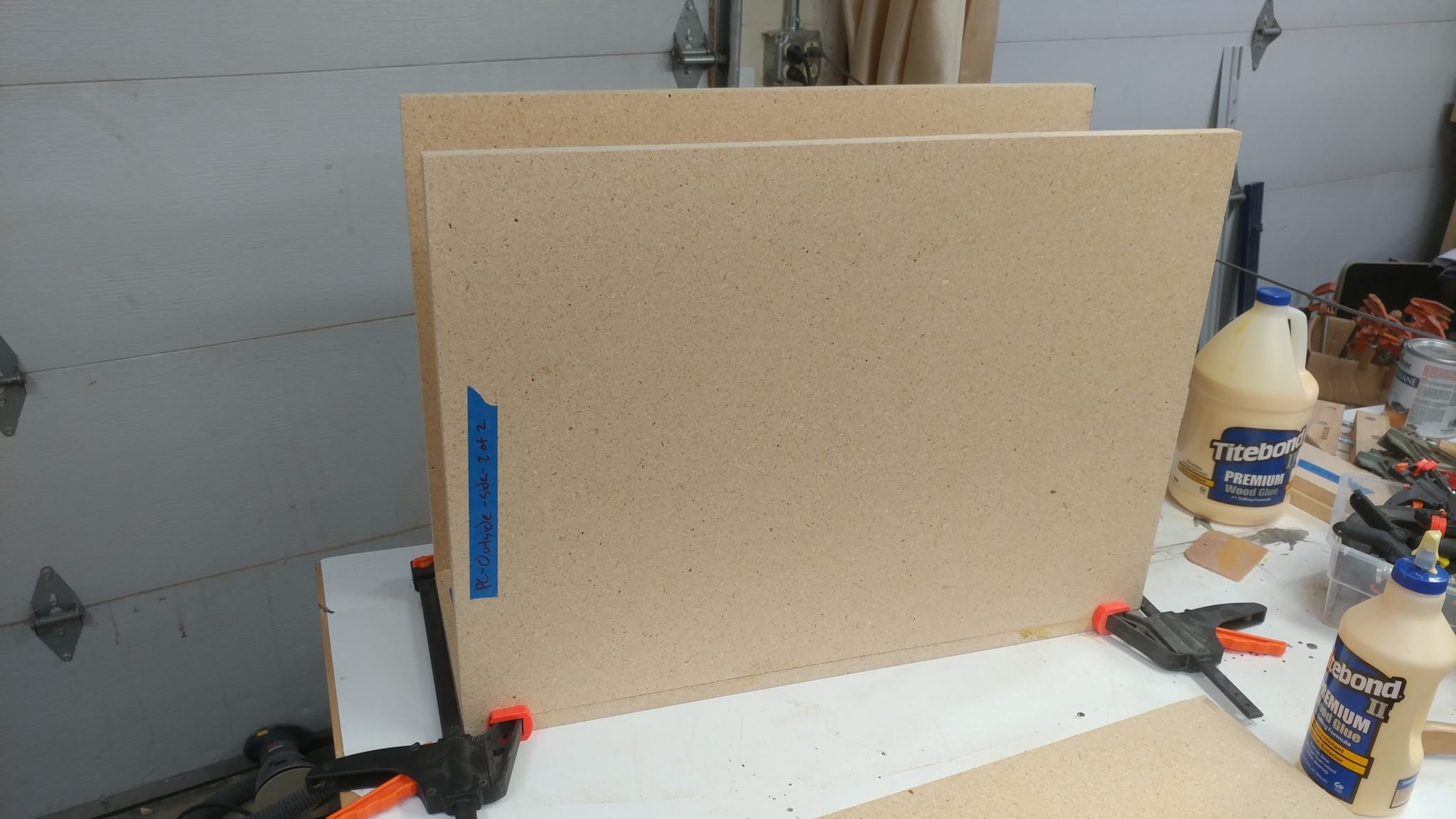
Assembling the PC Case

Before doing any glue-up I like to do a dry fit just to make sure I haven’t screwed anything up.  I did this with some corner clamps and a quick-release clamp.  Everything looks good.


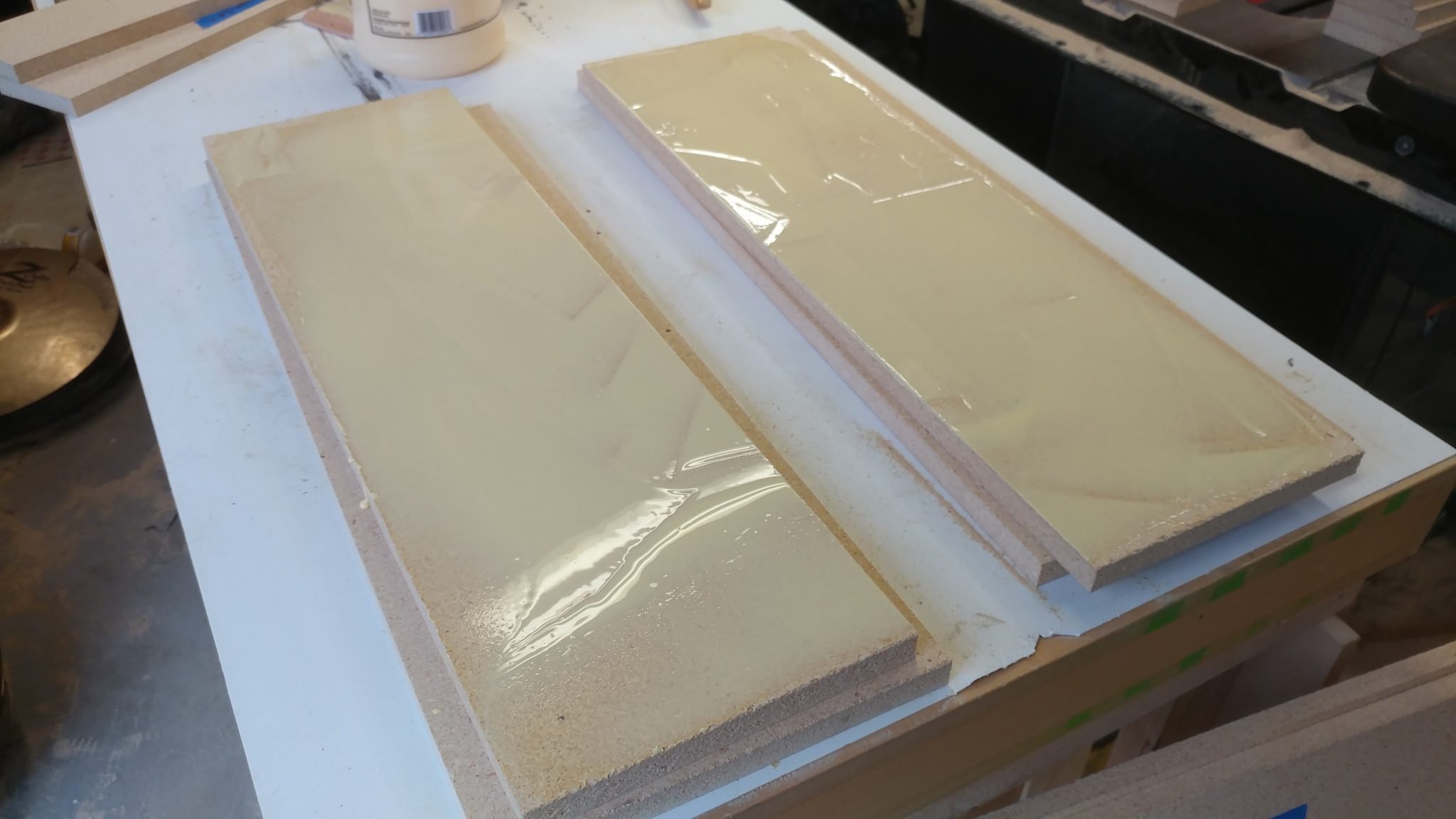
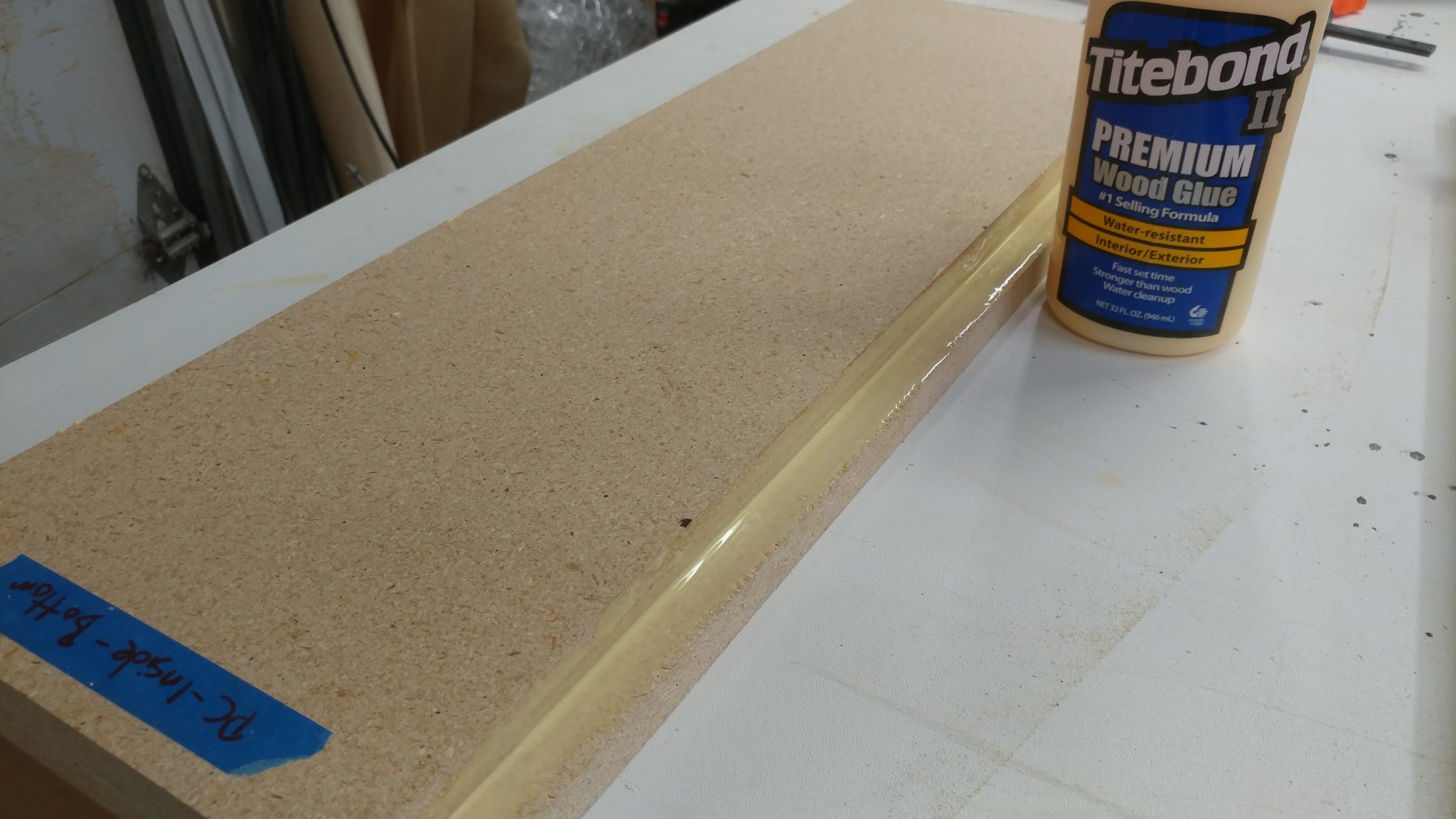
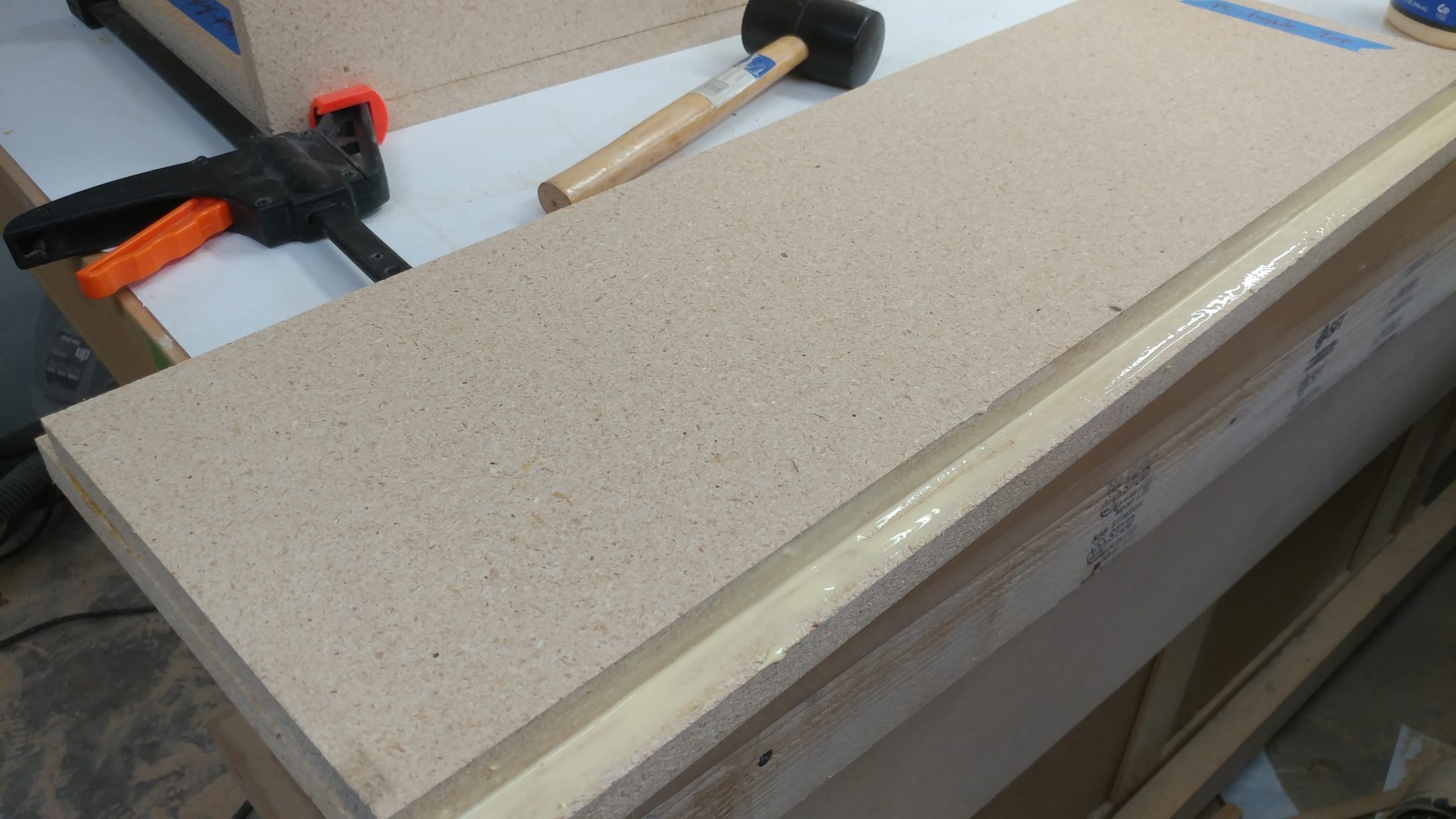
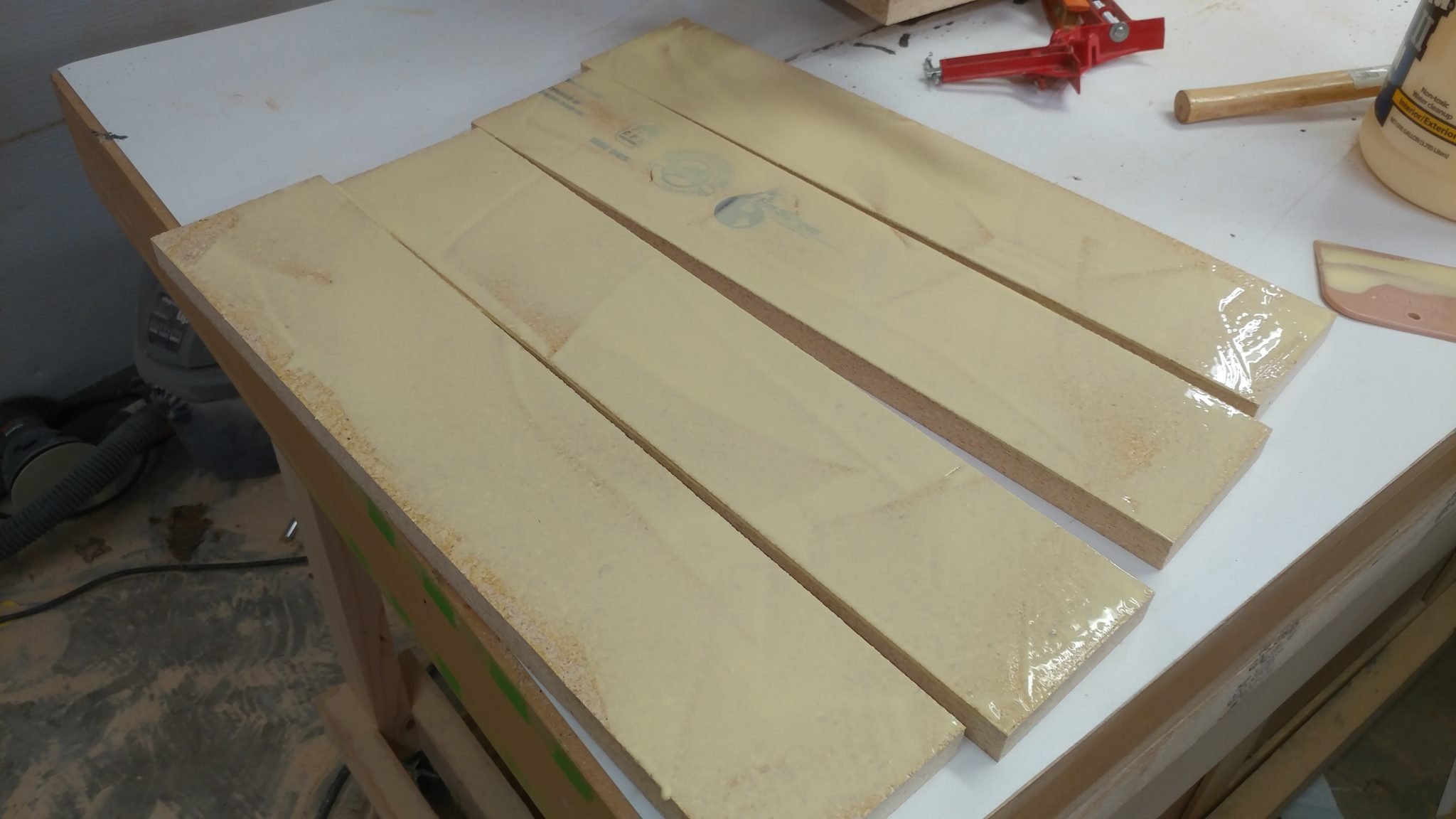
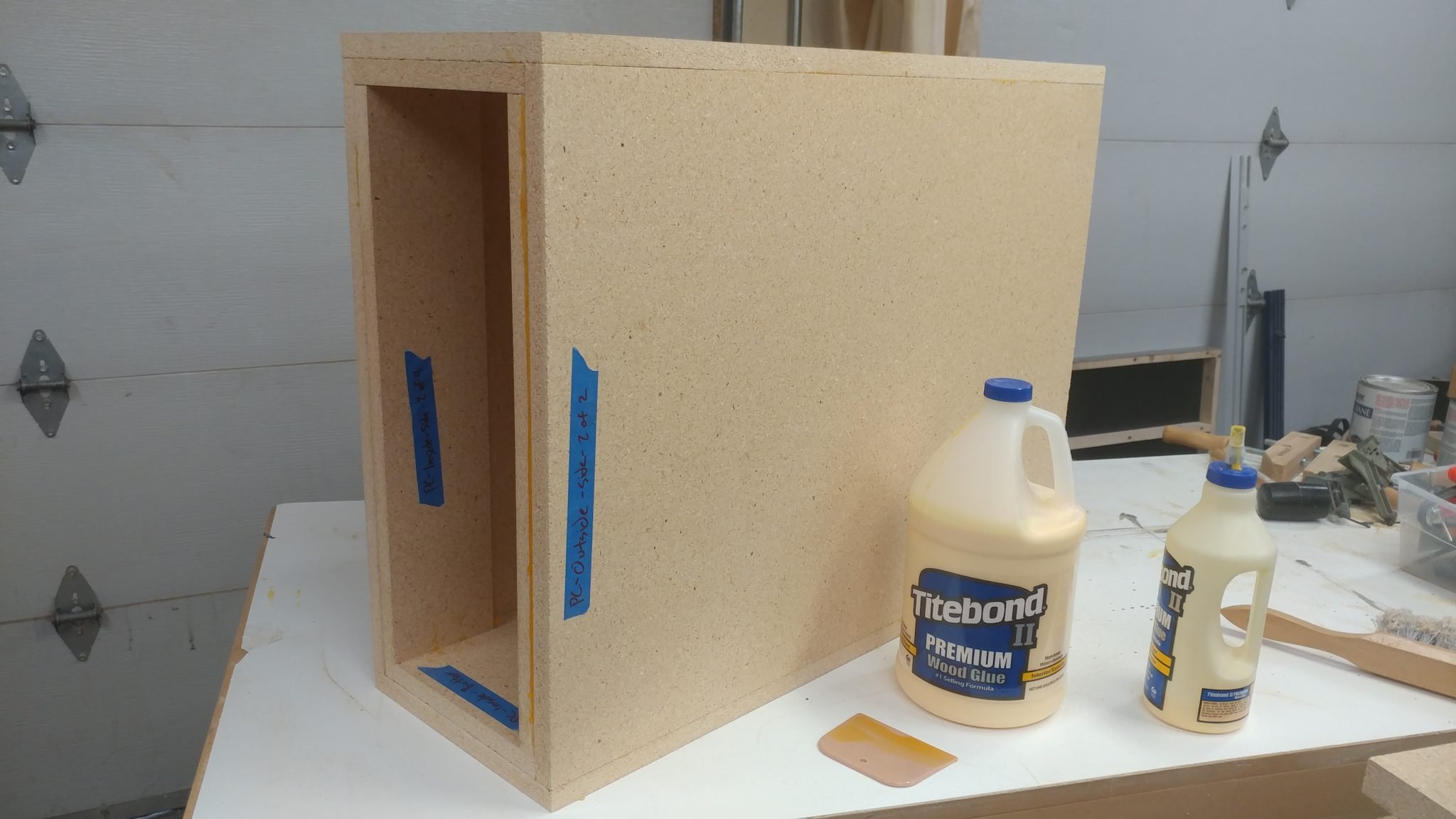
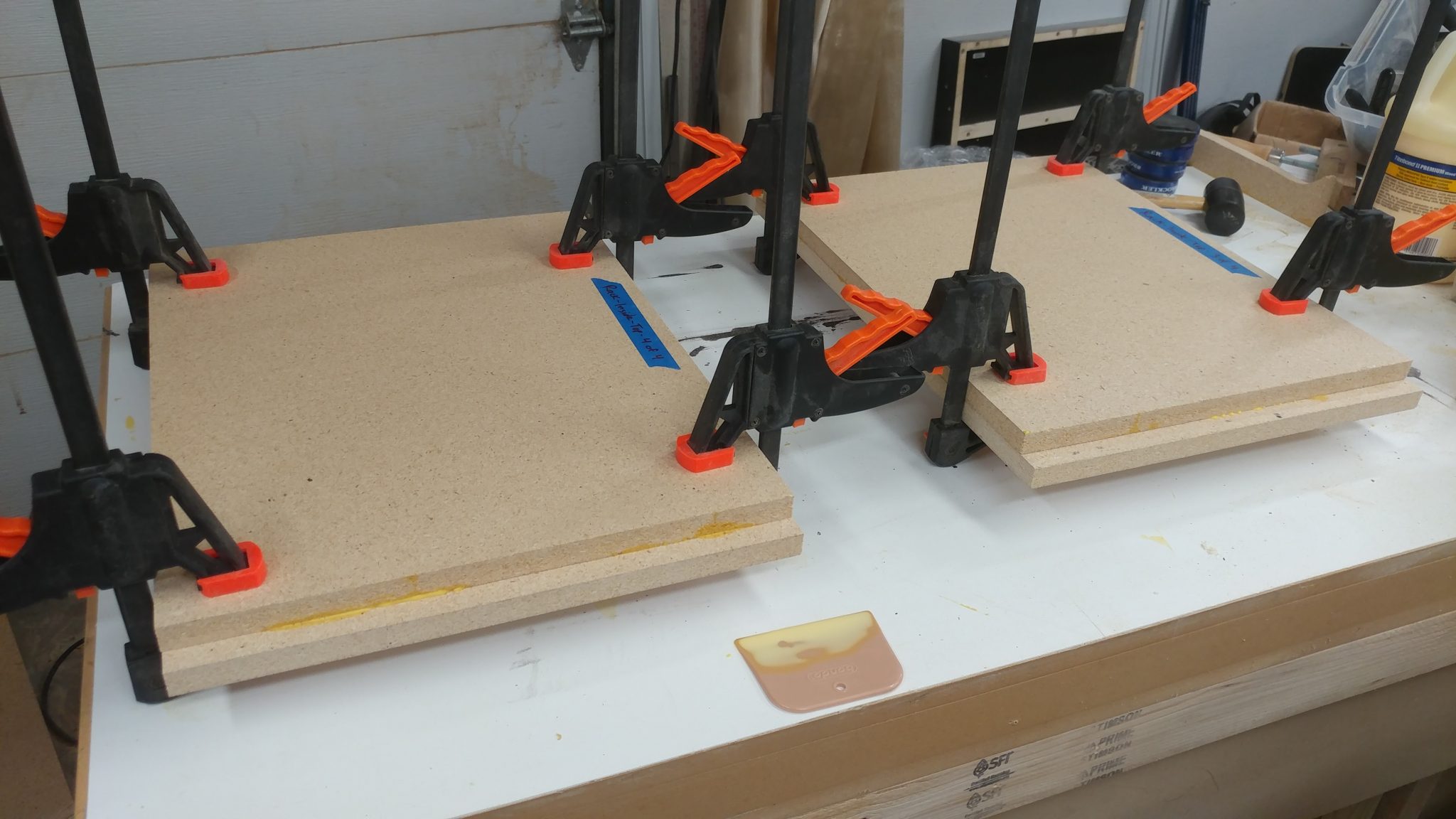
I decided not to have any visible fasteners on the wooden parts of the desk so I’m holding the whole thing together with a butt-load of Titebond II wood glue.  Here, I am attaching the inside of the tops and bottoms to the outside of the tops and bottoms of the PC case.  I spread a good amount of wood glue on the underside of the insides…


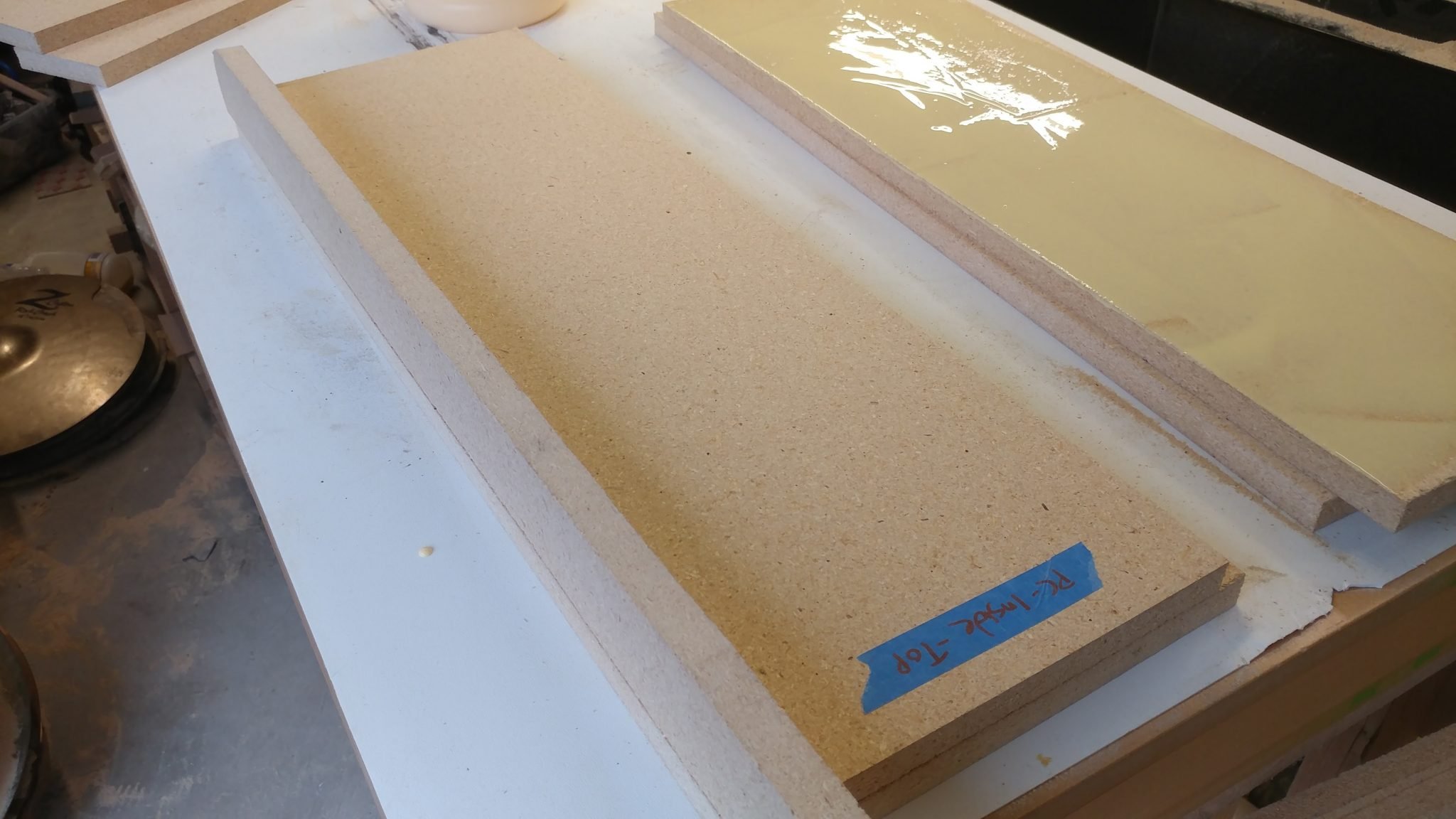
…then flip them over and lay them on the outsides.  I used a scrap piece of 3/4″ particleboard up against the inside piece to ensure that they are positioned correctly.


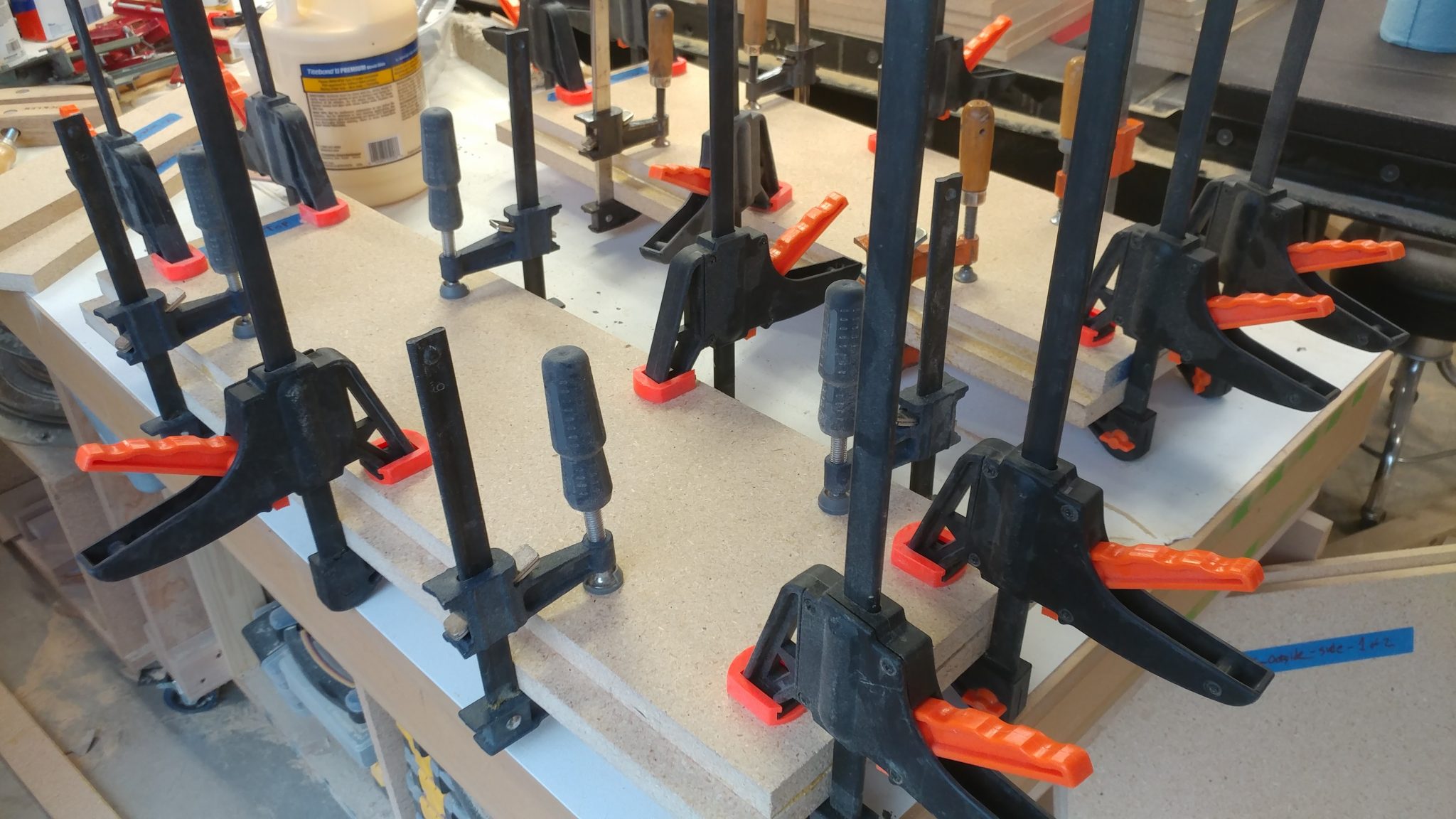
Then I clamped it all up and let them sit for about a half hour.


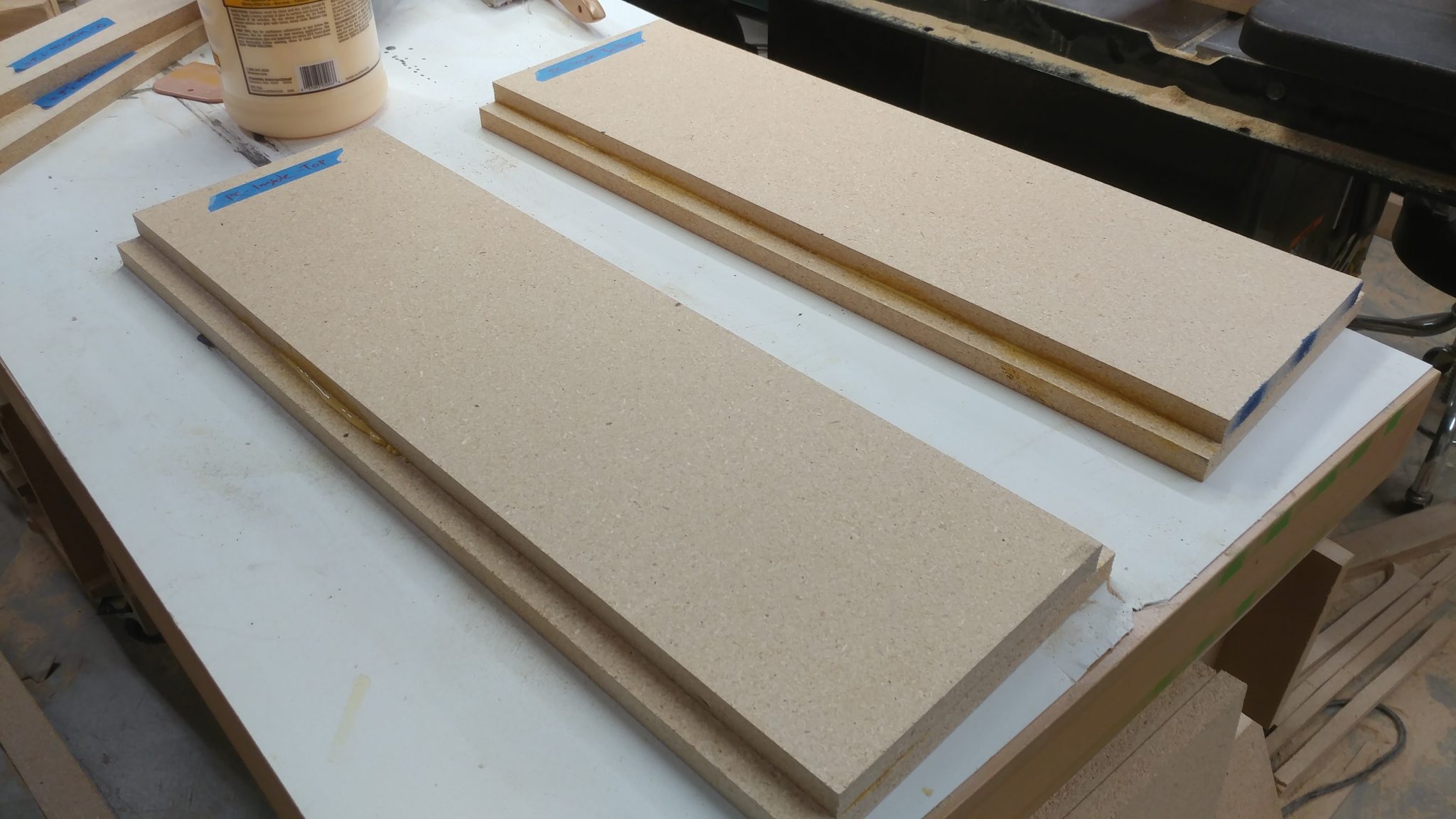
I tend to over-glue (as you’ll see in a bit) so there is usually some squeeze-out that I have to clean up.  For particle board I prefer to let it cure quite a bit then come back with a chisel to take the glue beads off. In this case I wasn’t allowing enough time for the glue to cure so I had some messy blobs to work around.  This wasn’t a problem as you’ll see in the next step.


The two pieces glued up effectively make a piece that is 1-1/2″ thick with a 3/4″ X 3/4″ rabbet along two edges.  I applied glue along these edges so I could attach the sides.


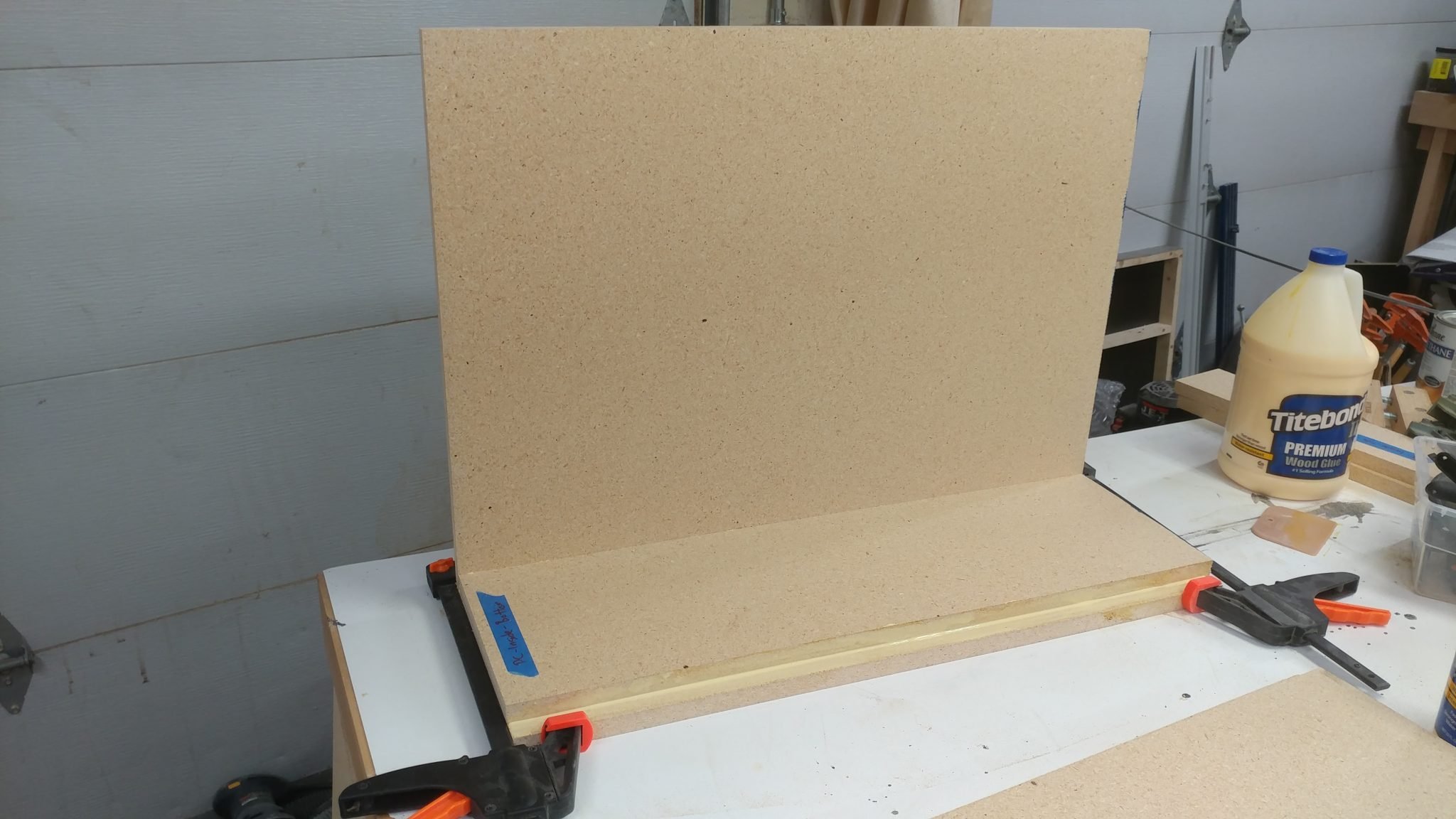
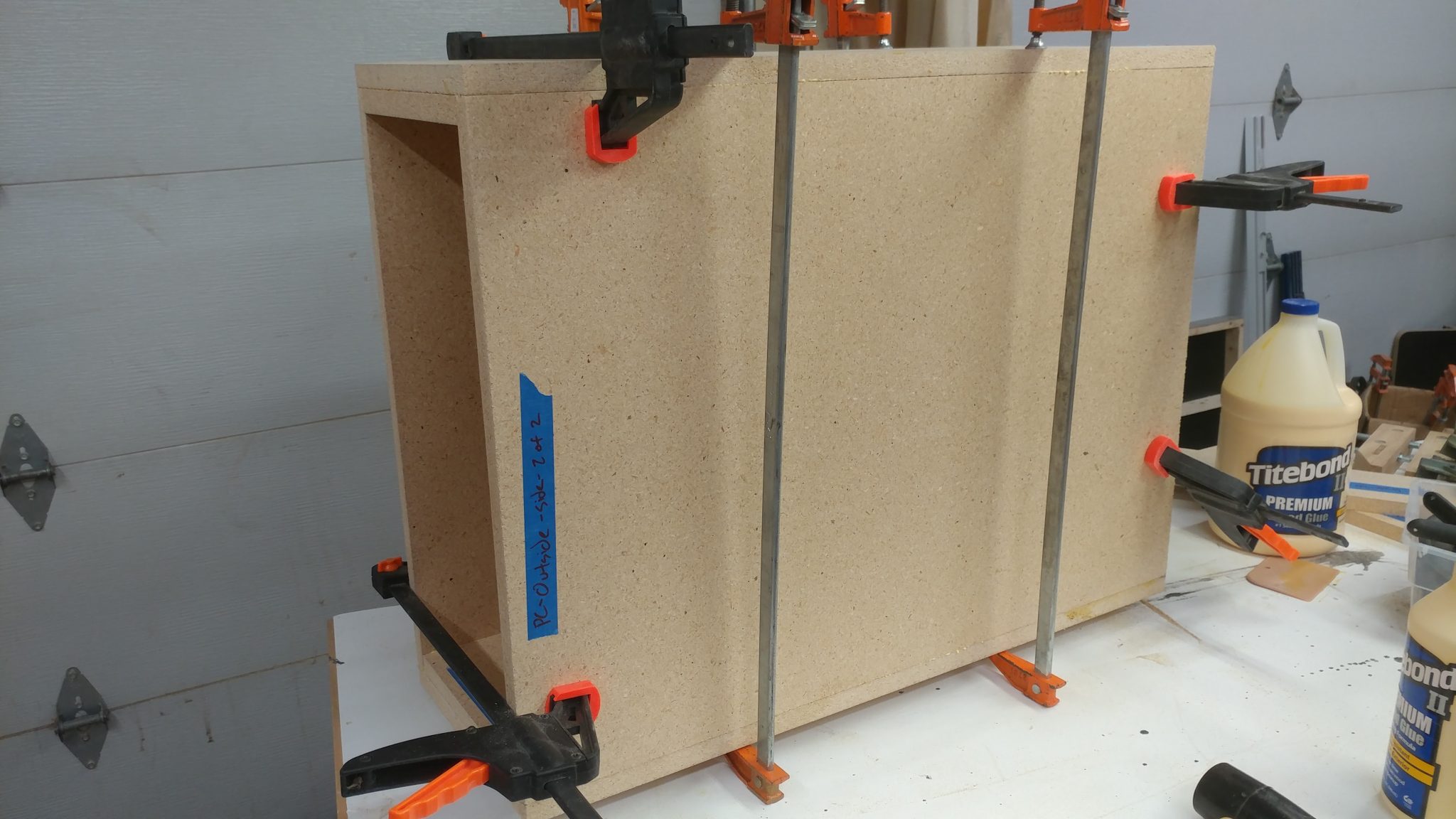
I used quick release clamps to hold one side in place while I maneuvered the second side in place.


The same quick-release clamps held both sides in place so I could drop the top assembly in place.


The top is just like the bottom so I added glue to the rabbets.


I dropped the top part in place and  kept the clamps loose enough so I could  nudge the pieces so they were well aligned.


Rather than make the side pieces on the inside of each rack the entire length of the rack itself, I made them 4″ wide.  This will accomplish a few things.  It will lighten each rack a bit, although they still weigh a ton.  Mainly, they will aid with airflow.  Also, I’m installing cable pass-through grommets and they work best when the material they are going through is 3/4″ thick.  I cut four pieces for the sides of each rack and slathered on the glue.


I then clamped them in place.


After letting it sit overnight, the PC rack is assembled and ready to be shaped and cleaned up.


Assembling the Two Racks

I then repeated the process for the equipment racks.  The tops and bottoms were glued up and ready to be assembled with the sides.


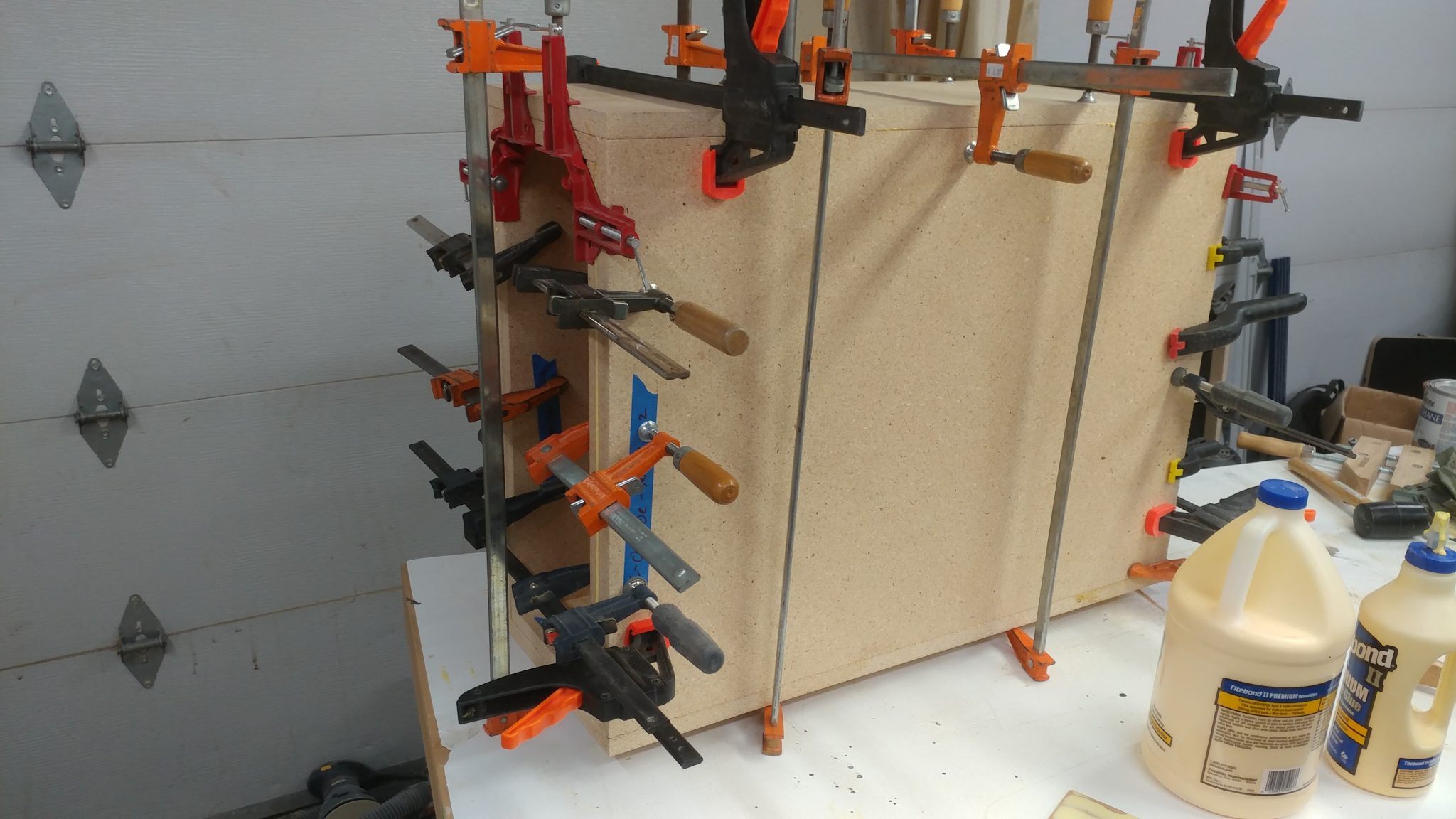
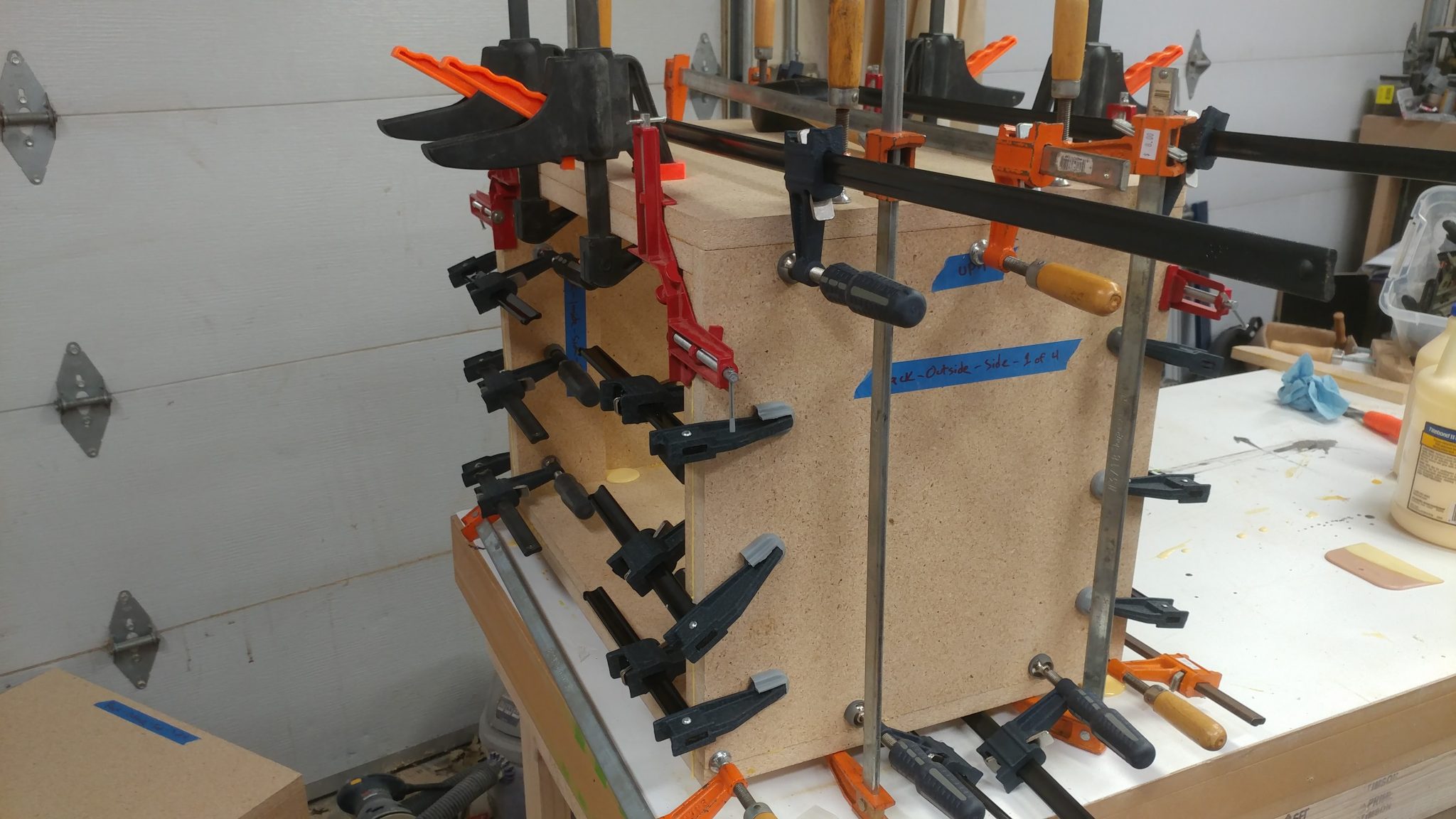
Lots and lots of clamps were used for the assembly since I am relying on glue to hold this all together.


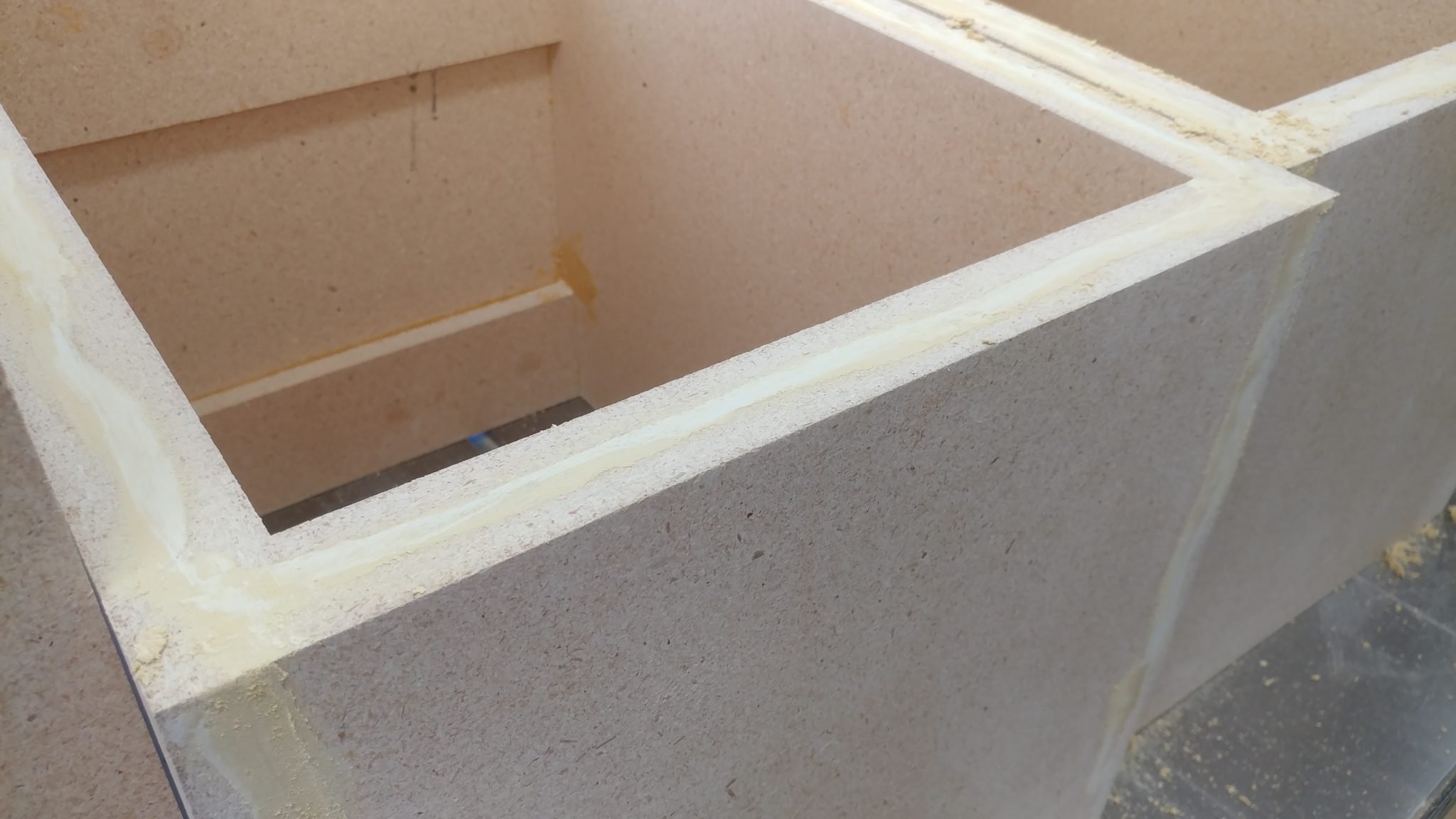
As you can see, I got a little crazy with the wood glue.  It cleans up easy enough and shouldn’t interfere with the finish at all.


Too much glue is better than not enough.


Cleaning up the Racks

I used a random orbital sander to clean up the edges on one face of each rack.


I also cleaned up the tops and bottoms.


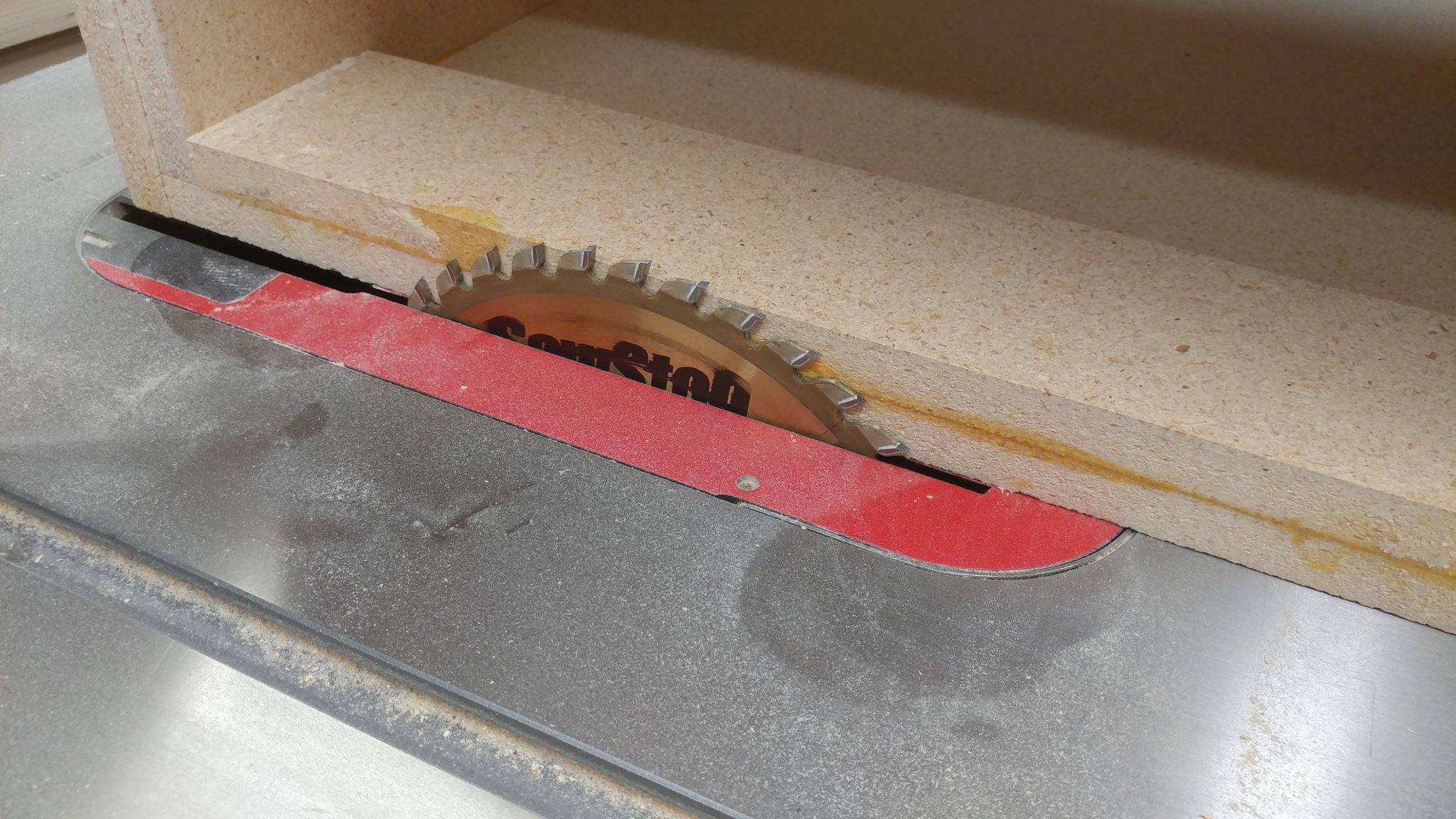
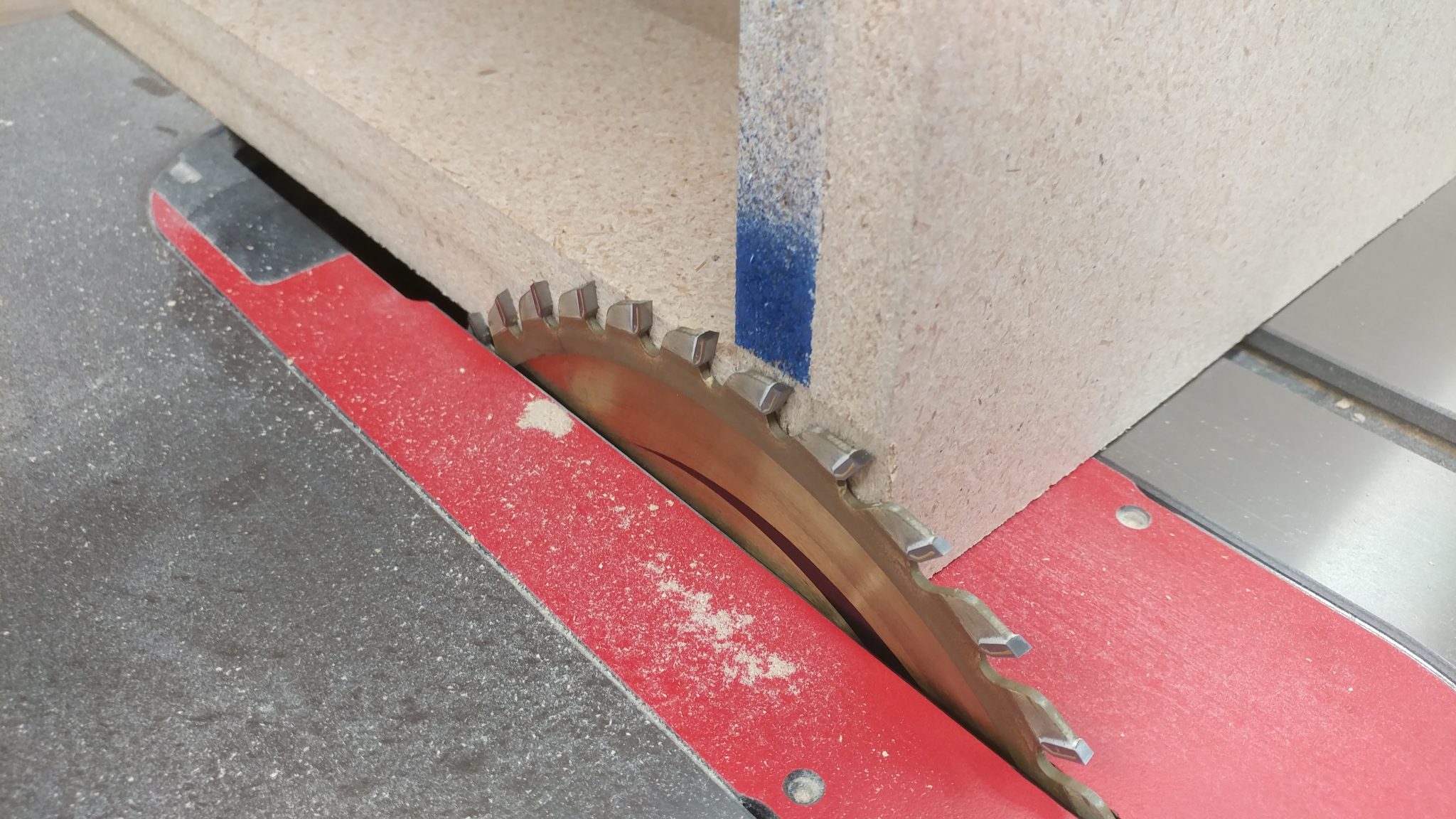
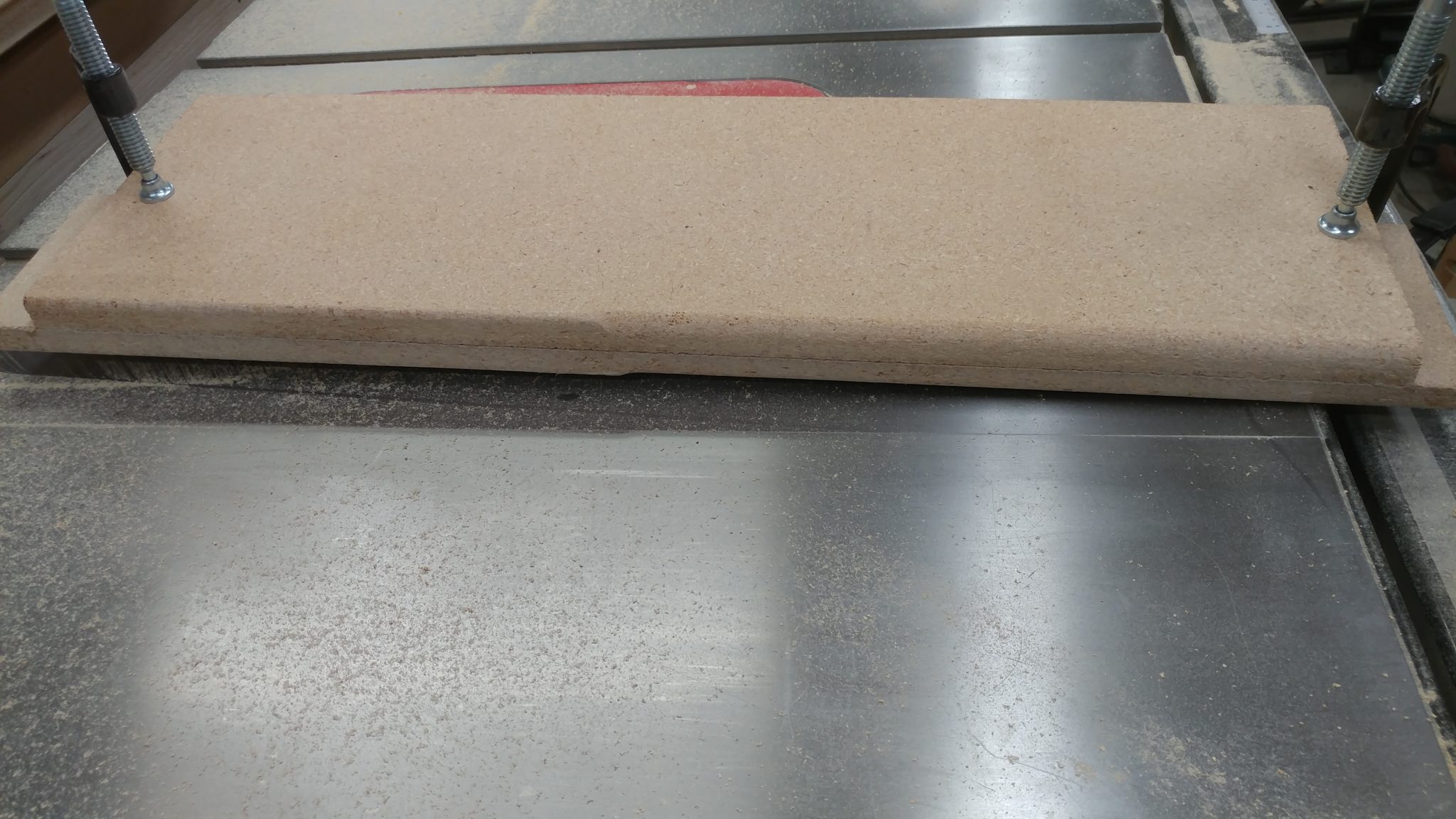
To clean up the final face, and to ensure that both of the equipment racks are the same depth, I shaved off the edge of the last side at the table saw.


I shaved off just enough to clean up each edge.


Once each face was clean, I decided to try something different.  I’m going for a rough industrial look with this.  I had seen a piece of furniture once that was made with MDF and had some (what I assume is) wood filler in certain parts.  The way that the filler reacted with the stain and finish had a really interesting rough look.  I decided that I would try this on the racks.  If I end up not liking it, I can always just remake the racks.


I spread wood filler into each seam and let it sit for an hour.


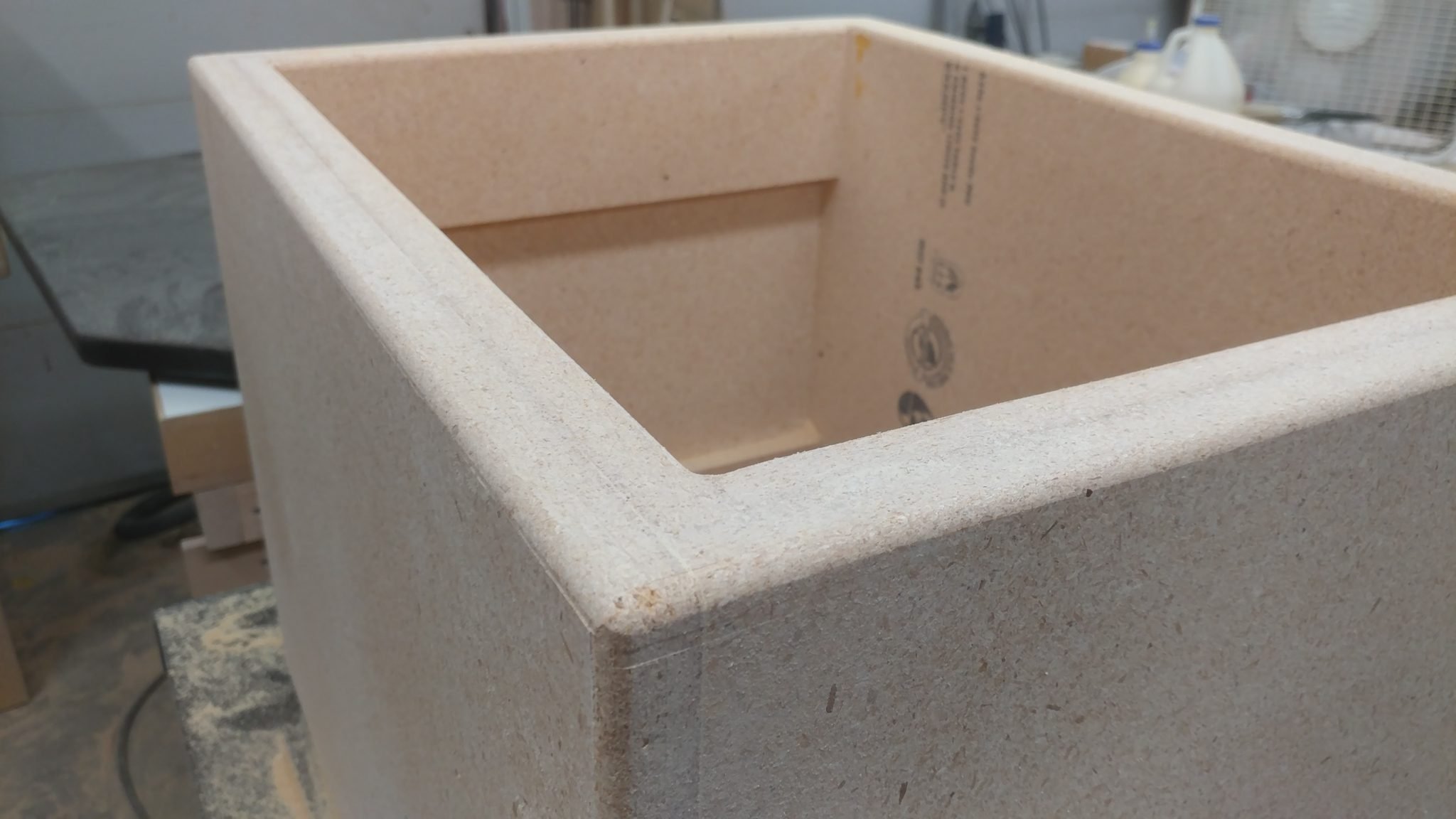
After letting it sit I cleaned up the edges with my random orbital sander then applied a 1/4″ roundover to each edge just like when I made the desk top and bottom.


I cleaned up the routed edges with my random orbital sander again as well as with some careful hand sanding.


This concludes part 3.


Closing remarks

They’re all ready to be stained and finished.


As I said before, I don’t have a lot of room in my shop right now so it’s difficult to get this built but it’ll be worth it in the end.


If you have any suggestions, please leave them in the comments below.  I’d love to see any desk builds you’ve done.  Also, if you haven’t already, please consider signing up for my mailing list so you get e-mail notifications when I post new articles.


Studio Desk – Part 2: Final shaping of the top and bottom

The tops and bottoms are cut to size and glued up.  The next step is to fix a few mistakes and apply the roundovers so I can stain and finish them.


Fixing my mistakes

I make a lot of mistakes.  More than I would like.  I made a few while I was routing out the shapes of the desk bottom pieces.

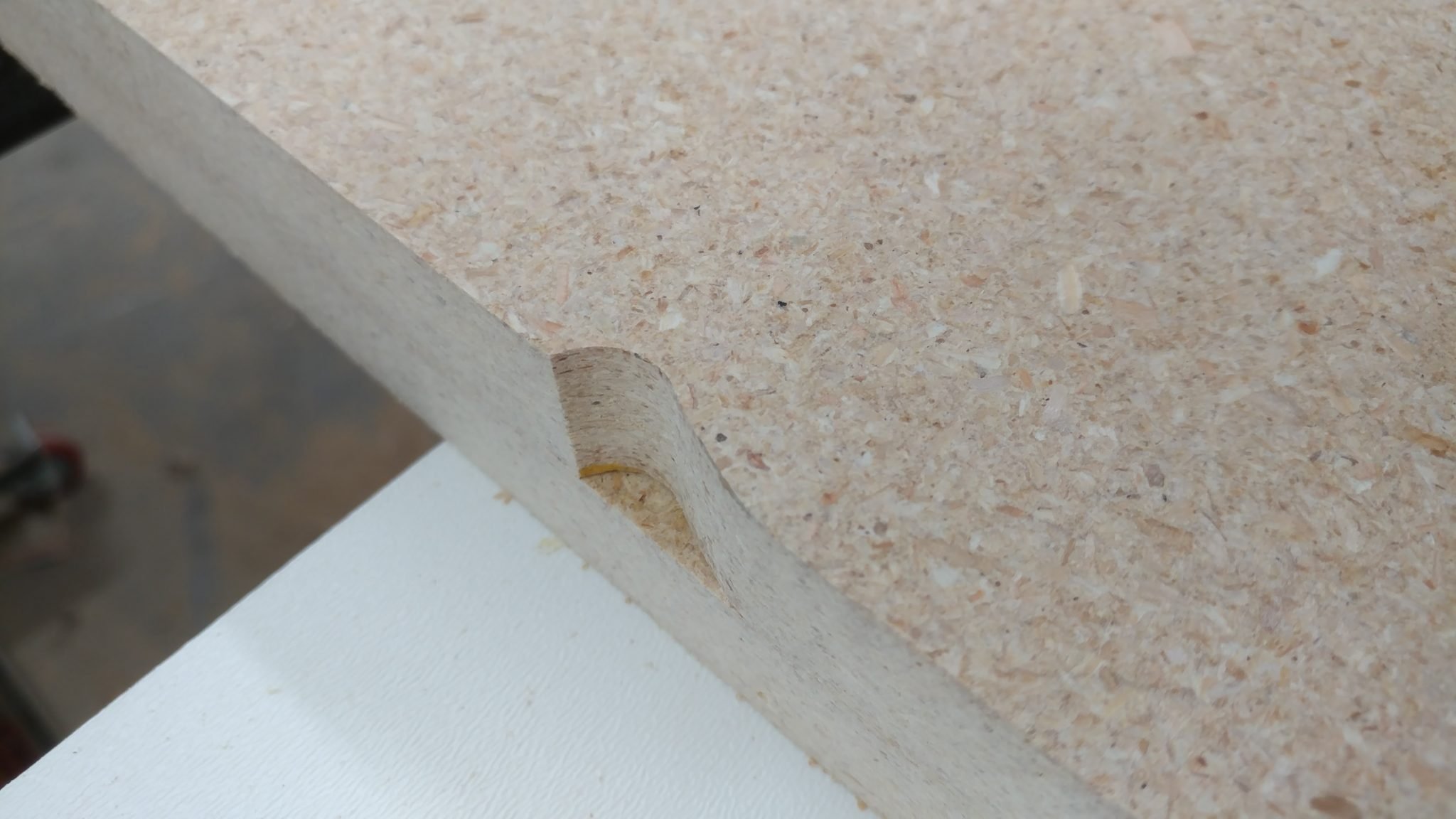
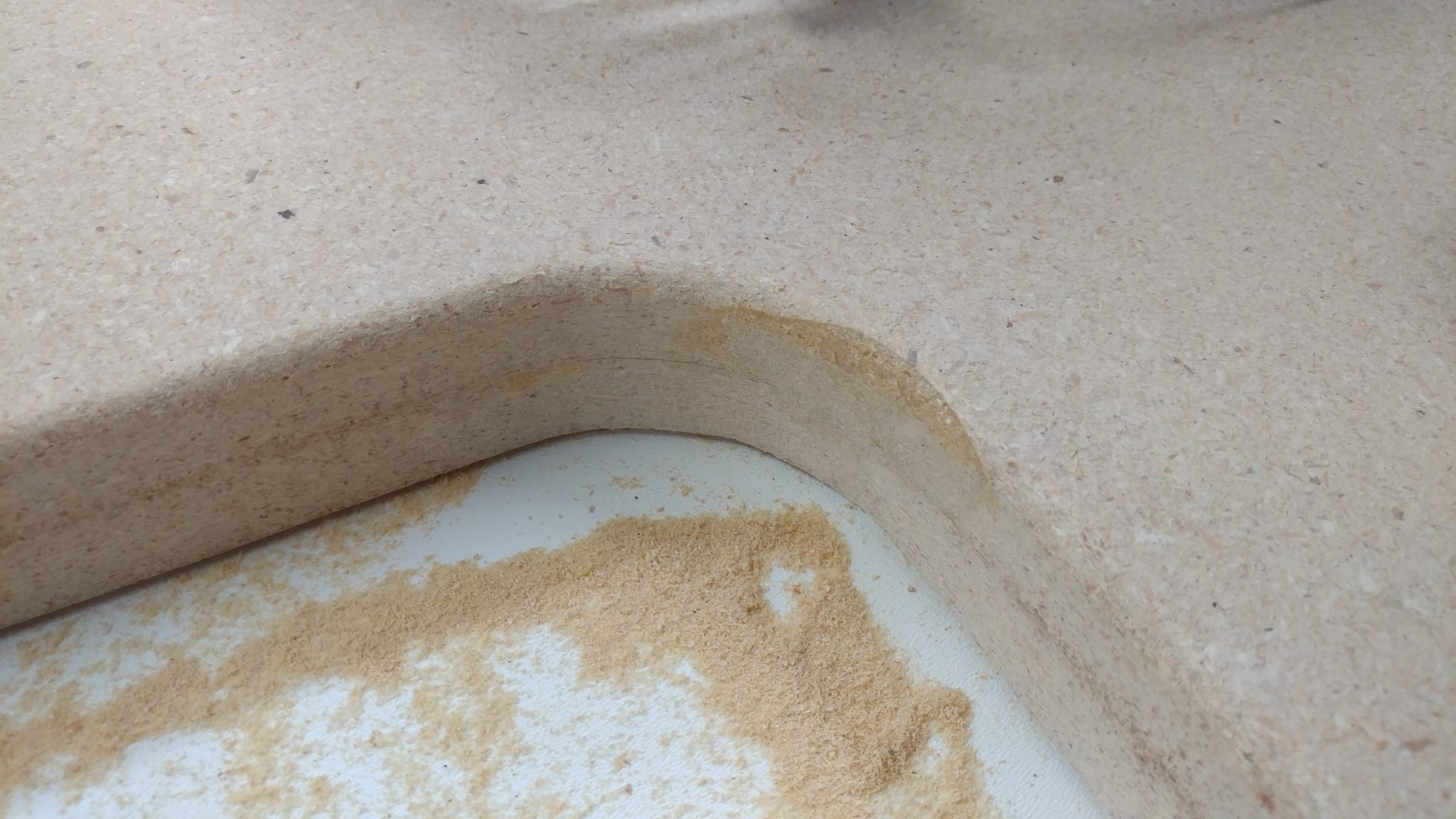
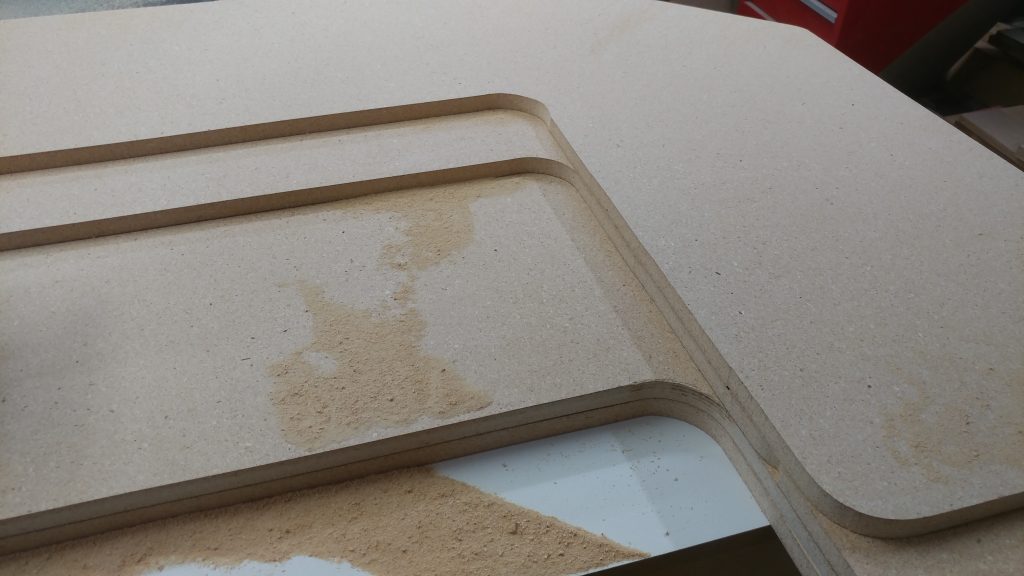
First I slipped up when modifying the outline for the bottom of the desk.  I was able to correct this when cutting out the other half of the bottom but it left a nice gap that needs patching.


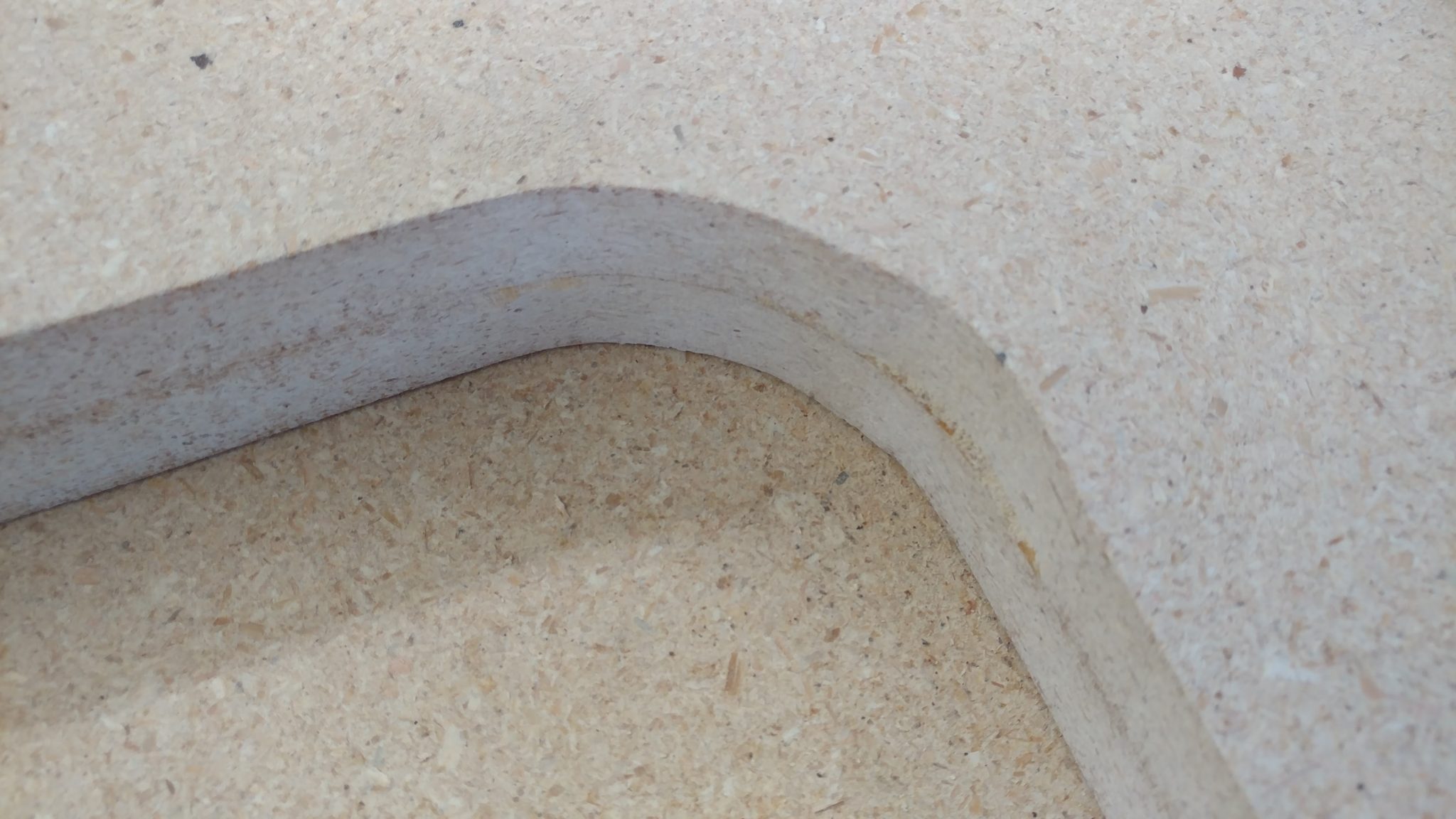
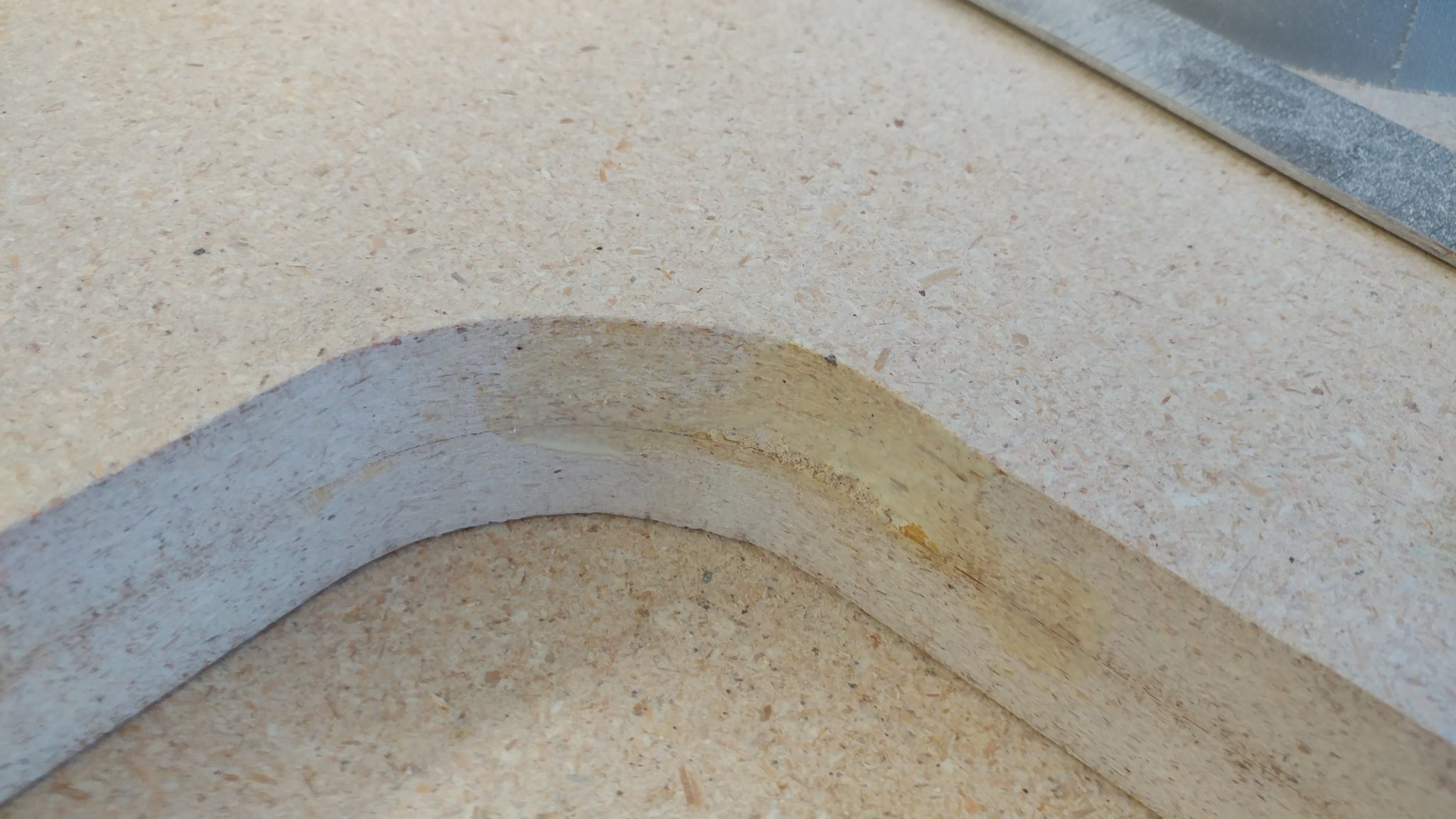
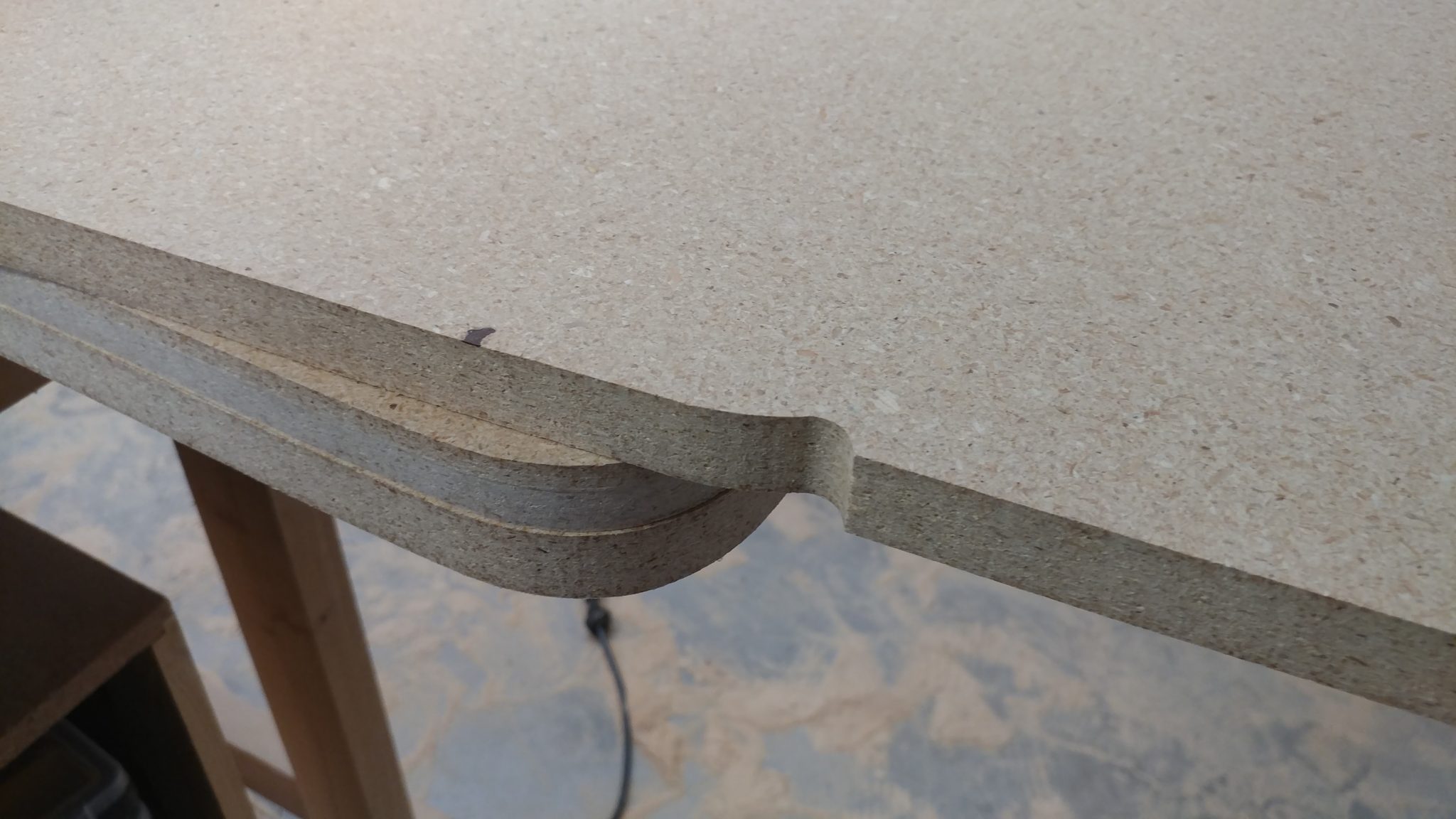
The second mistake was when I was cutting the aforementioned second half of the bottom.  As I was coming up on the area where I had made the mistake on the first half, I guess I was focusing on correcting for the first mistake and I ended up making another slight mistake.  You can see in the following photo that the inner corner is a little wonky.  I think the router, whose base is a little unstable, tipped a little and it caused this.


The following technique won’t always work, especially if you will be staining the piece but I’m going for a more utilitarian/industrial look so I actually welcome this.

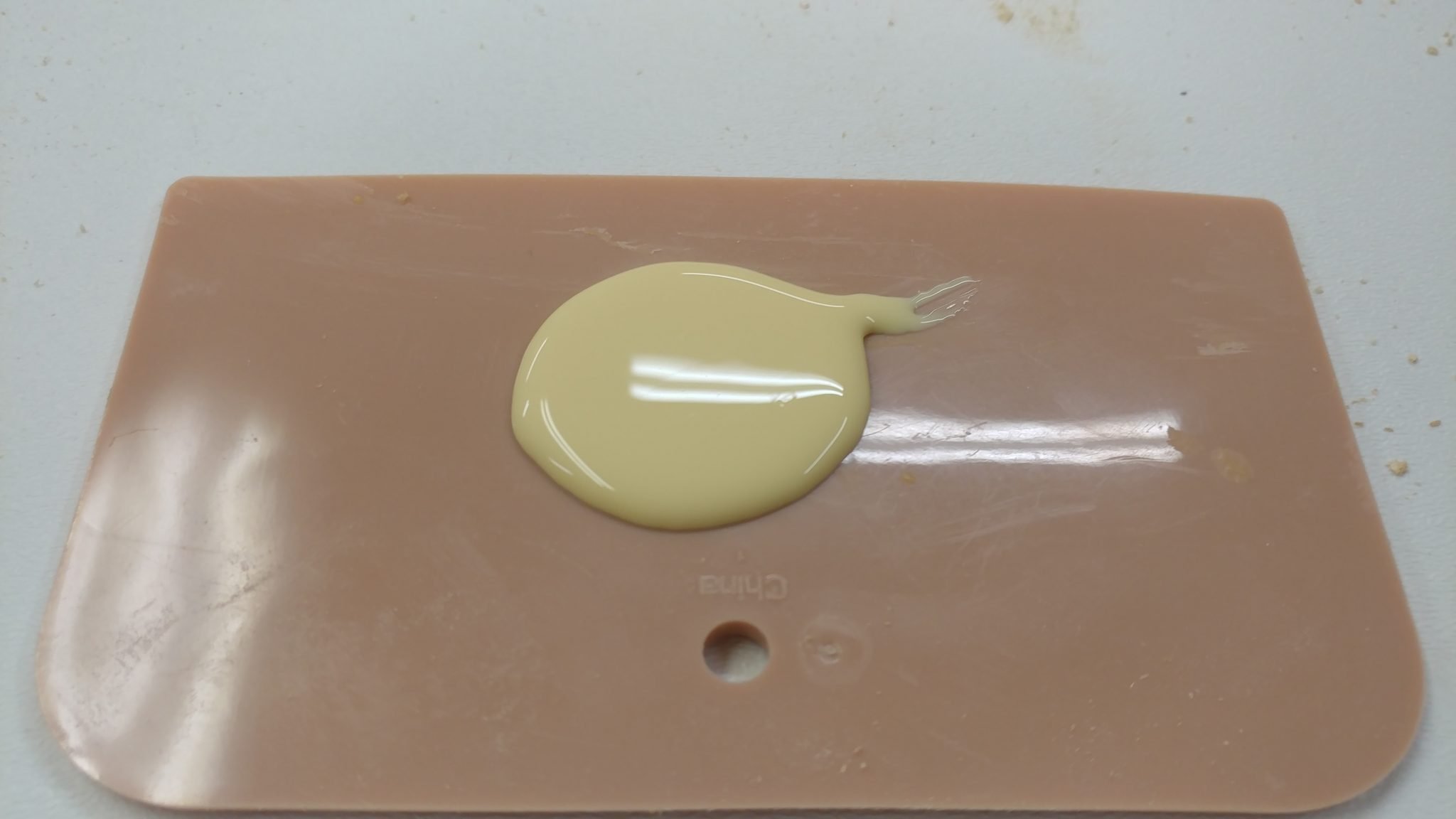
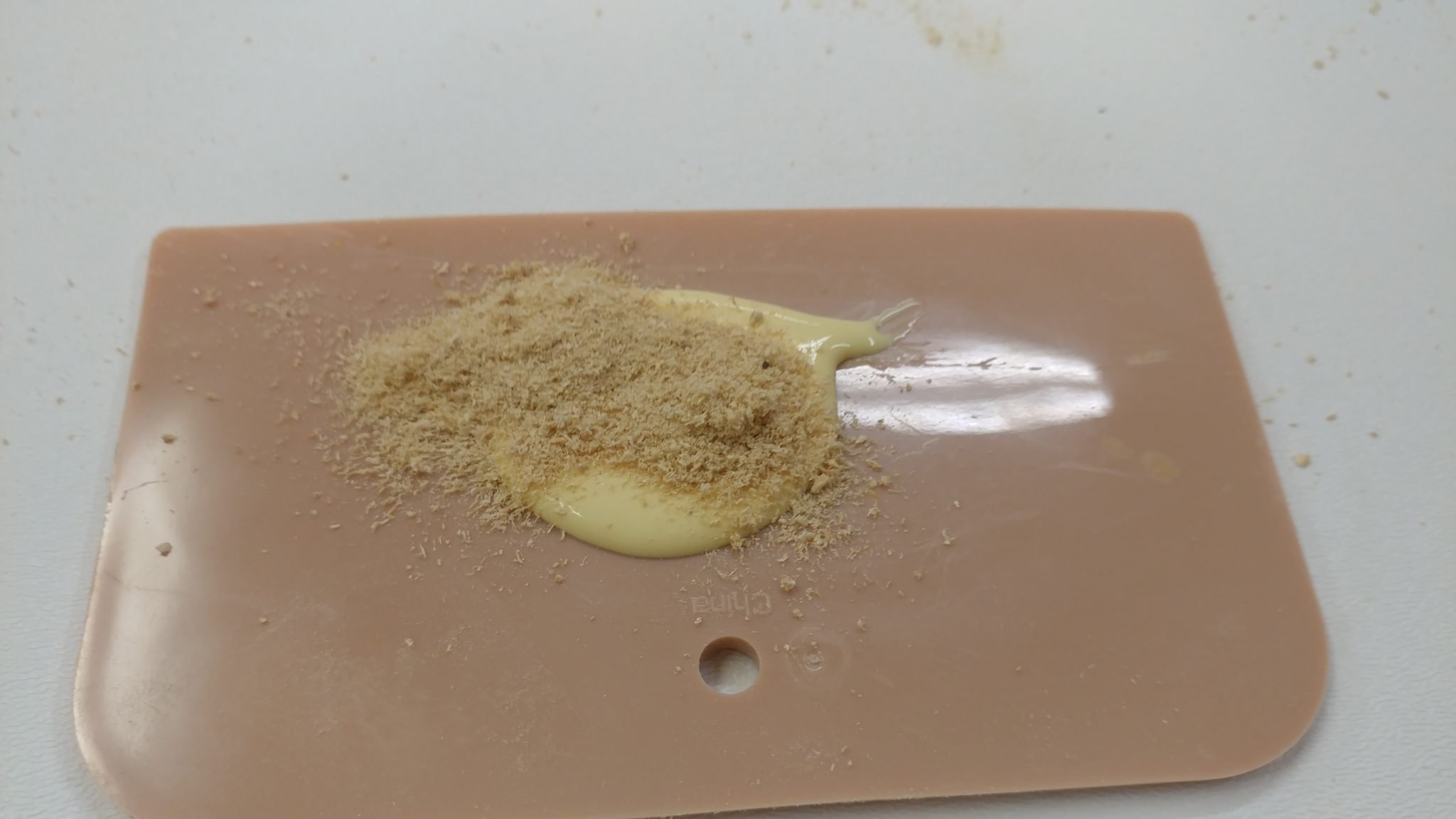
Start with a blob of wood glue.  If you are wanting to stain this, I recommend trying stainable wood filler instead.


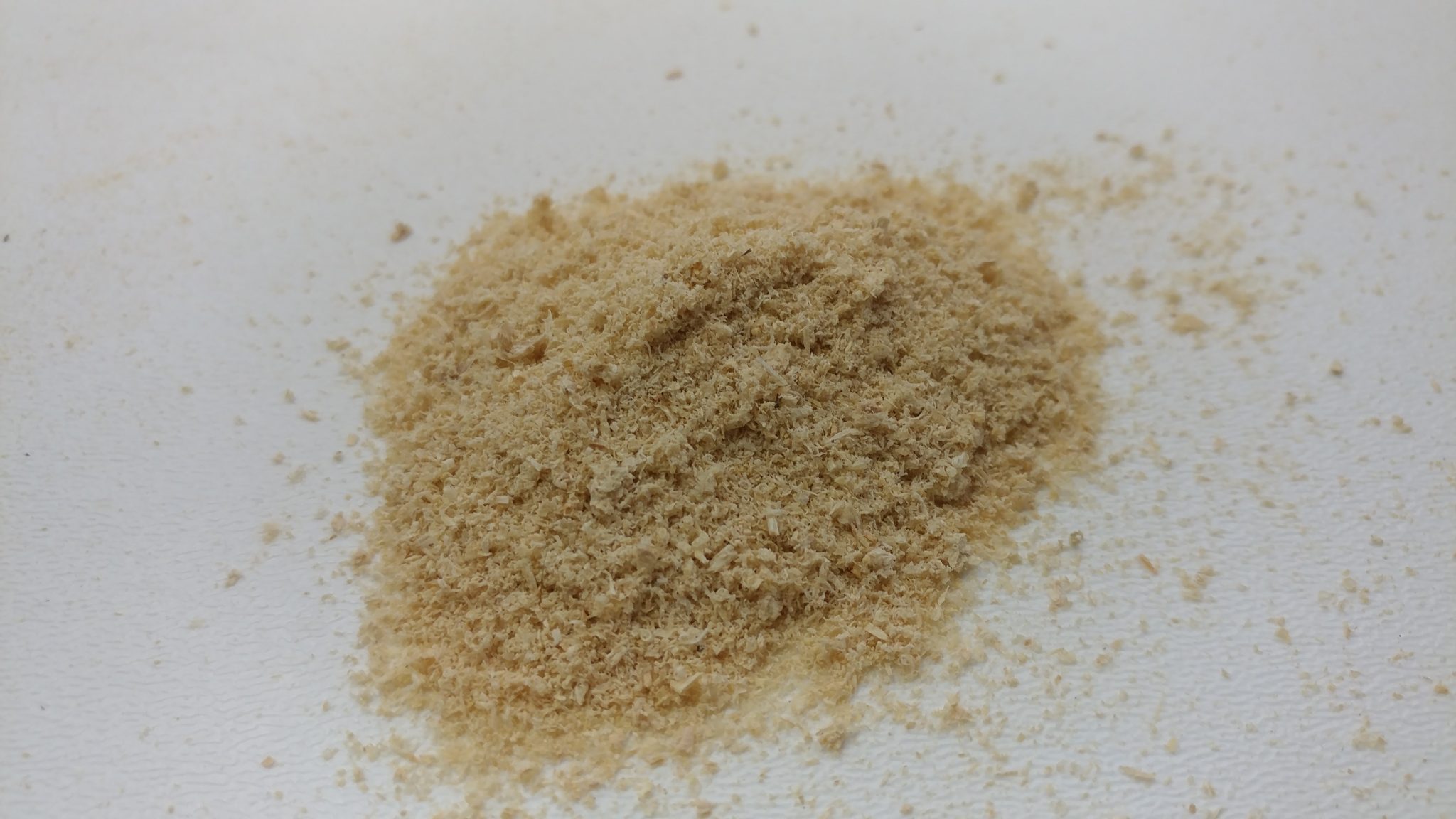
You’ll also need some sawdust, preferably from the same wood that you’re repairing.


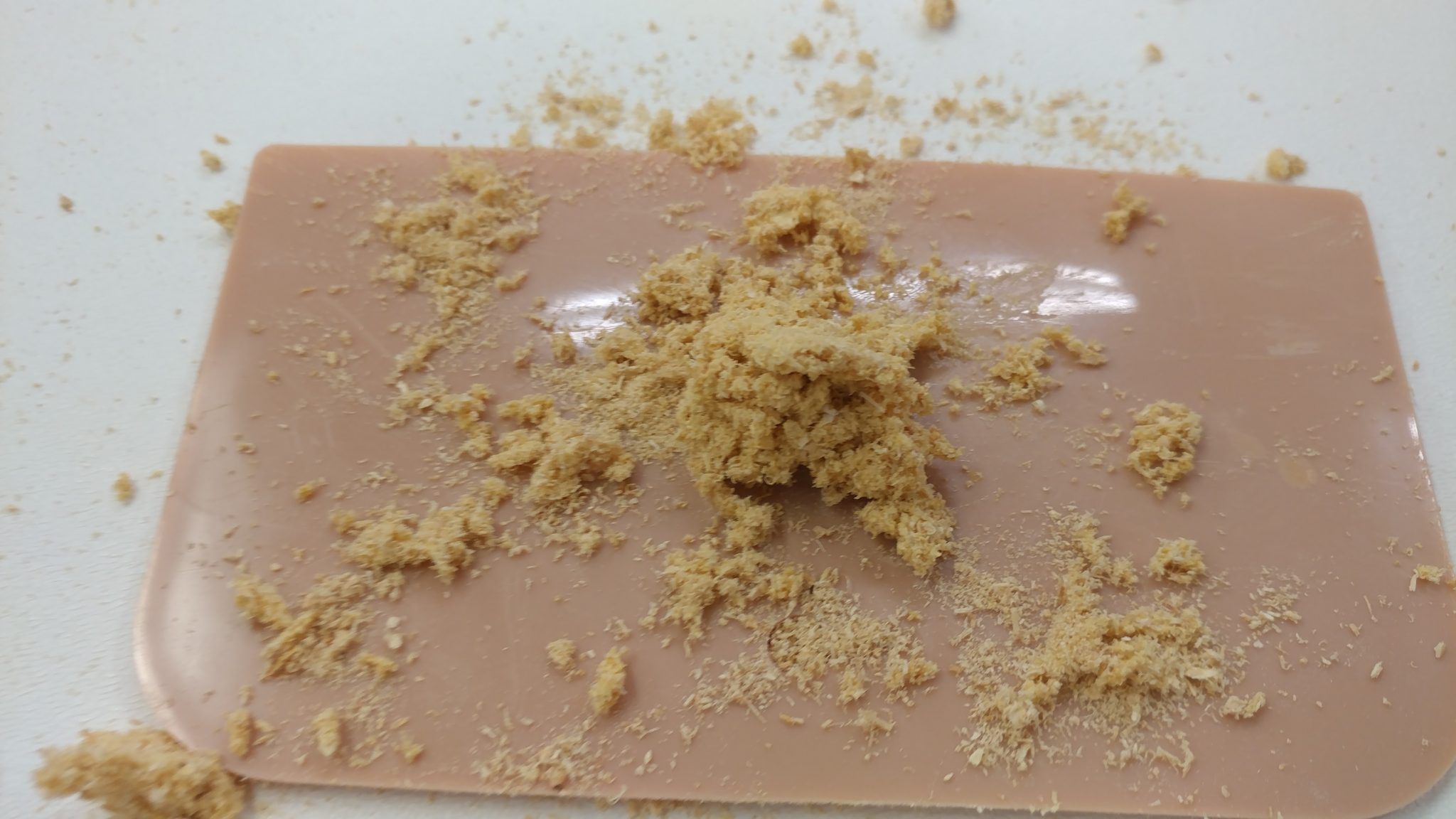
Add the sawdust to the wood glue and mix it together.


This will take some trial and error in order to get something that works for you.  I was going for a dry yet pasty texture.


I rubbed a bit of wood glue on the spot that I needed to repair so the patch job can adhere to it better.


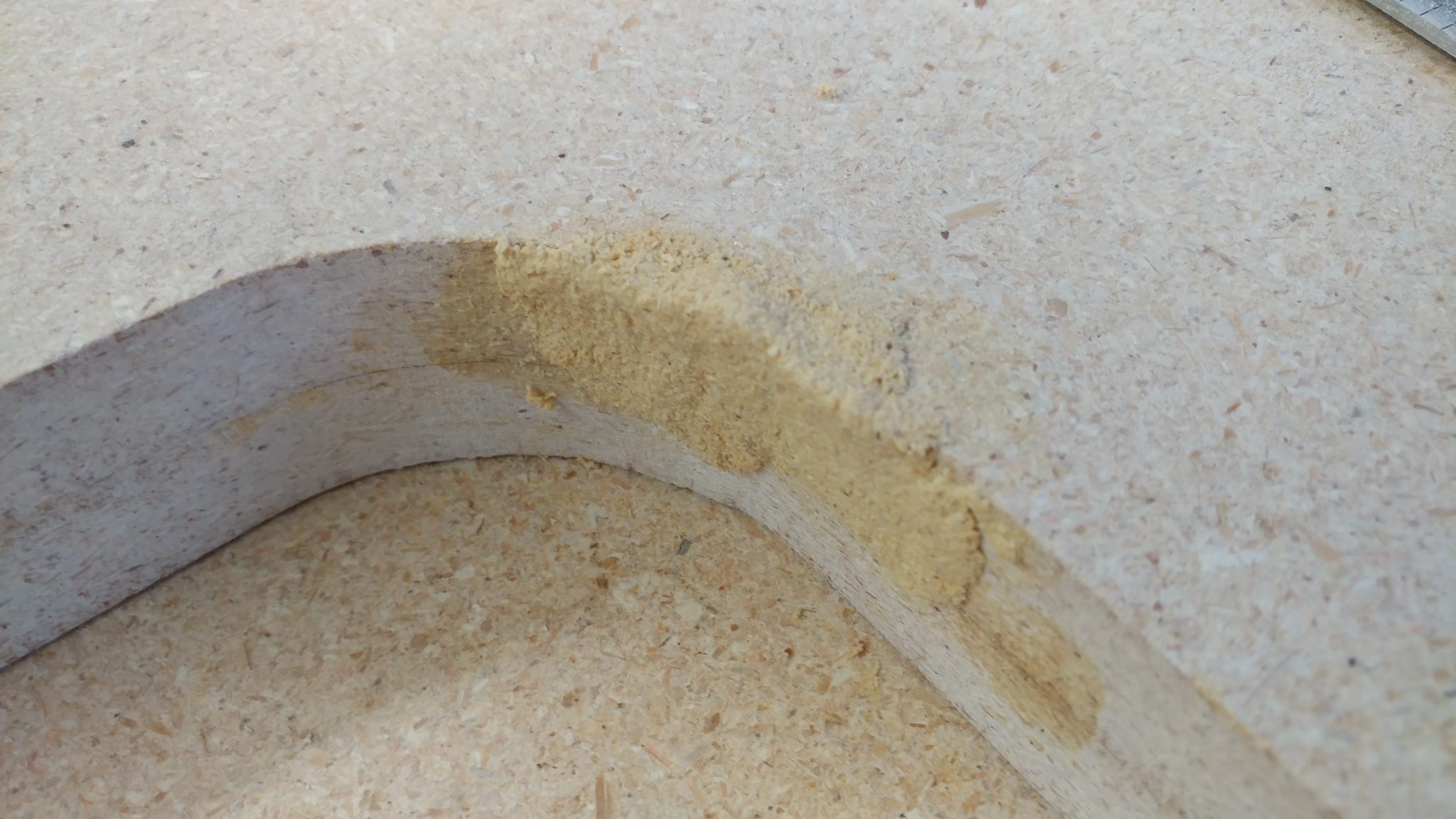
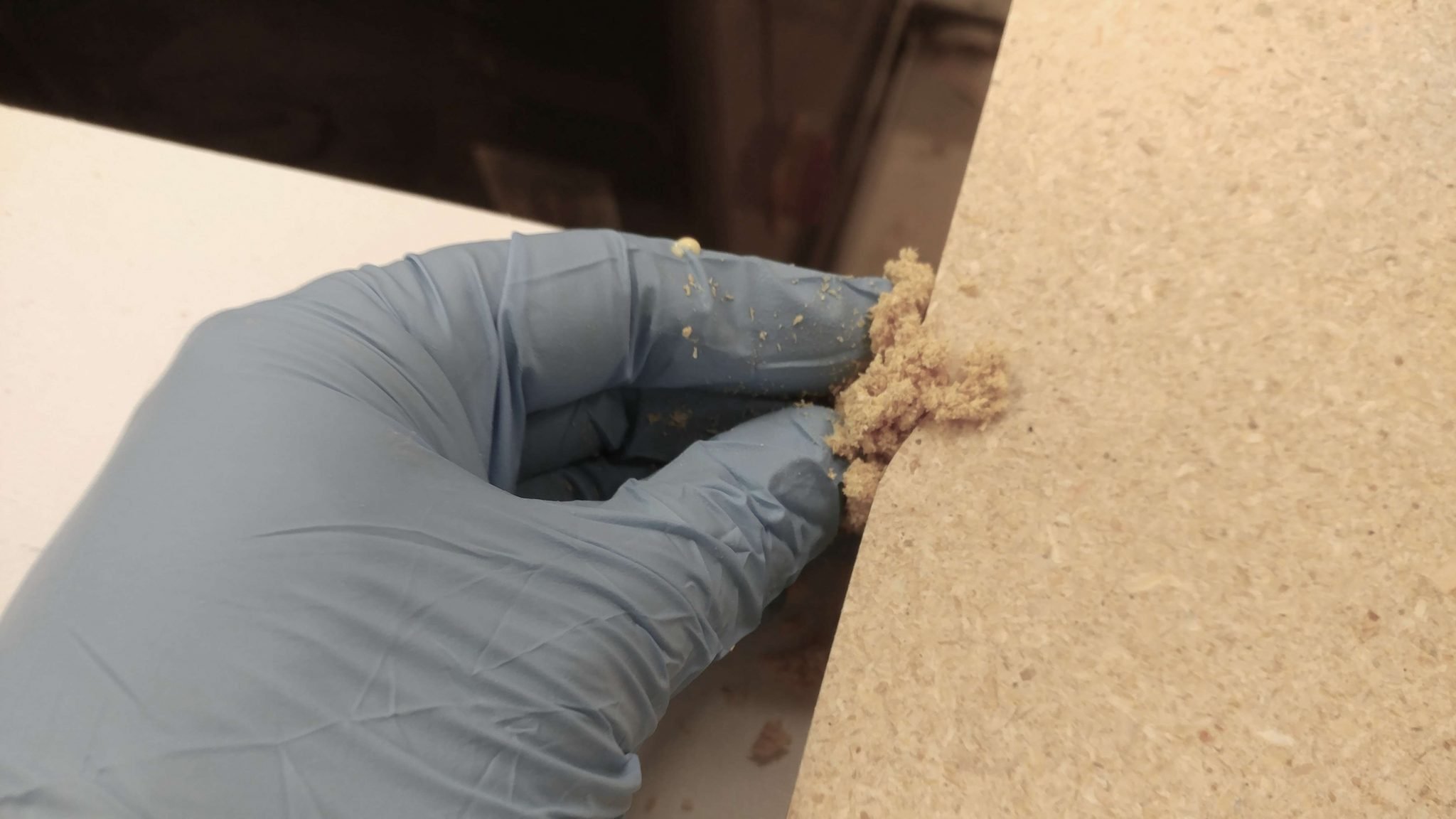
I then smushed (sorry for the technical term) a gob of the glue/sawdust paste into the repair spot, being sure to fill up all the space that needs to be filled.


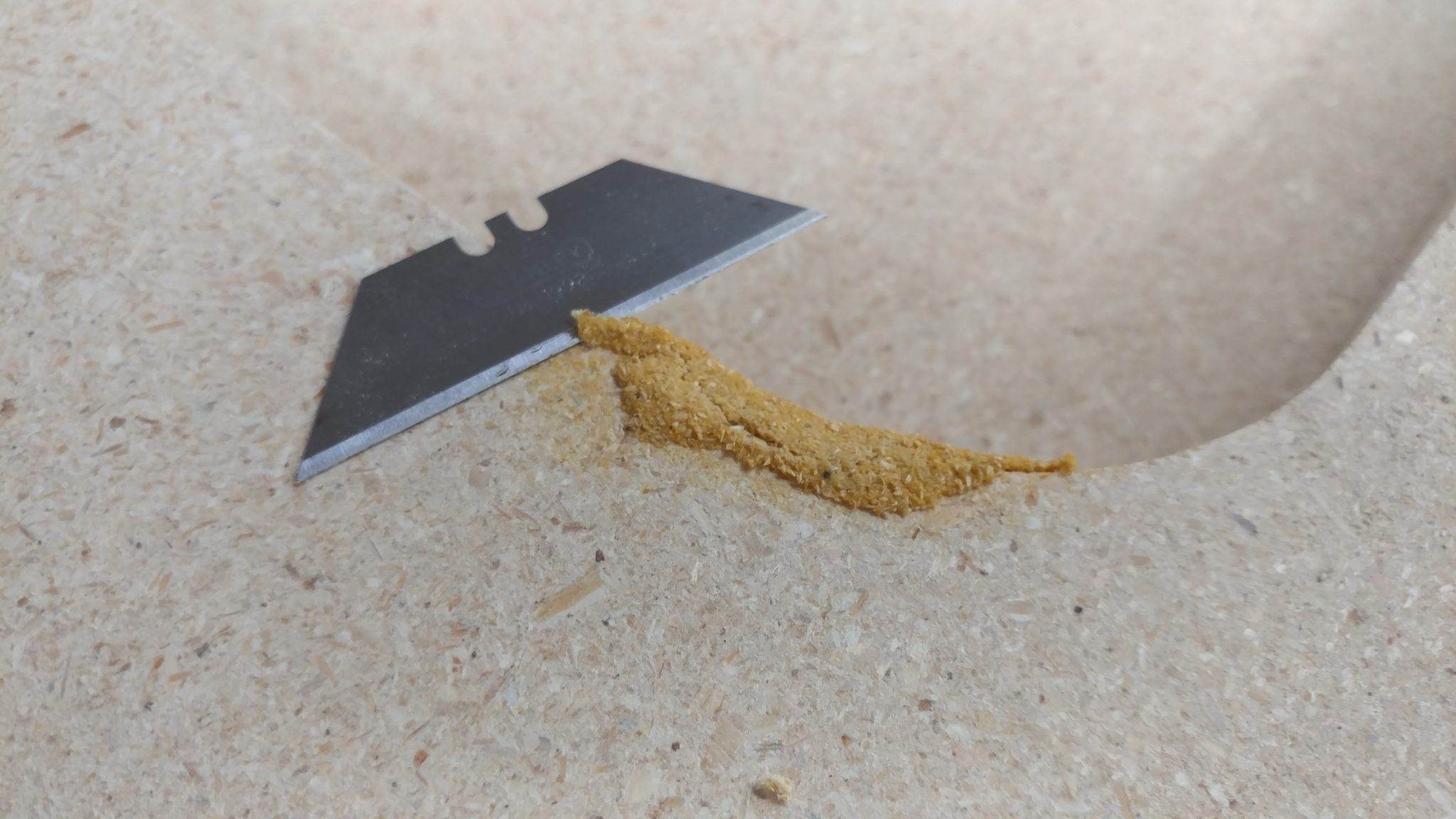
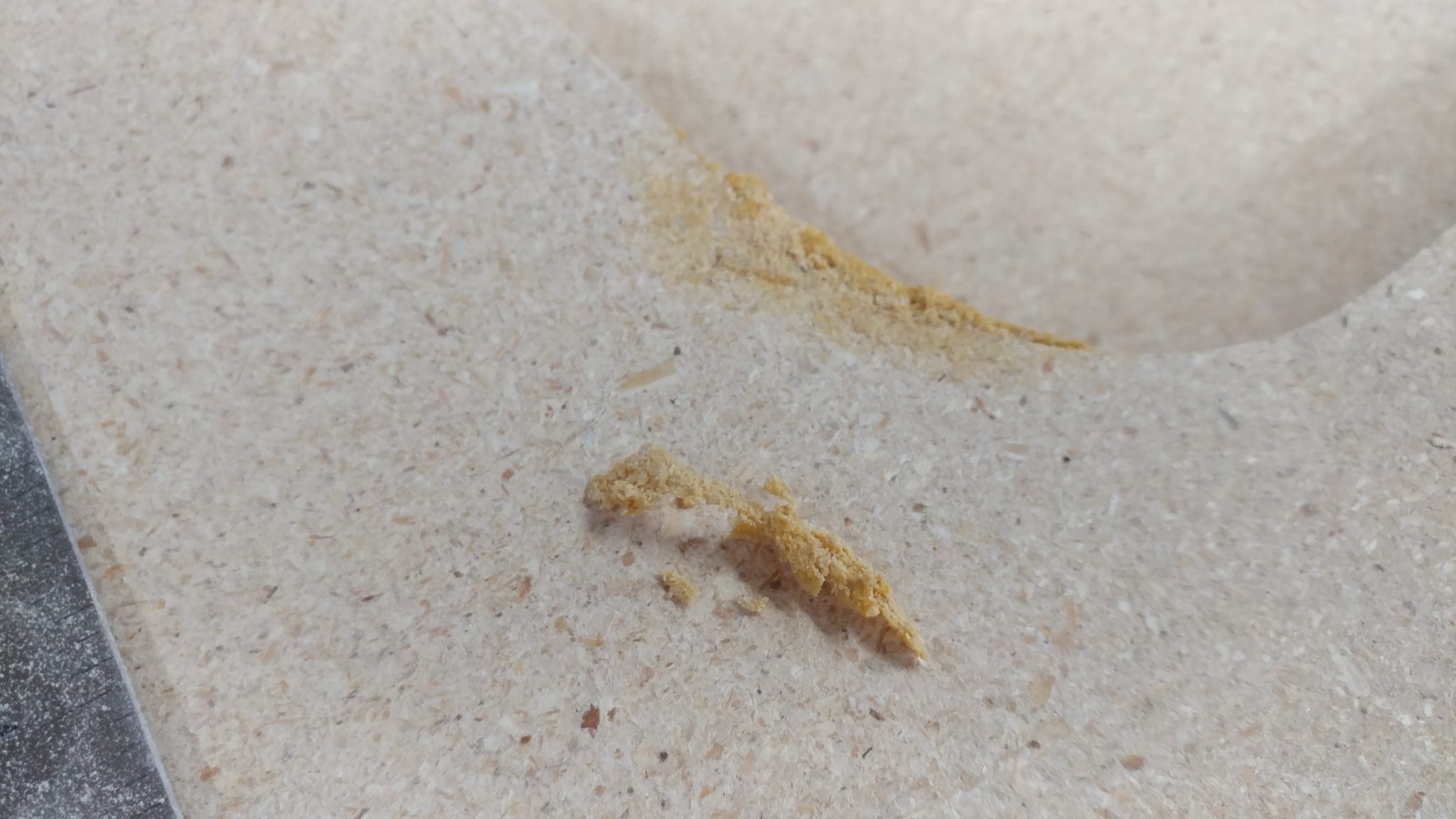
When this dries, it’s going to be pretty hard.  I also need to flip this piece so I can repair the other spot.  To ensure that this wasn’t going to cause a problem, I waited till it had cured a bit then I took a utility knife blade and sliced off any of the filler that protruded from the top of the wood.


This left it flat enough to flip the piece without damaging the filler.


I did the same thing on the other mistake.


This one will be easier to hide since it is all on flat surfaces rather than an inner curve.


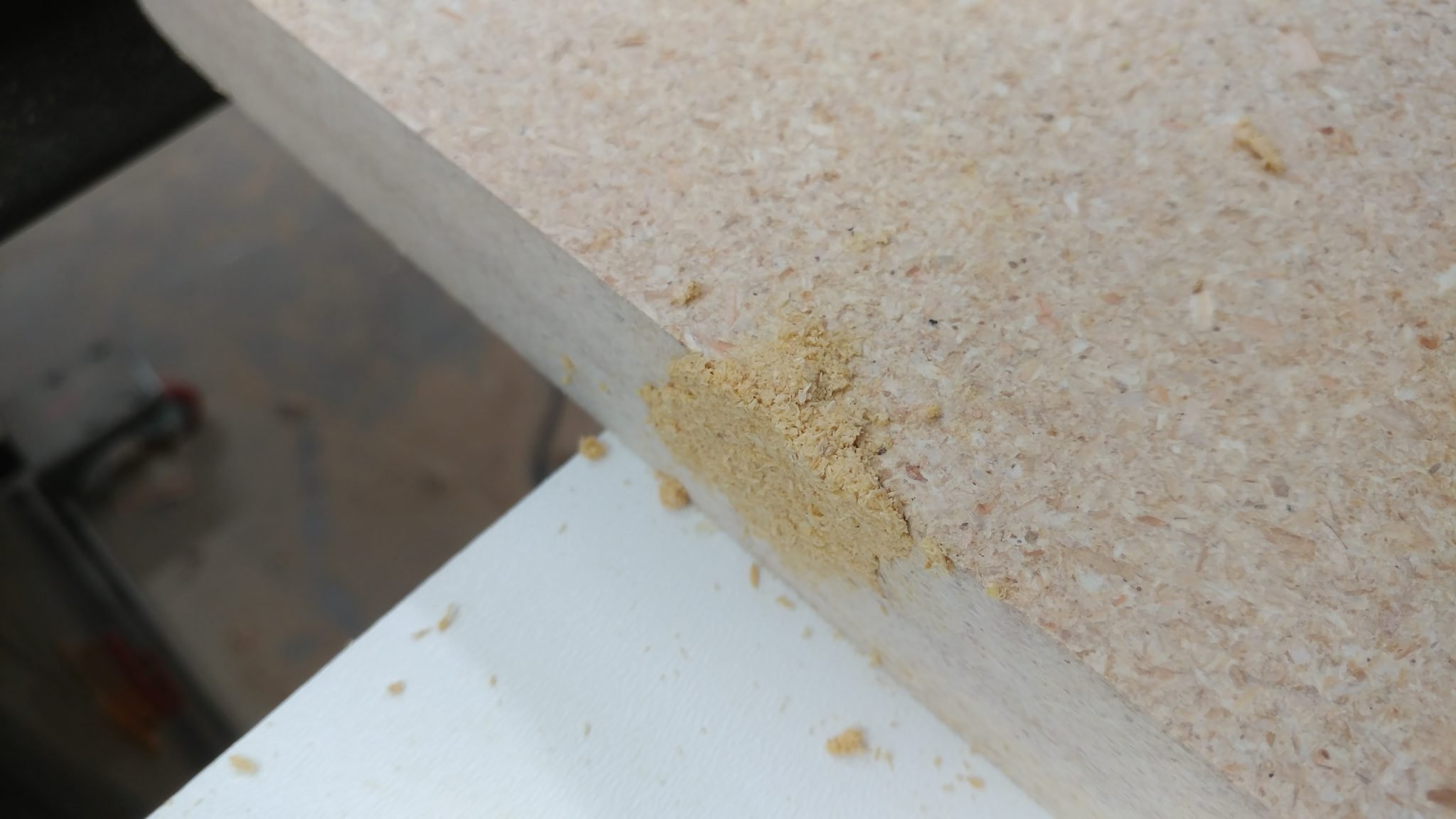
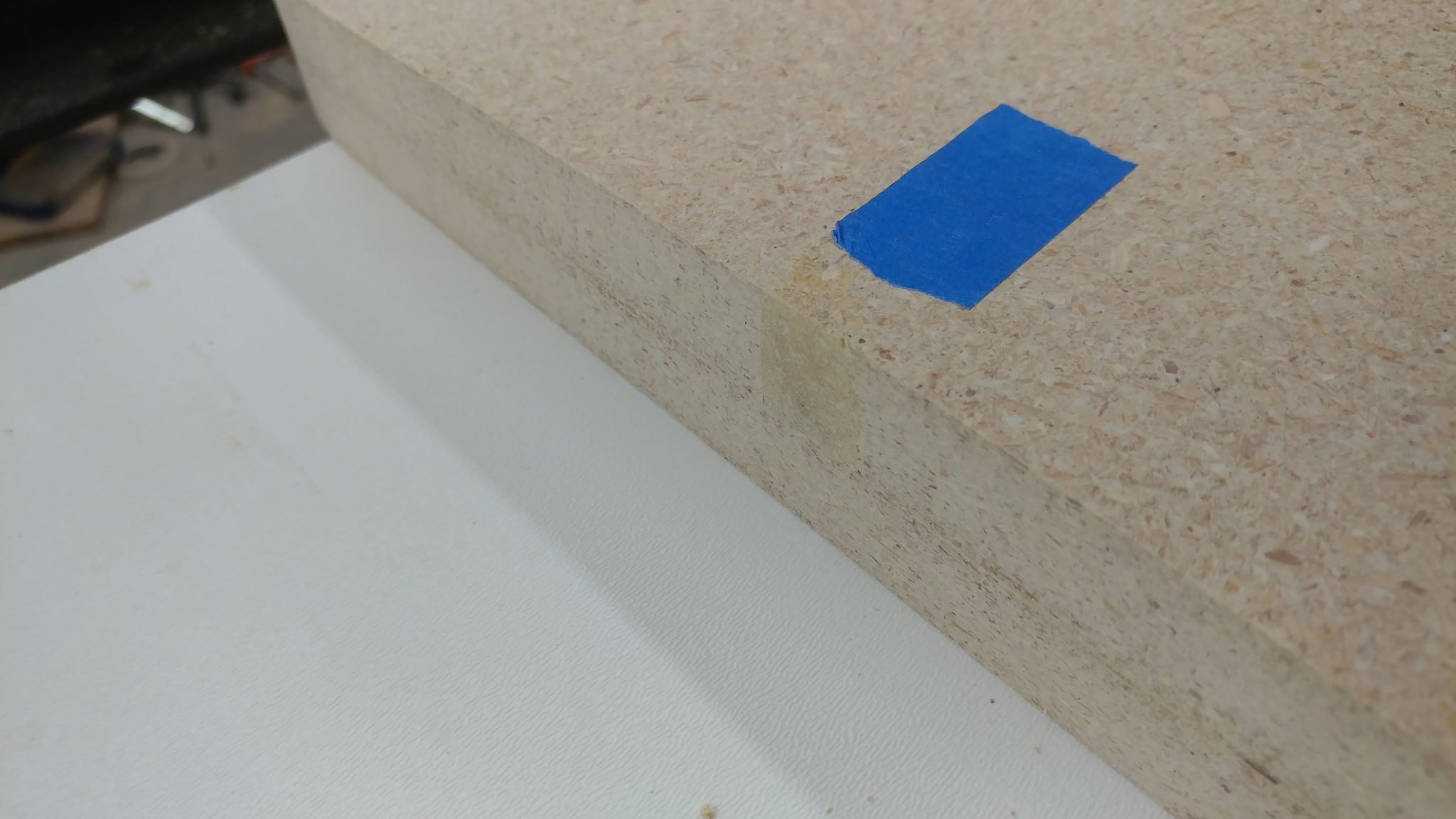
I let the filler fully cure for a day then I took my random orbital sander to it.  I placed a piece of blue painters tape next to the filler so you can see how it blends in.  It isn’t perfect but it’ll be good enough for this project.


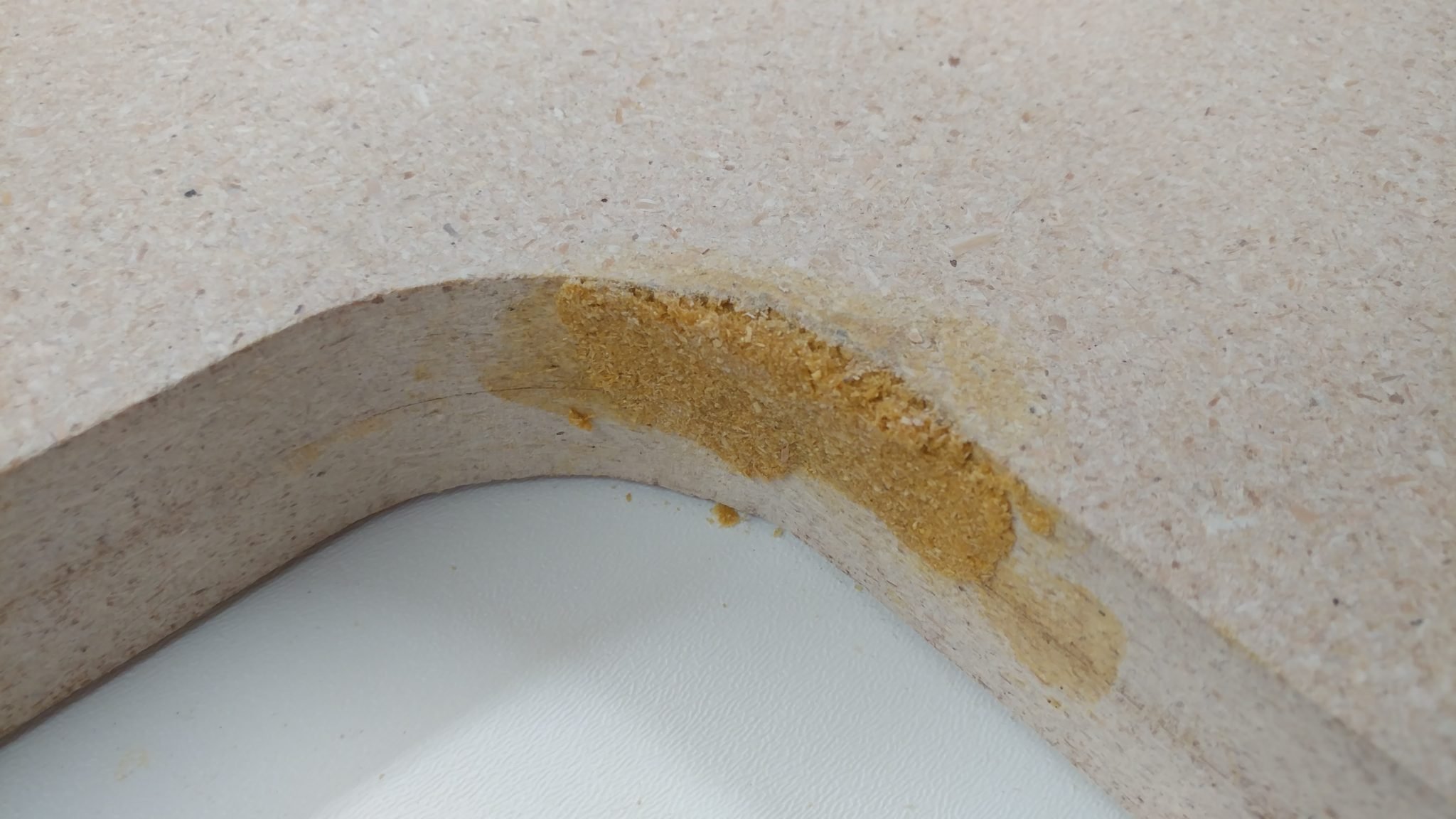
The filler on the inner curve was a lot more difficult to deal with.


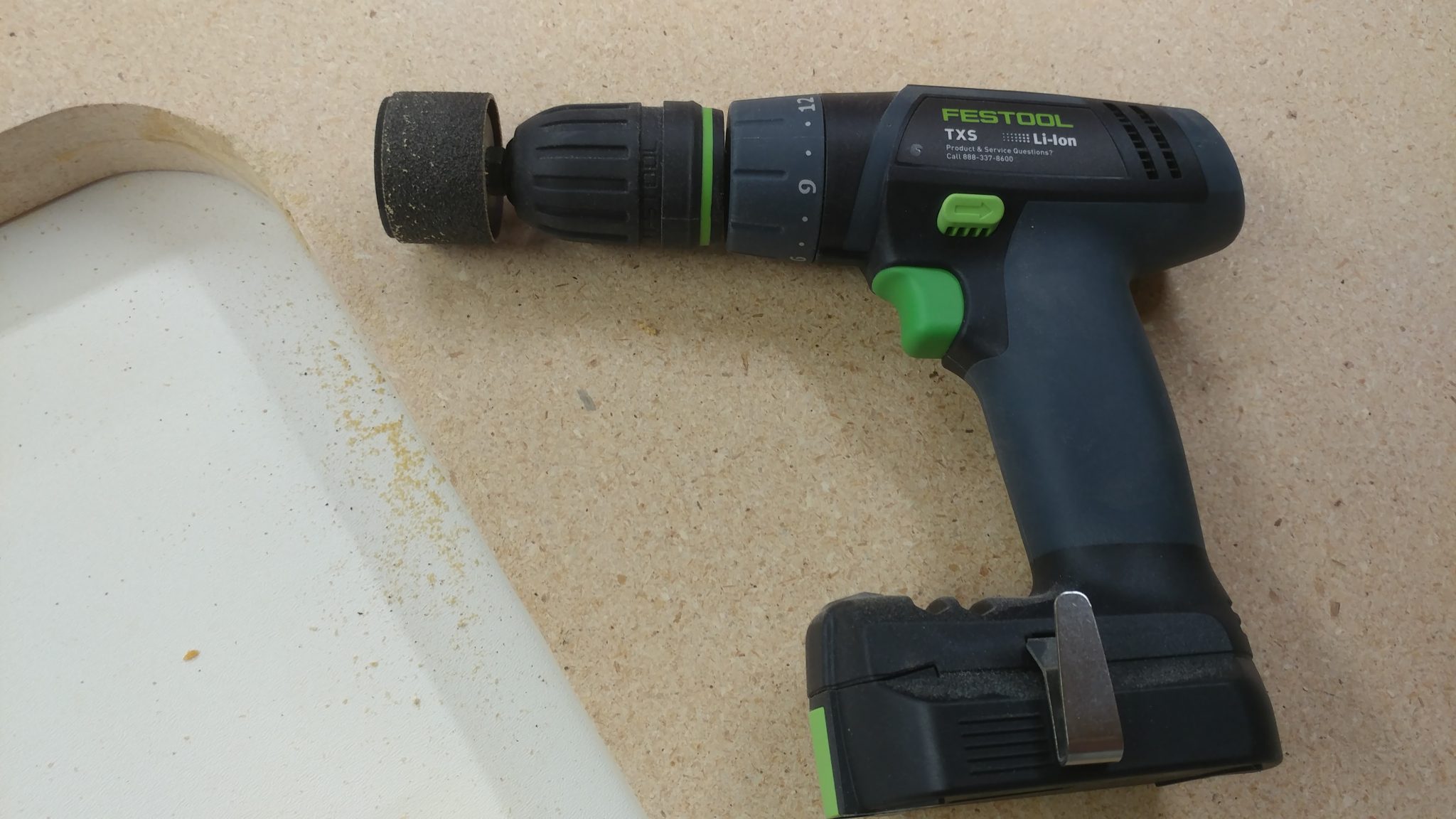
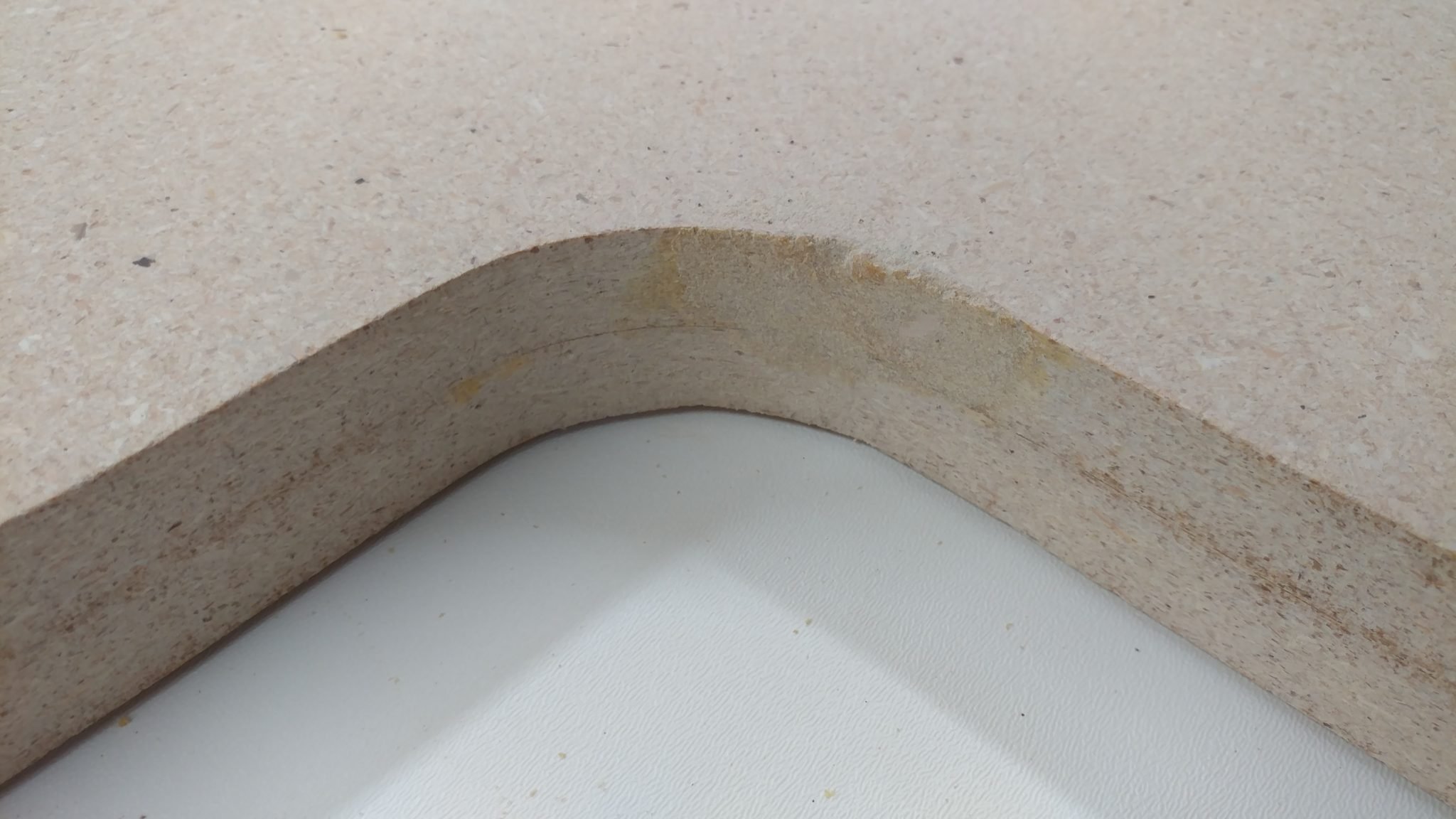
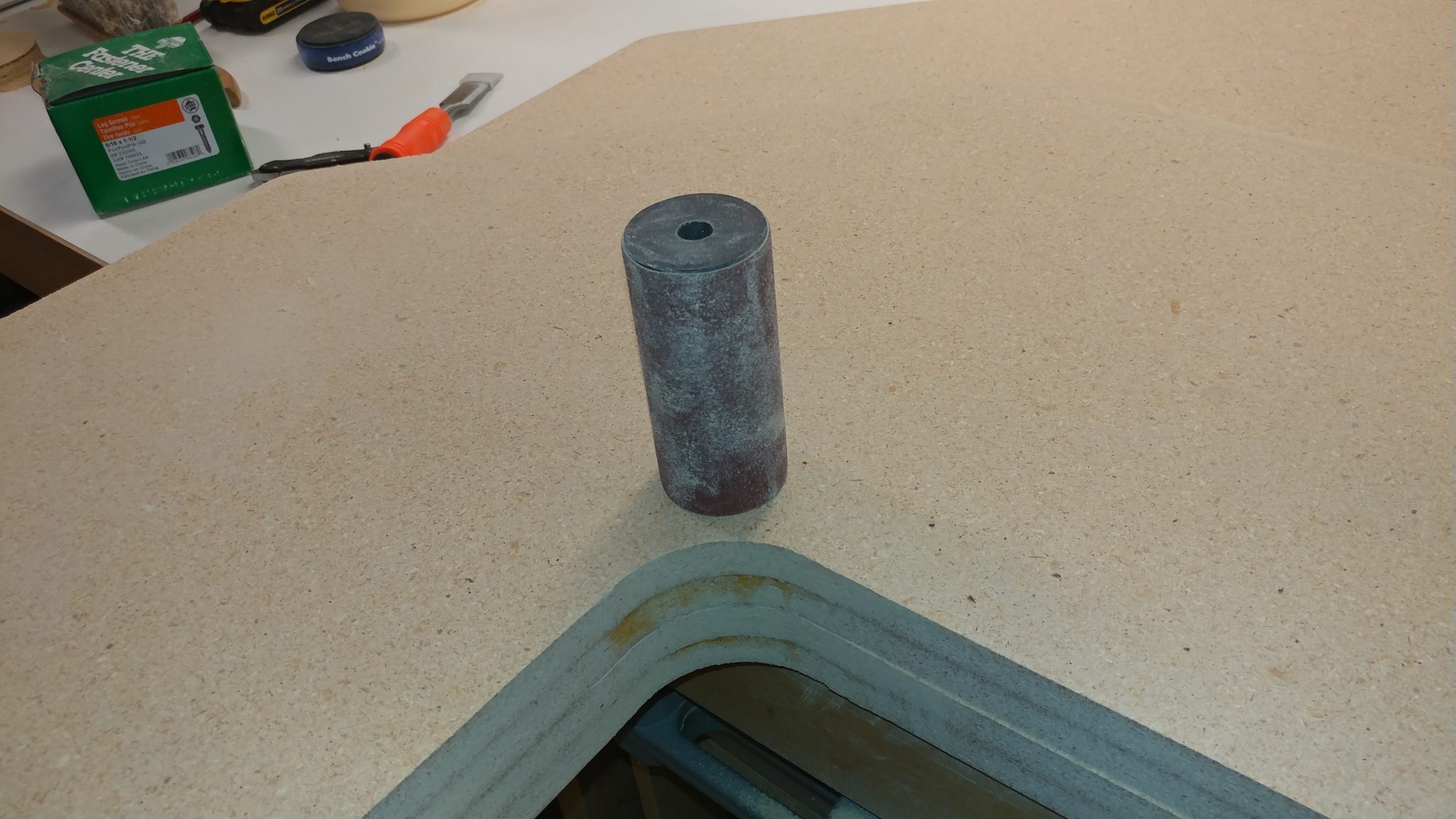
I ended up having to carefully use a drum sander attachment on my hand drill to get it smoothed out.


This one didn’t turn out as well but it’s good enough.  I’m putting a roundover on the edges so I’m not worried with how jagged it is.


Applying the roundovers

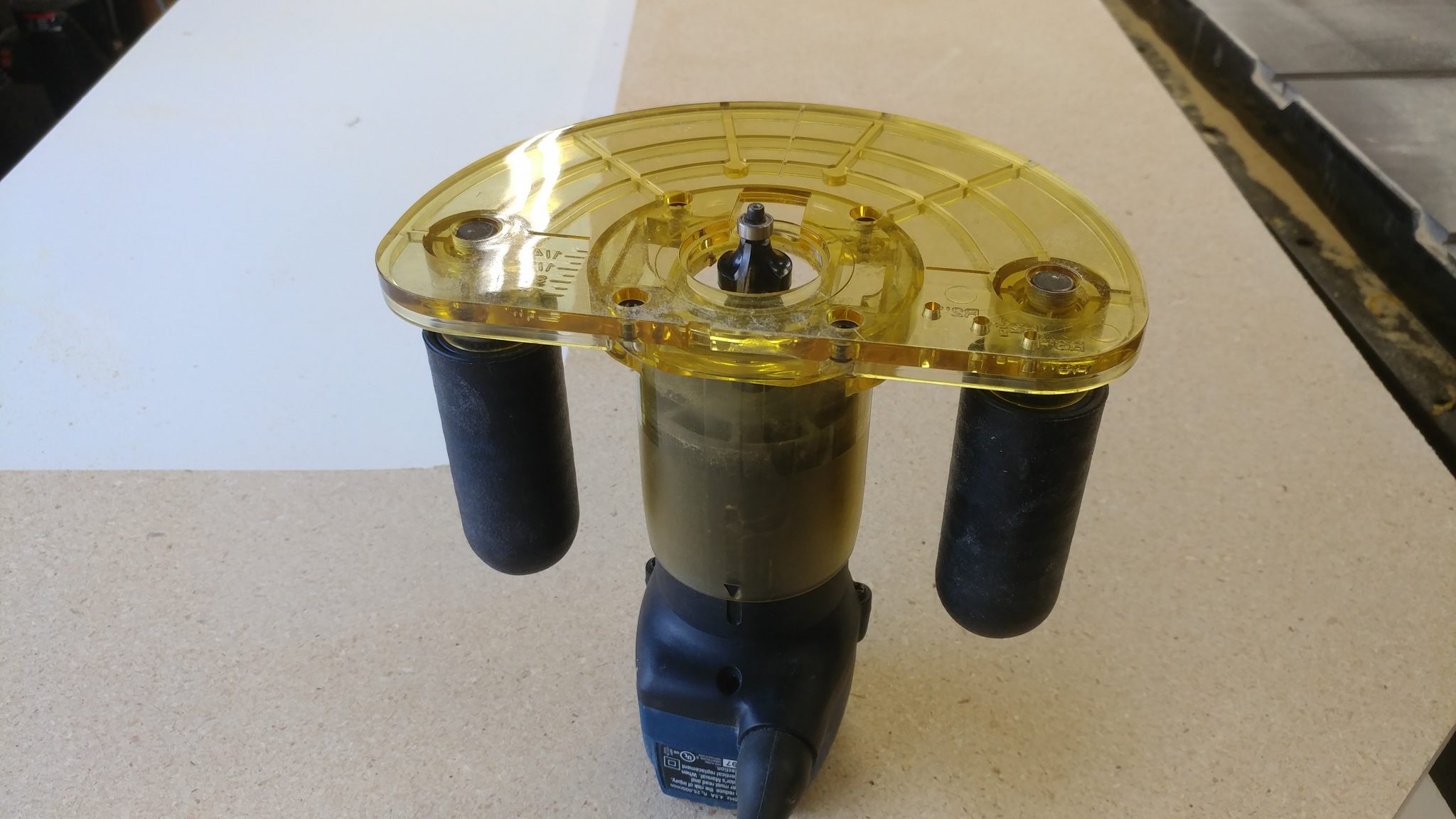
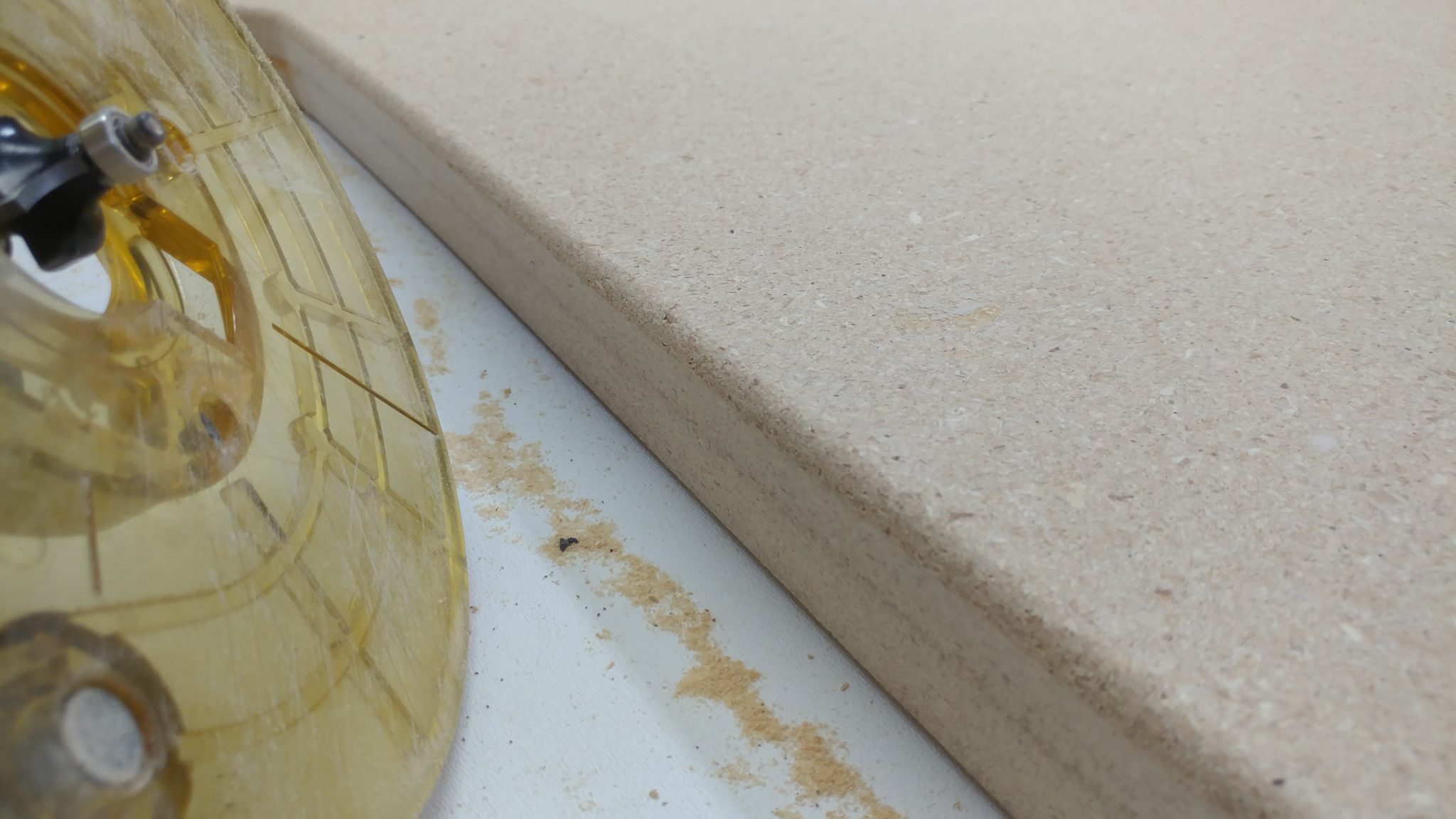
It was time to put the roundovers on the wood.  I decided to just use one of my little trim routers in an effort to avoid the mistakes that I just had to fix which were caused by the unsteady base on my larger router.  I outfitted it with a 1/4″ roundover bit.


I applied the 1/4″ roundover with the intention of then applying a 1/2″ then finally a 3/4″ roundover.  This is where I ran into a problem; I liked the look of the 1/4″.


I even liked how this looked in the corner where the patch job made an interesting little shape.


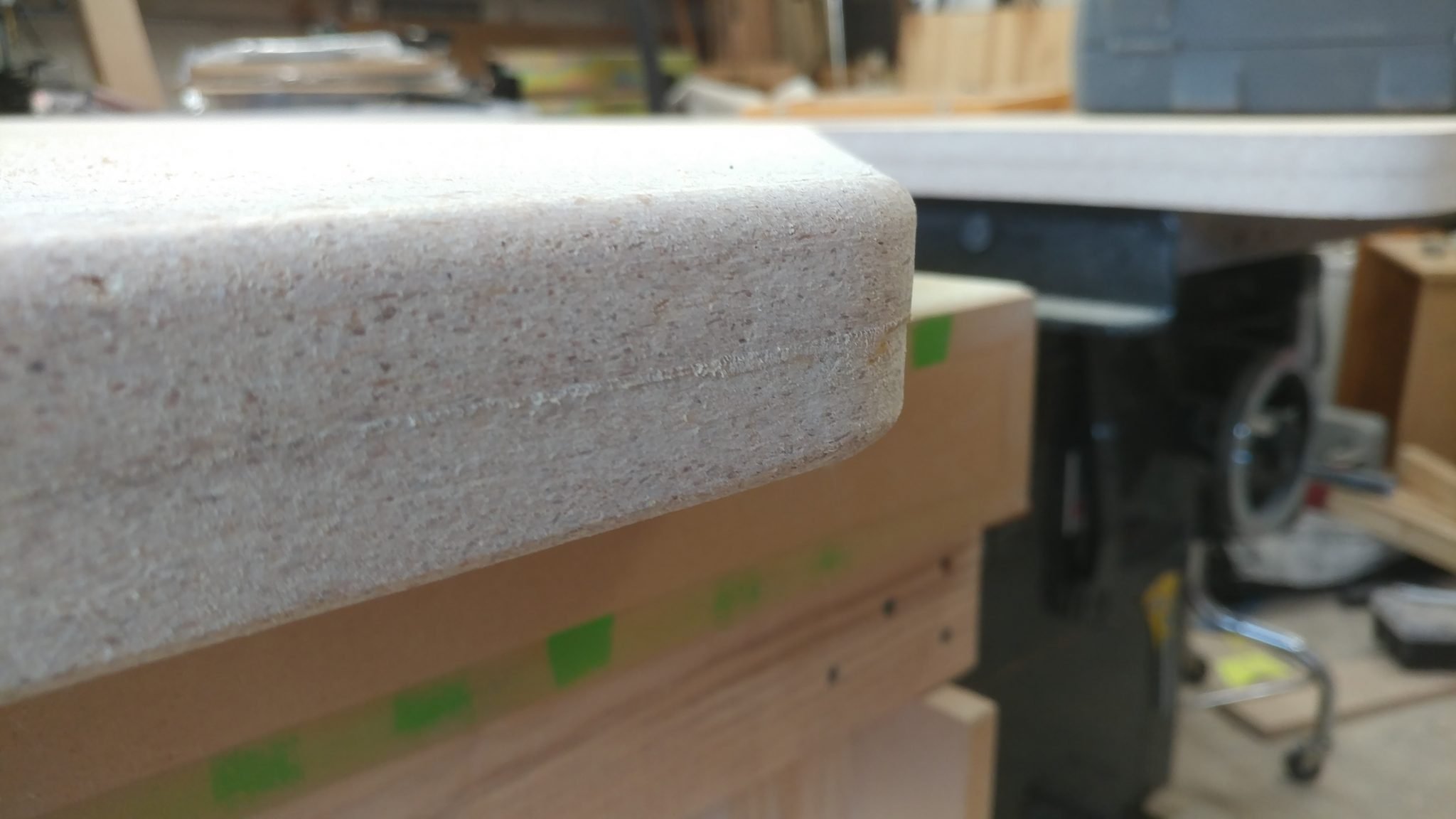
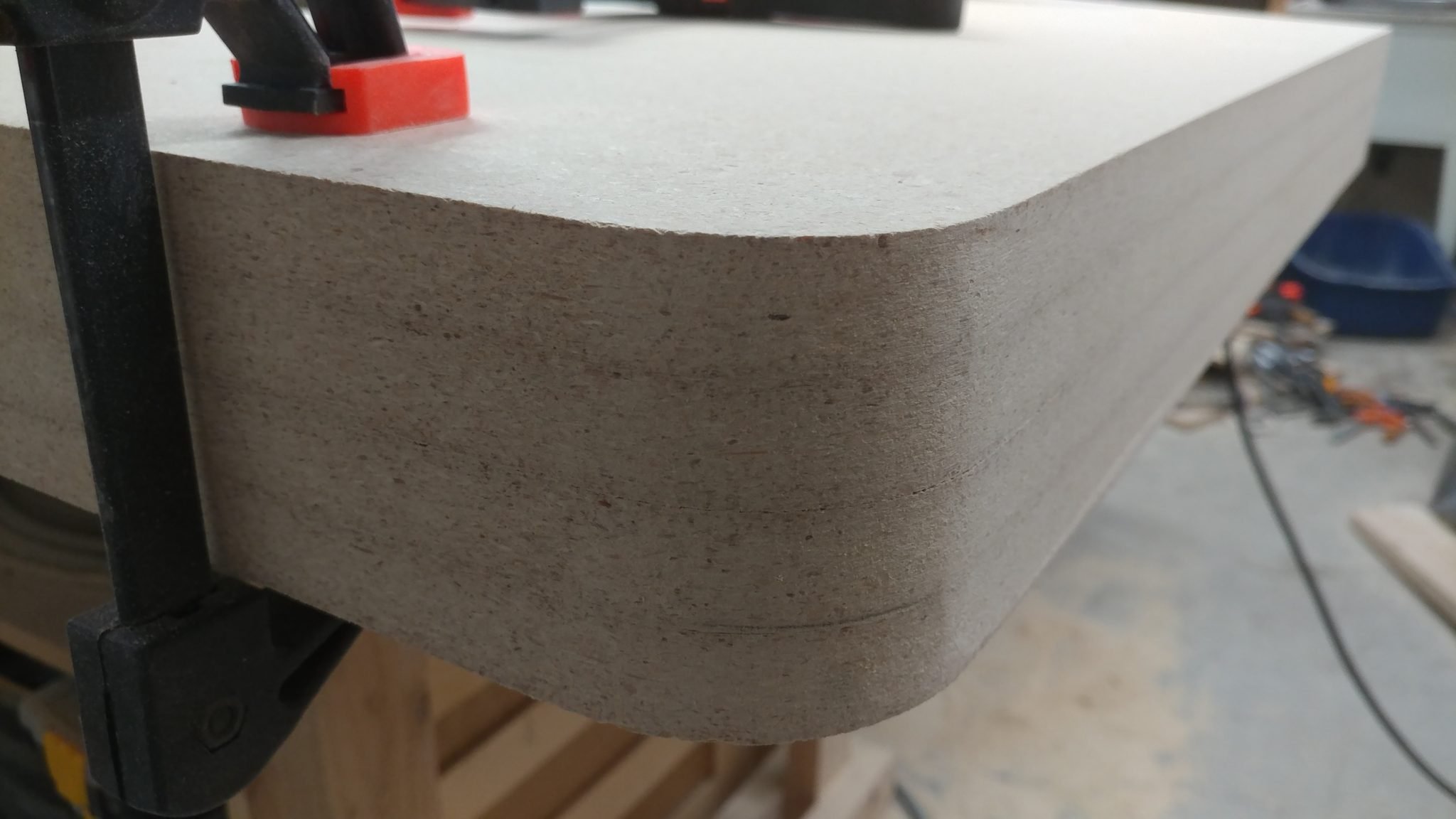
I really liked the look and feel of this roundover.


It looked especially nice when you backed off a bit and took the whole thing in.


I couldn’t make up my mind, and I only have one shot at this so I decided to ask for more opinions.  I took some scrap particleboard and did a mockup.  The left half is the 1/4″ roundover and the right half is a 1/2″ roundover.  I decided I didn’t want to do a full 3/4″ roundover.  I posted this photo along with a few others to several Facebook groups, Google+ groups, Instagram, and Twitter.  I wanted to see what others preferred.  Most feedback seemed to be favoring the 1/2″ but two opinions in particular stood out to me.  One was my wife, who said she preferred the 1/4″, especially since she sometimes attaches vices and jigs to the workbench that I made her and a big roundover would make that difficult.  The other was from Paul Jenkins (a.k.a. The Wood Knight).  He also favored the 1/4″.  In the end, I agreed with these two so I left it as 1/4″


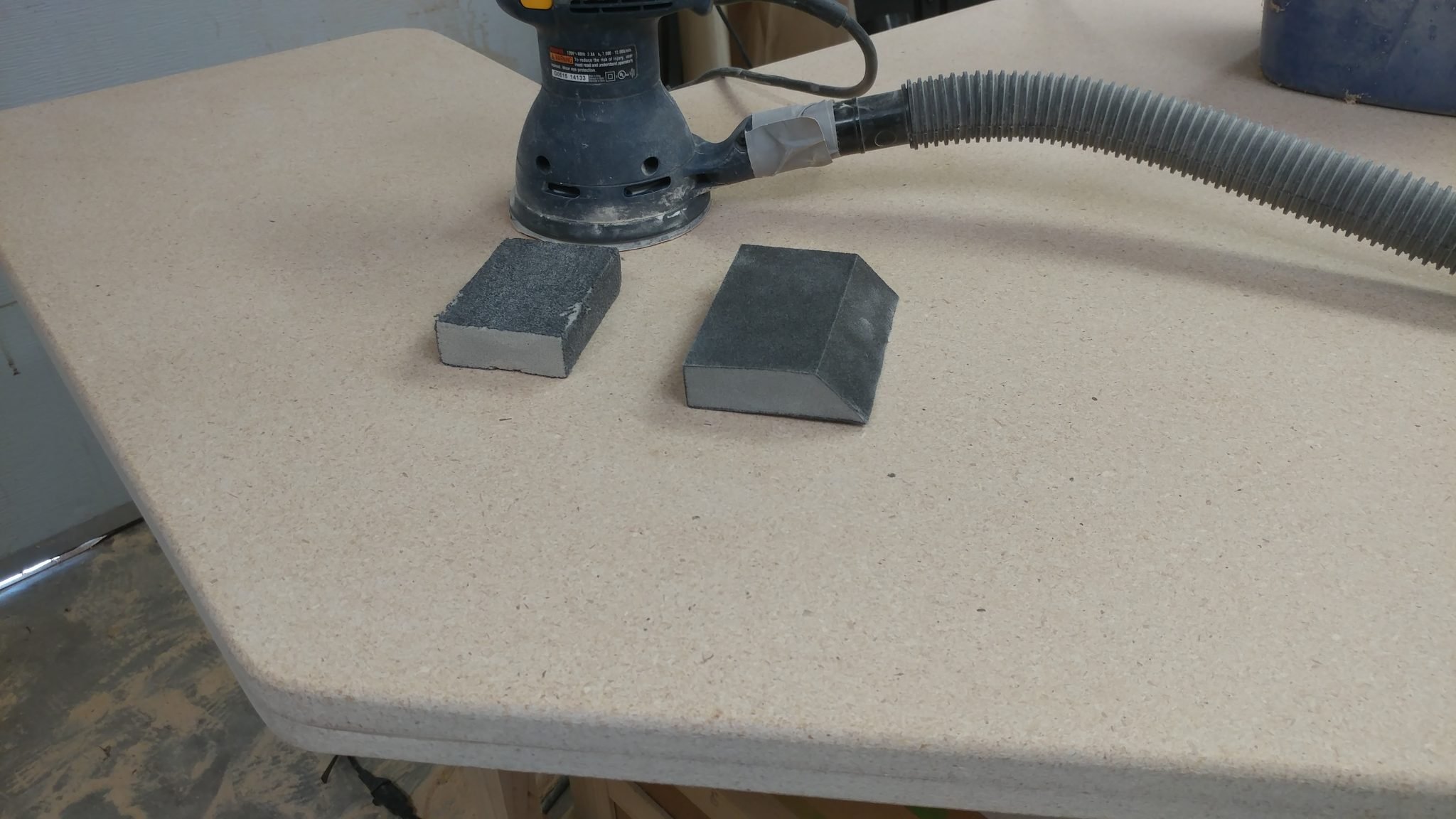
The last step for this part of the project was to clean the pieces up to get them ready for finishing.  I sanded the top and bottom faces of each piece with a random orbital sander and 220-grit sanding discs.  The edges were cleaned up first with a coarse and then a fine-grit sanding sponge.


This concludes part 2.


Closing remarks

This is a difficult project, not in a woodworking sense since it’s ridiculously simple in it’s construction but in that I don’t have a lot of room in my shop at the moment.  My shop is currently difficult to walk in, much less build in.

I’m going to stain the wood next then apply several coats of matte finish polyurethane.  This isn’t going to be particularly interesting and will be time consuming so the next update might not have much to it.

Before I attach the legs and set up the desk, I need to also build the racks that will store the computer and recording gear.  These will determine the final placement of the legs since they are used to hold up the racks.  I’m going to try to get these built while I work on the finishing but I also want to make sure that the finish is protected from sawdust from building the racks and like I said, I have very little room in my shop right now.


If you have any suggestions, please leave them in the comments below.  I’d love to see any desk builds you’ve done.  Also, if you haven’t already, please consider signing up for my mailing list so you get e-mail notifications when I post new articles.


Studio Desk – Part 1: Preparing the top and bottom

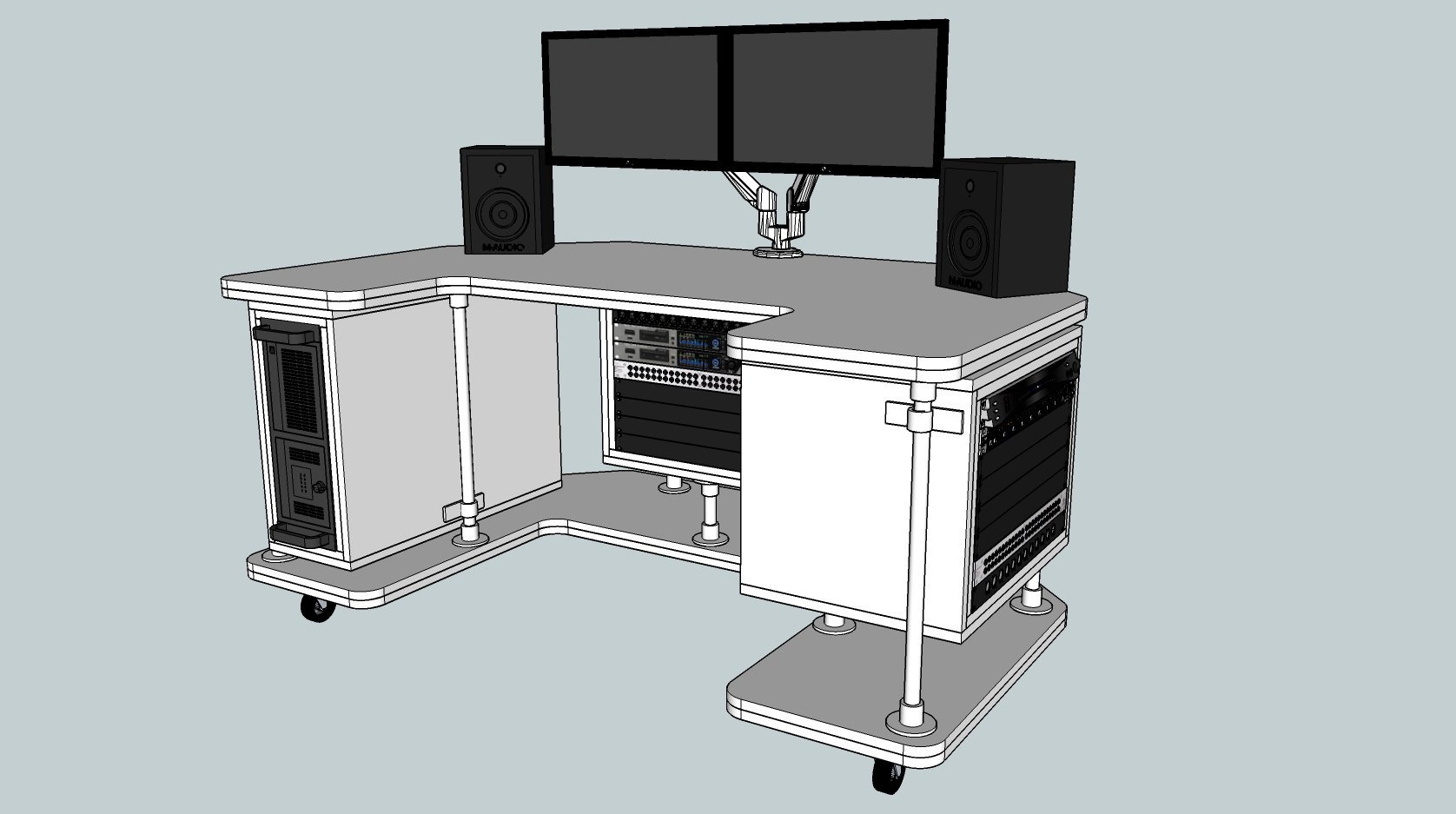
I finally settled on a design for my studio desk.  It needed to fit into the breakfast nook, be mobile, and house the various racks of gear needed to record music.  I went through almost 20 designs before I settled on this one, not because it was the best, but because I knew I would never find the “perfect” design so I should just pick one and go with it.
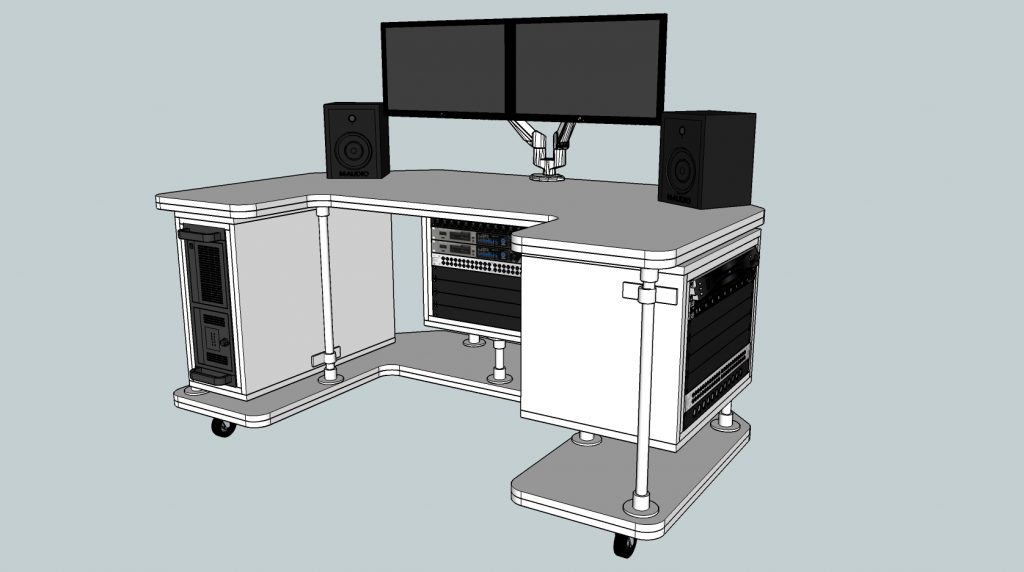
 

The desk will mainly consist of a top and a bottom that are joined with vertical pipe sections.  The electronic gear will be stored in racks that will be modular, in that I can change their placement at a later date if I decide to.  I decided to use two layers of particle board for both the top and bottom.  It’s not apparent in the rendering but I’m also going to do a roundover on the tops and bottoms of each piece.  I’m also planning on staining the particleboard a dark color and protecting them with several layers of polyurethane.


Cutting the pieces to size

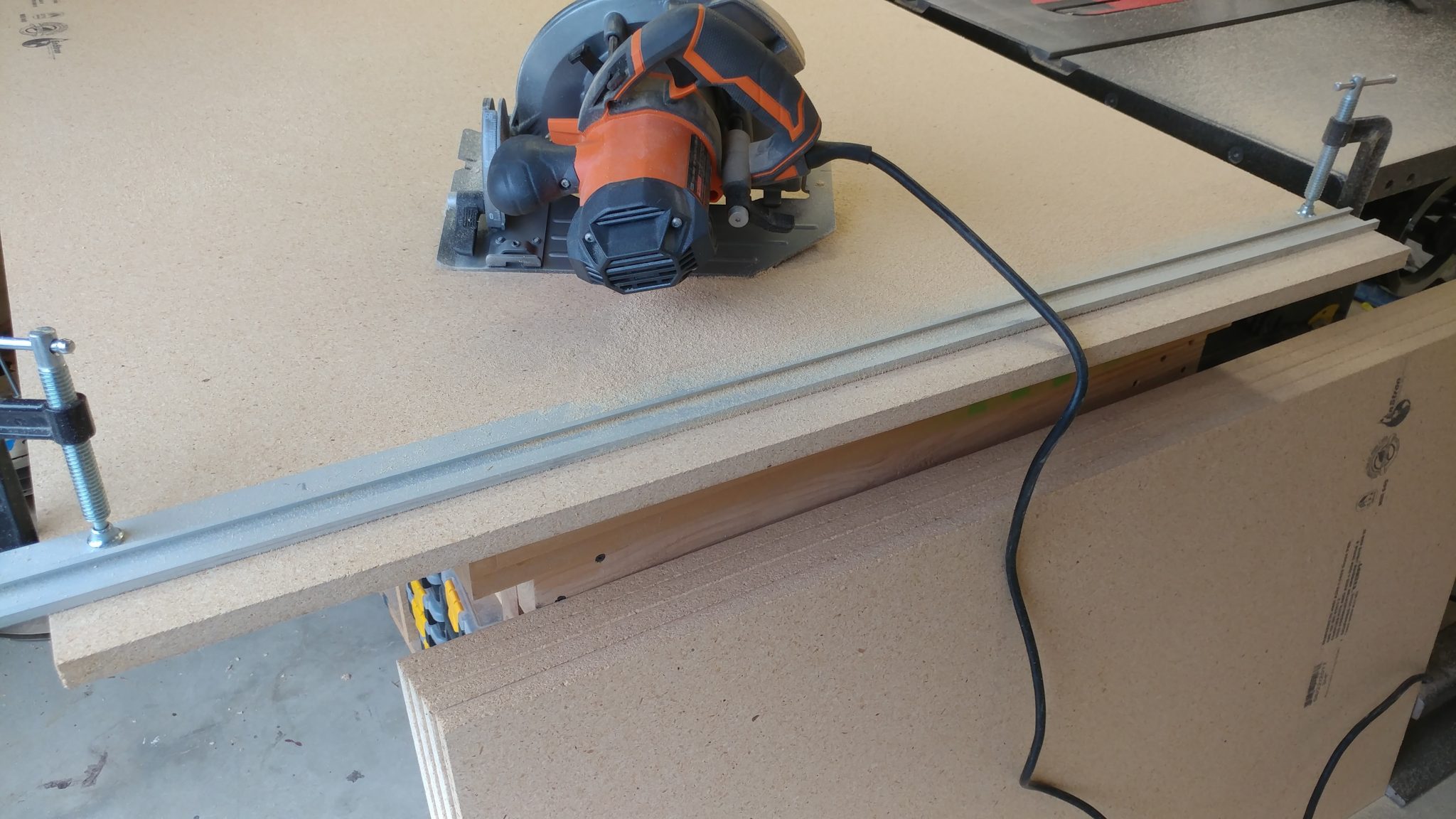
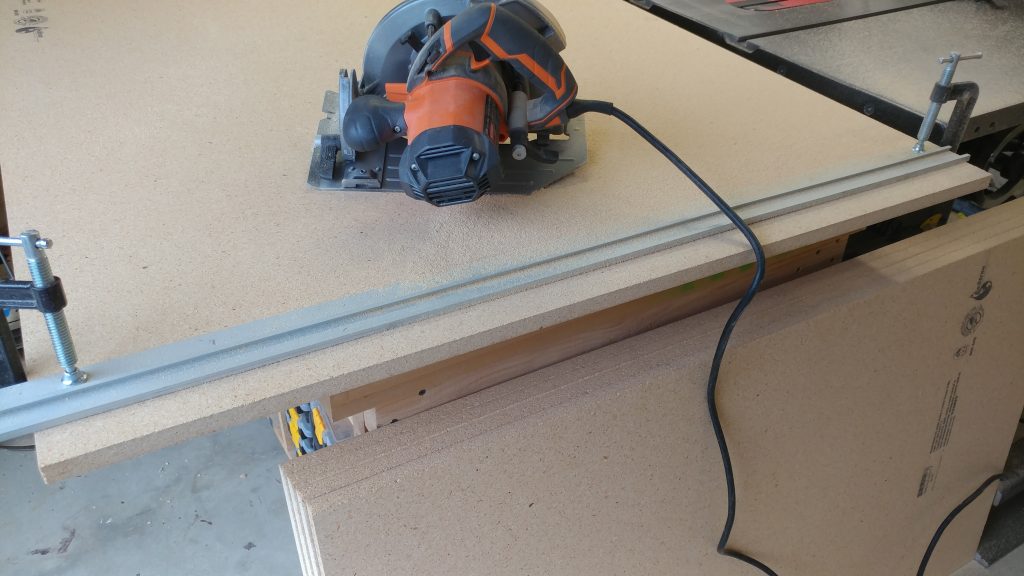
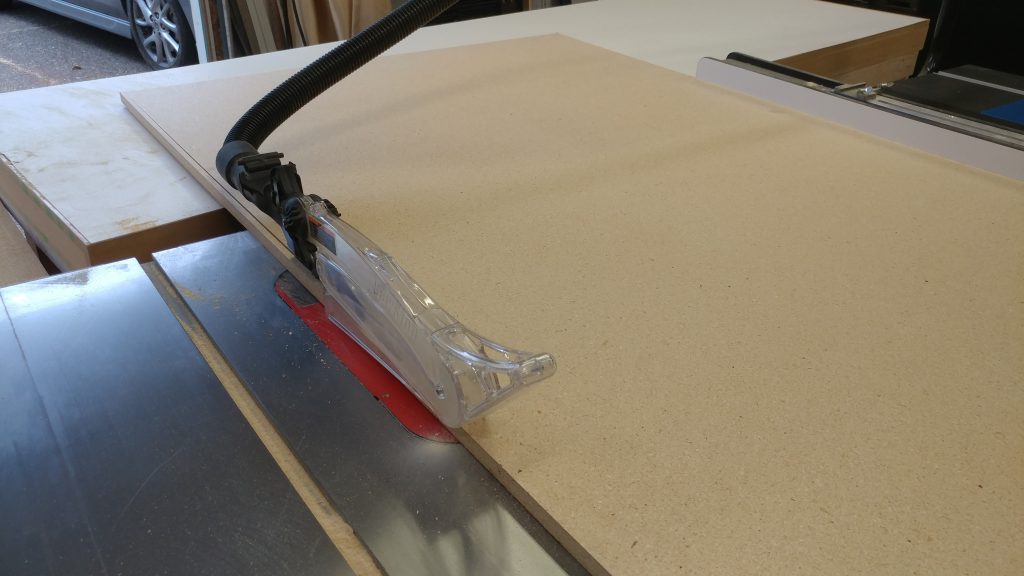
I started with the pieces cut slightly oversized on the panel saw.  Then I cut them to their exact length with a circular saw.  I did this by cutting a little bit off one side then flipping the board around and cutting it down to the exact length on the other side.  I did it this way so I wouldn’t have any factory edges on the final board, which may have nicks on them.
 

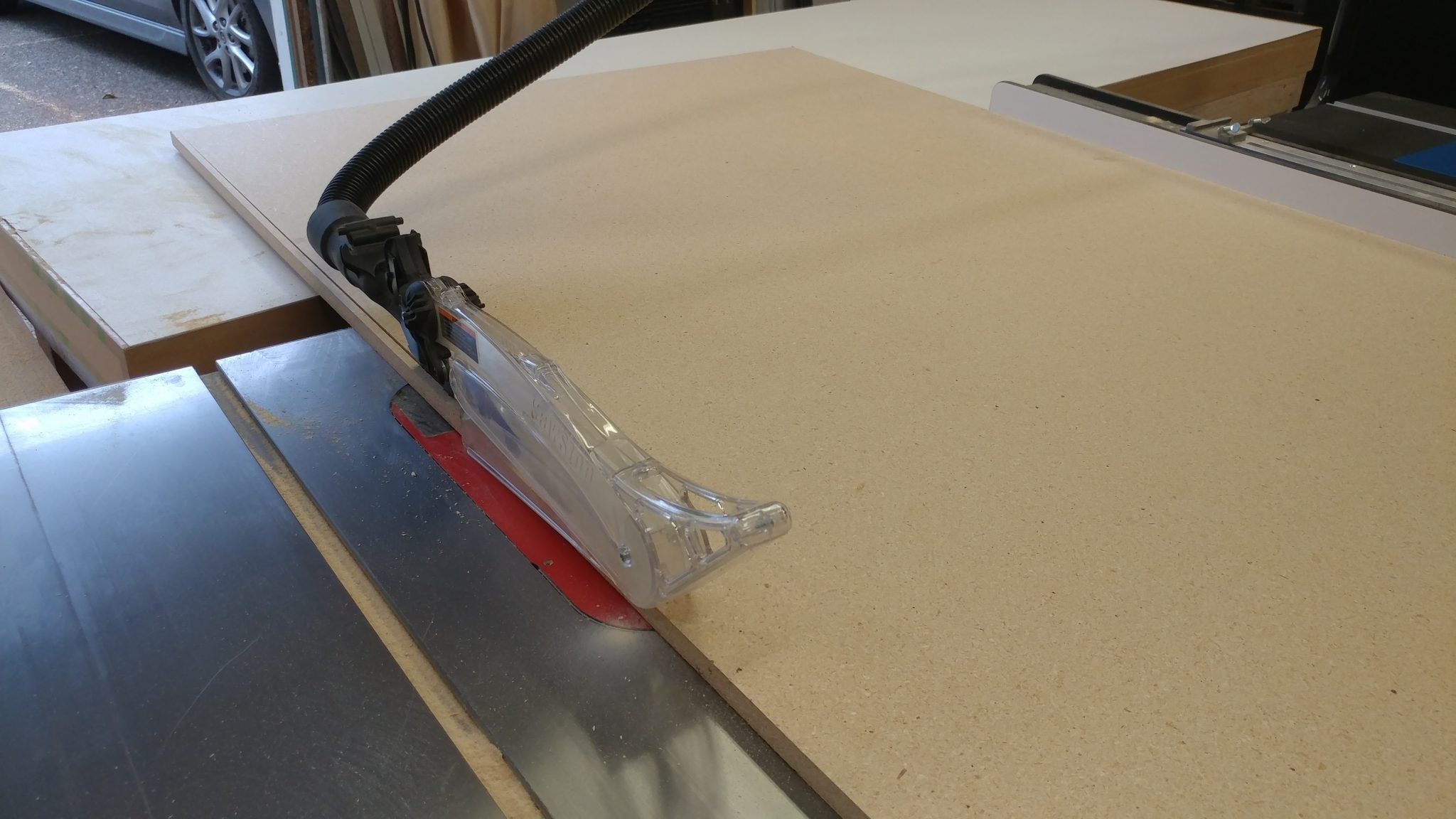
Next, I ripped them on the table saw to get them to their final width.  I did the same thing where I took a little off one edge then flipped it and ripped it to the final width.


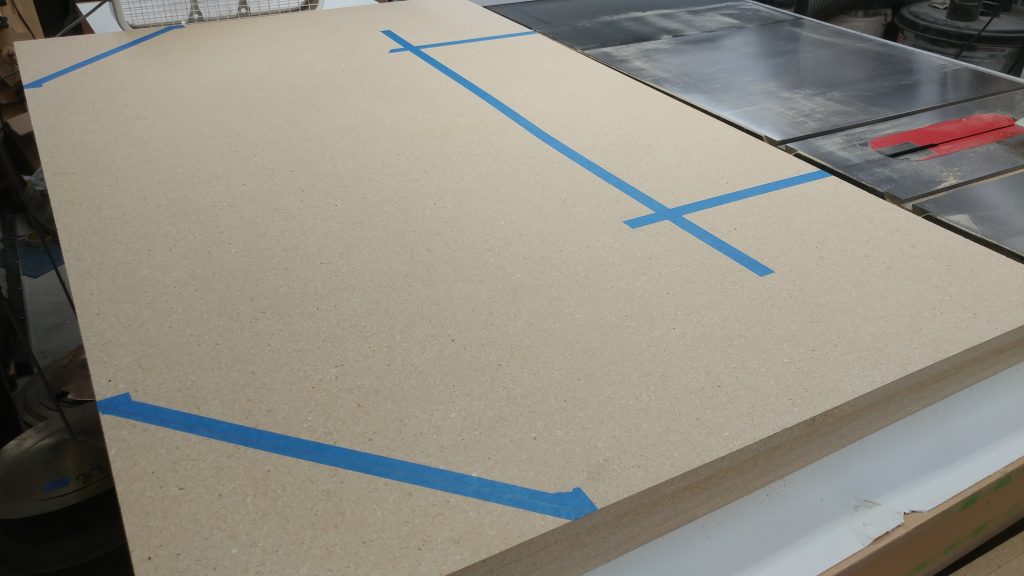
Marking the outline

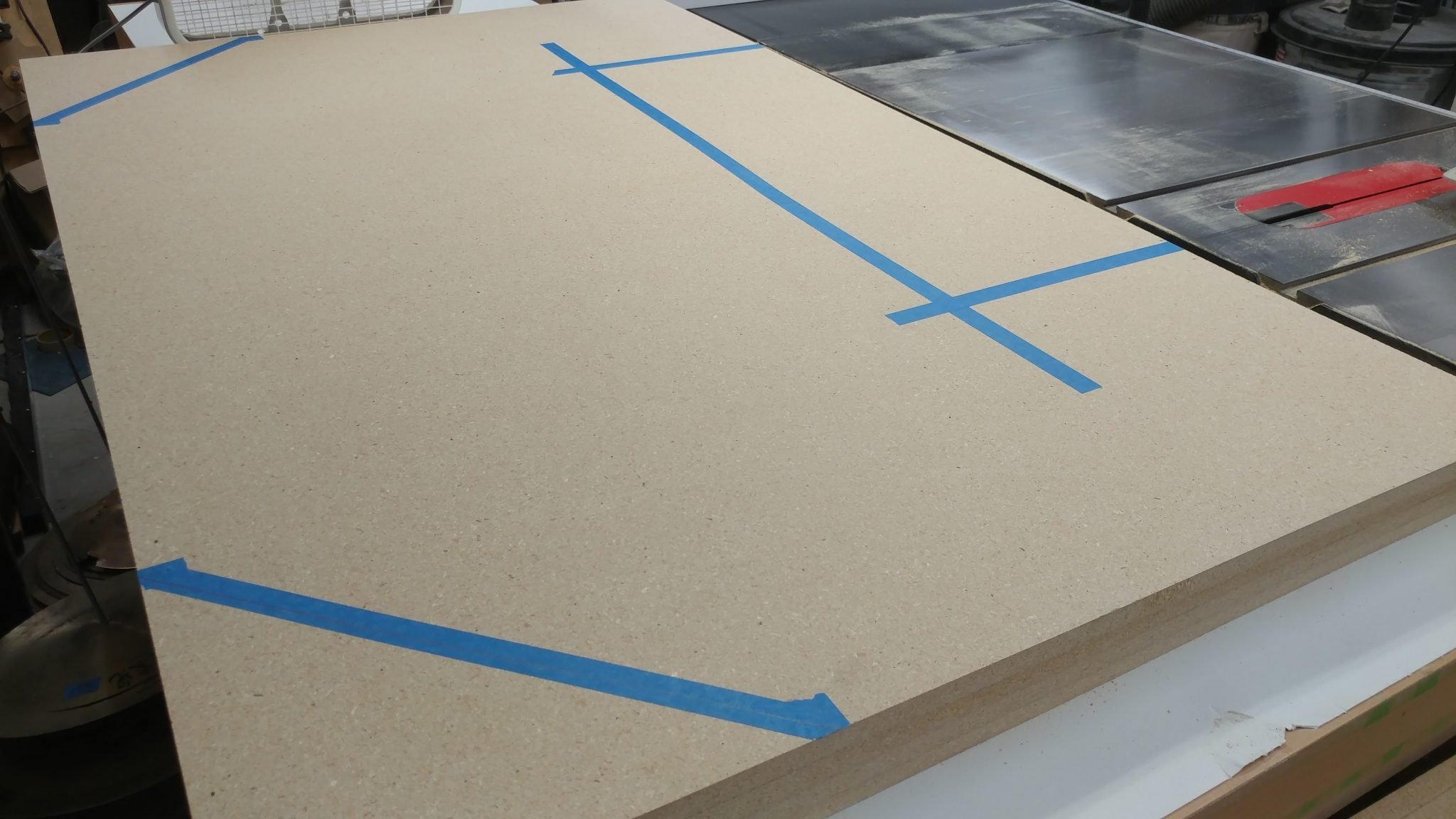
The next step was to mark out where I was going to cut.  Now, I should mention that although this desk has been planned out, some of it is dealt with on the fly.  I had some measurements but they were just guidelines.  The important thing is that it isn’t too wide to fit in the breakfast nook, or “control booth” as I’m now calling it.  That being said, the marks for cutting aren’t permanent so I drew them on painters tape at first.
 

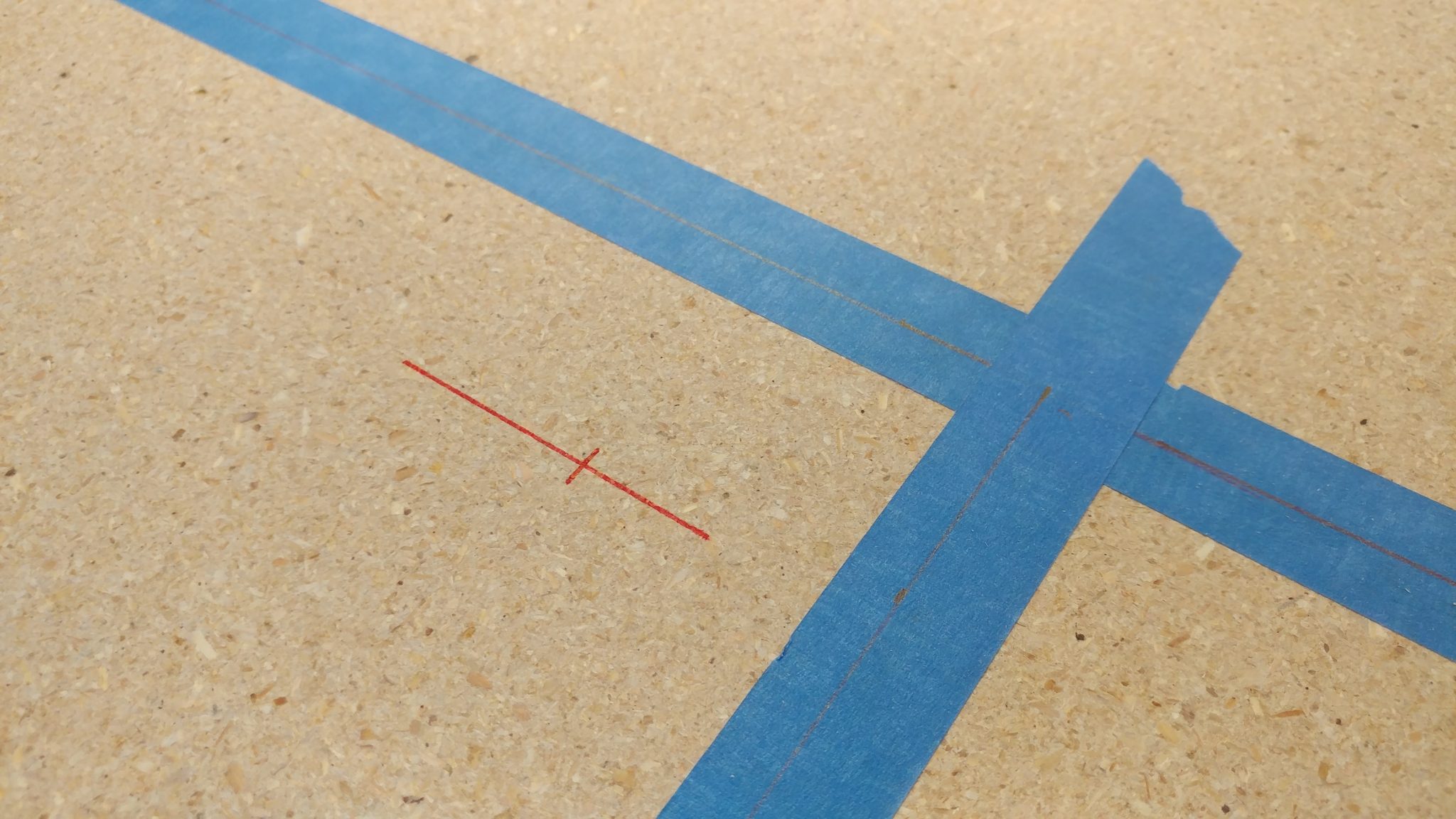
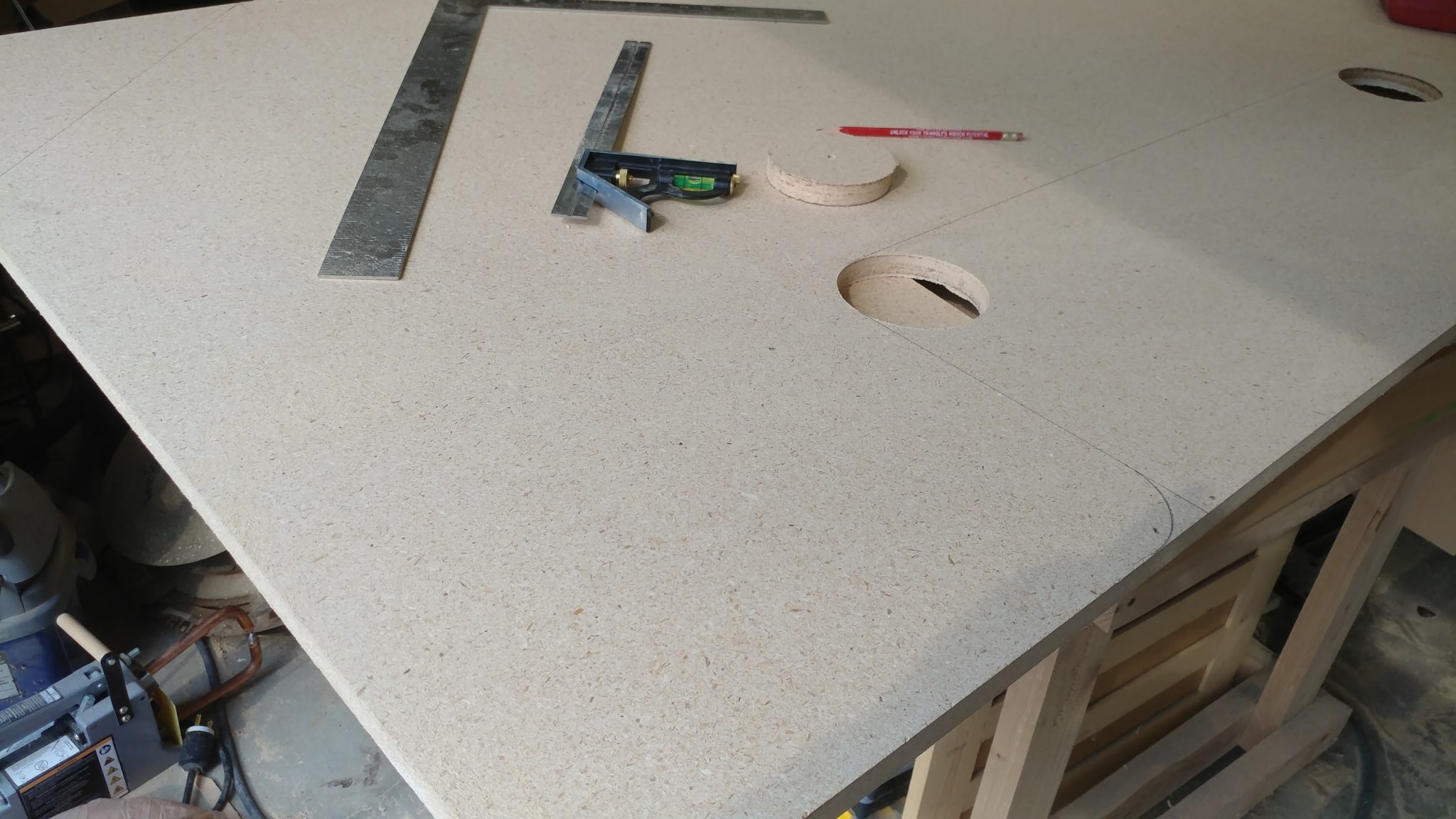
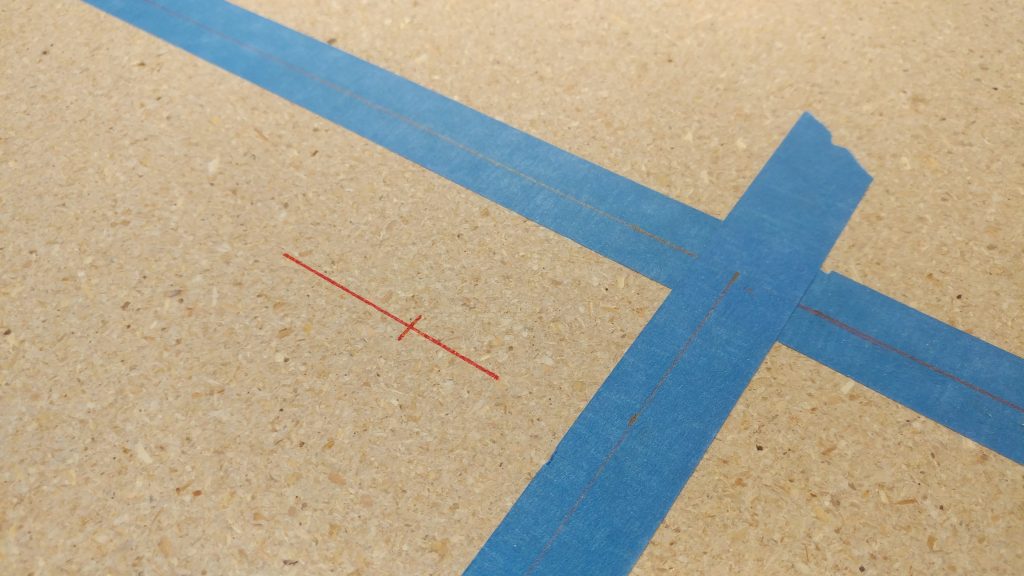
Once it was decided where the cuts will be, I marked 2″ over in both directions from the inside corner so I could drill a 4″ hole.  This will be clear in a little bit.
 

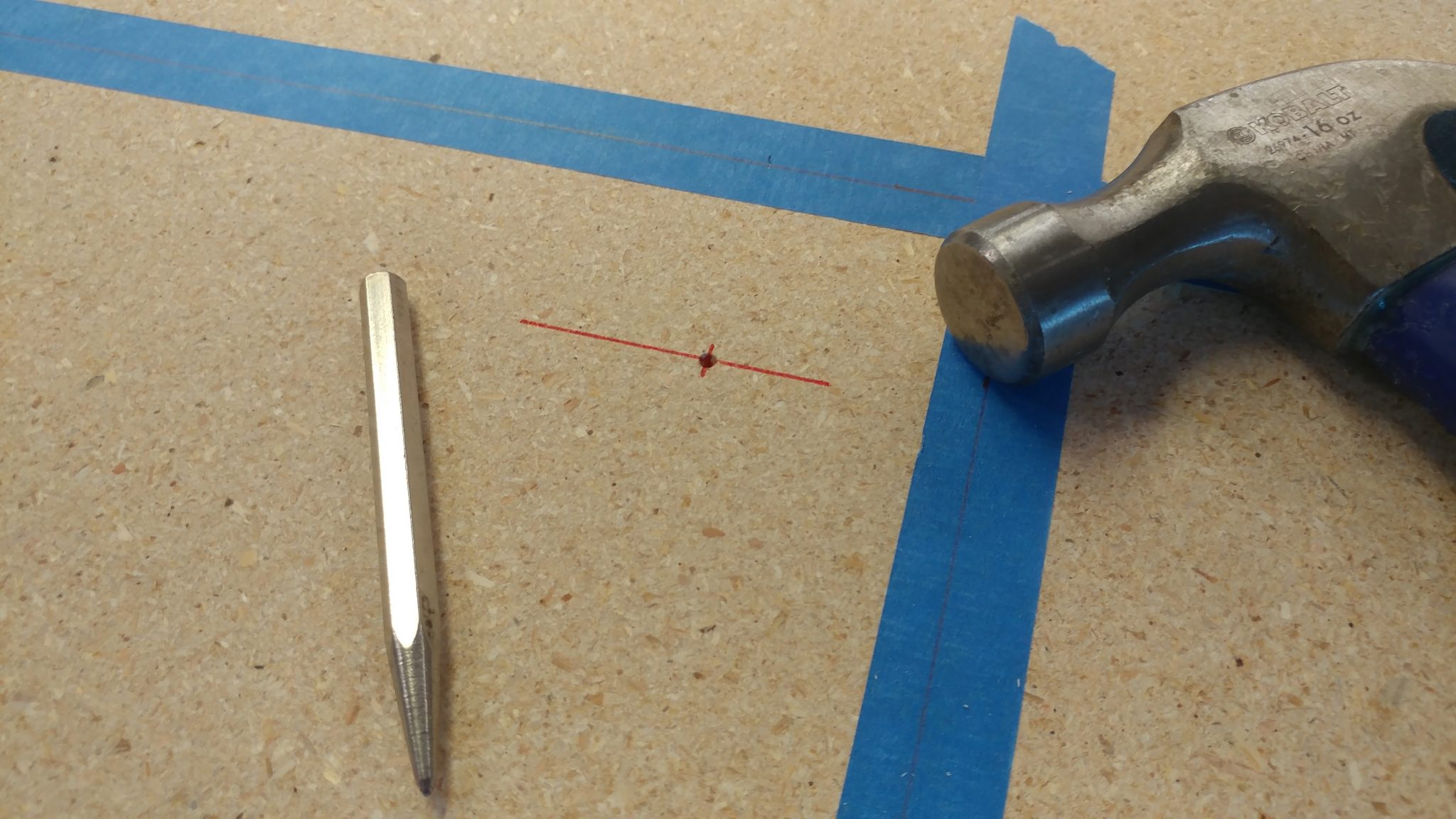
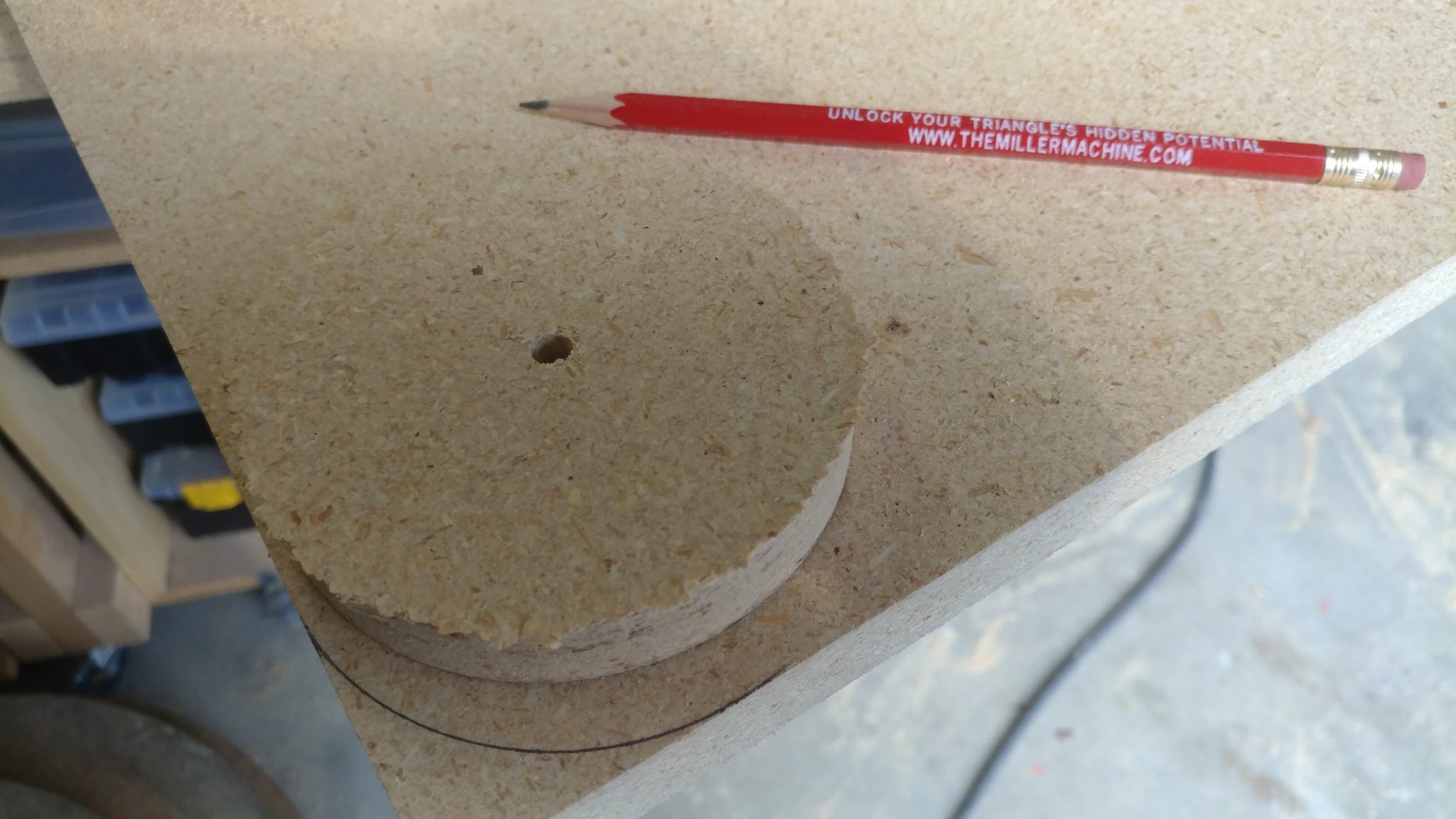
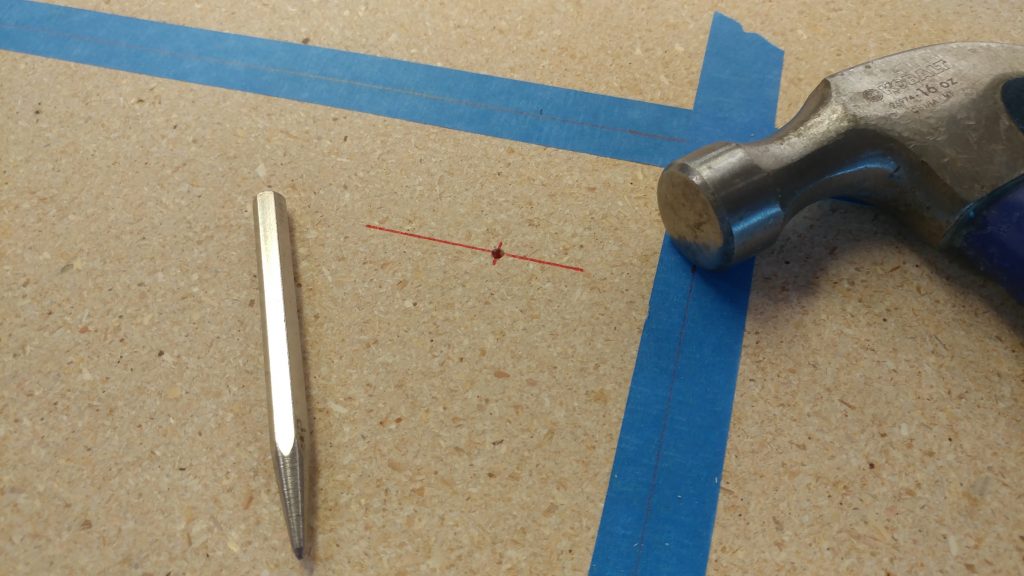
I didn’t want my hole saw to wander so I grabbed a hammer and a punch and made an indentation where I wanted the hole to be centered.
 

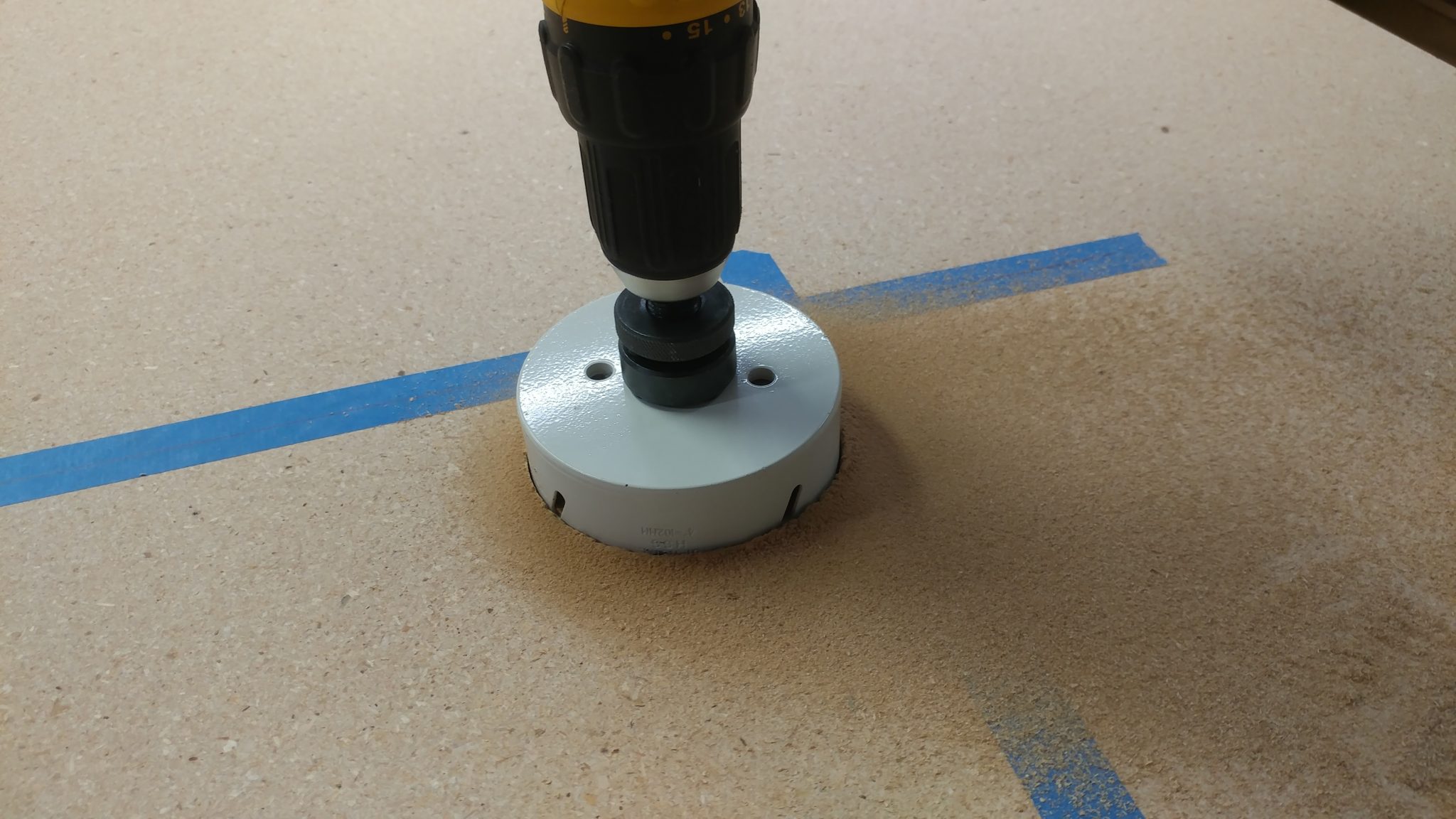
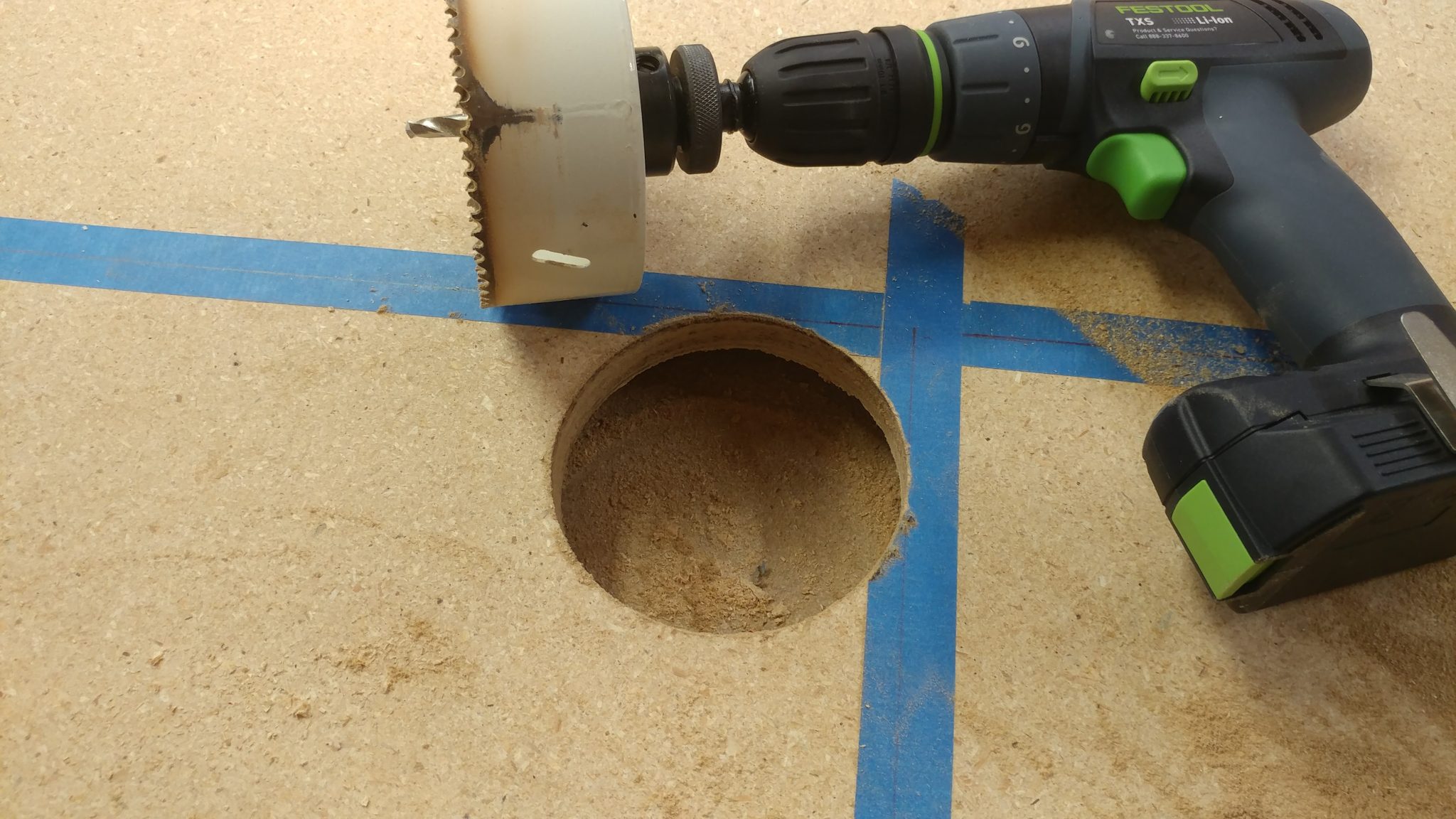
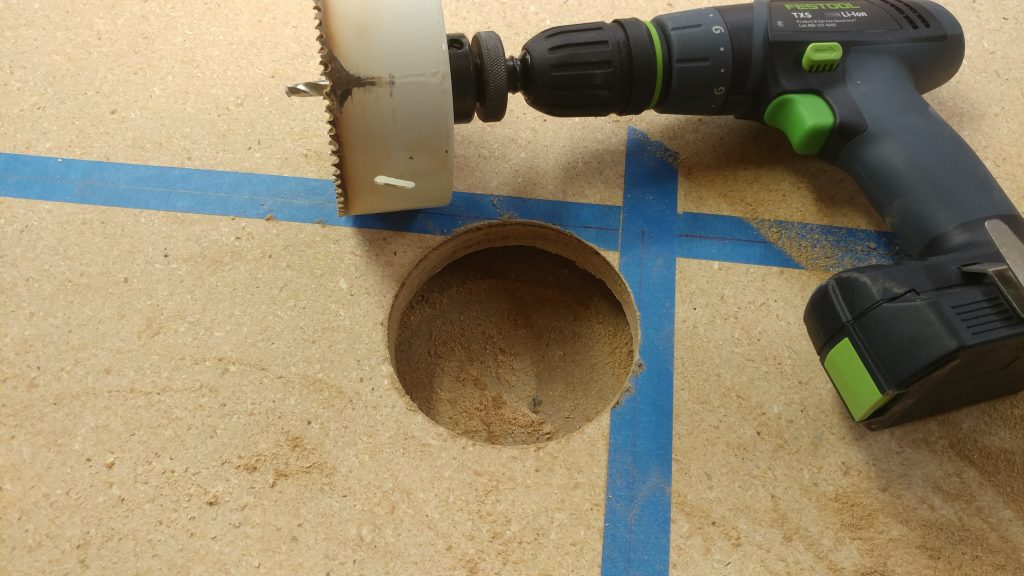
Then I was able to use my (dull) 4″ hole saw to make this cut.
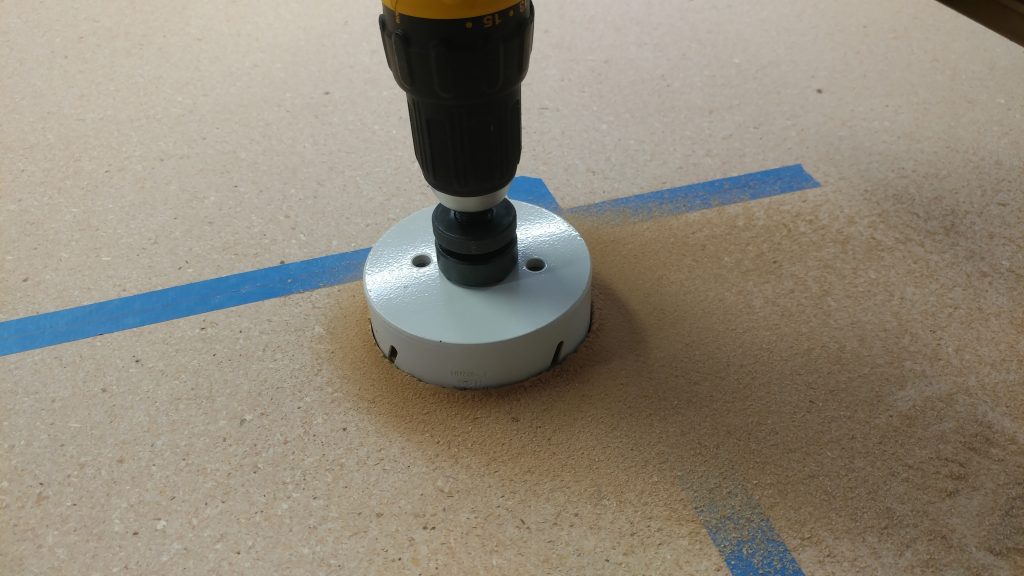
 

I wasn’t too concerned about blowout on the other end because of the roundover I plan on adding.  as such, the material wasn’t supported underneath.
 

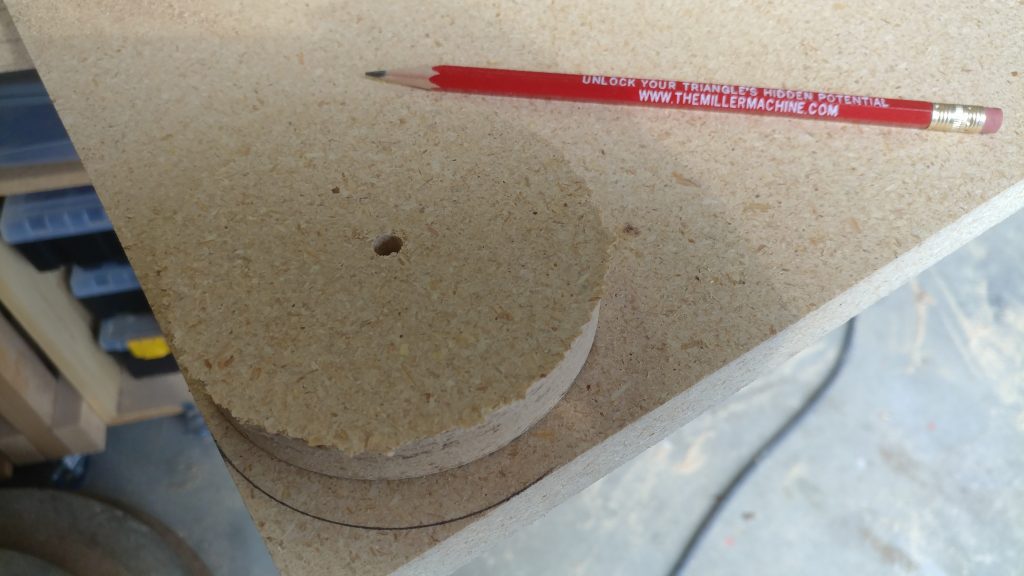
I wanted similar radius’s on the outside corners, but they didn’t need to be exact.  I used the cutout from the hole I made to trace a corner radius on each of the outer corners.
 

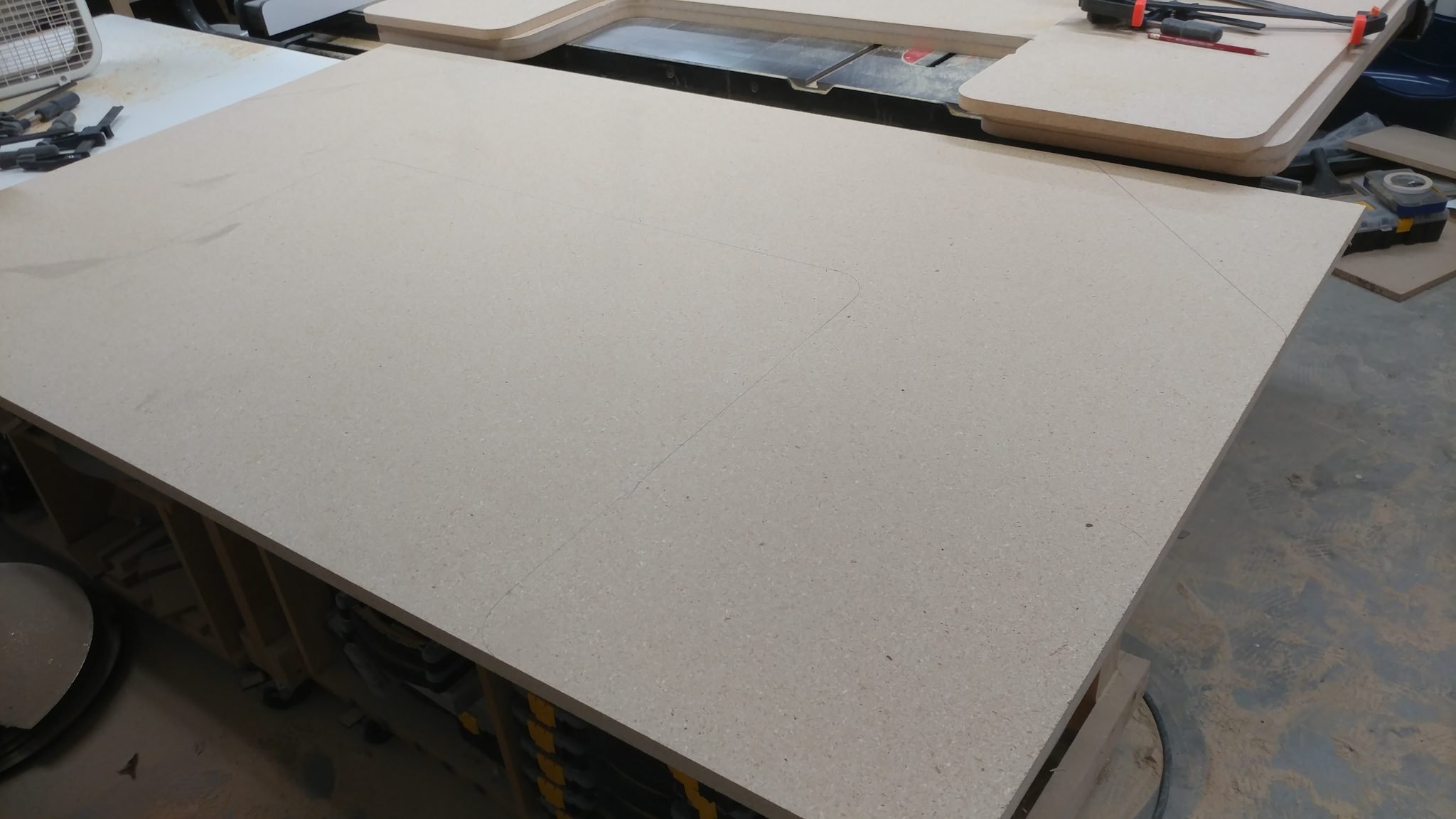
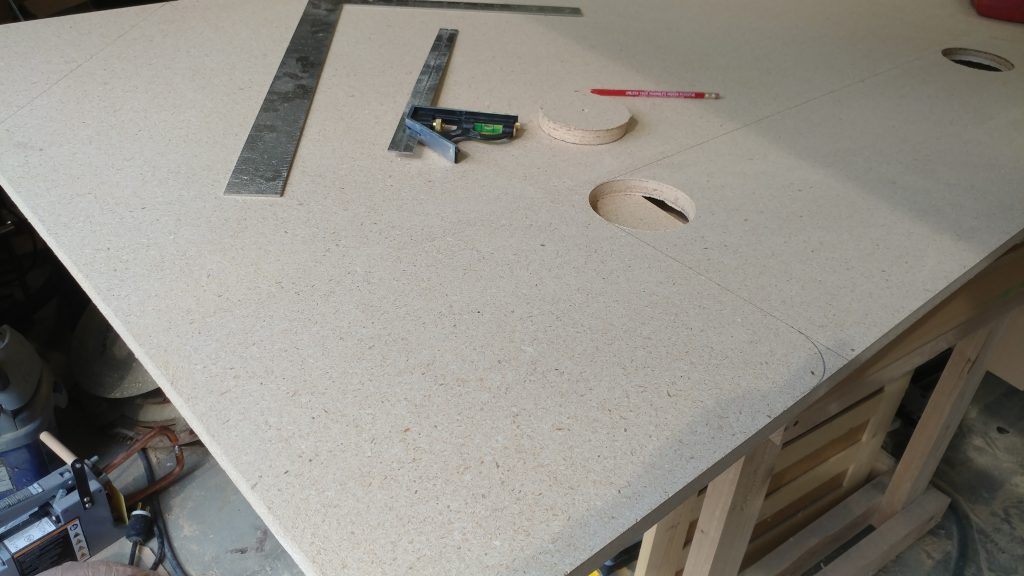
I had the entire thing planned out and traced on the board.


Cutting out the first (and most important) piece

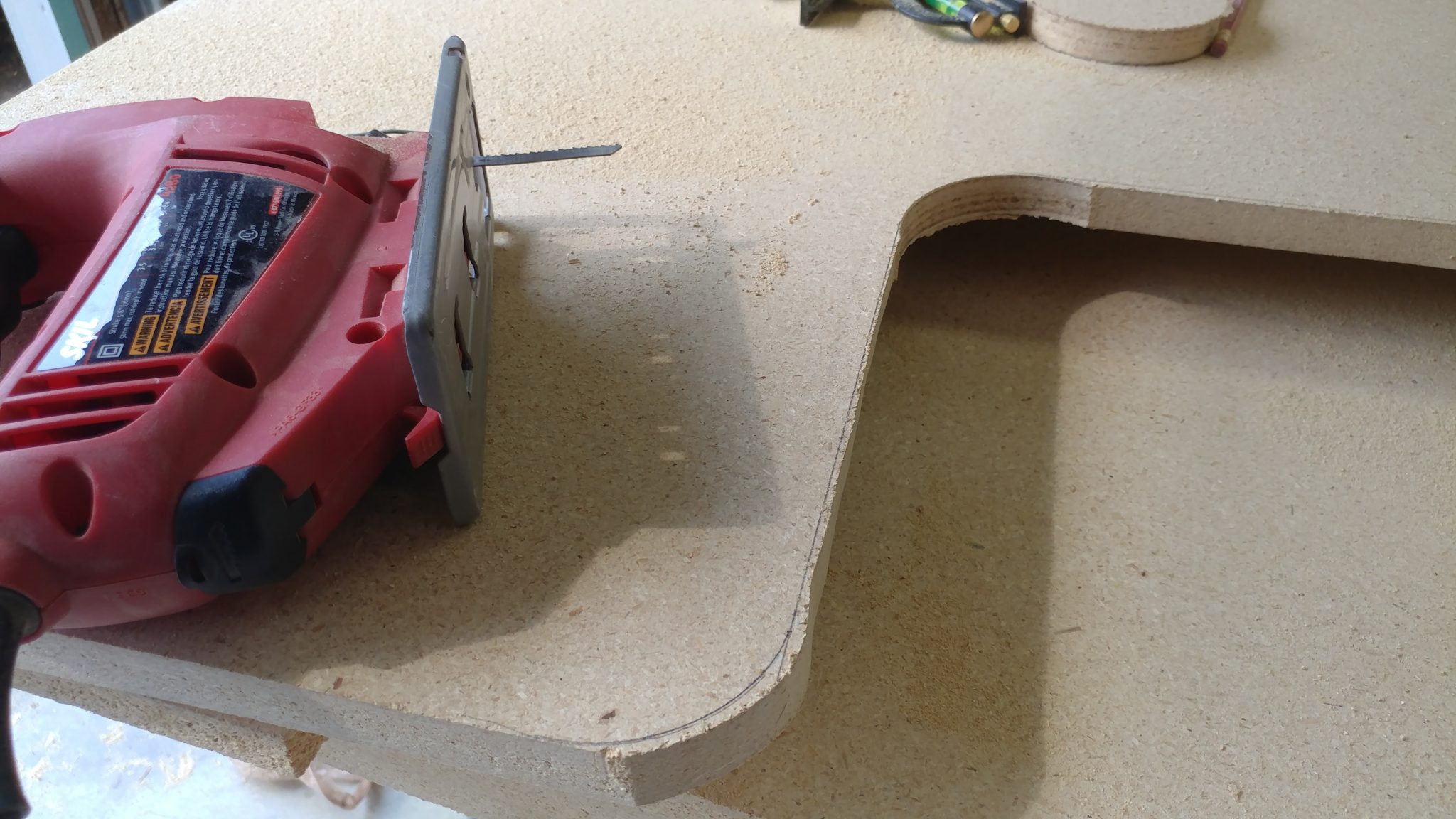
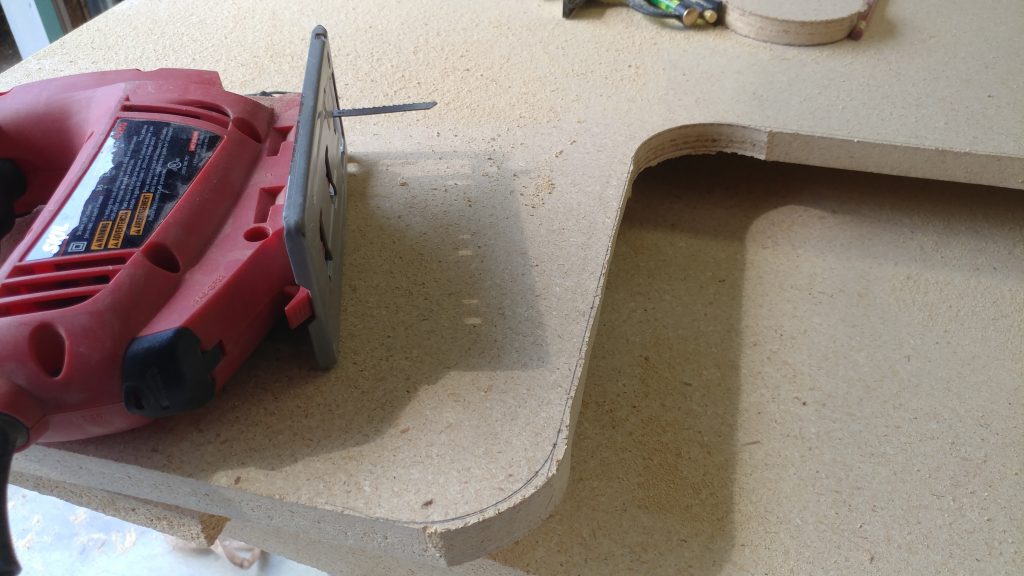
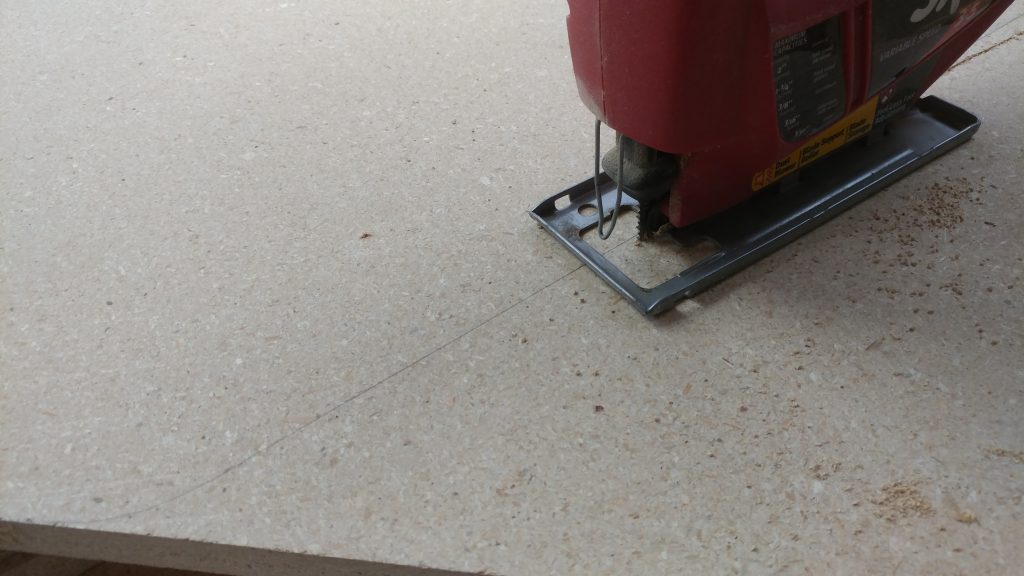
With the outline traced, I used a jigsaw to cut close to the line.
 

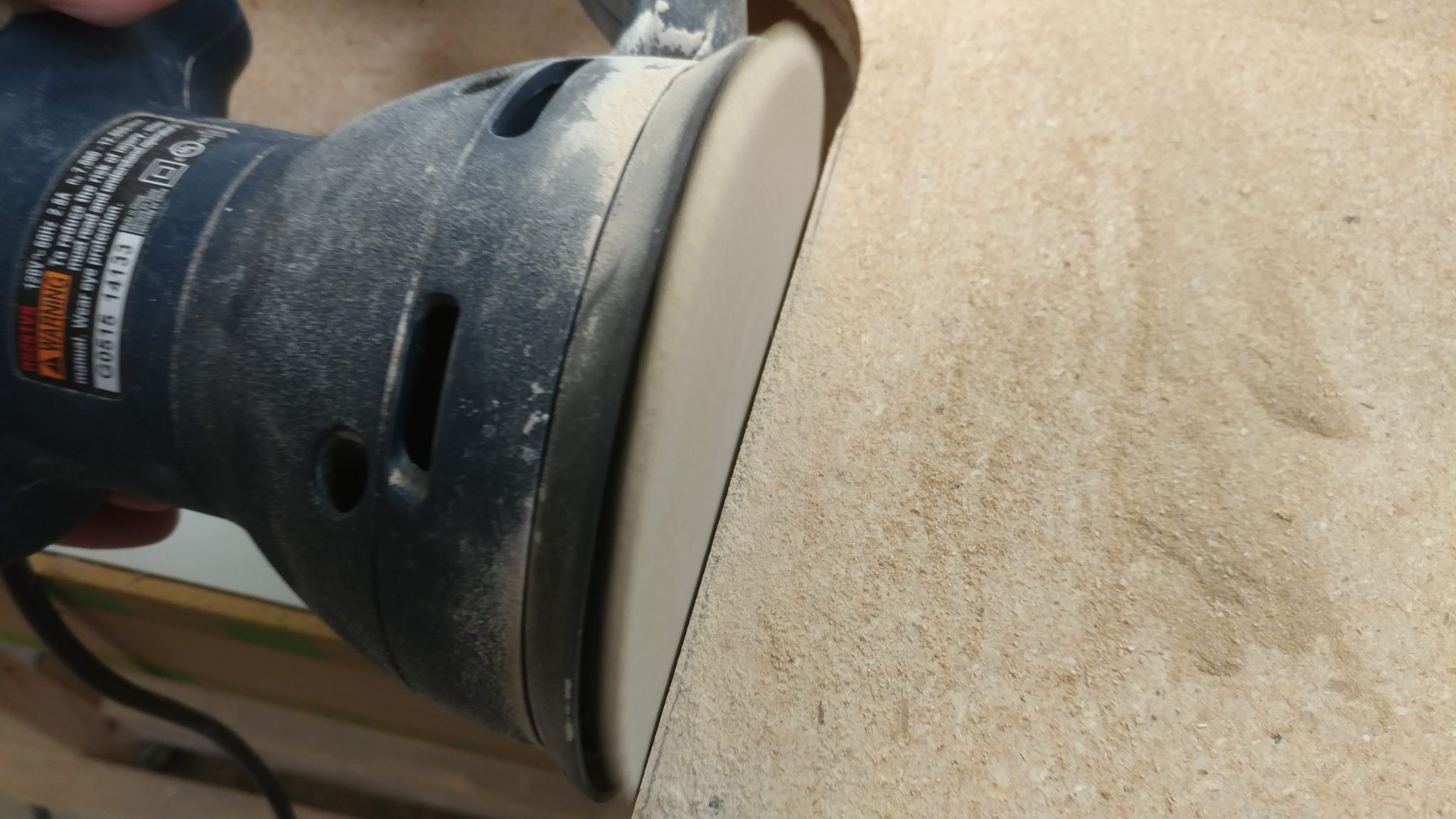
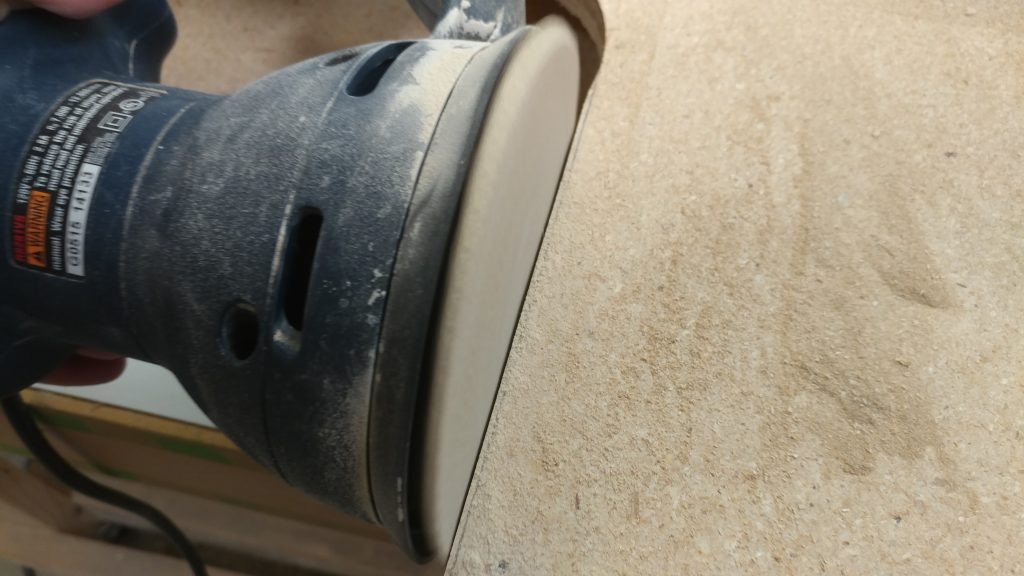
With the desktop shape cut out, I used a random orbital sander and a belt sander, both equipped with an 80-grit sanding disc and belt, to sand up to the line.
 

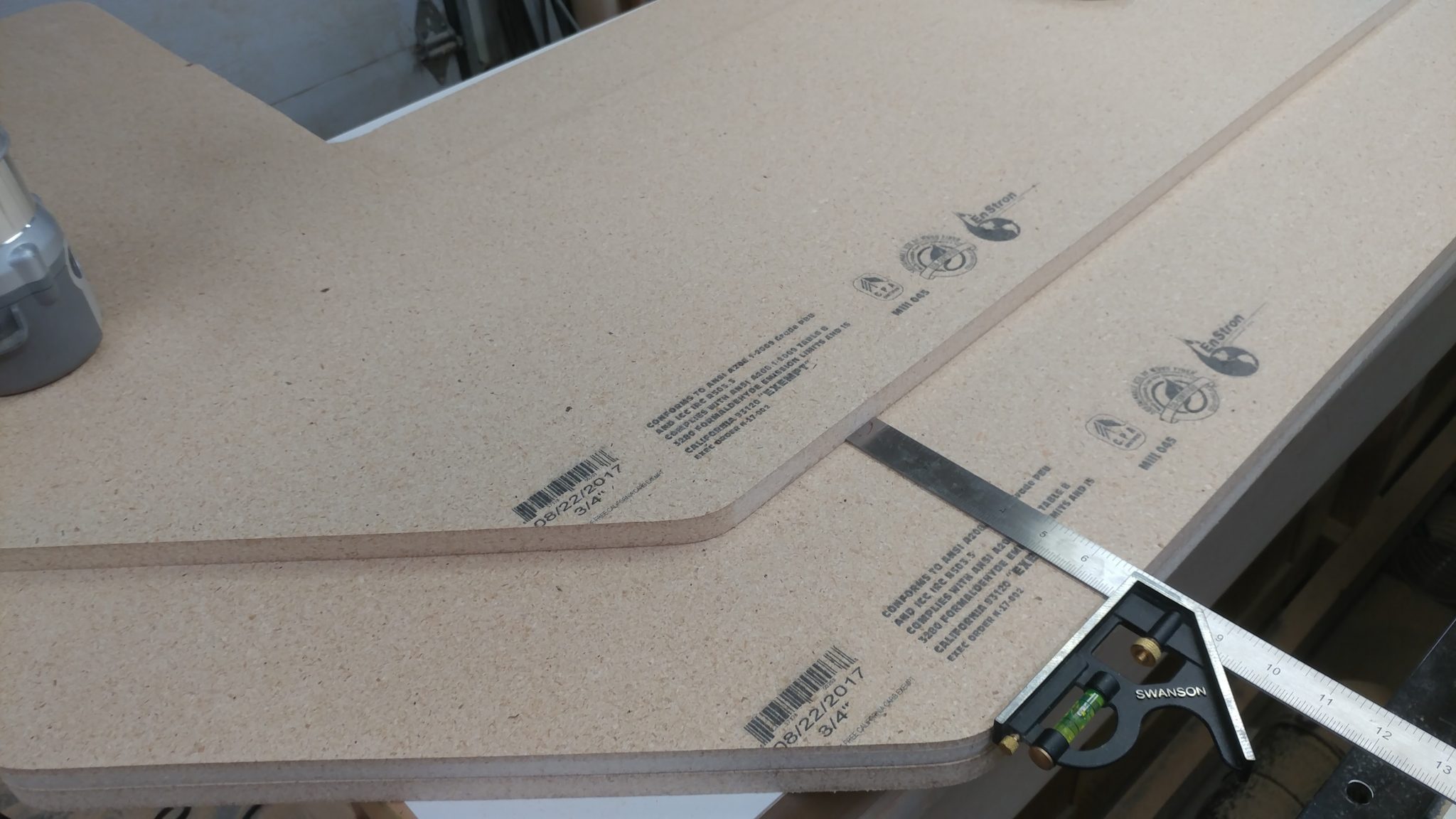
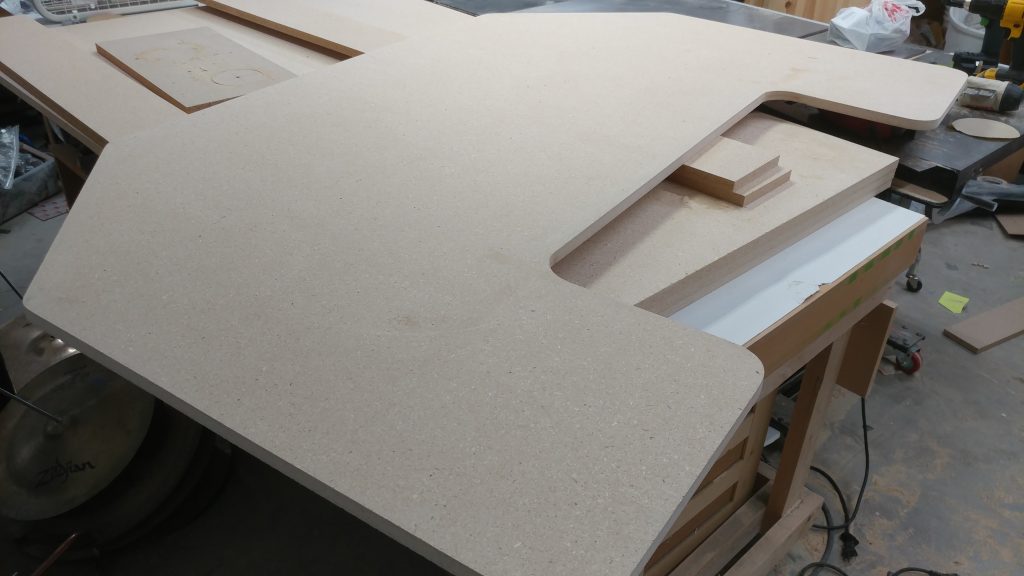
One layer of the desktop is complete.  I’m going to use this as a routing template for the other three pieces, with a slight modification for the two bottom pieces.


Using the first piece to cut out the second

To cut out the second piece of the top, I use the piece that I just shaped and trace an outline in pencil on the second piece.
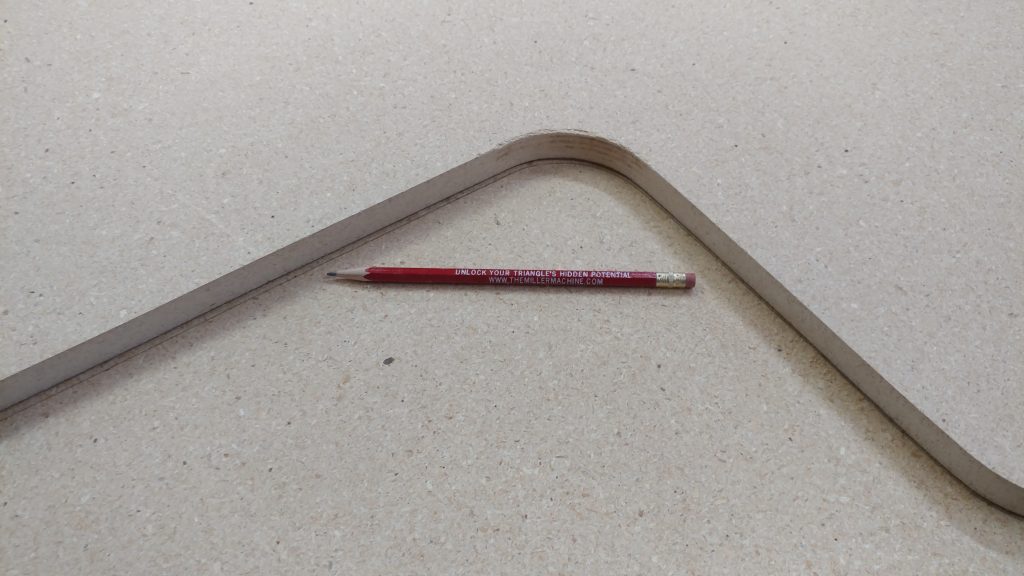
 

Once again I use a jigsaw to cut out the shape just outside the line.
 

I attempted to secure the two pieces with some double-stick tape (which although it looks wimpy, has never let me down in the past).
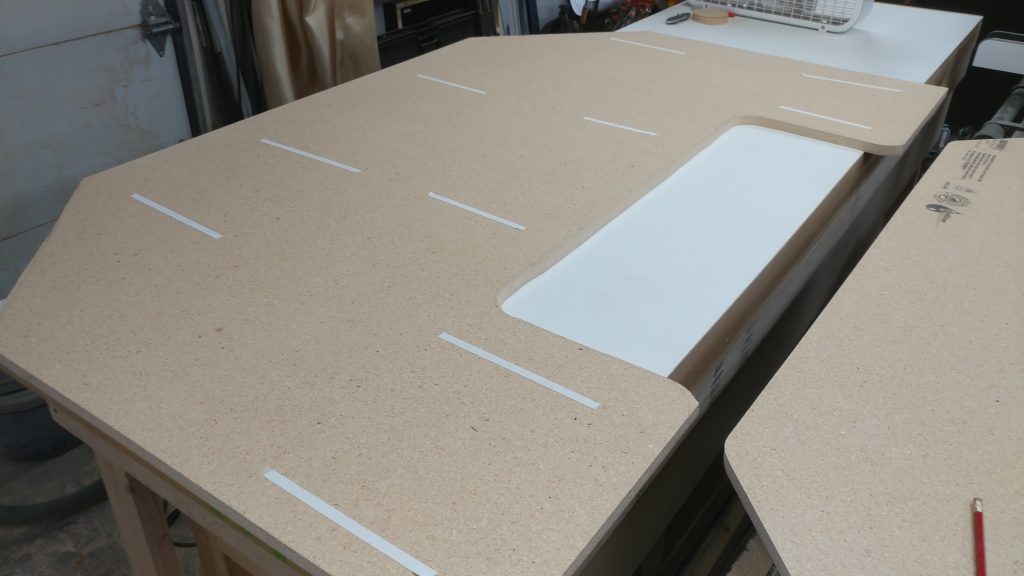
 

After placing the second piece in place, I realized that the double-sided tape that had never let me down, was letting me down.  As a solution, I added two screws since this was going to be the underside of the desktop and wouldn’t be seen.
 

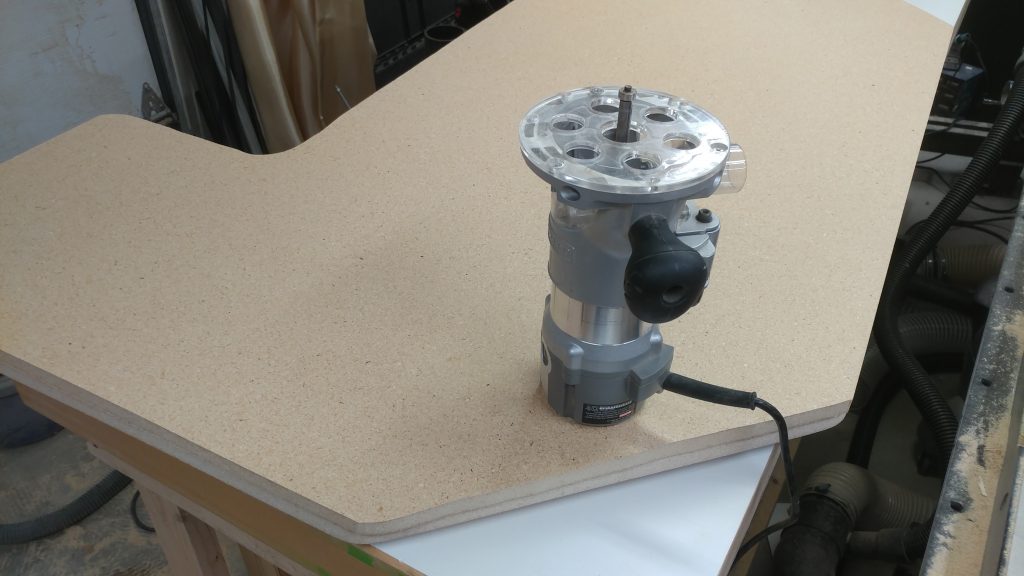
I equipped my router with a 1/2″ straight pattern bit.
 

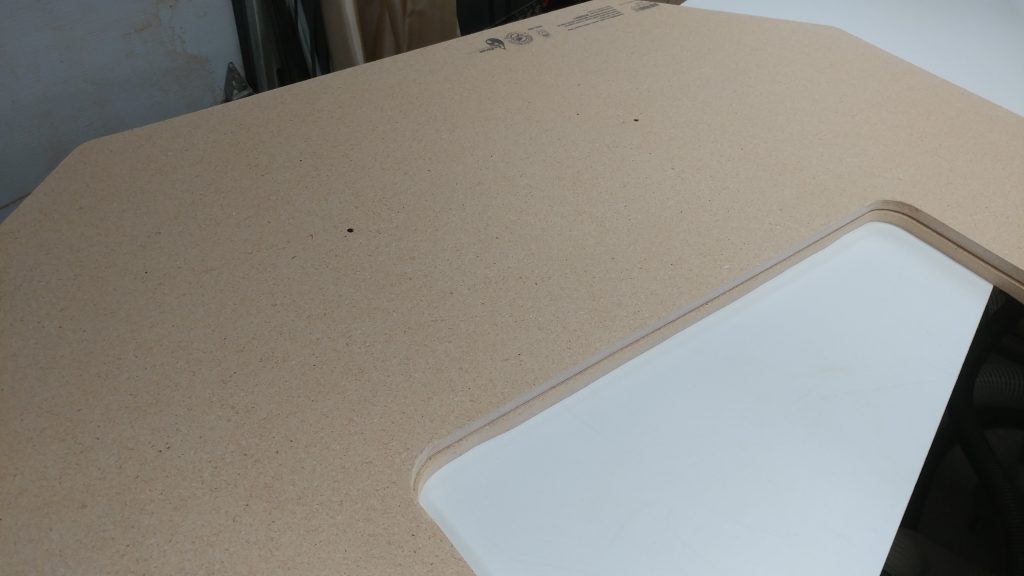
I then routed out the second piece of the top.
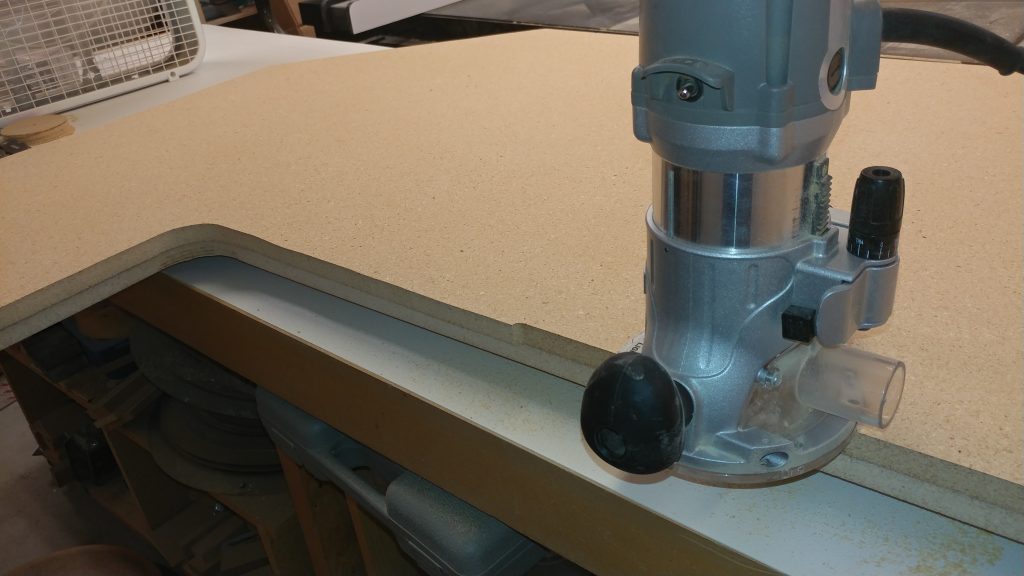
 

An exact replica.
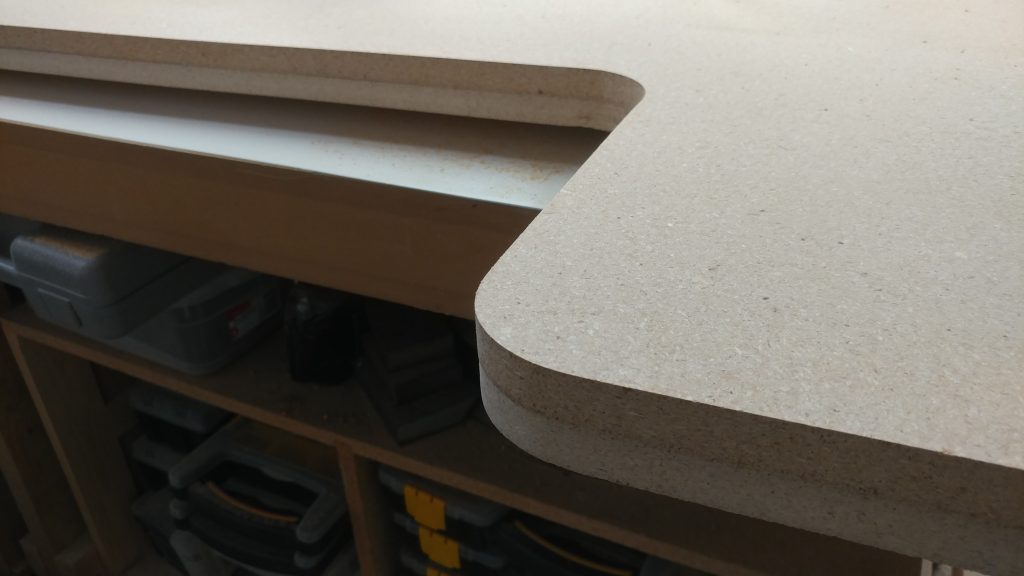


Cutting out the first bottom piece

This is where it got tricky.  The bottom needed to match the top but with the central area a bit deeper than on the two top pieces.  I accomplished this by tracing most of the outline then I pushed the top piece back a bit and traced the inner section.
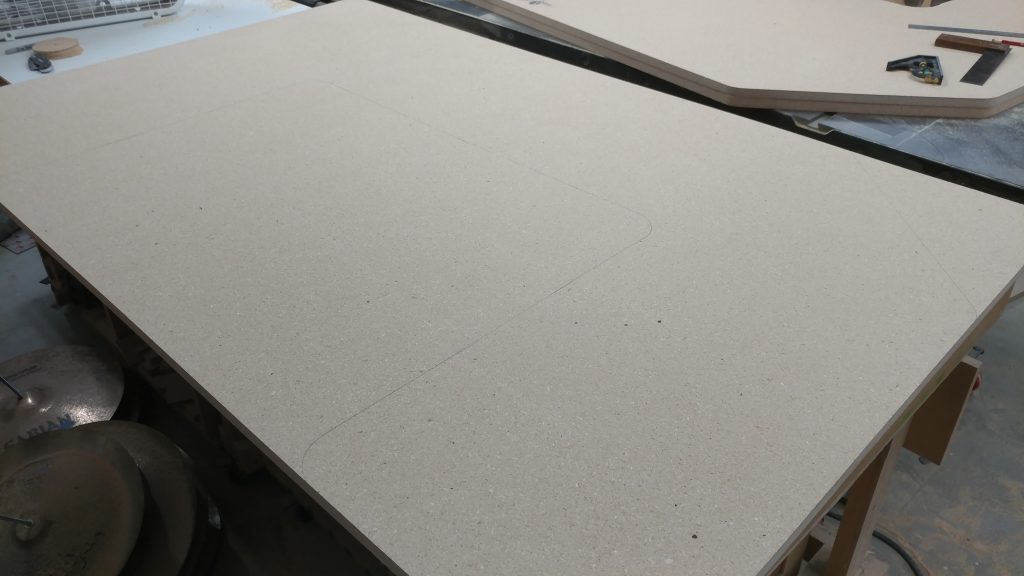
 

Once again I cut it out with the jigsaw.
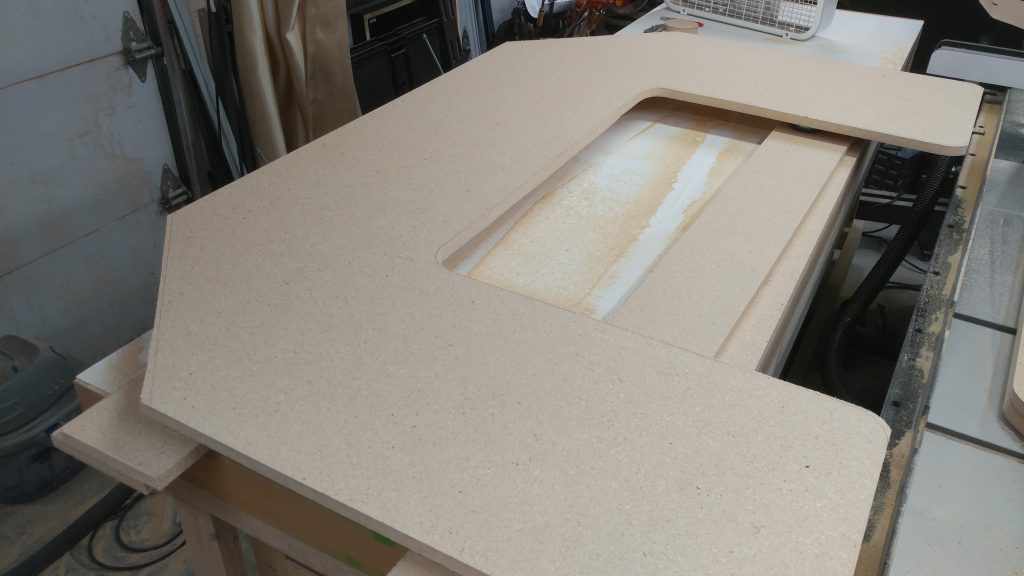
 

I then clamped the bottom piece to the top pieces, which were still screwed together.
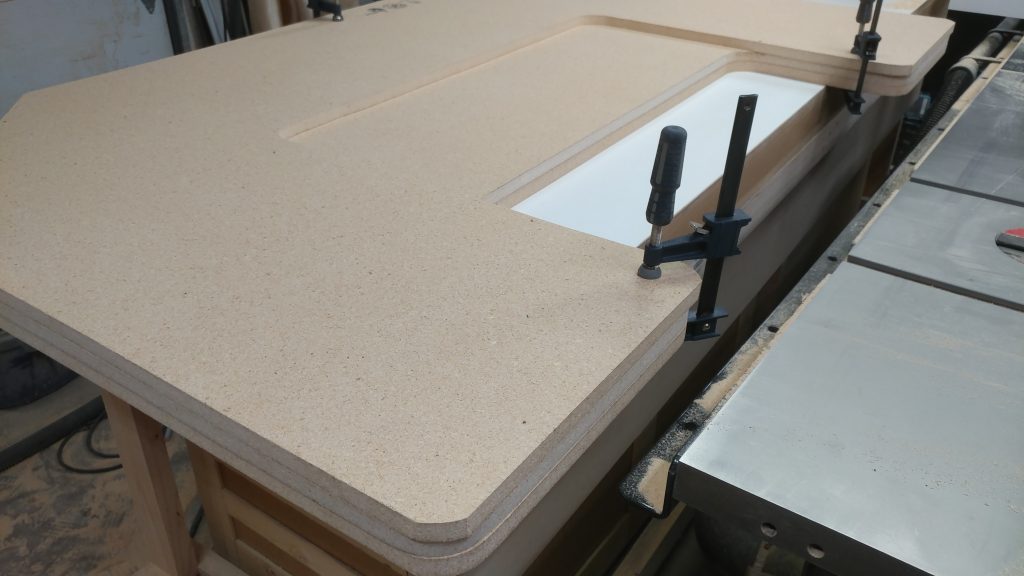
 

I routed as much as I could.
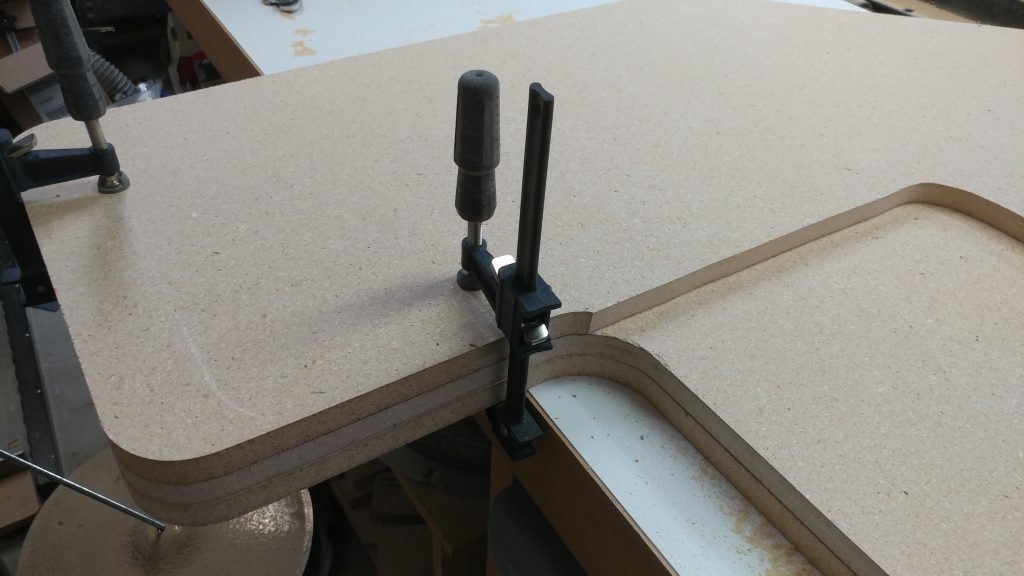
 

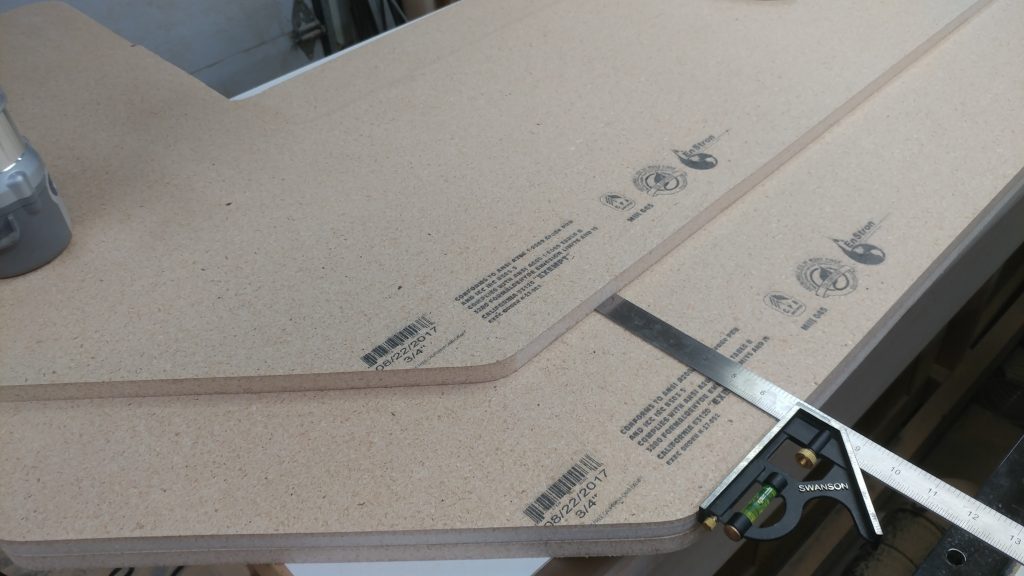
I then moved the bottom piece a bit forward so I could route a bit more of the inner edges using the top pieces as a template.  To make sure I got it pretty even, I used a combination square to move each edge forward the same amount.
 

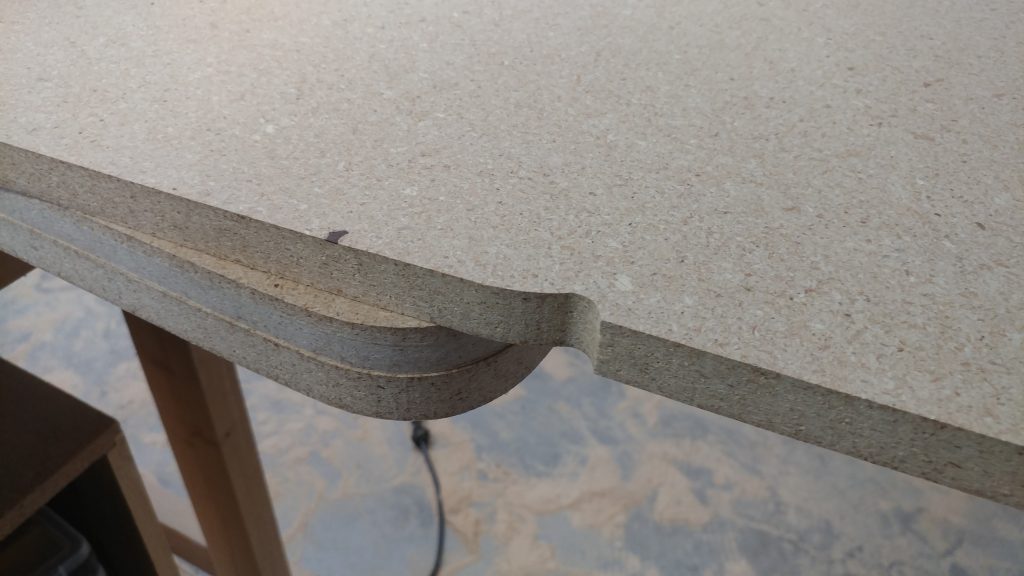
And this is where I screwed up.  I got a bit of the inner left edge routed fine then I went over to the right side.  Because of the placement of the router, I couldn’t see that I was coming up on the front corner of my template.  As a result, I took a chunk out of the bottom piece.  Fortunately, this will be easy to fix later since I’m using particleboard.  I’m just going to keep going and fix it later before I put the roundover on them.
 

After moving the bottom piece forward again I was able to get the inner corners to match those on the top pieces.
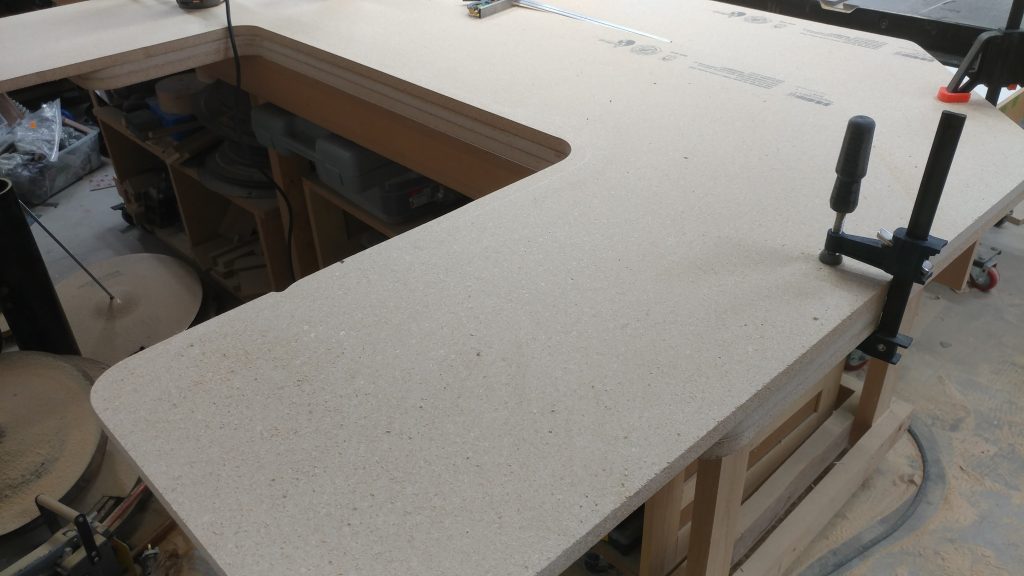


Cutting out the second bottom piece

I then traced the bottom piece onto the last piece of particleboard.
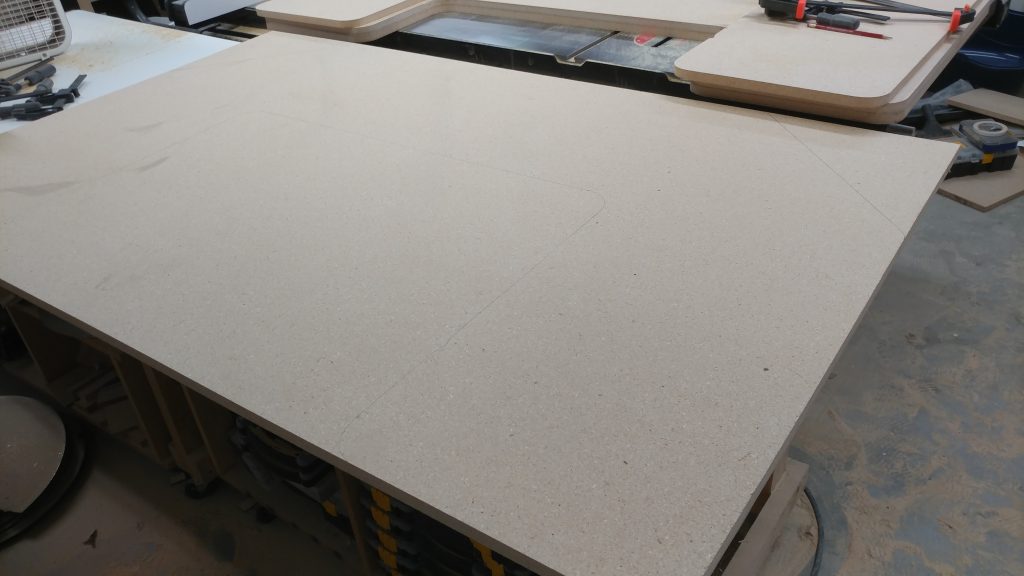
 

Then cut it out with the jigsaw.
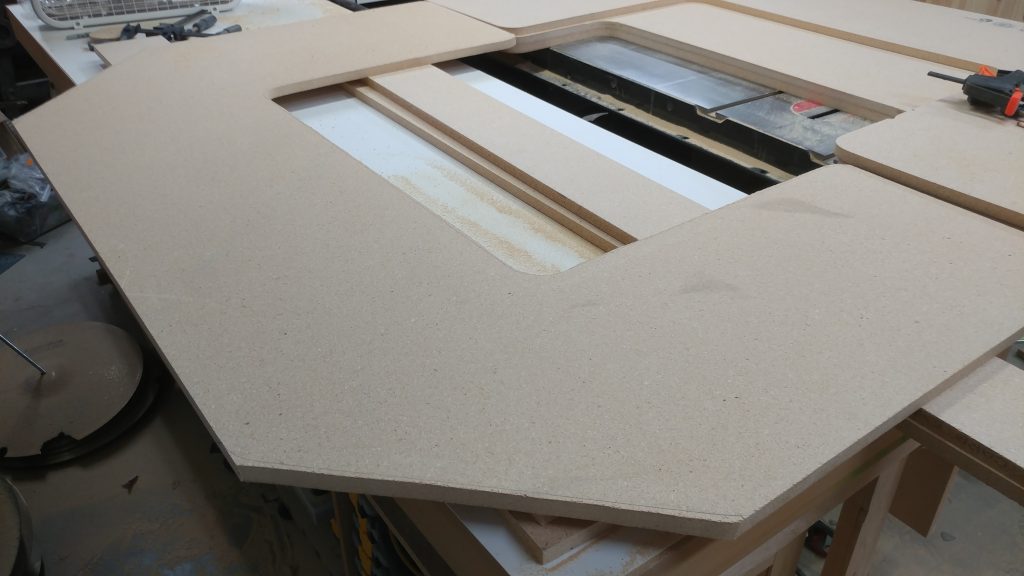
 

Due to space limitations, I’m working with all the pieces stacked on top of each other.  Here, I’ve got all the pieces clamped together.  I’ll be using the bottom piece that I routed out (and screwed up) to route out the second bottom piece.
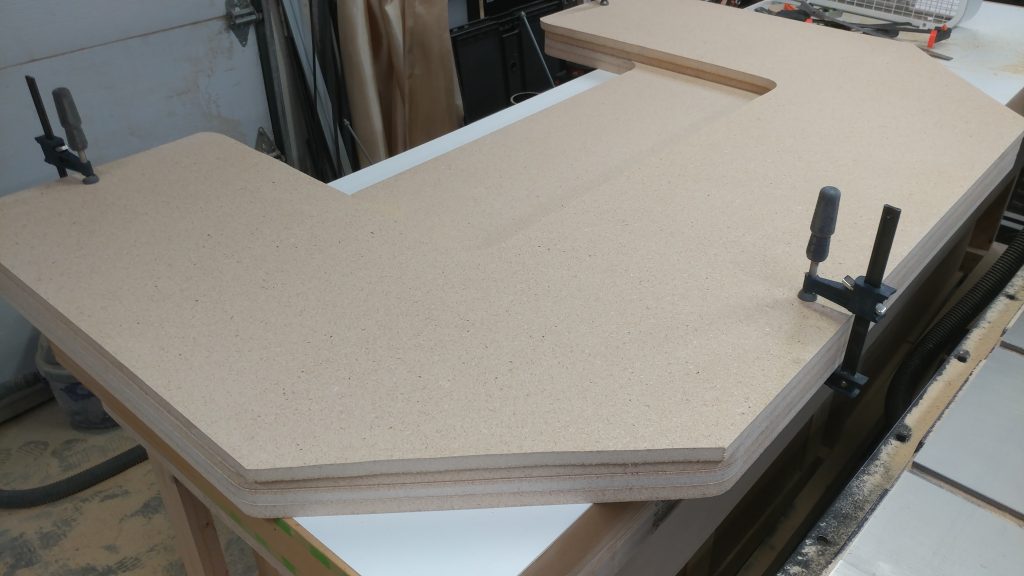
 

I managed to not screw this piece up in the same location.  Instead, I accidentally tipped the router as I was going around the inner corner.  Both bottom pieces will need some repair work before I do the roundovers.
 

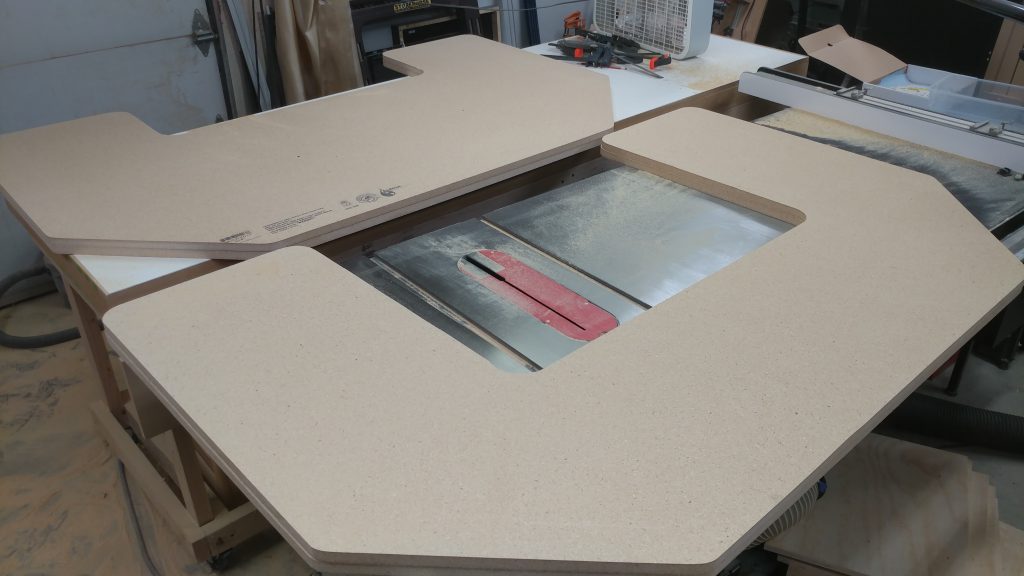
All four pieces are cut to shape.  Time to glue them up.


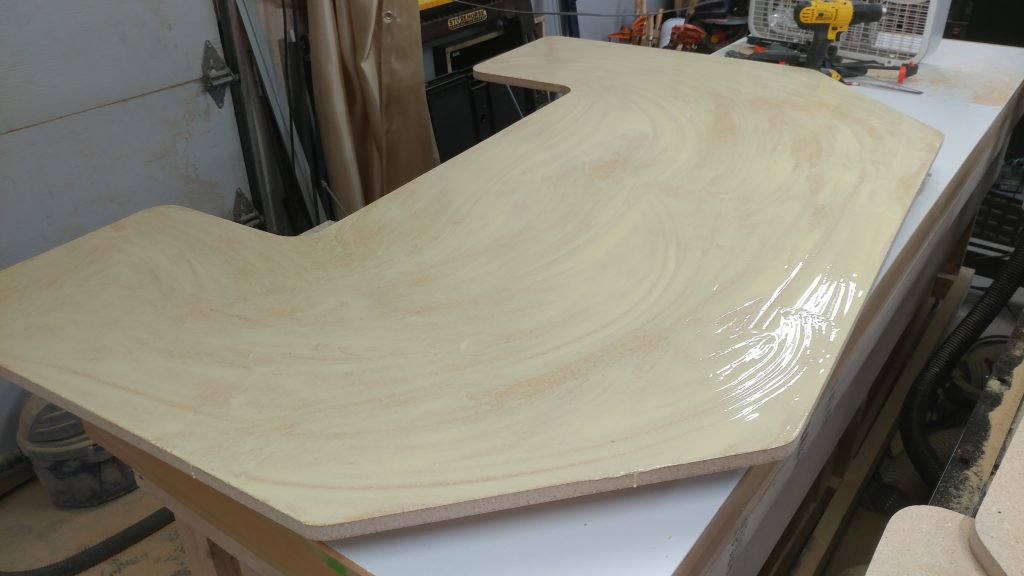
Gluing the tops together

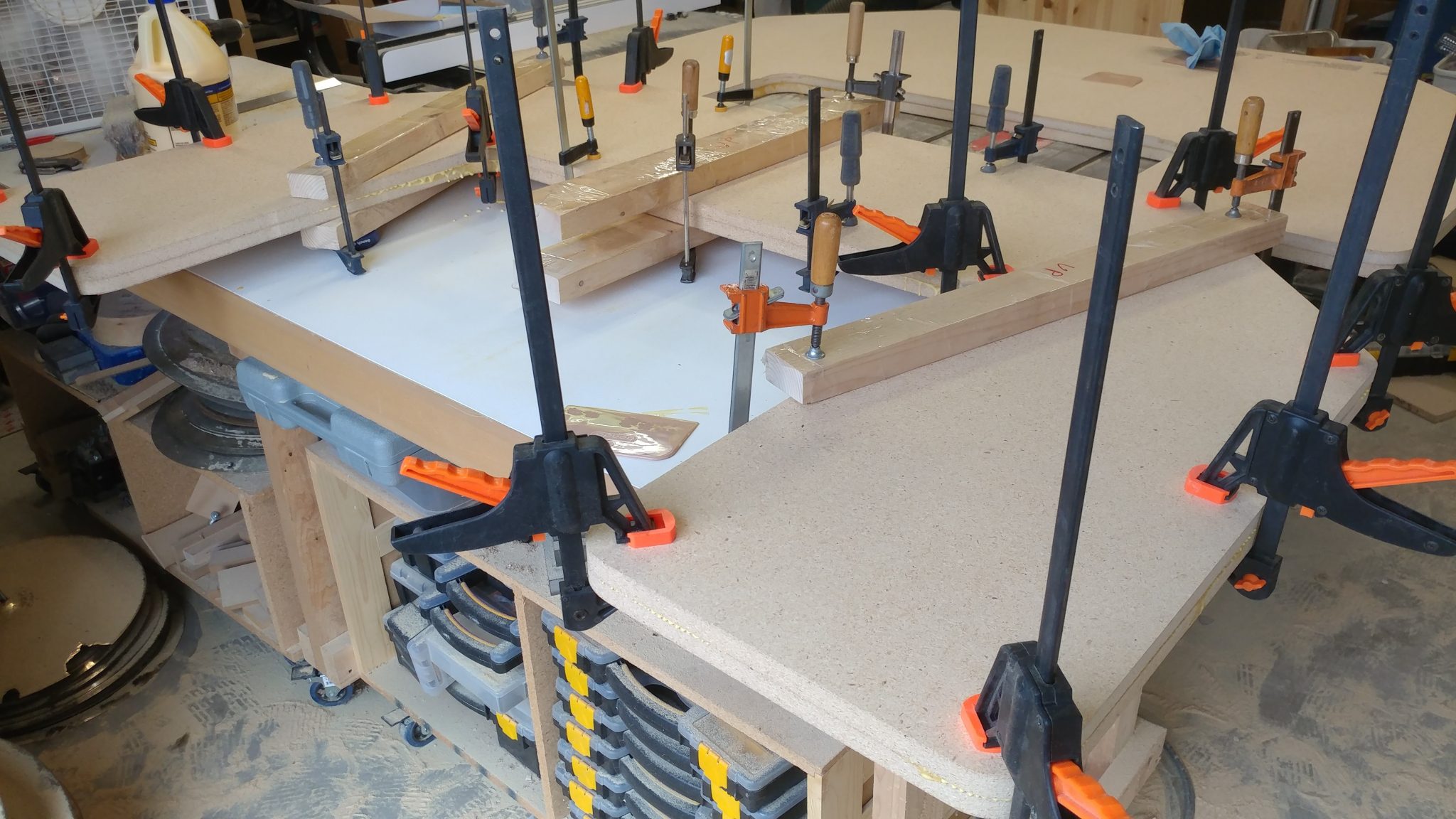
I apply a liberal coat of glue to one of the top pieces.
 

I then place the second top piece in place and clamp them together.  I’m using clamping cauls to help provide some firm pressure on the wider parts.
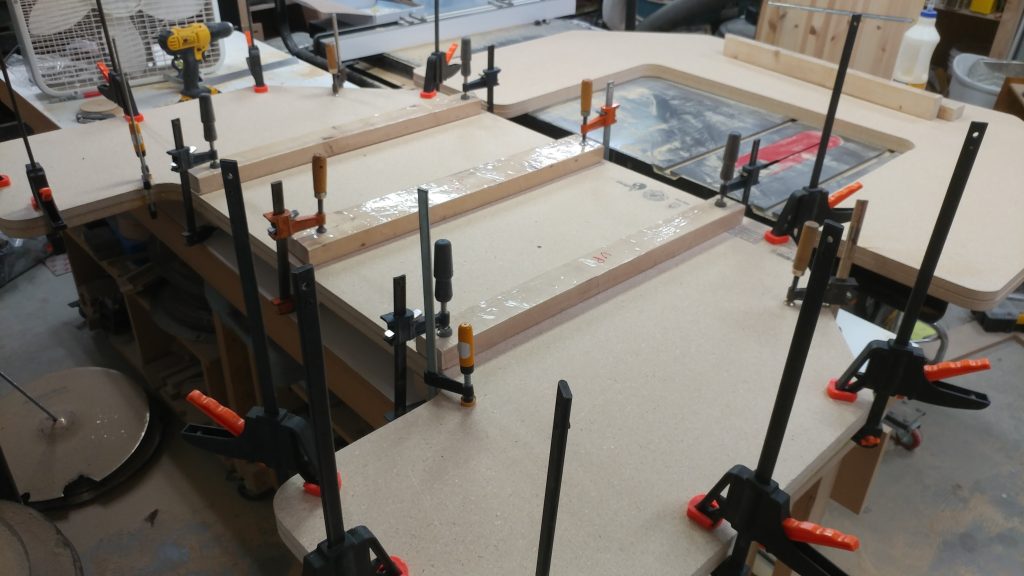
 

I let it sit overnight to cure.
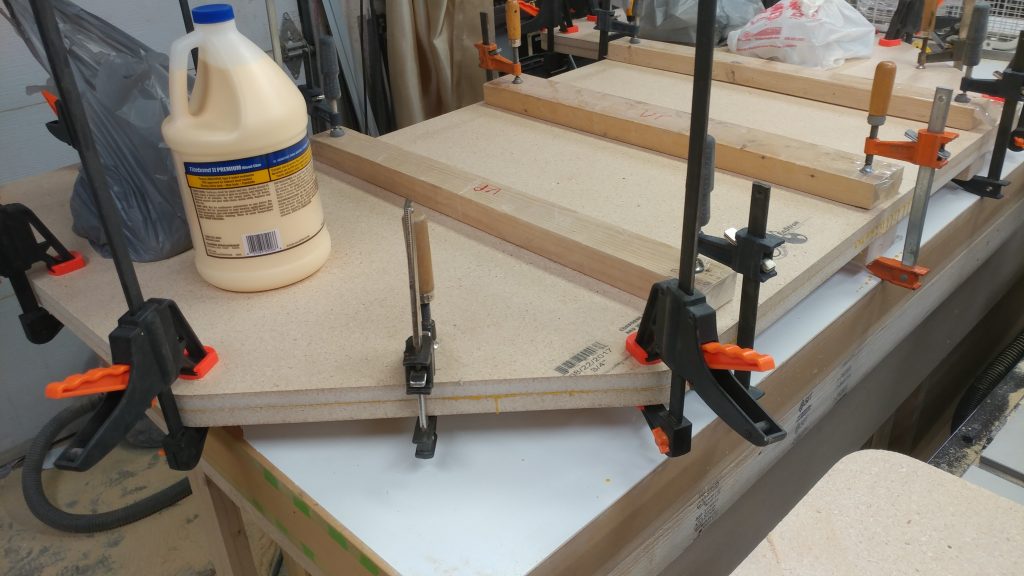
 

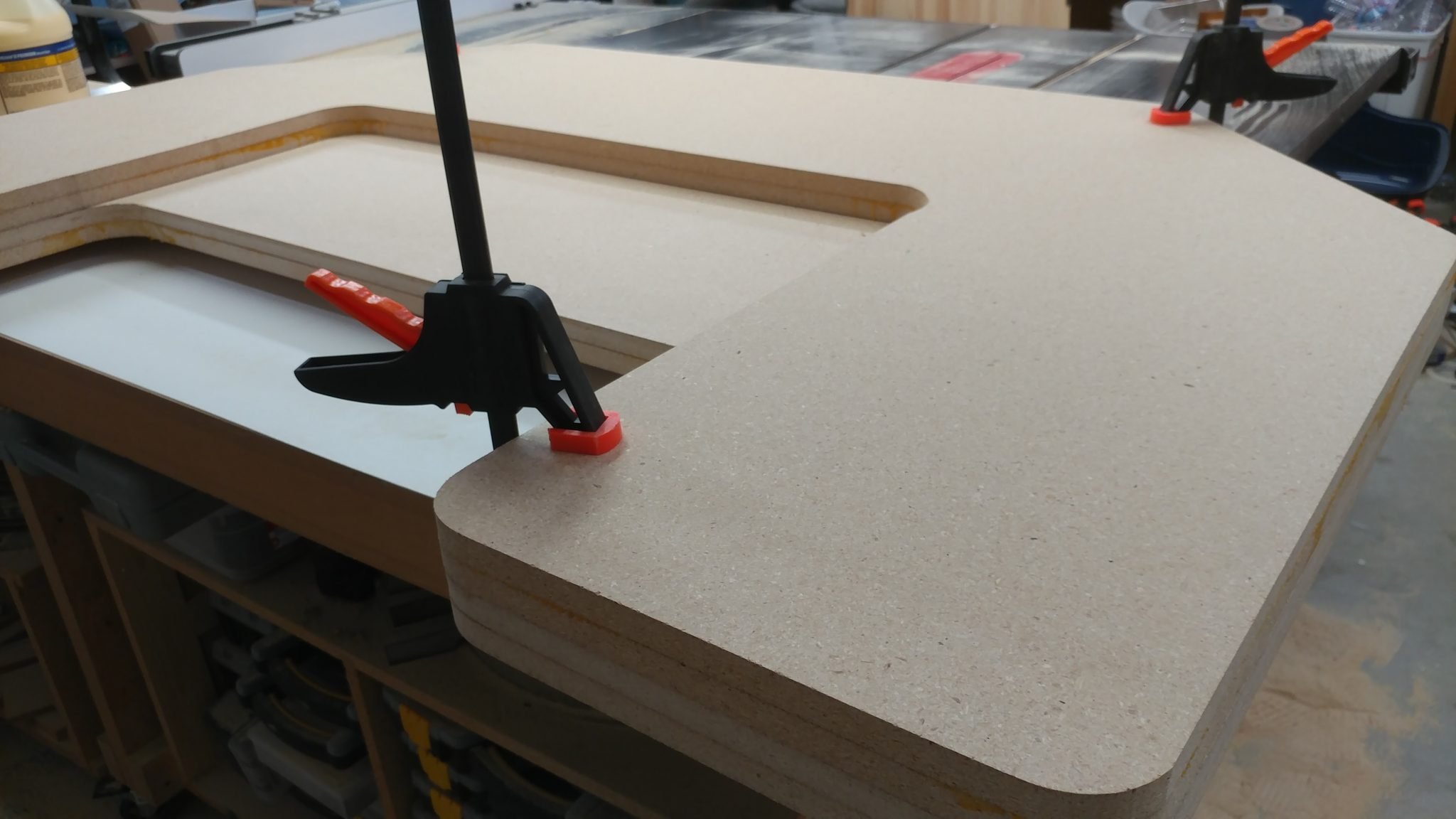
After removing the clamps, the top is very sturdy.  I didn’t notice the two pieces coming apart anywhere when I removed the clamps.
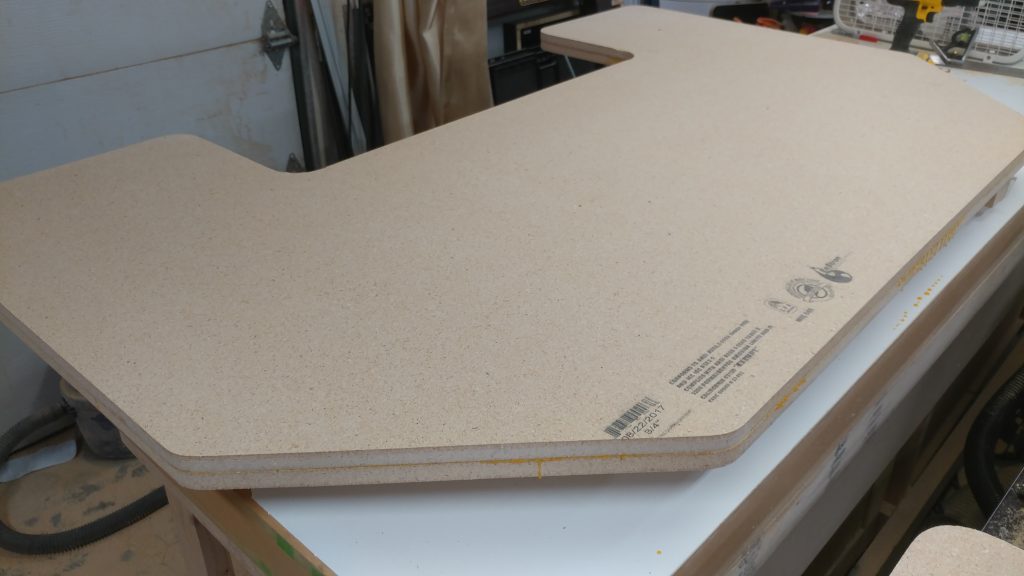


Gluing the bottom pieces together

Now to do the same with the bottom pieces.
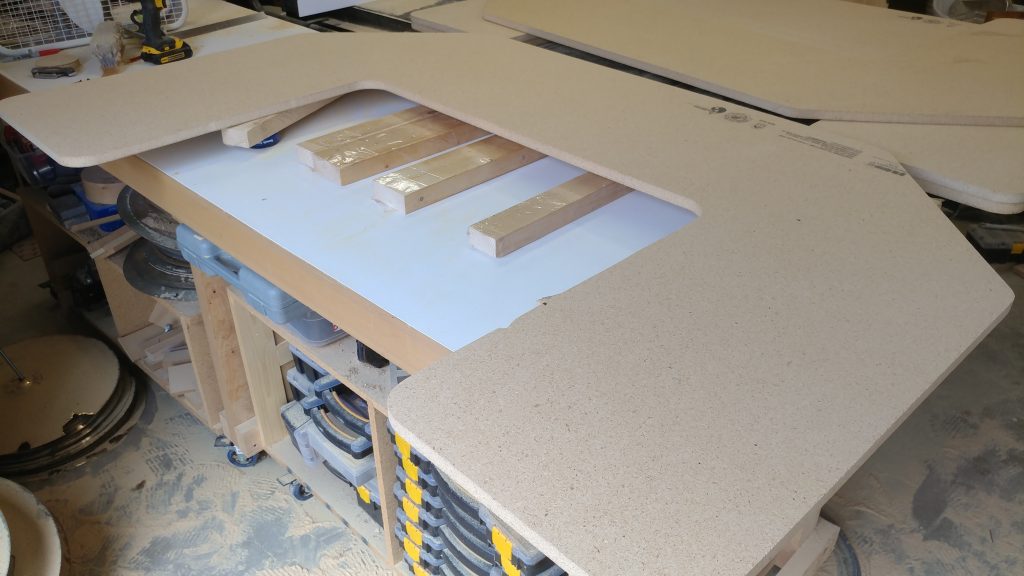
 

I glued this up in the morning then came back to it in the evening after performing at a show.
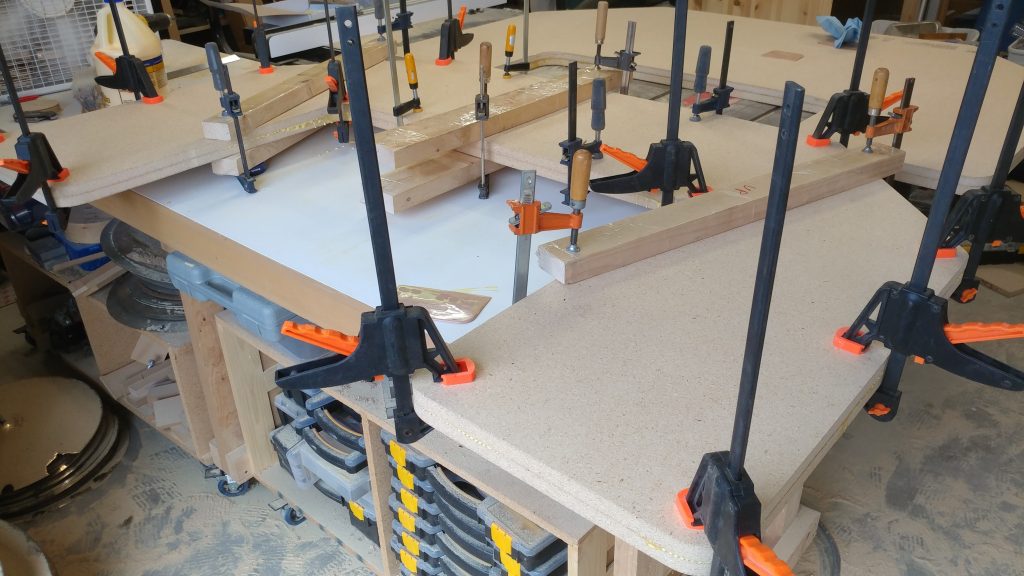
 

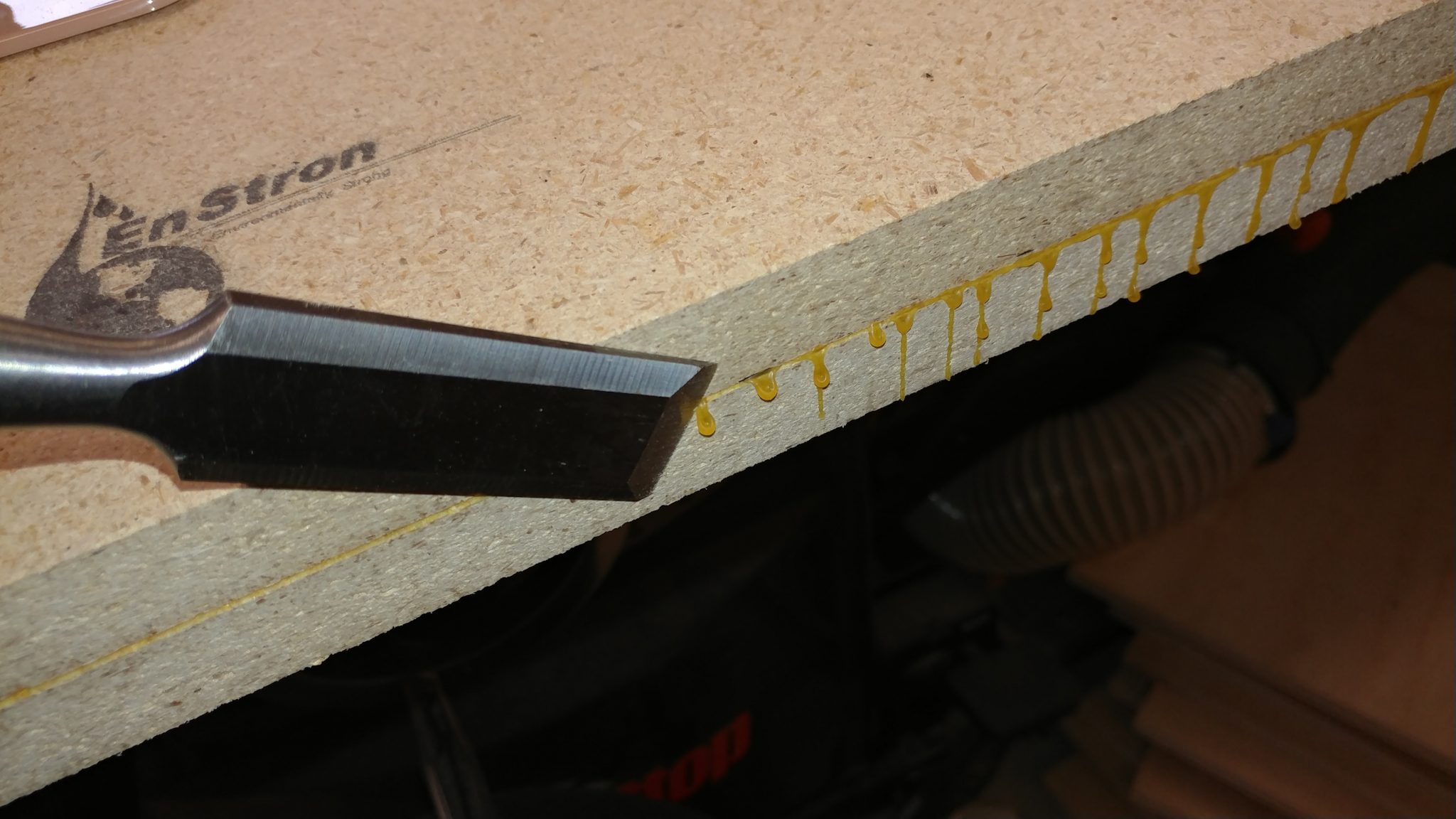
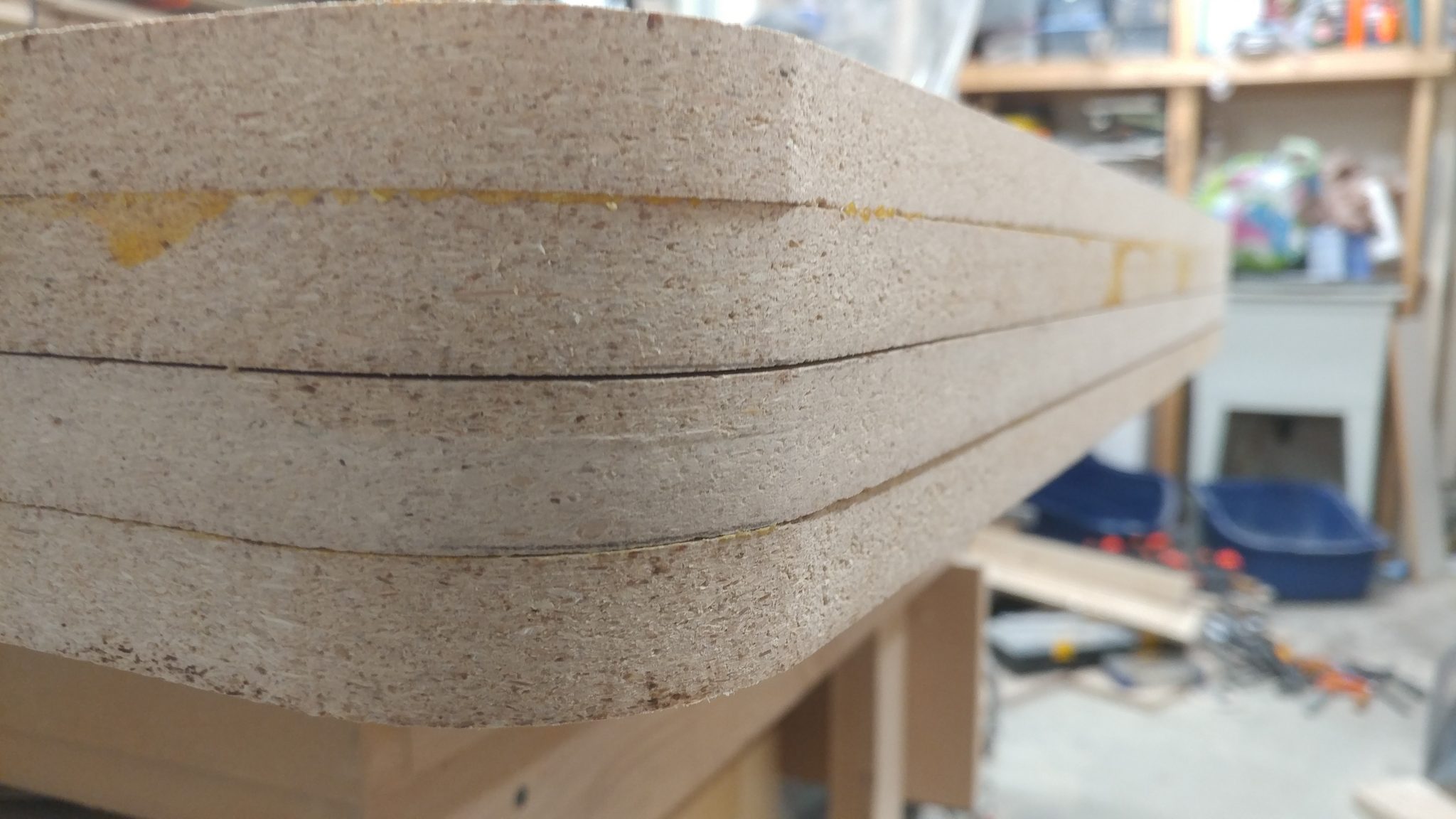
I don’t like to wipe the glue squeeze out when working with particleboard.  I’d rather let it cure in drips which can be easily removed with a chisel.
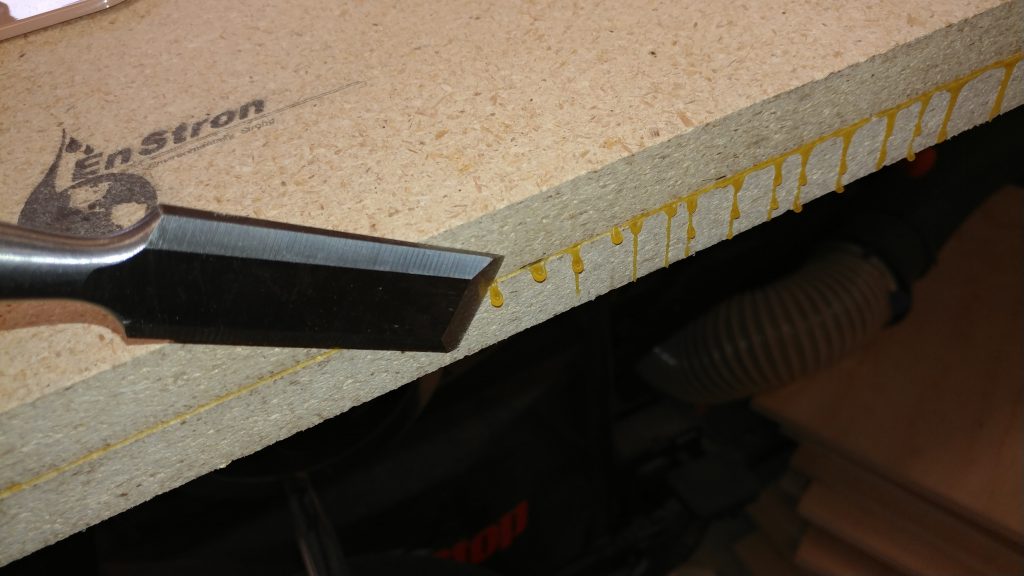


Final shaping

Both the top and the bottom are fully cured.  Now I’m going to do some final shaping and cleanup.
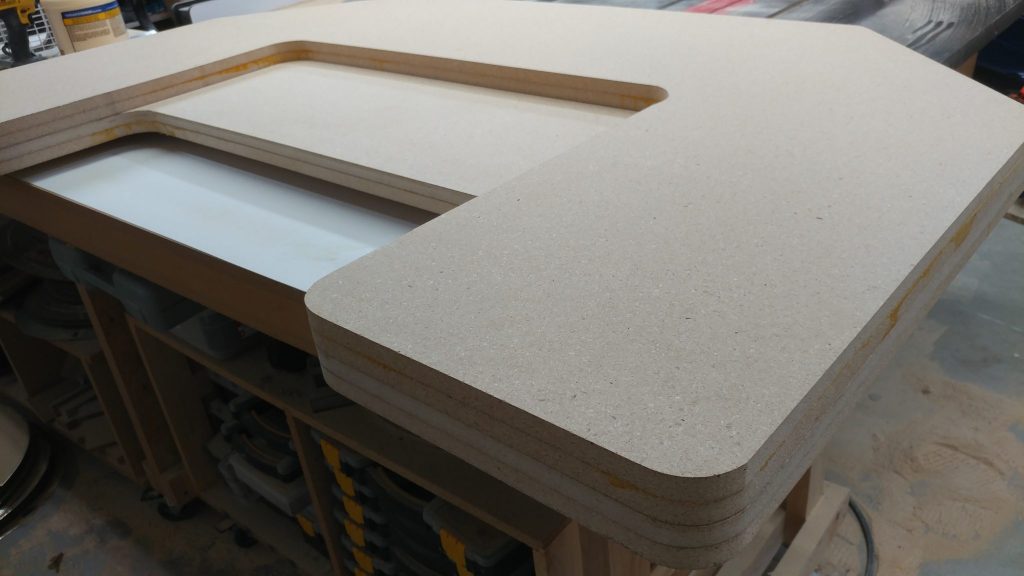
 

To ensure that both pieces are the same shape and have smooth edges I clamp them together so I can sand them smooth as if they were all one piece.
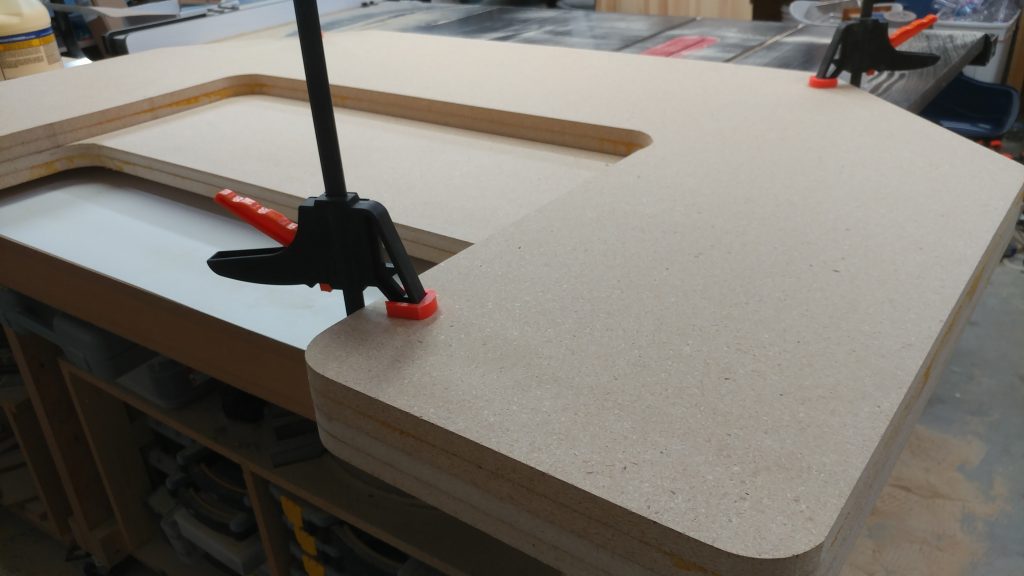
 

Here you can see that the edges are still a bit rough and there is still some glue squeeze-out to deal with.
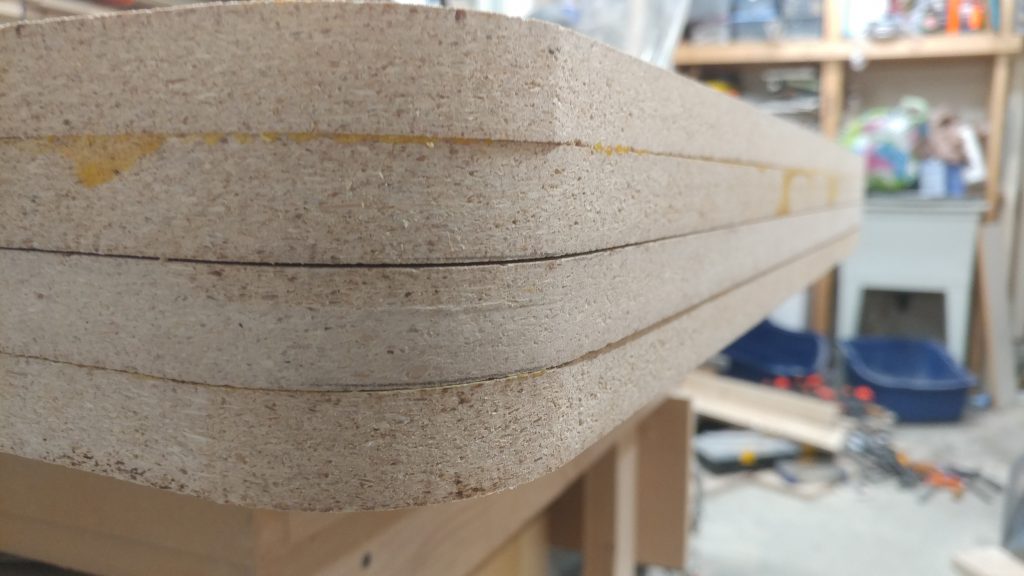
 

After hitting them with my sanders, they are all much smoother and a uniform shape.
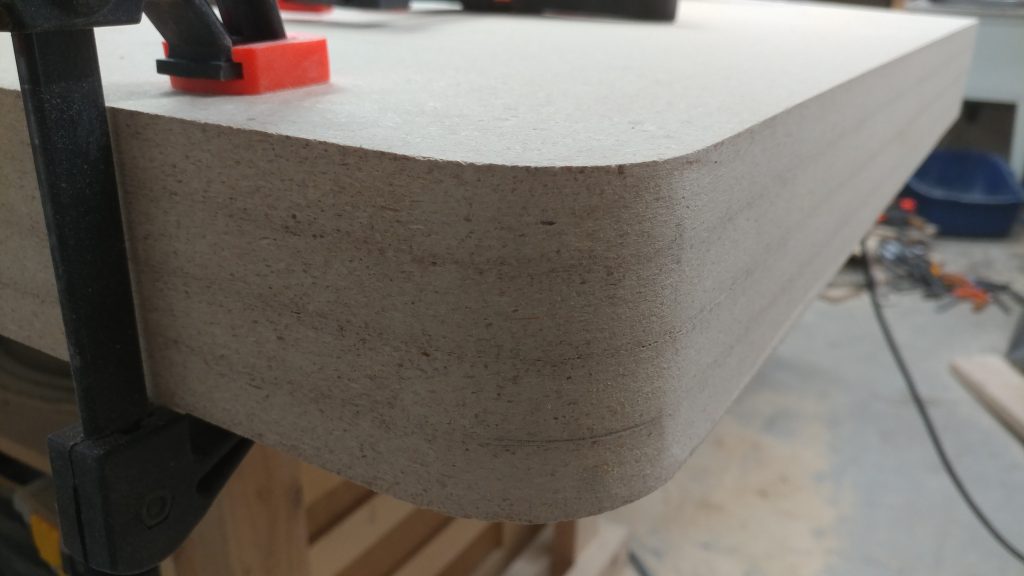
 

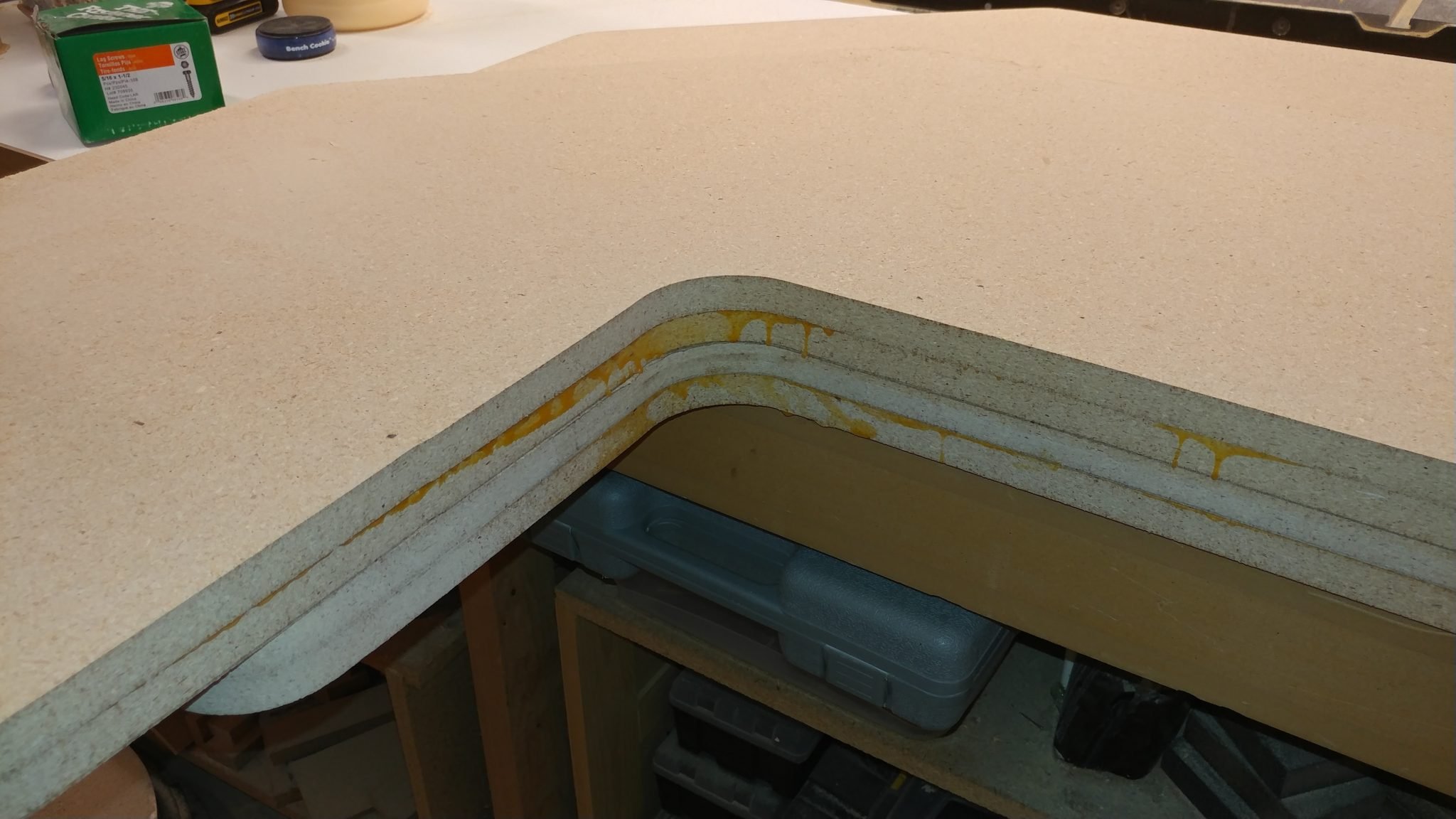
I had to get creative on the inside area.  This took a bit of moving and sanding, then moving again, and sanding some more.
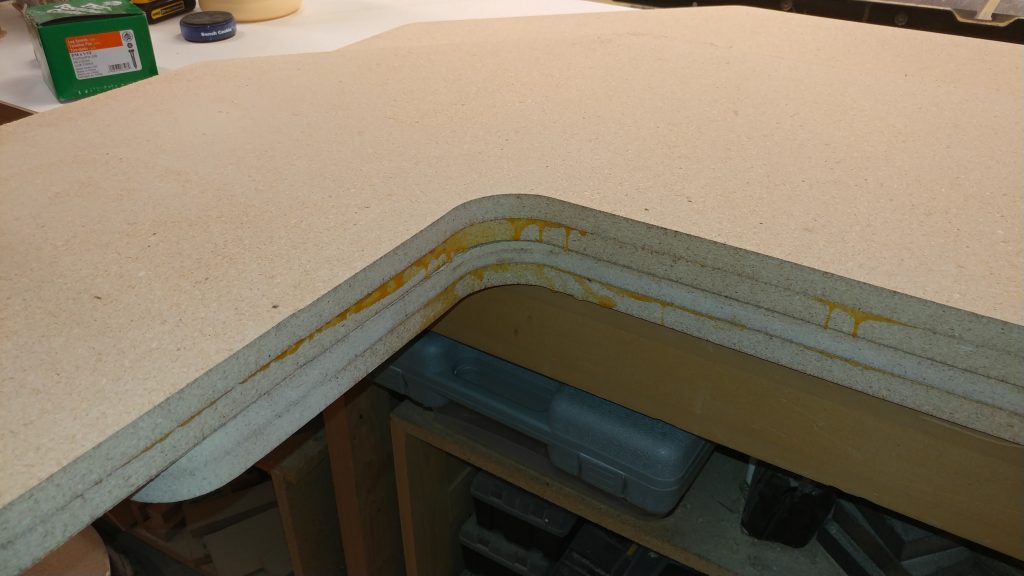
 

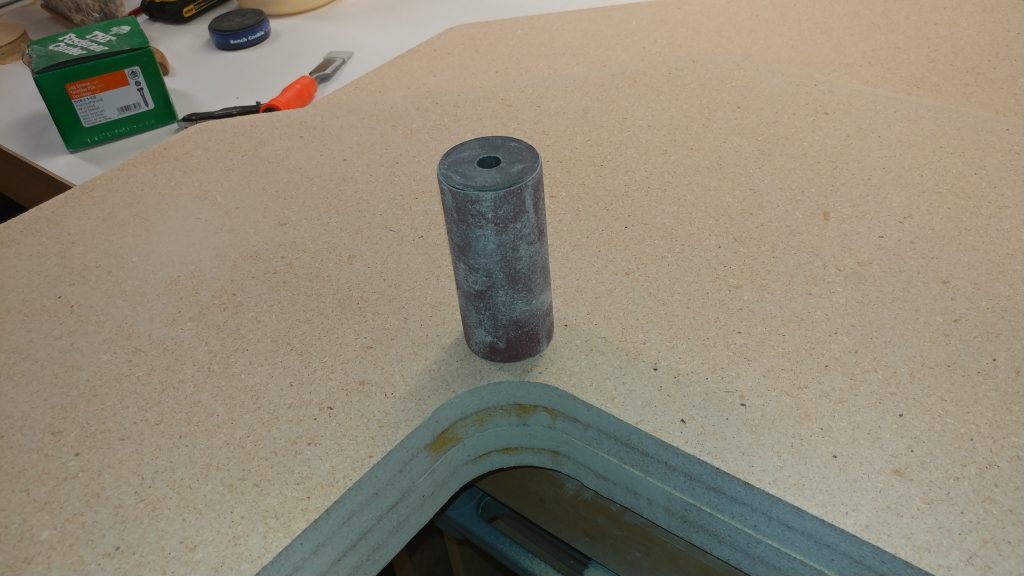
Getting the inside corners was pretty tricky.  I used sanding sponges but that was taking a long time.  I then tried using the large spindle for my spindle sander and that worked a lot better.  I still have a lot of work to do on the inside corners but it’s getting there.
 

That’s it for part 1.


Closing remarks

I’m still working on the inside corners but I ran out of steam for the weekend.

The next steps are to put the roundovers on the edges and do some more sanding.  Then I’ll be staining them and adding several coats of polyurethane.

I haven’t decided on the size of the roundover I’m going to put on the edges.  My original intent was to put a 3/4″ roundover on both the top and bottom edge which would effectively make the edge a half-round.  I might try a 1/4″ or a 1/2″ to see how I like them.  It sounds like I need to do a mock-up on some scraps first…


If you have any suggestions, please leave them in the comments below.  I’d love to see any desk builds you’ve done.  Also, if you haven’t already, please consider signing up for my mailing list so you get e-mail notifications when I post new articles.



News – July 20th, 2017 – Studio Desk Plans

I think I may have settled on a final design for a recording studio desk.

This satisfies all of my requirements.

  1. It’s mobile.
  2. It doesn’t take up much space.
  3. It is self contained.
  4. It has amenities for both the studio engineer and the talent.


The plan is that it will be a desk that has all of the electrical and audio connections built in.  If you need to plug in an amp, the desk will have several electrical jacks.  Need to charge your phone while you record?  There are charging jacks for that as well.

There will be connections for power from the wall and ethernet into the desk, as well as a 5-port hub with ethernet jacks on both the front and back of the desk.


The construction of this might take some time since I haven’t decided if I want to make it out of cheaper plywood and cover it with laminate, or make it out of nicer wood and just stain it and add a few clear-coats.

What do you think?  Any suggestions?  What am I missing?

Photo taken after recording the track "Crooked Tree" by Bright & Shiny

News – May 5th, 2017

Current Projects

I’ve got several projects in the works and many more planned for the near future.  Below is a list and description of what I am currently working on.


Bright & Shiny

Photo taken after recording the track "Crooked Tree" by Bright & Shiny
Photo taken after recording the track “Crooked Tree” by Bright & Shiny

I’m about halfway through recording the drum tracks for the upcoming album by Bright & Shiny.  The style of music has been described as “dark cabaret”.  I have a video of the various percussion tracks I recorded for the song Soothsayer that I may post soon, pending permission from the song copyright holder.


Jongwon Kim

I will soon be recording and performing the drum tracks for the upcoming album by Jongwon Kim.  I will also be recording the bass guitar parts that will be performed by Kevin Cameron.  I actually already have several of the drum tracks recorded but I put that project on hold as it seemed that the song structure was going to be changing.

Here is one of the tracks that I performed.  I made a video of the recorded performance.


The Map of Alice

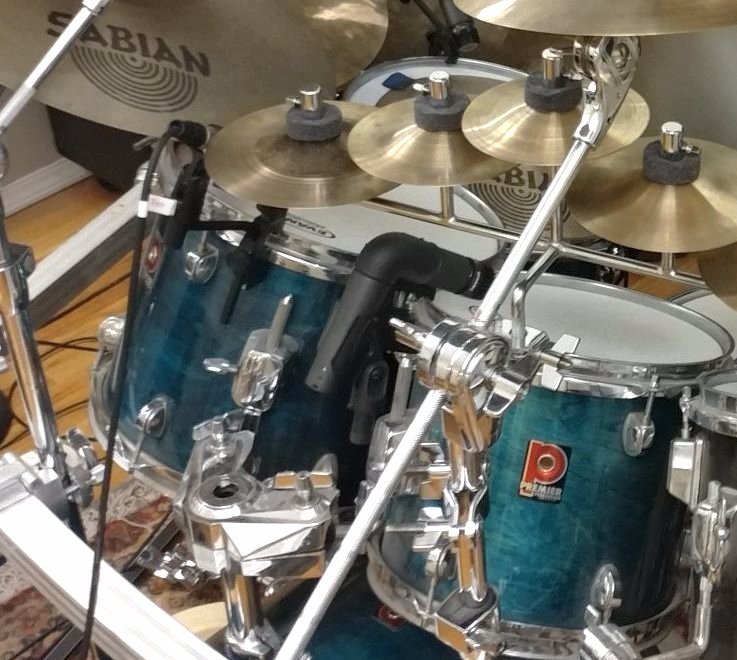
The drum setup for one of our gigs.

I have recently joined the project The Map of Alice.  This is a live band that performs improv gypsy jazz.  The band consists of two guys on acoustic guitar, myself on drums and my daughter Audrey on accordion.  We perform somewhat regularly in the Hillsboro area,  We are planning on doing some recording and video soon.  Their YouTube channel can be found here: https://www.youtube.com/channel/UCcJrxAe-Ol-VXn_HRz2DtYg


SM57 Right-Angle Mod

The SM57 on the right has had the right-angle mod applied. The one on the left with the cable plugged in) has not.

I have already performed a right-angle mod on one of my SM57 microphones.  I have several others that I will be doing this to.  I’ll be making a write-up on how to do that once I get a chance to actually do this.
 

Shop Cabinets

Ugh. Too shallow.
Ugh. Too shallow.

I badly need to make new shop cabinets.  I threw these together a few years back without much thought to them other than making them a uniform width and easily swappable due to the cleat system installed in my shop.  They’re too shallow.  I’m making new ones that are 16″ deep and will have doors.
 

Studio Desk

One of the many iterations of the studio desk I've been planning.
One of the many iterations of the studio desk I’ve been planning.

I’ve been long planning on making a new studio desk.  I’ve designed 9 different versions and I haven’t been 100% happy with any of them.  I have a few requirements that are making this challenging.

  1. It needs to be on wheels.
  2. It needs to have one side that is a computer desk for the recording engineer and the back should have a computer monitor that mirrors the engineers display for the musician.
  3. It needs to have rackspace.  Specifically, I need one 4u rack for the PC, and one 4u (or two 2u racks) for the musician’s side which will have patchbays and tuners and one 4u (or two 2u racks) for the engineer side with the power strip and the recording interface.
  4. It should be wide enough to house a single computer monitor and two studio speakers.
  5. It needs to be self contained.  I want to be able to plug one power cord and one ethernet cable into the back or side of the desk and have everything work.

I’m getting closer to a final design.  I’m toying with the idea of designing it like a road case so I can pack it up and throw it in the back of my car and take it out for some remote recording.


Road Case for Live Shows

Speaking of road cases, I’m going to design and build a more portable version for housing a mixer and any live gear.  I’ll keep you posted on any progress on this.