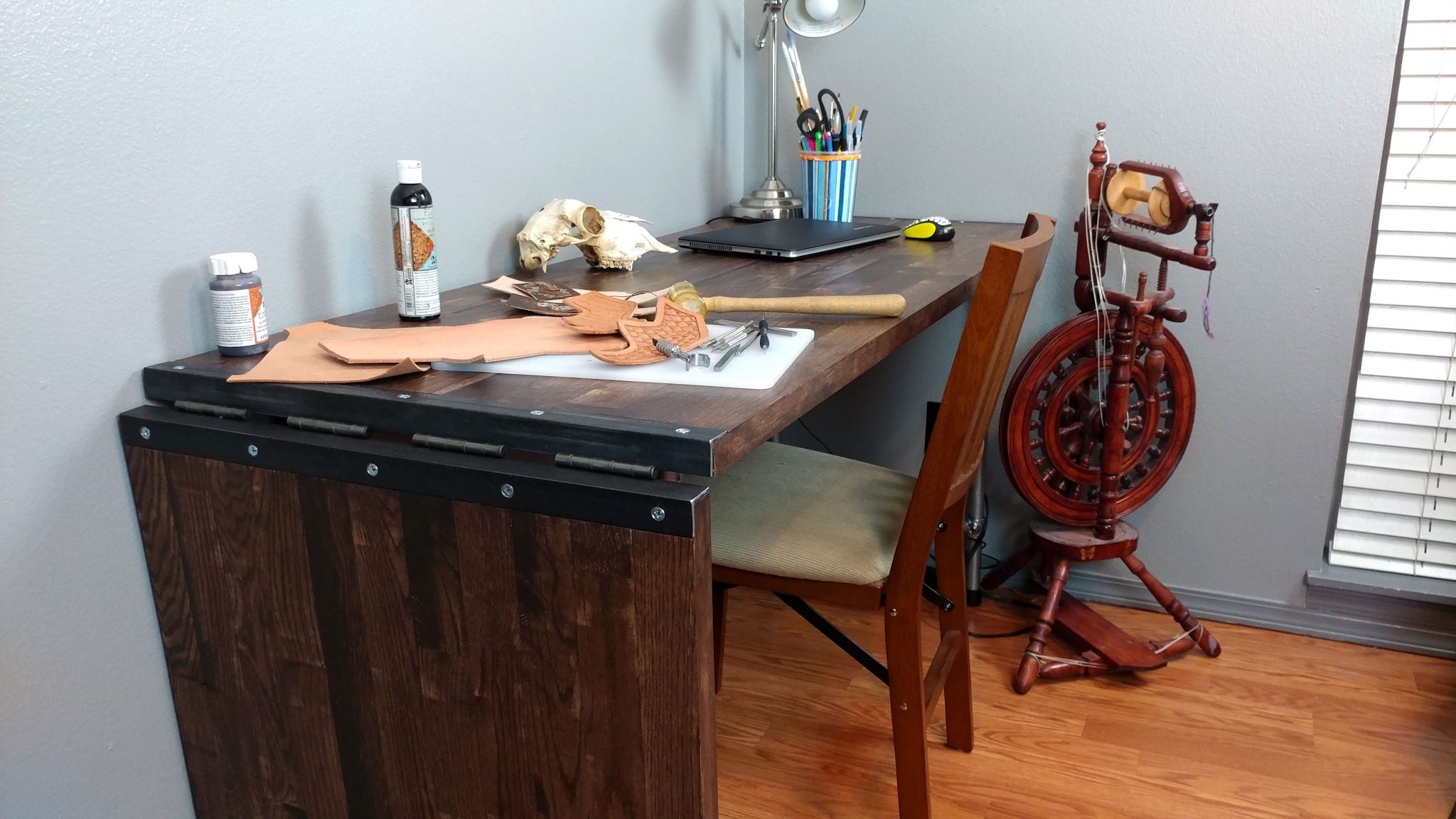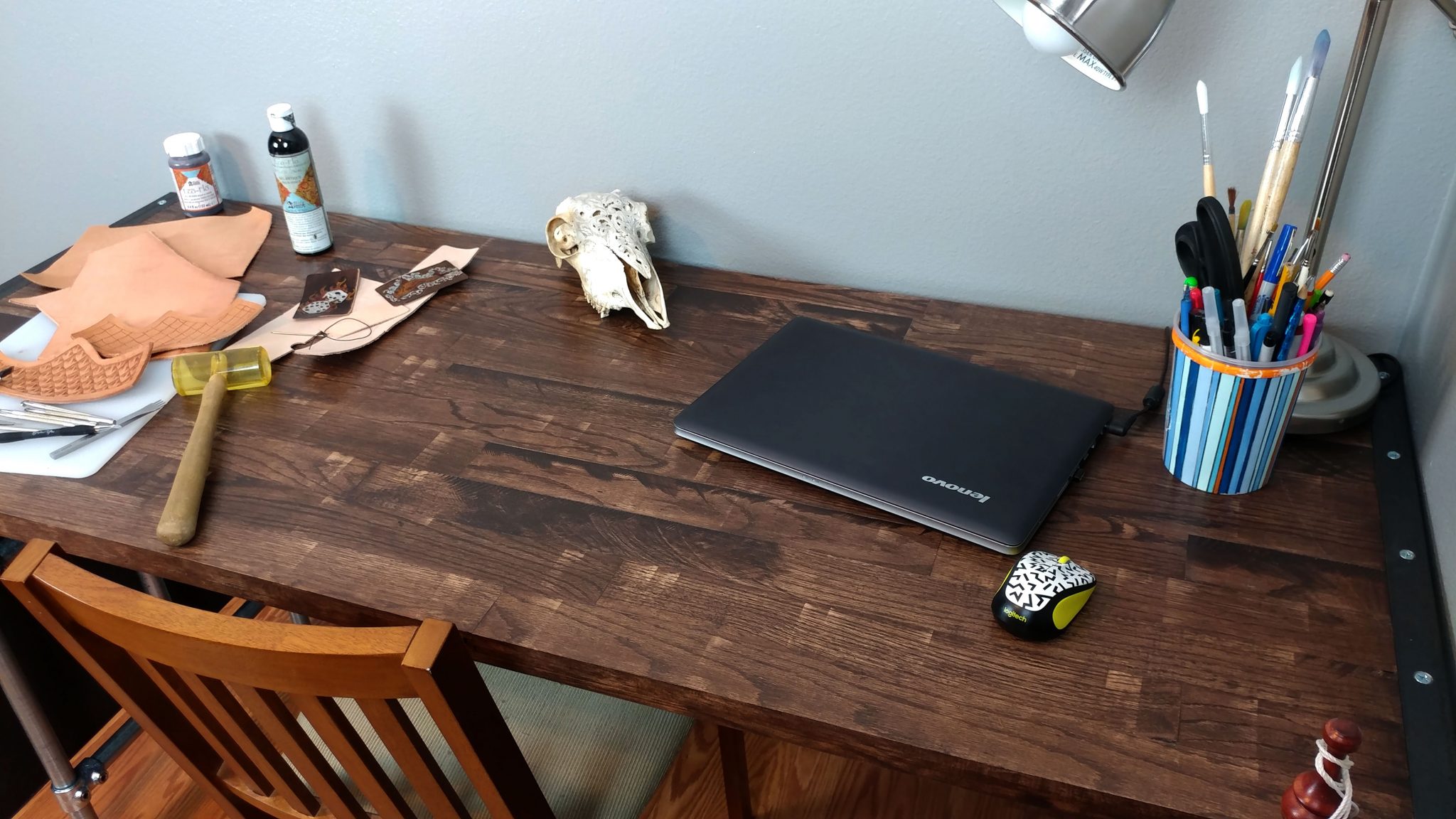
Studio Desk – Part 5: Attaching the hardware

This is a continuation of Studio Desk – Part 4: Applying The Finish   For me, all projects have a point where they start to fall apart.  This is what happened here. Don’t get me wrong, I’m happy with how the desk turned out but I also have a few things that I really want to change.

Attaching the Casters

I decided to go with 3″ polyurethane casters since this is going to sit on hardwood floors.  This was my first mistake in that I grossly underestimated the weight of this desk when completed.  More on this later.

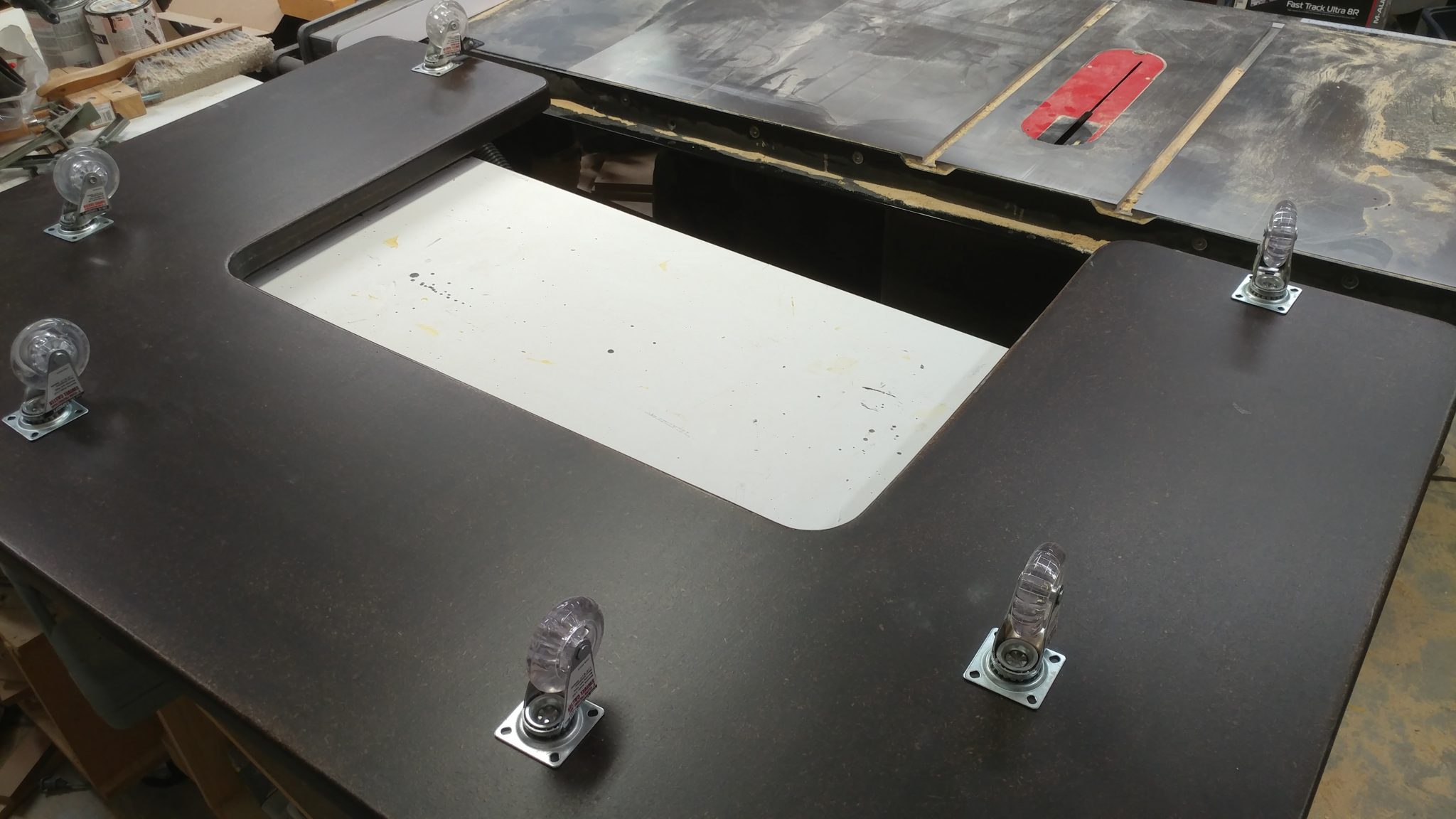
1. Rough-positioning the casters

First I laid out where they would be placed on the underside of the bottom piece.
2. Fine-positioning the locking casters

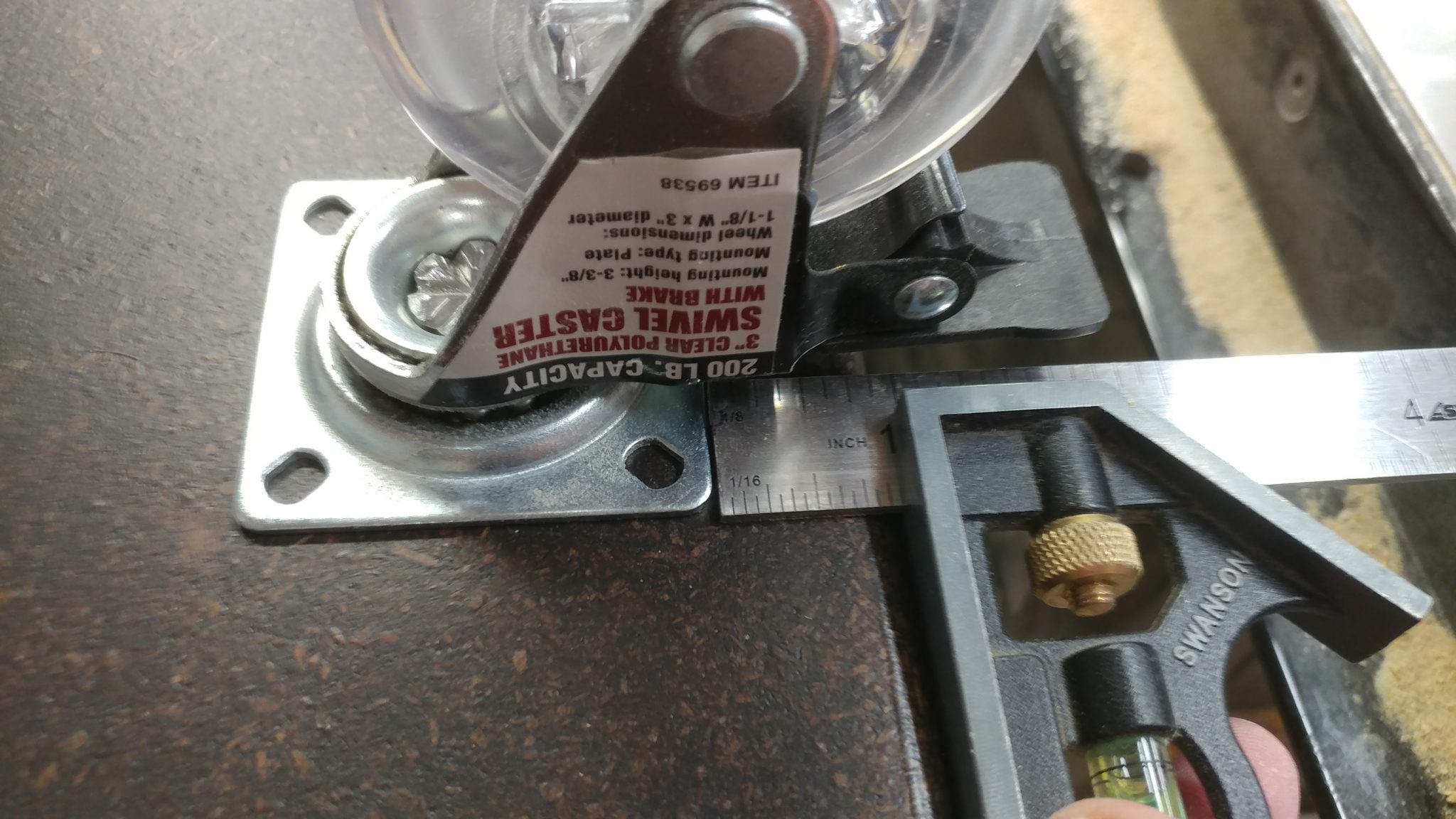
I roughly centered the wheels on the sections that extend out the back by placing the casters 6-3/4″ from the outside edge…
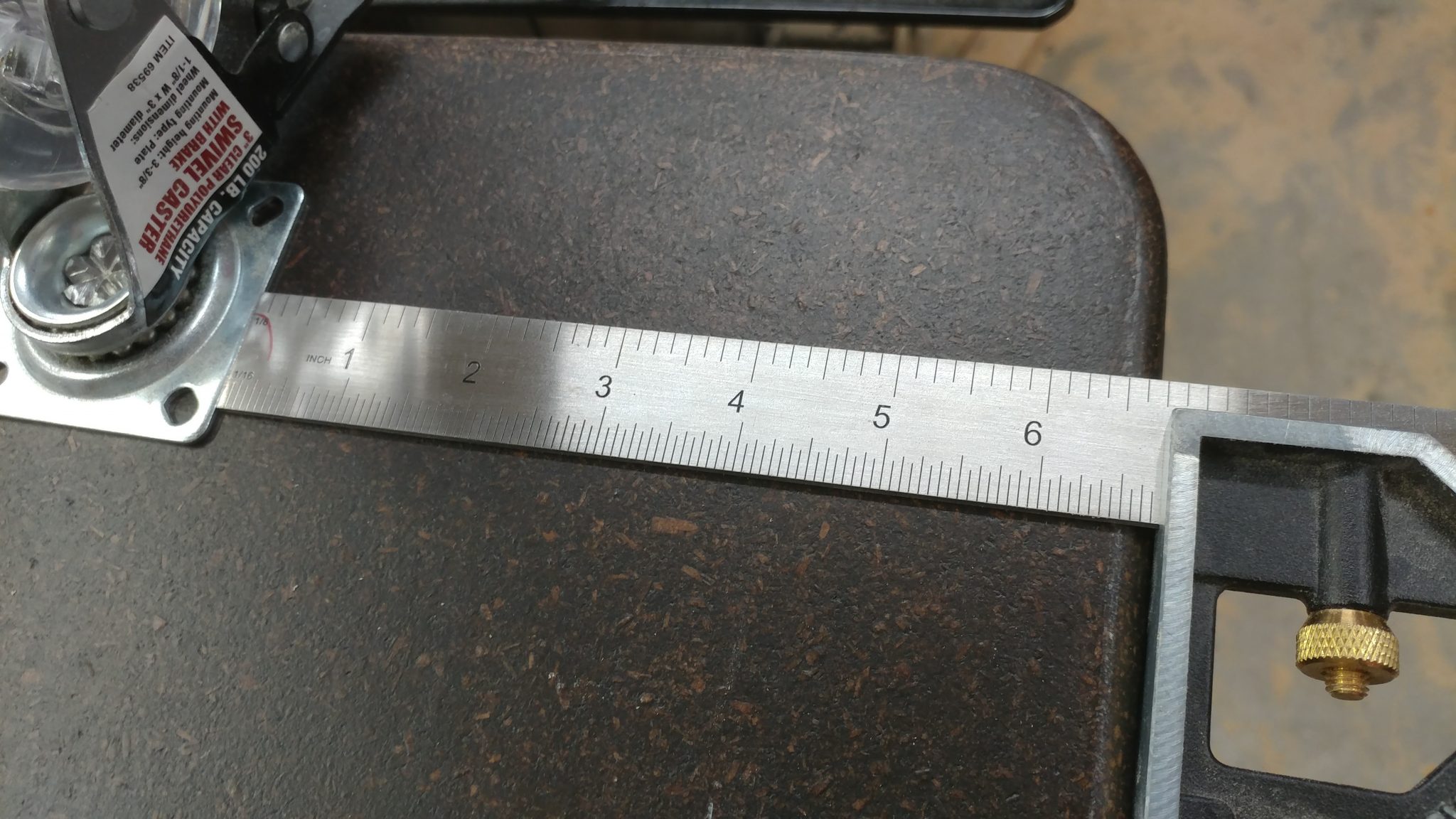
…and 1″ from the rear edge.  This will allow me to lock the casters when I don’t want the desk rolling around.
3. Attaching the locking casters

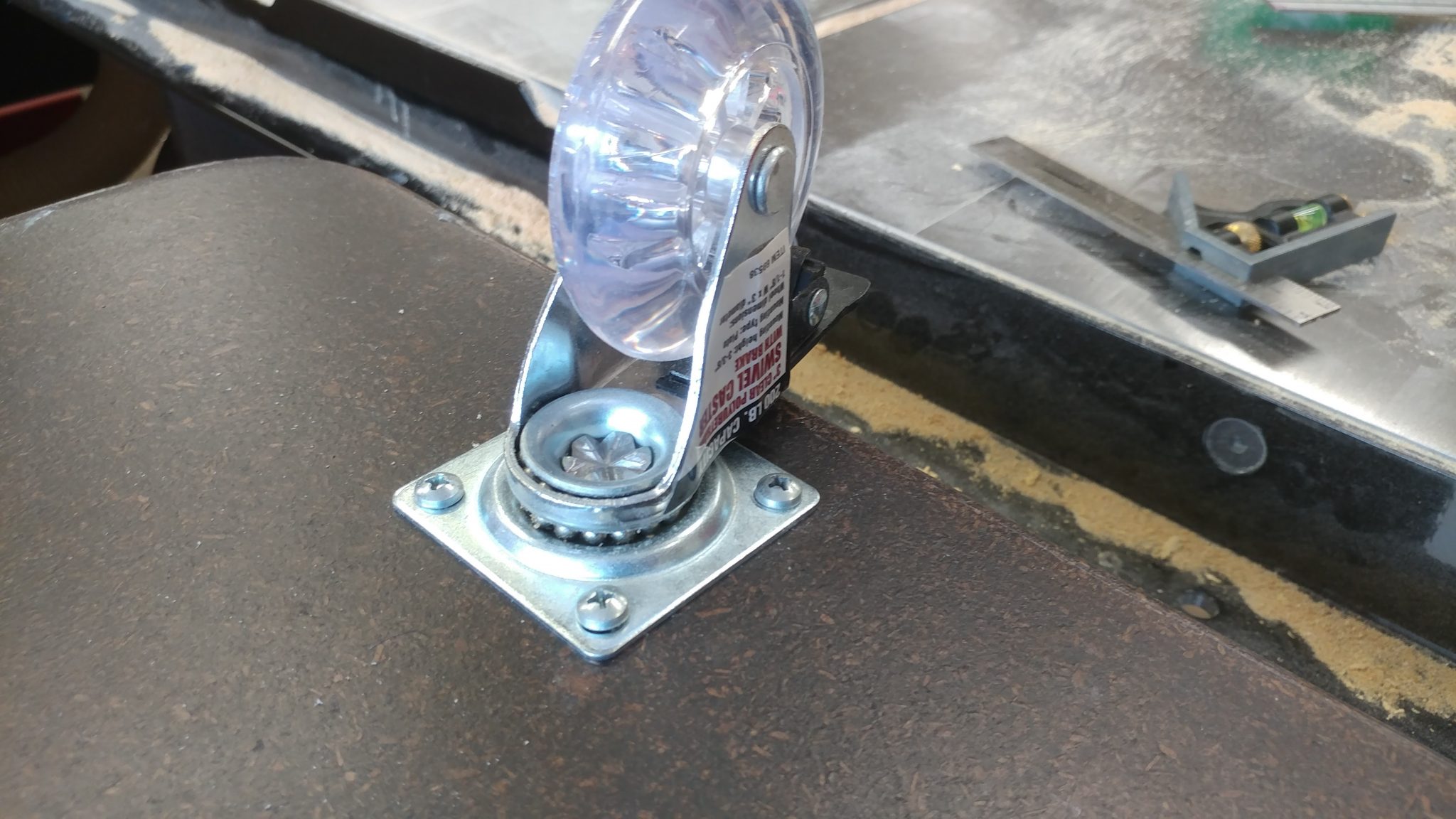
I secured the casters with 1-1/2″ button-head screws.
4. Fine-positioning and attaching the middle non-locking casters

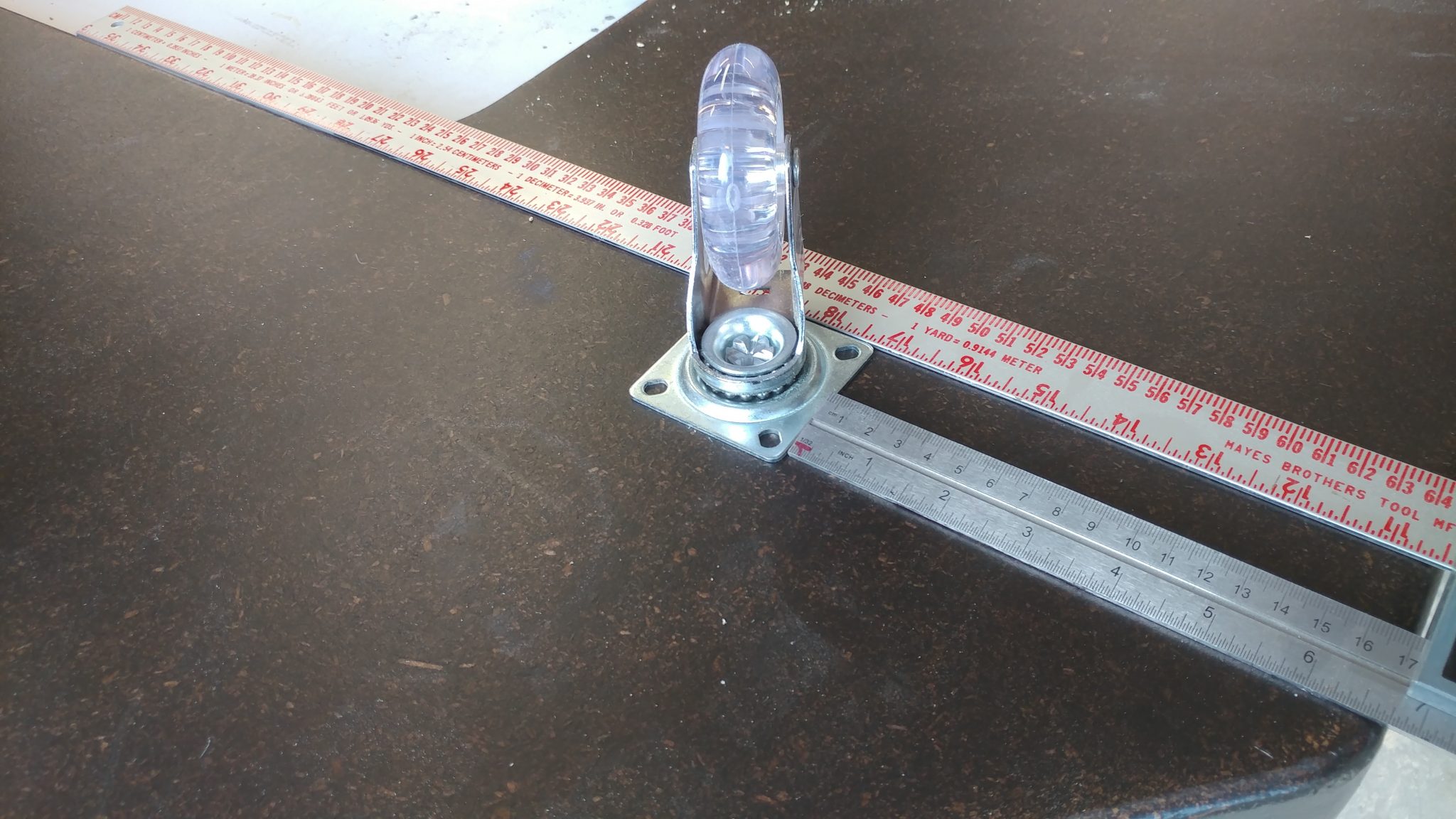
The casters that are not at the rear of the desk are non-locking.  I used my combination square to ensure that the middle casters are inline with the rear casters.  These were attached with the same 1-1/2″ button-head philips screws.
5. Finishing up with the front non-locking casters

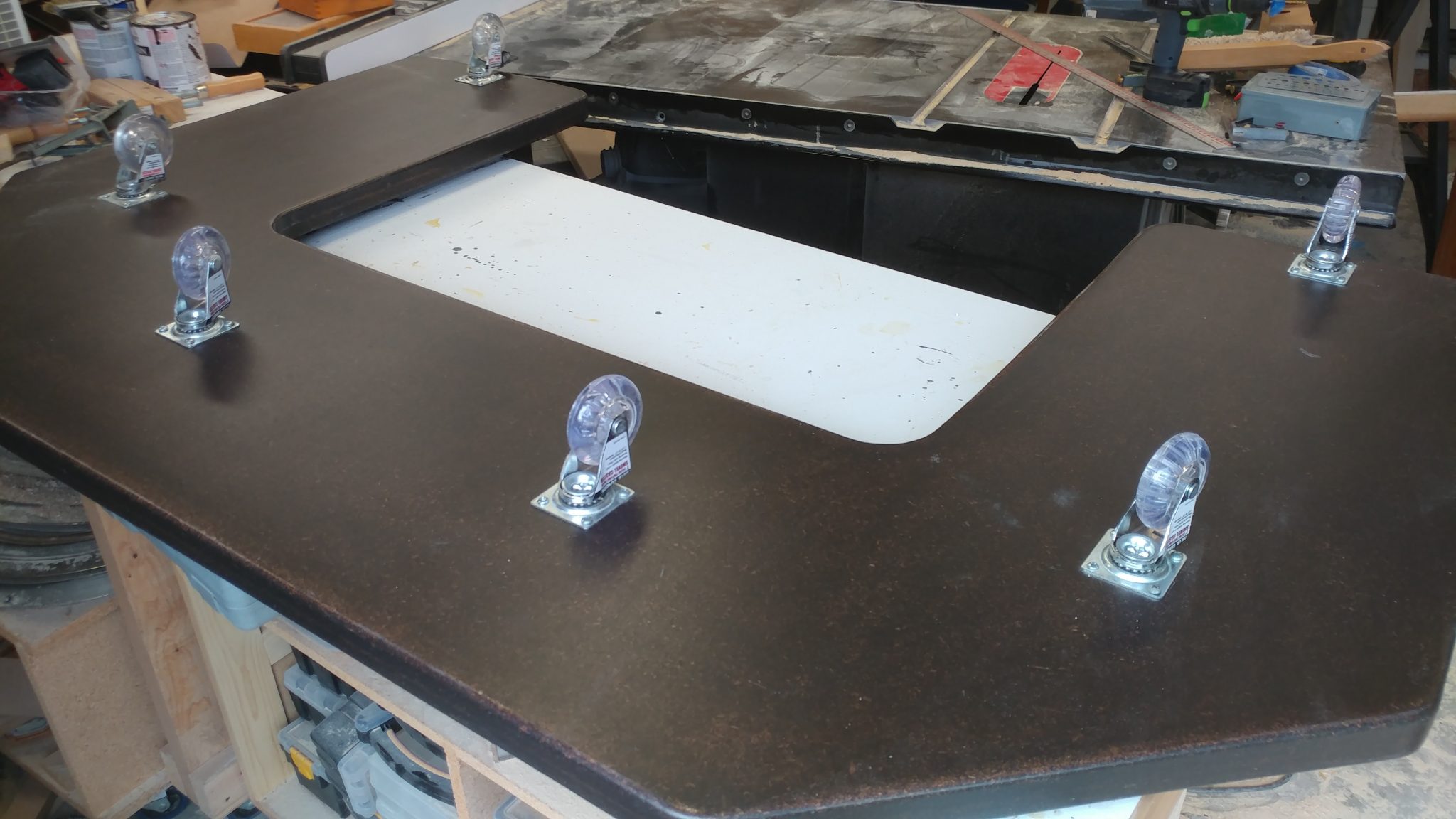
The casters at the front are more centered to better bear the heavy load of all of the desk gear.
Installing the Rack Hardware

Equipment racks are one of the most overpriced pieces of studio gear and it gives me great pleasure to be able to make my own for a small fraction of the cost.  If you have a use for a studio rack, I highly recommend you try making your own.

1. Positioning the 4-space rack rails

The rack rails were installed so they were 1/8″ from the front of the rack body.  I used two scrap pieces of laminate left over from my router enclosure build to shim between the top and bottom of the rack rails and the inside of the rack body, ensuring that they would be centered and consistent on both the front and back of the racks.
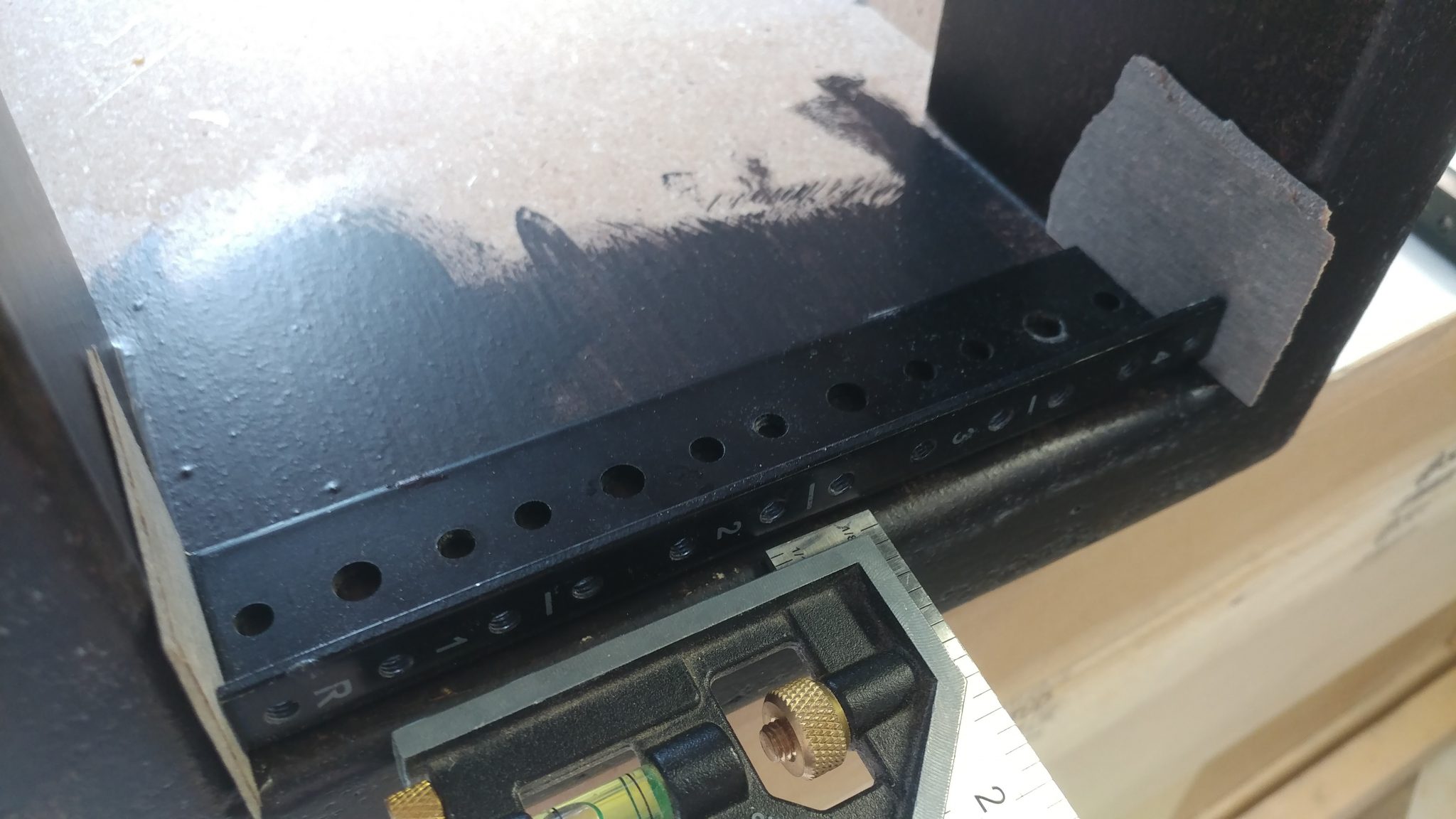
2. Attaching the 4-space rack rails

These rails were attached with screws as well.

Each rack got four rails; two for the front and two for the rear.
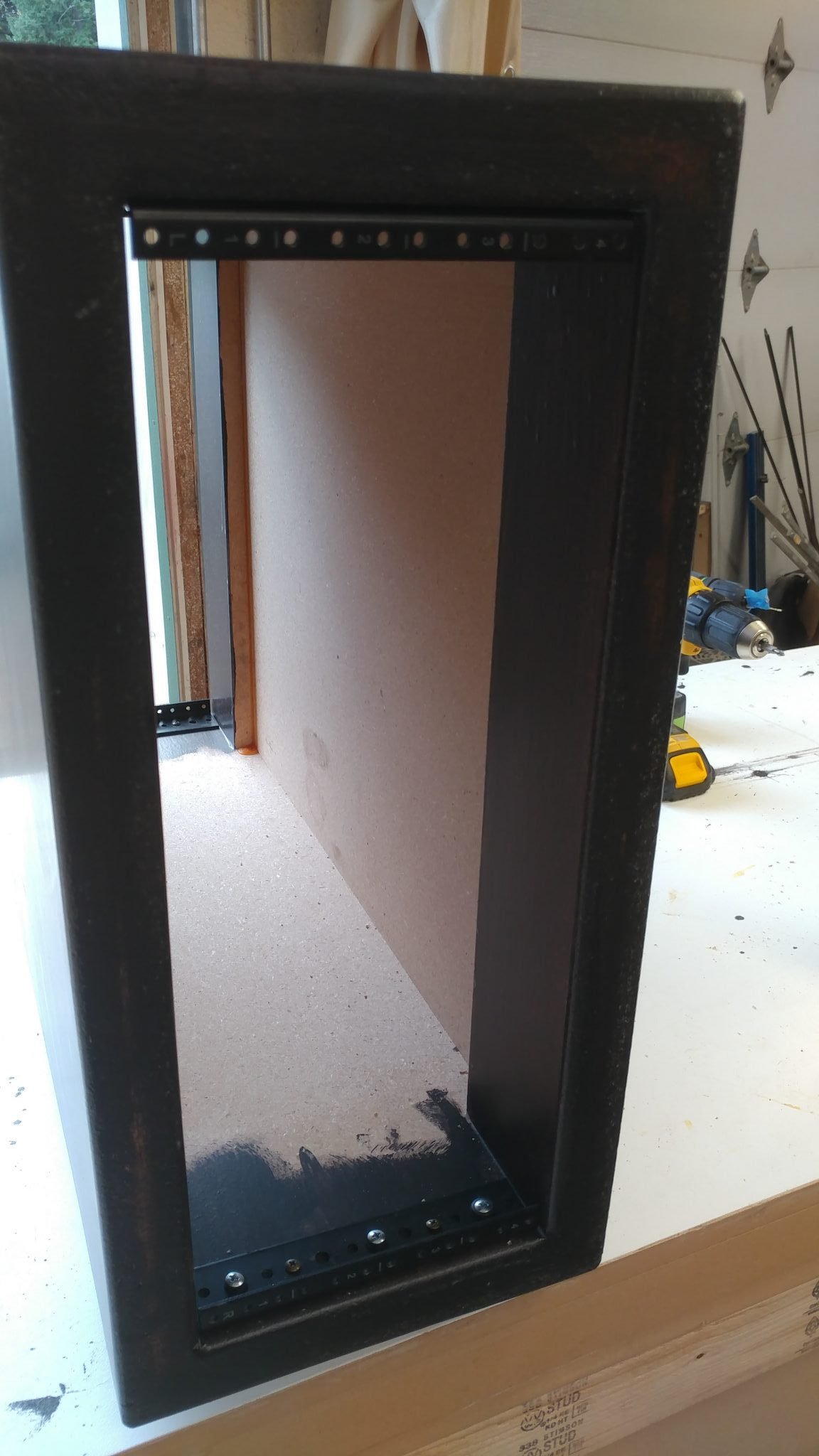
3. Determining the location for the grommet

Each rack will have a number of cable pass-throughs.   I wanted the pass-through to be placed towards the back and towards the top, which will make it easier to conceal the cables.  I decided to have the computer pass-through located 2″ from the top of the rack and 5-1/4″ from the rear.  This was a slight mistake, as you’ll see below.
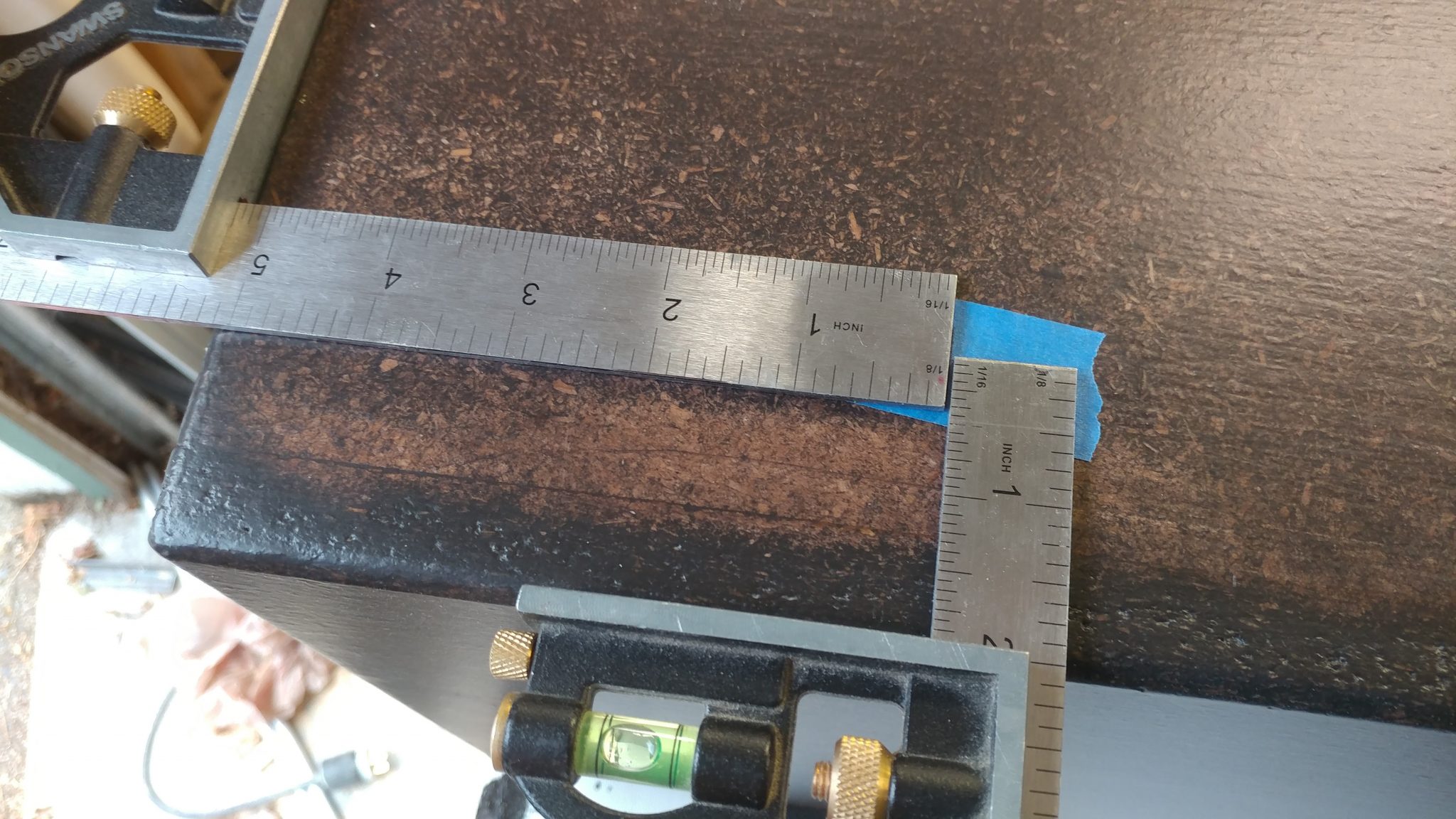
I marked the spot on painters tape and drilled a pilot hole.
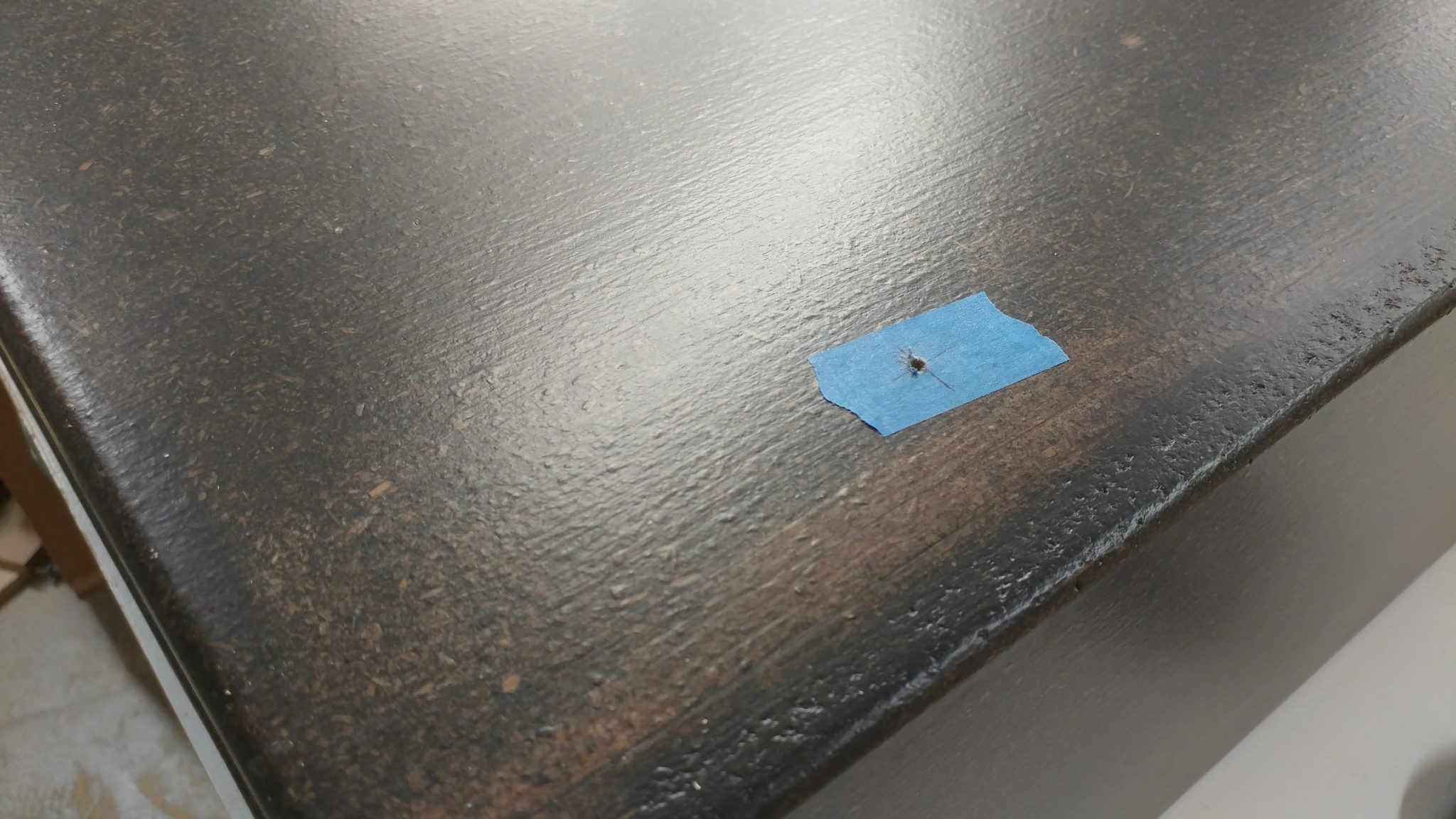
4. Prepping the circle-cutter

I used a circle cutter on my cordless drill.

I only used one cutter to do this.  Having the second cutter installed was feeling a bit sketchy.
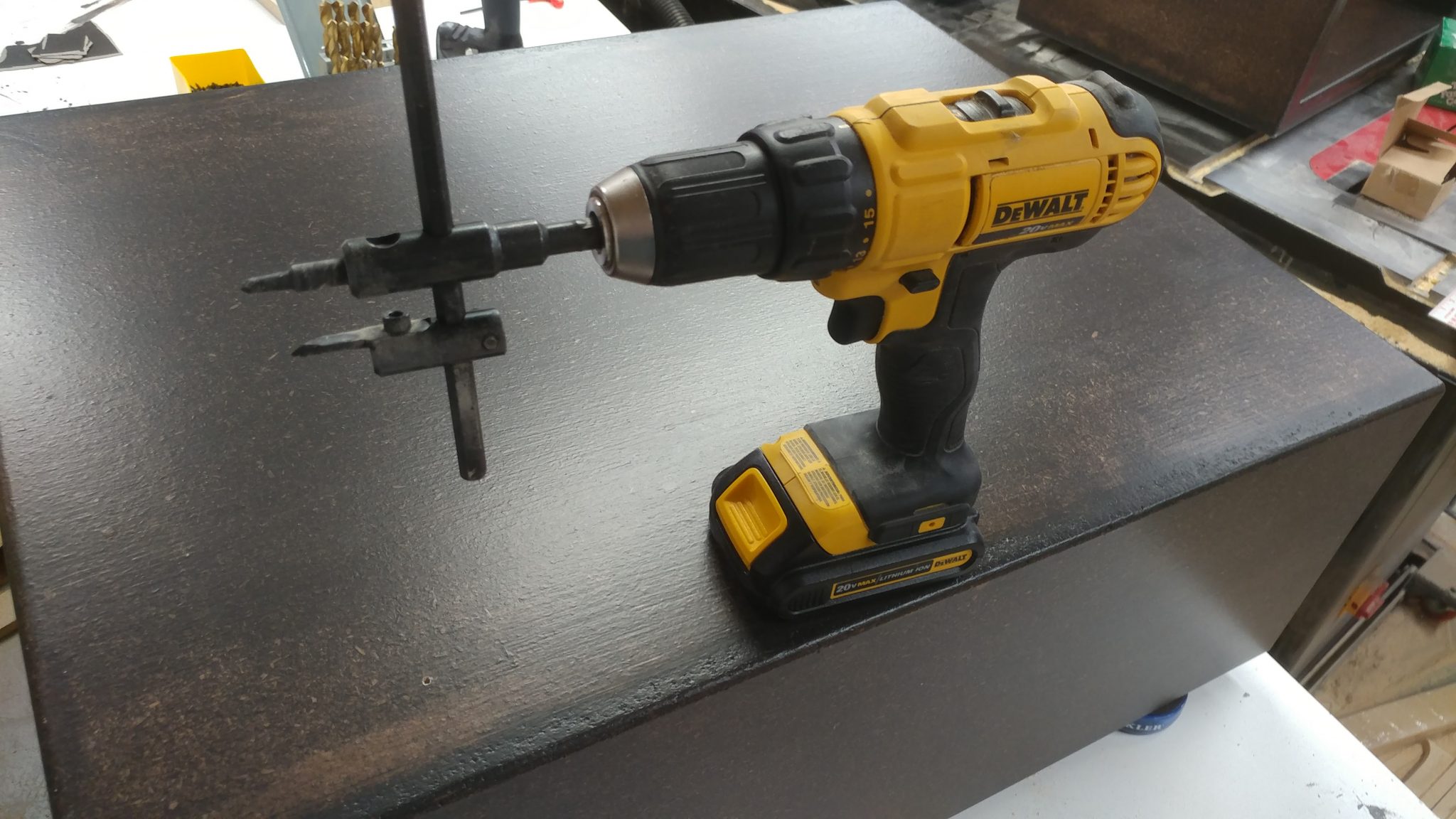
5. Cutting the circle for the grommet

I used the pre-drilled pilot hole to start cutting
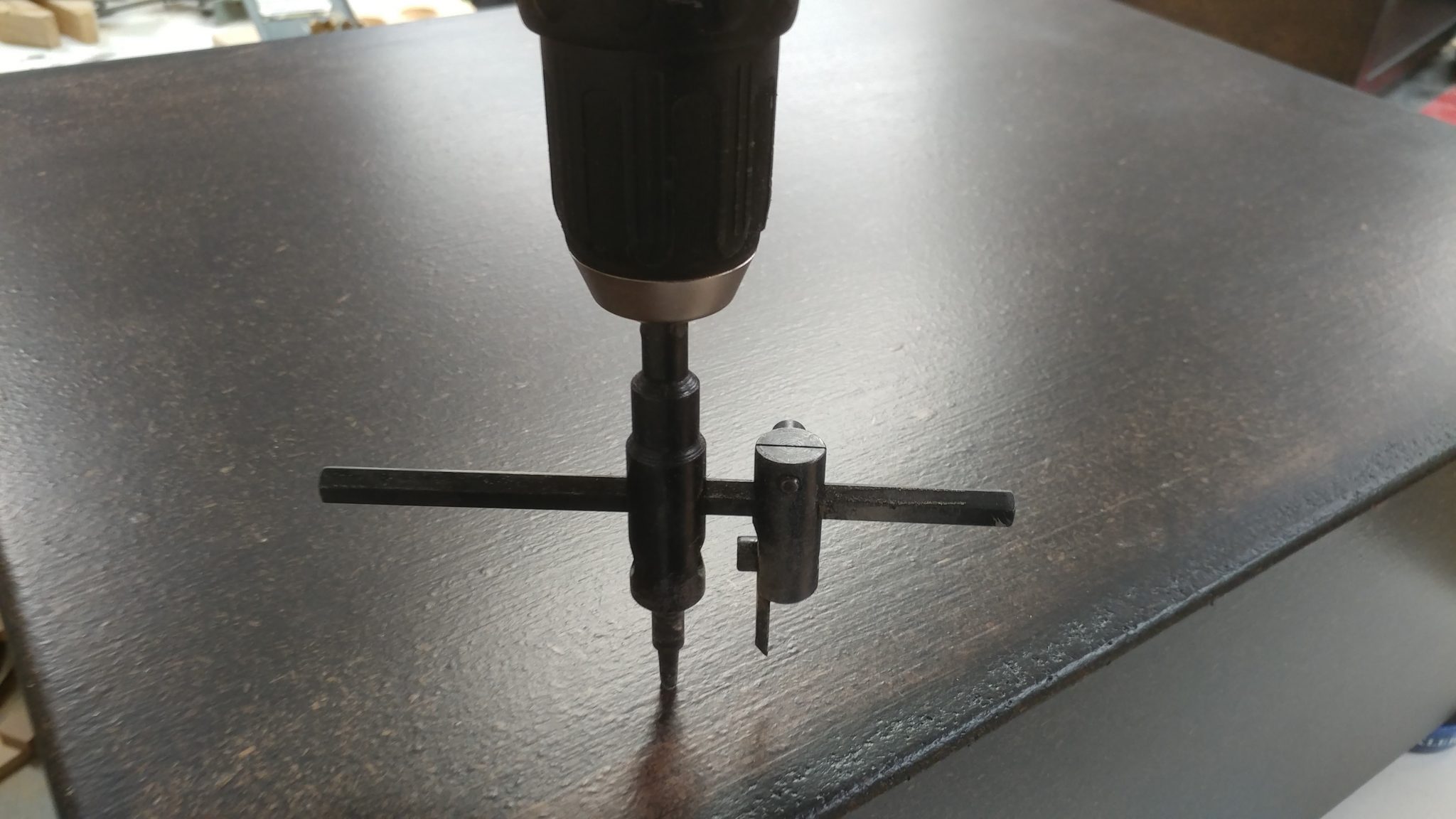
The circle cutter uses the pilot hole to keep it in the proper location.
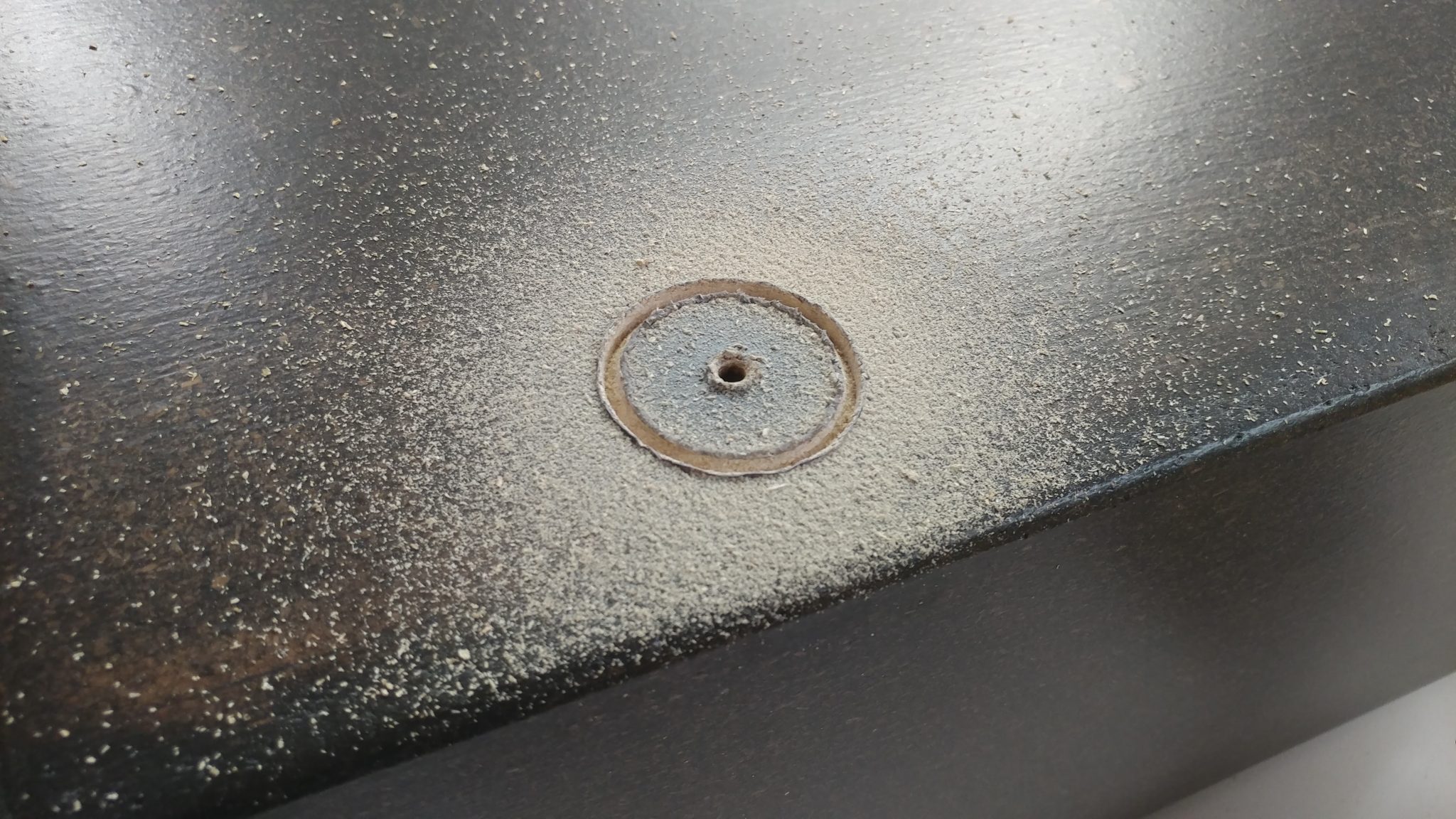
6. My first major screw-up

This is where I screwed up.  I forgot that the top and bottom of the racks have two layers of 3/4″ particle board rather than just one.  I didn’t calculate that when I decided on a hole placement.  This means that the top of the rack will interfere with the pass-through.
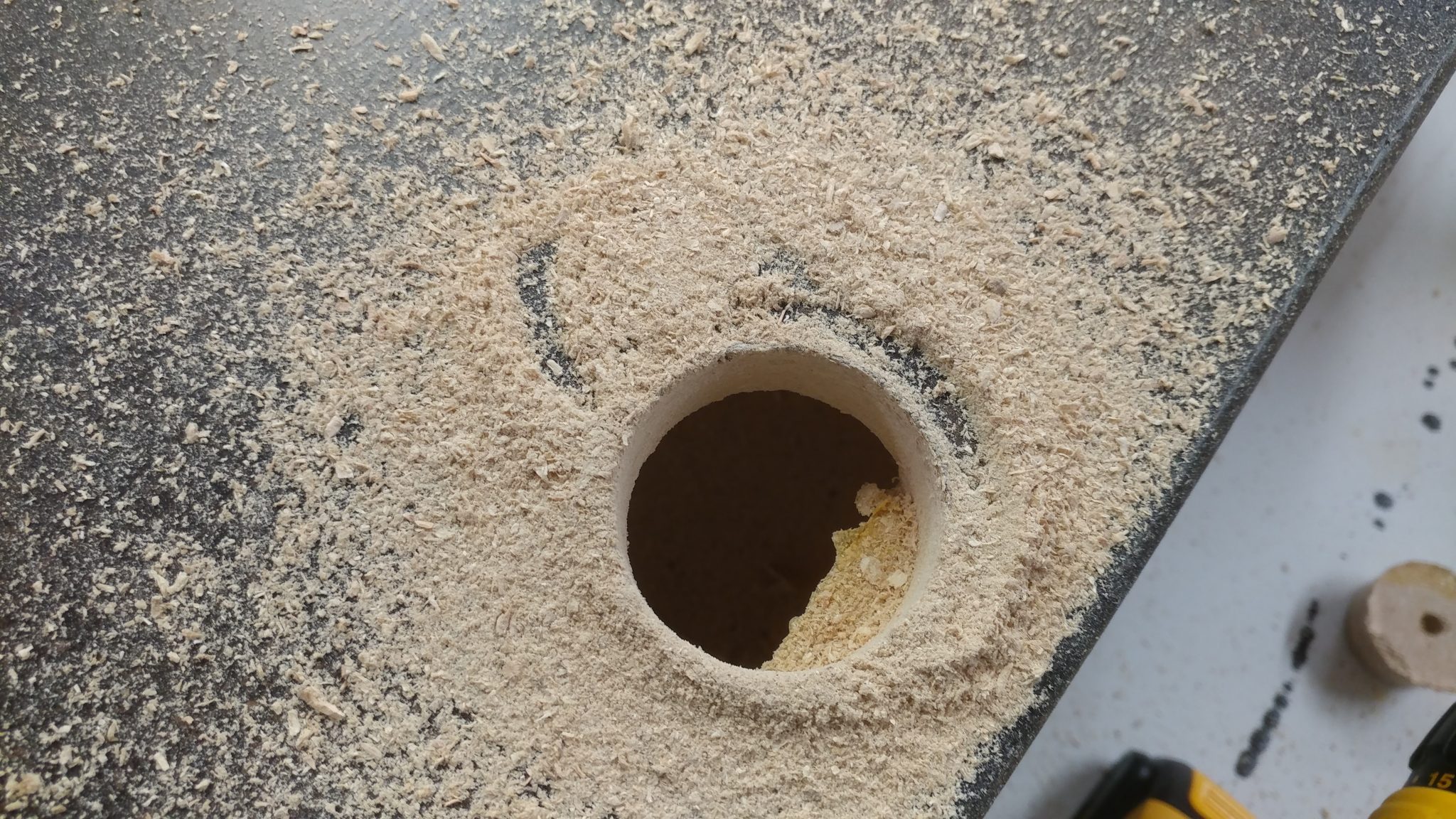
7. Fixing the screw-up

I used a chisel and a rasp to clear out enough room to allow the pass-through grommet to be fully inserted and provide more room for cables.
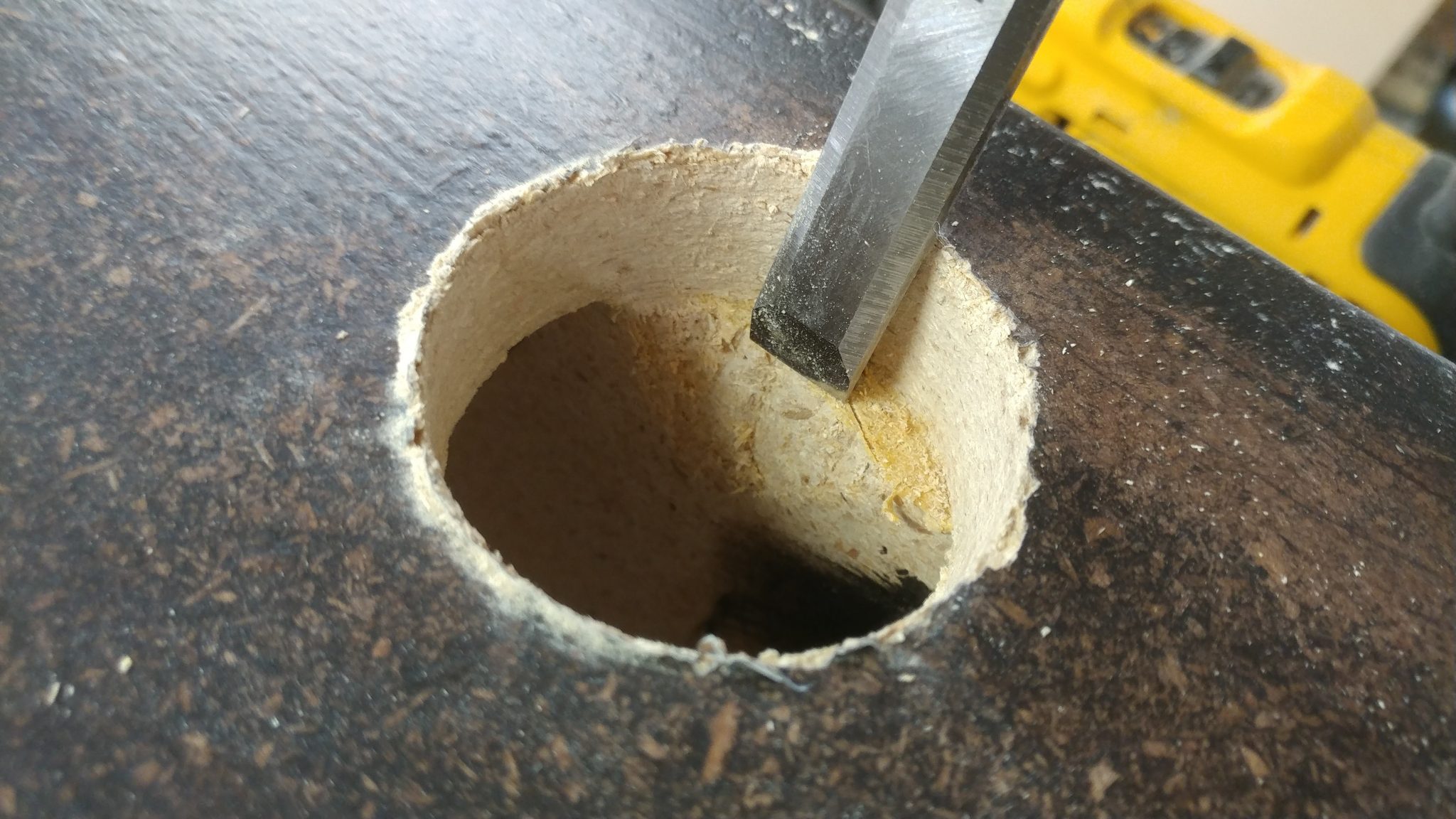
Much better.
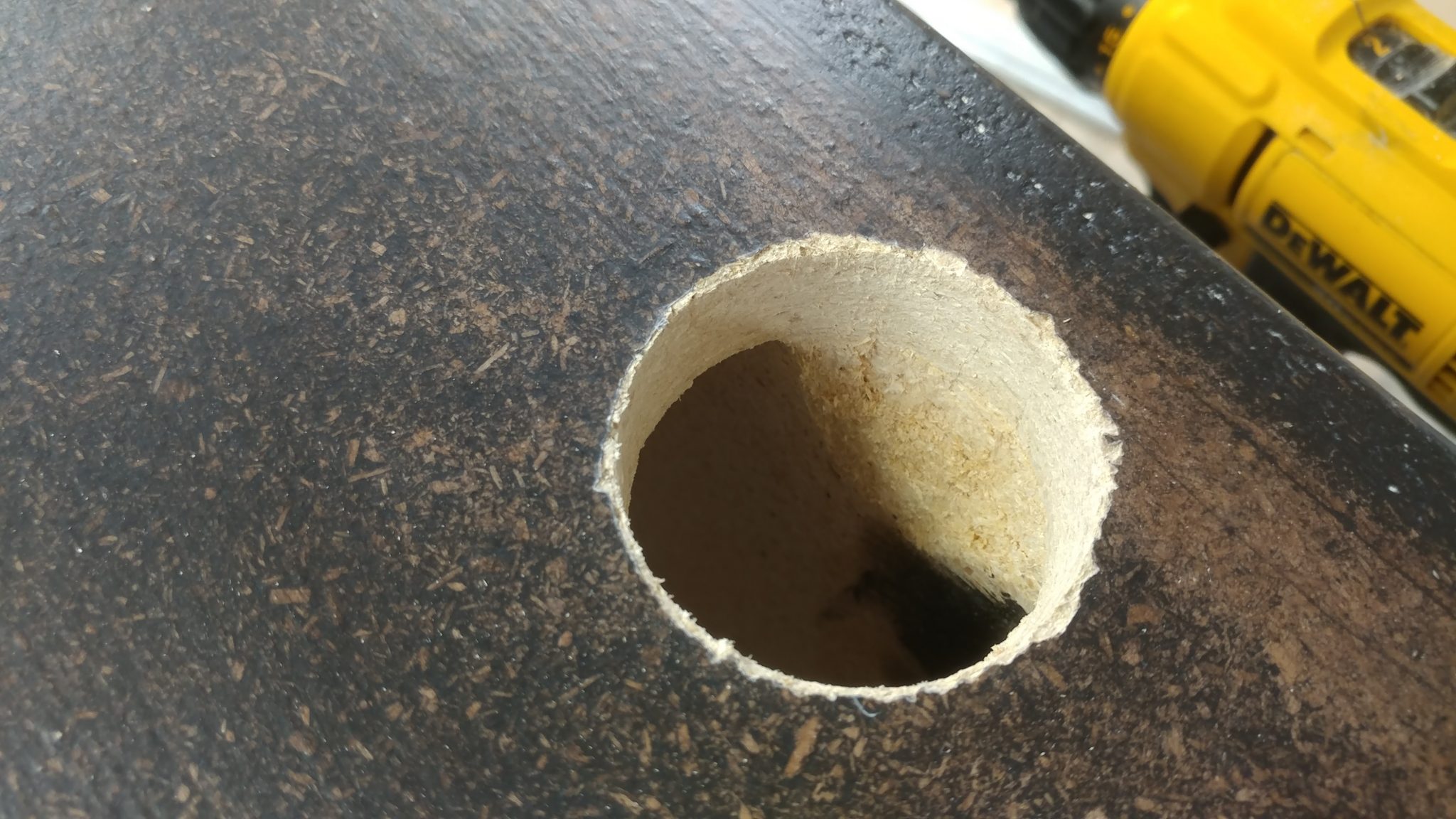
8. Installing the grommet

The grommet fits nicely and covers the jagged edge around the hole.  I used some 5-minute epoxy to secure the grommet in place since the hole cutter didn’t really cut a smooth hole in the particleboard..
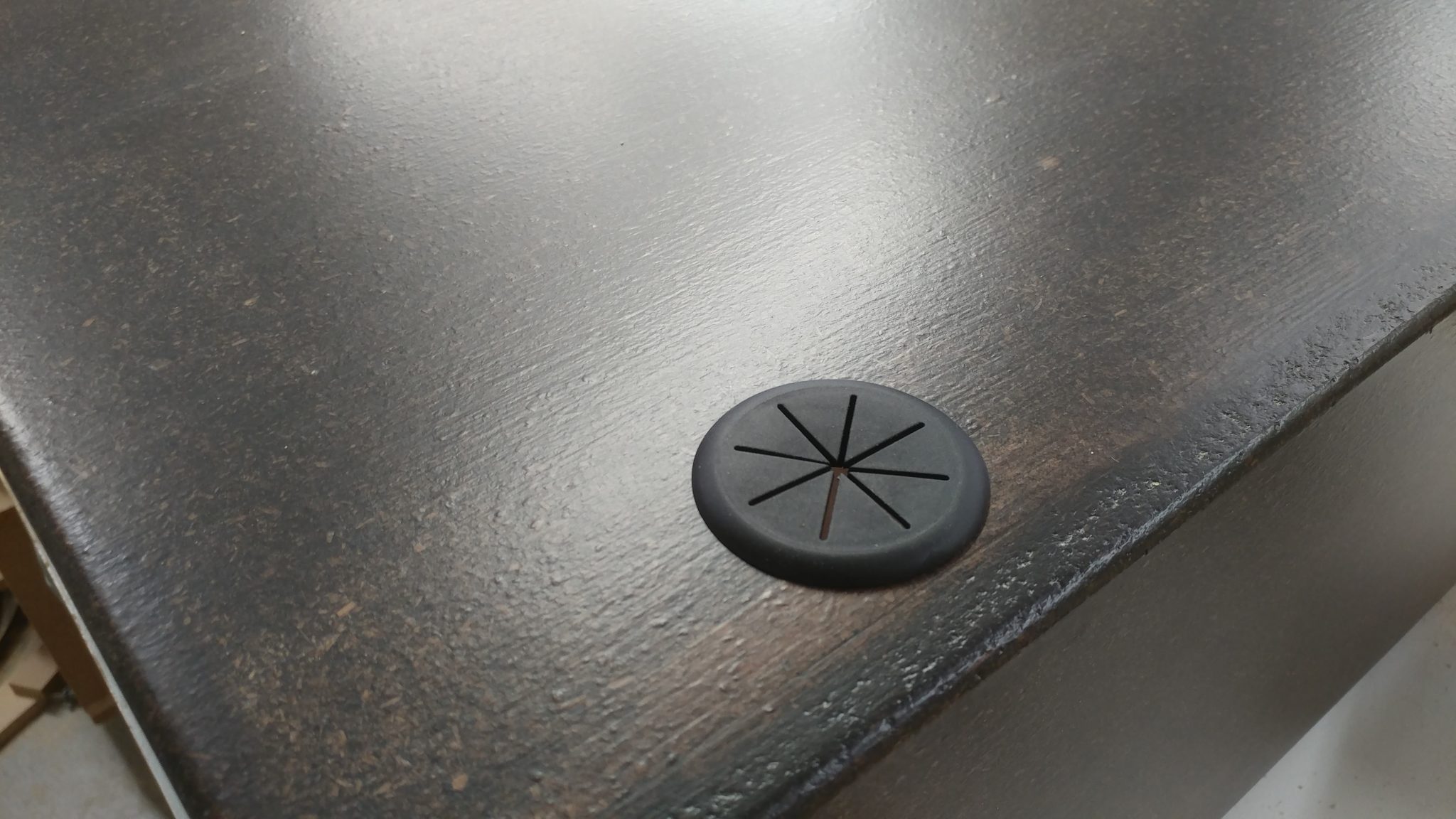
9. Taking it all in

This is how the rack will be positioned in the desk.  You can see the pass-through grommet in the upper rear corner on the side of the rack.
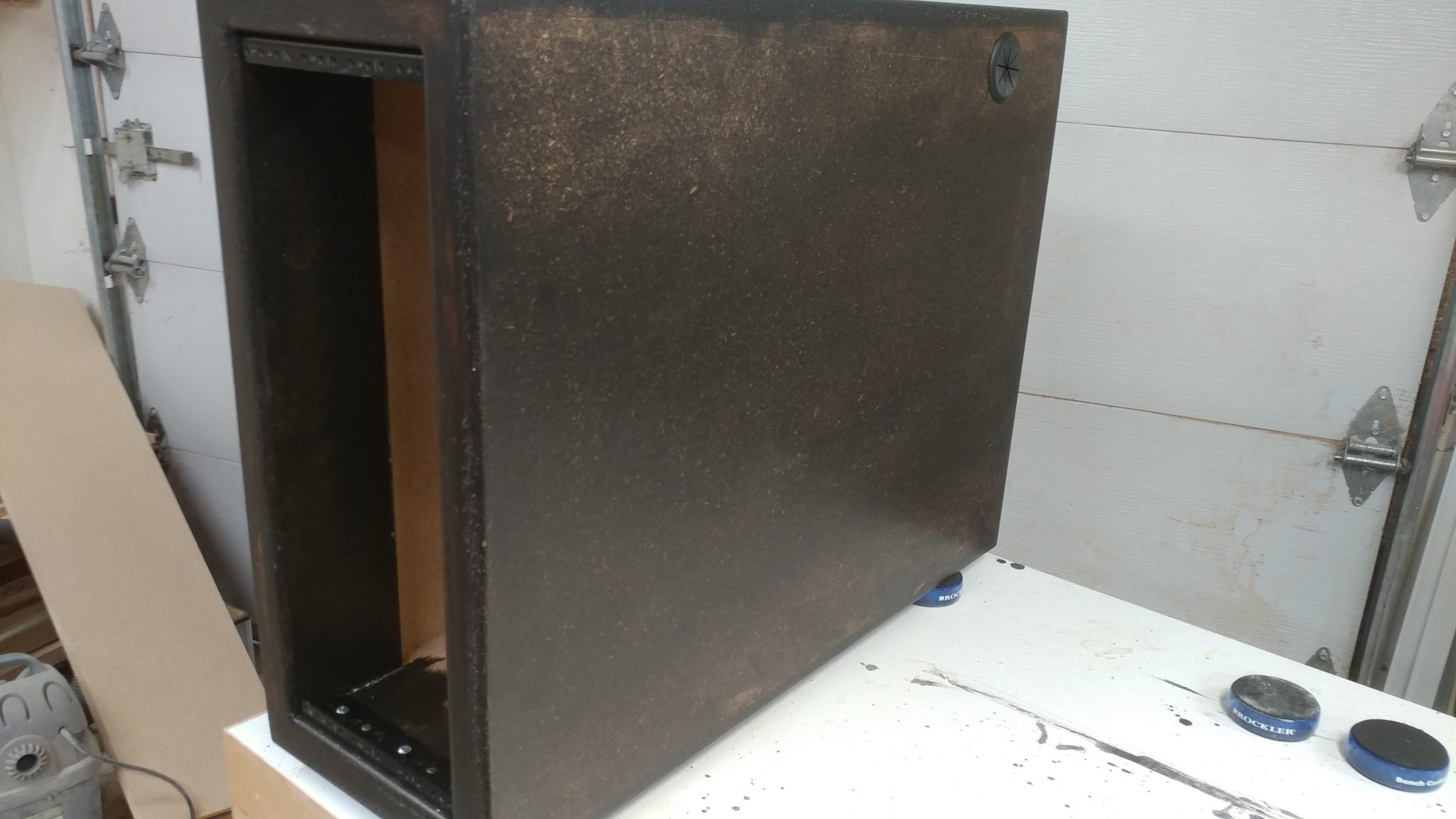
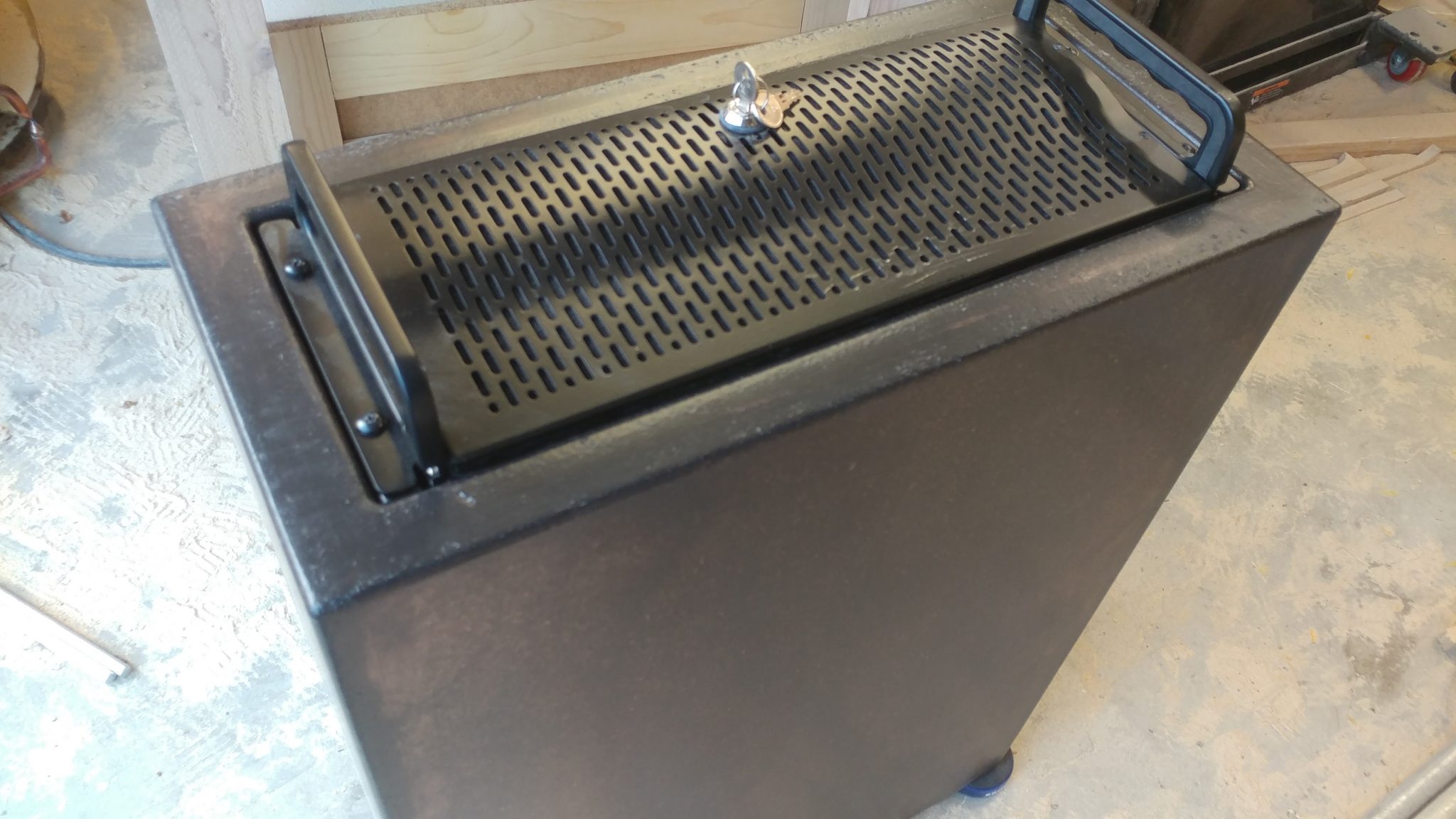
10. Ensuring that the PC will fit in the rack

I set the rack on its back and dropped the computer in.  I screwed it to the rack rails but right now there isn’t anything supporting the computer, which is very heavy.
11. Measuring the space under the PC

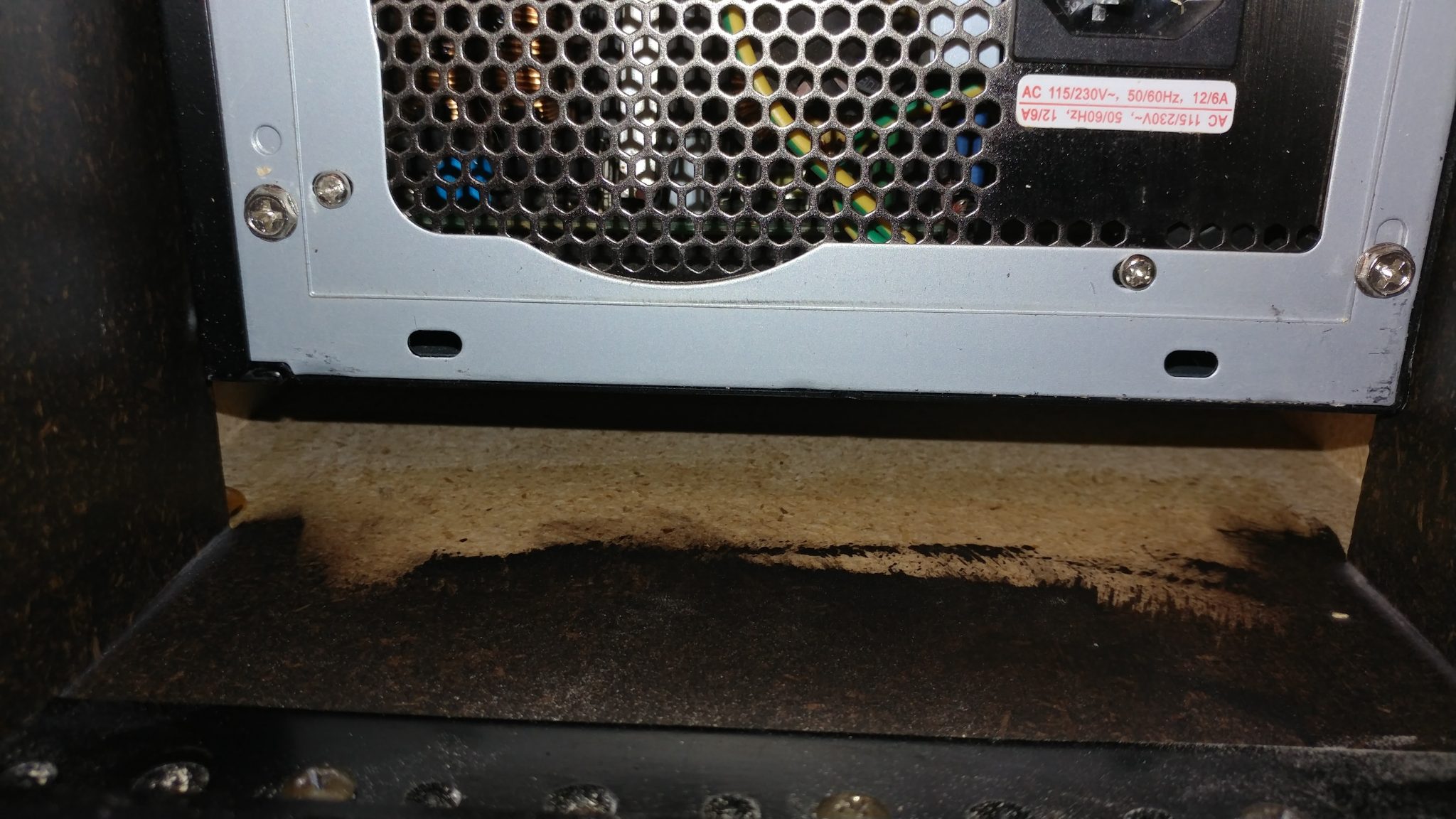
I set the rack upright again and went around the back.  You can see that there is a gap between the computer and the inside floor of the rack.
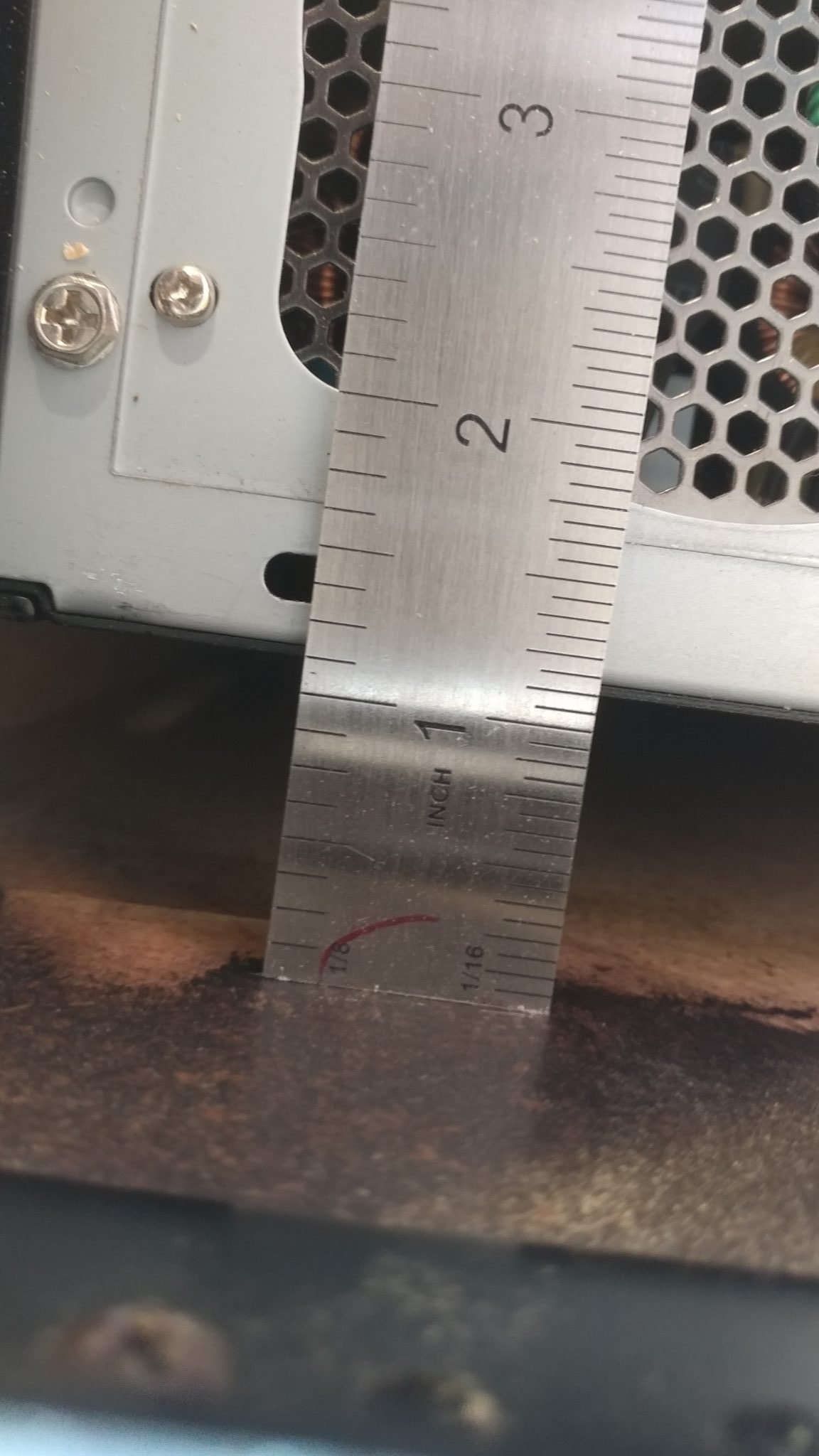
I measured that to be 1-1/8″.
12. Making the PC supports

I cut two strips of MDF at that width and slightly tapered the end on a disc sander.  These will go between the computer and the rack floor to help support the computer.  The taper at the end will make it easier to insert the computer from the front.
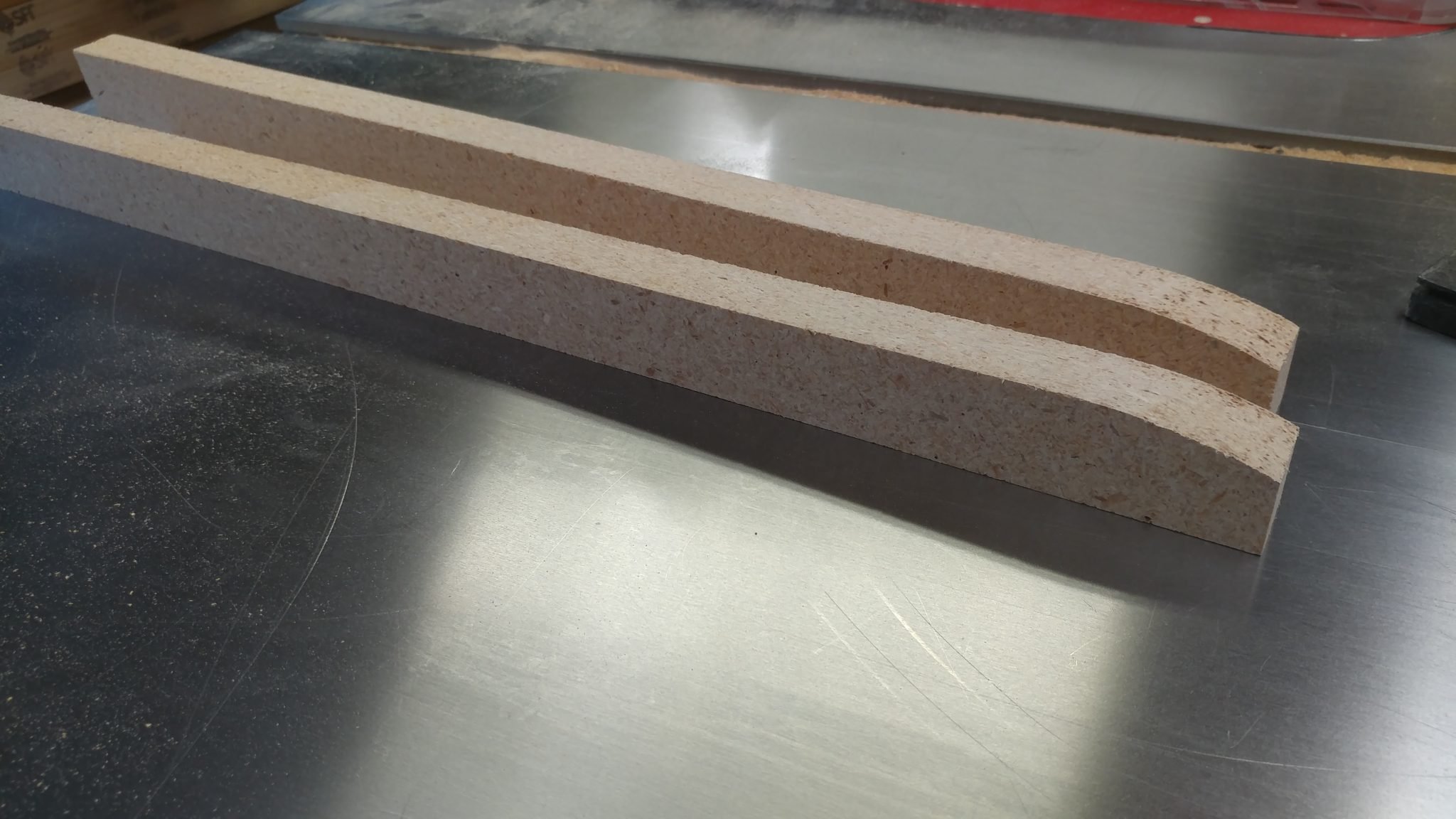
This is where the wood supports will be placed.
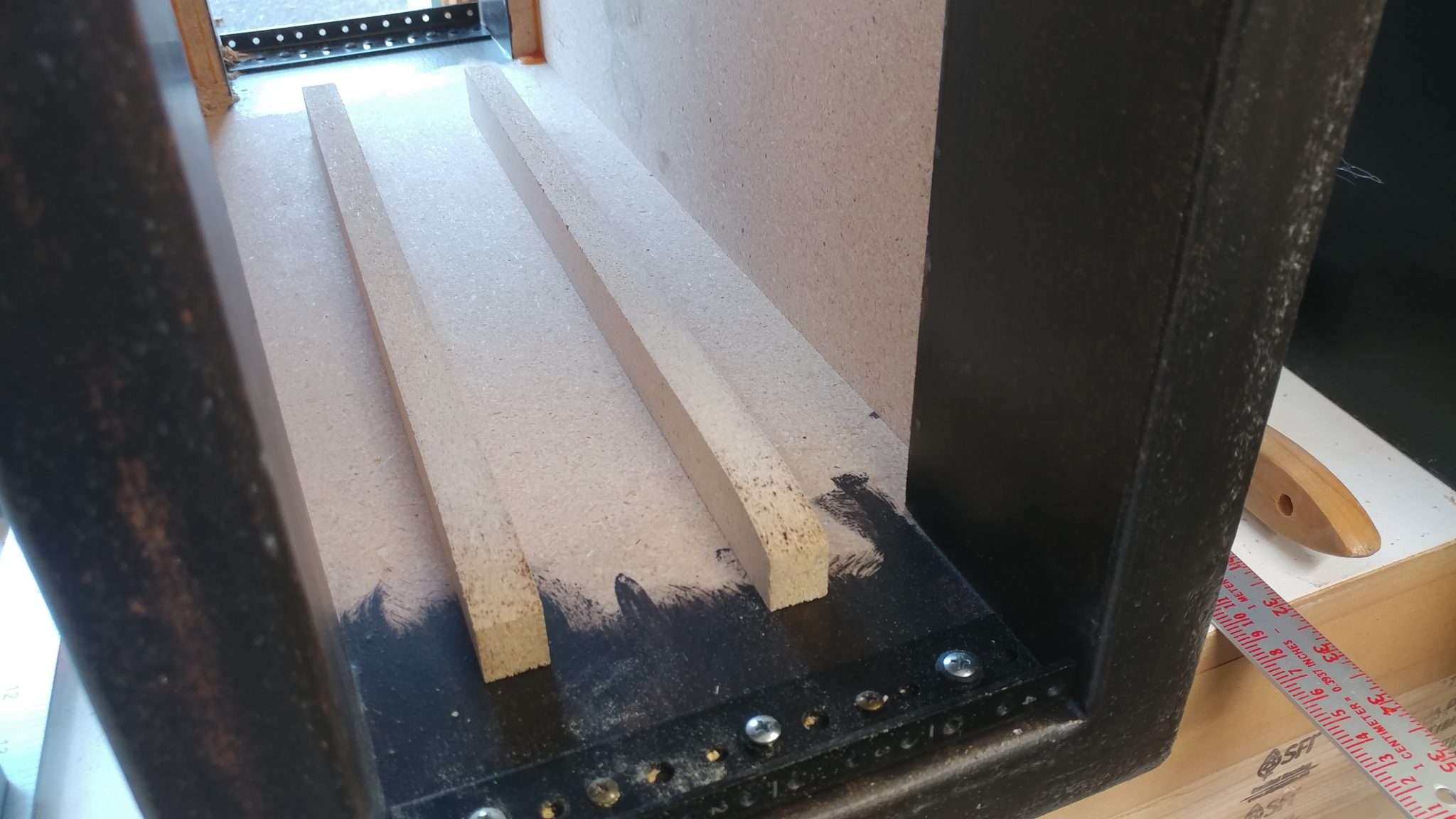
13. Installing the 8-space rack rails

I installed the 8-space rack rails to the larger two racks in the same manner.  They don’t need the wooden supports added to them but I did install a few grommets on both the left and right to allow the cables to pass between the boxes.
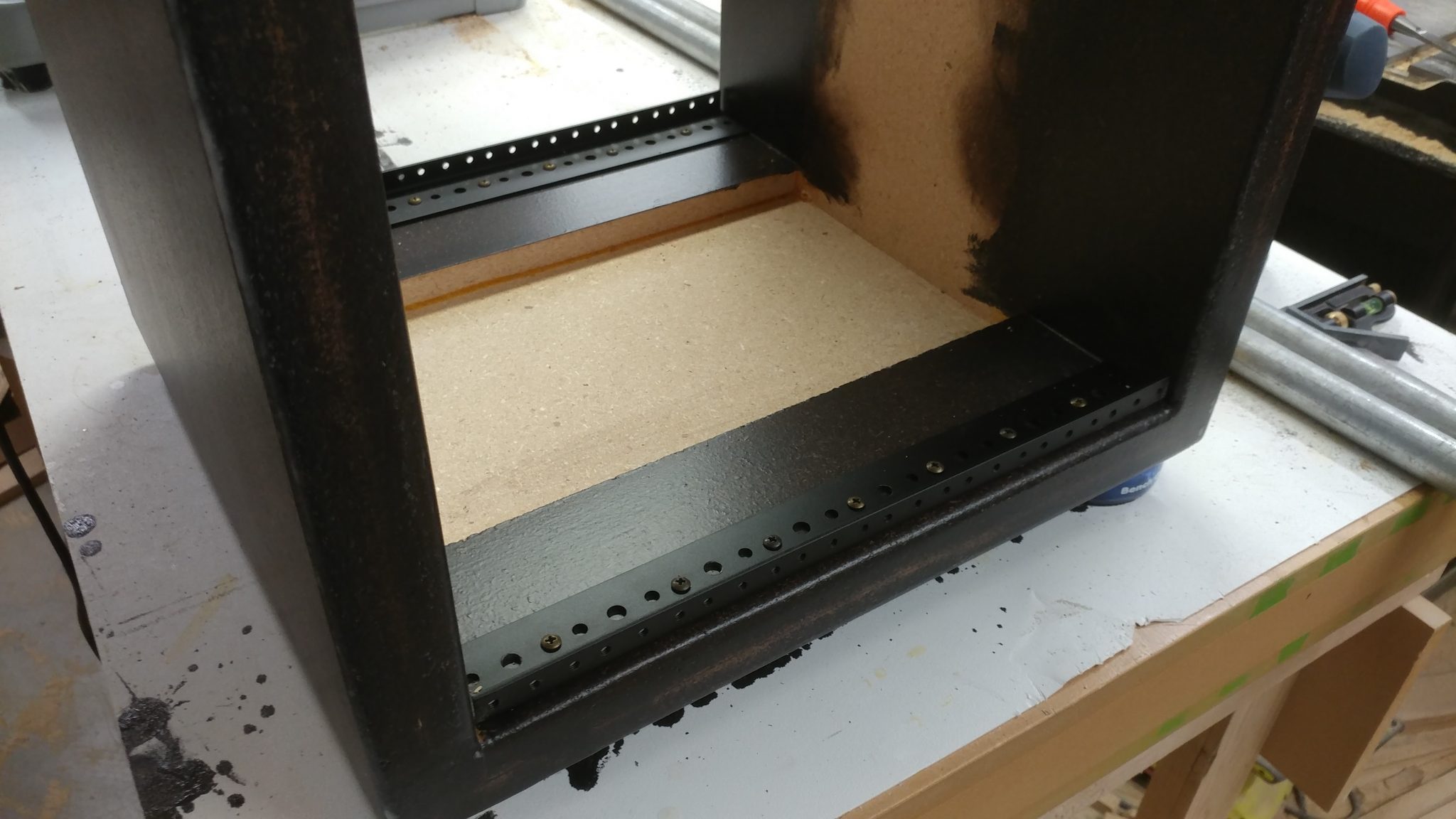
Installing the Leg Mounts

The leg mounting hardware needs to be mounted in a way that will allow each of the three racks to be installed in either location.  This didn’t seem like it would be that big of a problem but it took some thinking before I could even get started.  Each rack unit will have three legs; two on the sides towards the outside of the desk and one underneath towars the inside of the desk.  I decided to start with the legs on the sides.

1. Steel-Tek hardware
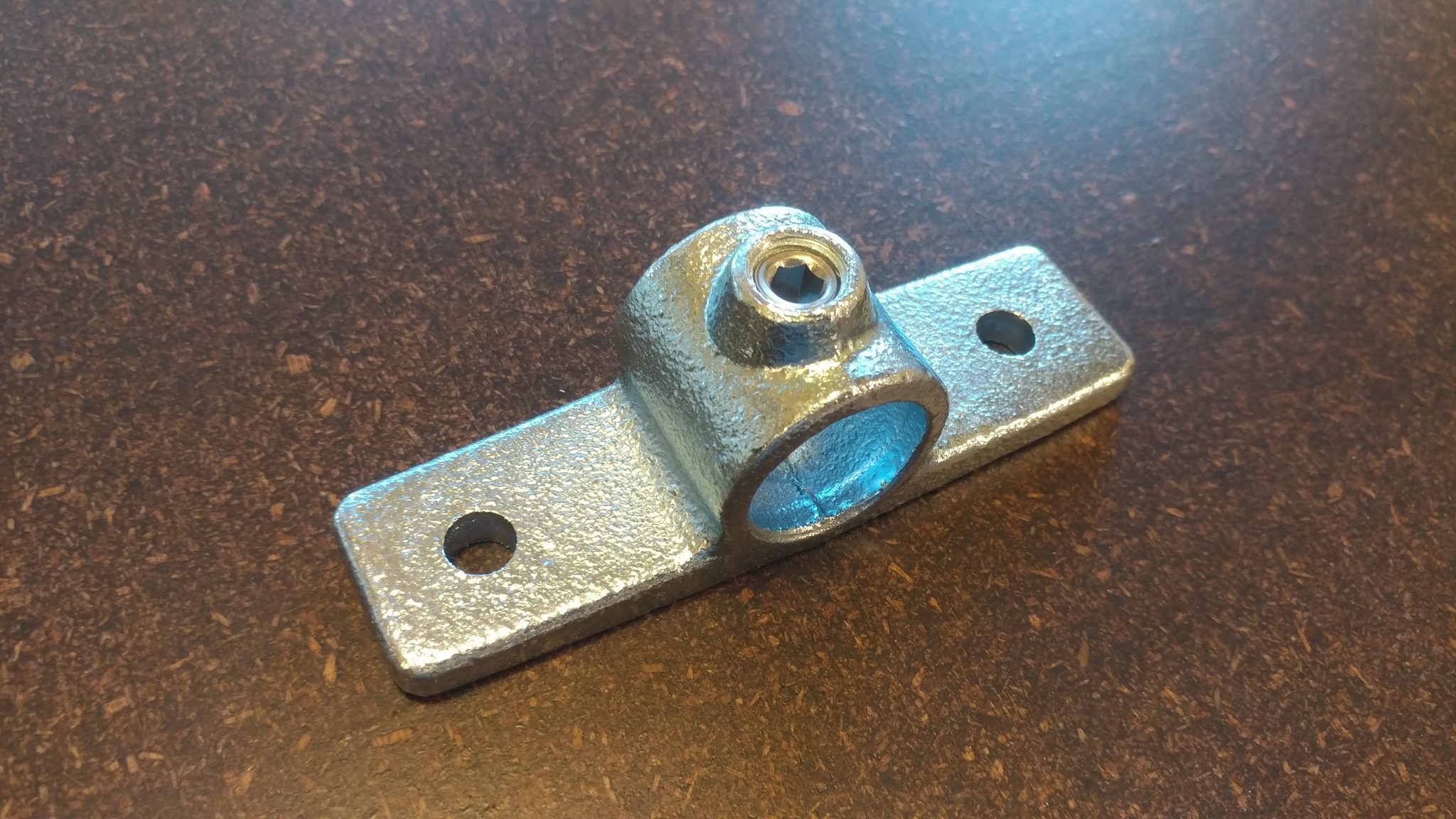
The side flange is part number 679-804HC from Steel-Tek and can be bought from Lowes.

The floor flange is part number 673-104HC from Steel-Tek and can be bought from Lowes.

2. Determining the position of the side flanges

I positioned the side flange on the side of the rack as far forward as I could.  I positioned it 3-1/2″ down from the top.  This doesn’t add anything in terms of stability, it just looked best and it ensured that the bolts I used to attach the bracket wouldn’t hit the screws for the rail hardware.
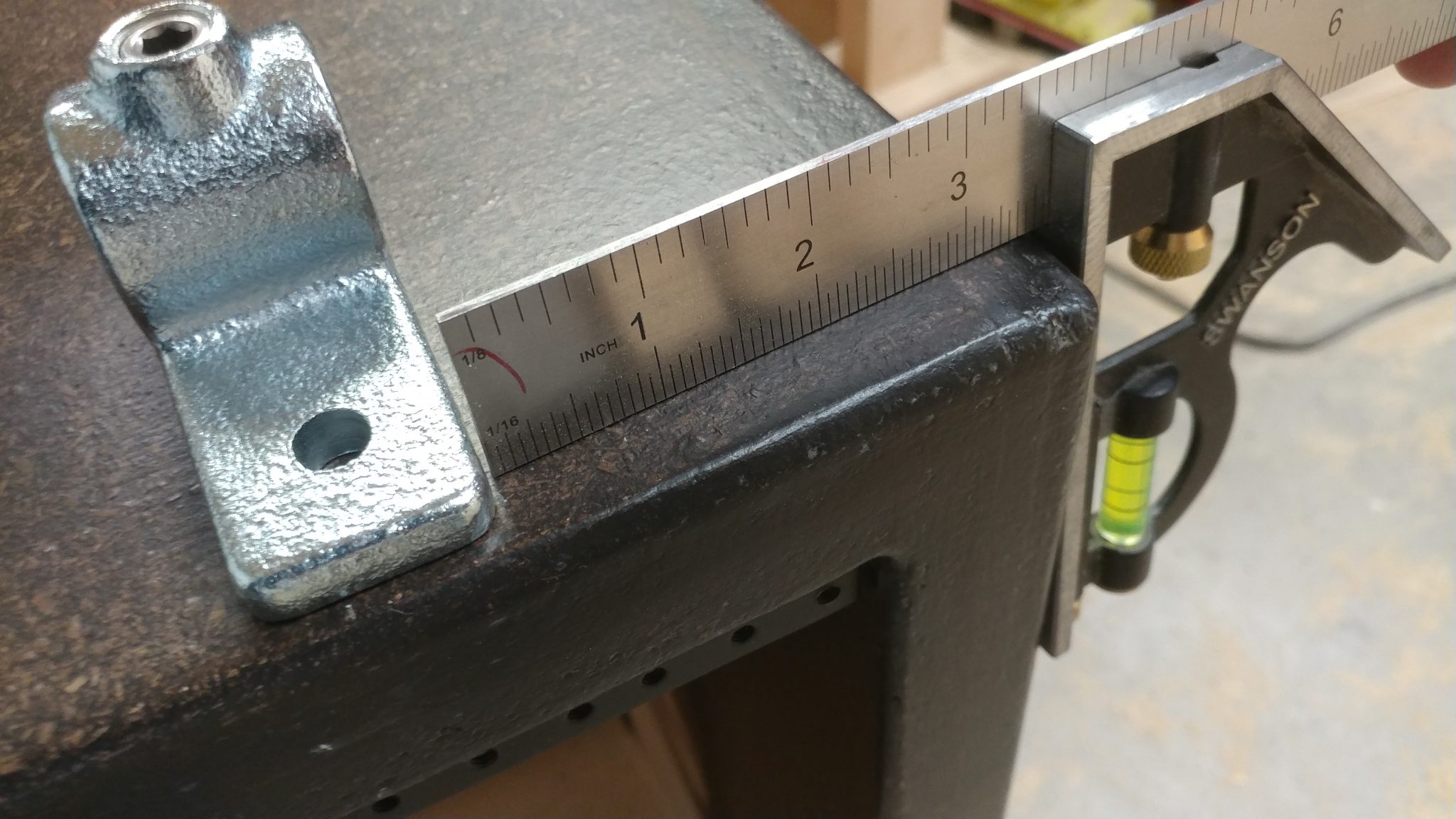
3. Attaching the side flanges

The side flanges were installed on both sides of one of the larger 8-space racks.  I will install them on the other rack later.
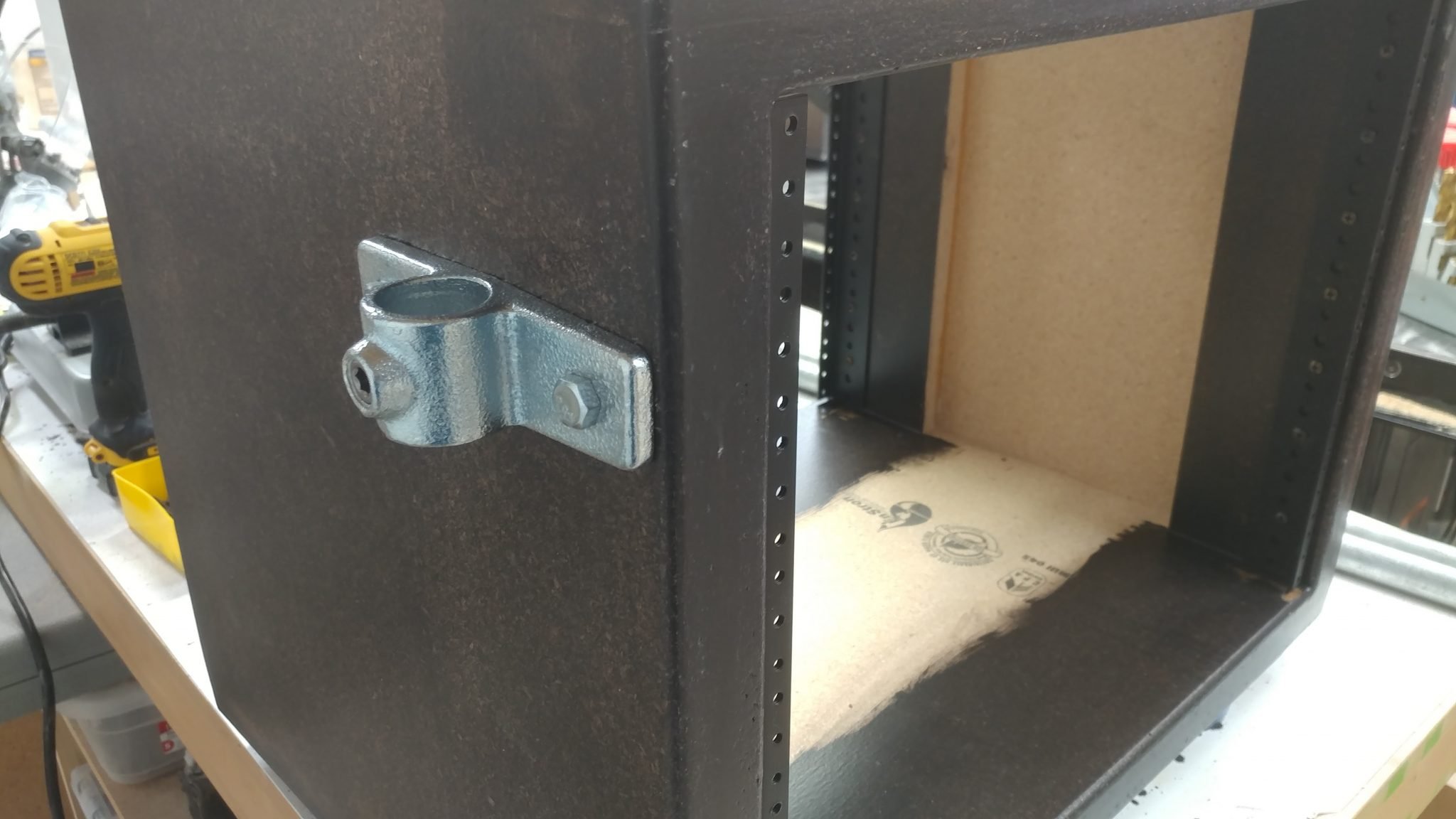
4. Attaching the side flanges

By using some temporary leg rails I was able to place the PC rack on top of one of the larger 8-space racks.  This allowed me to determine the locations for the side flanges.
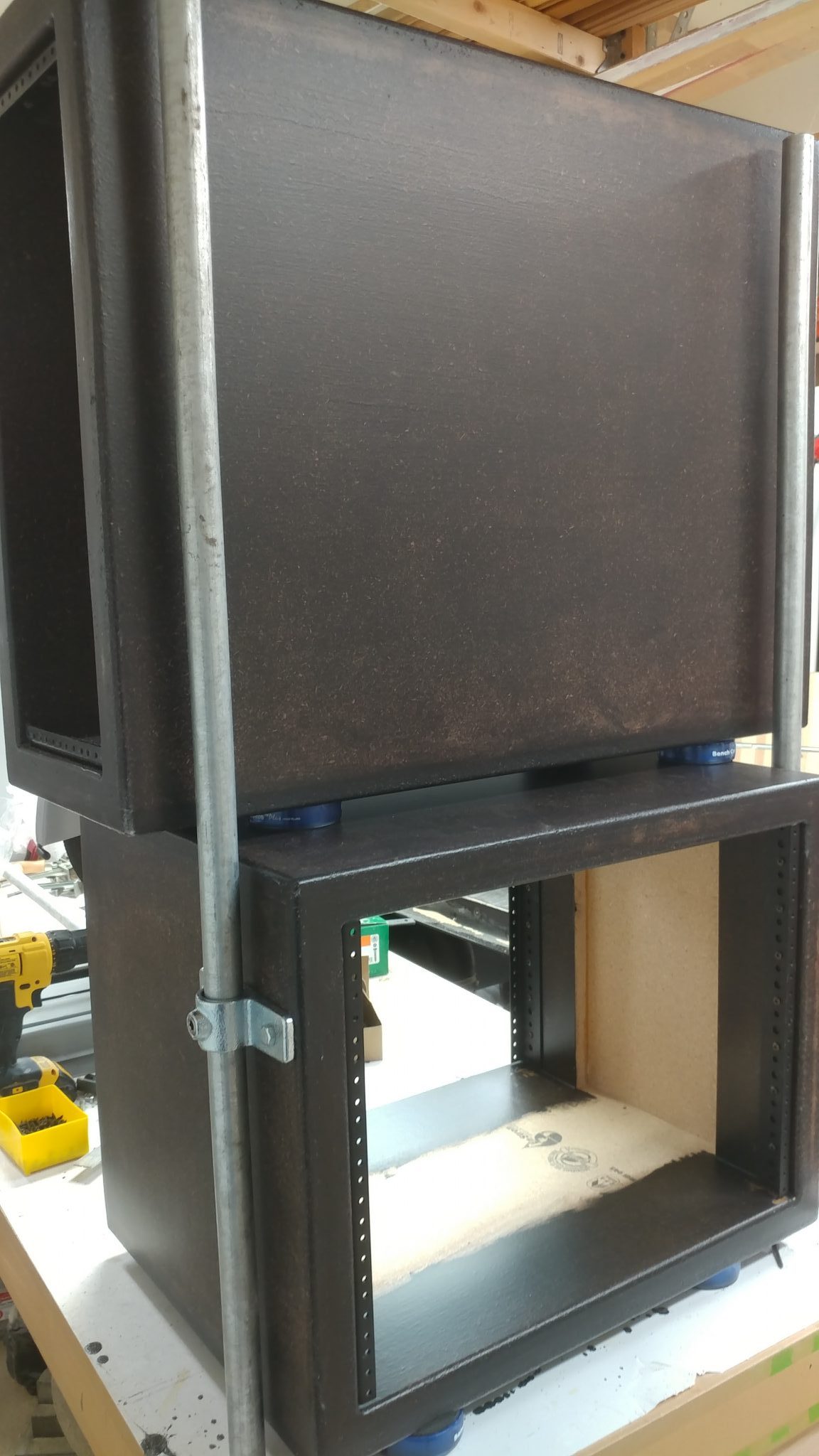
The side flanges were attached three and a half inches from the top, just to be consistent.
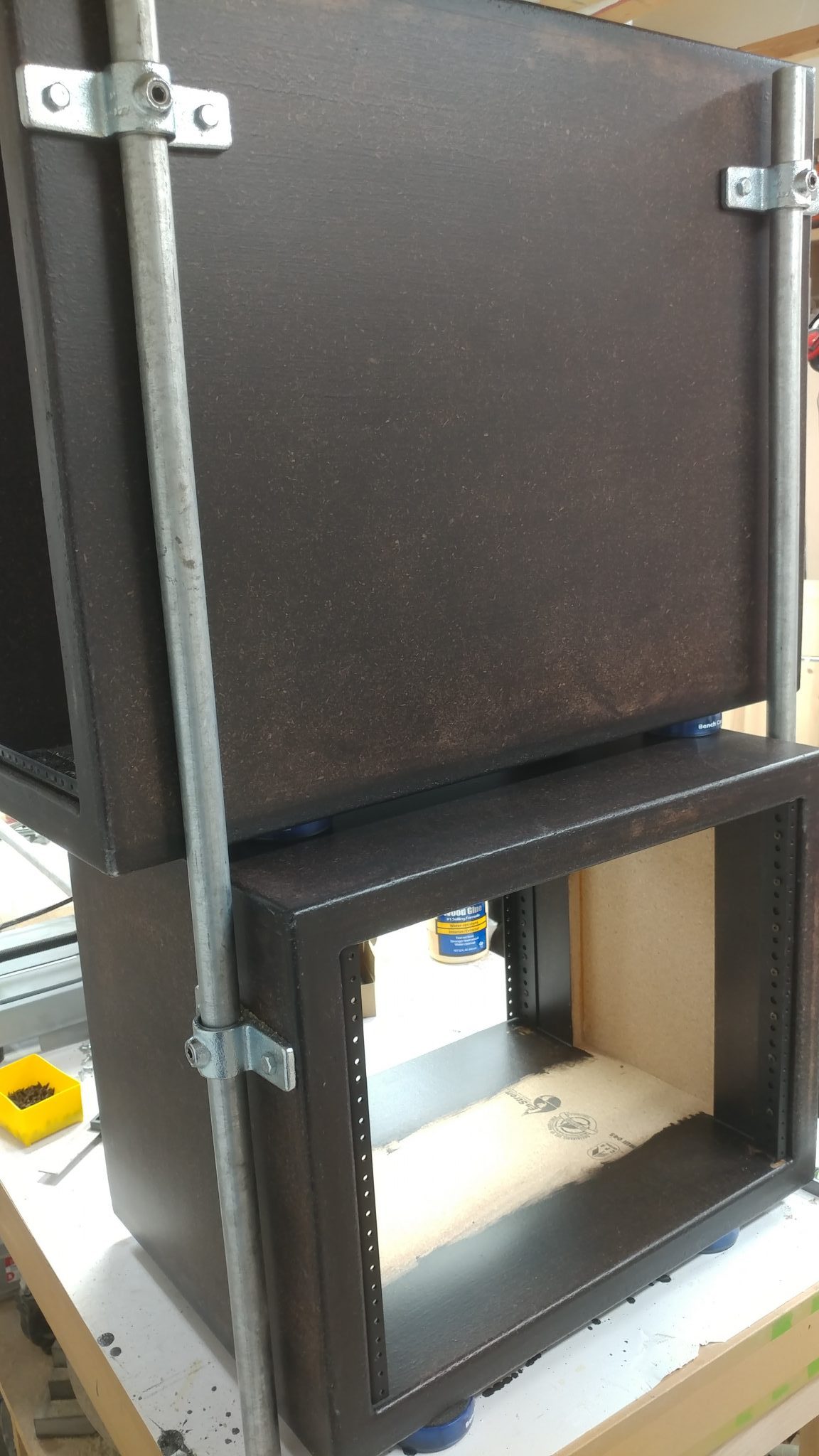
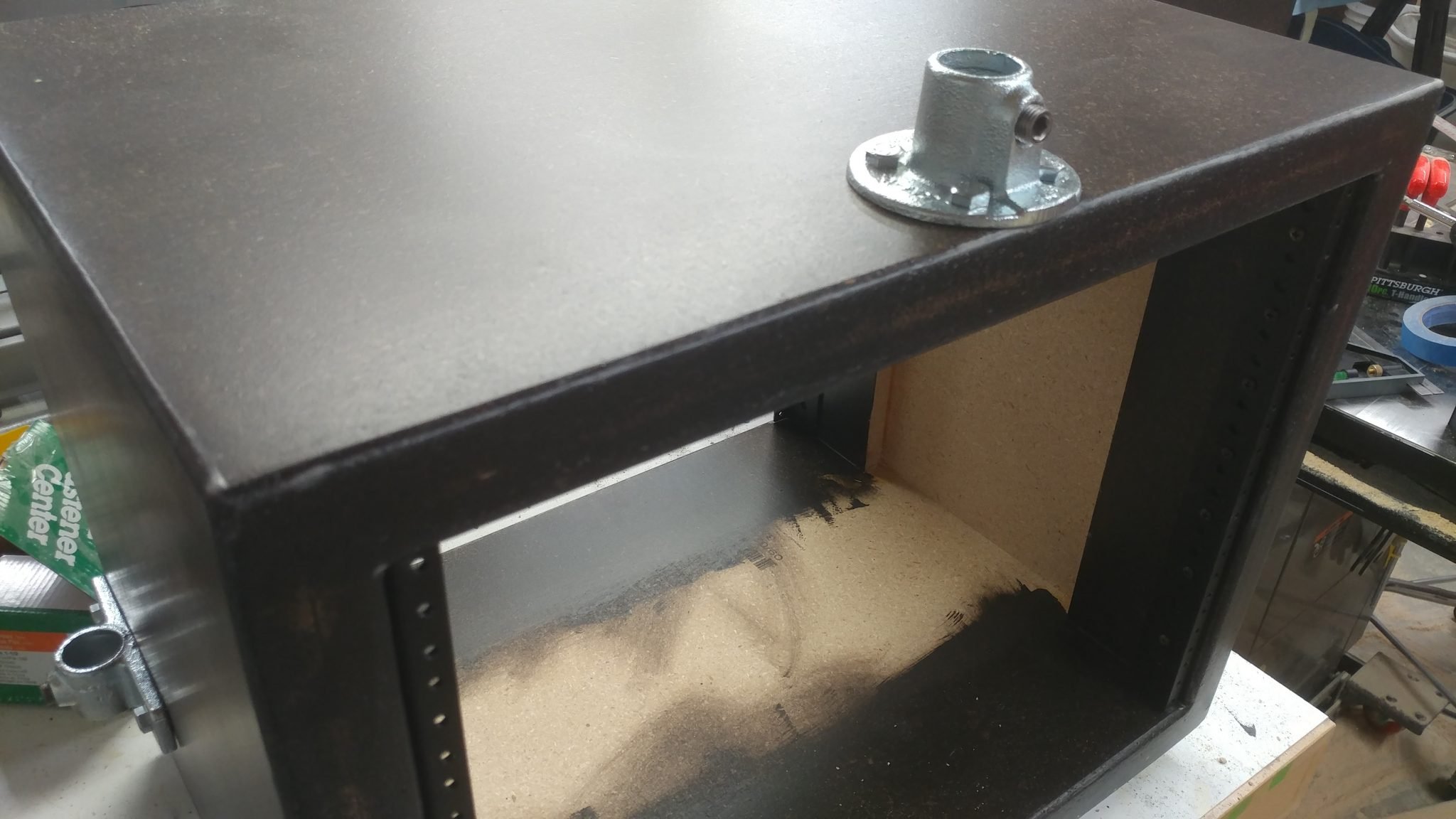
5. Positioning the first floor flange

Then it got a bit squirrely.  I took the PC rack off the larger 8-space rack.  Then I turned the 8-space rack upside down and set the PC rack back on top and installed the temporary leg rails.   I then used another temporary leg rail and two of the leg mounting brackets and one of the floor flanges, which will be installed on the underside of each of the 8-space racks.
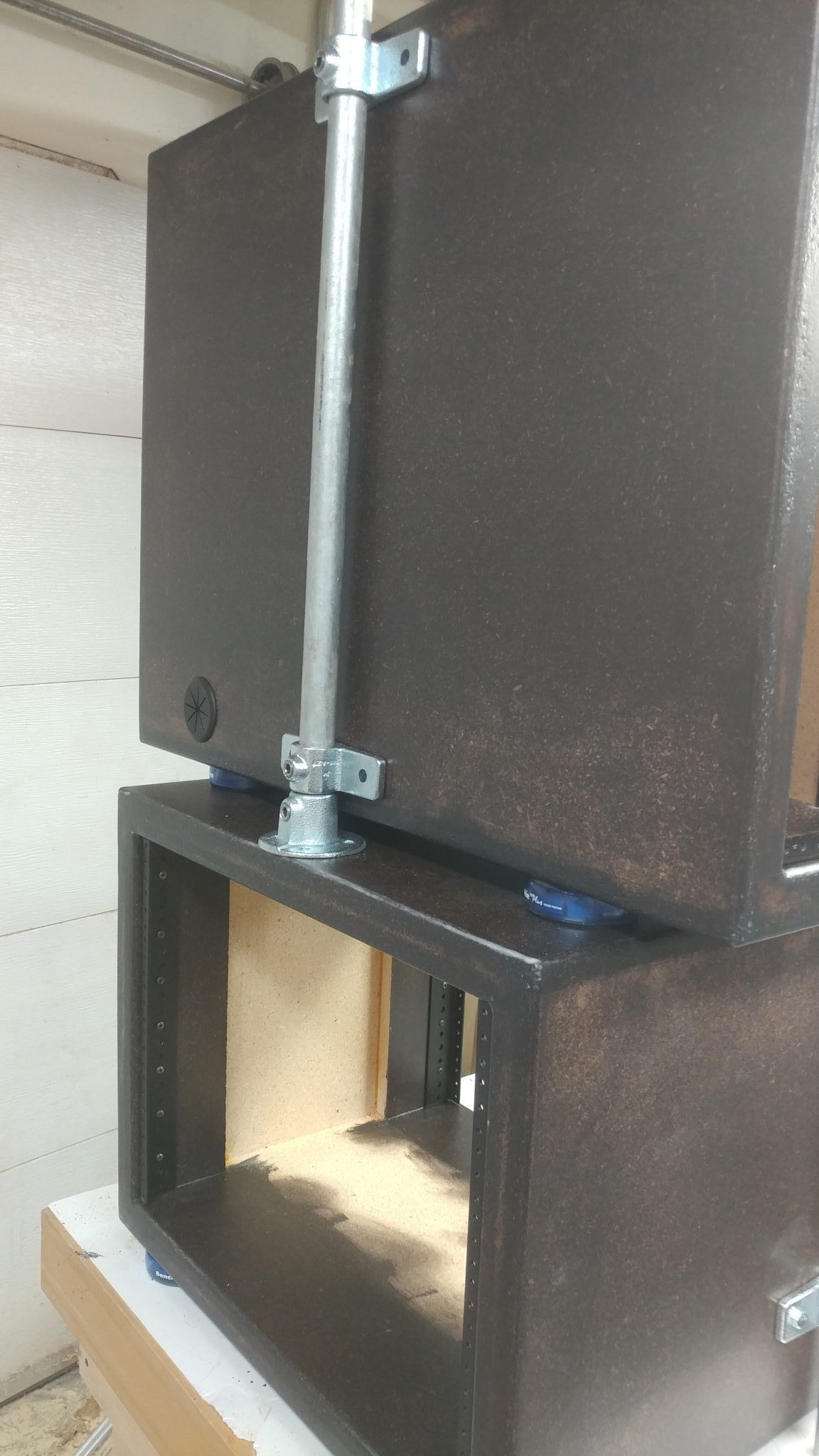
This is how the flange looked after it was installed.
6. Installing the legs

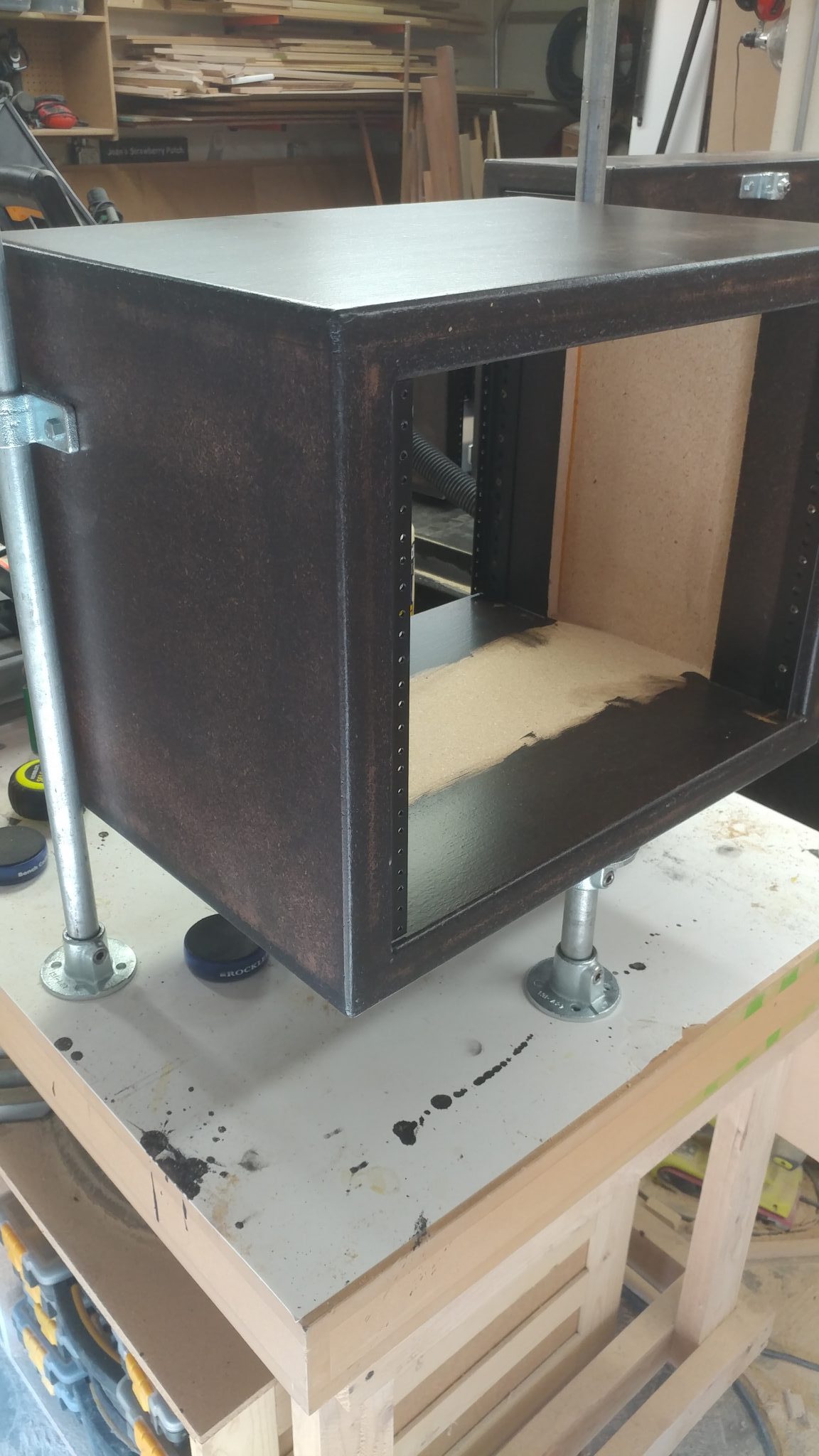
I cut smaller tubes for the legs that will be installed in the flanges.  Then, to get an idea of how it will all look, I put it all together on the workbench, complete with the flanges that will be attached to the desk base.
Attaching the Legs to the Base

New I get to take it all out of my shop and move it into the studio.  I could almost sense my shop breathing a congested sigh of relief as I moved the components out.  Don’t worry, little shop.  I’ll fill you with tripping hazards again soon.

1. Positioning the right-side rack.

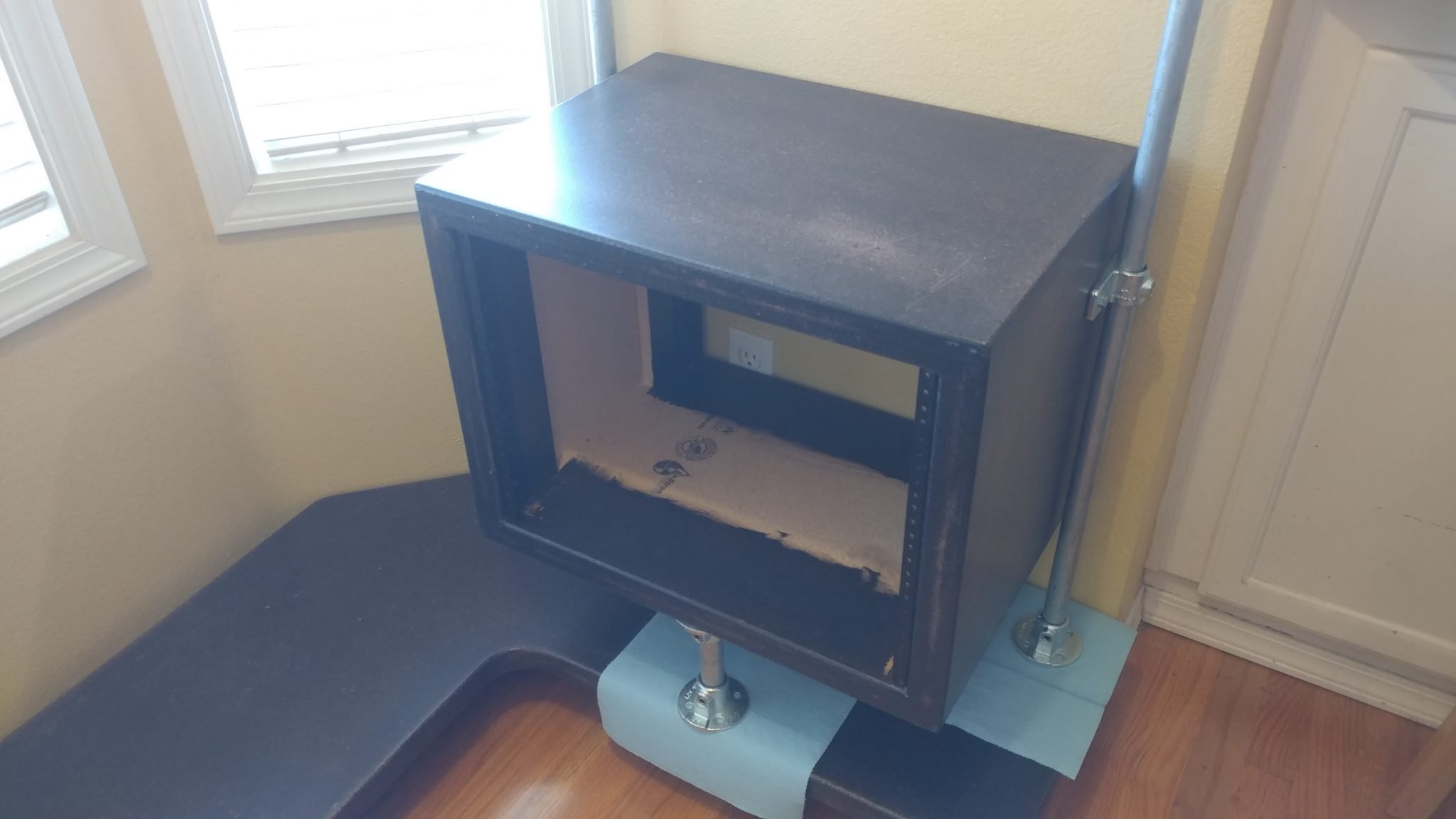
With the legs installed on one of the larger racks, I positioned the legs and flanges in position, using the wall to ensure the outside face of the rack is flush with the outside face of the base.  I set the flanges on blue shop towels to make sure I didn’t scratch the base.
2. Dealing with another screw-up

This is another area where I realized that I really screwed up.  As you can see, the flange sticks out past the edge of the base.
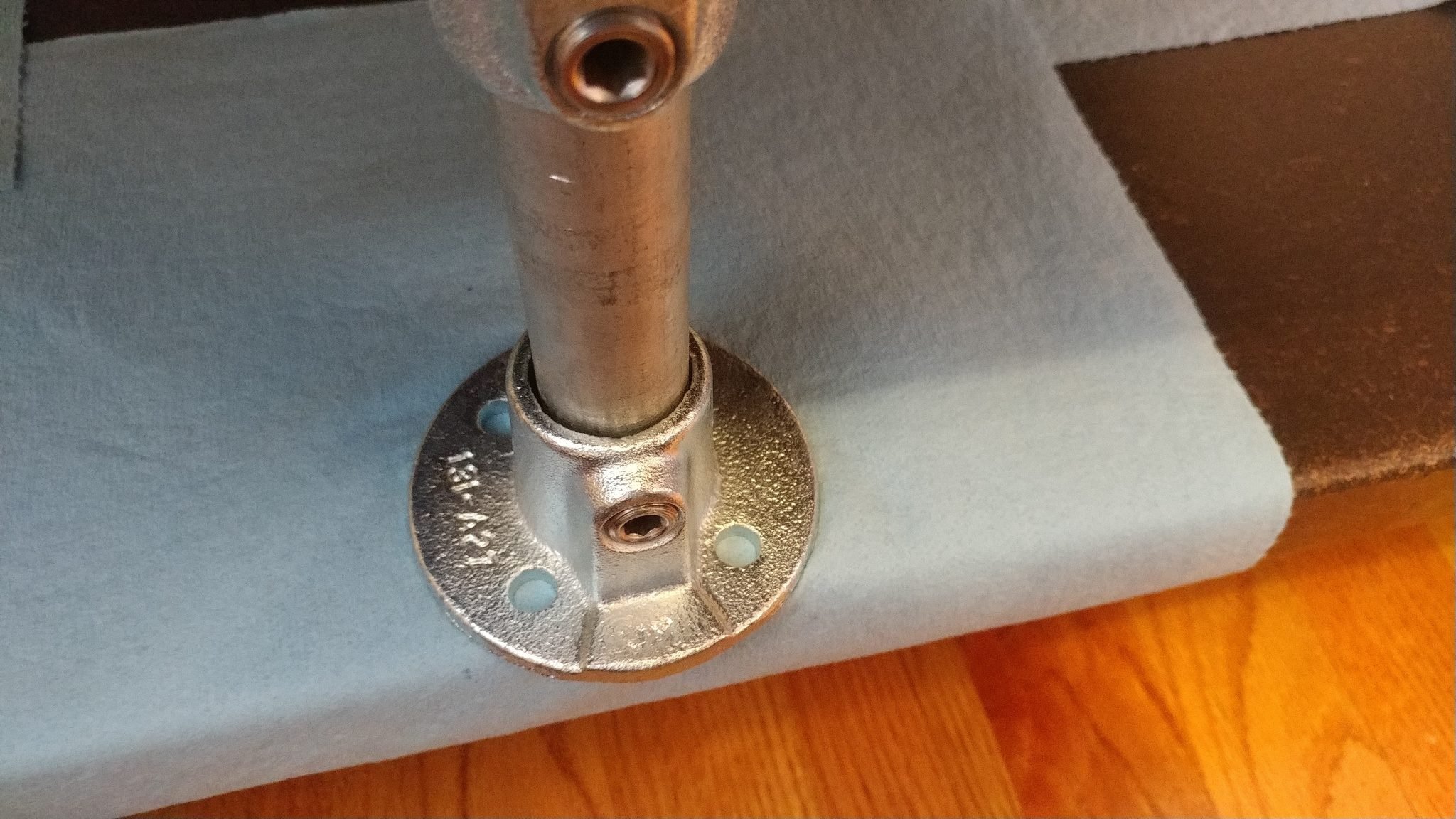
I rotated the flange 45-degrees so I could attach it to the base with three bolts rather than just two.
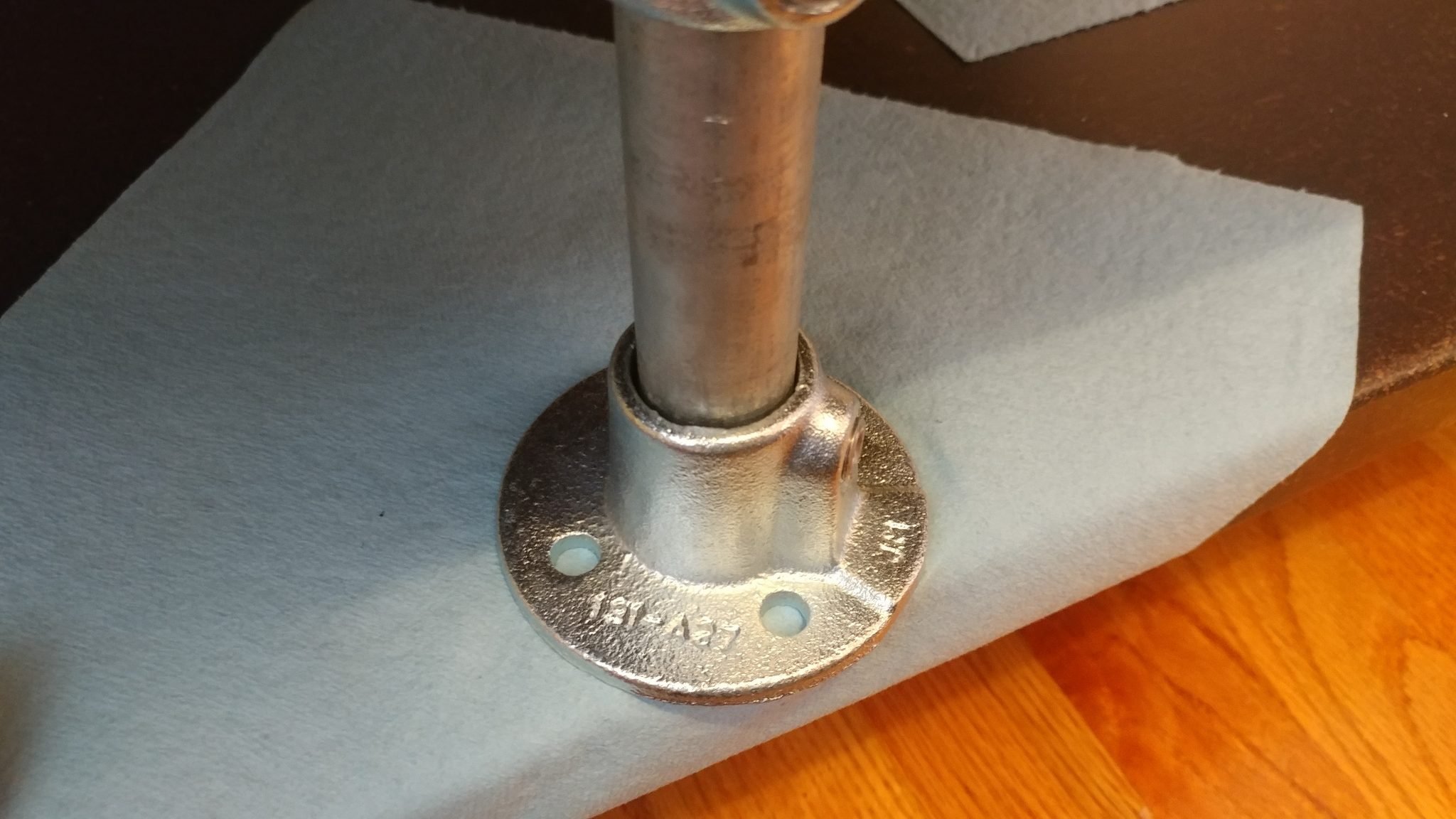
3. Attaching the right-side flanges

All three flanges were attached with 1-1/2″ lag bolts.
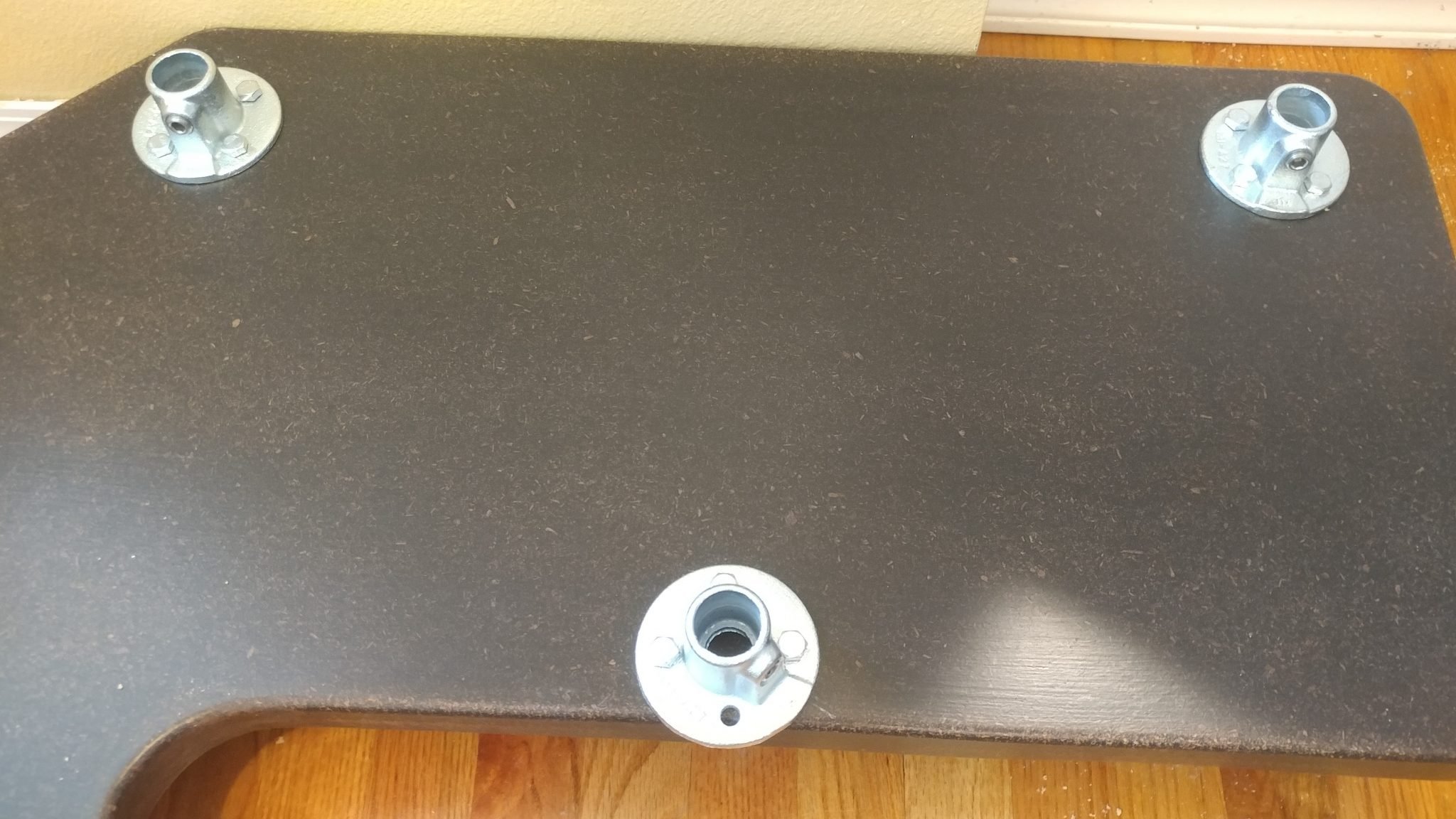
4. Attaching the left-side flanges

I performed the same procedure for attaching the flanges on the left side.  To test it out, I installed the PC rack.  It went into place perfectly.
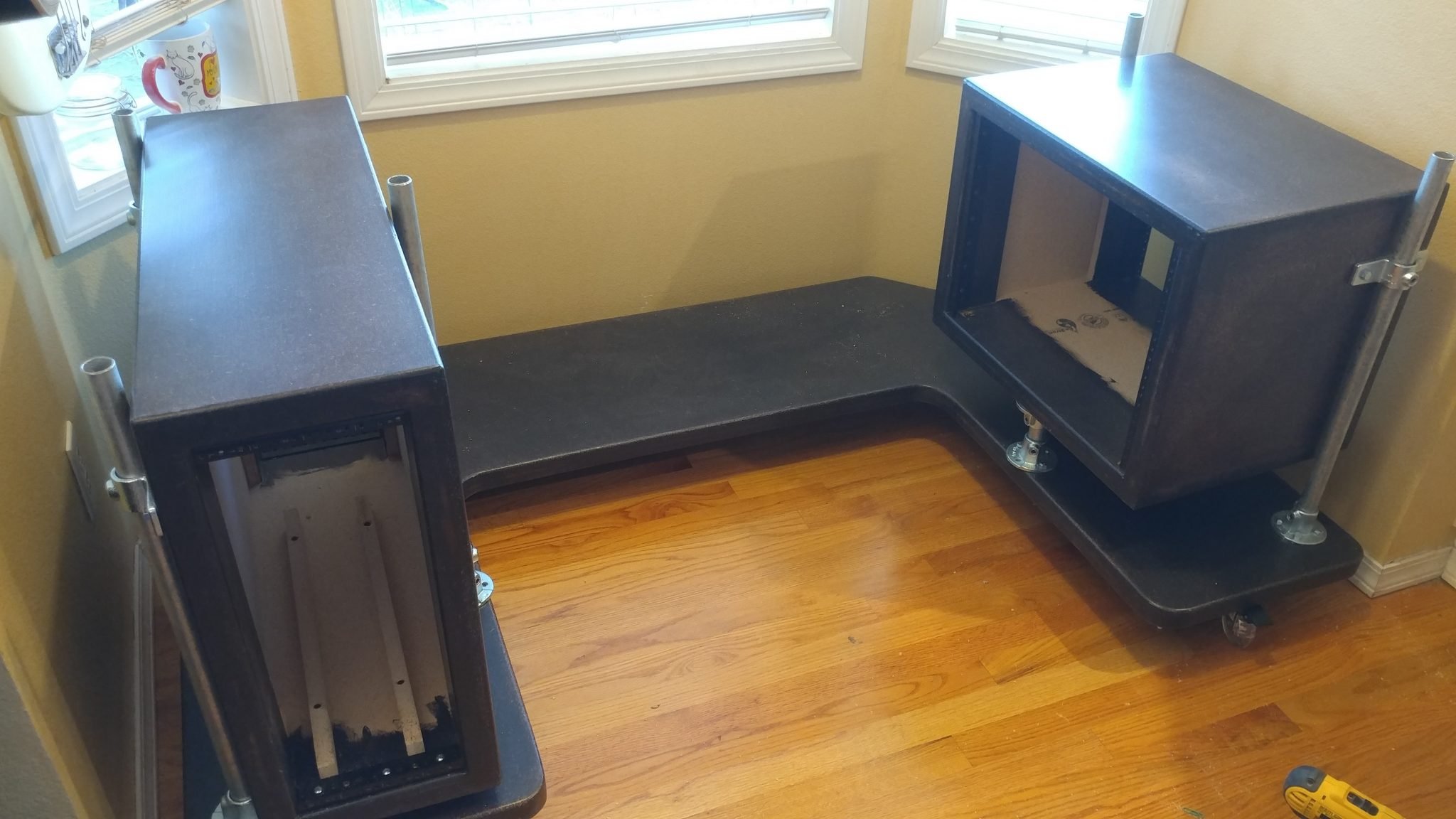
5. Attaching the center flanges

I installed the flanges for the central rack using the rack from the right side.
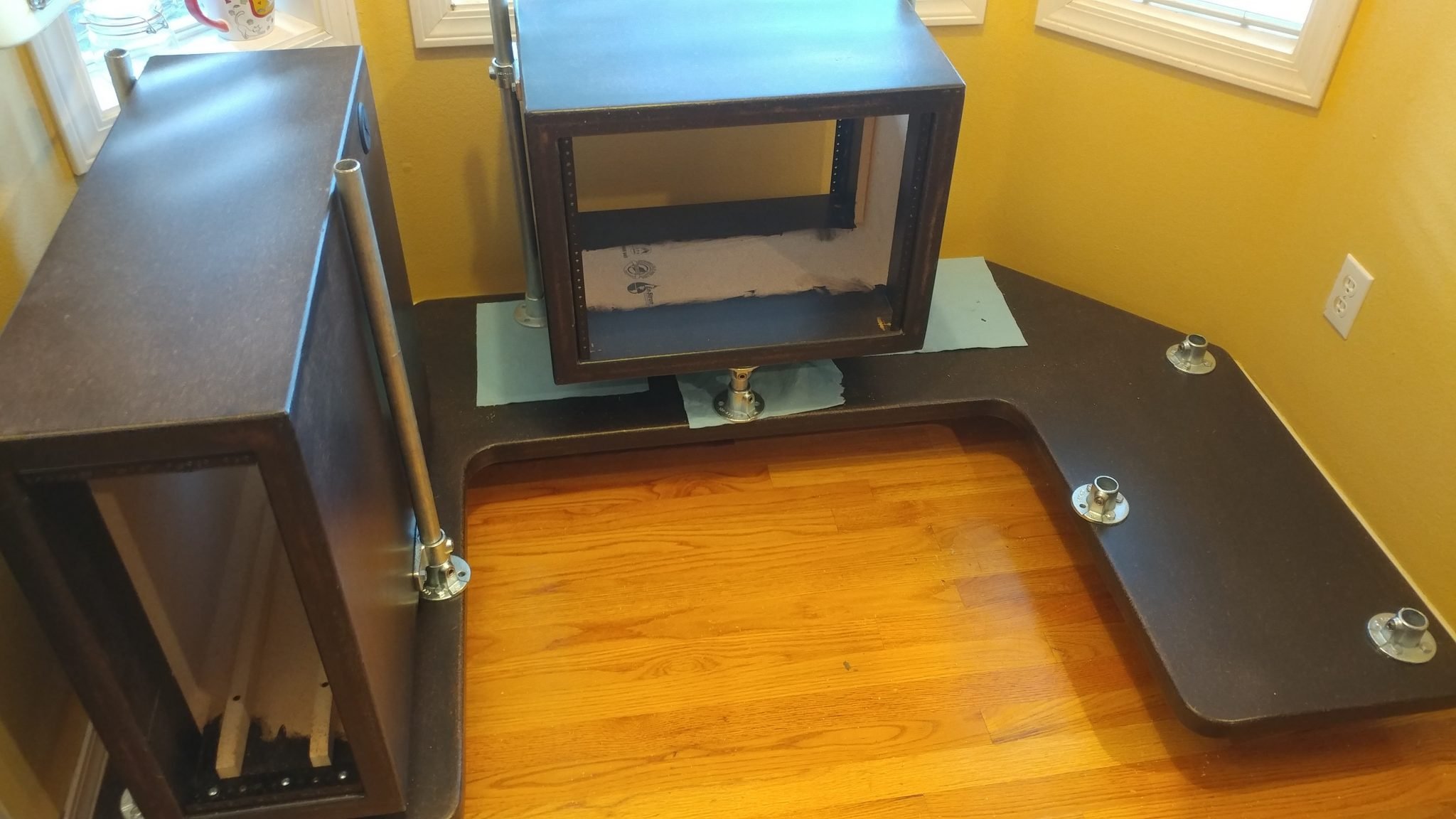
To make sure that the central rack has the side flanges installed correctly, I used the first 8-space rack to position them by removing that rack from the desk and setting the second rack upside-down on top of it.
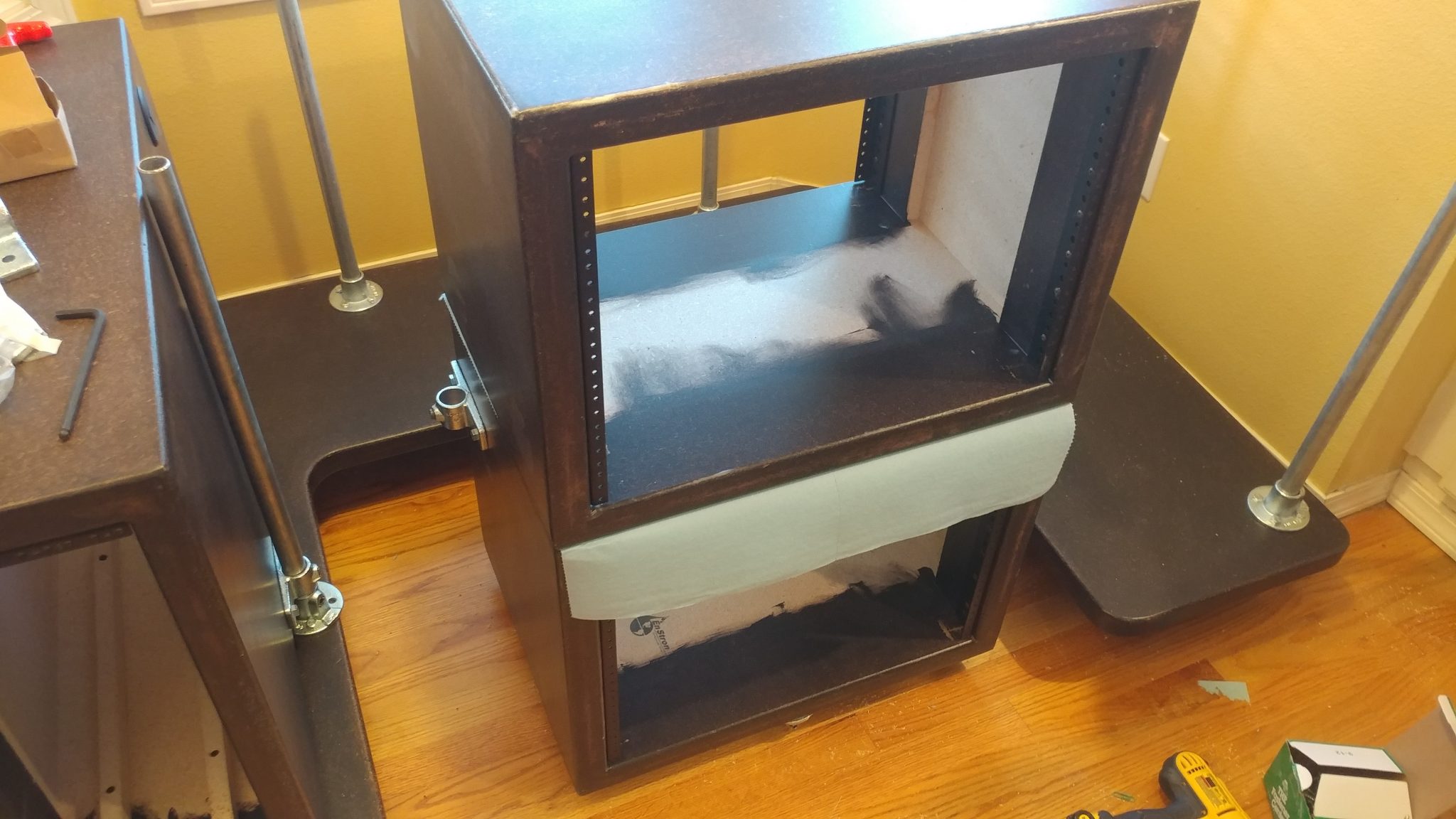
6. Attaching the side flanges for the second 8-space rack

I inserted the leg rails in the lower rack and then attached the side flanges in place.  I positioned them 3-1/2″ from the lower edge.
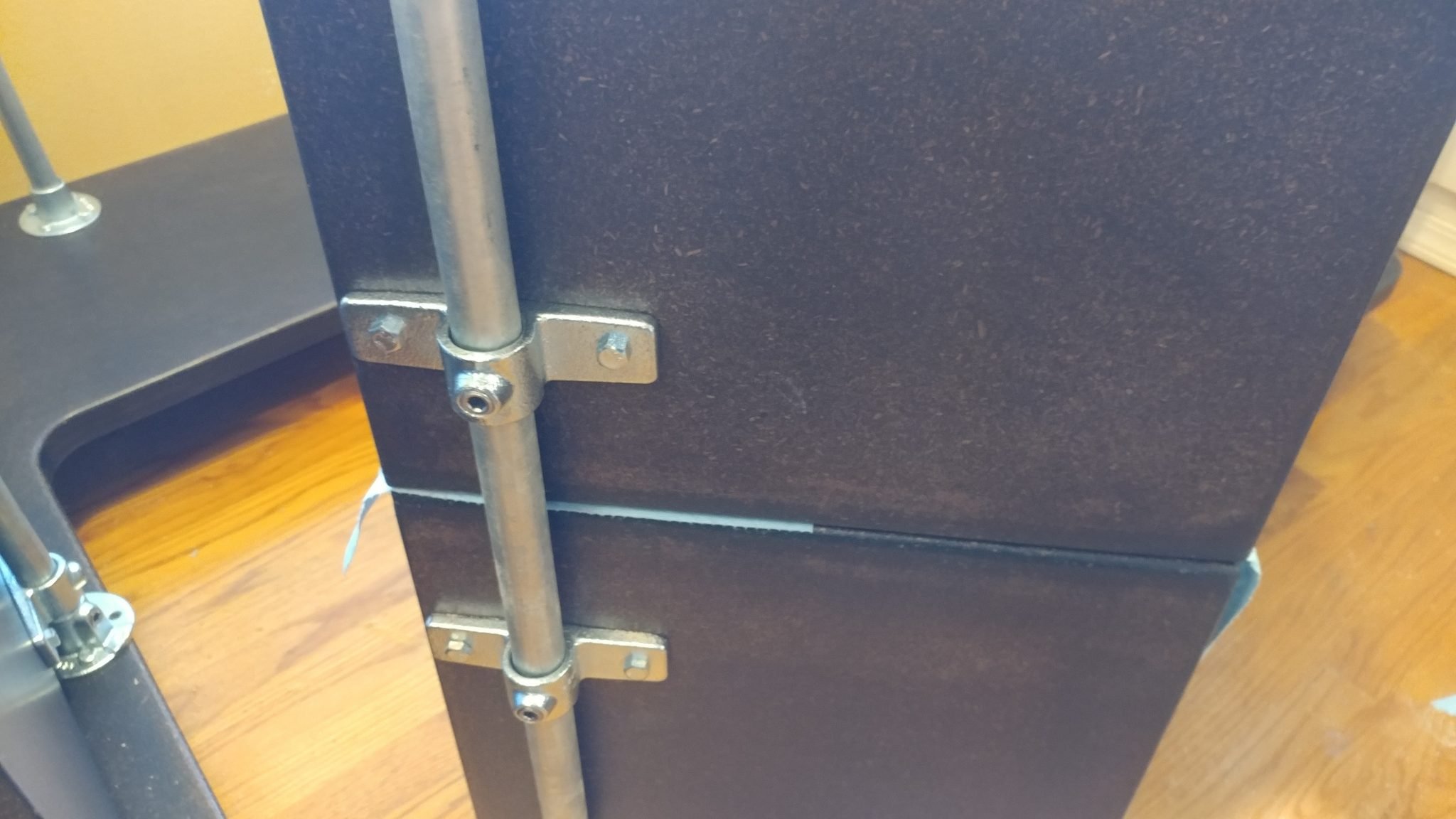
7. Attaching the floor flange on the second 8-space rack

To install the central flange on the underside of the second rack, I set it upside-down on the floor and used the PC rack to position the flange just like I did with the other 8-space rack.
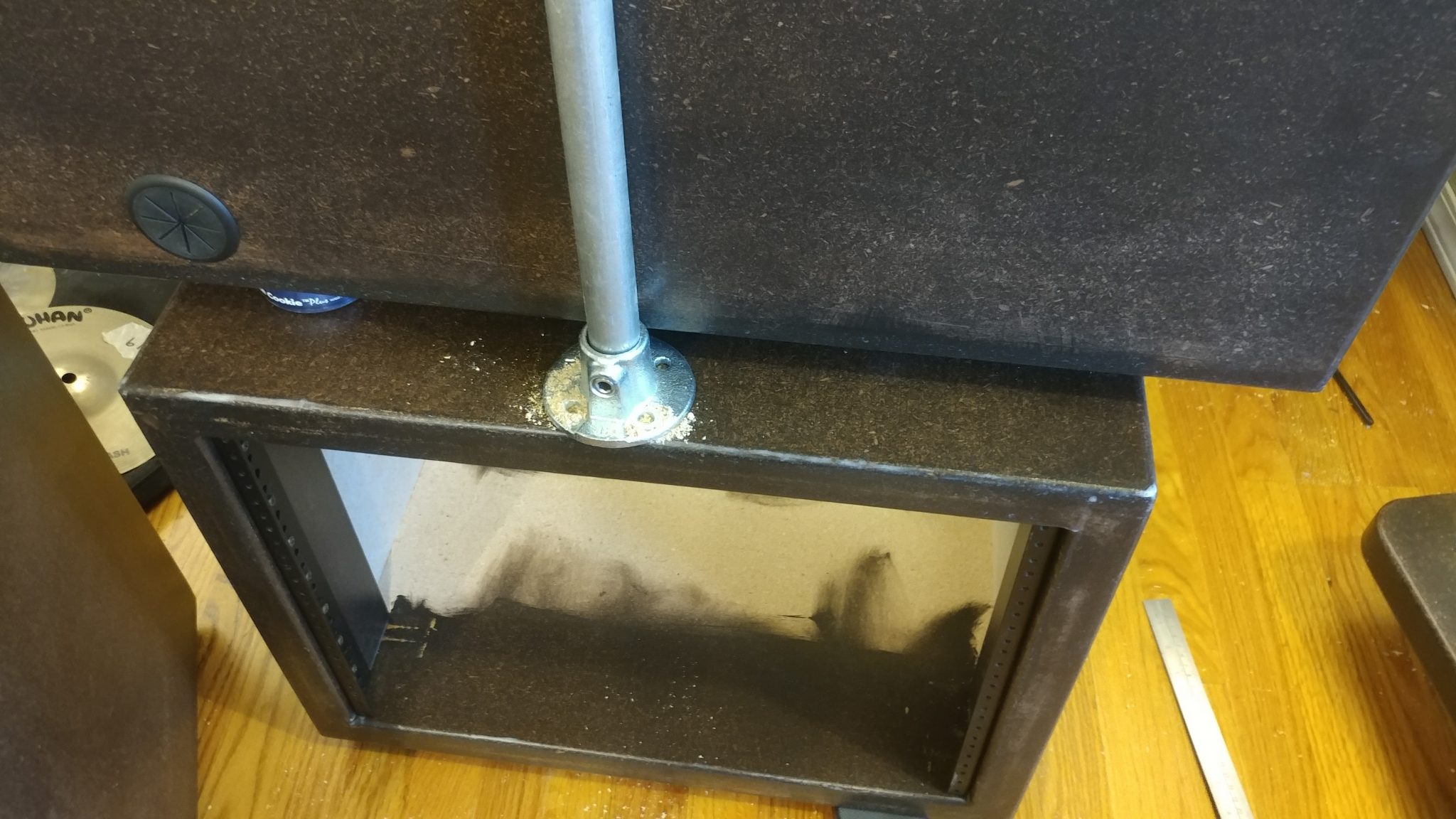
8. Installing the legs and upper flanges

Once I was done with the racks, I set them aside and installed each of the legs and the top flanges.  I left the racks off because I need to attach the flanges to the underside of the desk top and the racks will just be in my way.
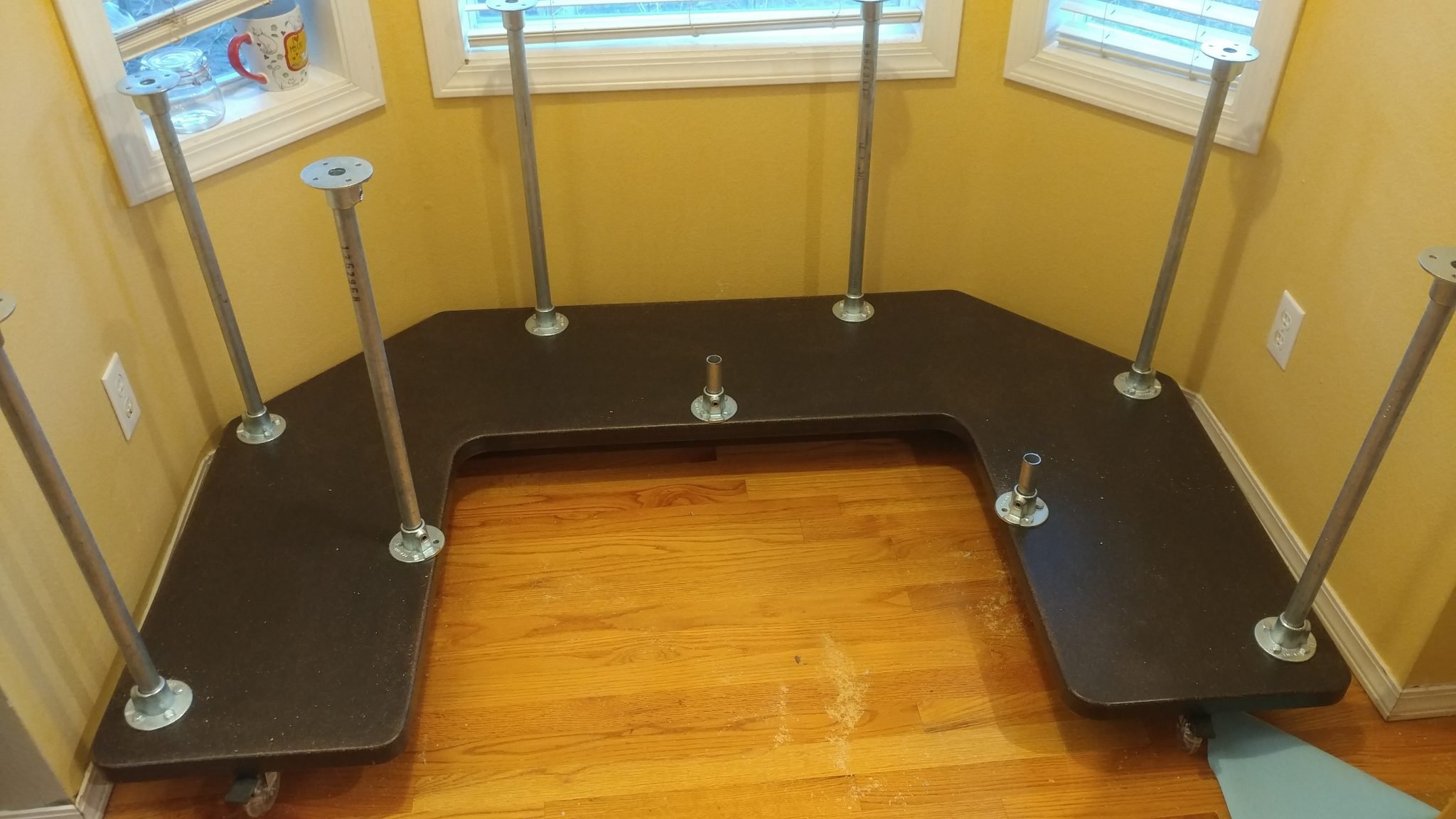
Putting it All Together

The hard work is over and now it’s time to put it all together.  I’m really getting tired of working on this, mainly because of how much space it is taking up in my shop so this is a very welcome moment.

1. Positioning the desk top

I placed the desk top loosely in place.  It actually started to resemble a desk at this point.
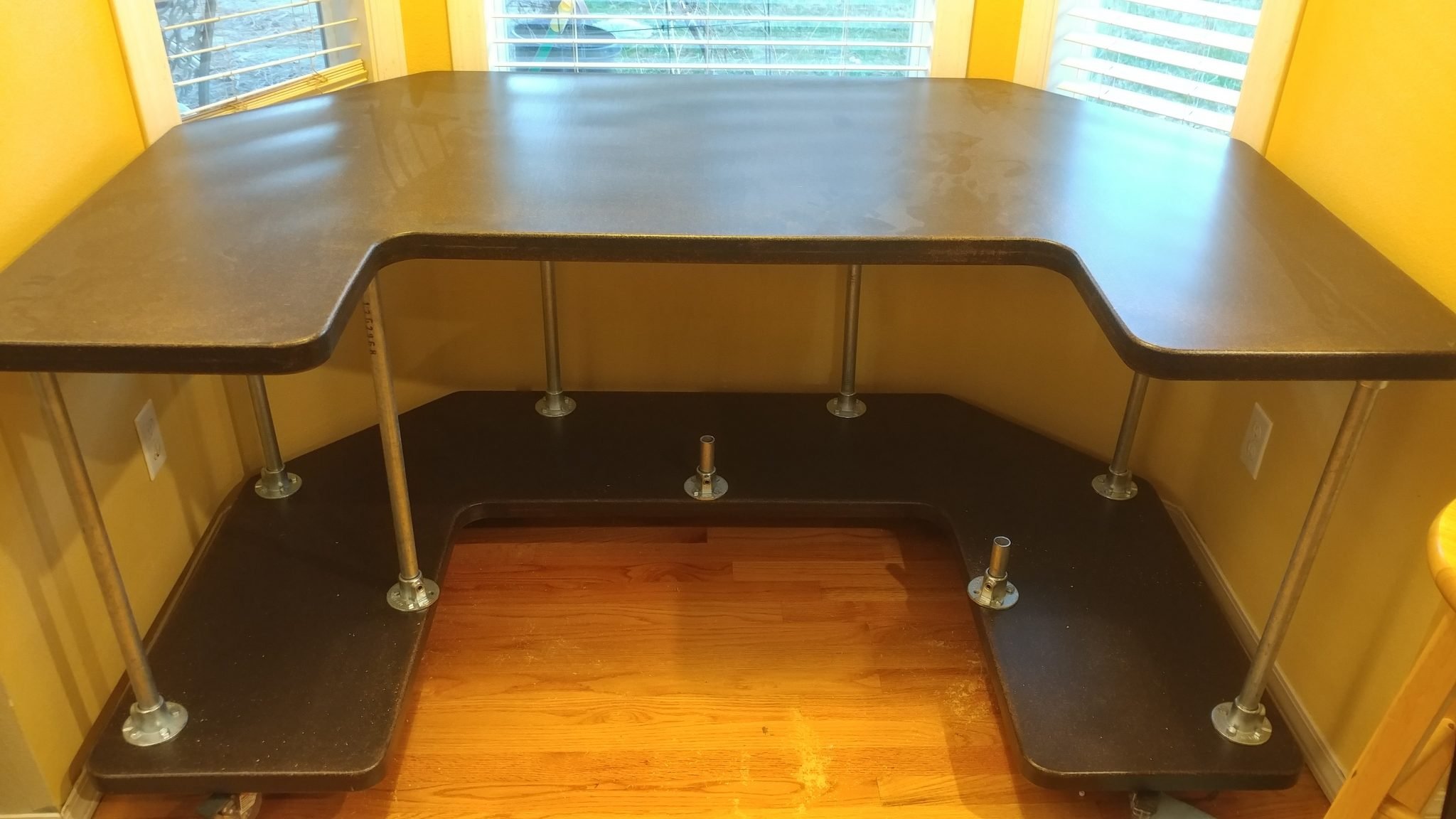
2. Marking the hole locations

From underneath I could see where I needed to drill the holes for the lag bolts.  This is where I almost screwed up.  I realized that there was some play in the flanges and that would cause the legs to tip a bit.  In order to ensure that everything was installed correctly and that the racks would be able to go on squarely, I reinstalled the racks and placed the desktop back on then marked the holes with a silver Sharpie, then rook the top and the racks back off, put the top back on and lined up the holes, then drilled the holes for the lag bolts and attached the flanges.  These parts are very heavy and this was a LOT easier said than done.  As a result, I was too flustered to take photos of that agonizing process.
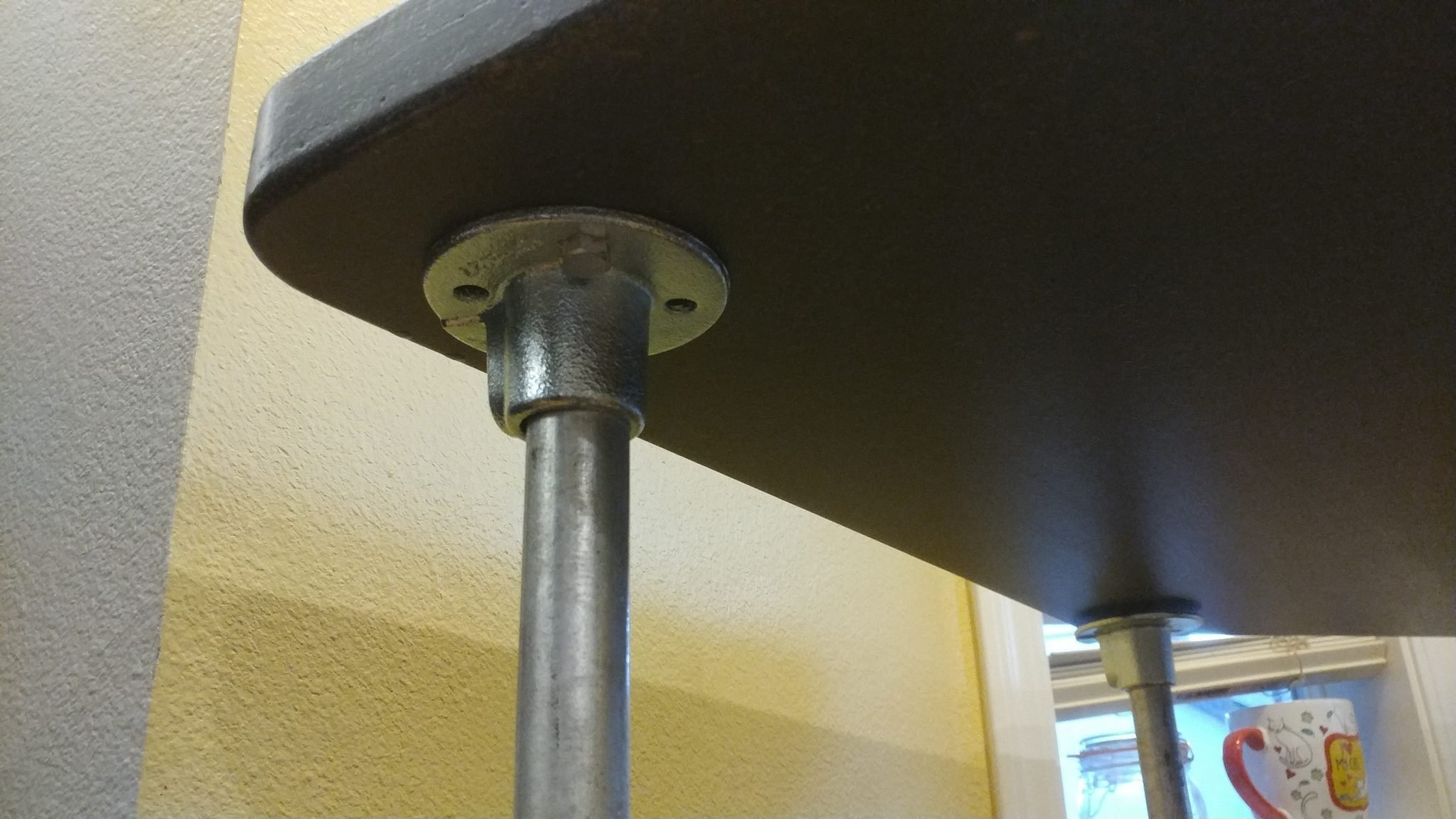
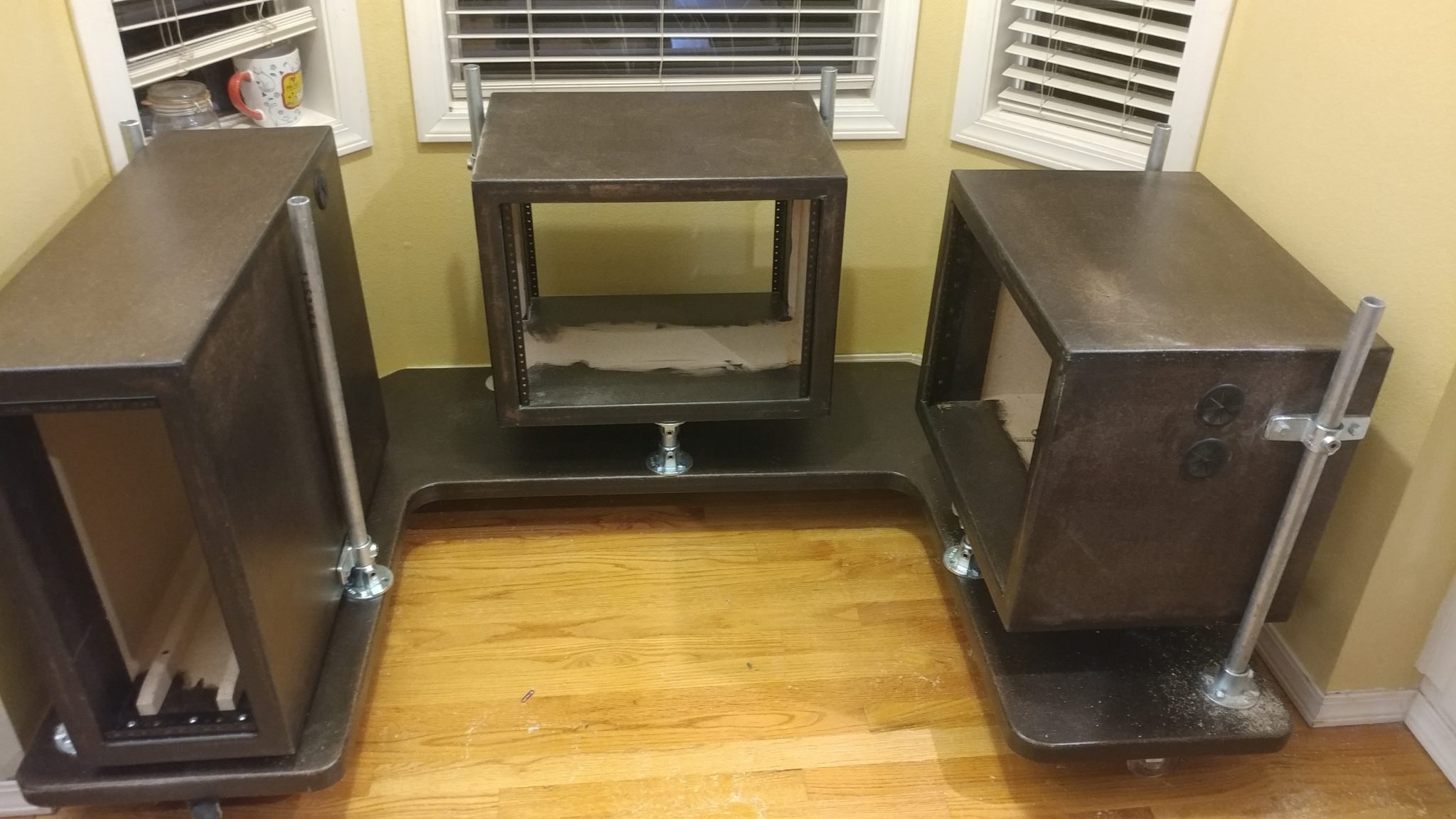
3. Installing the racks

Once the flanges were attached, I removed the top and reinstalled the racks.
4. Attaching the desk top

After that I finally put the top back on and the desk assembly was complete.
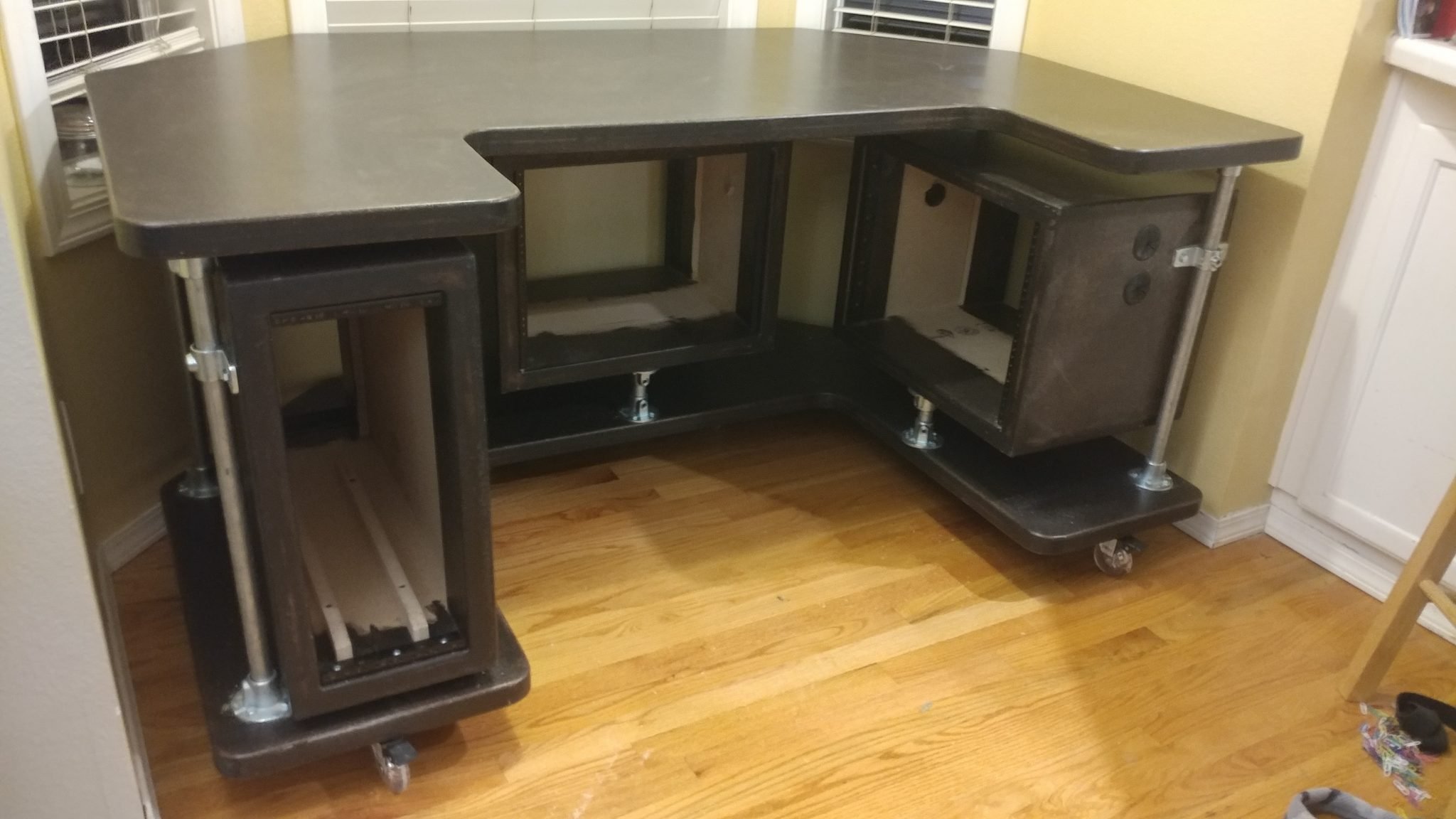
This concludes part 5.

Closing remarks

This was a pain in the butt.  Each of these pieces weighs a ton and was very difficult to maneuver.

This is also where I ran into a major problem.  The desk is too heavy for the casters.  It’s so heavy that the casters get a flat spot on them if the desk sits in one spot for any length of time.

I don’t know why I missed this but I think it is a good representation of the dangers of keeping your focus on one little detail and not taking in the entire picture.  I was so focused on getting polyurethane wheels that I totally missed the weight issue.

I might try doubling up on the casters.

The next step is to do the electrical.

If you have any suggestions, please leave them in the comments below.  I’d love to see any desk builds you’ve done.  Also, if you haven’t already, please consider signing up for my mailing list so you get e-mail notifications when I post new articles.
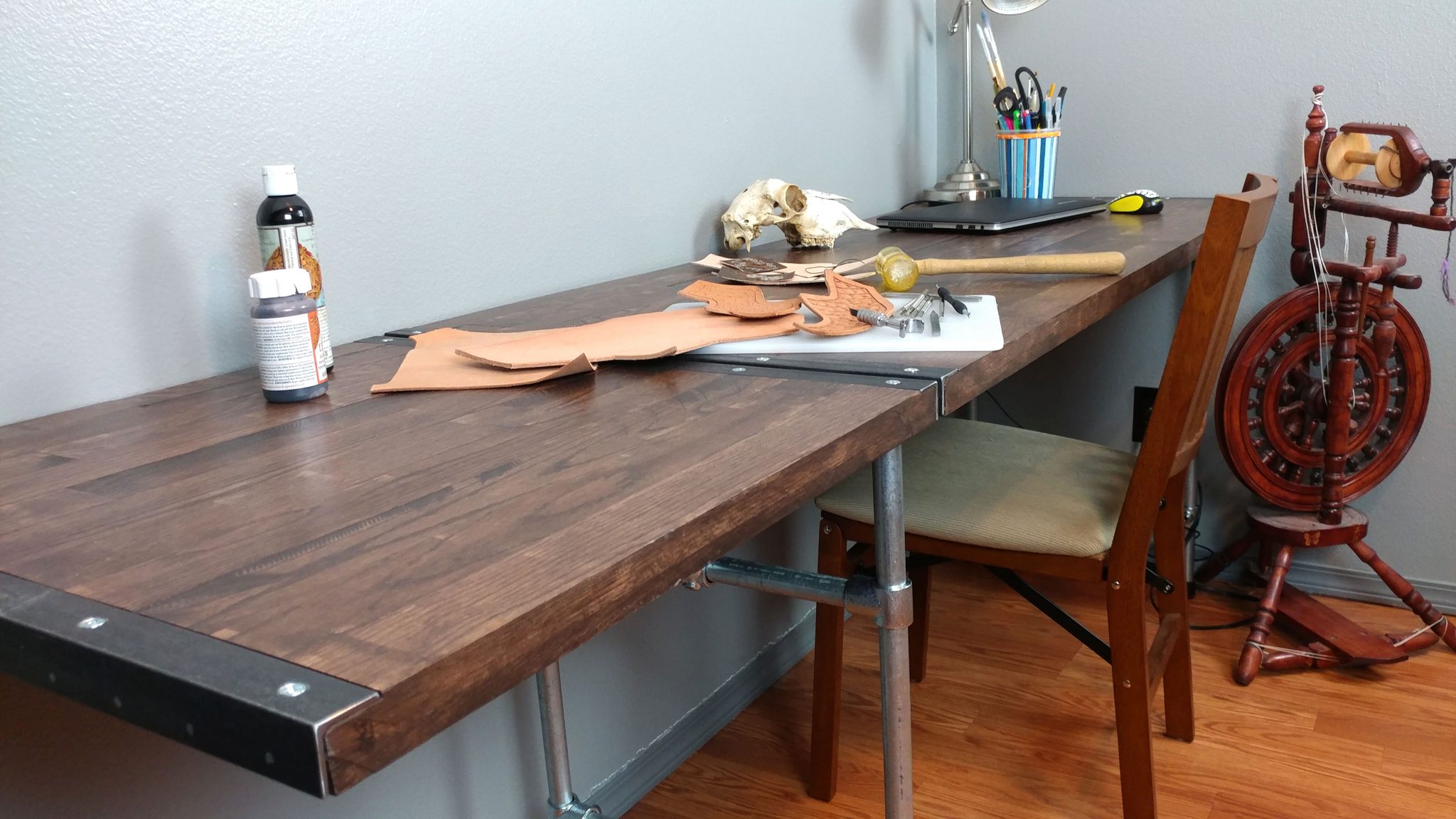
The extension wing provides a lot of work surface.

Workbench: Part 7 – Installing The Hardware


<< This is a continuation of Workbench: Part 6 – Finishing the benchtop


The finish has been applied to the bench-top so now it’s time to attach the hardware.  This is a tricky subject to explain clearly.  I’m going to do my best but I’m planning on coming back and editing this post a bit in an effort to clear some things up.  That being said, if any of my explanations below are confusing, please leave me a comment and I’ll try explaining it in more detail.

This post has a lot of pictures so be patient while it loads.


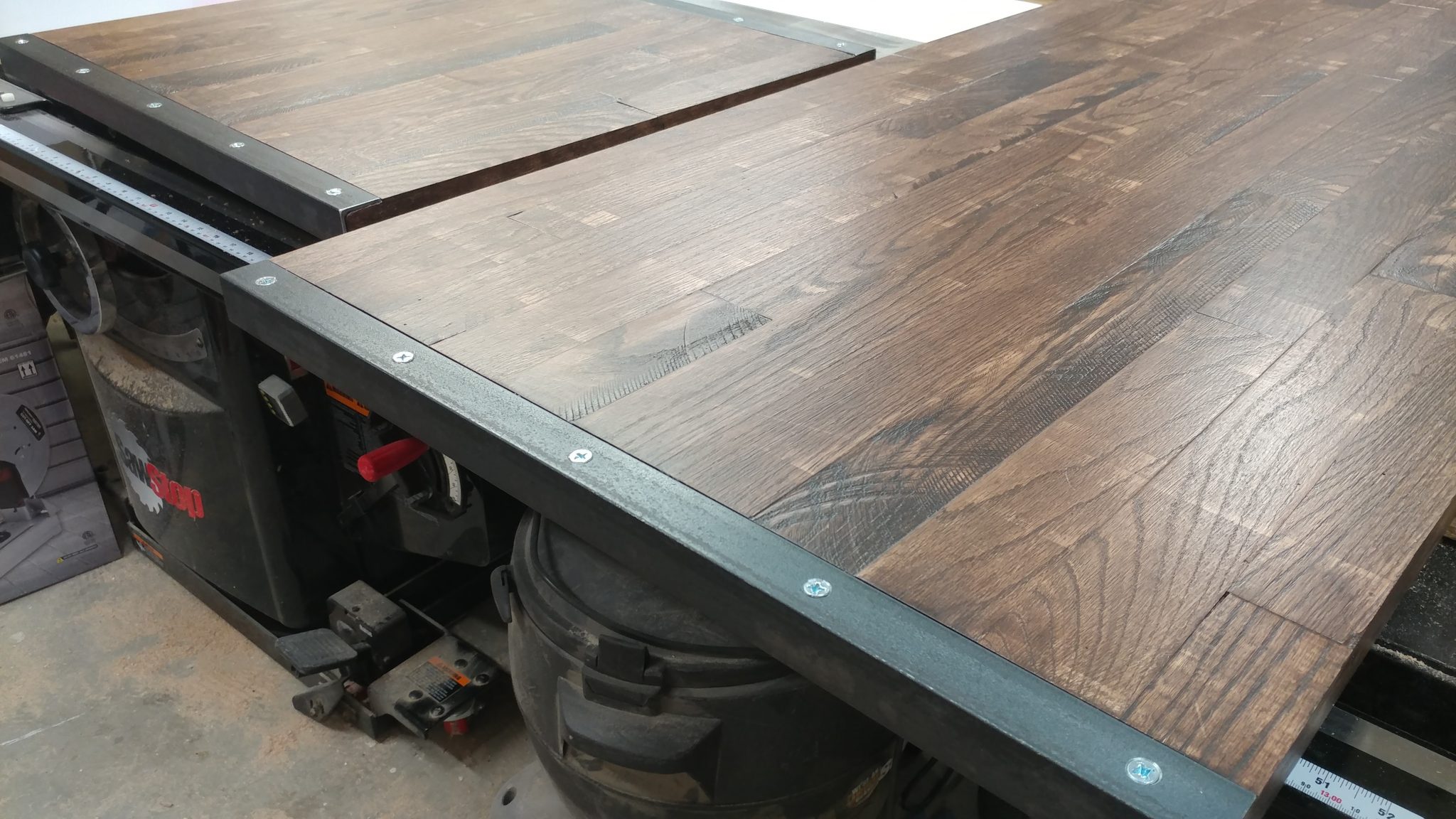
Attaching the angle iron to the ends of each piece.


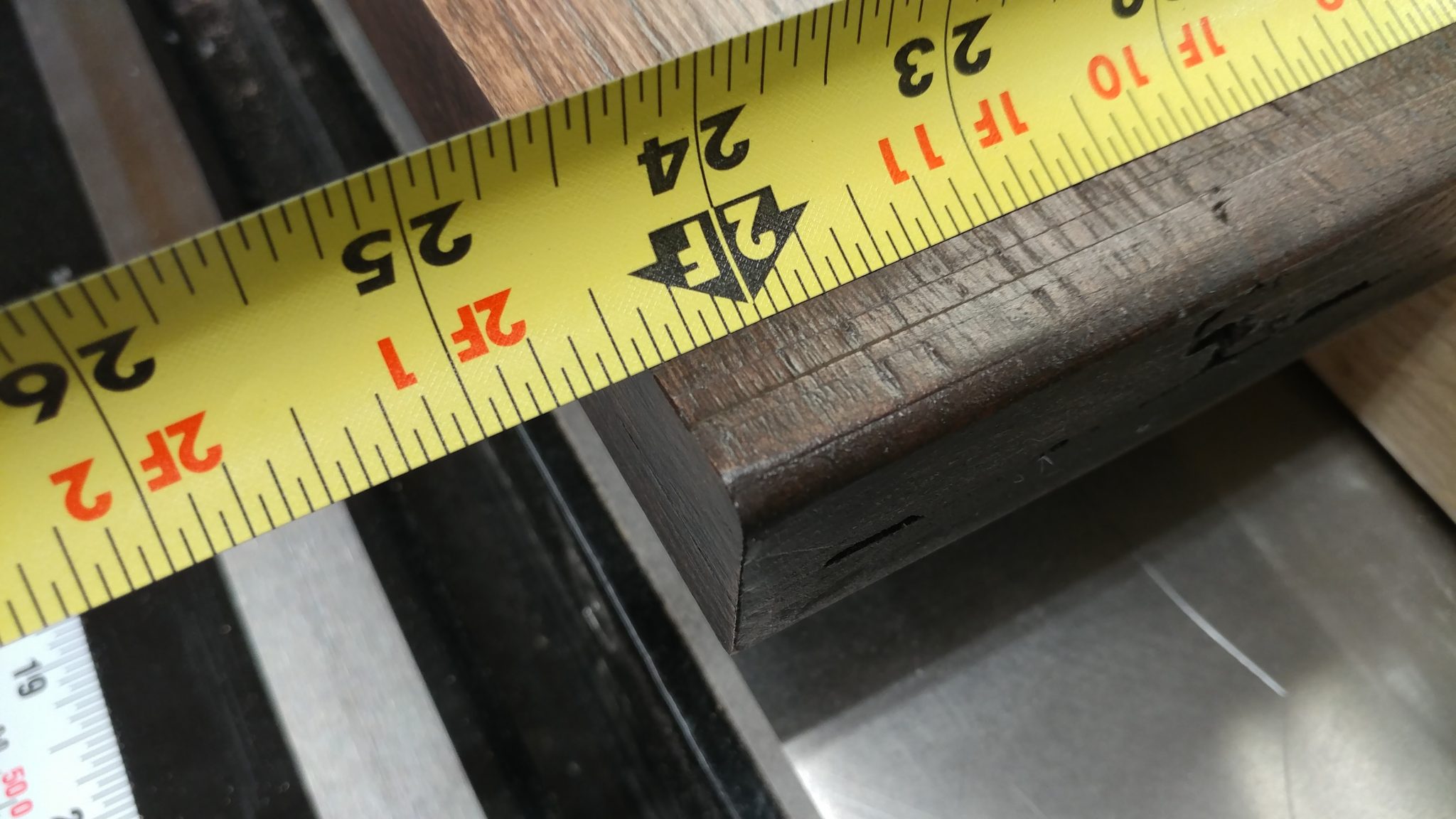
The bench-top is 23-7/16″ deep so I need to cut four pieces of angle iron to that length.

The final depth of the benchtop is 24-7/16".


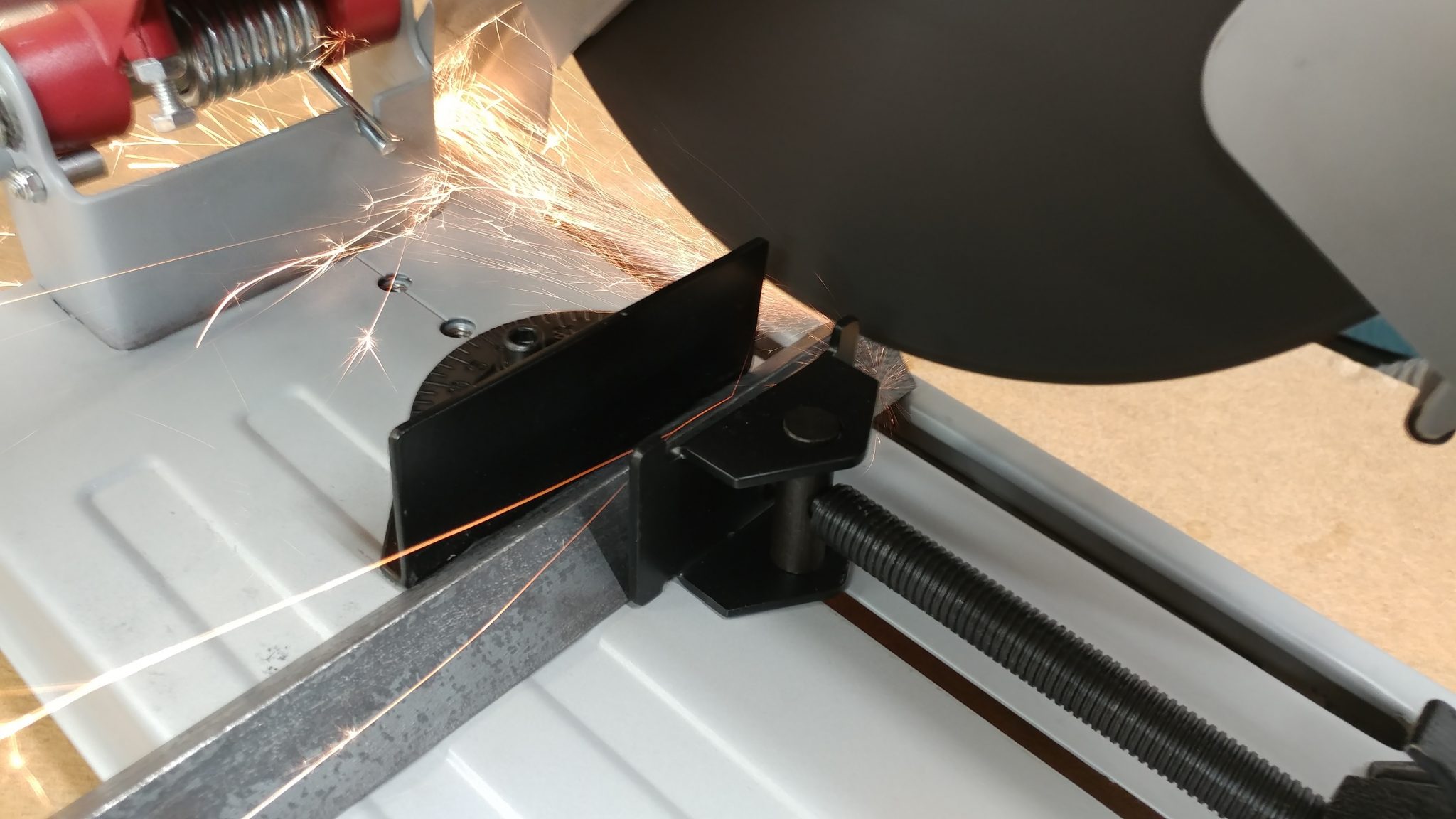
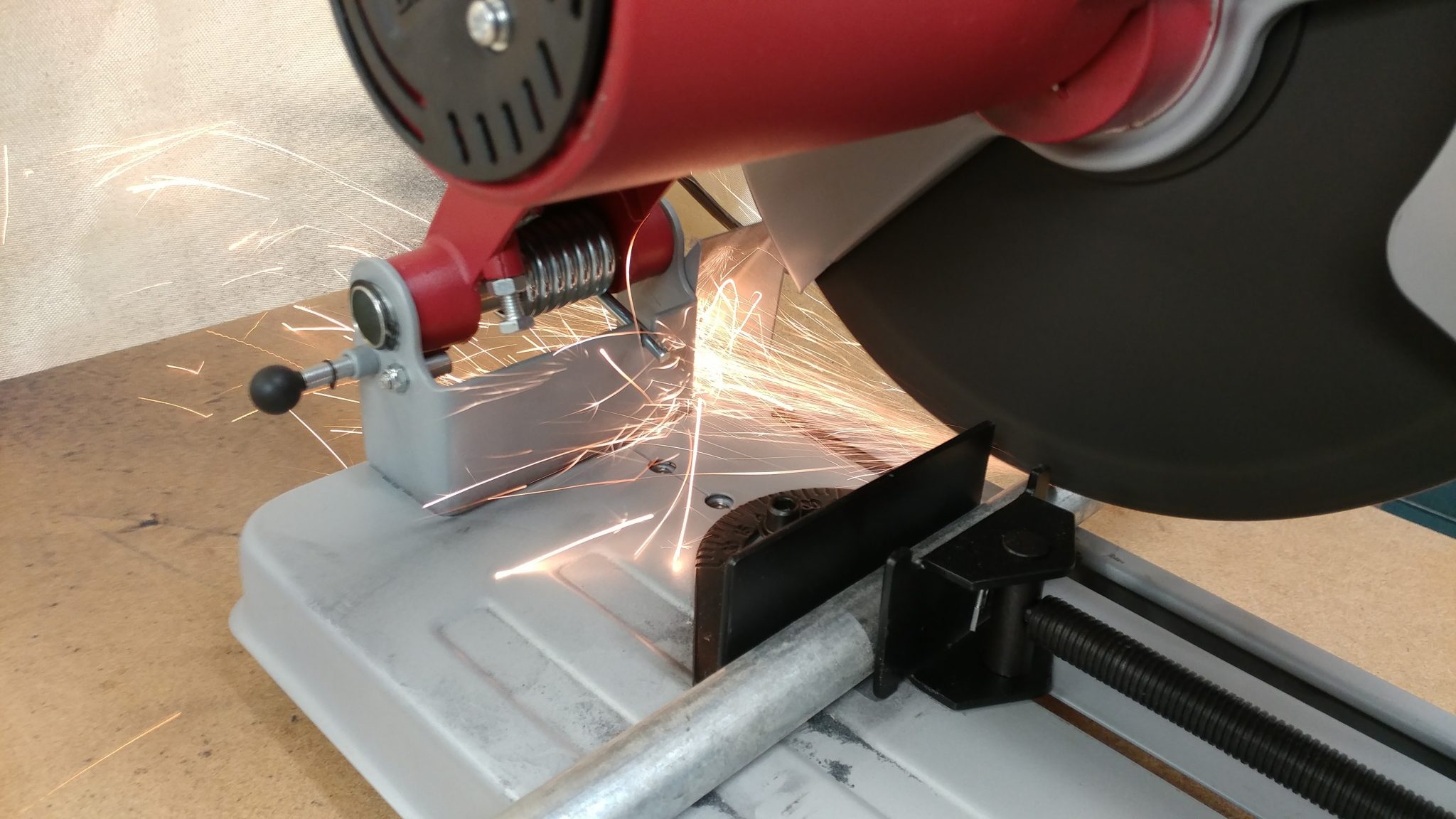
A metal chop saw was used to make all my cuts but you can do this with a hacksaw if you don’t mind the blisters and carpal tunnel.

A metal chop saw made this process go pretty quickly.


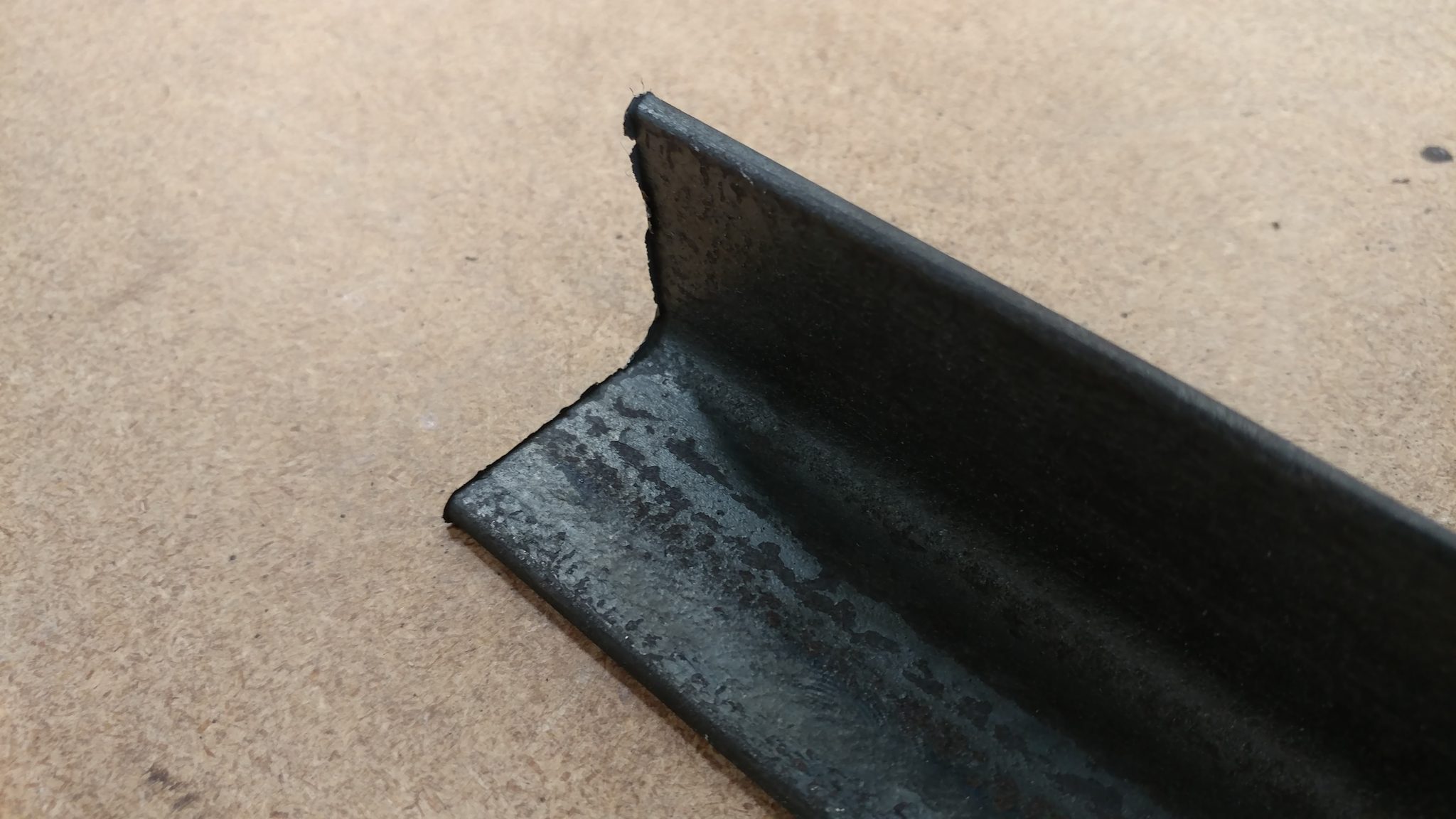
The chop saw leaves a jagged burr on the edge of the angle iron so I’ll need to knock that back.

Cutting on the chop saw left a pretty nasty burr that I needed to get rid of.


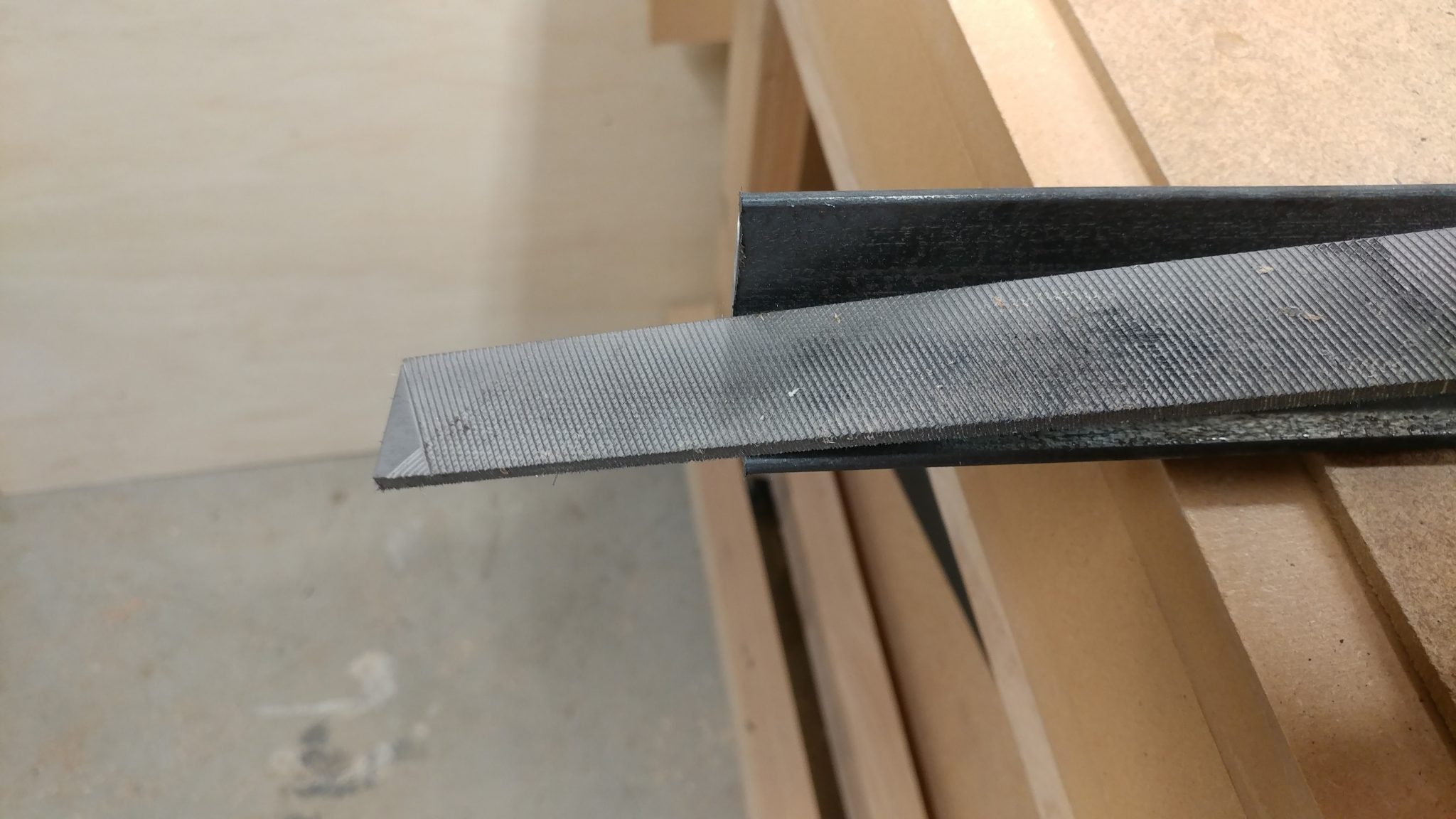
You can use a hand file to remove most of the burr from each end of the pieces of angle iron.  I did this while slightly rounding over the ends.

I used a metal file to get rid of most of the burr.


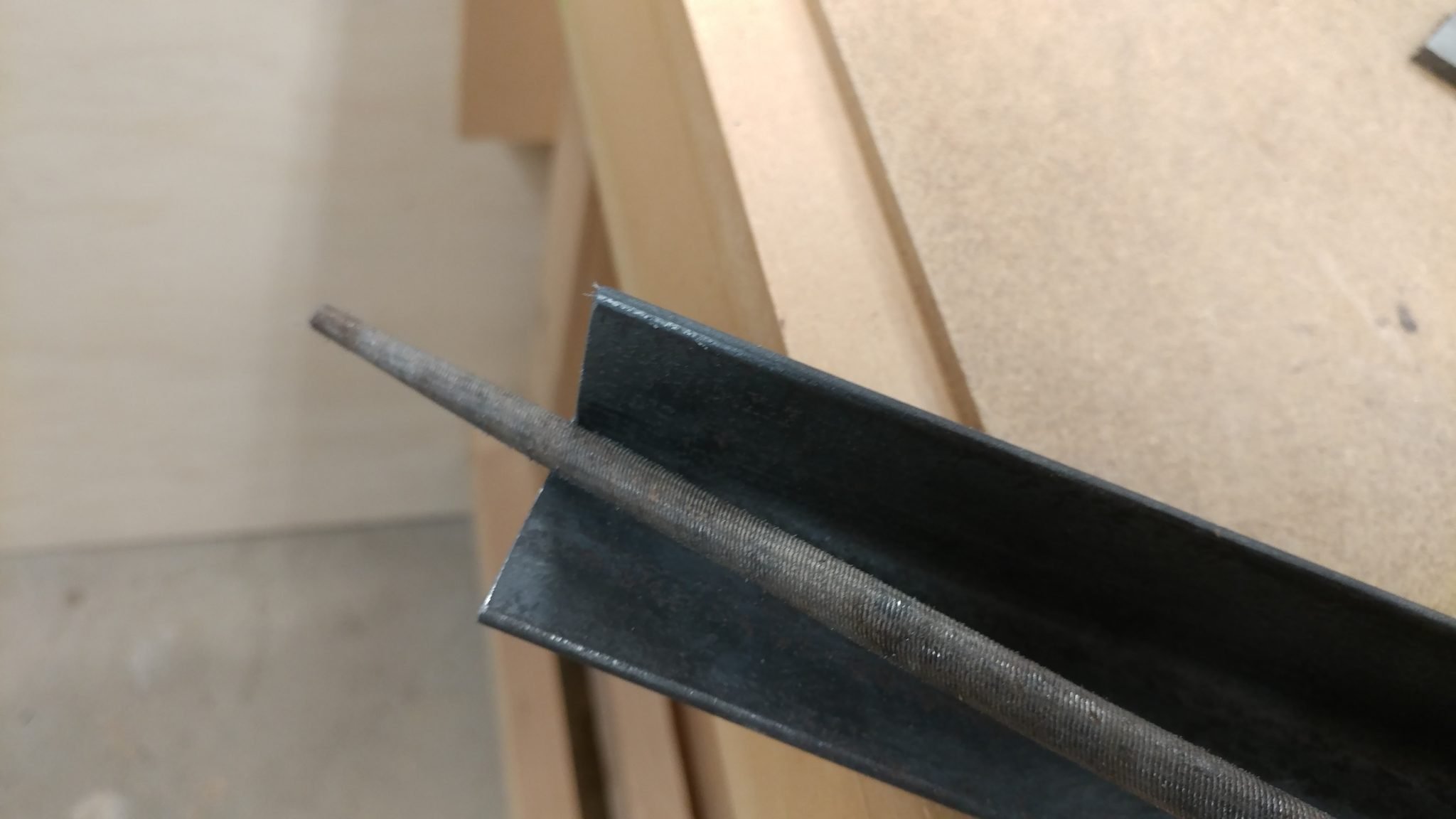
To remove the burr on the inner corner I needed to use a rat-tail file.

A rat-tail file was used to knock back the burr on the inside corner.

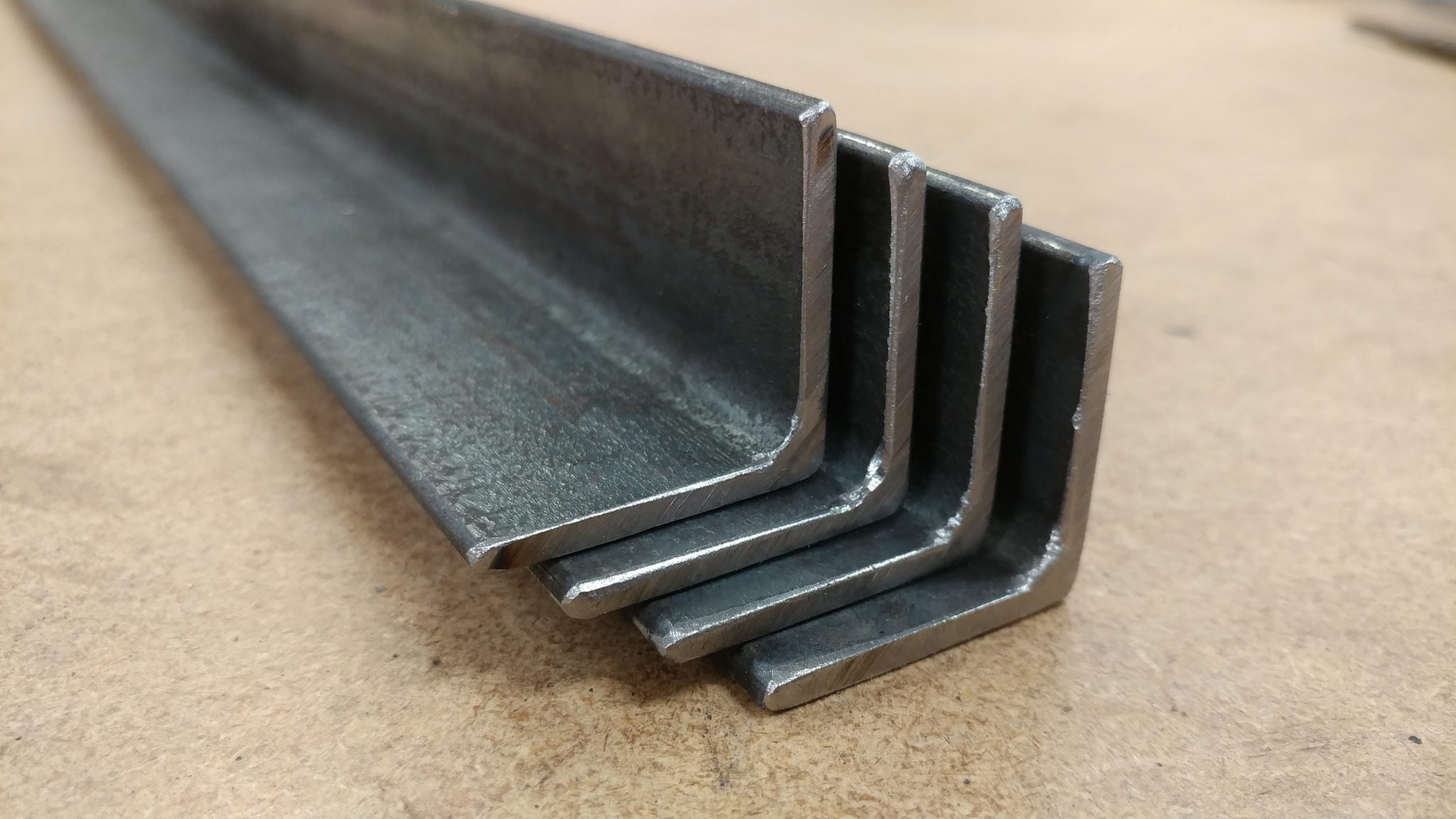
The burrs were removed from both ends of each piece of angle iron.

Both ends of all four angle iron pieces have been filed and slightly rounded-over.


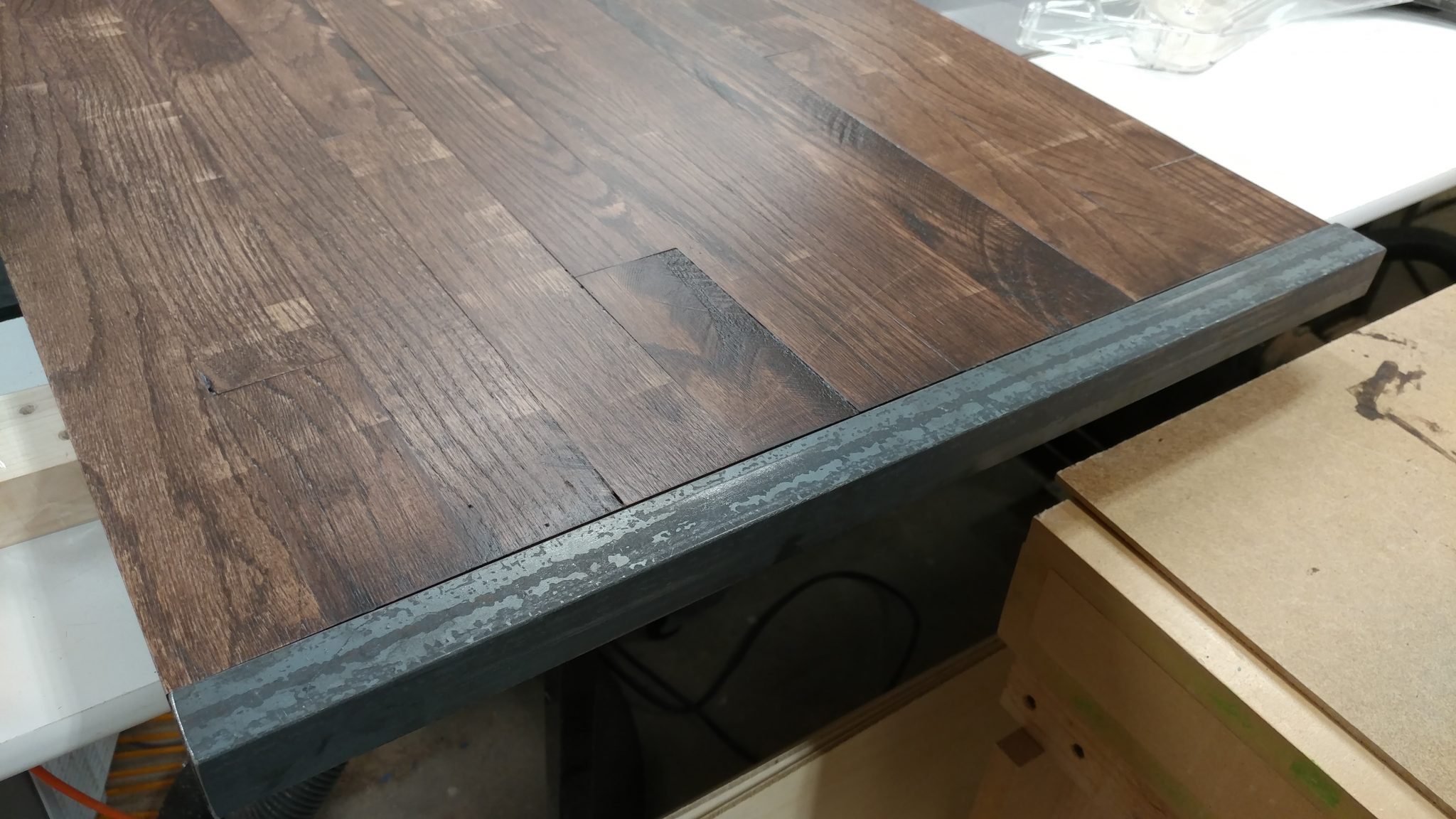
A test fit gives a preview of how it looks and lets you make sure that none of the metal pieces are too long.

A test fit shows that these pieces fit nicely.


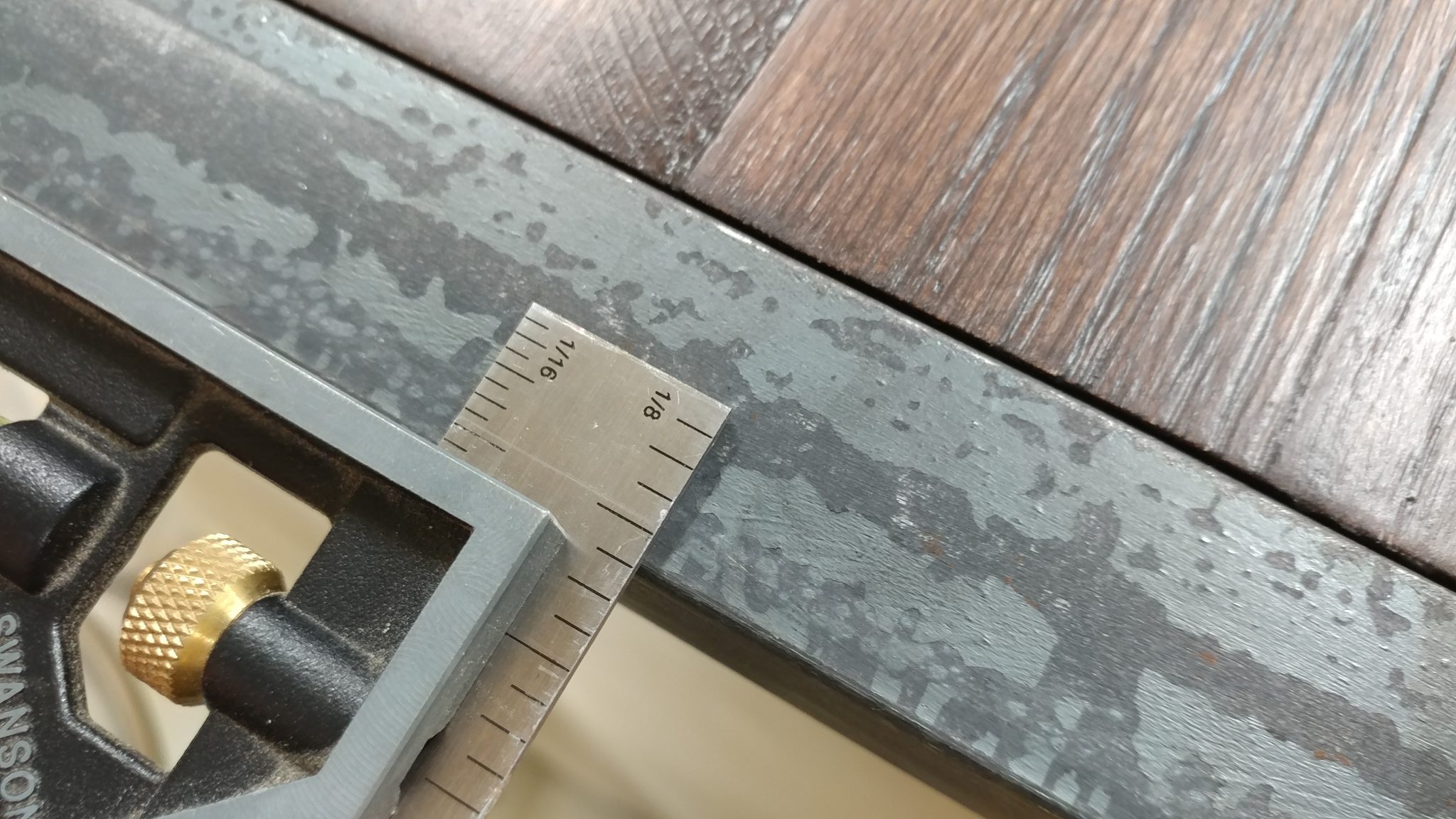
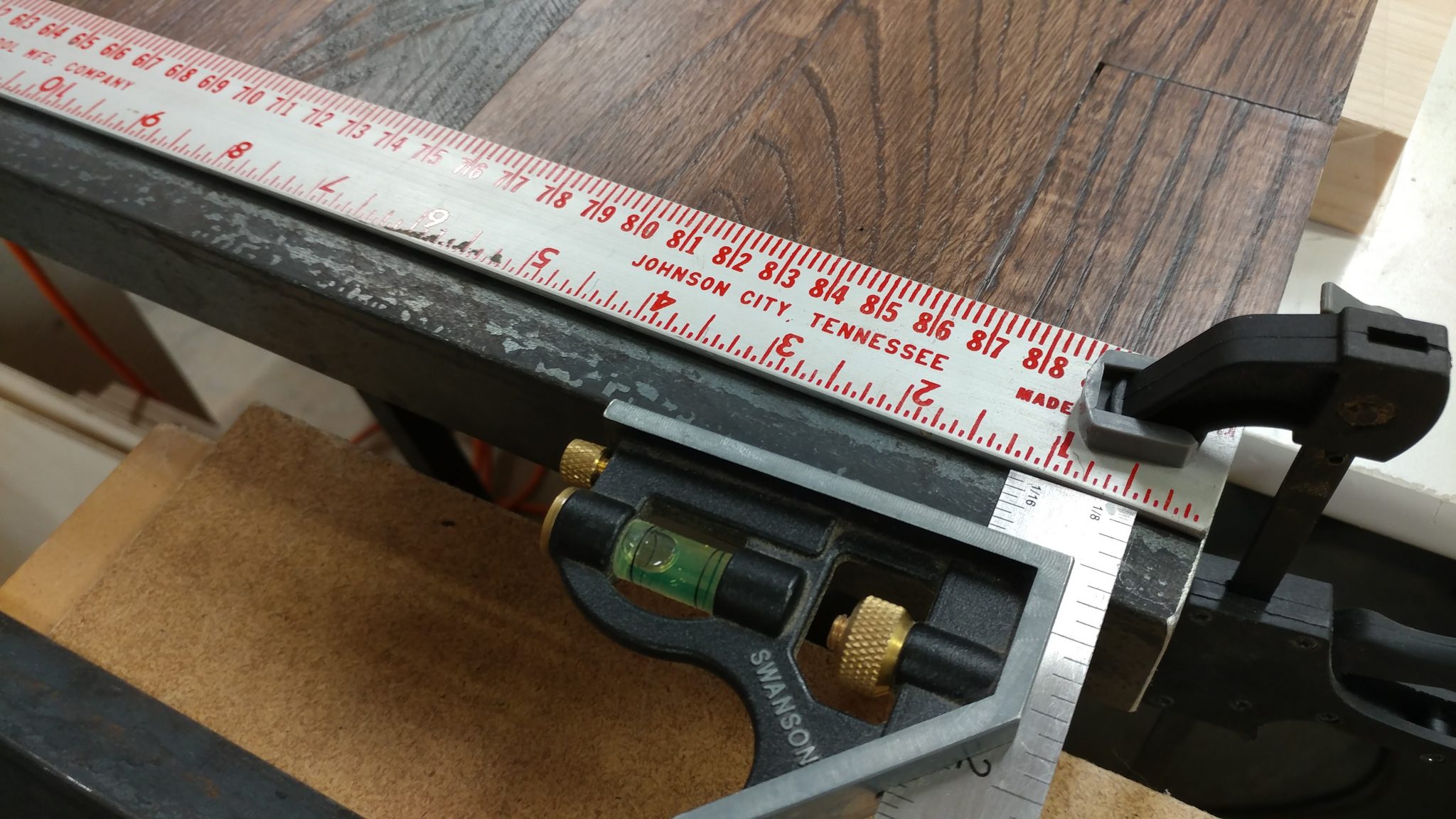
The screws will be attached in the center of the angle iron so I set my combination square to half the width which ended up being 5/8″.

I set my combination square to 5/8" which is half the depth of the angle iron.


I used the combination square to set the position of a metal shop rule on the angle iron and I clamped it in place.

A straightedge clamped to the pieces at the correct depth made this process easy.


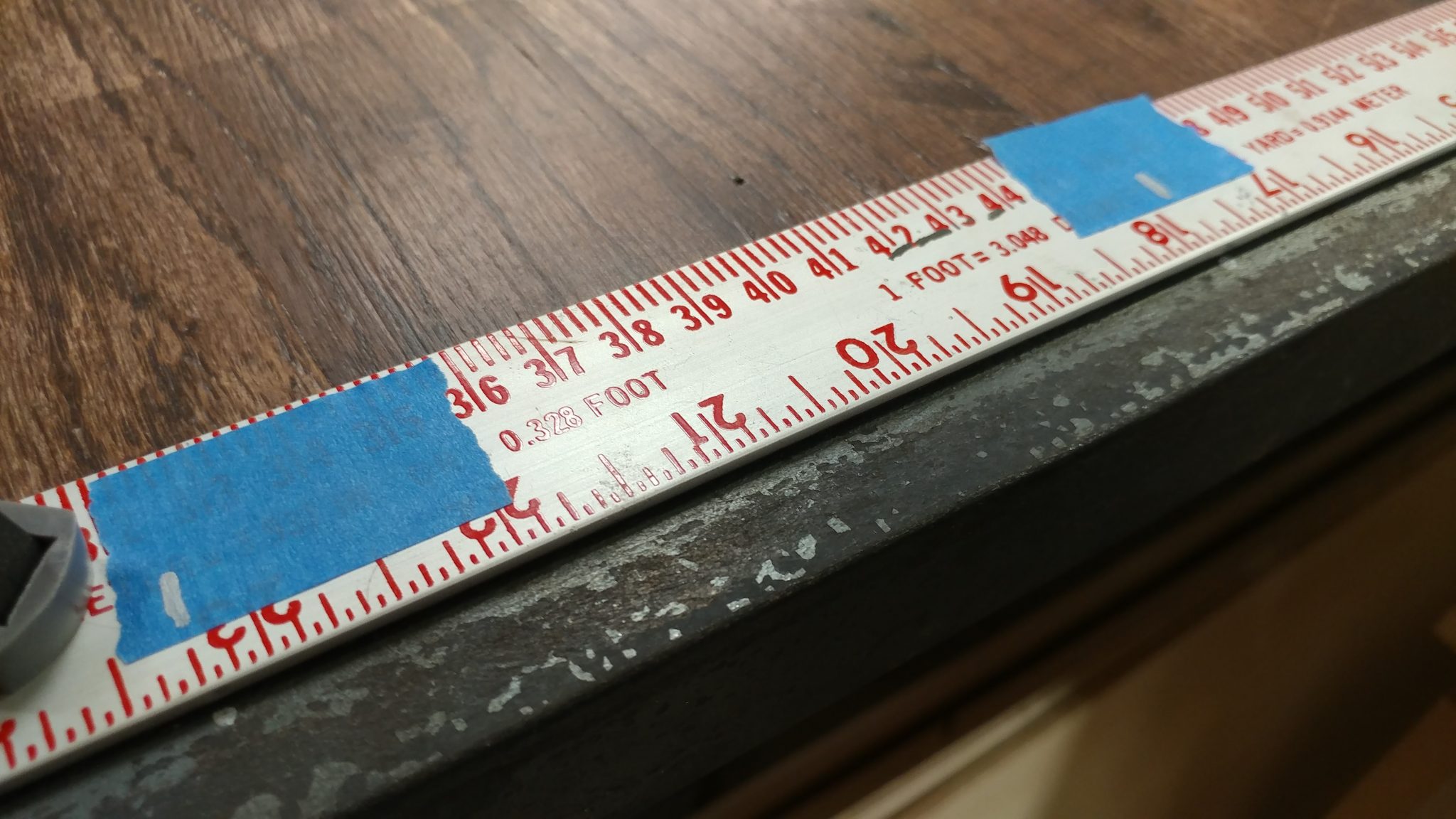
I decided on the placement of the screws by first marking where the center screw will be and then adding the marks for the outer screws about 1-1/4″ inches in from the edge.  I then found the center point between the outer marks and the central one.  I used a silver Sharpie to mark the placement of the screws with some hash marks on pieces of painters tape so I could repeat them on each piece.

I added painter's tape and made marks at the spots where I wanted to drill my holes.


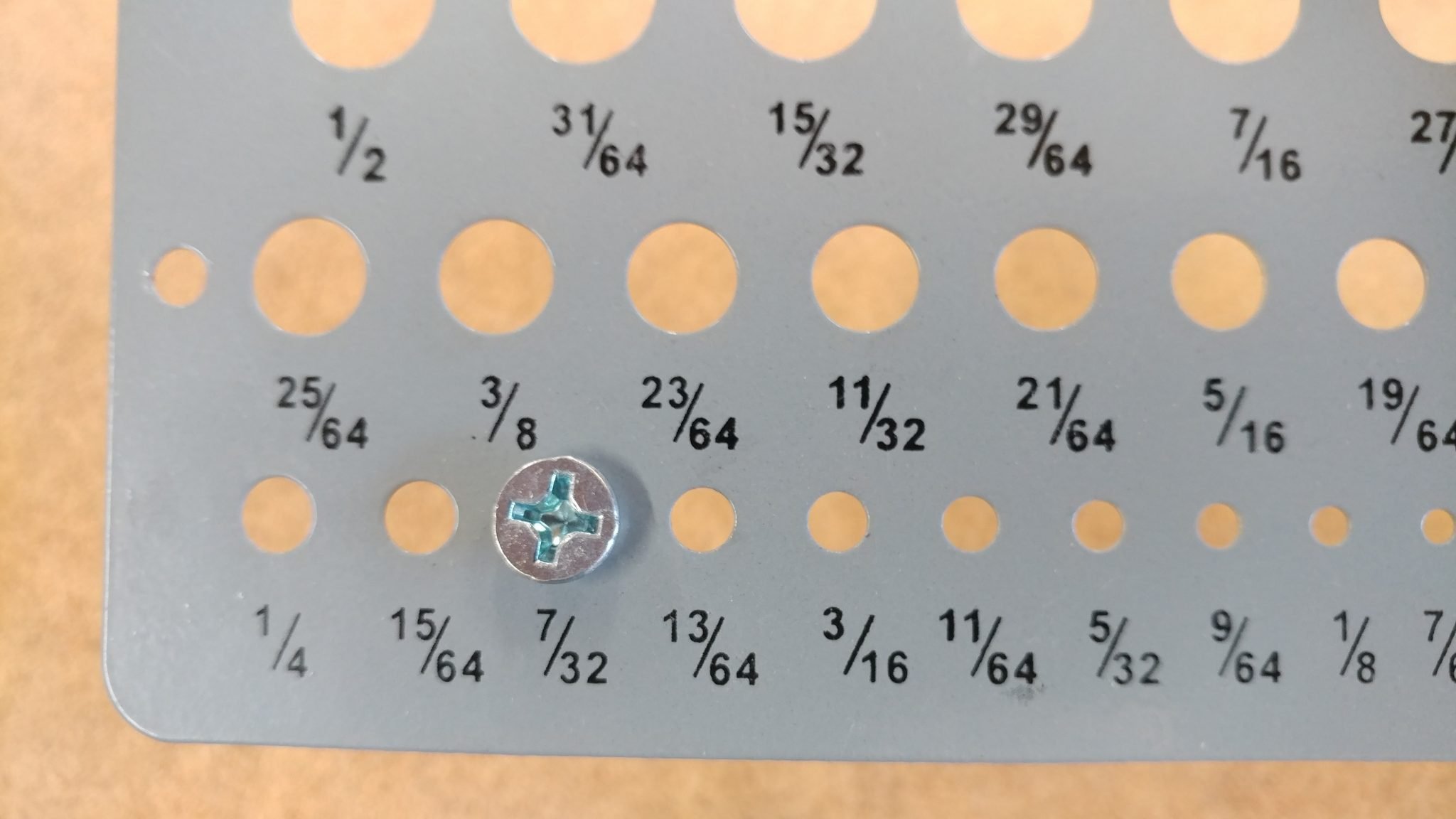
The screws that I am using to attach the metal require a 7/32″ hole.

The holes will need to be 7/32" in diameter in order to accommodate the screws.


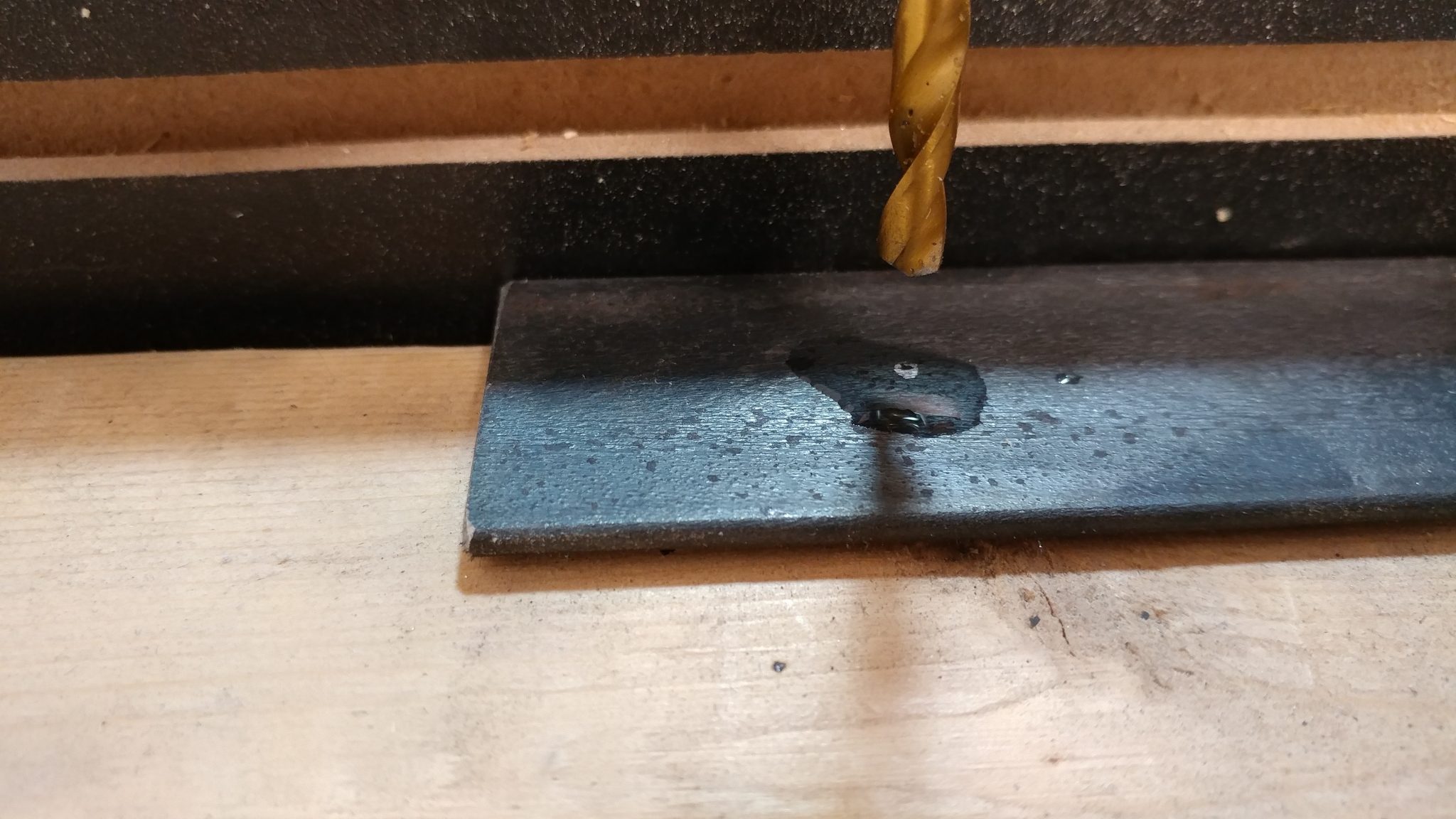
When drilling through metal you should usually apply a few drops of 3-in-1 oil to where you will be drilling out the holes.  This is what I did when I made the holes using a drill press.

I applied a few drops of 3-in-1 oil to the steel before drilling.


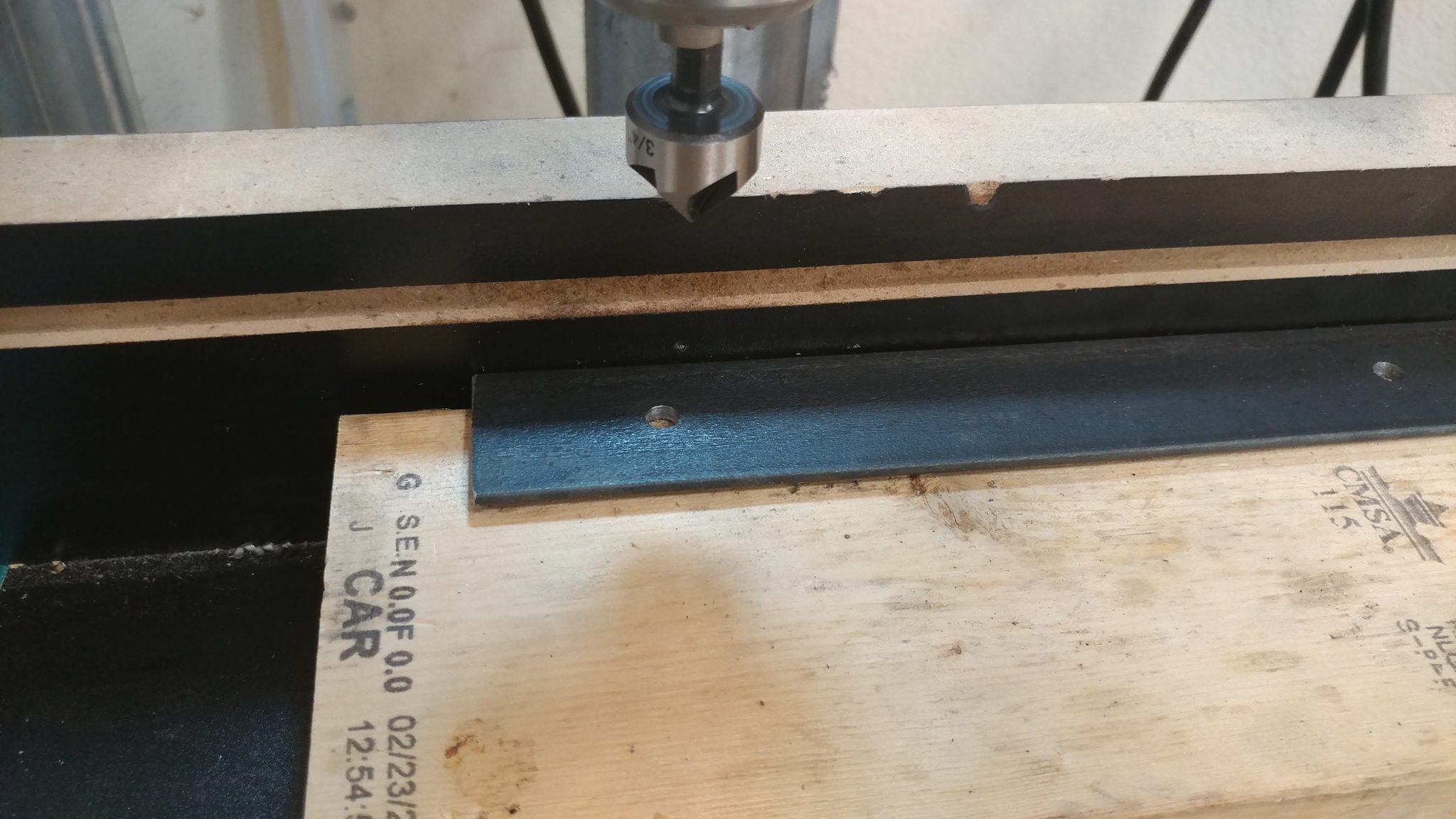
Since I wanted the screws to sit relatively flush with the top of the metal, I added a countersink to each hole using a 3/4″ countersink bit.  I went just deep enough for them to be flush but I didn’t want it too perfect since I’m going for a more used, industrial look.  Fortunately, making things “not perfect” is a specialty of mine.

I followed the 7/32" bit with a countersink so the screws sit flush.


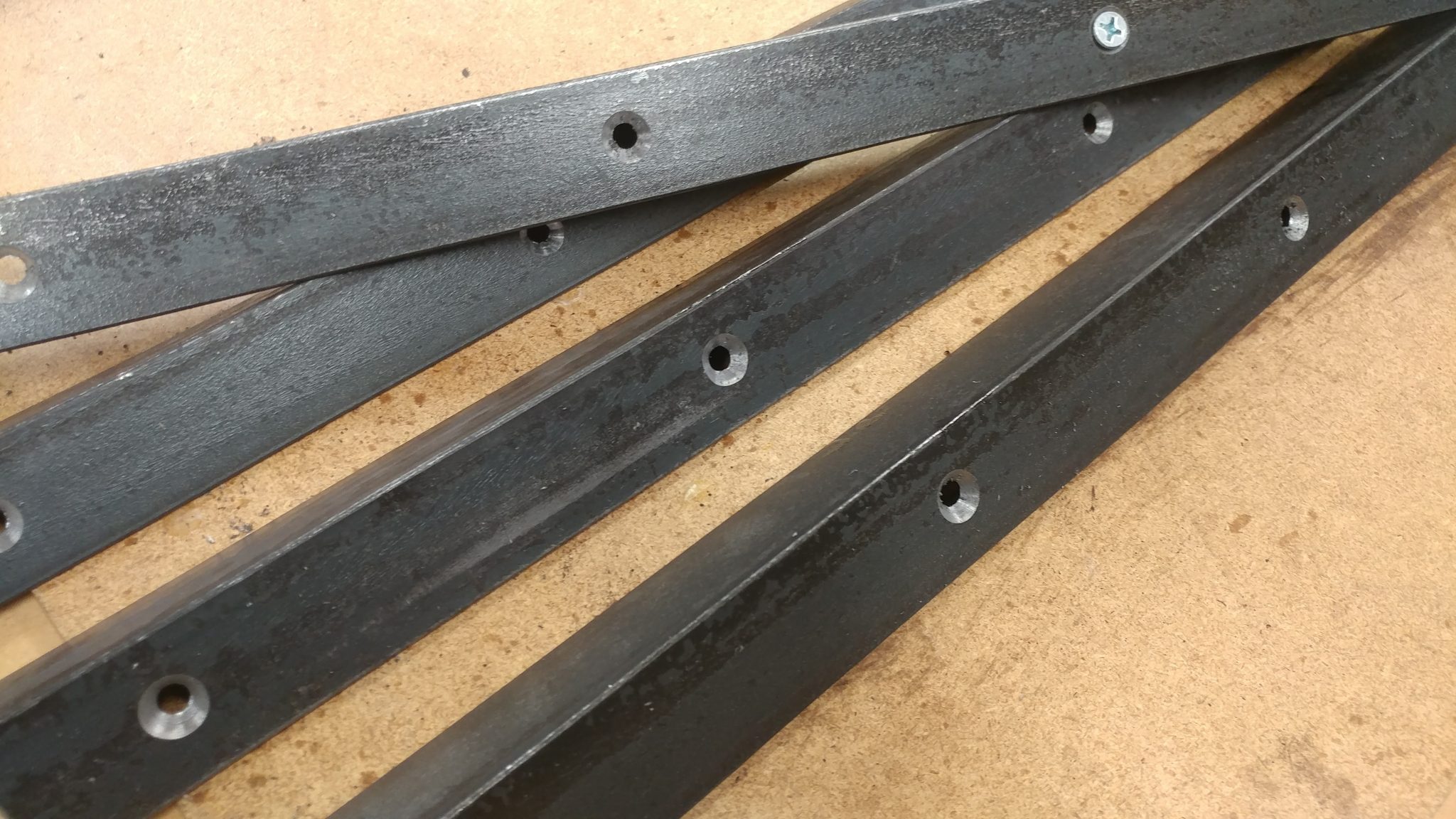
This took quite a while. I ended up doing most of them with a hand drill which actually went much faster than the drill press and helped contribute to the imperfect look that I was going for.

All the holes are drilled and countersunk. You can see one screw inserted in one of the holes to test the fit.


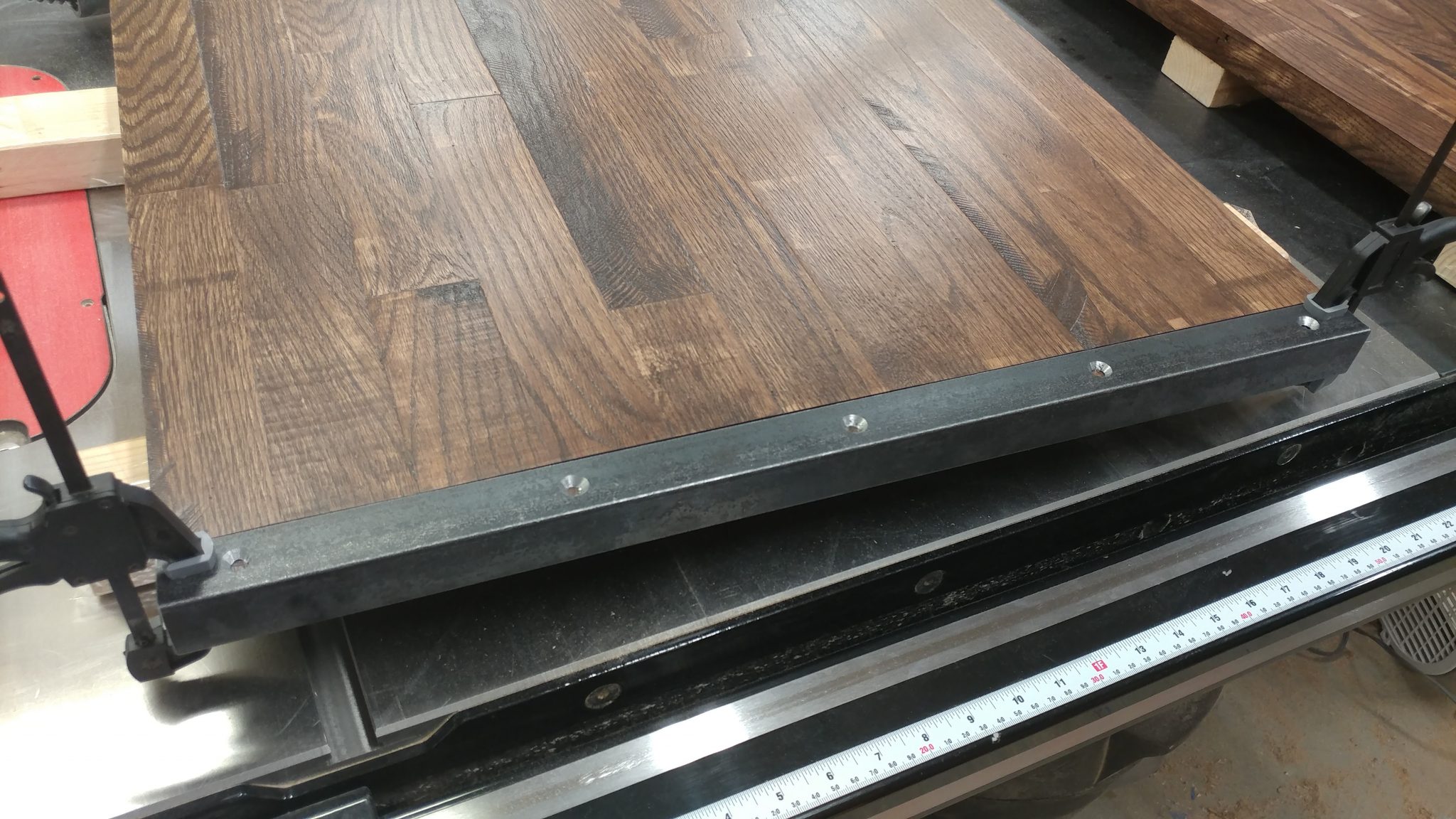
When it was time to drill the holes, I clamped the angle iron to the ends of the bench-top pieces so I could ensure their placement was correct and that it wouldn’t slip.

I clamped the metal to the wood so I can drill accurately.


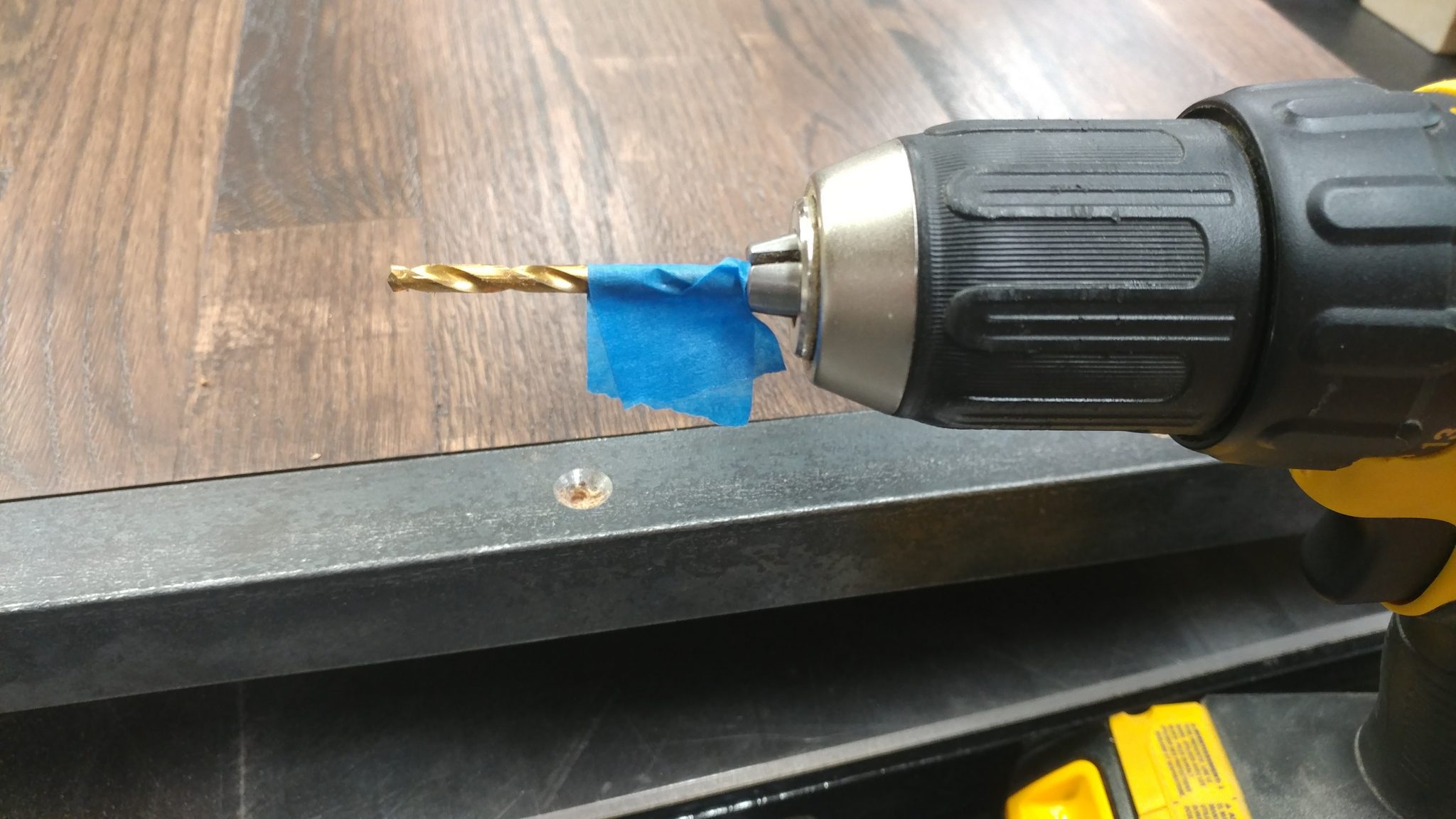
I used some blue painters tape on my drill bit to mark the depth of the hole that I needed for the screws.

I marked the desired hole-depth with some painter's tape.


I drilled just to the point that the painters tape touched the metal.  This is easy to do if you watch the shavings that gather around the hole you are drilling.  When the tape starts to brush them aside, stop drilling.

I drilled down till the tape was flush with the top of the metal.


The pieces were then attached with screws. Now the bench-tops are officially done.
Twenty screws total are used to attach the angle iron.


Attaching the legs to the bench-top.


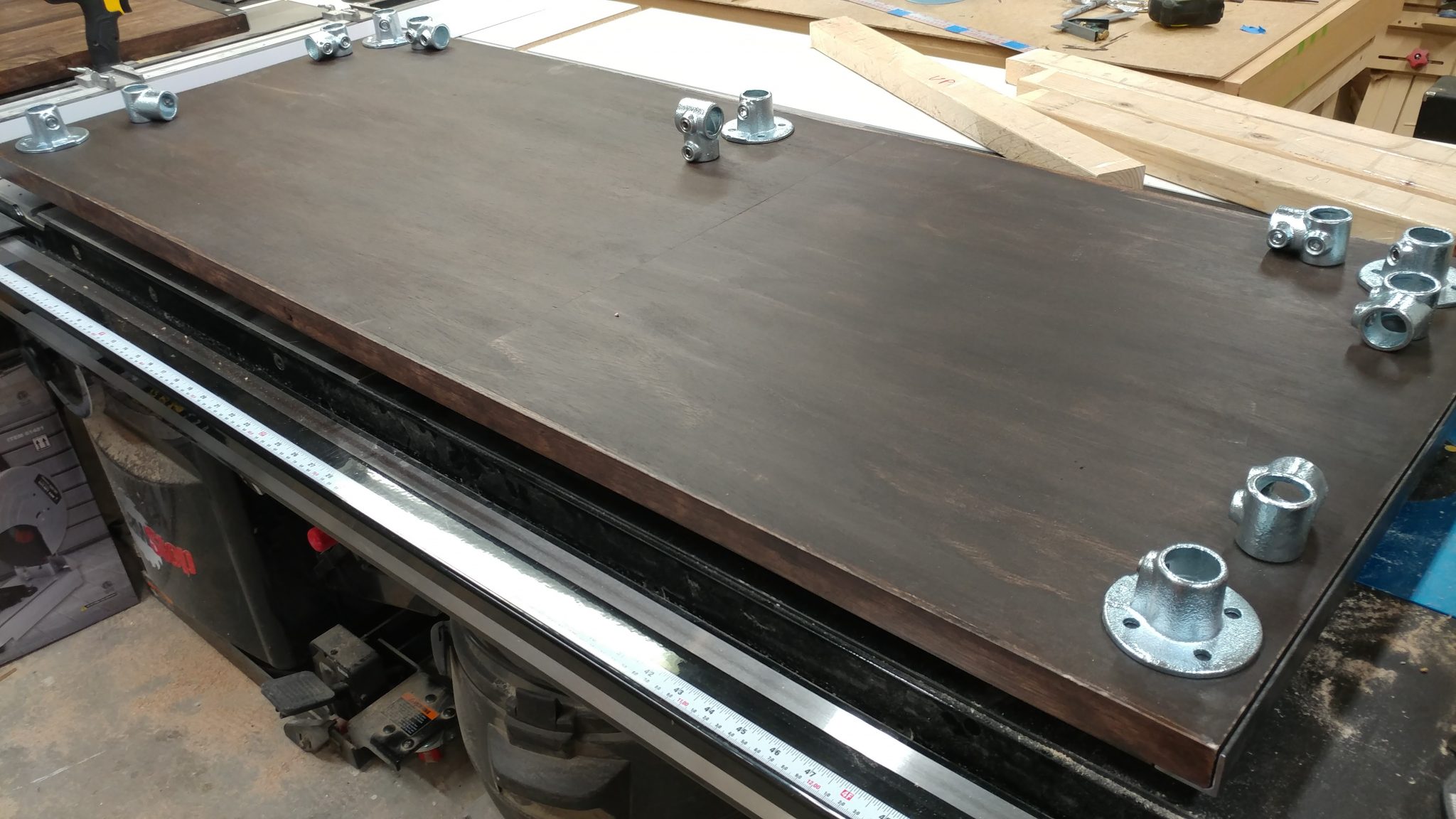
I am using hardware by Steel-Tek to create the legs for this desk. To get a visual on what pieces are needed where, I laid them out on the underside of the bench-top in the approximate area where they will be attached.

I gathered up the hardware and set them up where they were going to be installed.


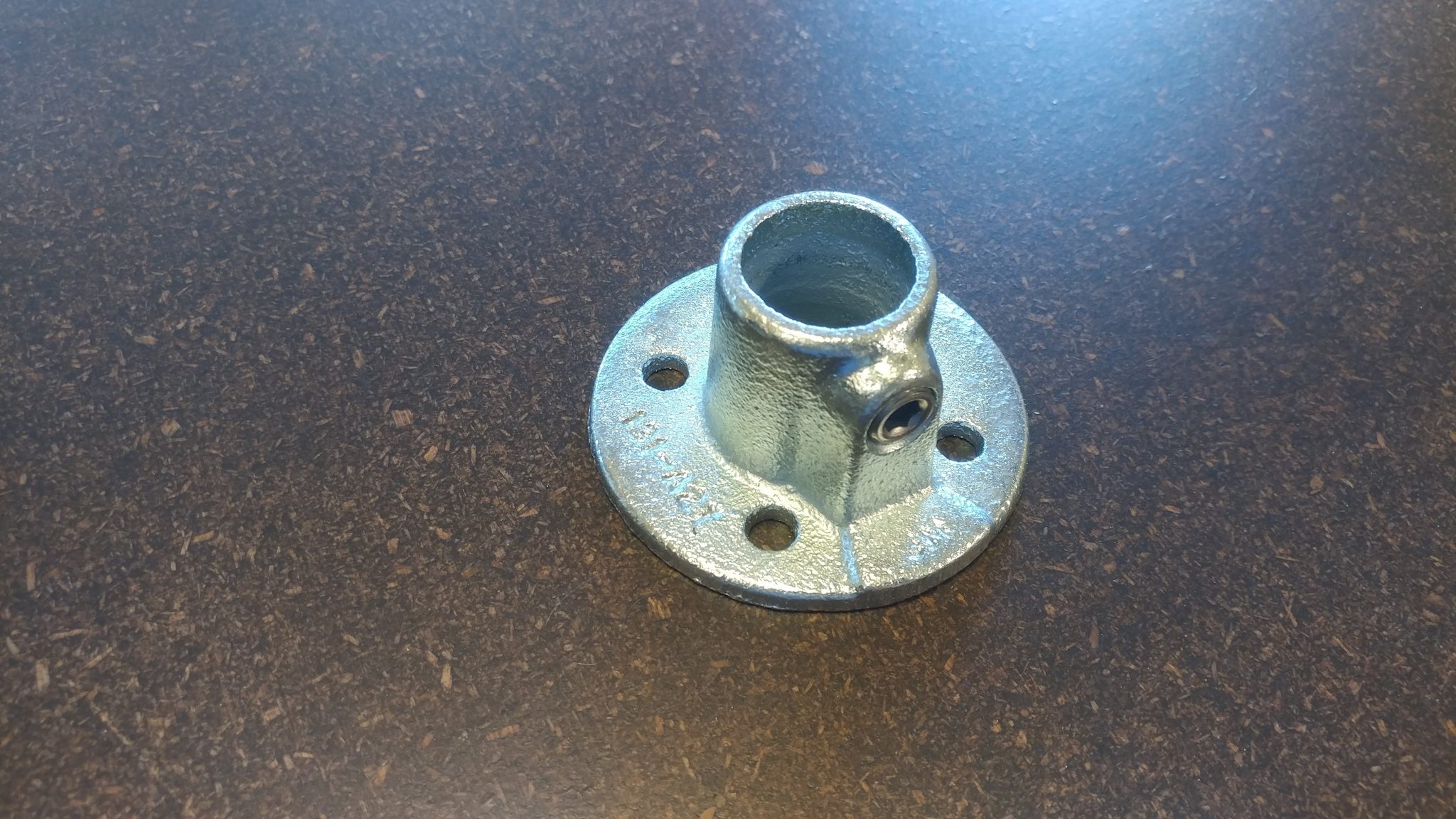
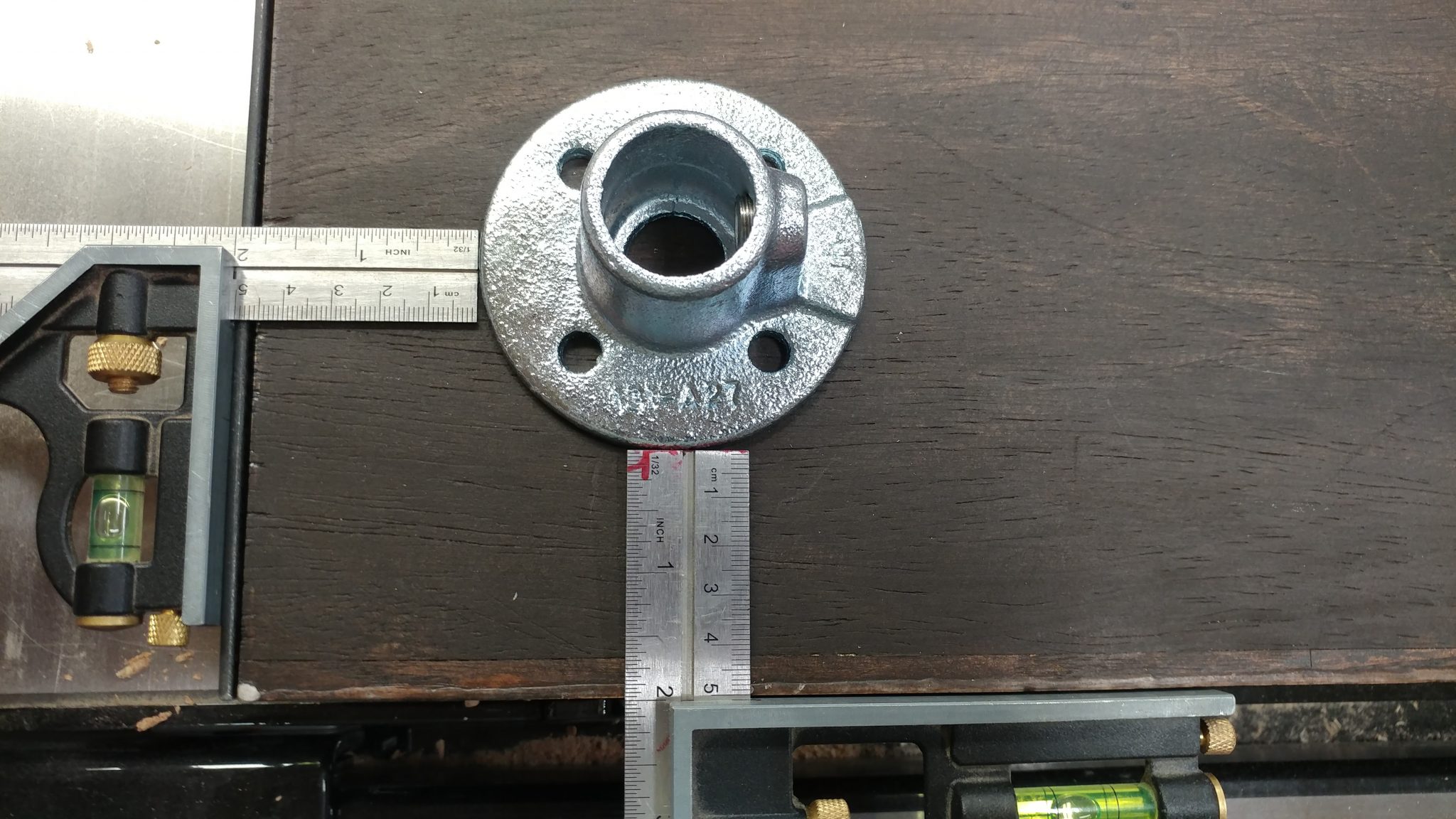
I attached a 3/4″ flange (part no. 673-104HC) in each of the four corners of the main bench-top piece. I set them 2″ in from each edge.

I arbitrarily decided to position the legs 2" in from each edge.


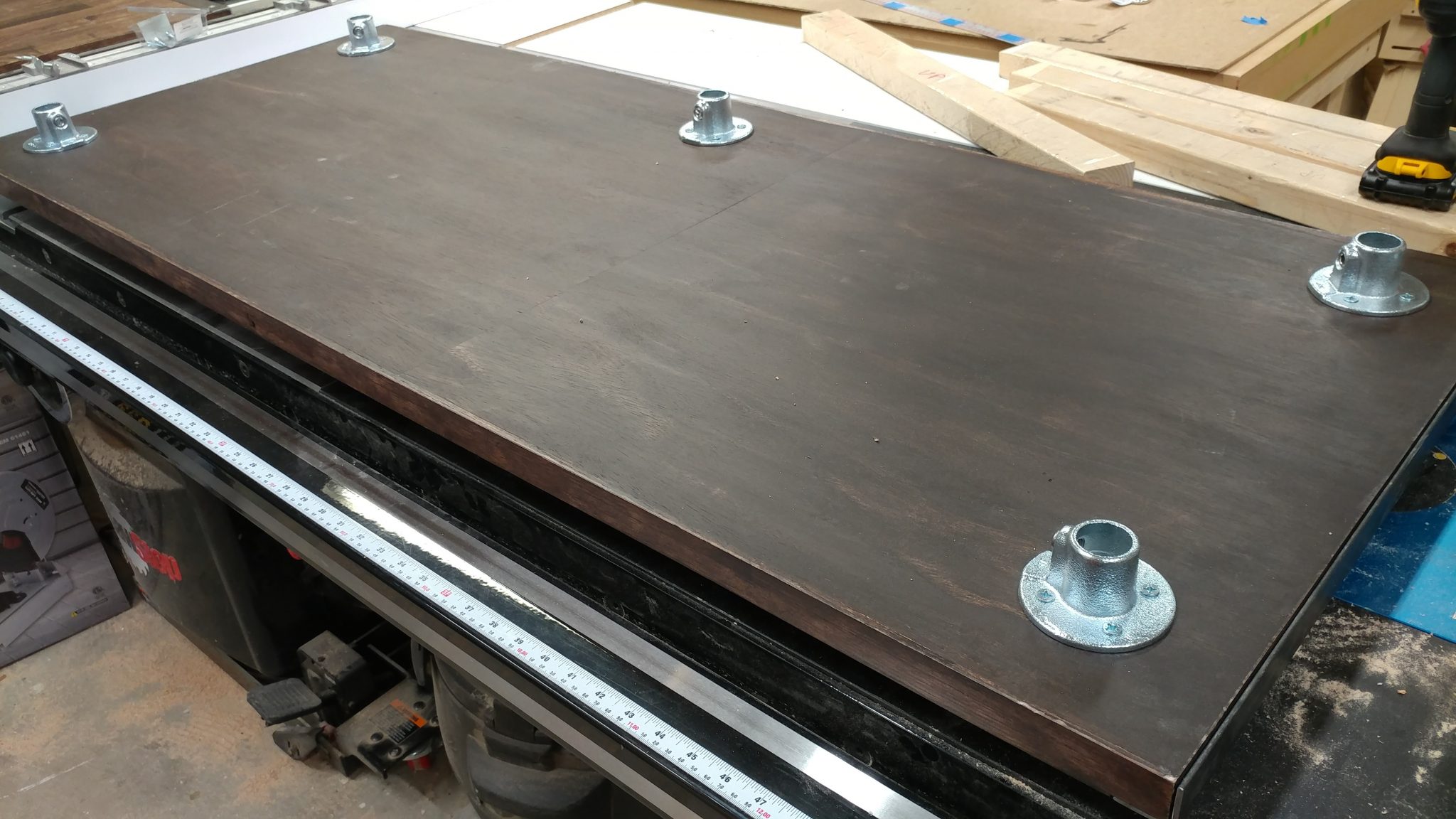
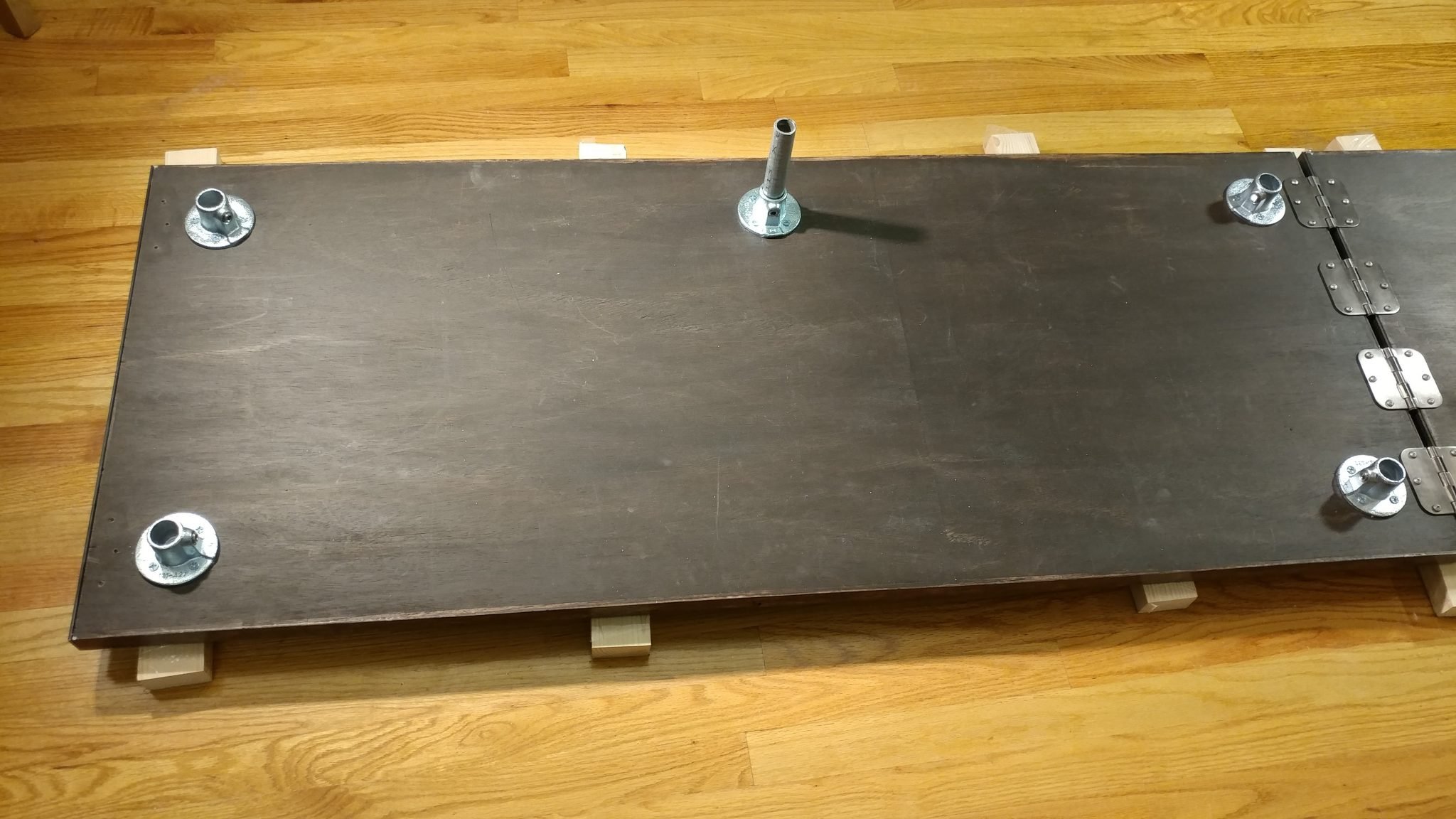
Four screws were used to attach each flange. I also added a fifth flange along the back edge which will help support the bench-top along the length.

All of the flanges have been attached to the underside of the benchtop.


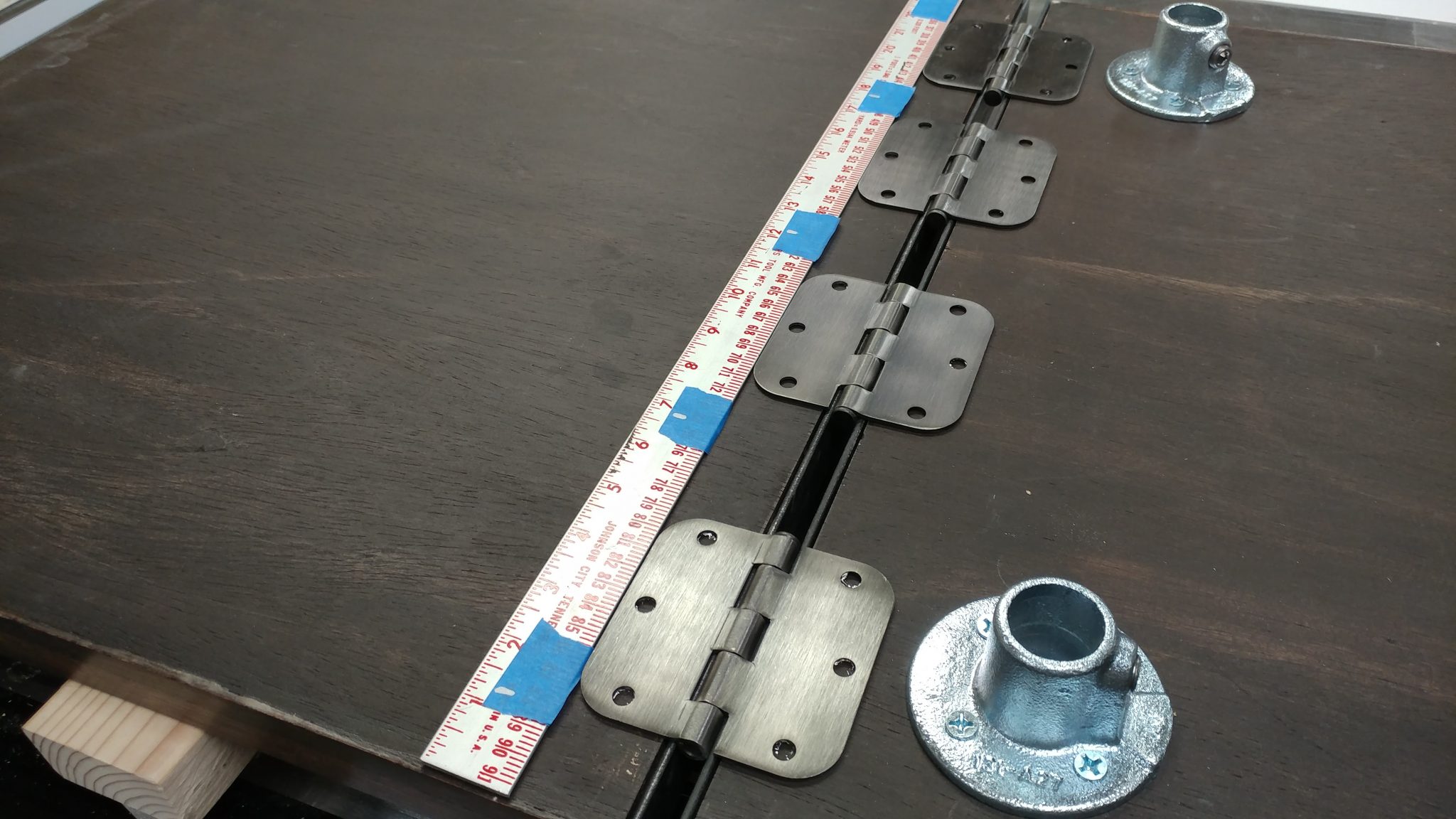
Since I still had the hash marks on my shop rule from when I drilled the holes in the angle iron, I laid that out and used it to arrange the hinges for attaching the extension wing. I debated about using a piano hinge for this as it would provide better support since it would be screwed into the side rather than from underneath. In the end, I decided to attach four hinges along the underside and I’ll just keep an eye on it. I can always come back and change it later if it starts to weaken.

Laying out the hinges in their approximate location.


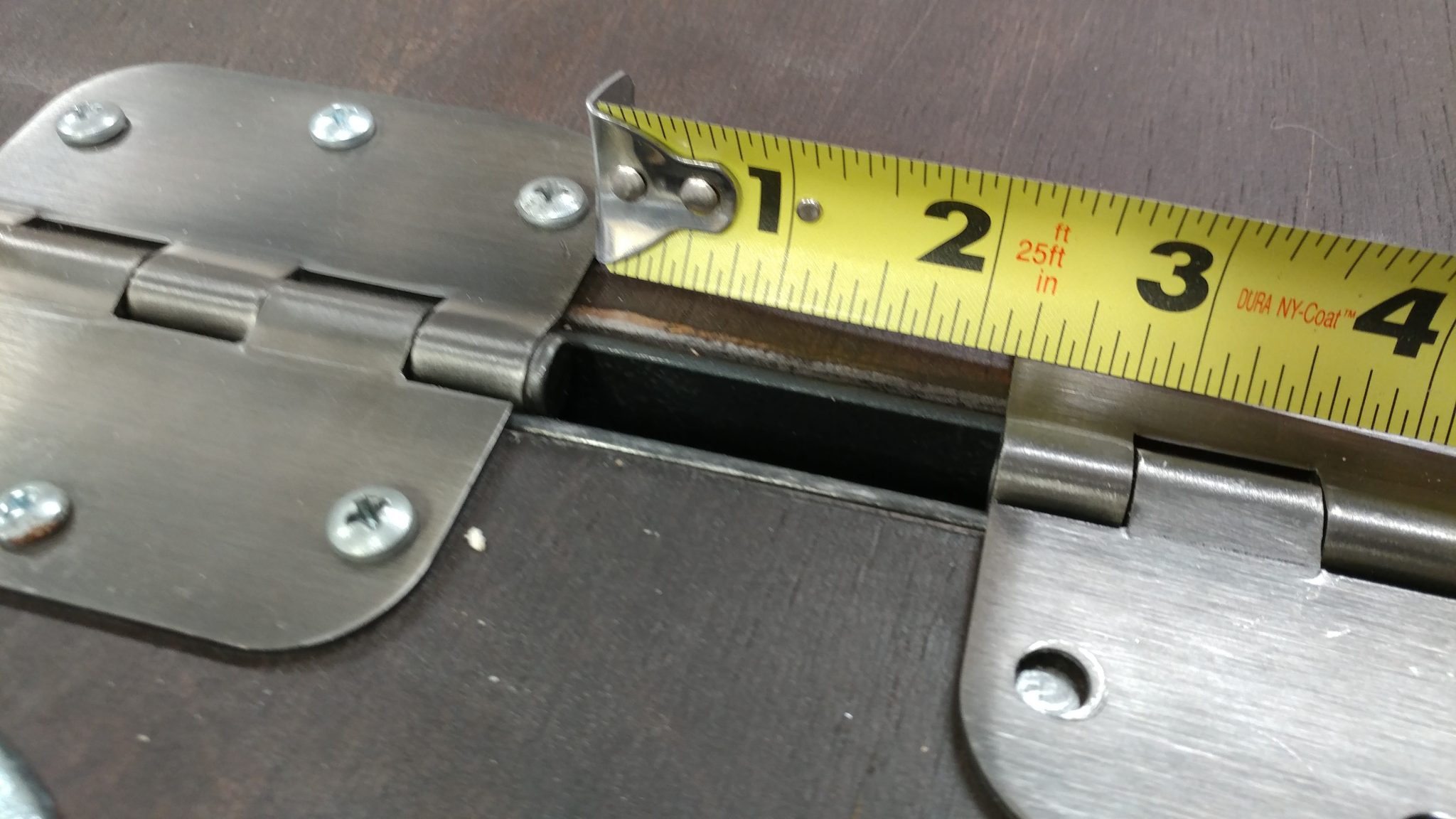
I ended up spacing the hinges a little over 2″ apart.  This measurement will vary depending on the hinge that is used.

I decided on a 2-3/16" gap between the outer hings and the inner ones.


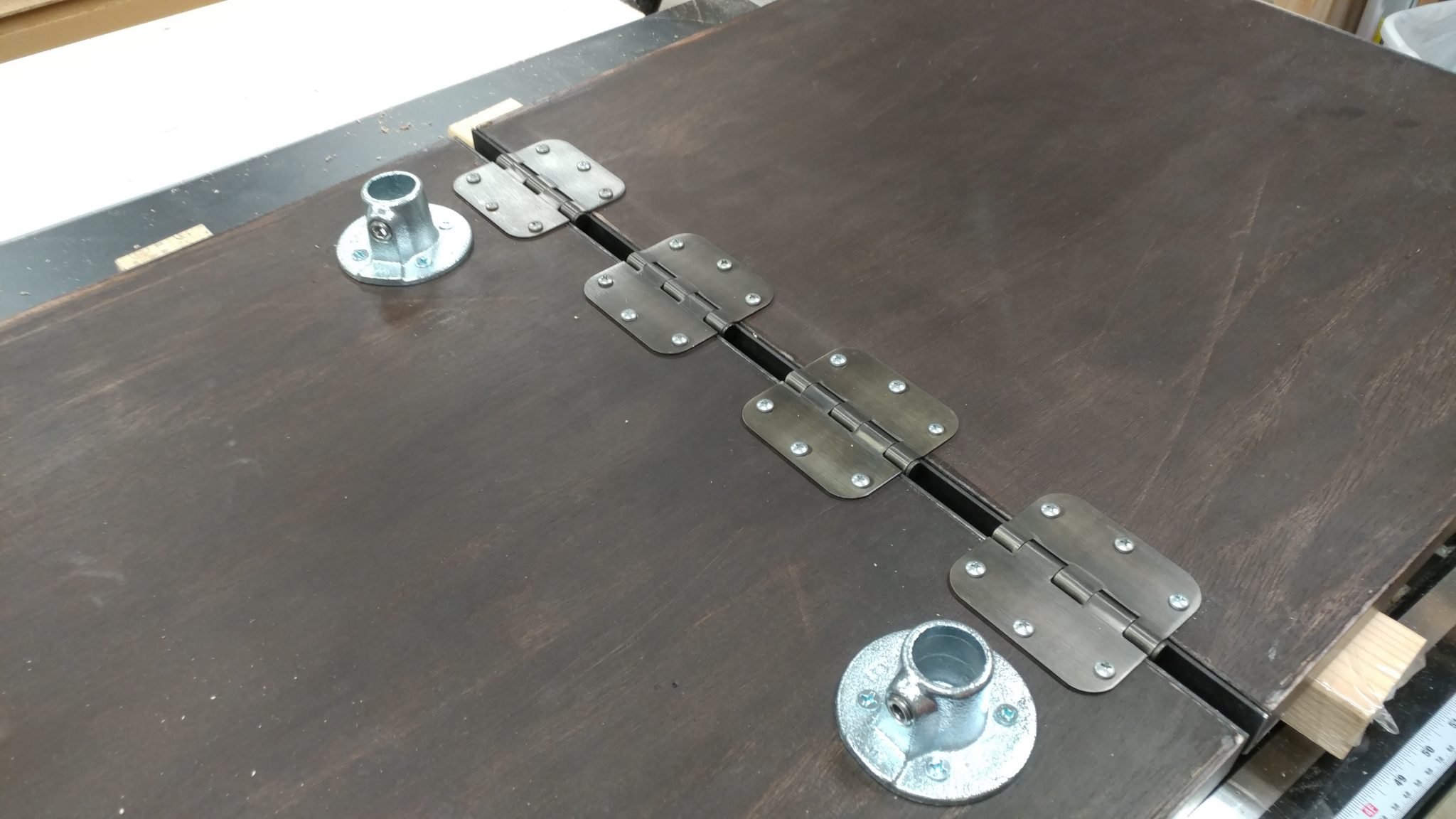
Each hinge was attached and they seem really solid so I’m not too worried. I needed a slight gap between the main table and the wing because of how the wing is going to be held upright. This will be explained later.

All of the hinges have been attached.


Back to my chop saw to cut down the 3/4″ tubing to the various lengths that I needed.

Cutting the steel tubing to size with a metal chop saw.


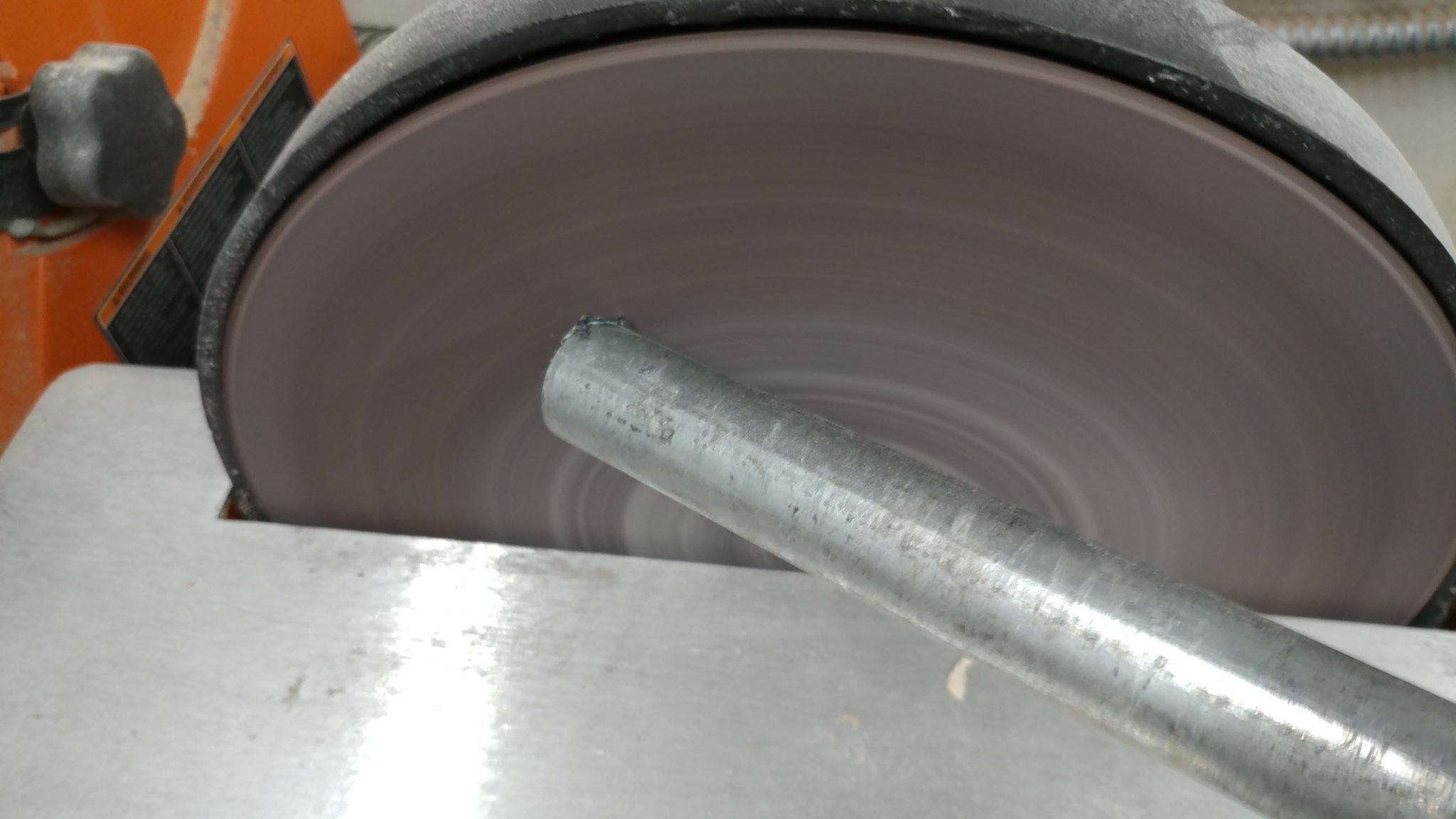
Using a disc sander, I added a slight chamfer around the edge of each piece of pipe in case anyone wants to take this bench apart in the future. I wouldn’t want anyone getting cut on the sharp edges.

Adding a slight chamfer around the ends of each piece of pipe.


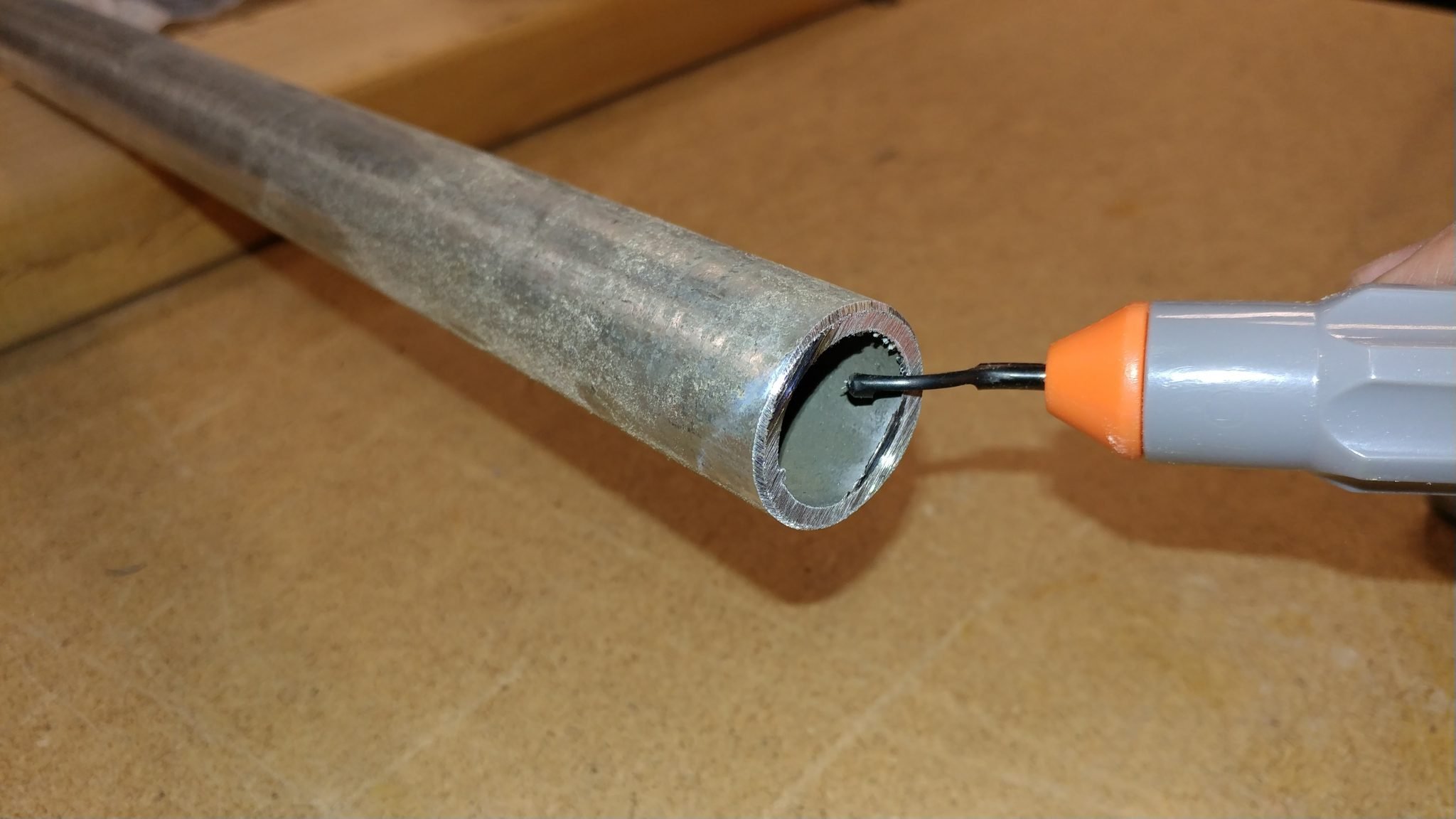
As I was cutting these down, I realized that this piping would allow me to run wires through them in case I wanted to add a few outlets along the top. If you’ve ever run conduit, you probably understand the importance of removing the jagged edge along the inside so it doesn’t damage any wires. I did this with a deburring tool.

I removed the inner jagged edge using a deburring tool.


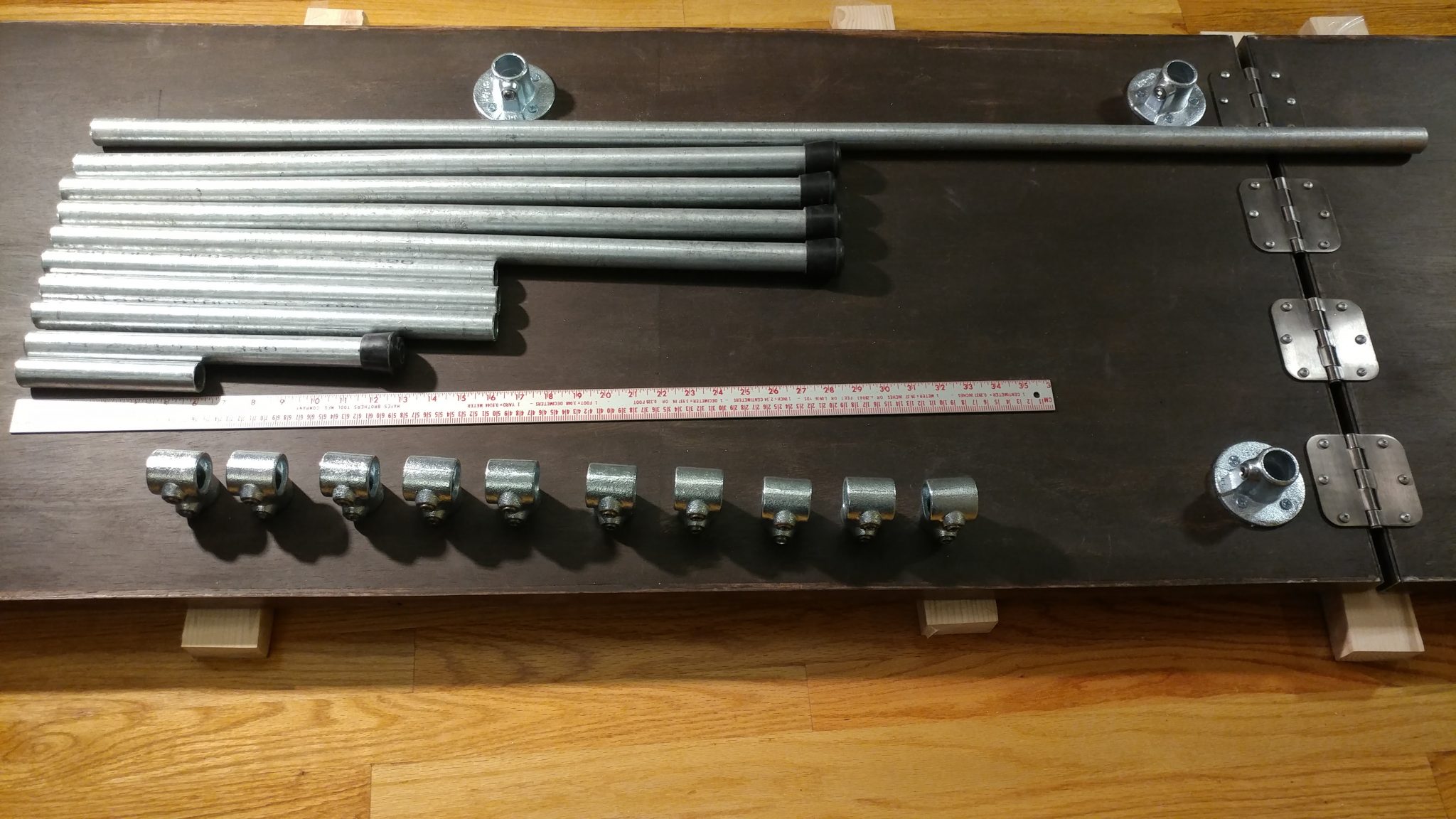
I got all my hardware gathered up. Along with ten single socket tees (670-104HC) from Steel-Tek, I used the following lengths of pipe.

  • (qty: 1) 52″
  • (qty: 4) 28 ¼”
  • (qty: 3) 16″
  • (qty: 1) 12 ½”
  • (qty: 1) 6″

Here are all the hardware pieces that I will need.


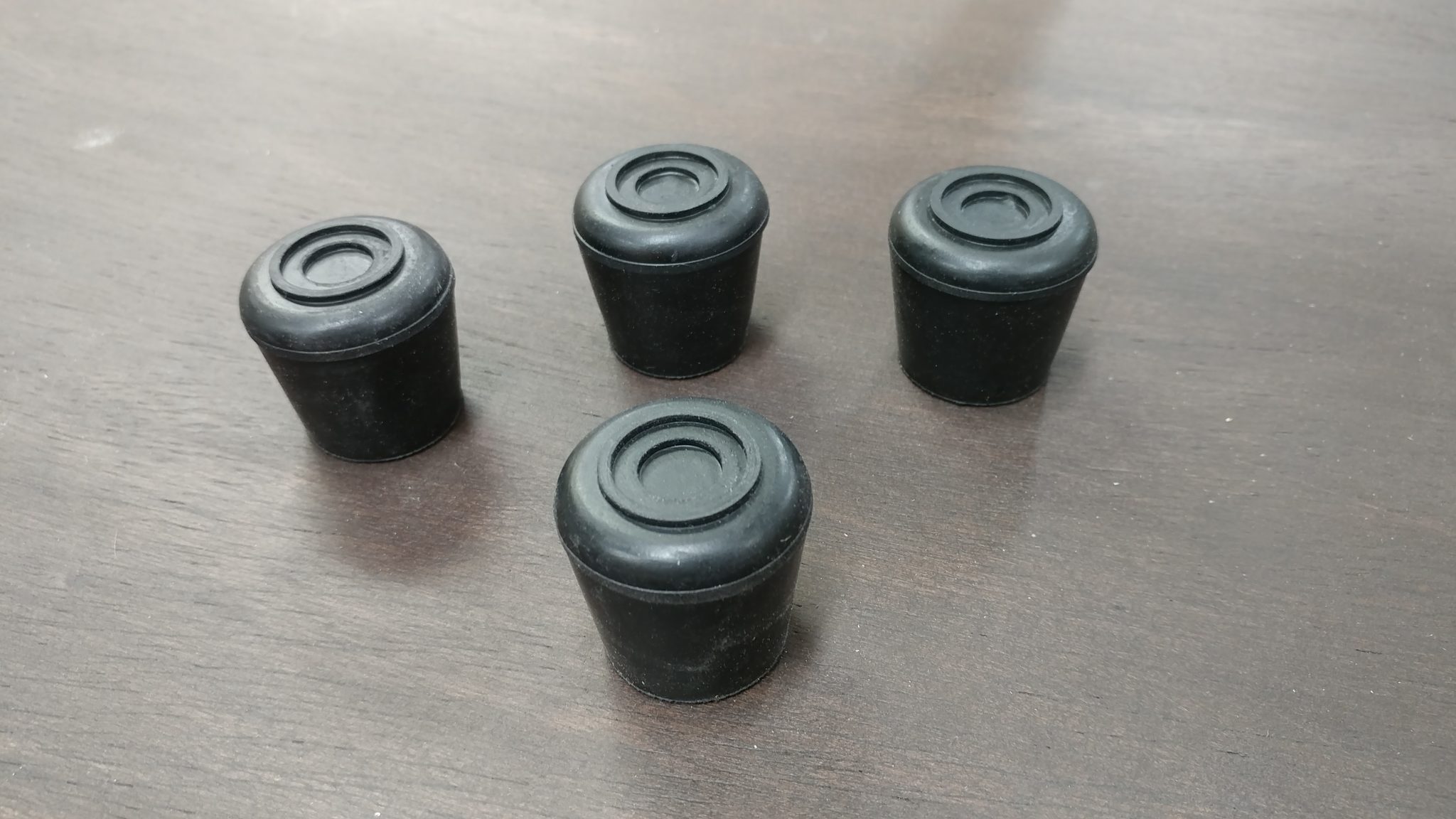
I also used 1″ rubber feet which fit perfectly over the 3/4″ pipe. Four of these were used for the legs and a fifth was used for the extension wing support arm.


I got some 1" rubber feet for the ends of the legs.


I inserted the 6″ piece of pipe into the center flange and tightened the set screw.

I inserted the shortest piece in the central flange and tightened down the set screw.


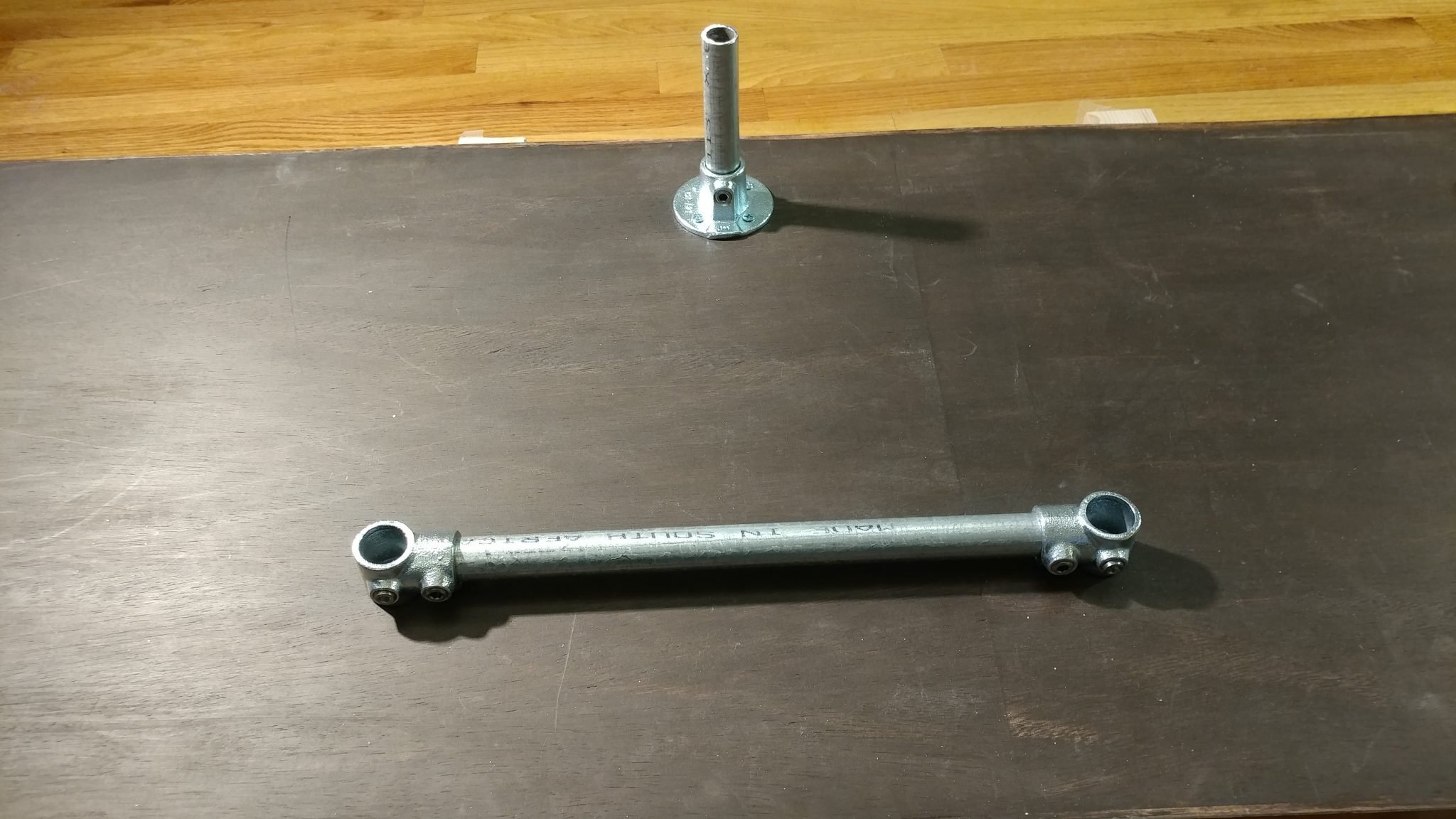
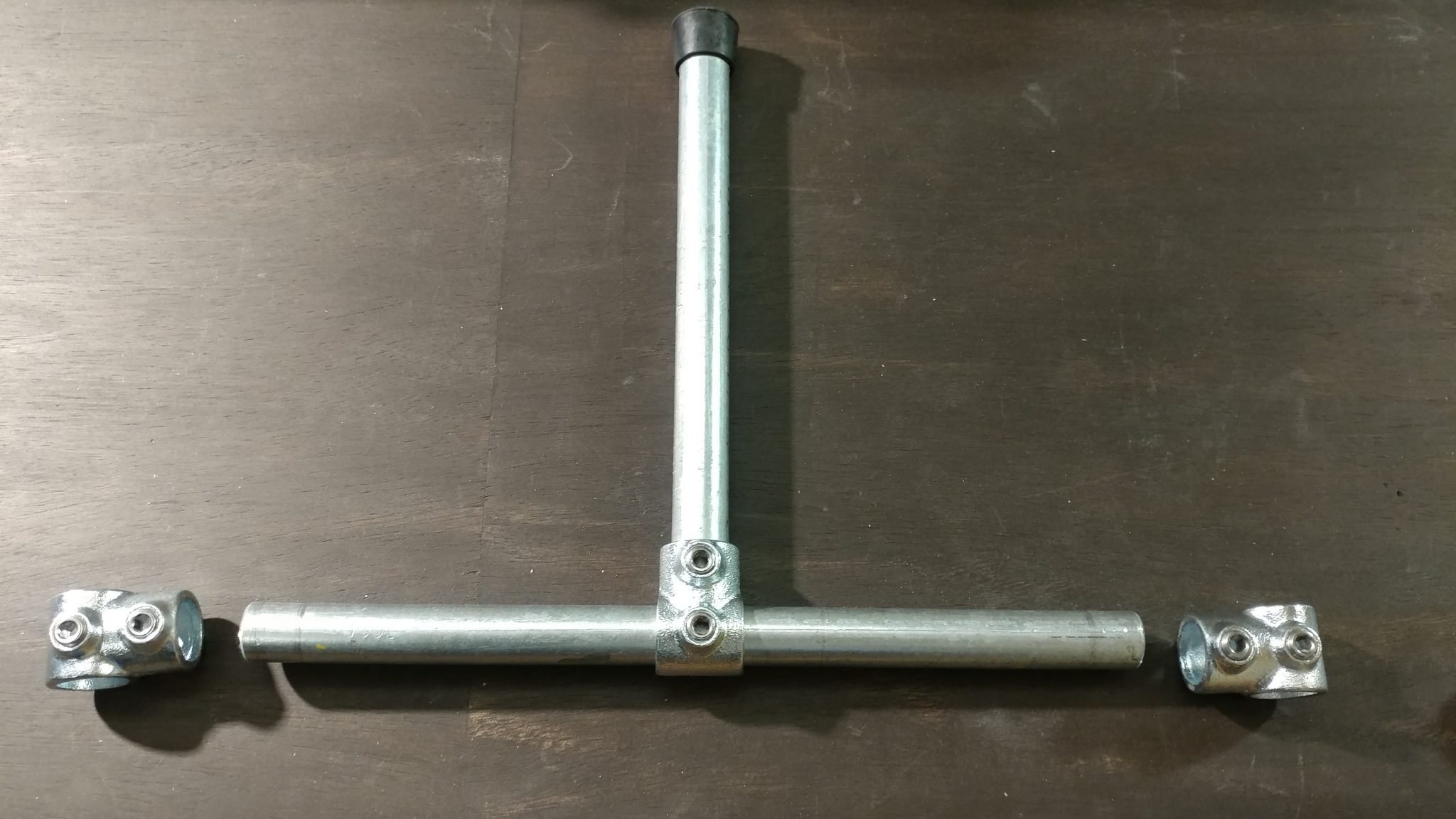
Two single socket tees are then attached to two of the three 16″ lengths of pipe and the set screws are tightened. These will be the horizontal support braces that will go between the front and rear legs.

I made the two horizontal braces using one of the 16" pieces of pipe and two of the single socket tees for each brace.


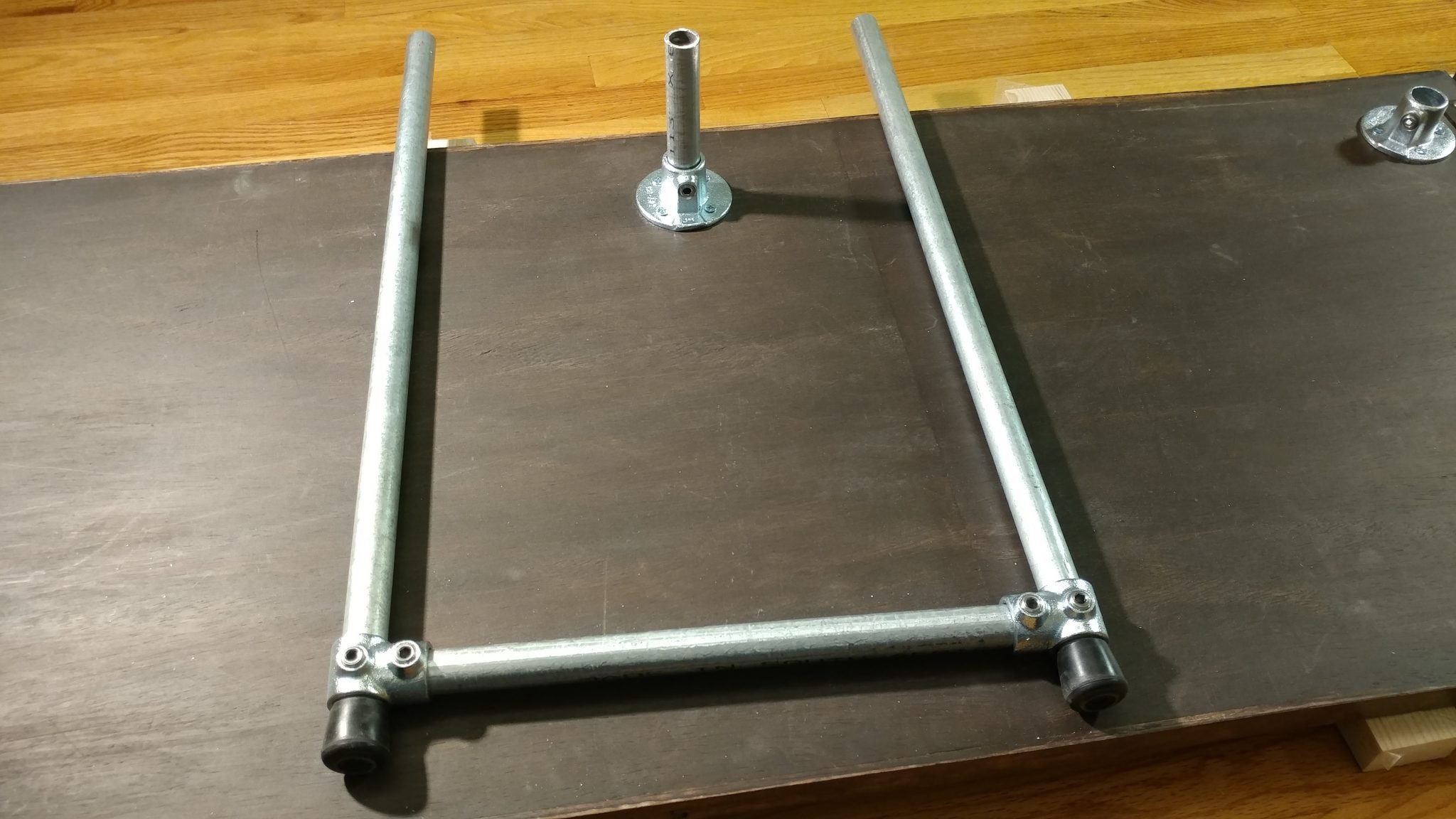
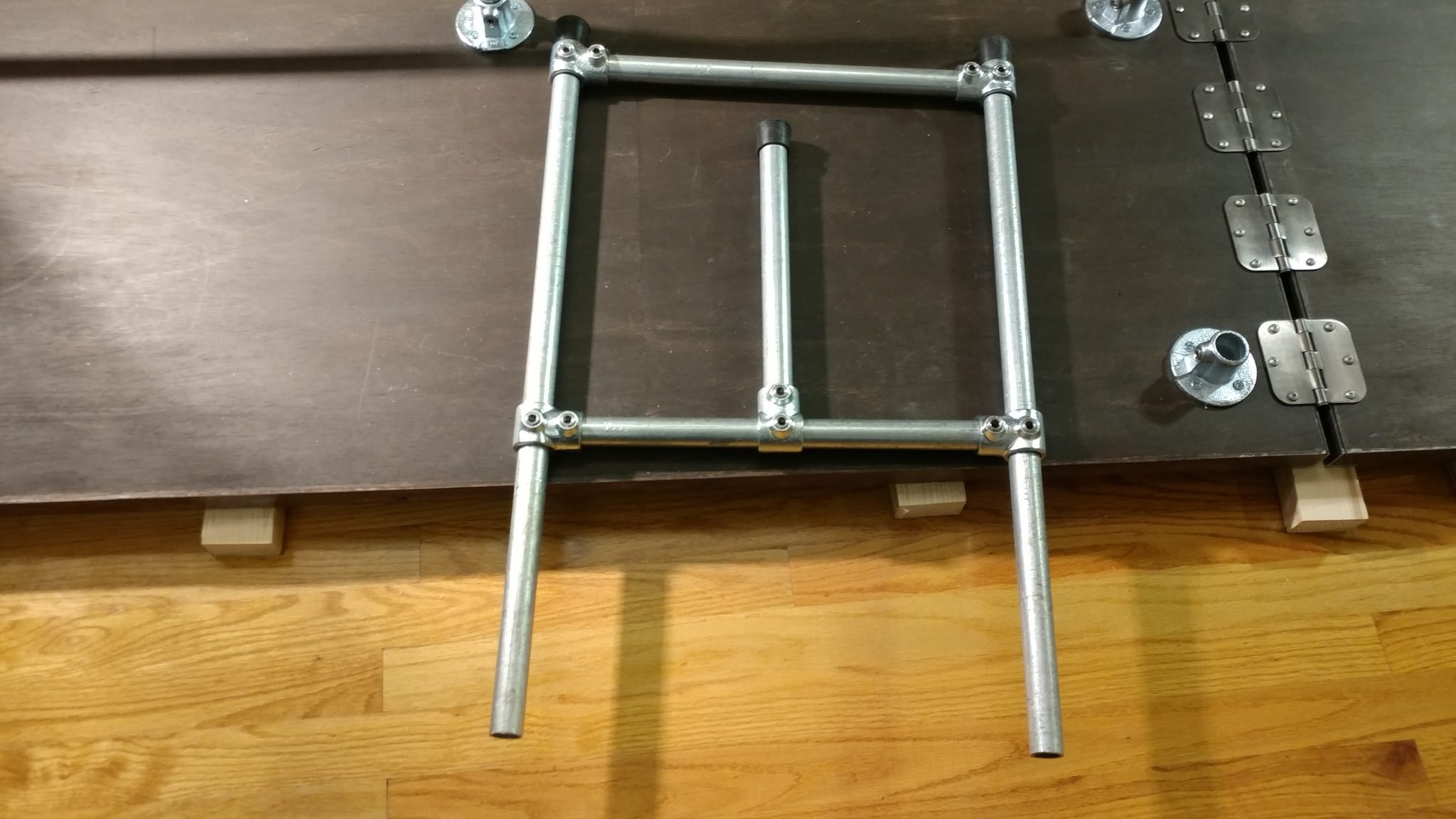
I slid two legs all the way through the tees on each of the horizontal braces and temporarily tightened the set screws. I set these aside for later.

I slid one of the braces on two of the legs and temporarily slid it to the far end and tightened down the set screws.


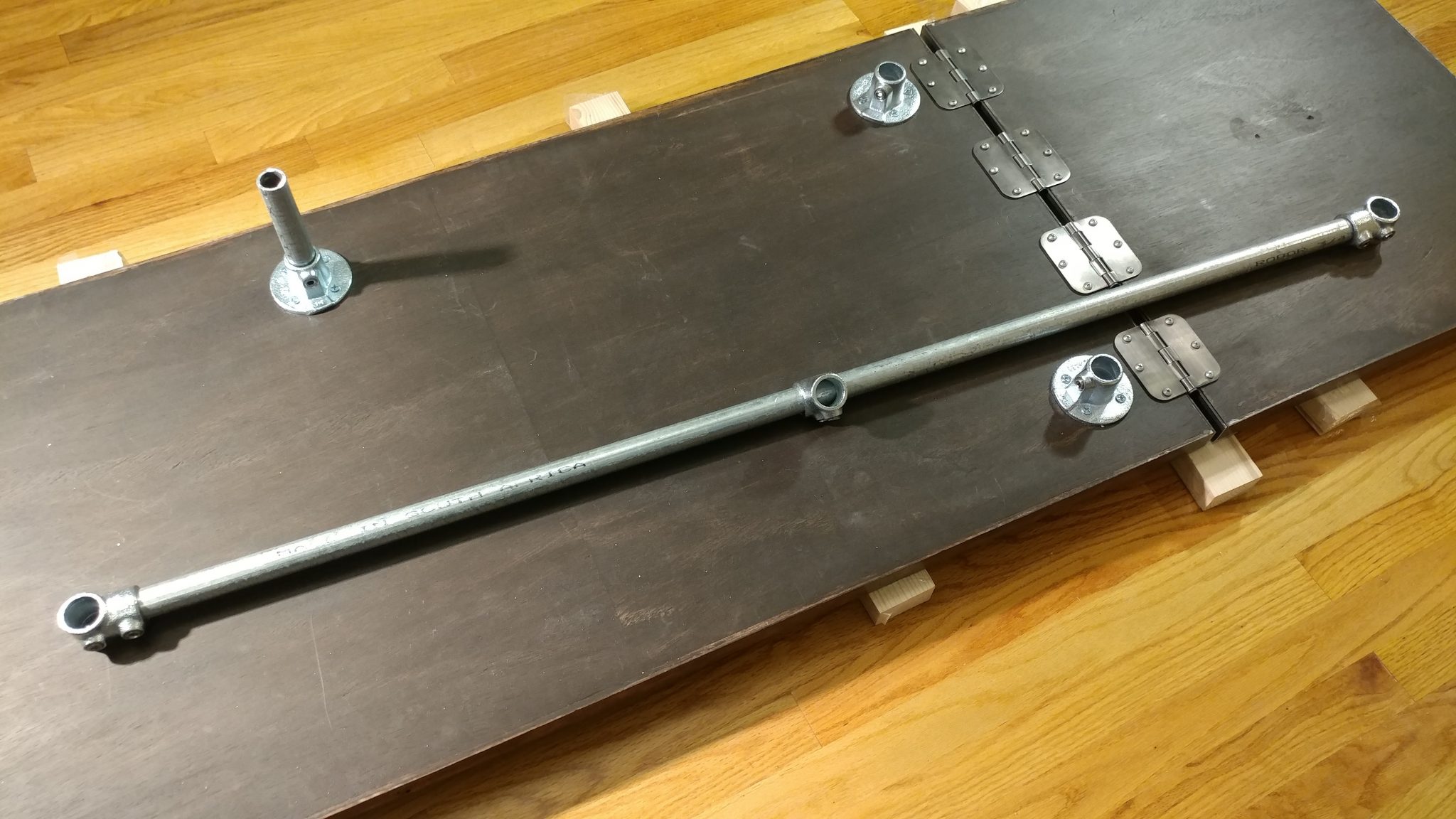
Then I attached three of the tees to the 52″ length of pipe. First I attached one on the end and tightened down the set screw. After that I slid one of the tees over the pipe and moved it towards the center but didn’t tighten it at all. I then added the last tee to this piece and tightened it up.

I then created the rear horizontal brace with the longest piece and three of the single socket tees, with the middle one fitting loosely on the bar.


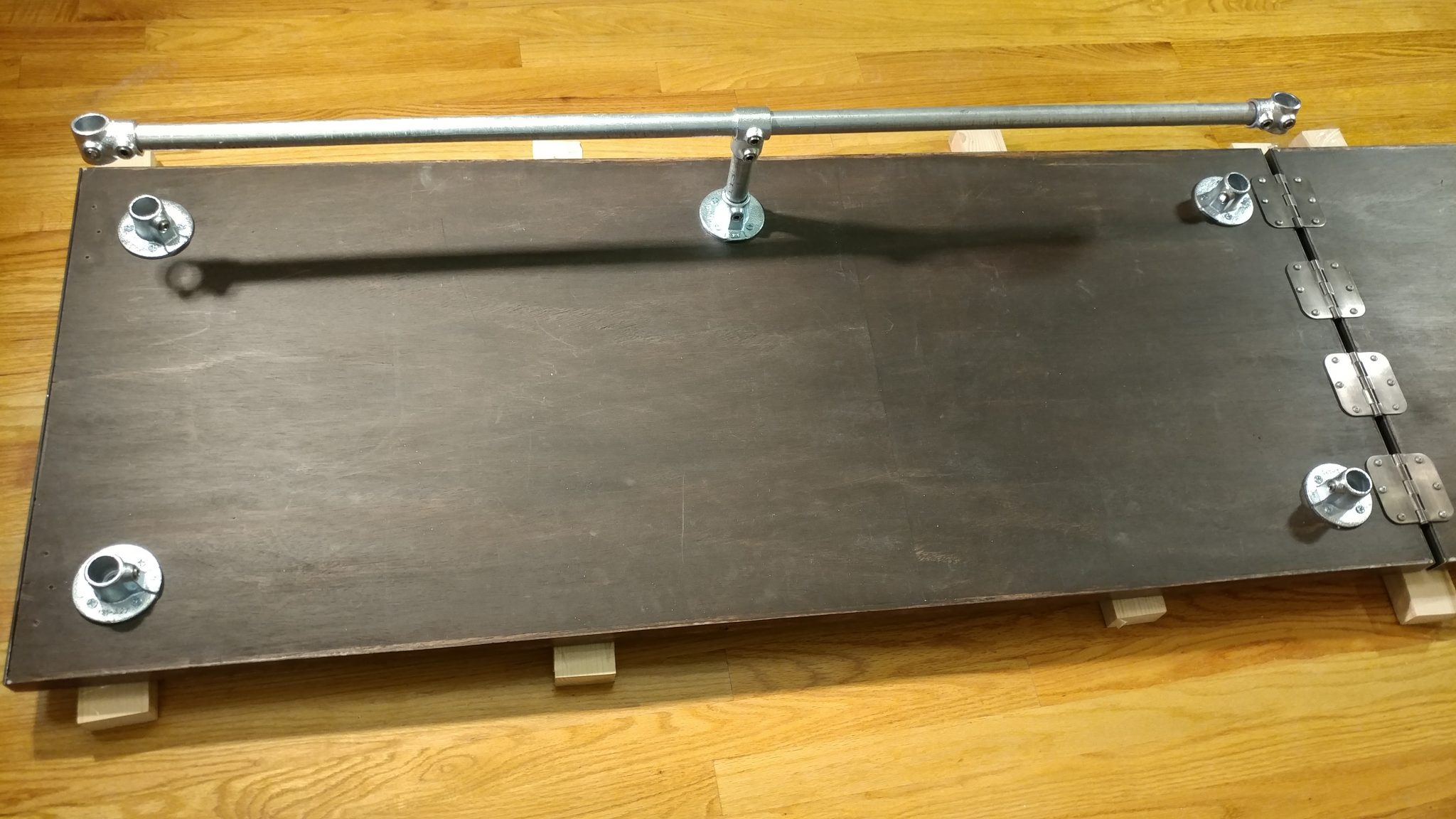
Once it was all together I fit the loose central tee over the other end of the 6″ pipe and tightened the set screw but only the one that attaches it to the shorter piece.  This meant the large 52″ piece can slide around if I need it to while I’m attaching the legs.

The rear horizontal brace is loosely attached to the rear vertical post.


At this point, the only piece of pipe that is secure is the 6″ piece. This let me insert one of the sets of legs into the flanges on the side without the extension wing.  I made sure the legs were square with the bench-top and tightened down the set screws in the flanges. The tee that attaches the rear rail to these legs is still loose.  It’s worth noting that I have all of the set screws one every fixture facing the inside of the desk.  This will make it easier to remove the bench-top from the legs without having to move the bench away from the wall.

I then inserted the legs for the side that doesn't have the extension wing.


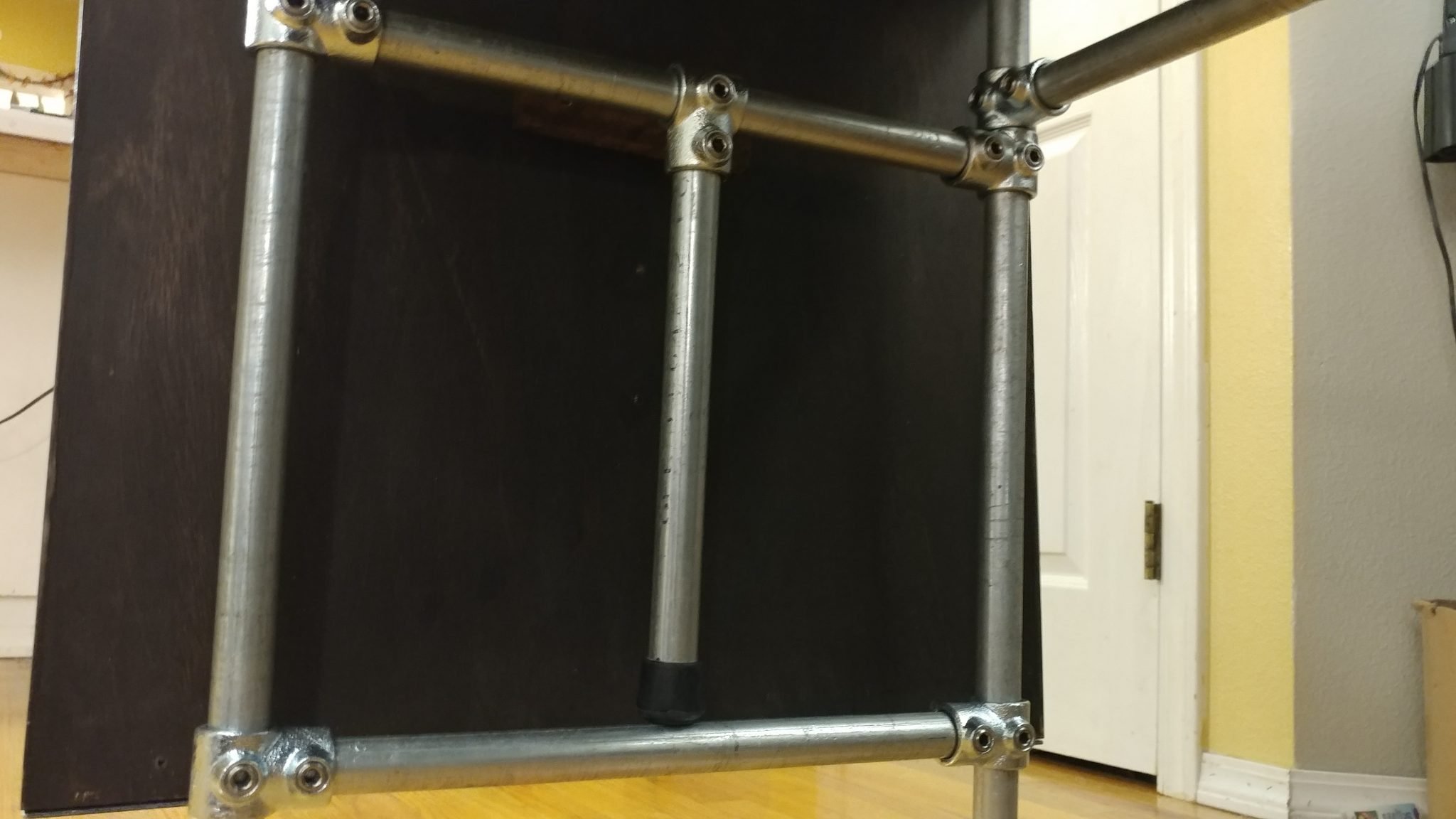
The extension wing support is next. I put this together somewhat similarly to the rear rail except I centered the tee and tightened it down. I also inserted the 12-1/2″ piece with the rubber foot on the opposite end. I tightened this set screw but knew I would probably have to come back and adjust this later. The two tees on the end are kept loose and will remain so.

The extension wing support is made from three of the single socket tees, one of the 16" bars, and the 12-1/4" bar with a rubber foot on the end.


The extension table support is then slid on to the other set of legs. To make attaching it easier, I temporarily tightened the set screws for the tees that attach it to the legs.

The extension wing support is loosely attached to the remaining leg assembly.


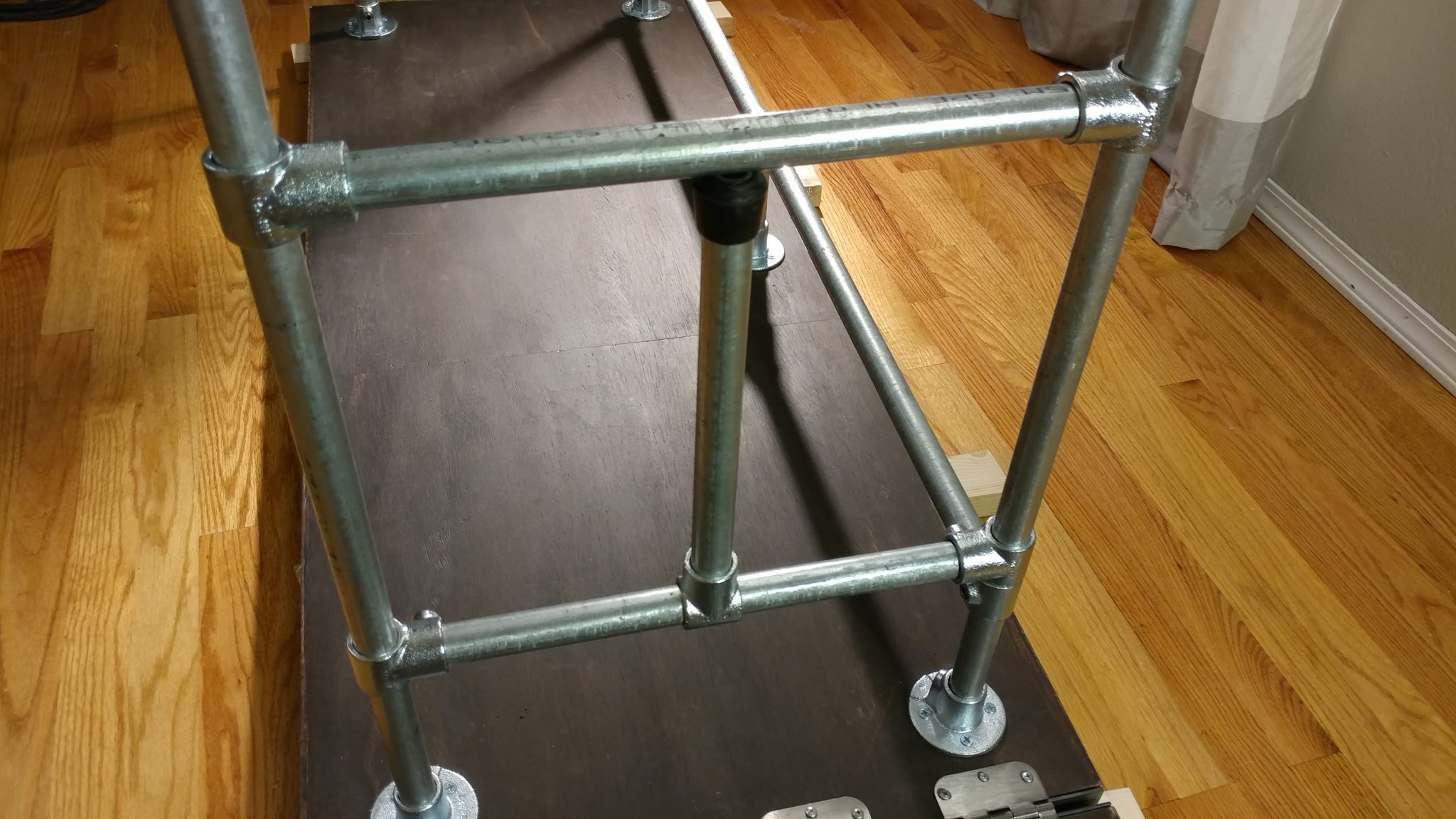
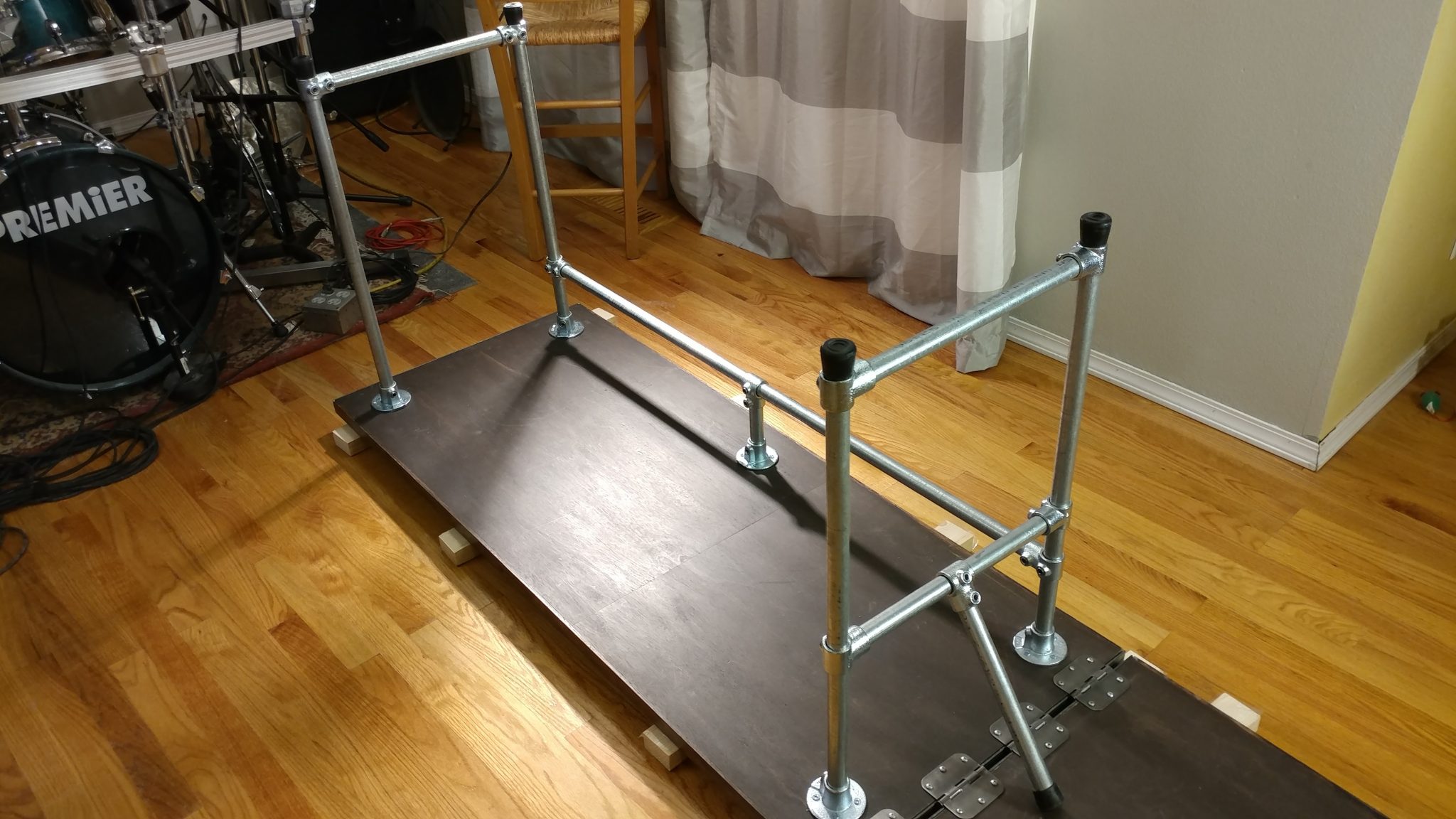
This leg assembly is inserted like the opposite one. Make sure it is square to the bench-top and tighten the set screws on the flanges. Then, I ensured that the rear rail was the same distance from the underside of the bench-top at either end and tightened the set screws on the tees at each end of the rear rail.

The second leg assembly is attached. Everything is tightened down except for the extension wing support.


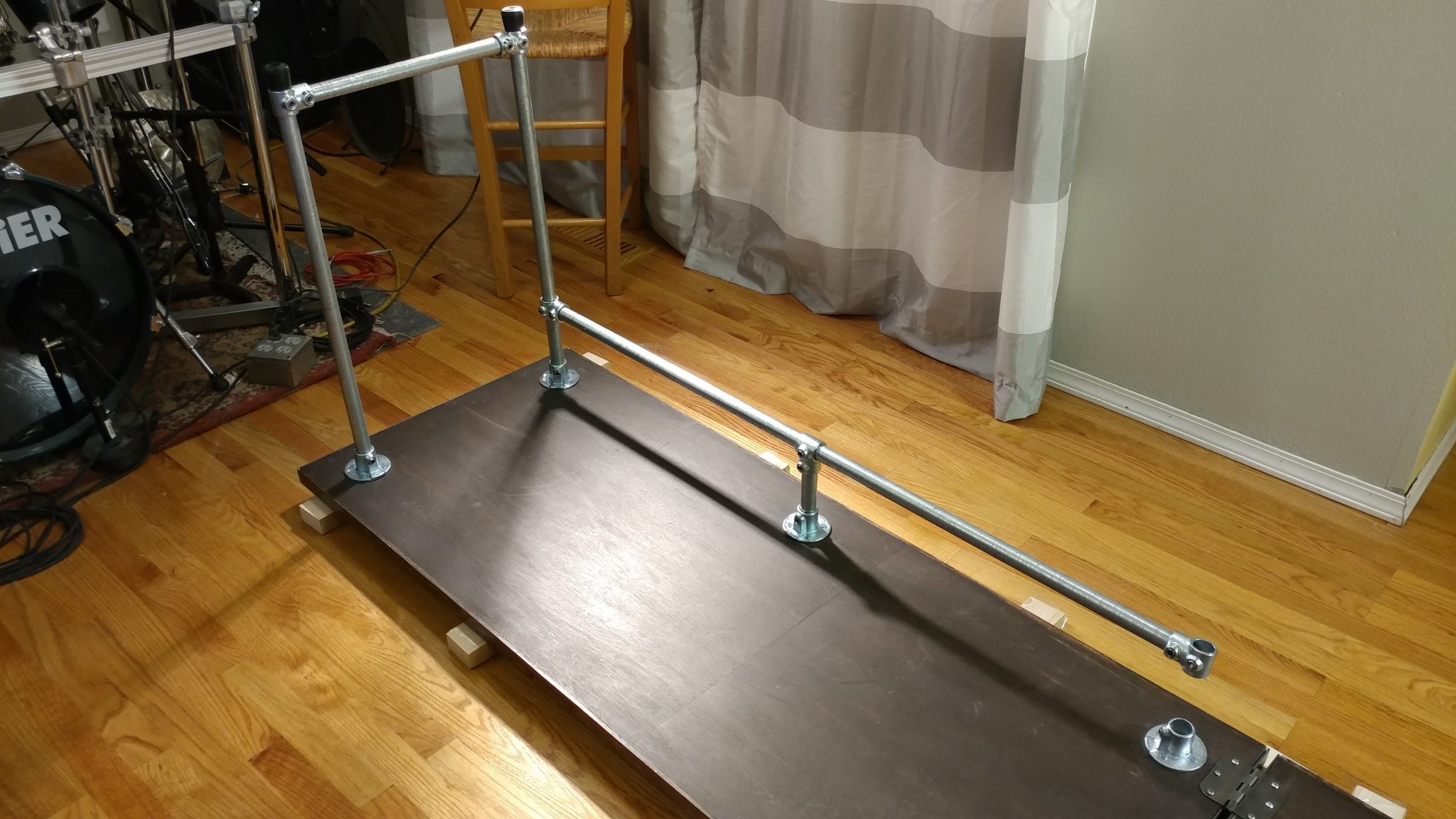
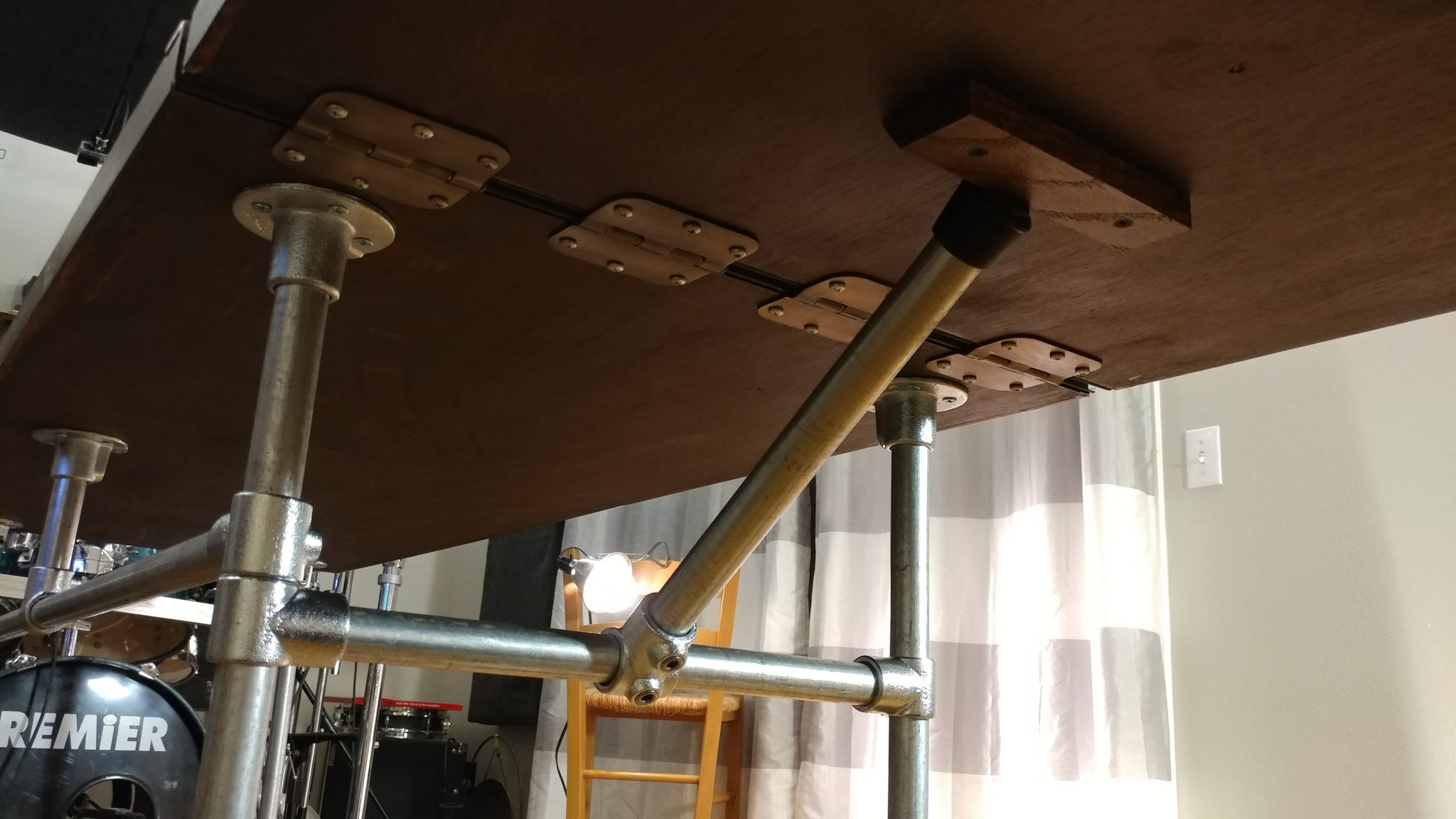
Then I loosened the set screws on the tees that attach the extension wing arm support to the legs and slid them down so the rear tee rested on top of the tee on the rear rail. I tightened it down and set the opposite tee on this piece to the same height and secured it as well. I then lowered the horizontal brace so it rested on the rubber foot of the extension wing arm and tightened it down. Once that was in the correct position, I took a measurement and duplicated this position on the horizontal brace on the other legs.

The extension wing support is raised to the point that the rubber foot presses on the lower horizontal brace, then the set screws that attach the tees to the vertical legs are tightened.


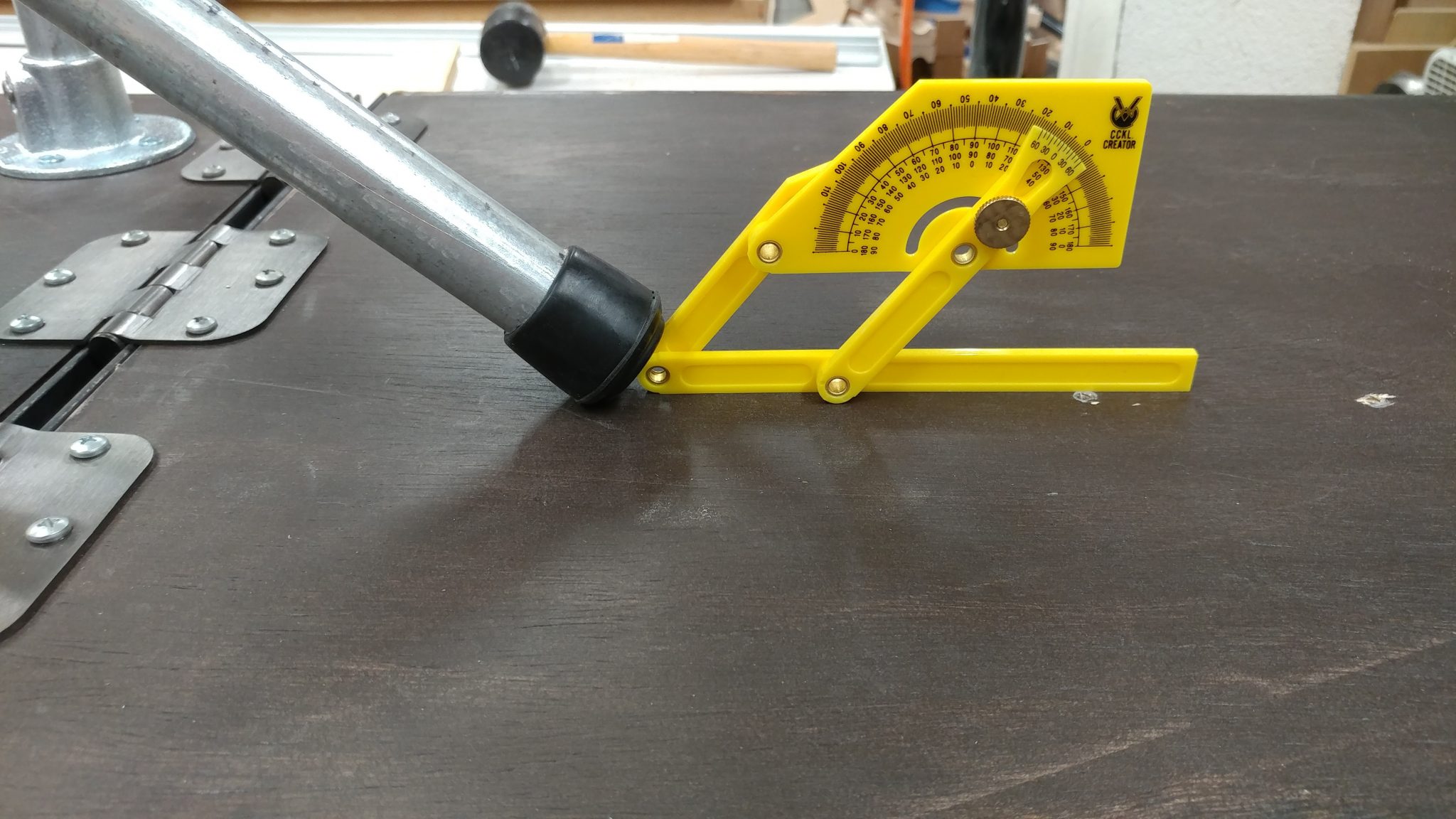
Since I didn’t tighten the set screws that hold the extension wing horizontal brace to the front and rear legs, this whole mechanism can swing up and support the wing.  I needed to make a wedge for the leg to press against.  After ensuring that the bench-top pieces were co-planar, I swung the arm down and measured the angle.

The angle of the foot is measured at about 45-degrees.


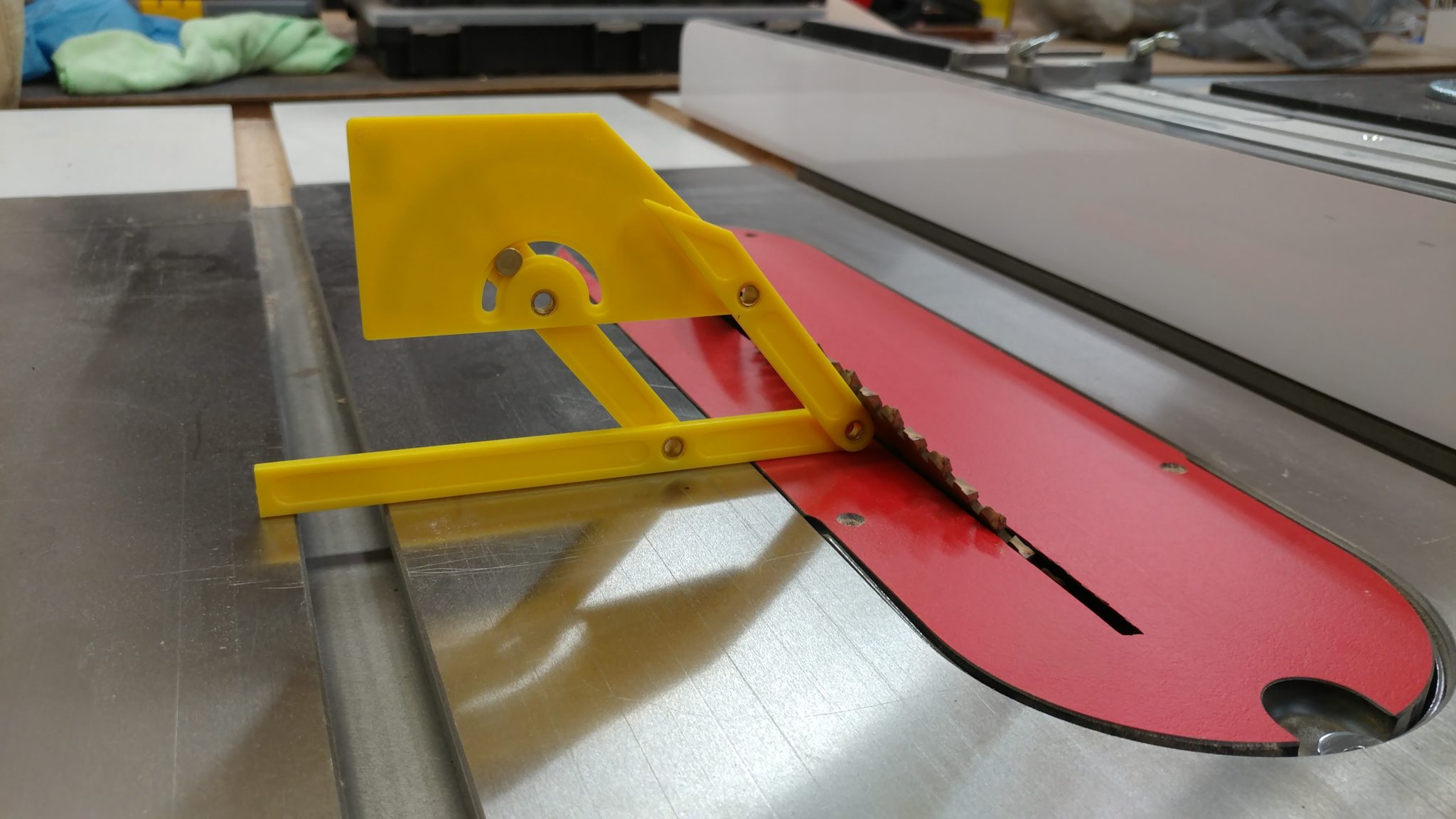
I then transferred that angle to the table saw.

This angle is then transferred to the table saw.


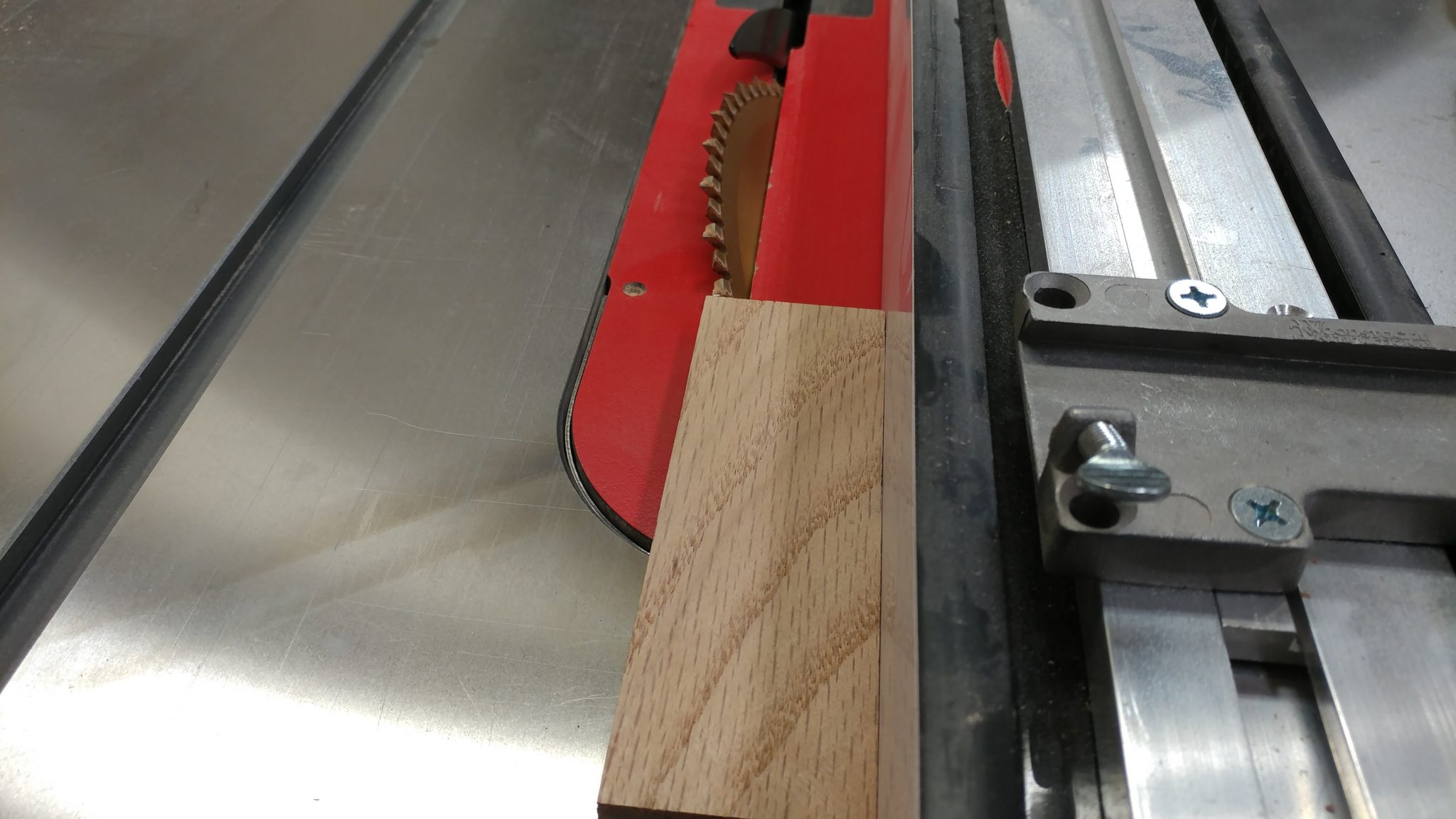
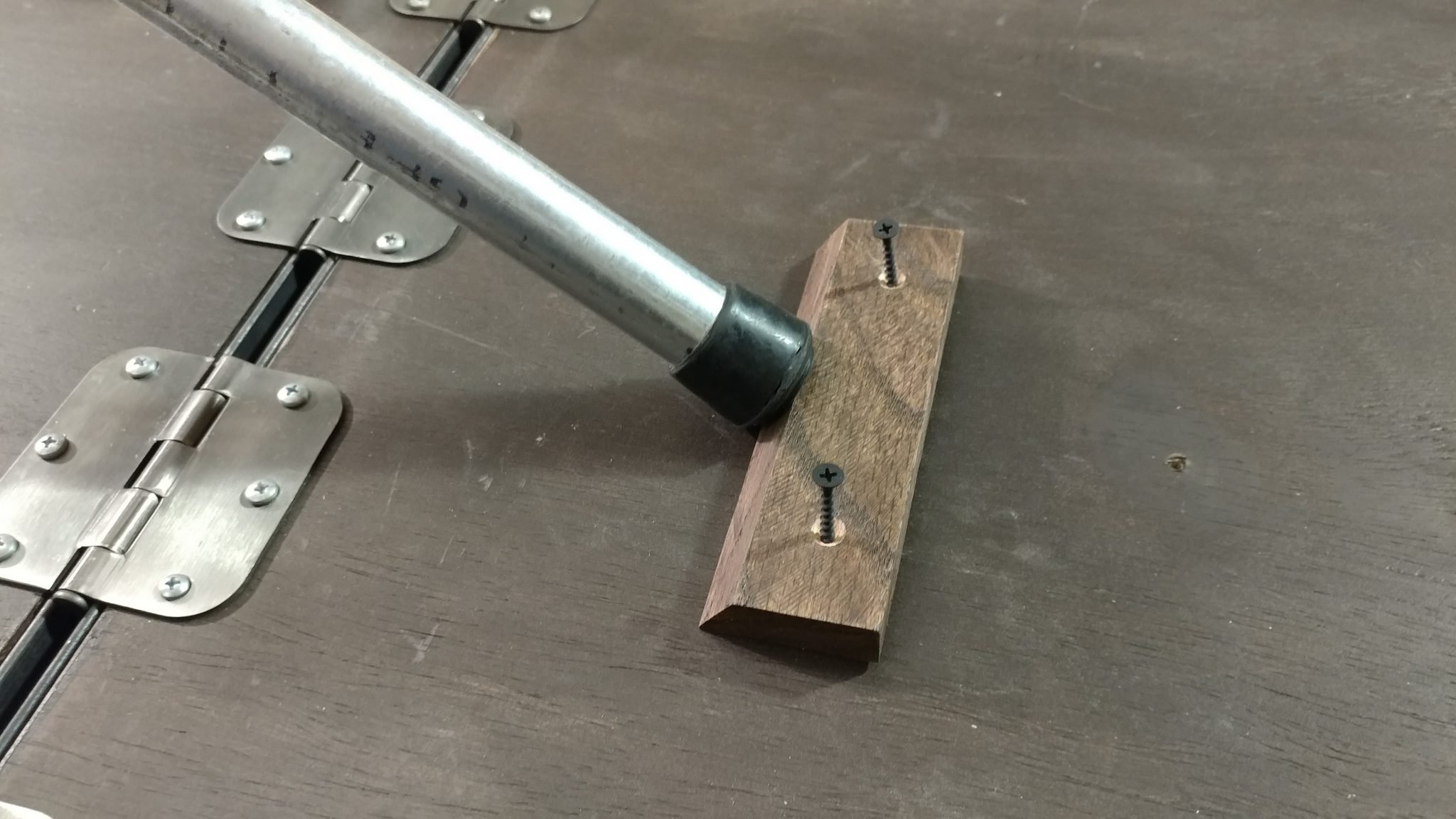
I cut a bevel of that angle on a scrap piece of oak flooring that was left over from this same project.  I left this piece longer than I needed in case I need to try attaching it in different areas.

I took a scrap piece of oak and added that angle to one edge.


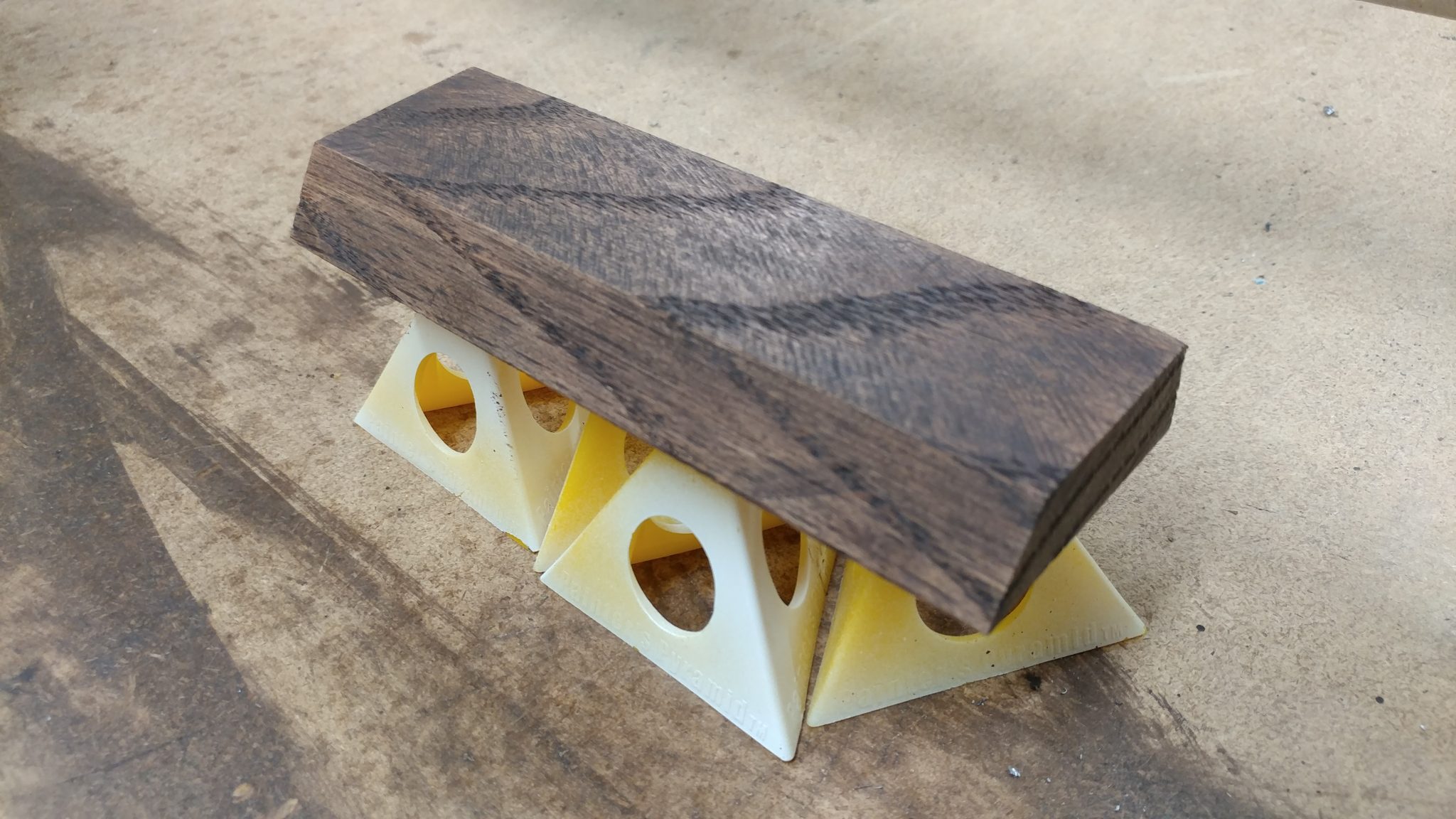
Once it was cut, I applied a coat of the same stain that I used on the rest of the desk and a single coat of polyurethane.

This piece was then stained and a single coat of polyurethane was applied.


I pressed this piece firmly into the foot of the extension wing arm and secured it with drywall screws. I didn’t glue it in case I wanted to make any adjustments.

Pressing the support firmly into the foot, I secured it to the underside of the extension wing with some drywall screws.


I set the bench upright and tested it out. The wing sagged a bit but rather than remove the wooden wedge and move it forward, I loosened the set screw that holds this arm in place and slightly extended the arm a bit. I tightened the set screw again and made sure the wing was flat with the main table.

The support arm holds the extension wing up and is adjustable because of the set screw on the tee.


If you want to lower the extension wing, you simply lift the extension wing slightly and the support arm swings down out of the way.  The rubber foot on the end grabs the bottom brace and friction locks it in place.

When not in use, the support arm swing down and out of the way.


All finished.


It’s time to call this project done.  My wife and I moved it up to her studio and I gave her a few days to test it out.  So far it seems to be very sturdy.  I have plans to add a shallow drawer or two but I’m going to let her use the bench for a bit to see if that is something that she really needs.

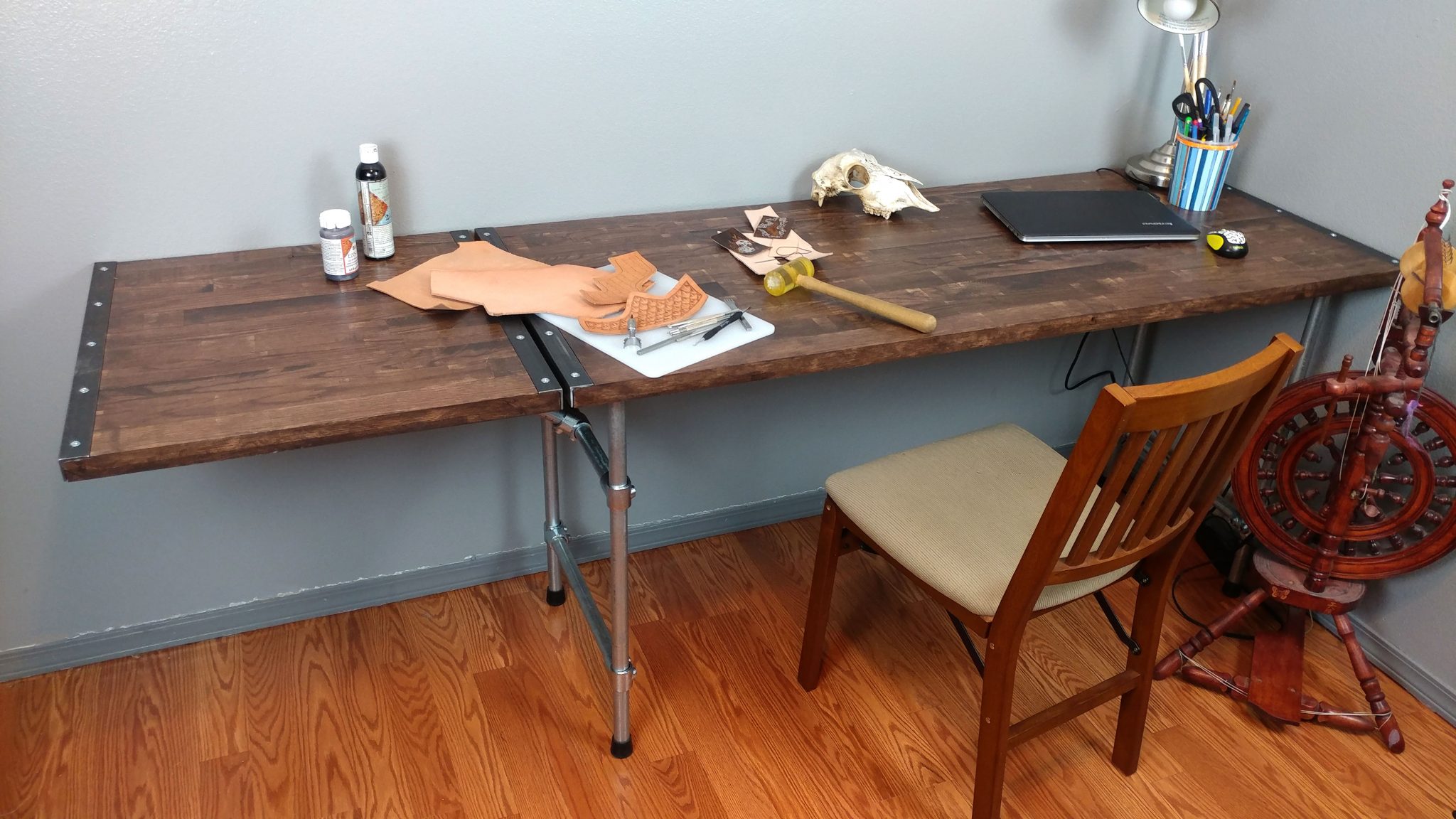
Finished desk with the extension wing in use.


It really does provide a lot of work surface.  The overall dimensions of the work surface is 24 ½” x 83 ¼” when the extension wing is up.

The extension wing provides a lot of work surface.


When the extension wing is not needed, it easily folds out of the way creating a work surface of 24 ½” x 60 ¼”.

The extension wing easily folds out of the way when not in use.


This gives her the space to work on her computer while still having her projects set up.

My wife is making good use of all this work space.


Please let me know if this helped you in any way or if you have any suggestions for how I could have done this differently.  I’m also planning on a few more projects along this same style so if you have any suggestions, please let us know in the comments section below.  I’d love to hear from you.  Also, please consider signing up for my mailing list to be notified of future articles. I am also available on social media. Stop by and say ‘Hi’. I can be reached at the links to the right.
<< Back to Workbench: Part 6 – Finishing the benchtop
<< Back to Workbench: Part 5 – Cutting the benchtop to size
<< Back to Workbench: Part 4 – Gluing up the new top
<< Back to Workbench: Part 3 – Change of plans
<< Back to Workbench: Part 2 – Gluing up the top
<< 
Back to Workbench: Part 1 – Milling down some 2 x 4s